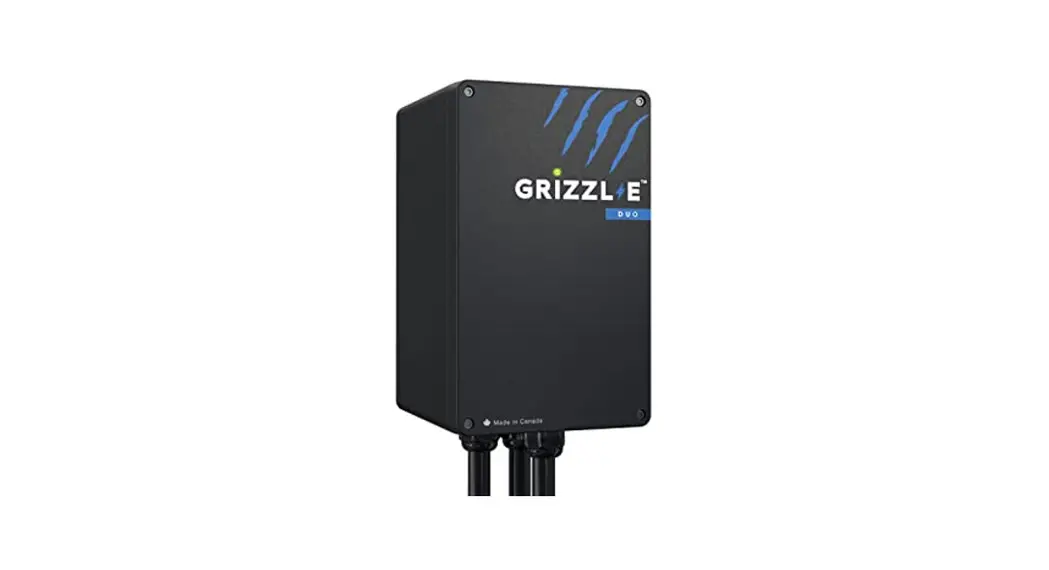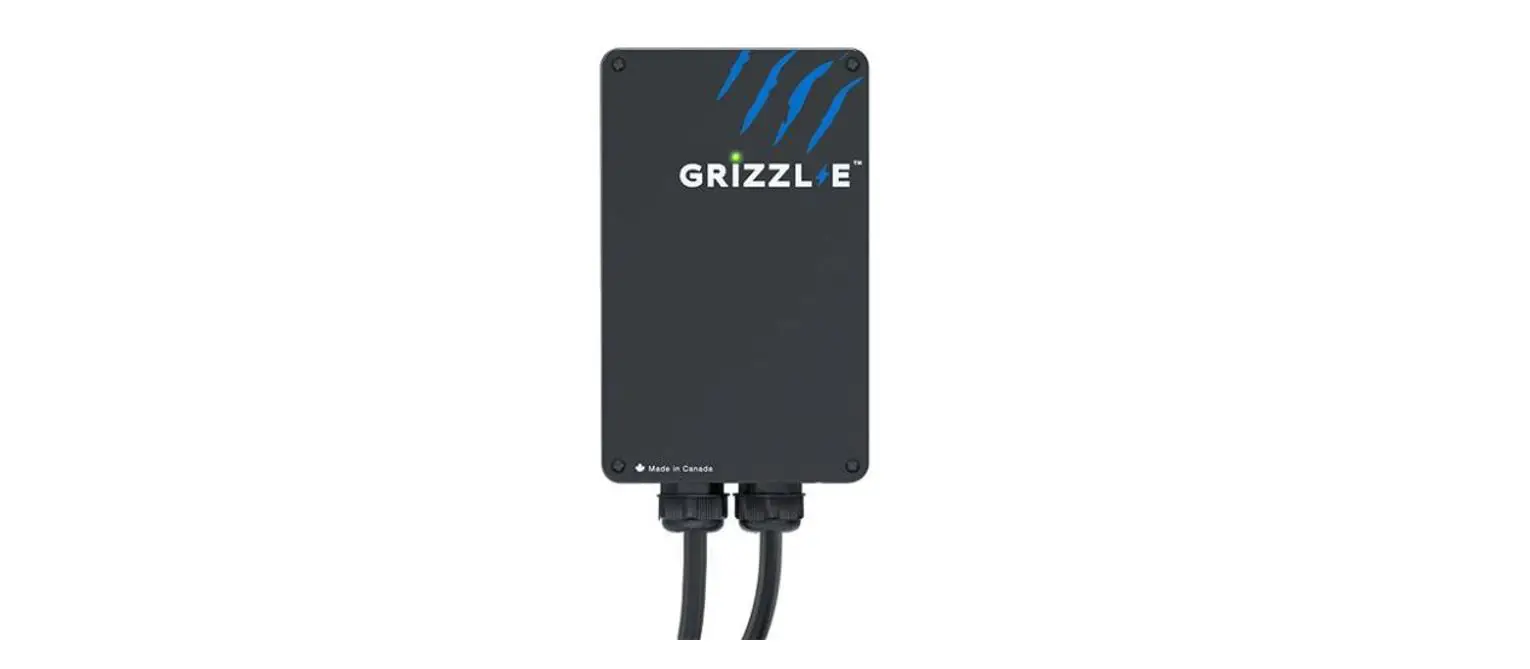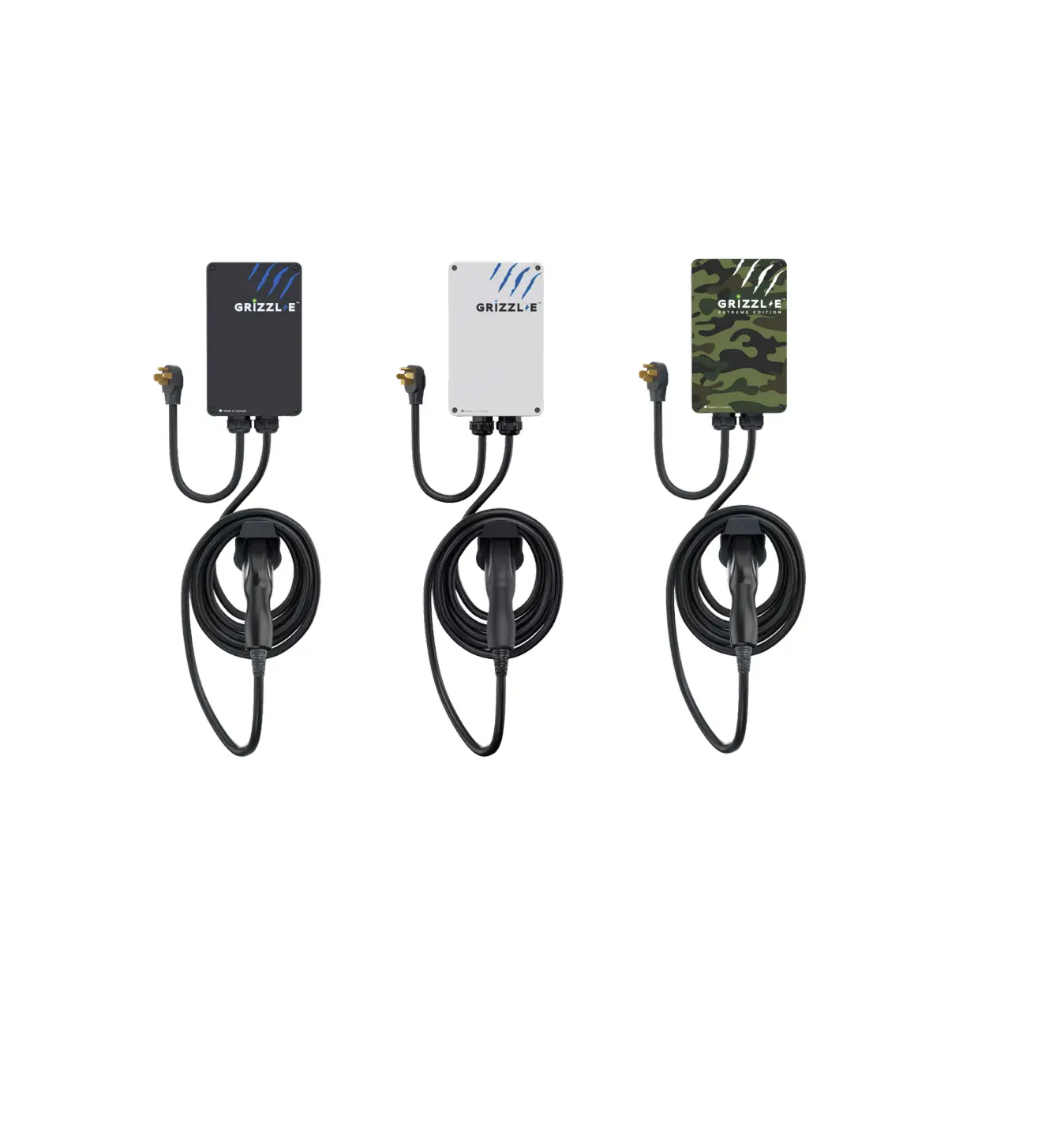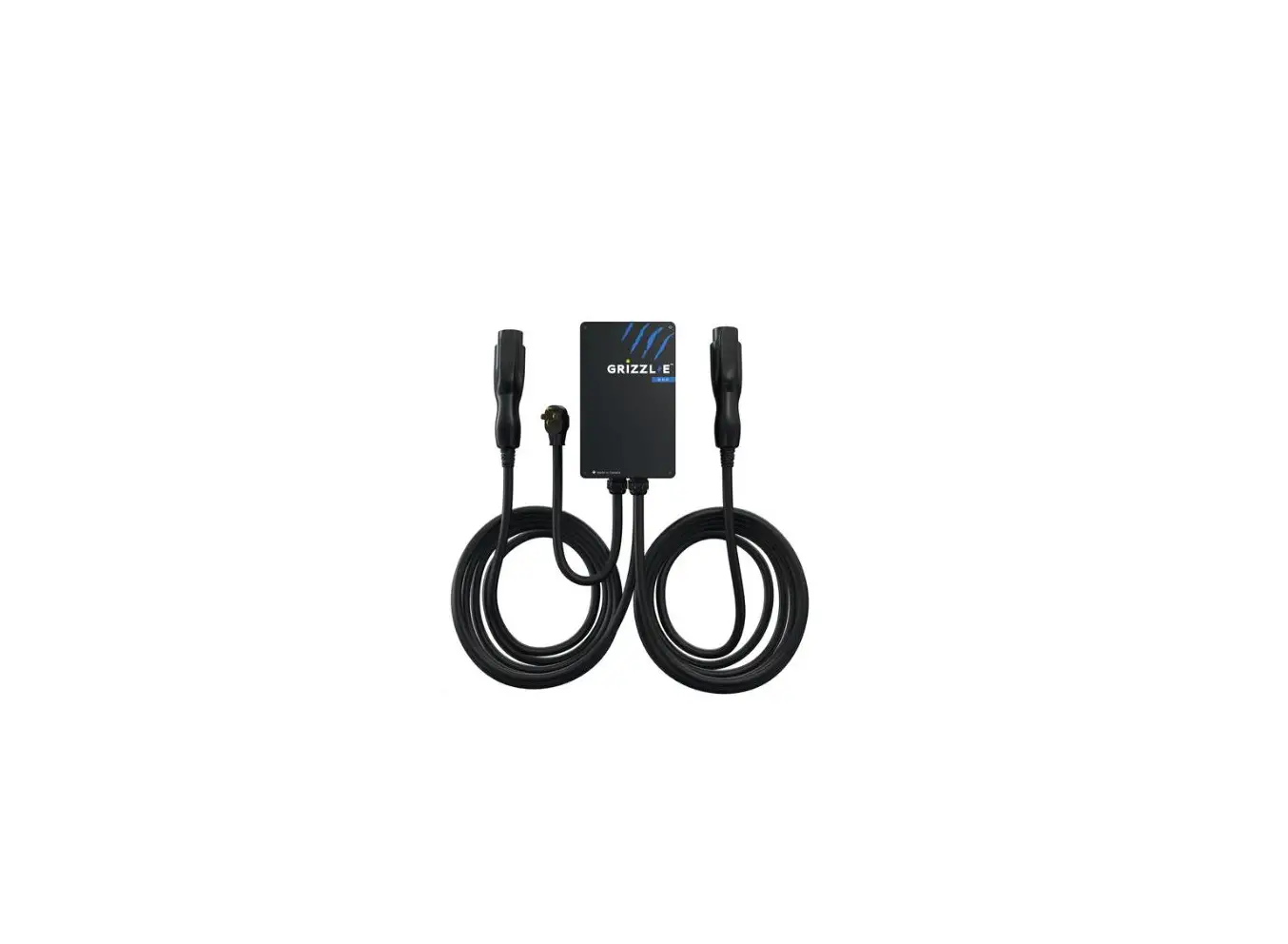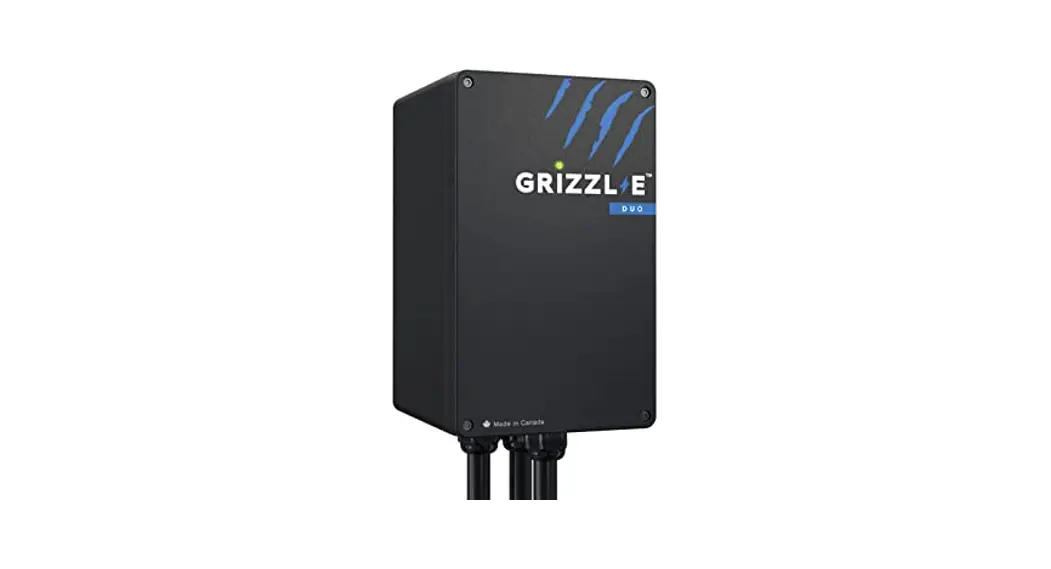
HOW TO SET UP YOUR GRIZZL-E CHARGER WITH AMP UP
Connect Grizzl-E to Wi-Fi
Step 1: Open the Wi-Fi Settings on your phone or desktop. Select the network UC_Smart_ [ChargerSerial#]
Step 2: Open your browser page. Type in the IP address 192.168.4.1.
Step 3: A webpage will load. Select the Enter Router Credentials button.
Step 4: Enter your router’s SSID and password.
Step 5: Enter the following URL into the Portal URL field:
centralsystem.ampup.io/ocpp/united-chargers/
[ChargerSerial#]
Step 6: Select the Enter Credentials button.
Step 7: Verify that you are connected. If the connection is successful the indicator light will alternate between Blue and Light Blue.
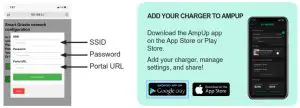
Set Up Charger on AmpUp
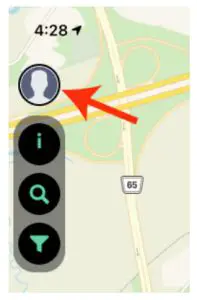
Step 1: From the home screen/login screen, select the profile icon in the top left.
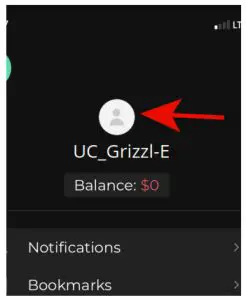
Step 2: Select the settings to tab above your name.
Step 3: Select the My Home Charger field.
Step 4: Select the Add Charger button.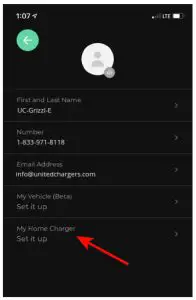
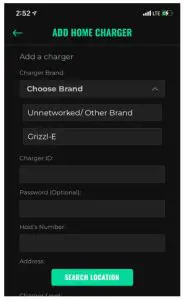
Step 5: Select Grizzl-E from the Charger Brand drop-down list. Confirm that you have configured your Grizzl-E Charger.
Step 6: Enter the Charger Serial Number in the Charger ID field.
Step 7: Fill in any other optional information about the charger.
www.ampup.oi
[email protected]
833-692-6787