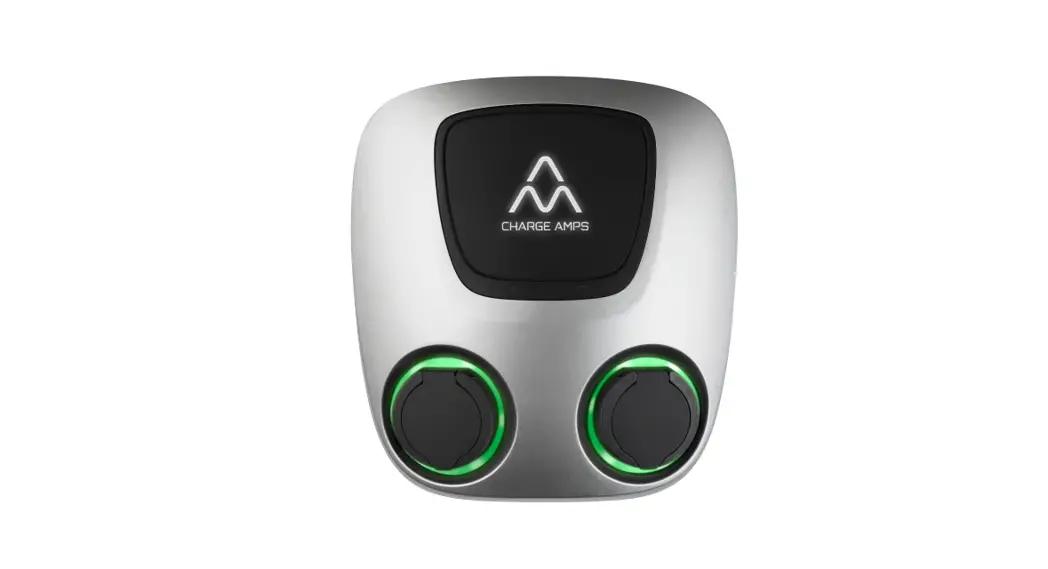

CHARGE AMPS Aura Semi Public Charging Station
Support
If you need service or repair, start by contacting the supplier from whom you purchased the product. Recycle as electrical waste.
Useful Links
Charge Amps App
Please download our App for full control, adjusting settings and enabling smart charging and scheduling
Charge Amps Cloud https://my.charge.space/
Full product information https://www.chargeamps.com/product/charge-amps-aura/
Safety Instruction
Read all instructions before use
- Improper use may create a risk of personal injury.
- The product must only be installed by a qualified electrician in accordance with the Installation Manual.
- National installation requirements and restrictions apply.
- Only use this product for charging compatible electric vehicles.
- Inspect the product for visible damage before use.
- Never attempt to repair or use the product if it is damaged.
- Do not immerse the product in water, subject it to physical abuse or insert foreign objects in any part of the product.
- Never attempt to disassemble the product in any way.
Neglecting to follow and carry out the abovementioned directions, instructions and safety precautions implies that any warranty provisions will be canceled and that Charge Amps AB can reject any and all claims for compensation in connection with any injuries/damage or incidents – direct or indirect – that are a result of such negligence. Hereby, Charge Amps AB declares that the radio equipment Charge Amps Aura is in compliance with Directive 2014/53/EU. For full EU Declaration of Conformity, see full product documentation.
© Copyright Charge Amps AB (publ) 2021.
All rights reserved. Copying, amending, and translating are strictly forbidden without prior written approval from Charge Amps AB (publ).
Start/Stop Charging
Start
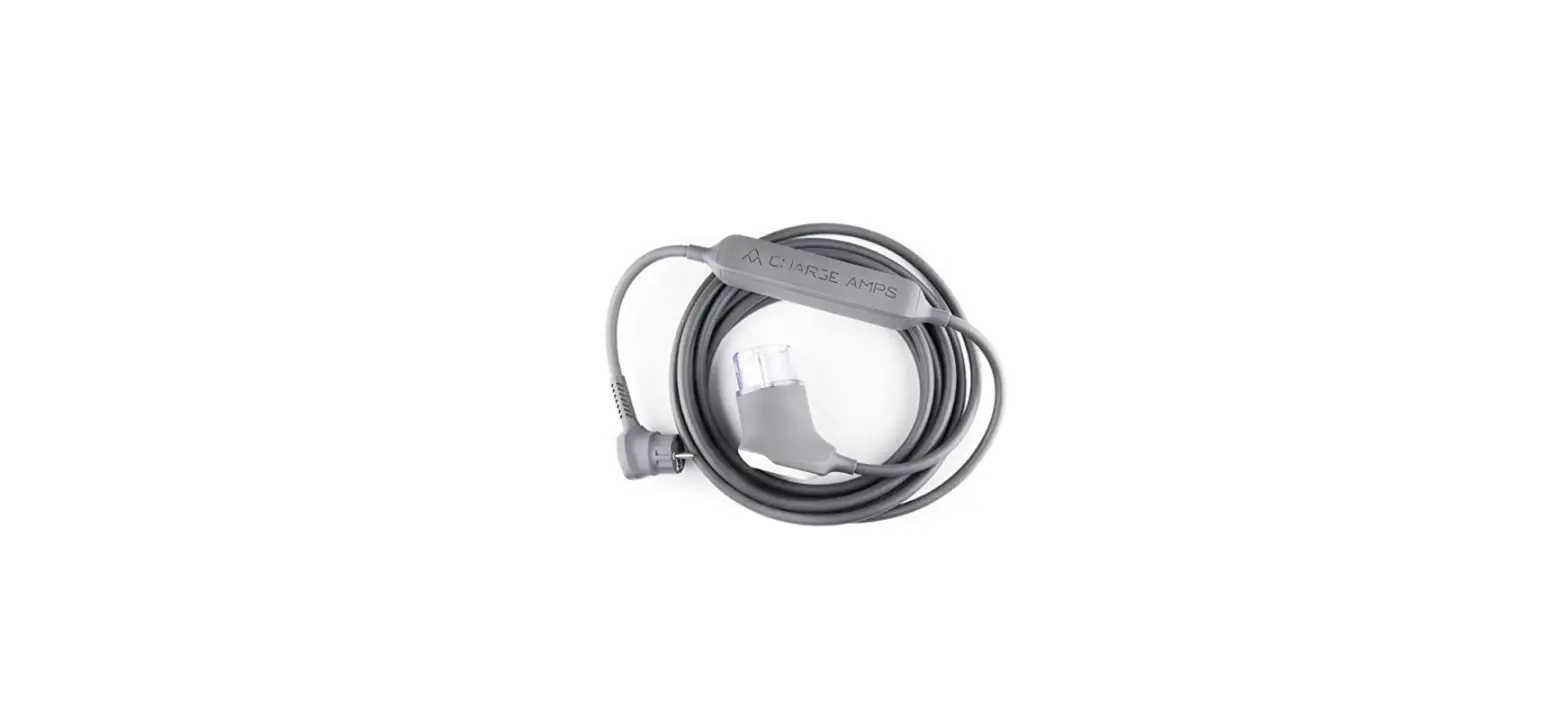
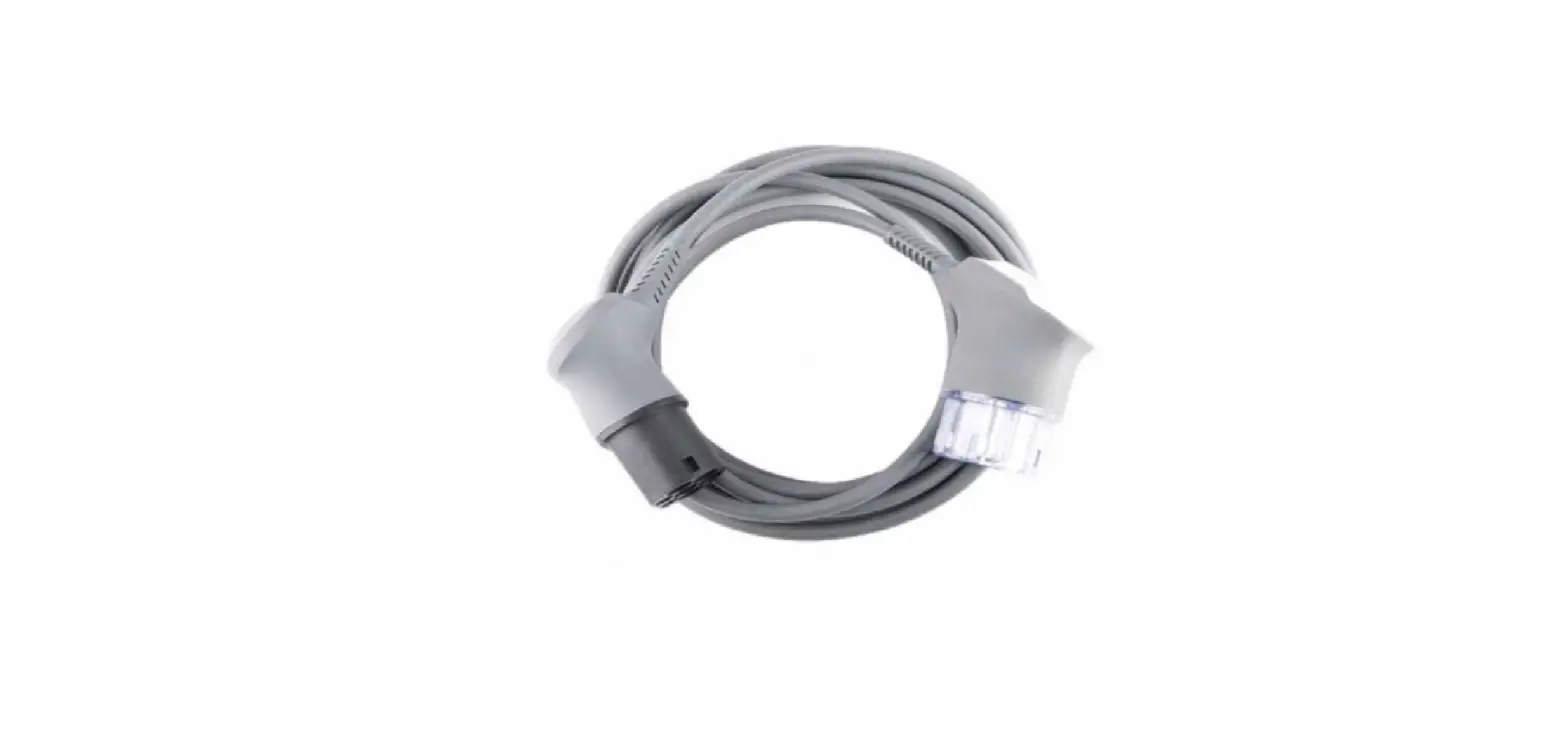
Connect the EV connector to the car. Lift the socket cover and connect the EV plug to the EV socket. If RFID is activated, briefly hold the RFID card in front of the RFID reader to initiate charging.
Stop
Disconnect the EV connector from the car and disconnect the EV plug from the EV socket.
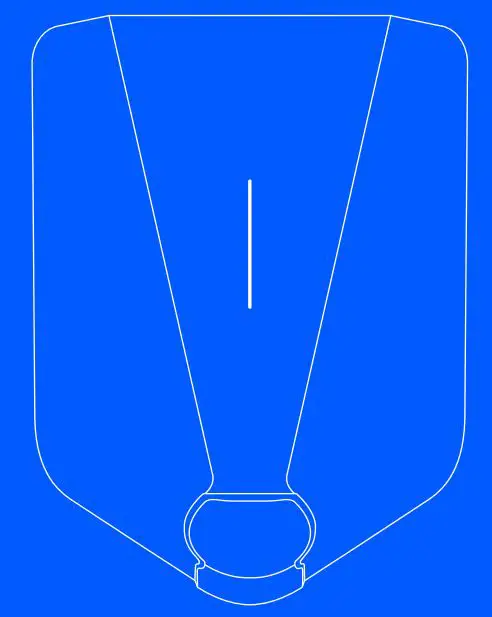
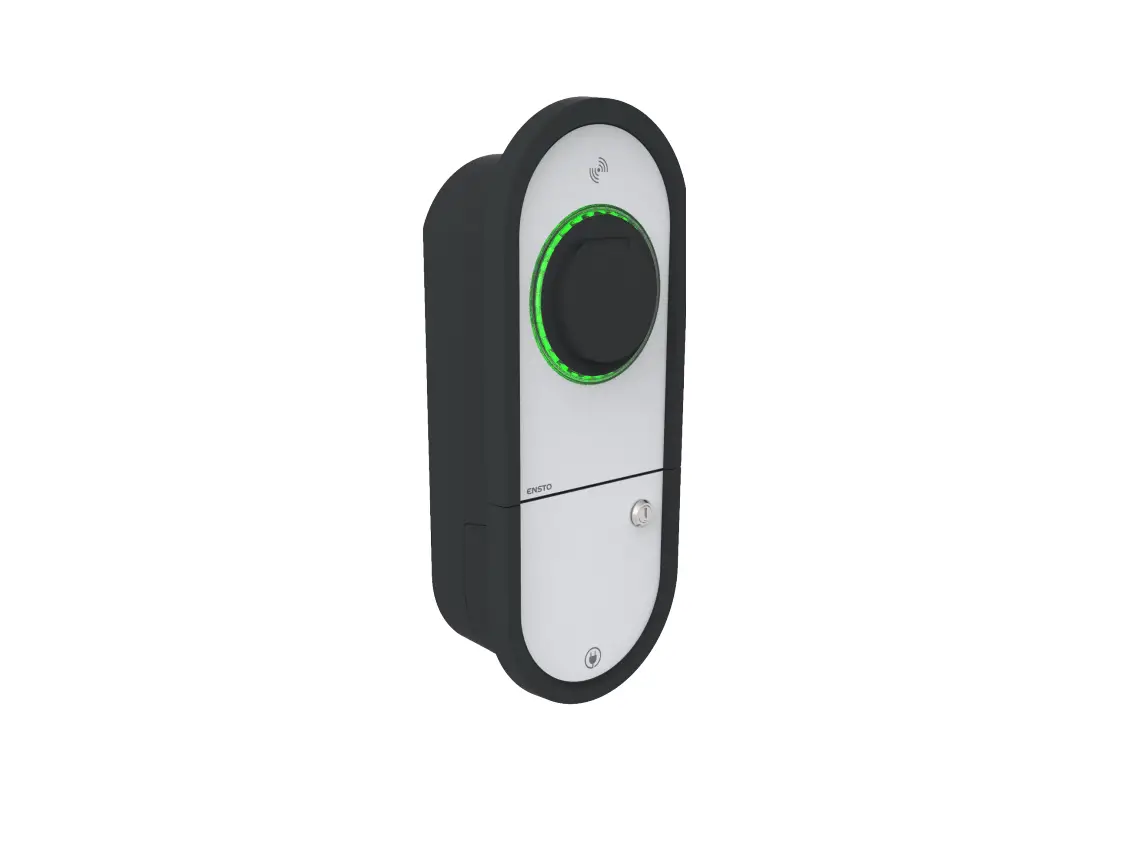
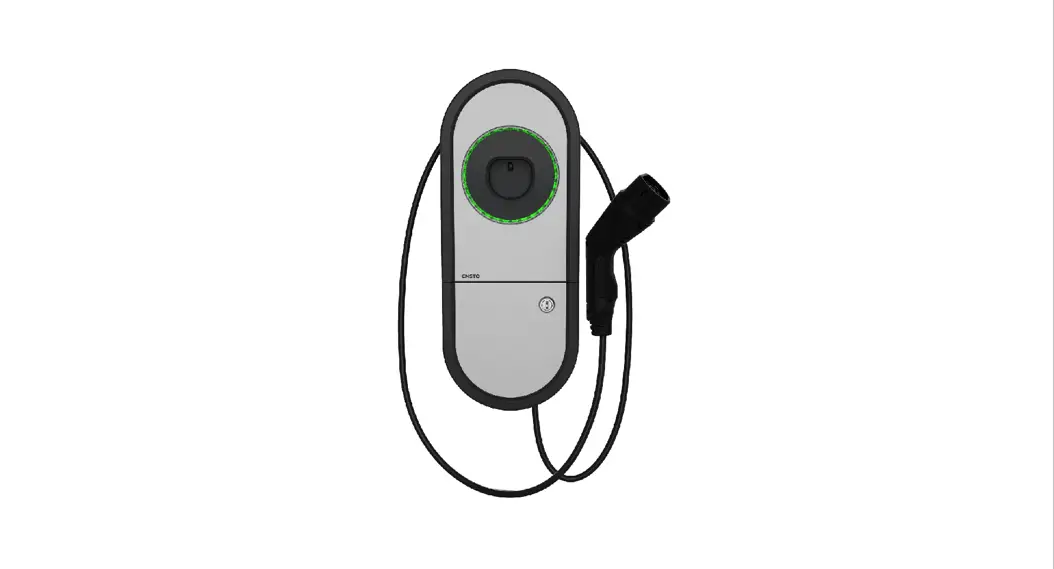
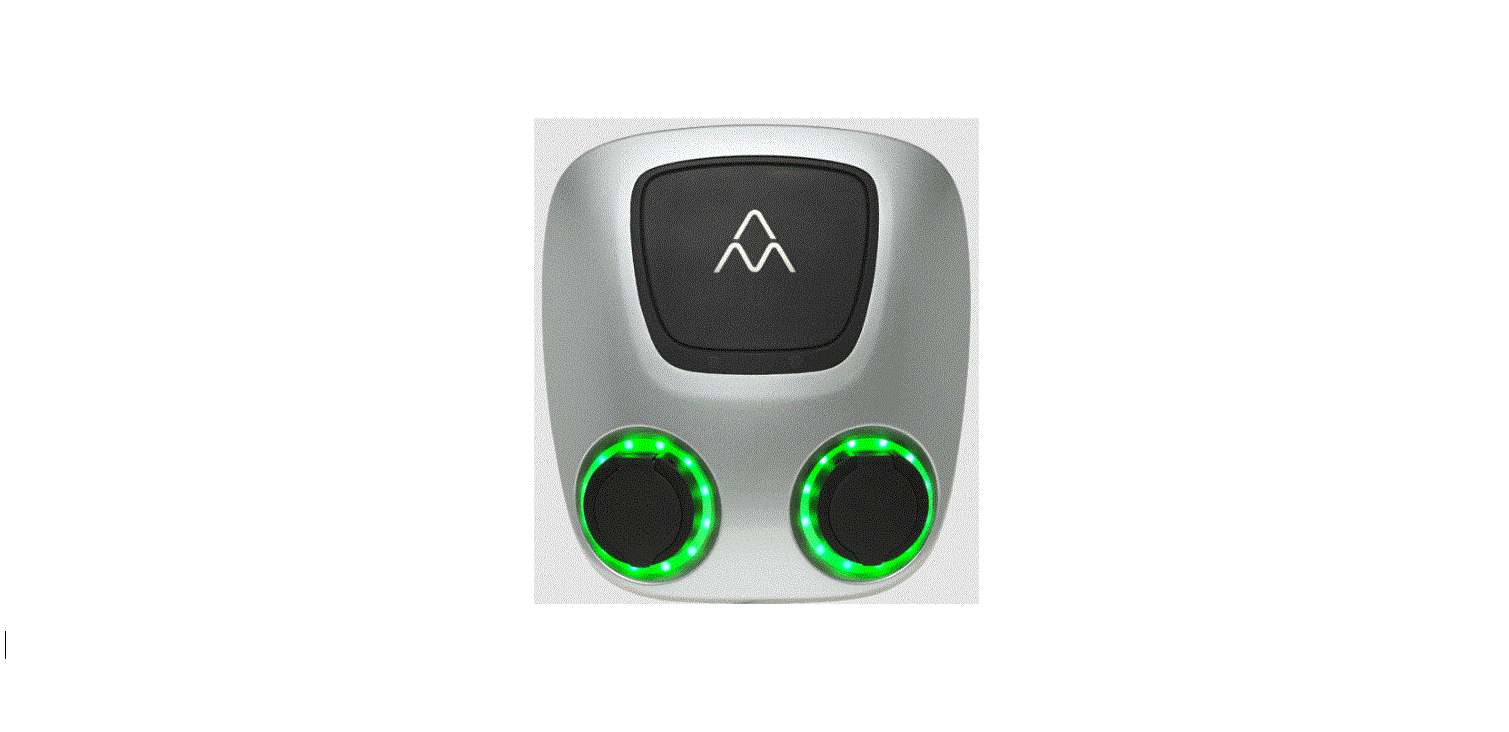
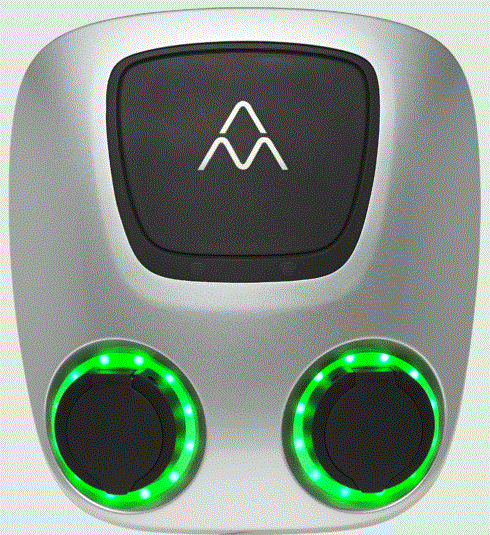
Model Overview and Status Indications
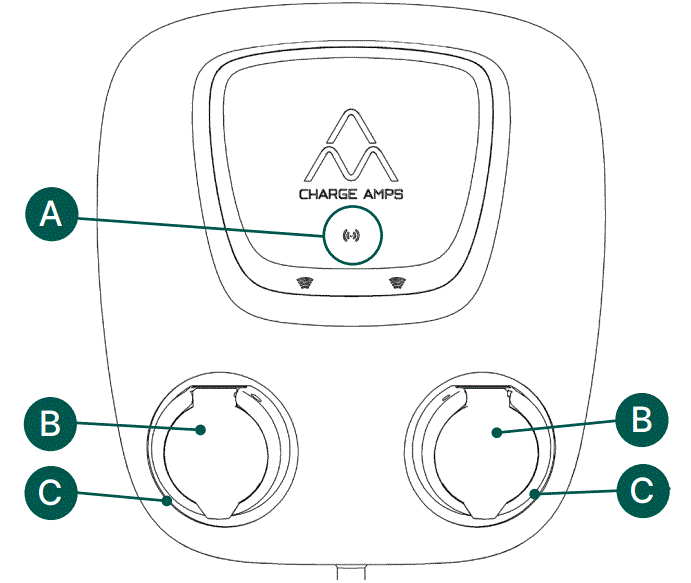
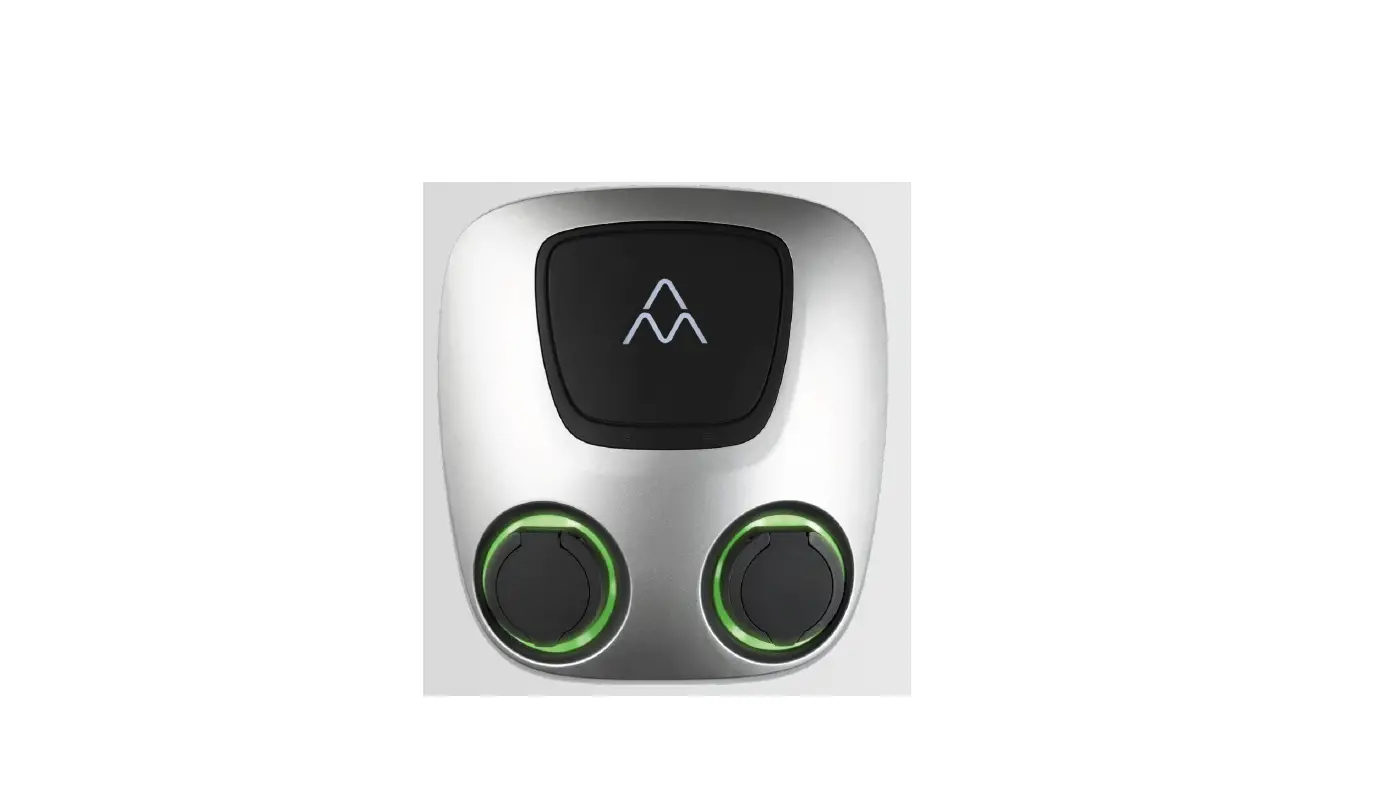
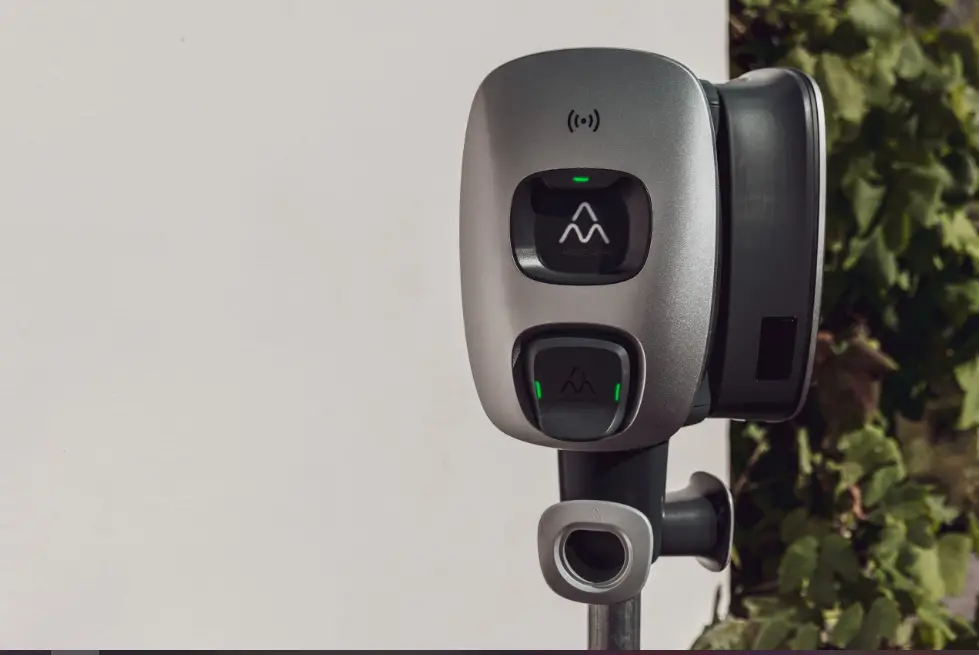
- RFID reader
- EV socket
- Socket light
Status indications
| Status | Socket light |
| Ready to charge | Greenlight |
| Charging | Blue light |
| Charging complete | Yellow light |
| Error * | Red light |
See User Manual
 Charge Amps - Smart EV Charging
 my.charge.space/
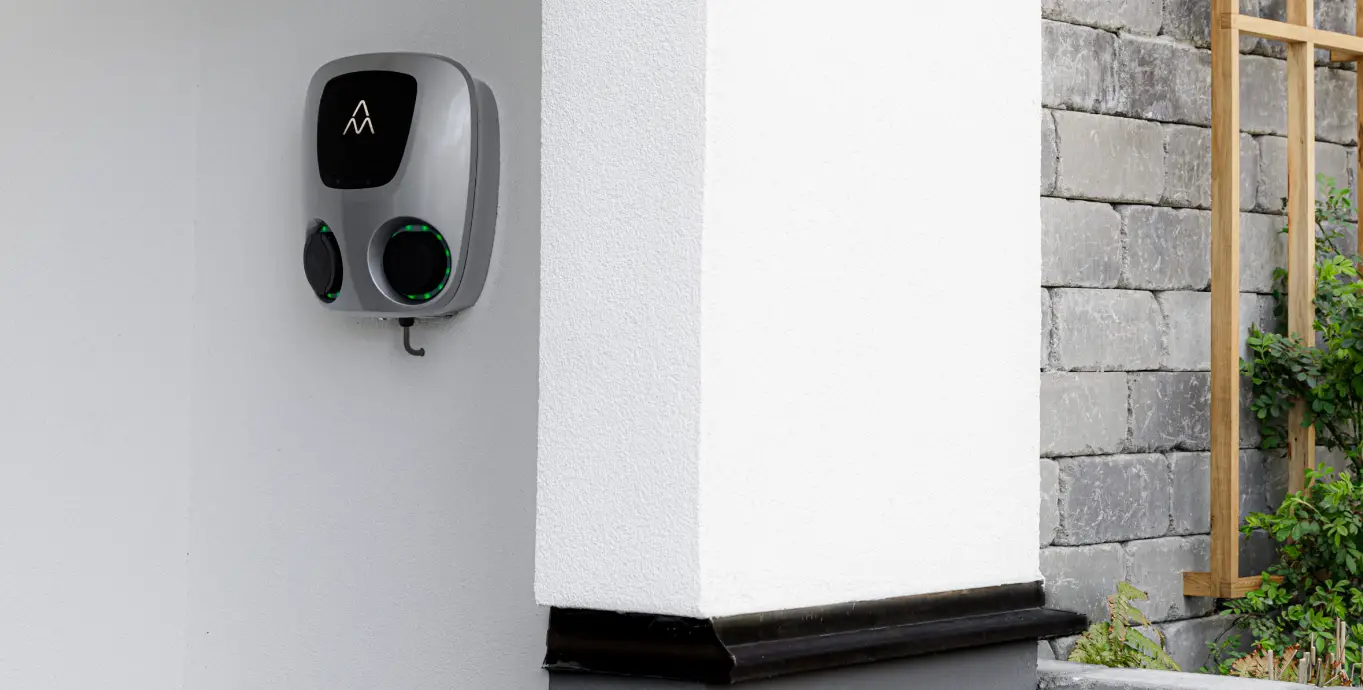
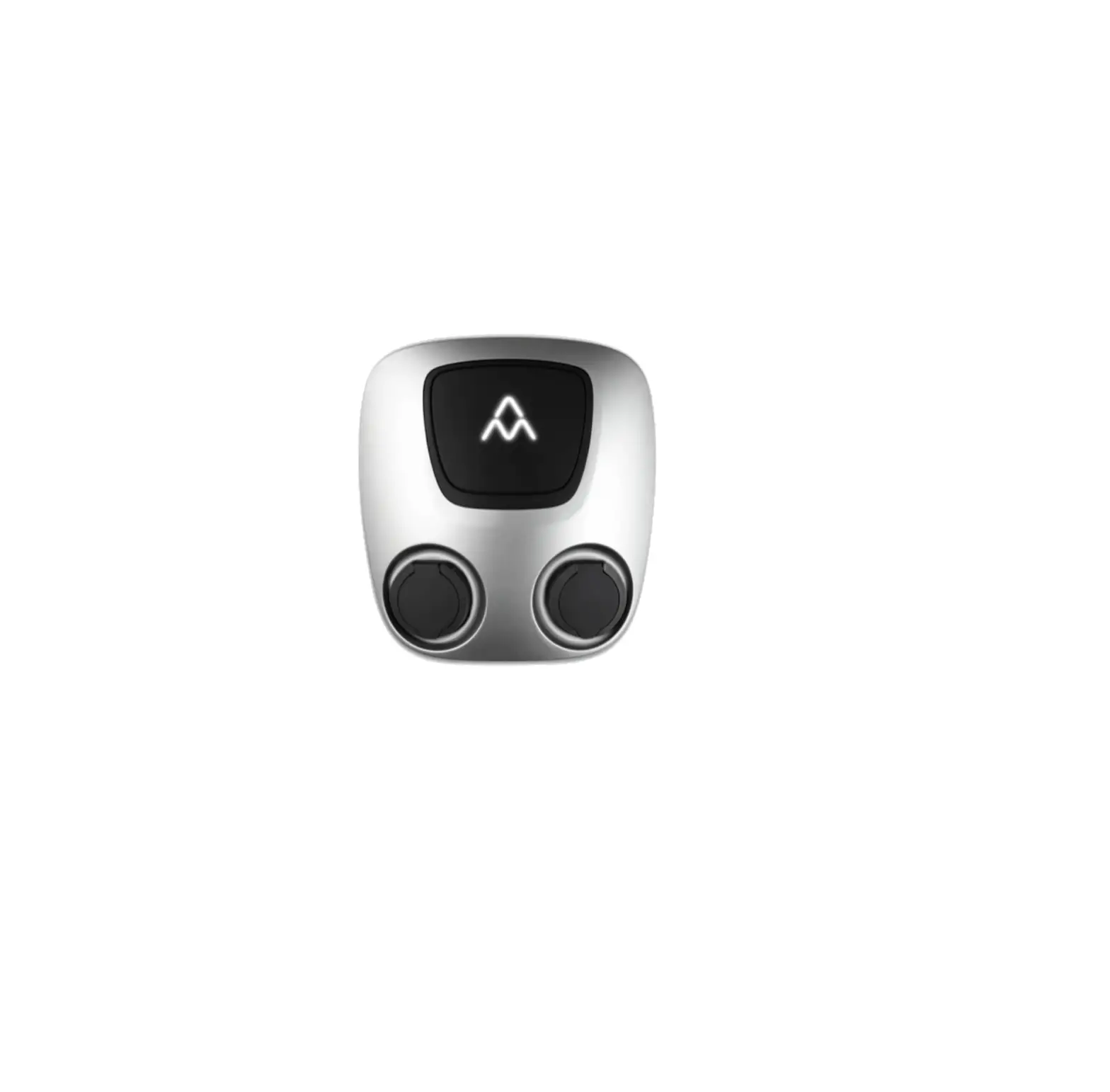
 Charge Amps Aura dual EV charger