
CHARGE AMPS
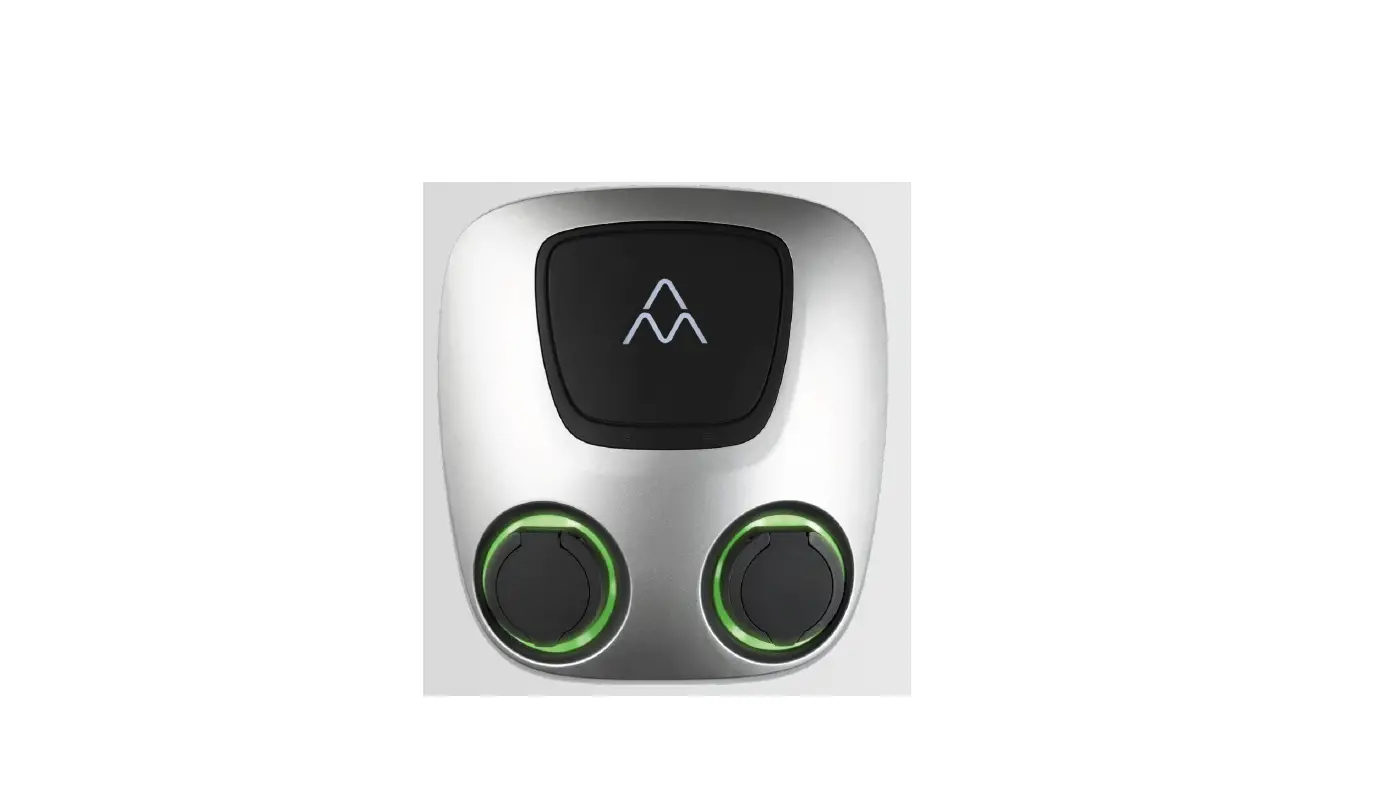
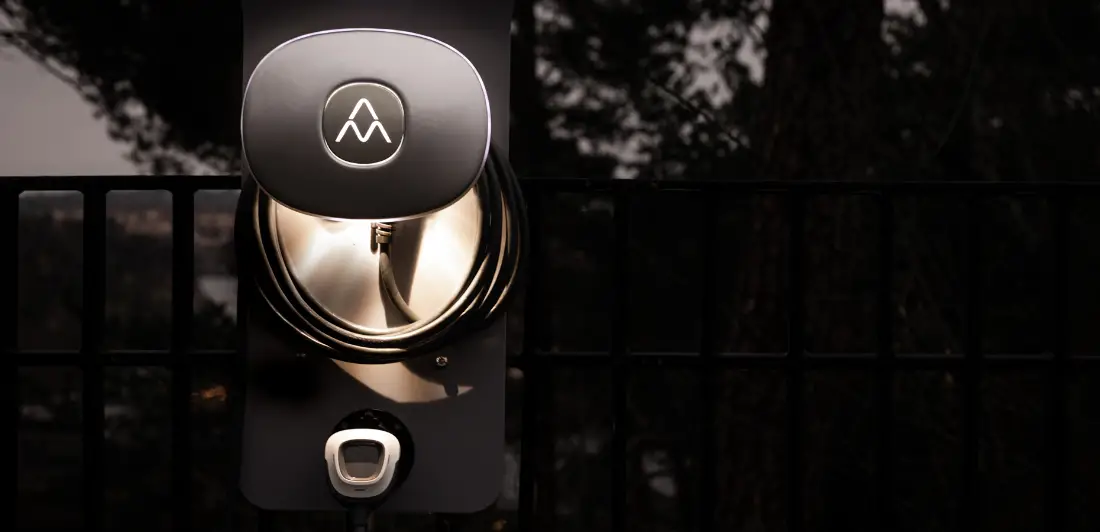
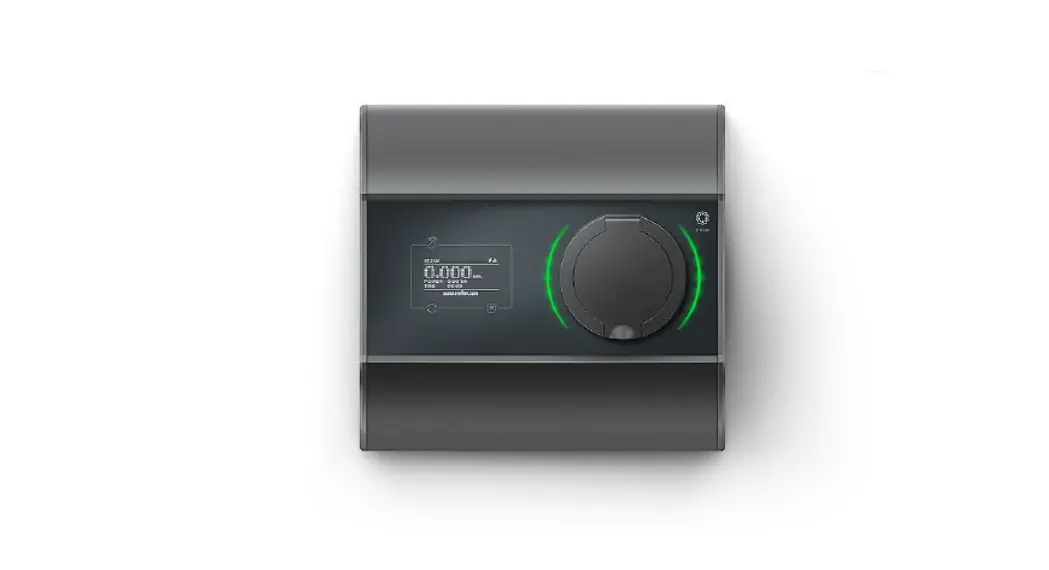
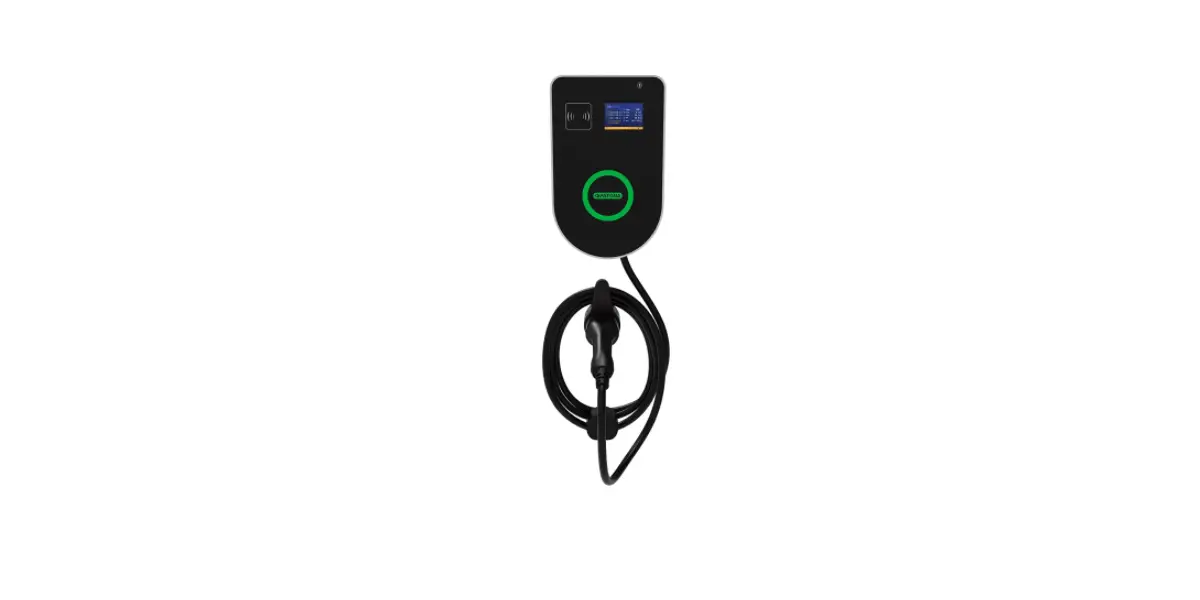
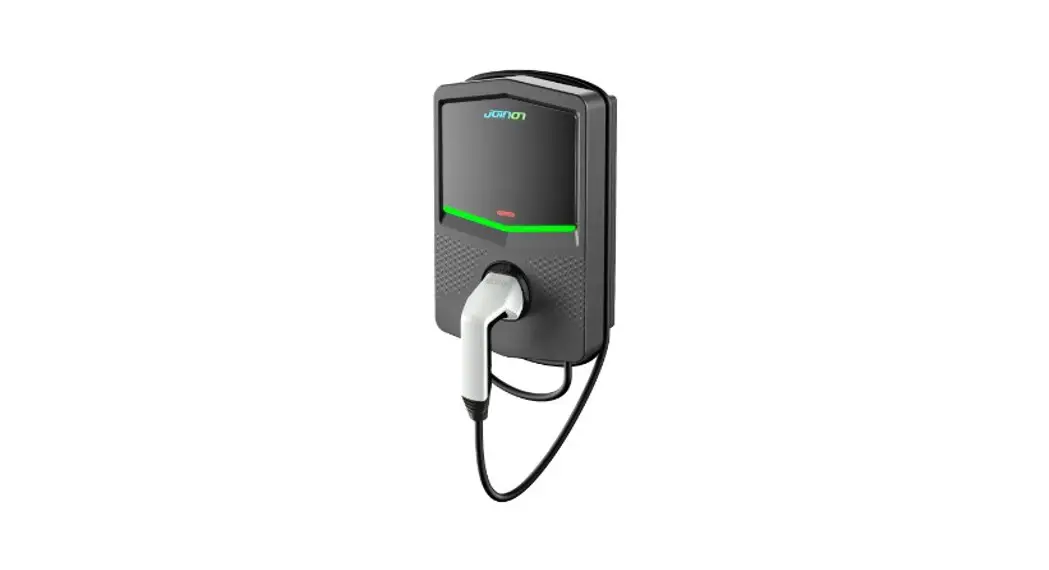
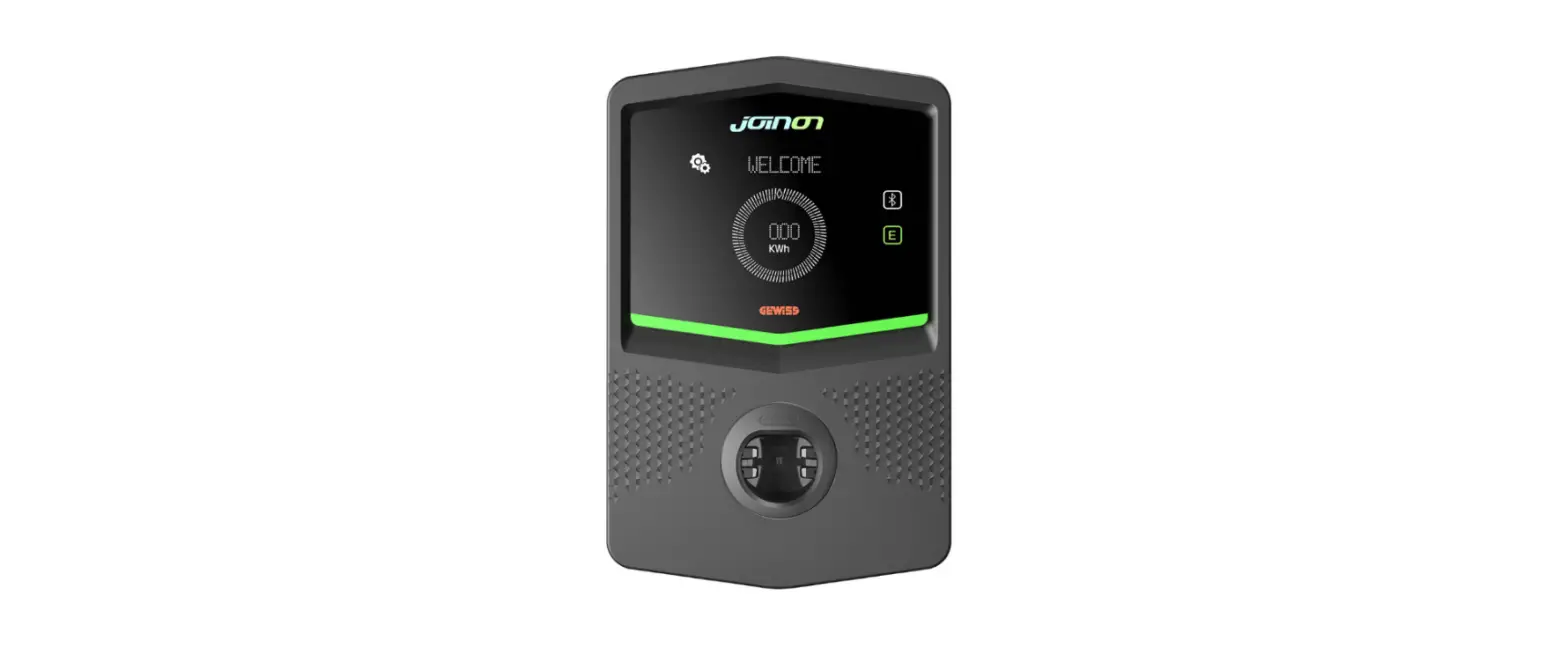
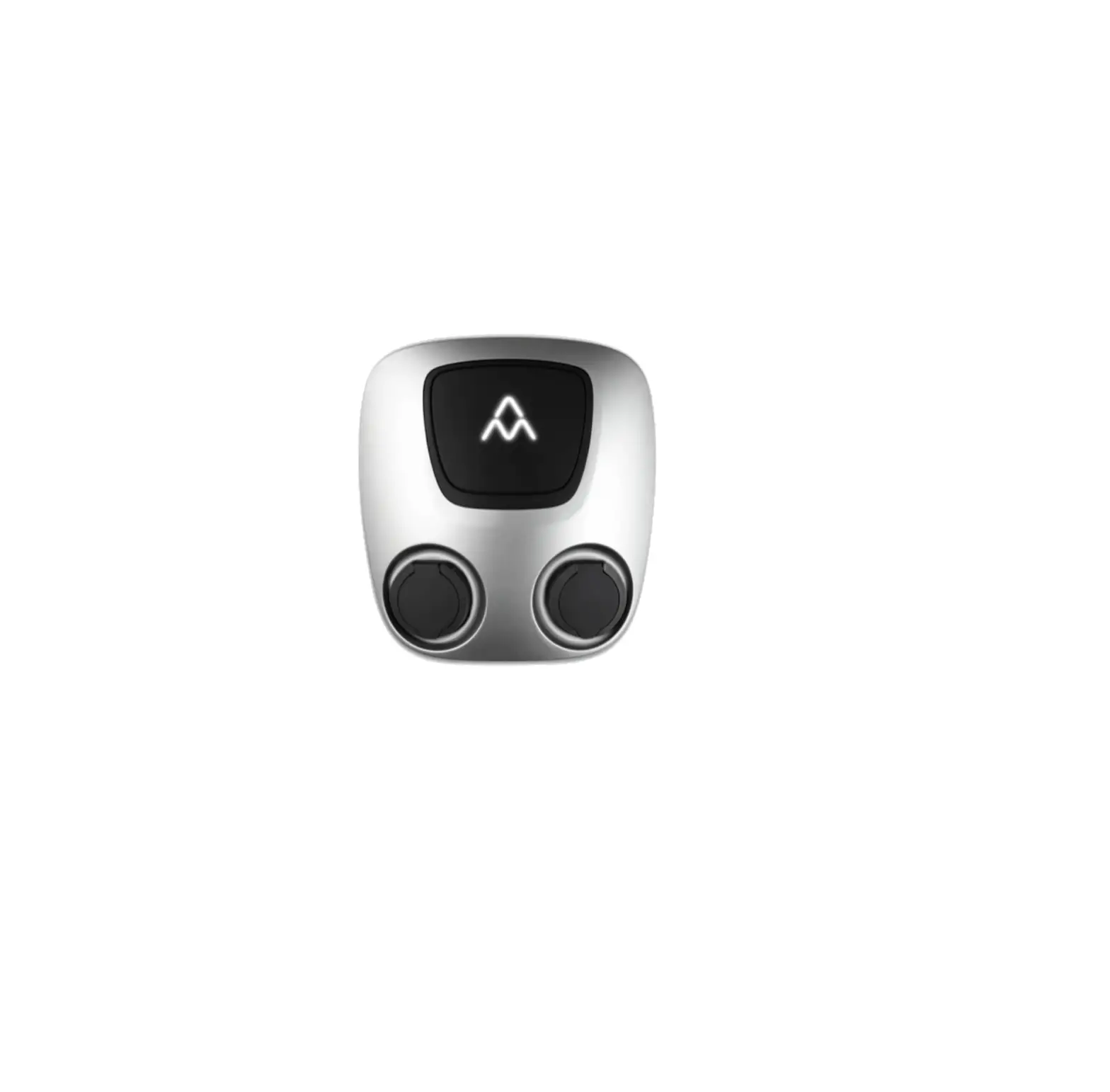
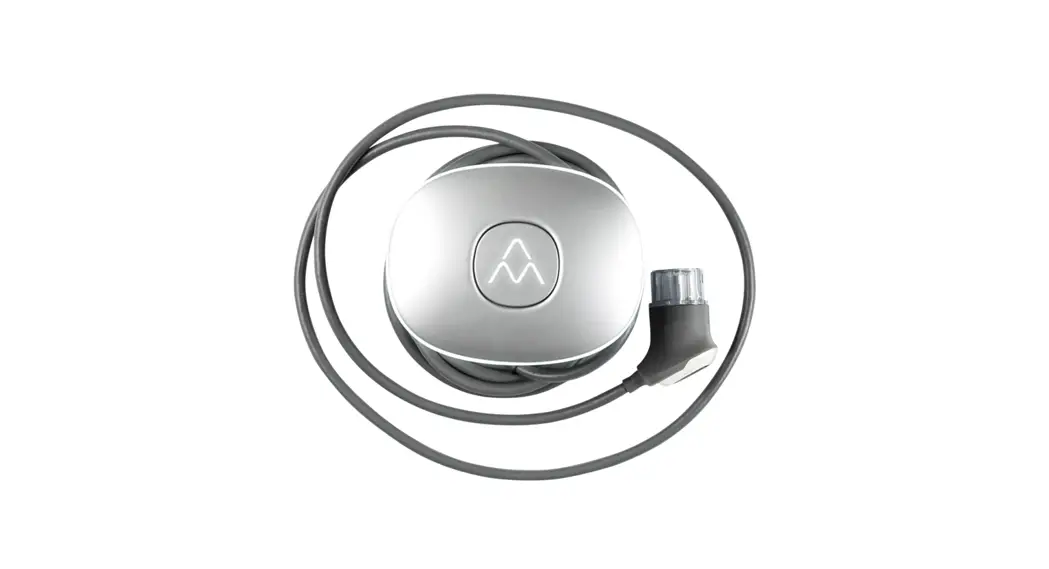
CHA0001 Halo 11kW Wallbox
User Manual
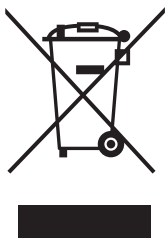 Respect the environment! Must not be discarded with household waste! This product contains electrical or electronic components that should be recycled. Leave the product for recycling at a designated location e.g. the local authority’s recycling area.
Disposal of the product must comply with local environmental laws and guidelines. The product consists of recycled aluminum, plastic, and electronics, and should be recycled as specified for these materials. Approved in accordance with the relevant EU directives.
Neglecting to follow and carry out the directions, instructions, and safety precautions in this User Manual implies that any warranty provisions will be canceled and that Charge Amps AB can reject any and all claims for compensation in connection with any injuries/damage or incidents— direct or indirect — that are a result of such negligence.
The manufacturer does not give any warranties as to the accuracy or completeness of this document and shall have no liability for the consequences of using such information. The manufacturer reserves the right to make changes to information published in this document without notice. Visit www.chargeamps.com for the latest document releases.
© Copyright Charge-Amps AB 2021. All rights reserved. Copying, amending, and translating are strictly forbidden without prior written approval from Charge-Amps AB.
Safety
WARNING! Read all instructions before use.
- Improper use may create a risk of personal injury.
- The product must only be installed by a qualified electrician in accordance with the Installation Manual.
- National installation requirements and restrictions apply.
- Only use this product for charging compatible electric vehicles.
- Inspect the product for visible damage before use.
- Never attempt to repair or use the product if it is damaged.
- Do not immerse the product in water, subject it to physical abuse or insert foreign objects in any part of the product.
- Always store the EV connector in the holder when not in use.
- Never use an adapter between the EV connector and the electric vehicle.
- Never attempt to disassemble the product in any way.
- The owner is responsible for informing users of the compatibility of any charging point.
Technical data
| Charging standard | Mode 3 |
| EV power supply identifier | c |
| Identification | RFID (i/a) HF, 13.56 MHz |
| Internet connection | WiFi 802.11b/g/n, 2.4 GHz |
| Metering | 1 to 3-phase voltage, current, and power |
| External RCD required | Yes, Type A |
| Operating temperatures | -30°C to +45°C |
| IP rating | IP66 |
| Cable length | 7.5 m |
| Dimensions (B x D x H) | 262 x 159 x 203 mm |
| Weight | 4 kg |
| RFID Frequency Range | 13.553 – 13.567 MHz |
| RFID Output | 31 dBm |
| WiFi Frequency Range | 2412 – 2484 MHz |
| WiFi Output | 802.11 b/g/n: 20/17/14 dBm |
Product overview
3.1 Parts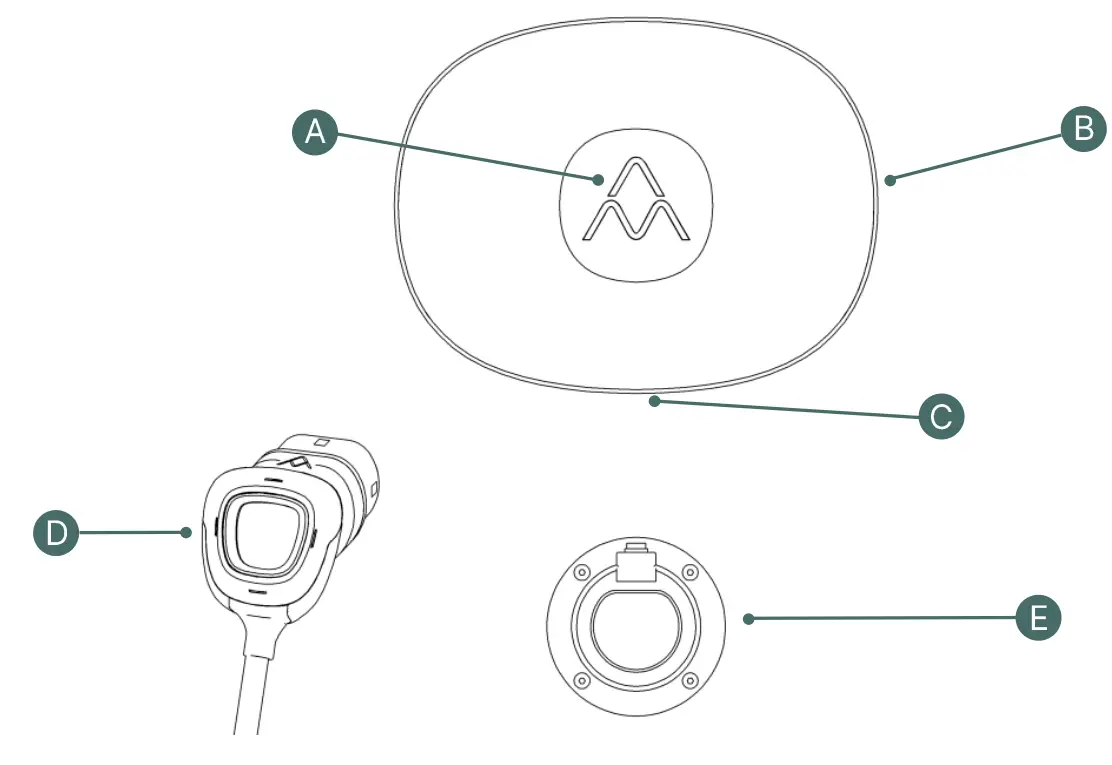
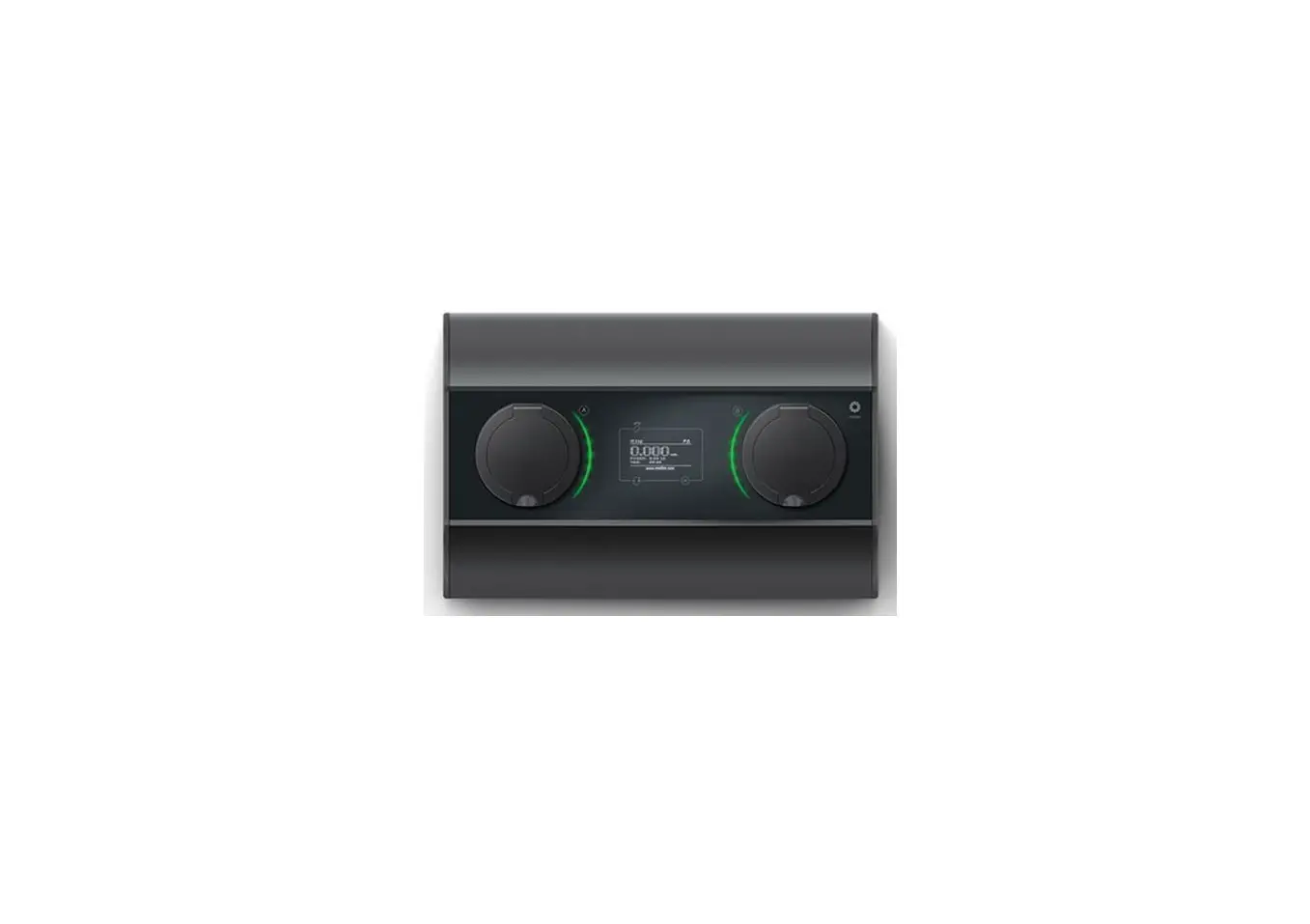
A. Centre light/RFID reader
B. Ring light
C. Socket-outlet (some models only)
D. EV connector
E. EV connector holder
3.2. Contents of the package
- Charge Amps Halo
- WiFi antenna
- Five-pin terminal connector for feed current
- EV connector holder
- RFID card
- Document with serial number and password
- Quick User Guide
Use
4.1. Cloud service & App
Charge Amps Cloud and Charge Amps App are available for Charge Amps Halo connected to Charge Amps as the cloud provider.
For Charge Amps Halos connected to other cloud providers, please refer to your cloud provider for inquiries about portals and apps.
Charge Amps App
 |  |
| https://play.google.com/store/apps/details?id=com.chargeamps.app&gl=SE | https://apps.apple.com/se/app/charge-amps/id1397386702 |
Charlie Amos Cloud https://my.charge.space/
Visit the link to obtain full product documentation. www.chargeamps.com/product/charge-amps-halo/
4.2. Adding an RFID card
Add RFID cards using the cloud service.
4.3. Charging
N.B. The socket outlet is not available for use while charging a car
4.3.1. Starting
Connect the EV connector to the car. If RFID is used, briefly hold the RFID card in front of the charging station’s RFID reader to initiate charging.
4.3.2. Stopping
Disconnecting the EV connector from the car. If RFID is used, stop charging by briefly holding the RFID card in front of the charging station’s RFID reader.
After charging, wrap the cable around Halo and place the EV connector in the holder.
4.4. Status Indications
| Status | Center light | Ring light |
| Starting up | White light | Gradually lights up |
| Ready to charge | White light | Steady light |
| Charging | Steady light | Circling light |
| Charging complete | White light | Steady light |
| Turned off by the user | White light | No light |
4.4.1. For Charge Amps Halo with load balancing
| Status | Center light | Ring light |
| Charging is initiated, waiting for power allocation (can take up to 2 minutes) | Flashing green light | Steady light |
4.4.2. For Charge Amps Halo with RFID
| Status | Center light | Ring light |
| Waiting for identification with RFID card on center cover | Flashing light | Steady light |
| RFID card approved | Greenlight | Steady light |
| RFID card not approved | Red light for 3 sec | Steady light |
Maintenance
WARNING!
- Never spray water or any other liquid directly onto the product.
- Never spray water on the EV connector, immerse it in water, or let it lie on the ground.
5.1. Regular maintenance
- Visually check that the EV connector is free from damage.
- Check that the EV connector cable is free from visible damage
- Check that the screw connectors securing the power cables on the underside of the Charge Amps Halo are properly tightened.
- The outside of the product, the charging cable, and the end of the EV connector must be regularly wiped with a clean, dry cloth to remove dirt and dust.
- Do not use detergent to clean any of the product’s components.
- Put the product EV connector somewhere where no one can step on, drive on or trip over it, and where it is not damaged or otherwise placed under stress.
- Store the EV connector in the holder to prevent unnecessary exposure to contamination and moisture.
Troubleshooting
6.1. Error indications
| Error | Center light | Ring light | Action |
| Charge Amps Halo has frozen during start-up or while updating. | Steady light | No light | Shut off the power. Restart after a few minutes. * |
| The vehicle may have caused the error or an earth fault might have occurred during electrical installation. | Red light | No light | Make sure that the EV connector is intact. Shut off the power. Restart after a few minutes. * |
• If the above does not resolve the issue, see chapter 7. Product support and service.
Product support and service
If you have any questions or problems with the product, support is always available. To find answers to your questions most rapidly:
Read through the User Manual to check whether your questions are answered there.
- If your question is not answered in the manual, please contact your supplier or cloud provider.
- If you need service or repair, start by contacting the supplier from whom you purchased the product.
- For additional information, see chargeamps.com/support.
Warranty
Warranty terms may differ from market to market. Contact your supplier regarding the warranty terms.
TO 2021 Charge Amps AB (pub)
Doc. Nr: 130624-EN
Rev 01
Doc. Nr: 130624-EN
Charge Amps
FrOsundaleden 28
SE-169 75 Solna Sweden
www.chargeamps.com
Org. No. 556897-7192
Registered office: Solna