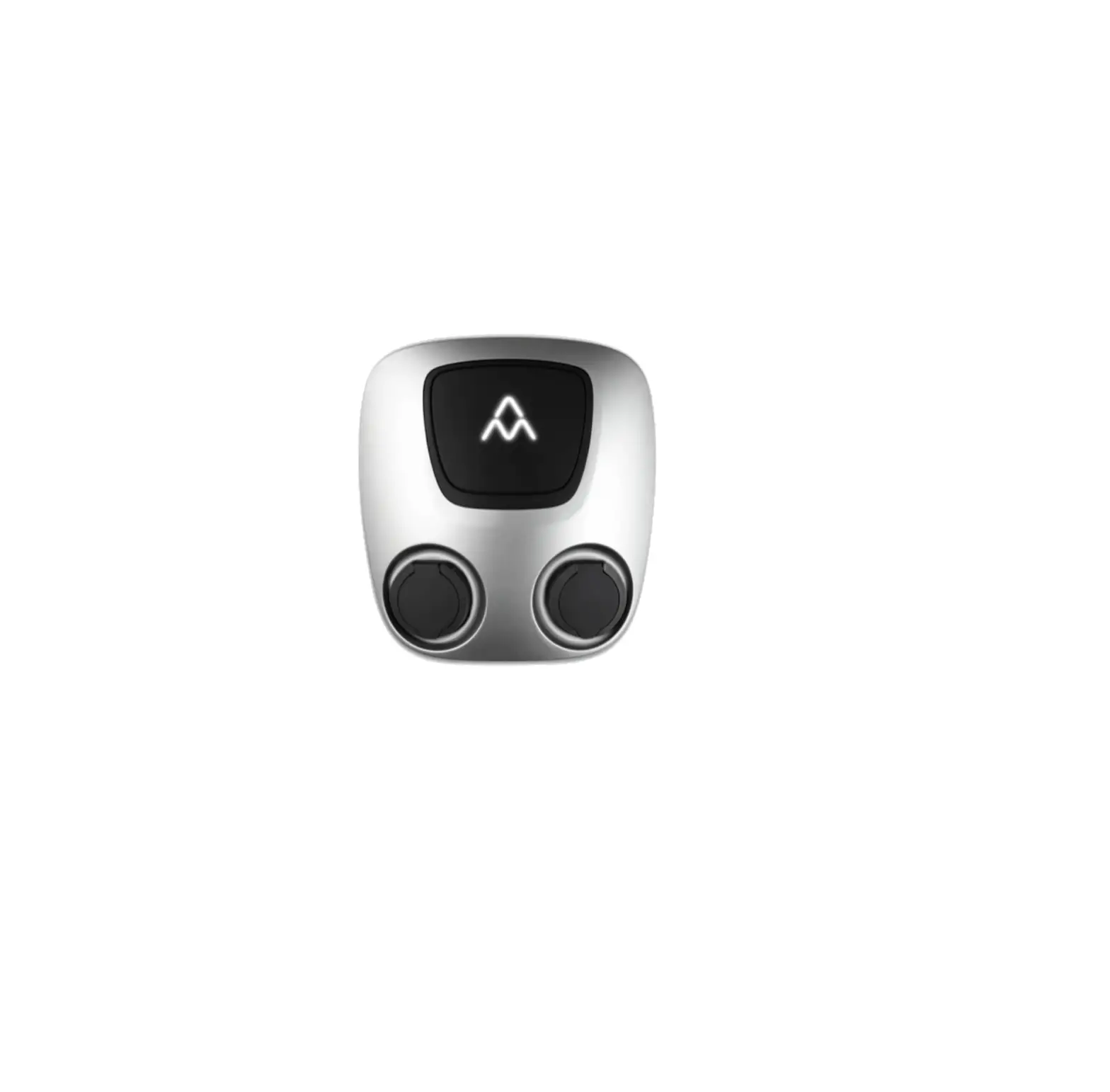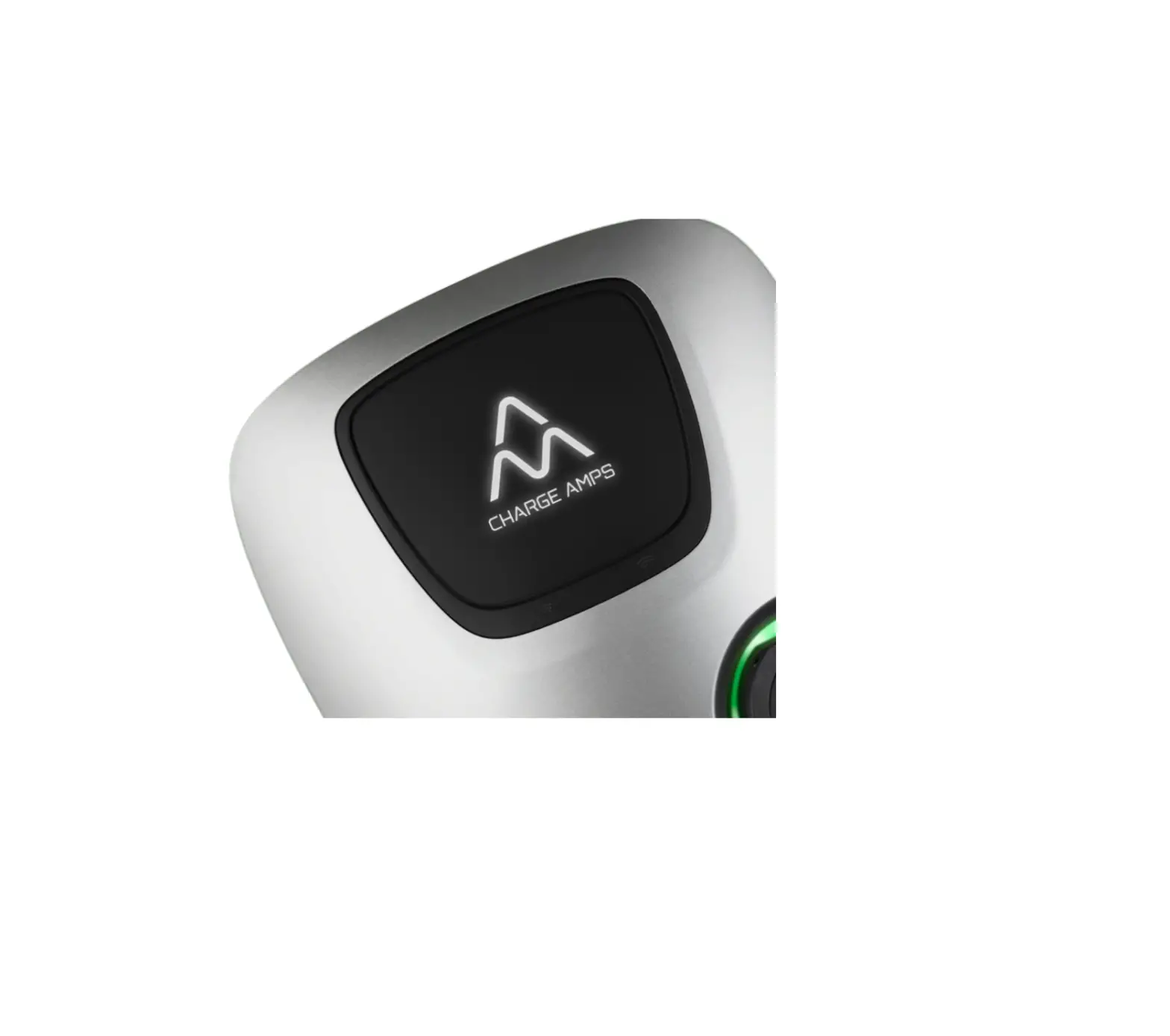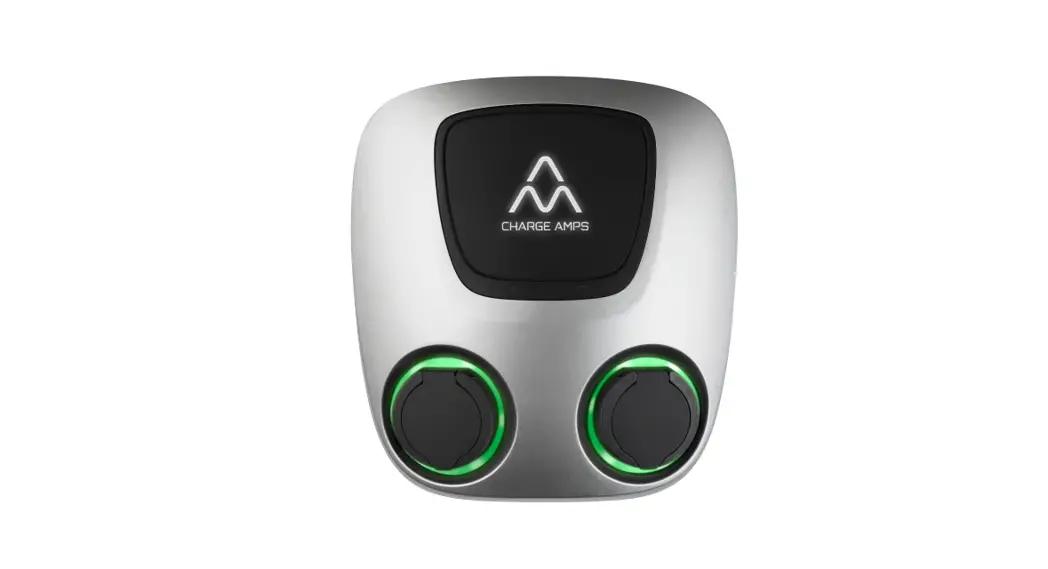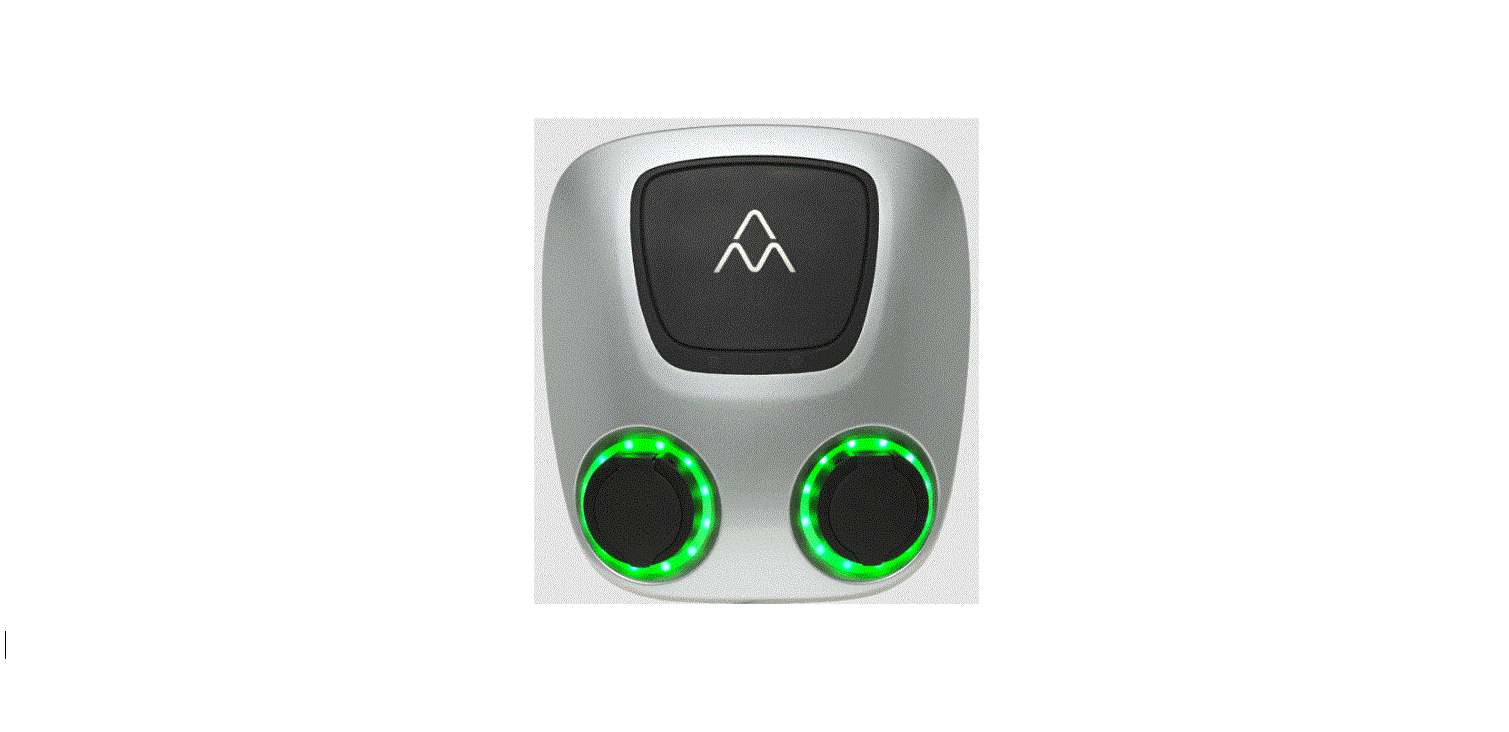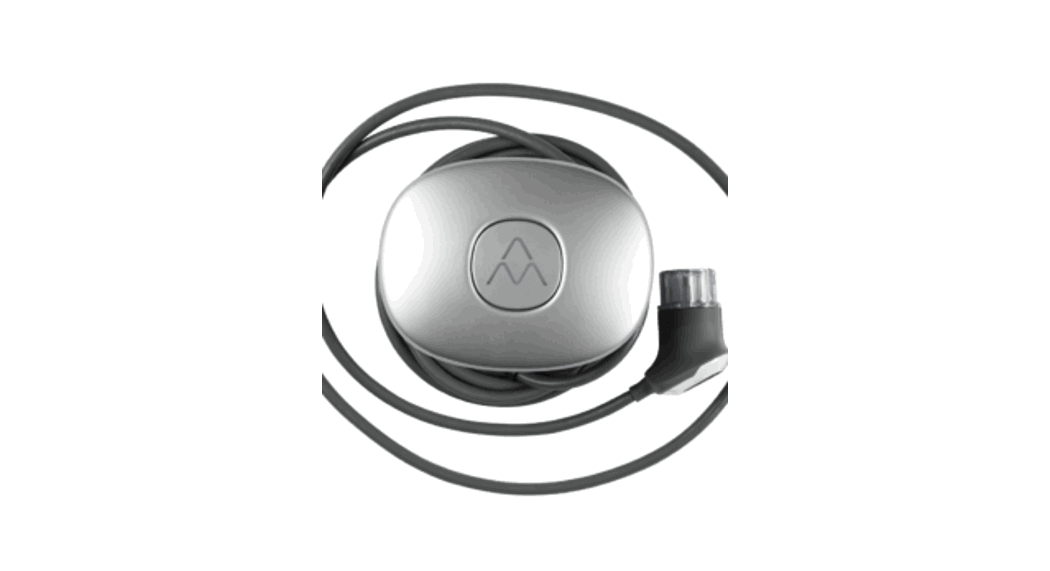

Charge Amps Halo
Installation manual
Halo 3,7 kW 7,4 kW and 11 kW
For the professional installer
This installation manual is intended for qualified Halo installers and describes how to install the product safely and properly.
Installation may only be carried out by a qualified installer who follows:
- Basic safety precautions for safe and correct installation.
- Local, regional, and national installation regulations.
- The instructions in this Halo installation manual.
Safety precautions
The installation manual contains important instructions on how to install the product.
In addition to the instructions in this manual, basic safety precautions, including all applicable local, regional, and national laws and regulations, must be complied with when installing, repairing, and maintaining the product.
The installation manual also contains safety instructions (WARNING, CAUTION, and NOTE) for how to install the product safely. See the definitions below.
 | WARNING! – Indicates a potentially dangerous situation that could lead to serious injury or death. |
| CAUTION! – Indicates a potentially dangerous situation that could lead to minor or moderate injury. |
 | NOTE! – Indicates that you must follow the instructions to avoid damaging the product or other equipment. |

About Halo
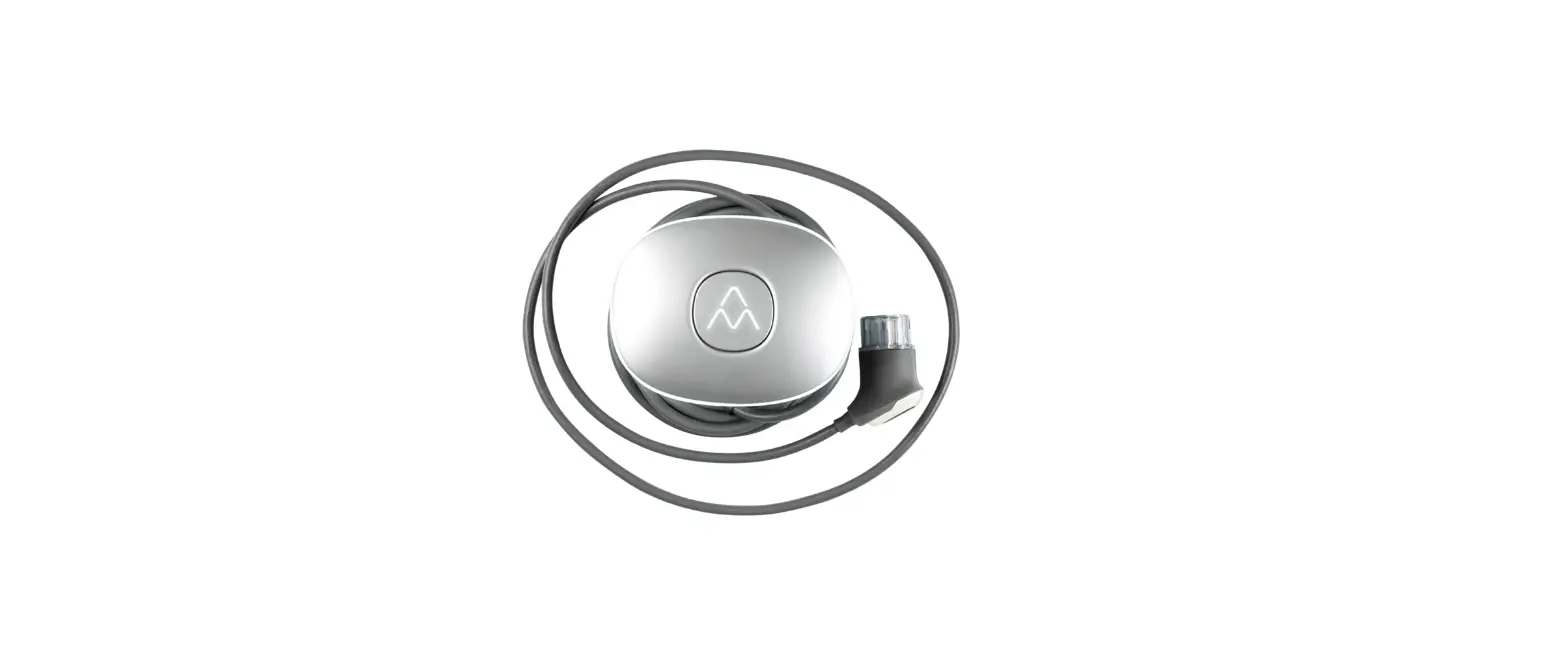
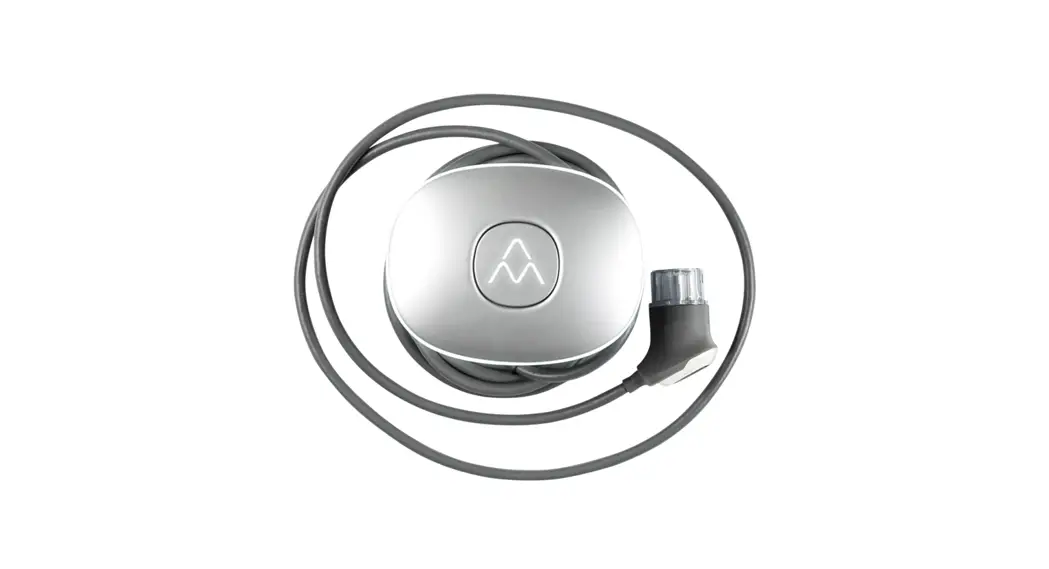
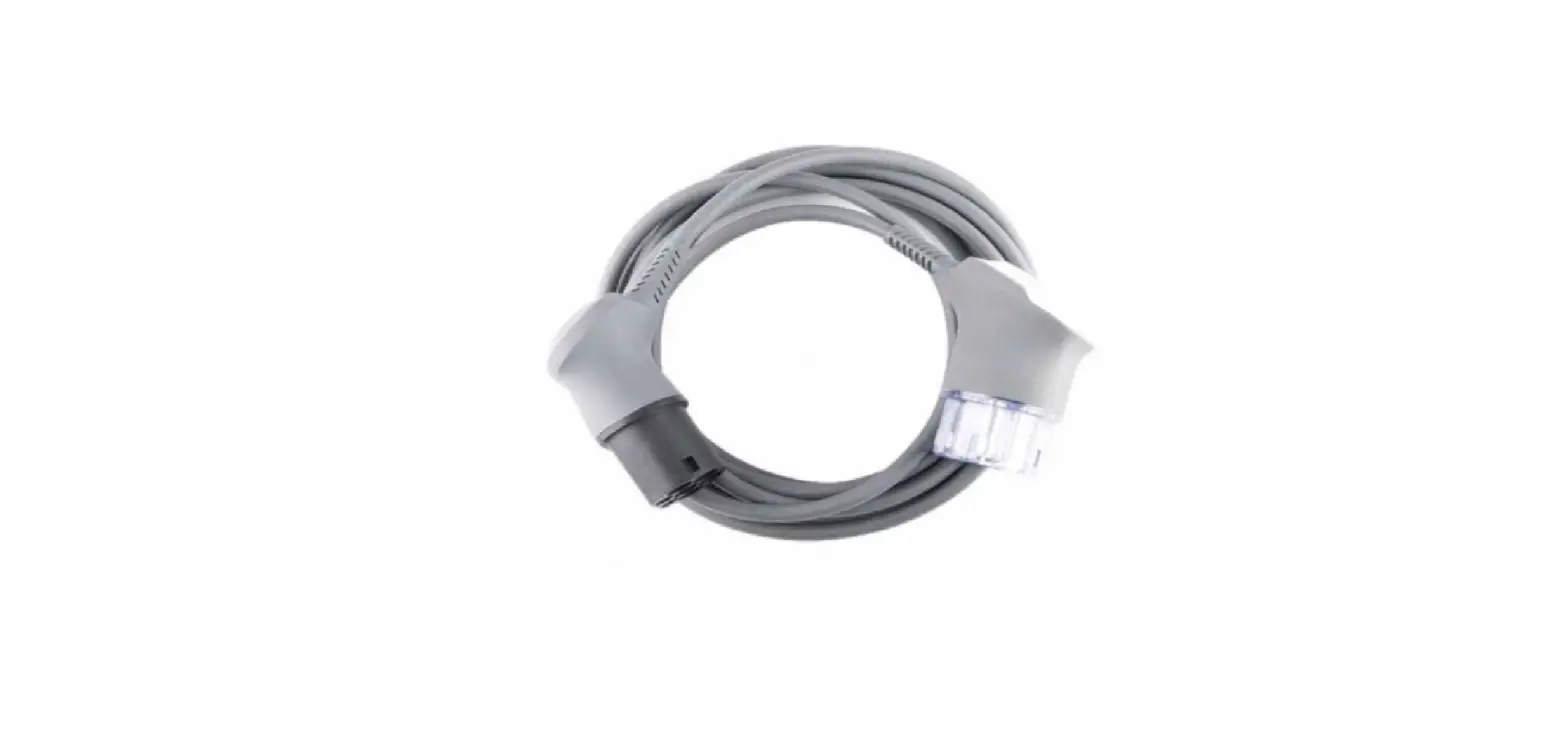
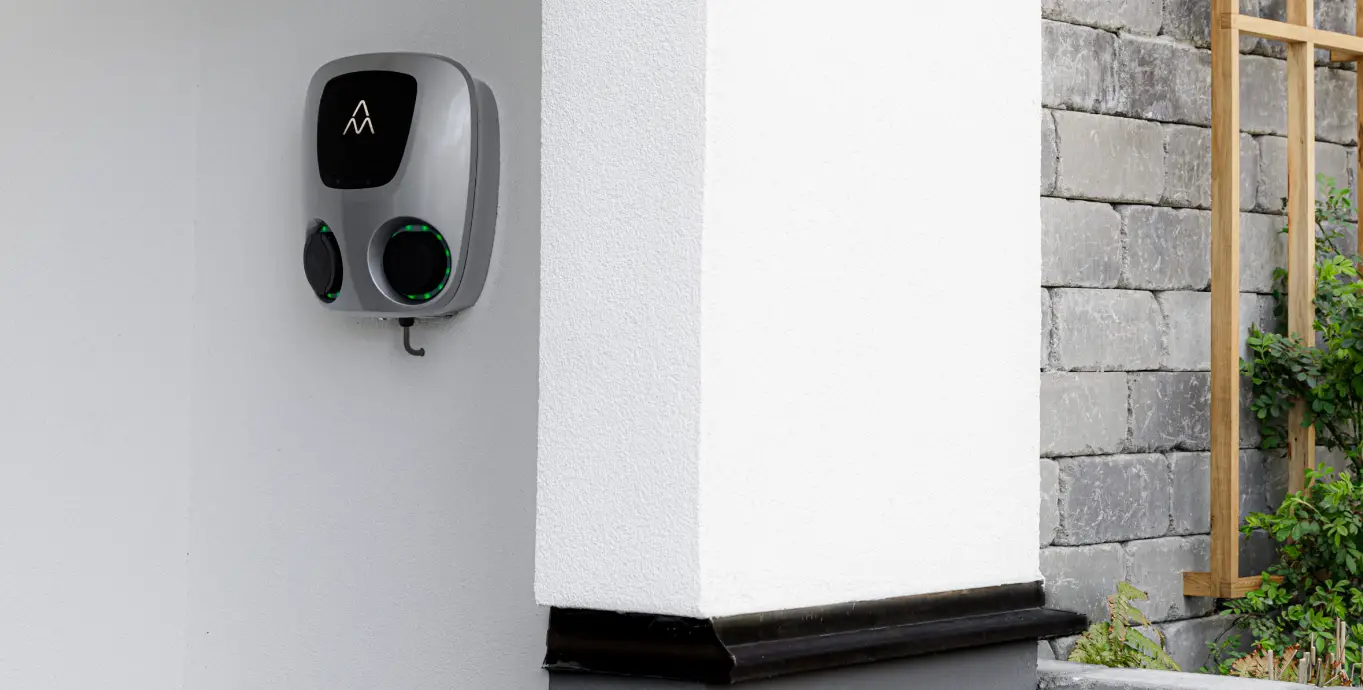
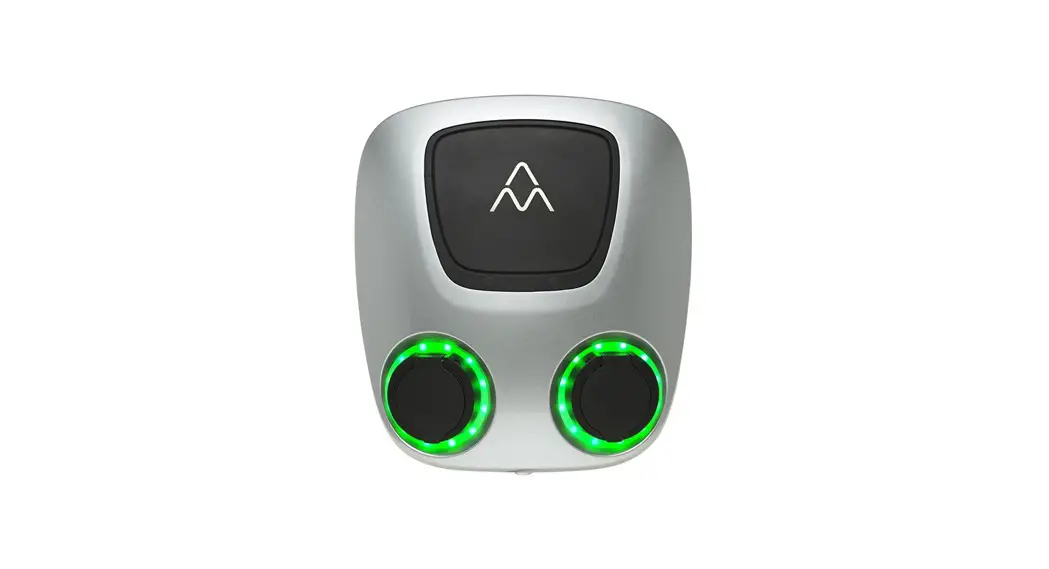
Halo is designed for both private installations and for installation in semi-private indoor and outdoor environments. Halo is compatible with all rechargeable electric vehicles. Halo comes with a type 1 or types 2 charging connector. (The connector type can be changed.) The 7.5 meters, fixed, reinforced charging cable coupled with the ergonomically designed charging connector makes charging your electric vehicle hassle-free.
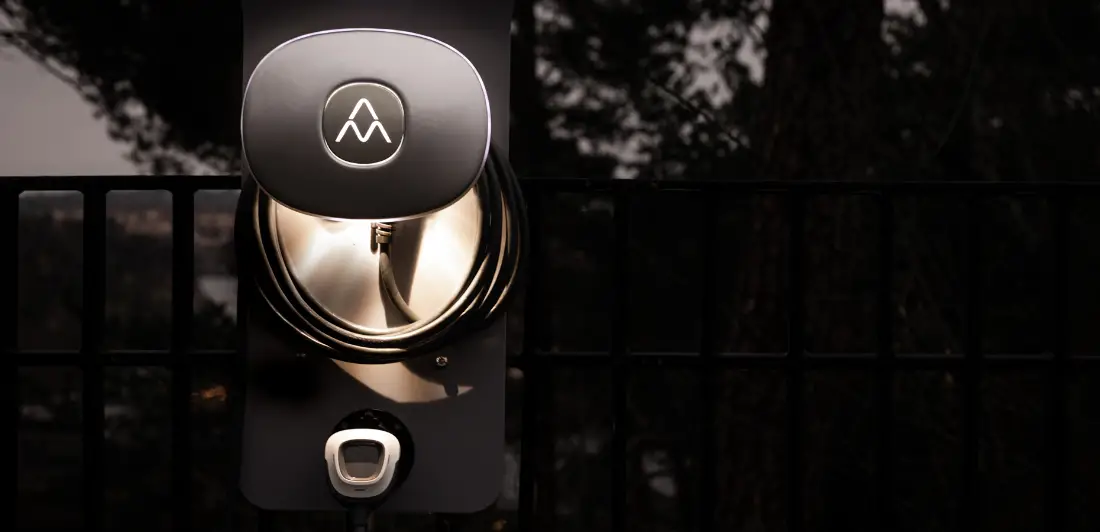
Halo gives a clear indication of the operating status, and its LED lighting makes it easier to use in the dark. It also has a socket that can be used to connect an engine/passenger compartment heater or other electrical equipment, such as an electric bicycle or vacuum cleaner. Halo is also prepared for RFID identification and can be connected to individual unlocking with RFID or mobile phone. RFID makes it possible for Halo to be shared by multiple users.
Halo is designed in Sweden and meets the requirements of the IEC 61851-1 and IEC 62196-2 standards. The enclosure is made of recycled aluminum, and the product meets the requirements of enclosure rating IP66 when properly installed.
Contact your supplier for more information about your specific Halo.
In brief: Halo has advanced technology, a stylish design, and smart functions. All in a compact and hassle-free charging station.
The product is intended to be used for the charging of electric vehicles and hybrids.
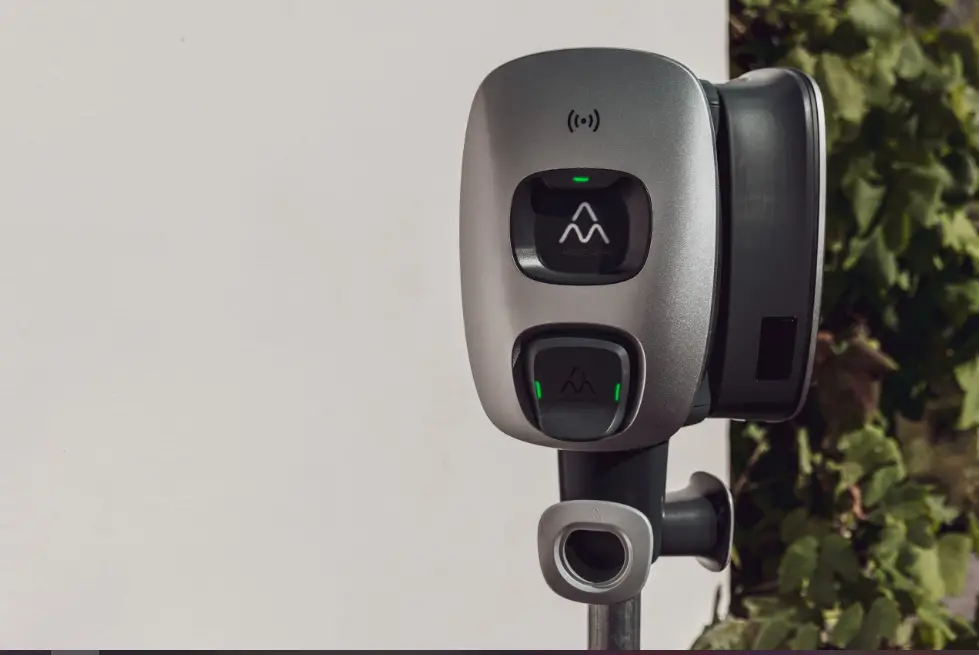
Model overview
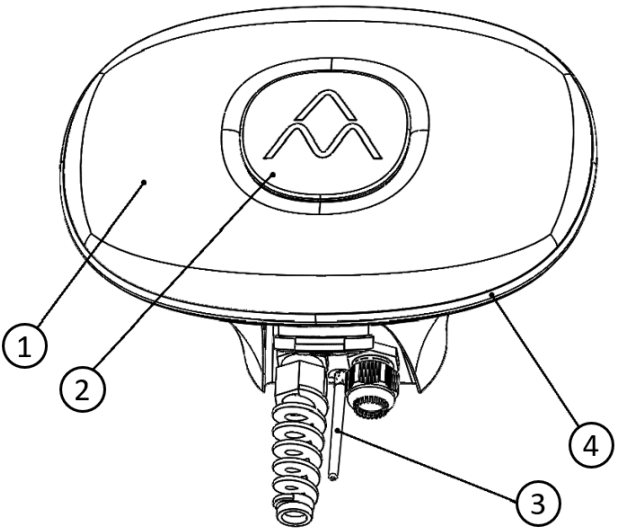
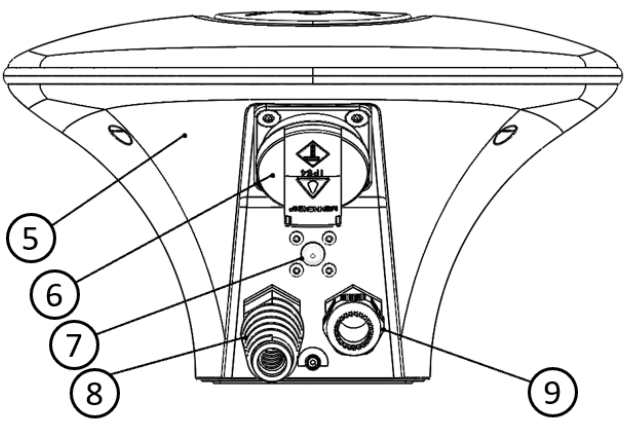
- Aluminum front assembly (Opened only by a qualified installer during installation)
- Centre emblem: LED indication, (RFID detection, if activated)
- Antenna: WiFi
- LED ring
- Aluminum backplate: mounted on the wall by the installer
- Schuko: 10 A electrical socket (certain models only)
- LED lighting
- Charging cable entry: fixed charging cable
- Cable entry: incoming electrical connection
Contents of the package
- Charge Amps Halo
- External WiFi antenna
- Five-pin terminal connector for feed current
- Wall holder for charging cable
- An RFID tag (certain models only)
- Document with serial number and password for your Halo
- Installation manual
Provided by the installer
- Three 5 mm screws with associated plugs (if required) for mounting Halo. The screws must have a flat head and be suitable for the wall material.
- External sealant for the wall (if necessary), depending on the structure of the mounting wall
- External type A RCD, 30 mA
- Installation cable, according to the charging strength of the selected product
- Four 3.5 mm screws with a recessed head for wall mounting of the charging cable connector
The installer also provides the tools required for installation.
Before installation
Make sure that the right conditions and materials are in place before installation. The installation must be done in accordance with the instructions in this installation manual as well as basic safety precautions.
Tools
The following tools are needed for installation:
- Screwdriver, flat electric screwdriver 3.5 mm
- Drill for screw/plug for wall mounting
- Laser/spirit level for proper mounting on the wall
- Wire stripper for cabling
- A single H4 Allen key
- Sealant (if necessary) if the wall for mounting is uneven and exposed to an outdoor climate
- Computer or mobile phone if Halo needs to be configured and (where applicable) connected to a cloud service. Contact the supplier for more information
Cabling
Check the following before installing Halo:
- The power is switched off
- The incoming cabling is dimensioned to be able to connect Halo
• Minimum 2.5 mm 2 for 16 A (electrical conditions in the facility and cable lengths may require a higher cross-sectional area to meet the triggering conditions)
• Minimum 6 mm 2 for 32 A (electrical conditions in the facility and cable lengths may require a\ higher cross-sectional area to meet the triggering conditions) - The product is properly fused – 16 A 1-phase 3.7 kW; 16 A 3-phase 11 kW; 32 A 1-phase 7.4 kW
- An RCD is installed
- Make sure to use MCB 16 A Curve C/ MCB 32 A Curve B.
Let through energy (I²t) shall be less than or equal to 75 000 A²s.
Mounting
Check the following conditions for mounting:
- That the wall can handle a weight of 5 kg
- That the installation screws and plugs (if required) are suitable for the wall material
- There is free space at the recommended mounting height (750–1,450 mm as measured up to the bottom edge of Halo)
- That the position of Halo does not cause it to be subjected to flammable, explosive, corrosive, or combustible materials, chemicals, or fumes
If possible, do not mount Halo in direct sunlight. The charging current is decreased if the temperature inside the charging station goes up, and can even be switched off completely if Halo gets too hot. This is a safety feature to ensure long service life. See the Halo technical specifications for operating temperatures.
Connection
To get the most out of your Halo, an internet connection is required. Check with your supplier what internet connection requirements there are for your particular Halo.
Installing Halo
Install and mount Halo as follows:
- Read the installation instructions in this document thoroughly.
- Make sure that the feed cable is isolated and switch off the power at the main switch.
- Mount a separate type A RCD on the feed line to Halo. (The integrated DC protection (protection against fault currents) in Halo coupled with a type A RCD has the same functionality as a type B RCD.)
- Unpack Halo from the box. Check that the product is in good condition and that all cables are properly seated.
- Mark the mounting holes on the wall. Also, use a laser or spirit level. For a suitable height, see “Mounting” above.

- Drill holes with a drill bit designed for the selected fastener.
- Open Halo with an H4 Allen key (be careful to make sure that the O-rings securing the screws do not come loose).
- Remove all connected terminal blocks/connectors from the circuit board in the aluminum cover.
- Temporarily place the front assembly on a protected surface.
- Mount the external antenna.

- Mount Halo on the wall with the selected fasteners. Use sealant if you are installing in an outdoor environment or on an uneven surface.
- Strip and insert the electrical cable in the cable entry underneath (15–20 cm is recommended for easy mounting).
 Halo must be earthed through permanent electrical installation.Only use the product within the specified operating parameters. Follow local, regional, and national standards and regulations so that no charging current limitations are exceeded.
 Avoid inserting the electrical cable through the plastic membrane. Plastic shrinks and expands at different temperatures, and water could start to leak in. Enclosure rating IP66 only applies if the electrical cable is inserted through the specified cable entry!
 - Tighten the cable entry screw connector tightly.When inserting the cable, be careful not to damage the WiFi antenna.
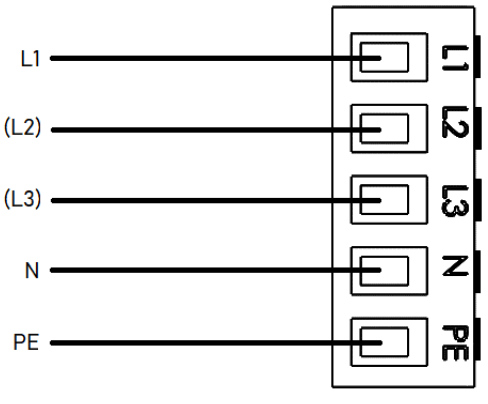
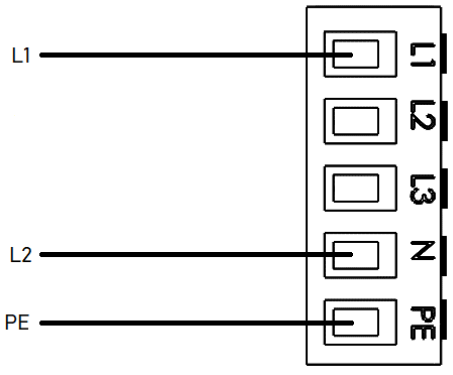
- Screw the power supply into the 5-pin terminal block as illustrated below.
a. Connection of 1-phase in TN network
In a 1-phase connection, make the following connections. L2 and L3 can also be connected to enable load balancing in larger installations and to be able to use the cloud service to select the phase that has the smallest load in a property. b. Connection of 1-phase in IT network.
 c. Connection of 3-phase in TN network (TN network only)
- Refit the terminals in the front assembly.
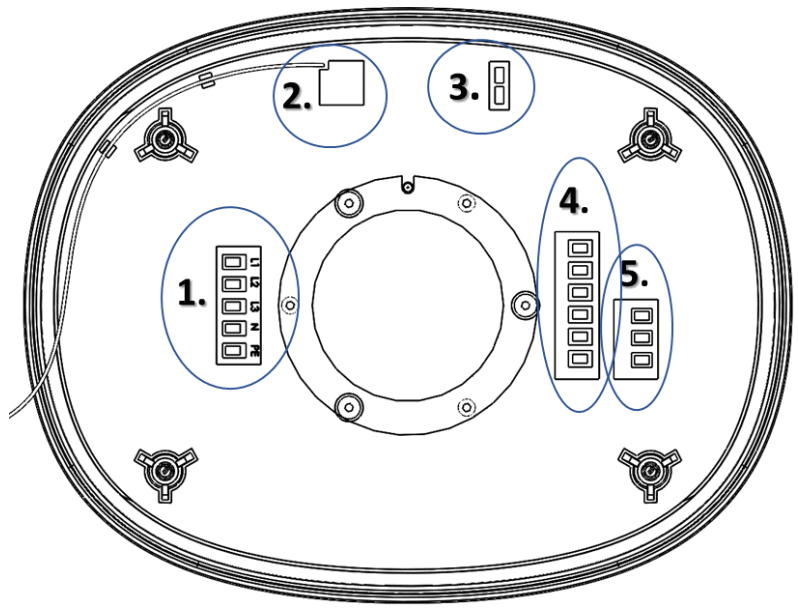
1. 5-pin terminal block for incoming power supply
2. WiFi antenna cable
3. Connection for LED lighting
4. 6-pin terminal block for charging cable
5. 3-pin terminal block for Schuko socket (certain models only)Be particularly careful and cautious when connecting the WiFi antenna cable.
- Refit the front assembly to the backplate. Carefully check that:
a. All O-rings around the fastening screws are in place
b. No cables are pinched
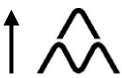
c. The front assembly is mounted the right way, with the Charge Amps logo facing the right way (see below).
- Tighten the four H4 hex head screws to a torque of 1.5–2.0 Nm
- Switch on the power at the main switch/electrical distribution box.
A start-up sequence with a self-test begins. - Once Halo is illuminated with a steady white light, Halo is ready for use.Be careful not to pinch the WiFi antenna cable between the front\ assembly and the backplate when refitting the front assembly.Be careful to refit the front assembly the right way, i.e. with the Charge Amps logo pointing up. If the front assembly is fitted the wrong way, you risk crushing the circuit board.
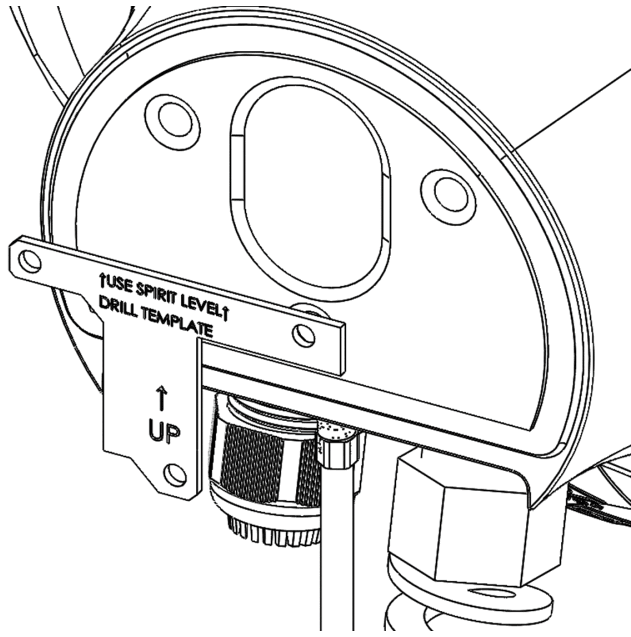
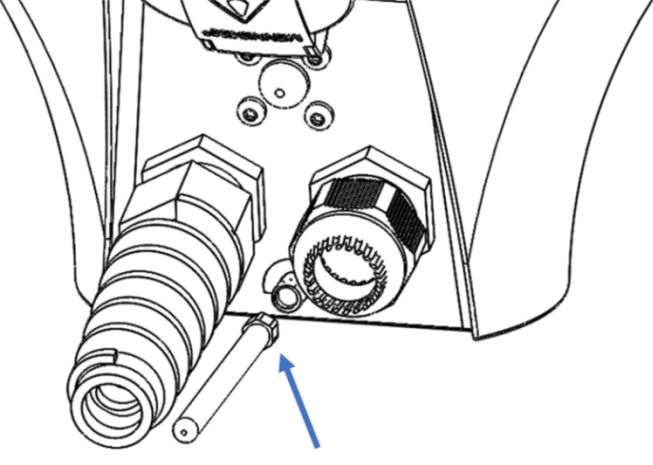
 b. Connection of 1-phase in IT network.
 c. Connection of 3-phase in TN network (TN network only)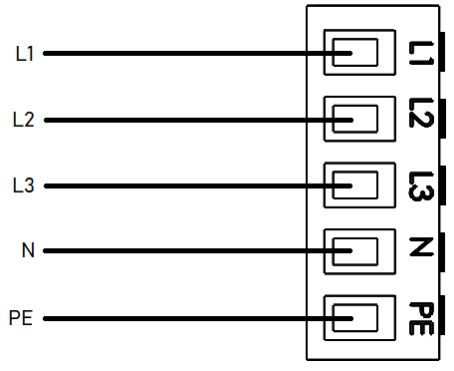
Configuring WiFi for Halo
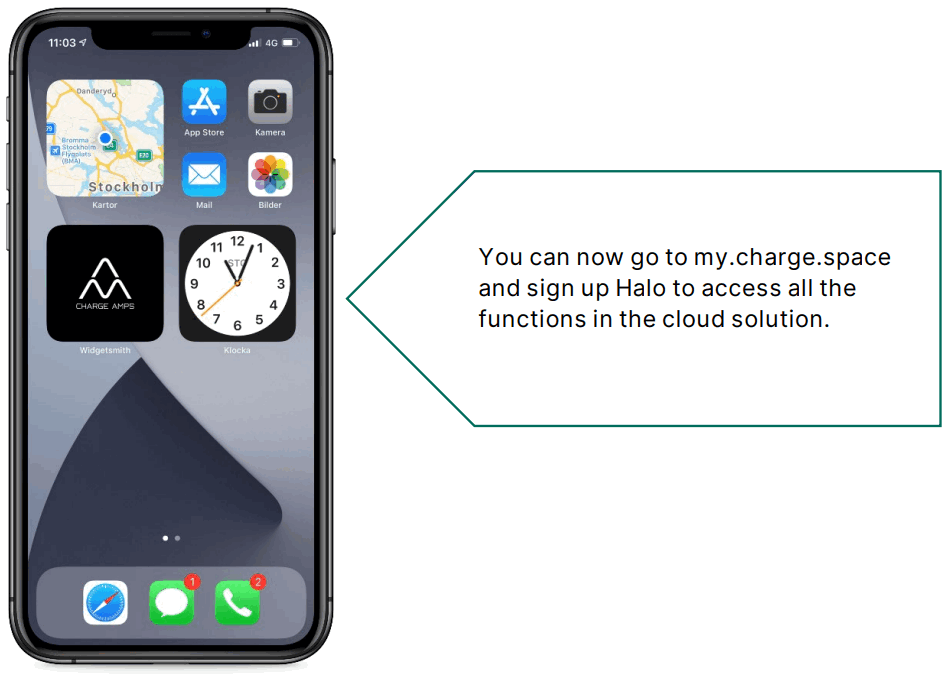
After Halo has been installed electrically and on the network, it is time for it to be configured. The aim of configuration is to connect the unit to Charge A mps’ portal and cloud solution.
How to register and commission your Halo in the cloud solution:
- Go to: http://my.charge.space
- Click the “Sign Up” link above “login form”
- Fill in all the fields and press “GO”.
- You will be sent an email with a verification link within a few minutes.
- Follow the link and log in.
- Fill in the serial number and PIN code as indicated in the configuration document.
- Click “GO” and then you are finished.
How to configure Halo with a wireless internet network (WiFi):
- Switch on your Halo
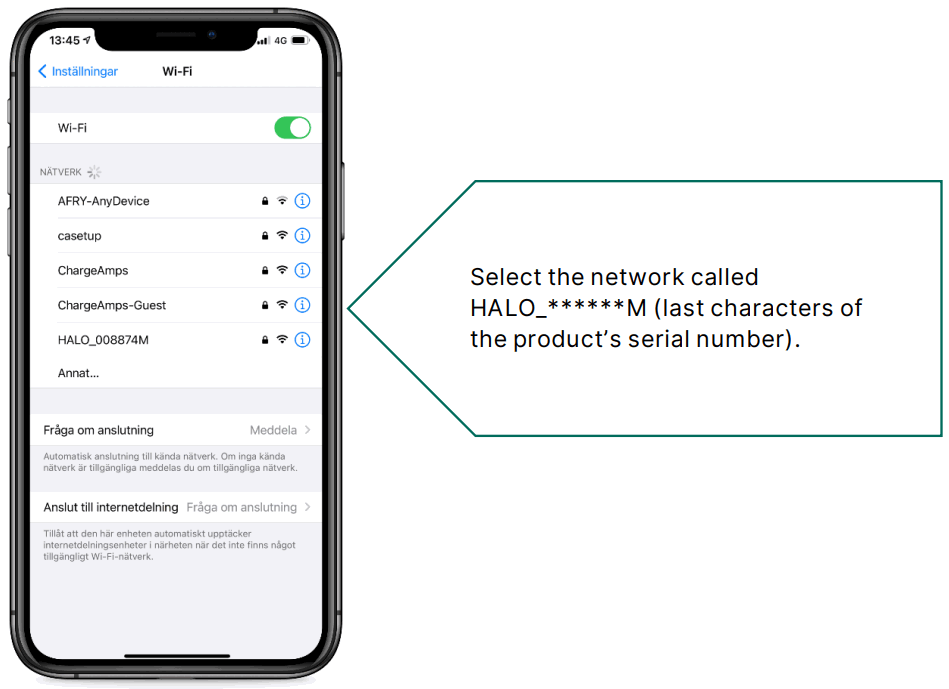
- Use a smartphone, open “Wireless settings” and scan for a wireless network.

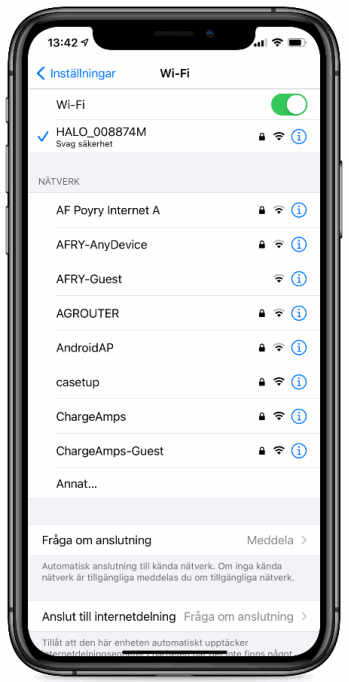
- Find the HA LO_* * * * * * network, where * * * * * * is the last six characters of the serial number.

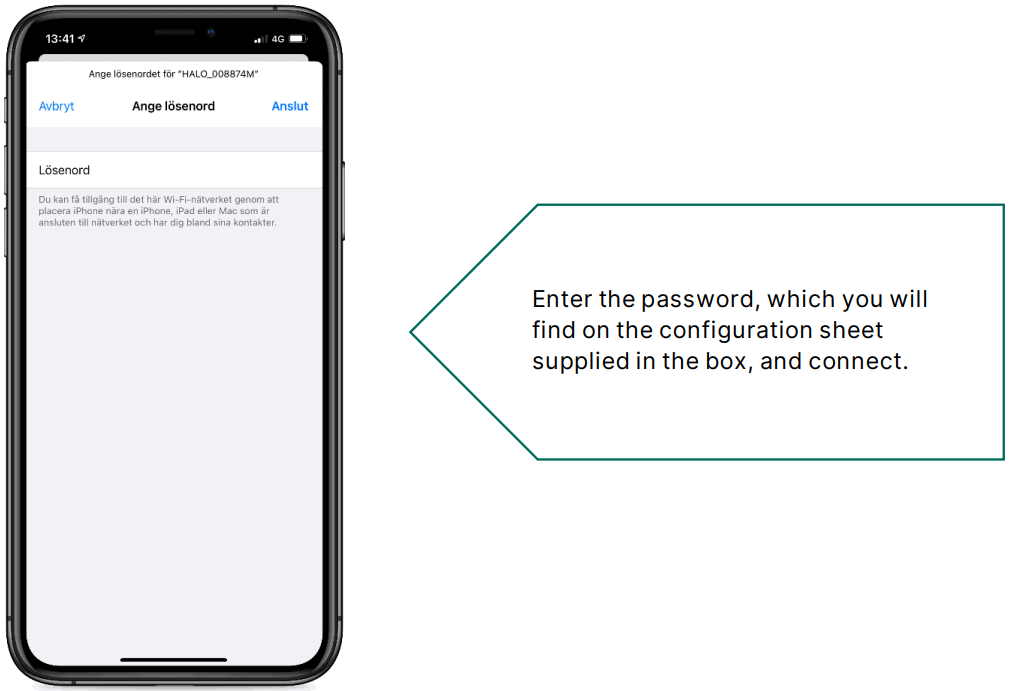
- When you are asked for the network key, enter the PIN code.


- Open the browser. In your browser’s address field, enter 192.168.250.1
- You should now see a field with the SSID (name of the WiFi network) and the password. Note that the field is case-sensitive.


- Wait for the connection. (The mobile’s own 3G/4G may disrupt this. In that case, switch off mobile data).
- Enter the details of your wireless network and click update.


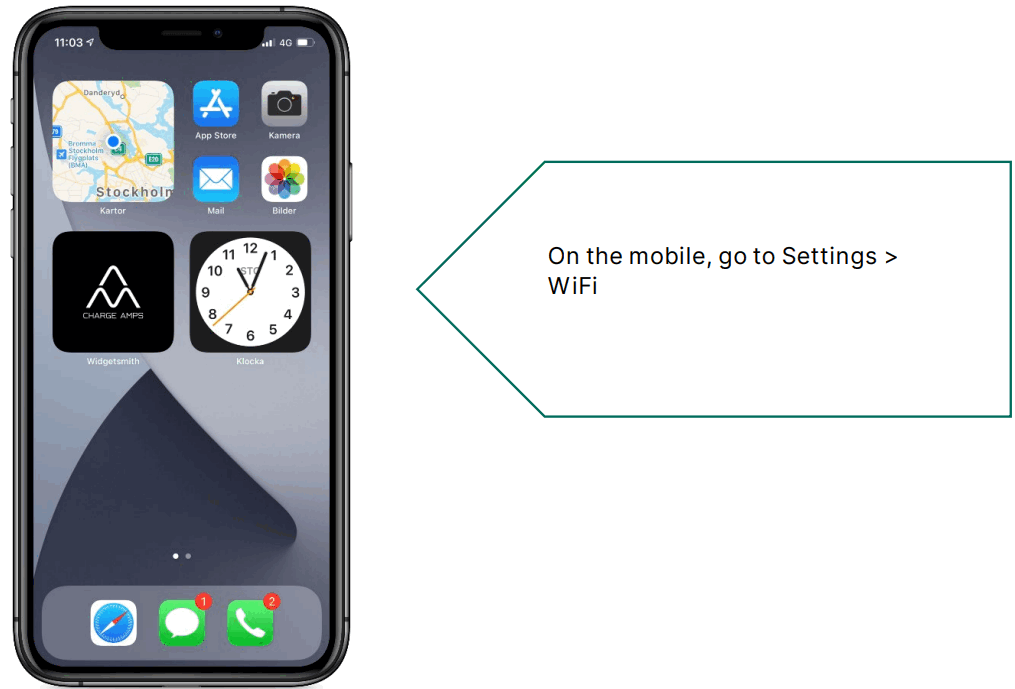
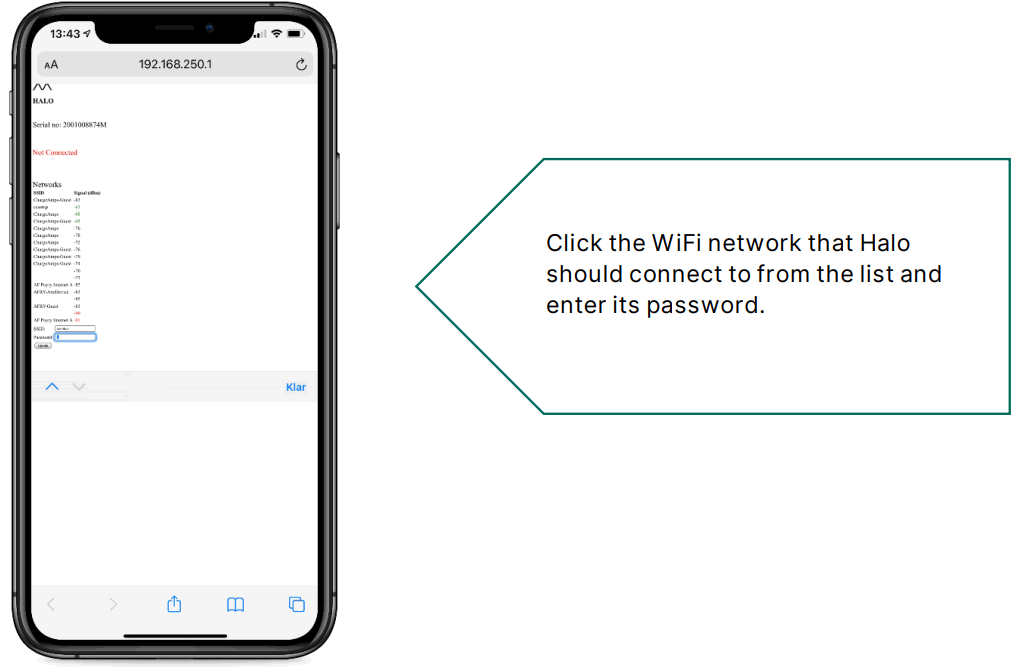
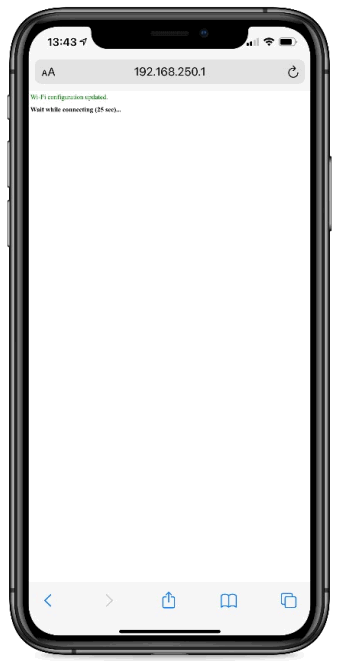
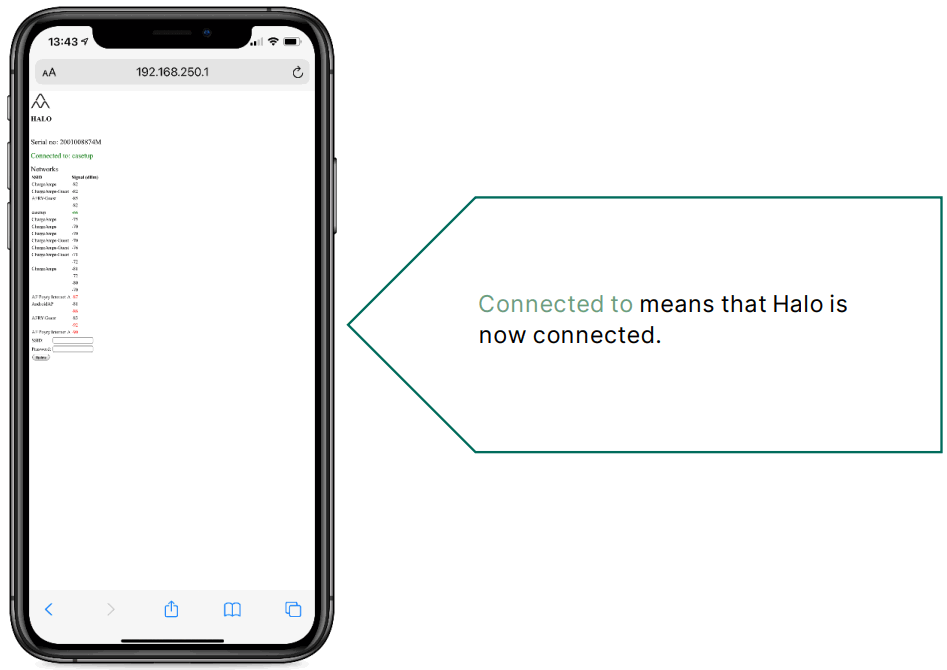
Supported WiFi standards:
802.11 b/g/n
2.4 GHz
Halo status indications
Halo uses light to communicate its status in different ways.
Indication | Status |
| The center cover is white and the LED ring lights up incrementally in pace with the start-up | Halo is starting up |
| The center cover is white and the LED ring is illuminated with a steady white light | Halo is in standby mode/ready for charging or charging is complete.
|
| The center cover is white and the LED ring is illuminated with a steady white light, but LEDs in the bottom left and right corners are off. | Halo is in standby mode/ready for charging or charging is complete. The Schuko socket is activated |
| The center cover is white and the LED ring’s white light rotates | Charging in progress |
| The center cover flashes green and the LED ring is illuminated with a steady white light | For Halo with load balancing only Charging is initiated, waiting for power allocation (can take up to 2 minutes) |
| The center cover flashes blue and the LED ring is illuminated with a steady white light | For Halo with RFID only Waiting for identification with RFID tag on the center cover (if RFID is activated) |
| The center cover is illuminated red for 3 seconds and the LED ring is illuminated with a steady white light | For Halo with RFID only The RFID tag is not approved (if RFID is activated), charging is not activated |
Halo error indications
Halo uses light to communicate its status in different ways.
| Indication | Type of error | Action |
| The center covers illuminated or flashes blue and the LED ring is not illuminated with a white light | Halo has frozen during start-up or during updating | Cut off the power to Halo via the main switch. Restart Halo after a few minutes. |
| The LED ring is not illuminated white and the center cover is illuminated red | An error has occurred that affects Halo. It could be an error in the vehicle or an earth fault that occurred during electrical installation. | Check that the charging cable is intact, cut off power to Halo via the main switch, and restart Halo after a few minutes. |
Rights
The information in this document has been checked for accuracy. Charge Amps A B reserves the right to make technical changes and changes to the contents of the document without prior notice. Charge Amps A B can therefore not guarantee that all of the contents of this particular document are accurate, up-to-date, and free from printing and proofreading errors. Moreover, Charge Amps A B cannot be held liable for any mistakes, near-misses, injuries/damage, or incidents – direct or indirect – that can be linked to the use of the regulations or products in this document.
Charge Amps A B reserves all rights to this document, as well as the information and illustrations therein. It is strictly forbidden to – in whole or in part – copy, adapt or translate the information without prior written permission from Charge Amps A B.
© Copyright 2021 Charge Amps AB. All rights reserved.
| © 2021 Charge Amps AB Installation manual for Charge Amps Halo Doc. Nr: 130115 Rev 01 | Address: Charge Amps AB Frösundaleden 2B SE-169 75 Solna Sweden | Contact: +46 (0)8 55 11 2000 [email protected] www.chargeamps.com | Org. No. 556897-7192 Registered office: Solna |