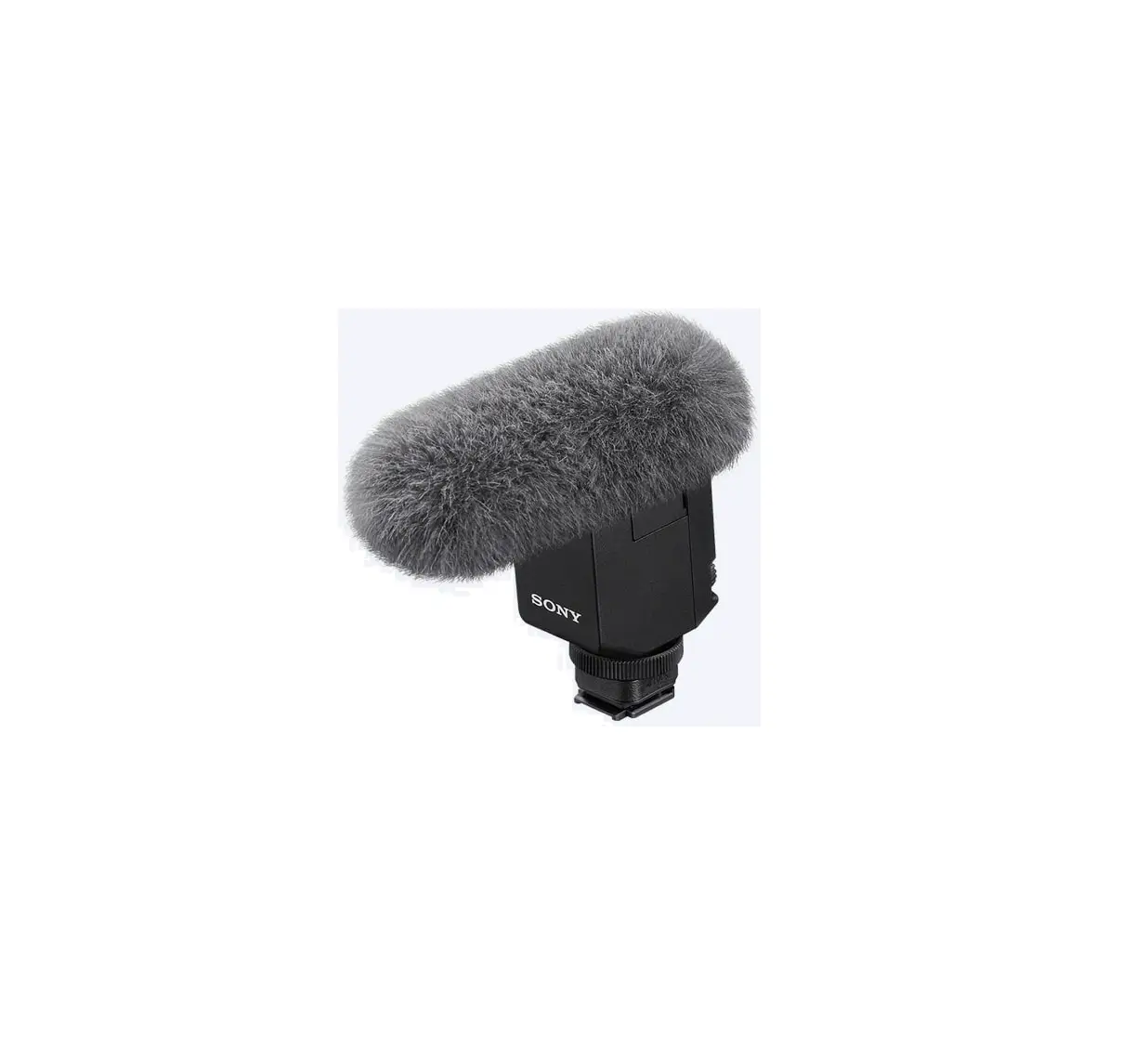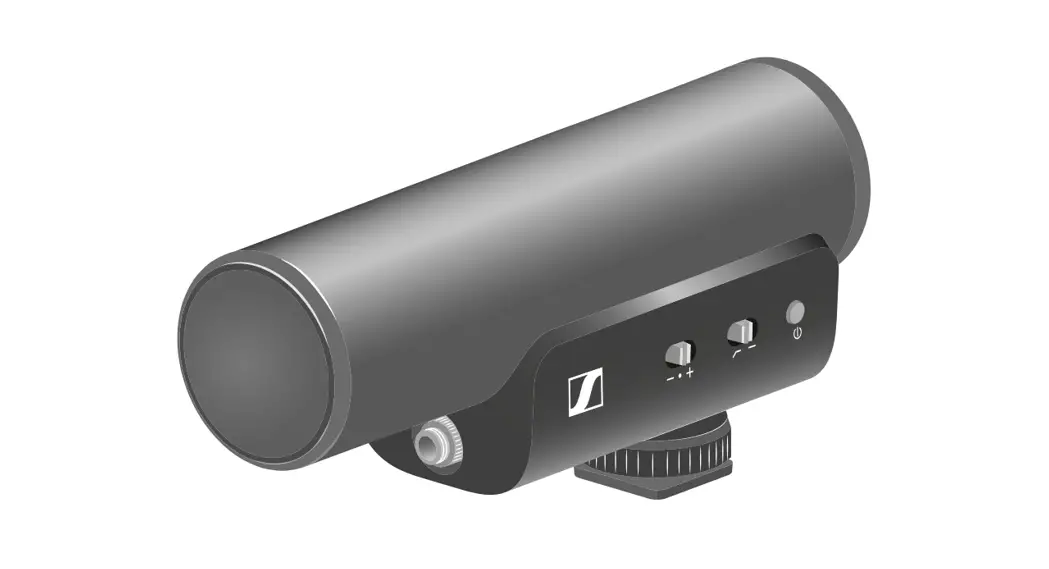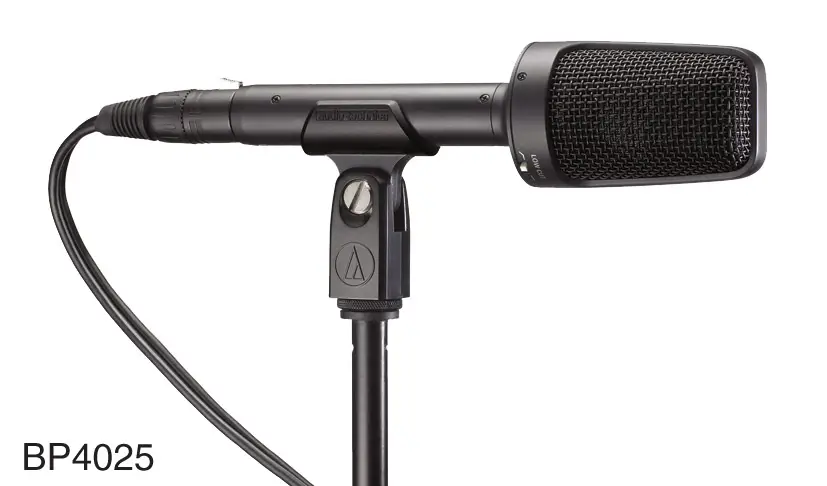

JBL CSSG20 ON Camera Shotgun Microphone
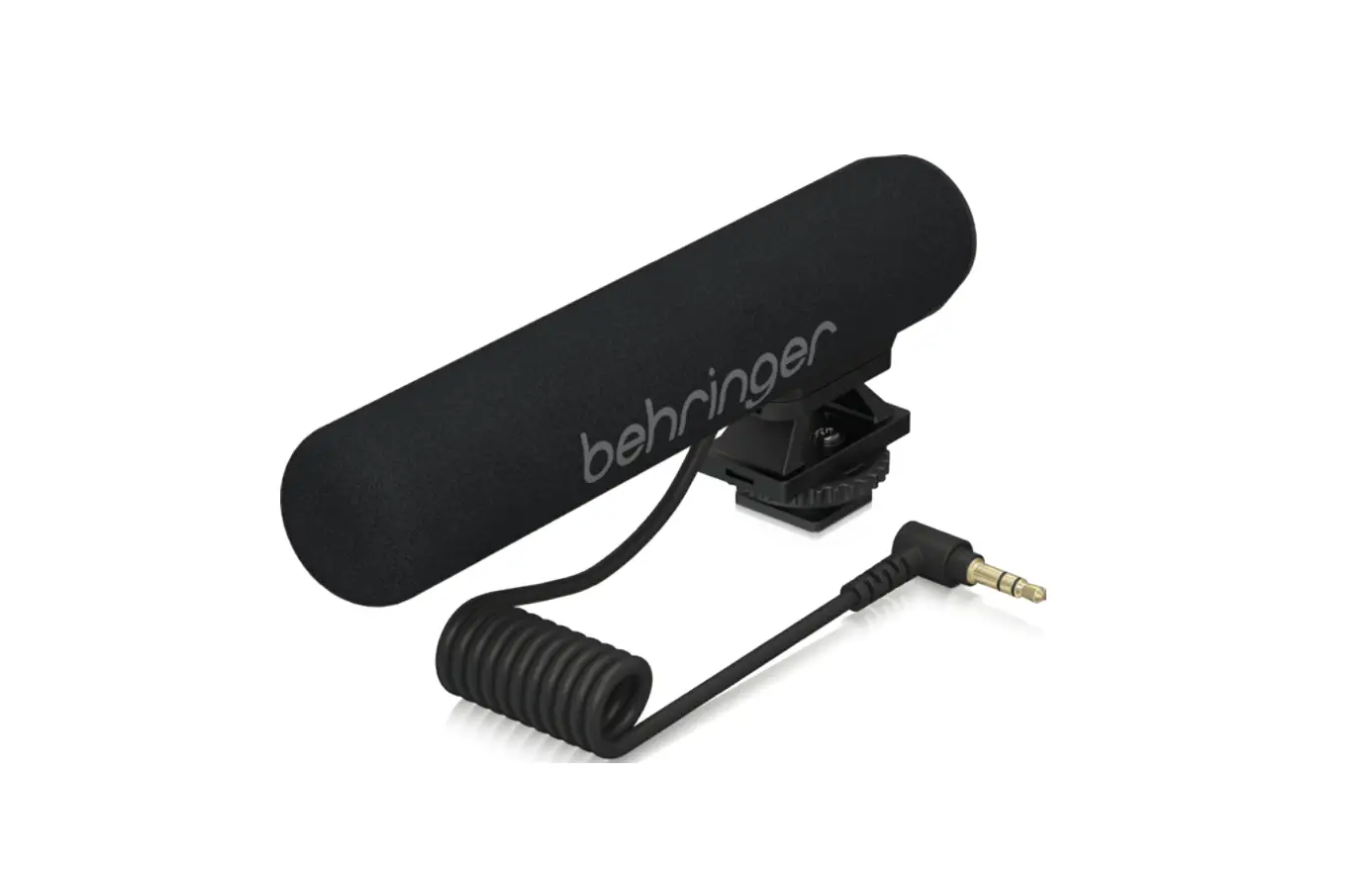
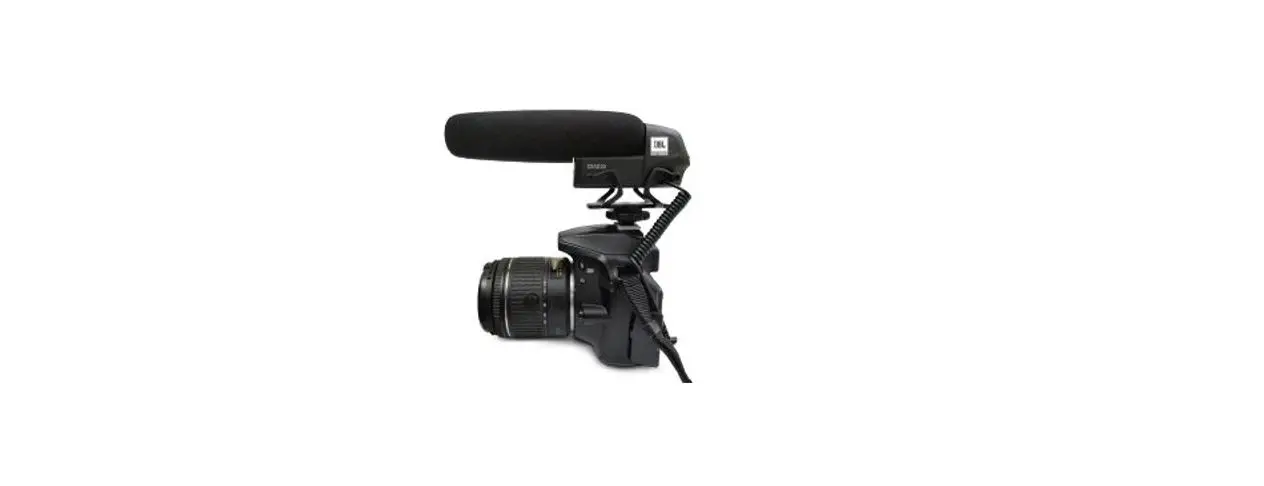
Thank you for choosing JBL Commercial CSSG20 On-Camera Shotgun Microphone. This guide will help you set up & operate your microphone. CSSG20 can be connected to both cameras & smartphones (using the splitter cable). It is perfect while creating news gathering videos, vlogging, youtube videos, interviews & many more.
BOX INCLUDES
- CSSG20 on-camera shotgun mic with attached cable with 3.5mm connector
- Windscreen
- 3.5mm splitter cable
PARTS & FUNCTIONS GUIDE
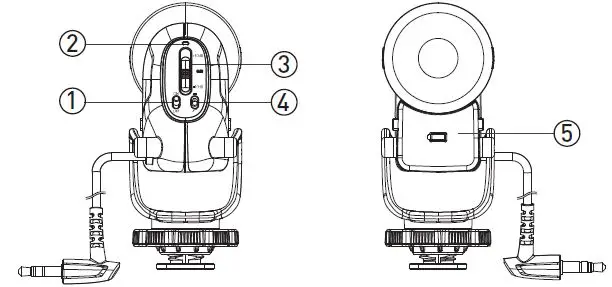
- Power switch – slide to turn ON & OFF the device.
- Power LED – glows GREEN when the battery has sufficient power, glows RED when the battery is low.
- Gain setting – adjust the gain of the microphone according to the connected device & recording situation. At +10dB the microphone is most sensitive & at -10dB it is least sensitive.
- High pass filter – slide to “ “ position to turn ON the filter.
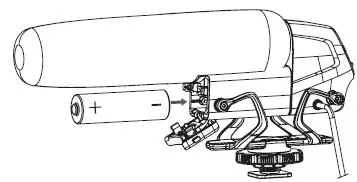
- Battery compartment – insert 1.5V AA battery as shown.
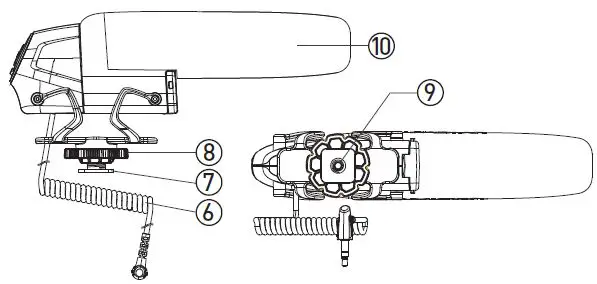
- Cable with 3.5mm TRS connector to connect with DSLR/Camera.

- Cold shoe – to attach the microphone to DSLR/Camera/suitable stands.
- Knob – tighten this to lock the microphone to the cold shoe mount.
- ¼” socket – use this to mount the microphone on a suitable mounting stand.
- Windscreen – used to prevent wind & pop noise.
INSERTING BATTERY
- Open the battery compartment & insert the battery as shown. Make sure the +/- polarity of the battery is correct & close the compartment.

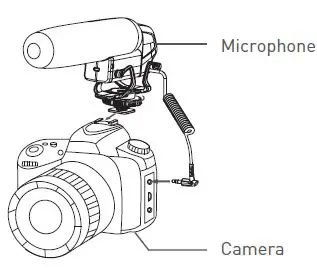
CONNECTING WITH DSLR/CAMERAS
- Connect the microphone 3.5mm connector with DSLR/camera. Turn ON the microphone. Adjust the gain & high pass filter according to the recording situation. You may use the output from the camera to monitor the recording.

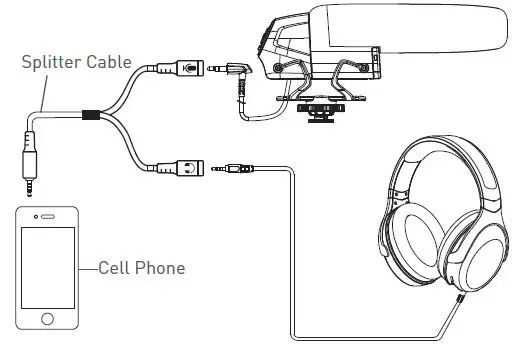
CONNECTING WITH SMARTPHONES/TABLETS
- Use the splitter cable provided in the box to connect the microphone with the smartphone/tablet. Plug the splitter cable in the smartphone & connect the microphone into the jack marked as , plug a headphone into the jack marked to monitor the playback from a smartphone.

FEATURES
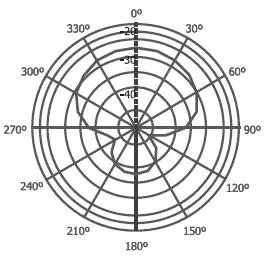
- High sensitivity condenser capsule with the super-cardioid pickup pattern
- Adjustable microphone gain in three steps, – 10dB, 0dB & +10dB
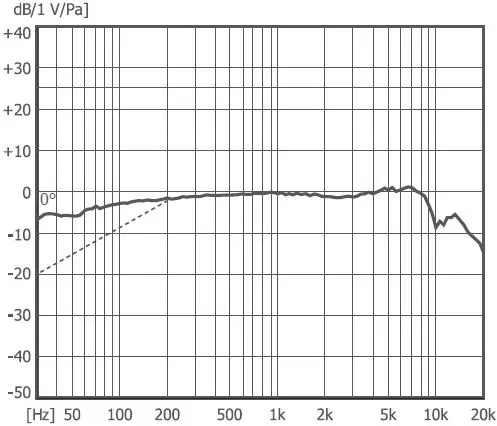
- Built-in high pass filter to cut noise below 200Hz
- Standard cold shoe mount for convenient installation on camera
- An integrated shock mount to reduce mechanical & vibrational noise
- Powered by a single 1.5V AA battery giving more than 80 hours of operation time
- Low battery indicator
SPECIFICATIONS
| Polar pattern | Super-cardioid |
| Transducer | 10mm condenser capsule |
| Frequency response | 50Hz – 16KHz |
| Sensitivity | -25dB ±3dB (0dB=1V/Pa at 1KHz) |
| Gain adjustment | -10dB/ 0dB/ +10dB |
| High pass filter | 200Hz 12dB/Oct |
| Output impedance | 2.2KΩ ± 30% |
| Power supply | 1.5V AA battery (approx. 80 hours) |
| Outer dimensions | L 157mm x H 48mm |
| Tube dimensions | Dia. 11mm x L120mm |
| Net weight | 75g (approx.) |
FREQUENCY RESPONSE
POLAR PATTERN