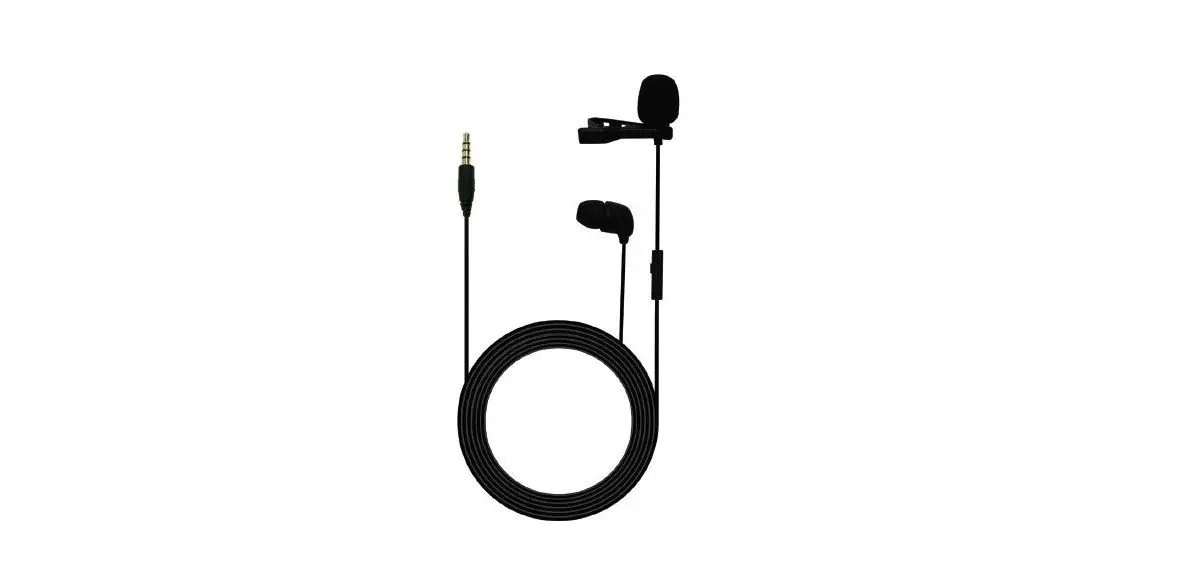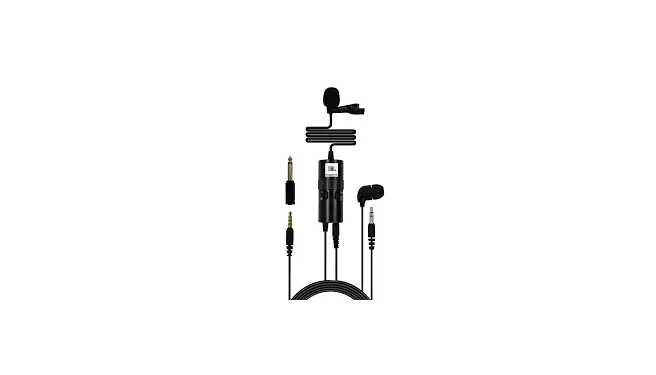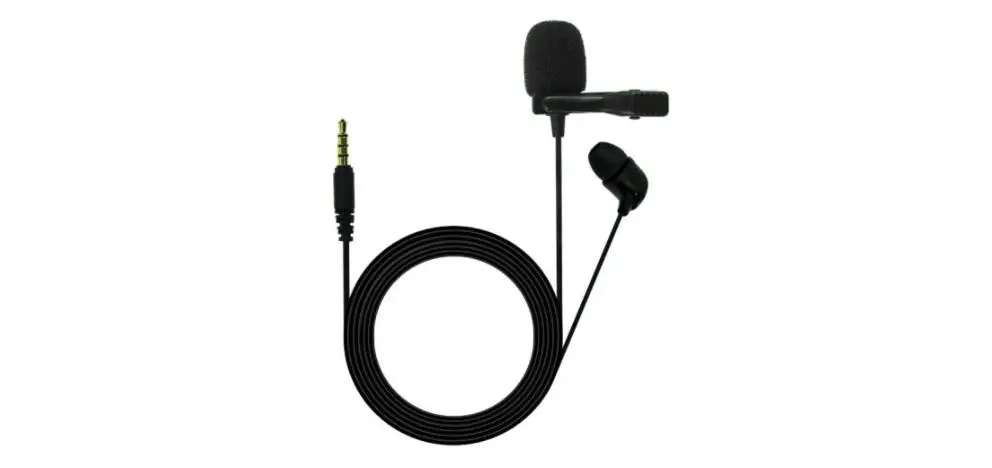
JBL Lavalier Microphone with Earphone
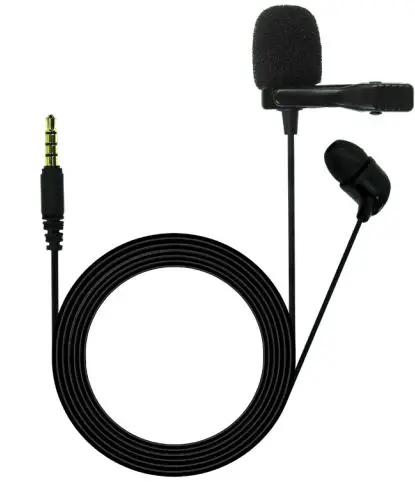
BOX INCLUDES
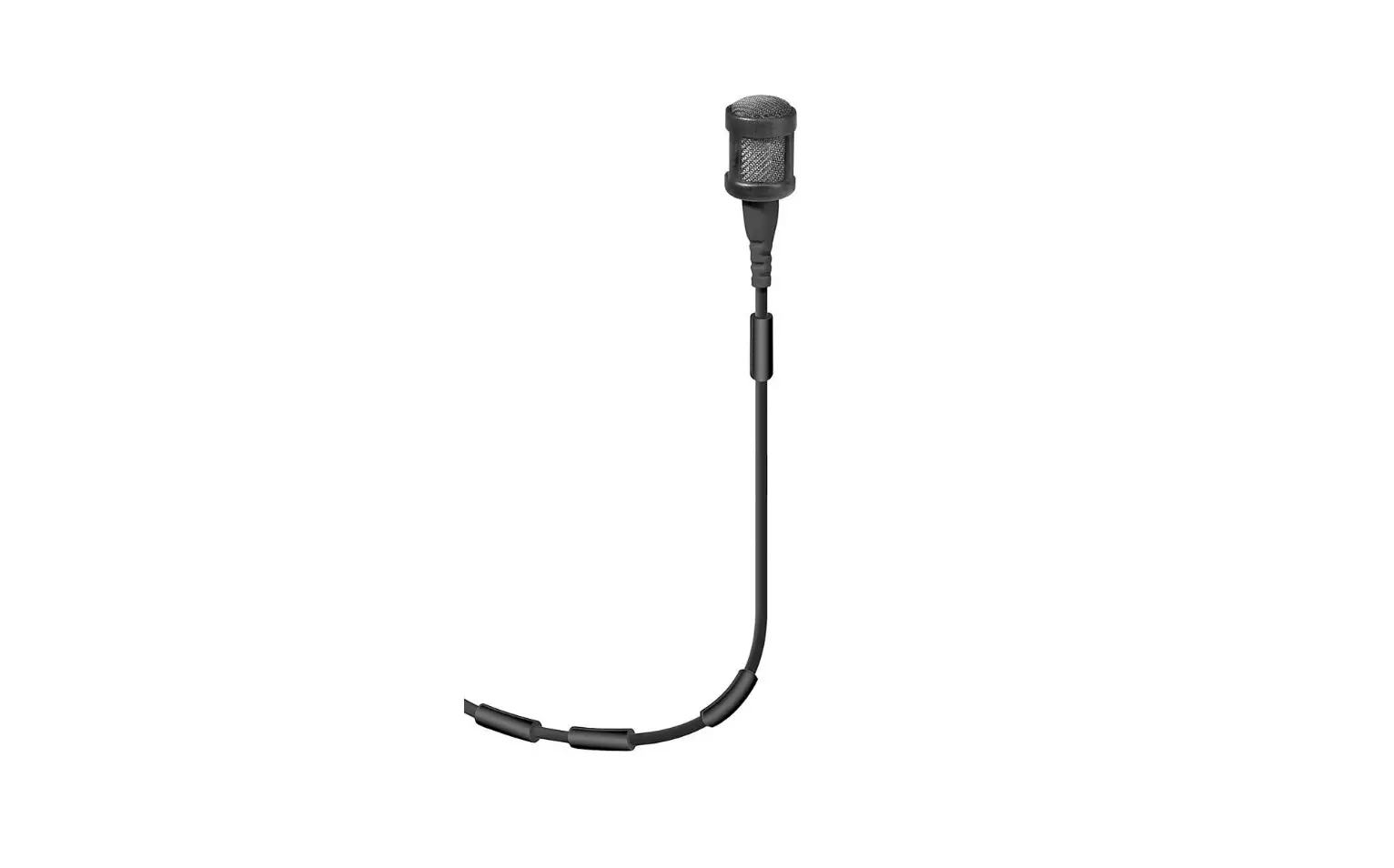
i. CSLM20 lavalier microphone with earphone
ii. Carry pouch
iii. Tie-clip x 2
iv. Windshield x 2
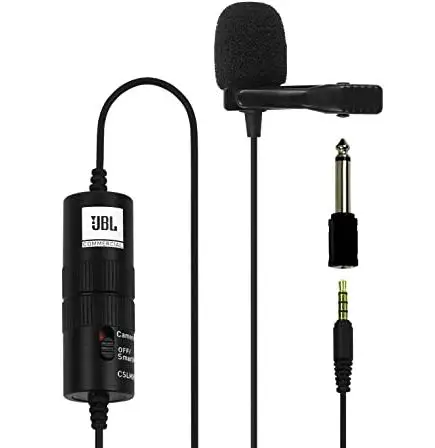
v. TRS Adapter
CONNECTING THE MICROPHONE TO SMARTPHONES/LAPTOPS
i. Plug the 3.5mm TRRS connector into the headphone jack of the smartphone/laptop. Audio-out will be played from the earphone & the lavalier microphone will be used as the default microphone for calls.
CONNECTING THE MICROPHONE TO A DESKTOP
i. Connect the TRS adapter to the microphone input on the desktop (usually a pink-colored jack). In this connection, the earphone will not work; only the microphone can be used.
USING THE MICROPHONE
i. The benefit of a microphone attached to the user’s clothes is that the microphone will maintain a constant working distance independently of the user’s movements and thus ensure a constant output level. Also, a clip-on microphone allows the user to move about freely and keeps their hands free. ii. Hold the lavalier microphone firmly & attach the tie-clip to the microphone at a point just below the microphone body, as shown. Attach the windshield on the microphone.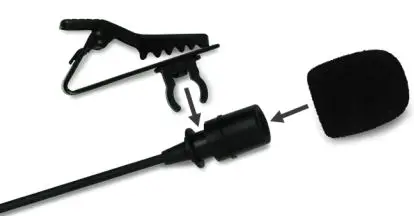
iii. Attach the microphone to the user’s upper body, placing it as close as possible to his/her mouth.
CLEANING
i. To clean the microphone case, use a soft cloth moistened with water.
FEATURES
i. Omnidirectional lavalier microphone with windshield
ii. Perfect for video calls & conference calls
iii. Compatible with laptops & most smartphones
iv. Comfortable earphone for monitoring
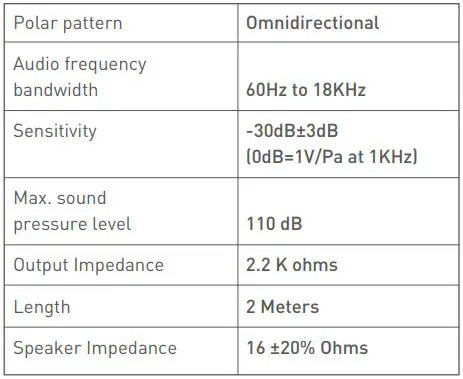
SPECIFICATION