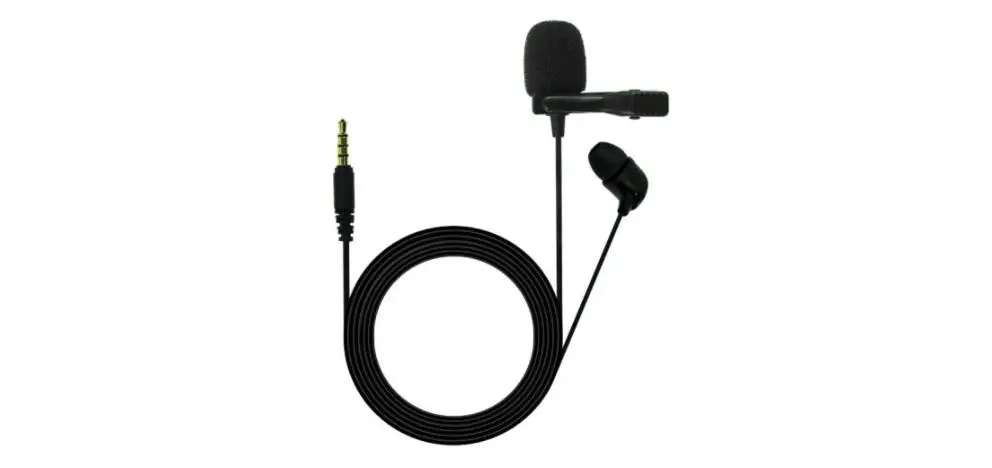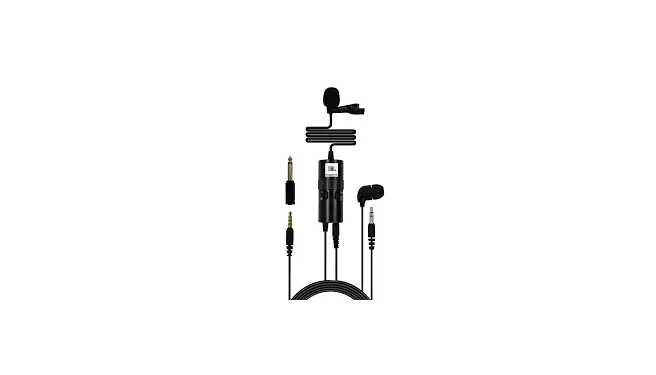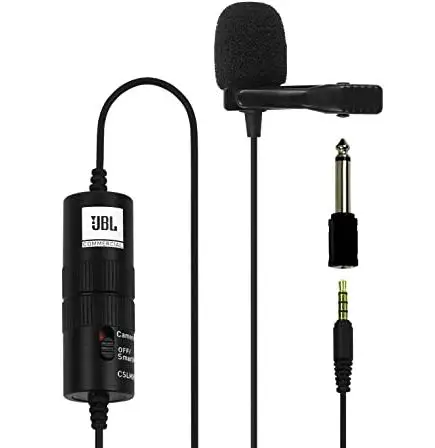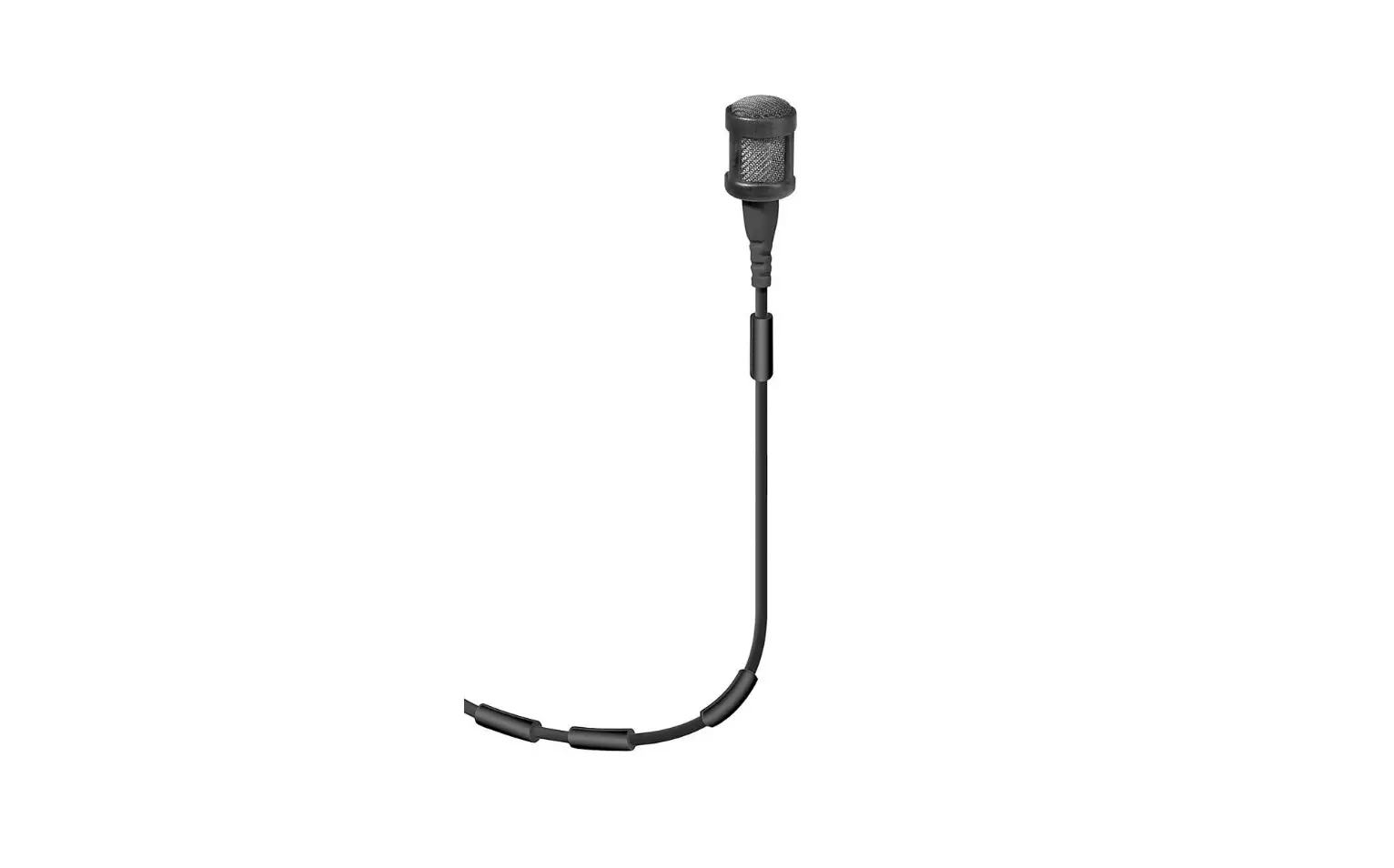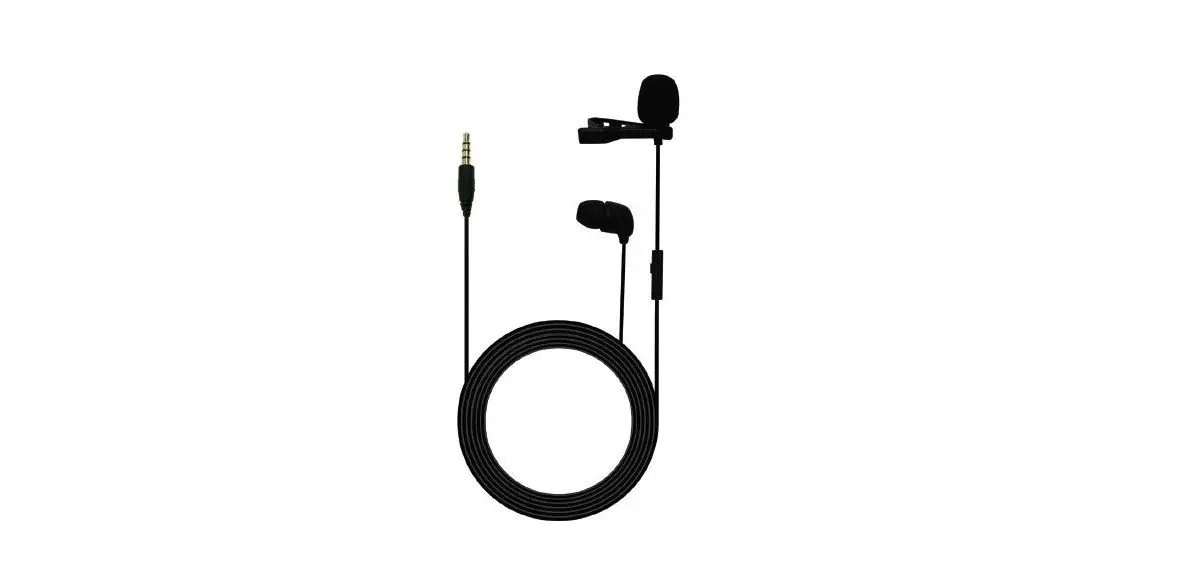

JBL CSLM30 Lavalier Microphone with Earphone
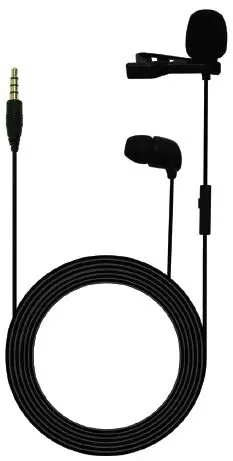
BOX INCLUDES
- CSLM30 lavalier microphone with earphone
- Carry pouch
- Tie-clip
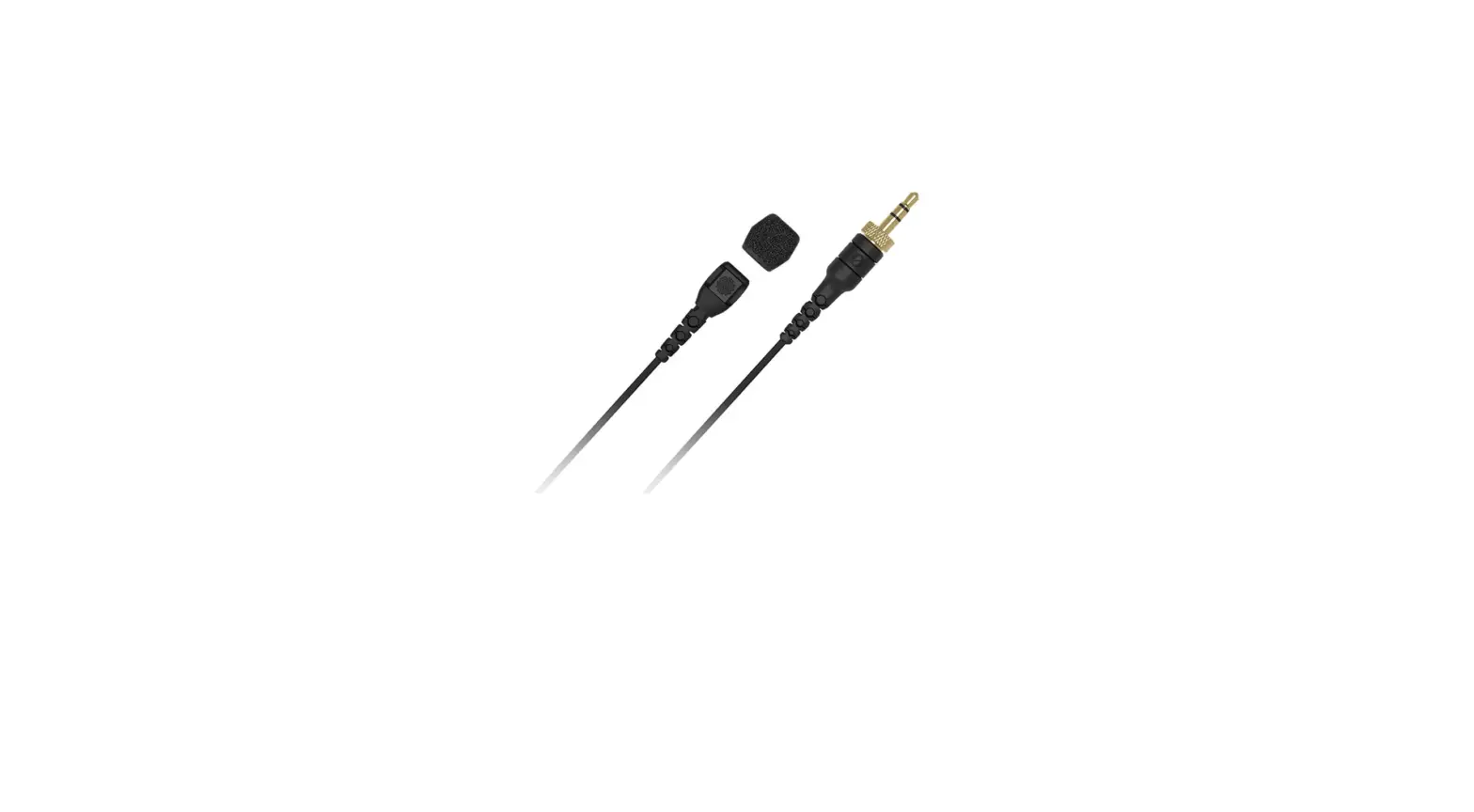
- Windshield
CONNECTING THE MICROPHONE TO SMARTPHONES/LAPTOPS
- Plug the 3.5mm TRRS connector into the headphone jack of the smartphone/laptop. Audio-out will be played from the earphone & the lavalier microphone will be used as the default microphone for calls.
USING THE MICROPHONE
- In Line One Button Remote lets you Receive & End calls by a short press. Long Press Can activate Voice Assistant like Google Now on your smartphone.
- The benefit of a microphone attached to the user’s clothes is that the microphone will maintain a constant working distance independently of the user’s movements and thus ensure a constant output level. Also, a clip-on microphone allows the user to move about freely and keeps their hands free.
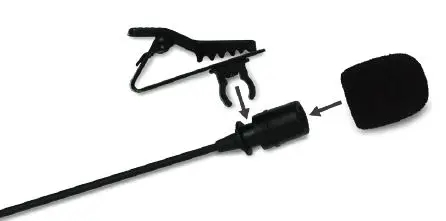
- Hold the lavalier microphone firmly & attach the tie-clip to the microphone at a point just below the microphone body, as shown. Attach the windshield on the microphone.

- Attach the microphone to the user’s upper body, placing it as close as possible to his/her mouth.
CLEANING
- To clean the microphone case, use a soft cloth moistened with water.
FEATURES
- Omnidirectional lavalier microphone with earphone
- Long press on remote to activate Voice Assistant like Google Now
- Lower sensitivity for better audio output
- Strong cable for better longevity
- In-line one button remote for hands-free calling
- Compatible with laptops & most smartphones
- Comfortable earphone for monitoring, video & conference calls
MICROPHONE SPECIFICATION
| Polar pattern | Omnidirectional |
| Audio frequency bandwidth | 60Hz to 18KHz |
| Sensitivity | -42dB±3dB (0dB=1V/Pa at 1KHz) |
| Max. sound pressure level | 110 dB |
| Output impedance | 2.2 K ohms |
| Length | 1.5 meters |
| Weight | 14.6 g |
| Speaker impedance | 16 ±20% Ohms |