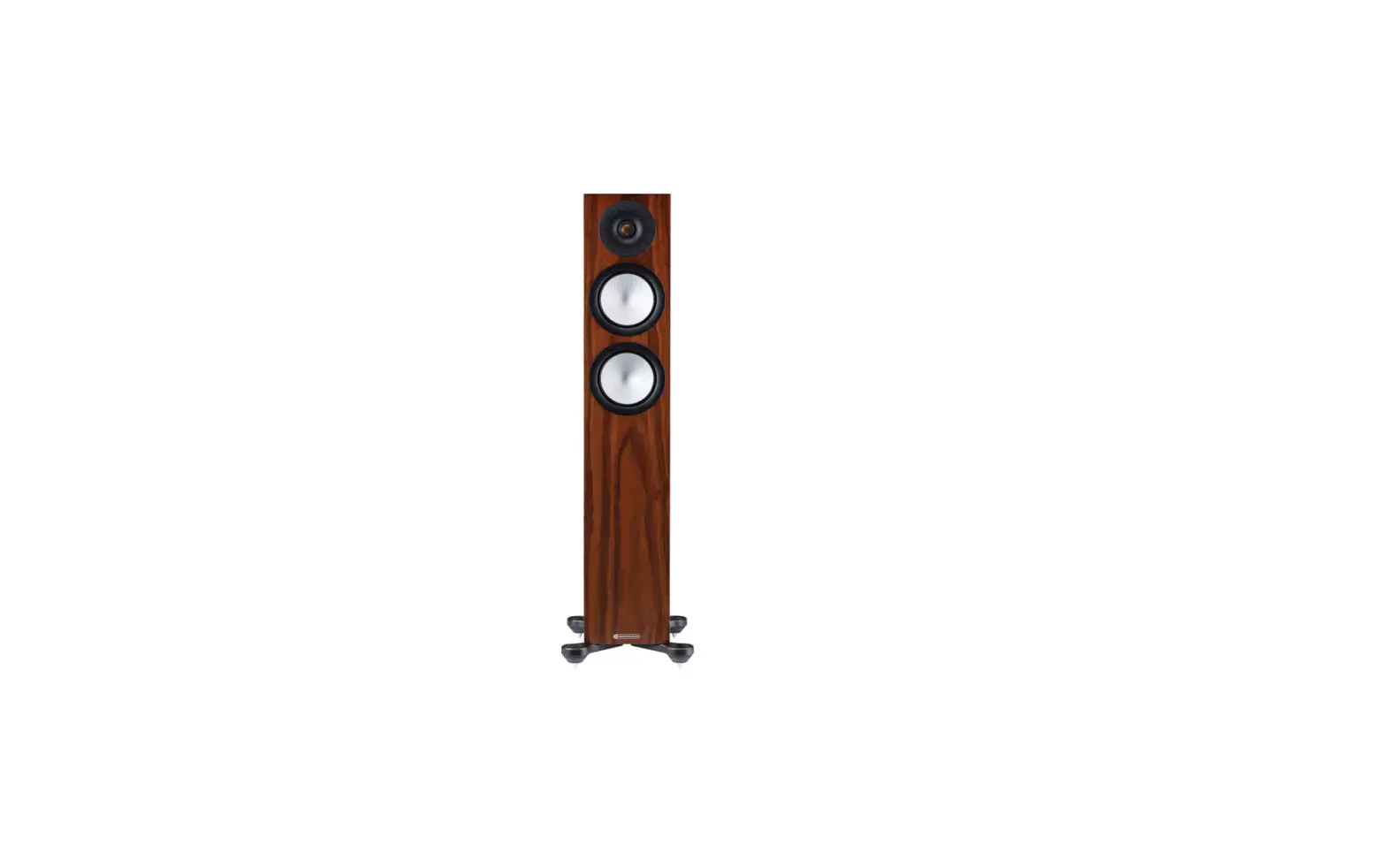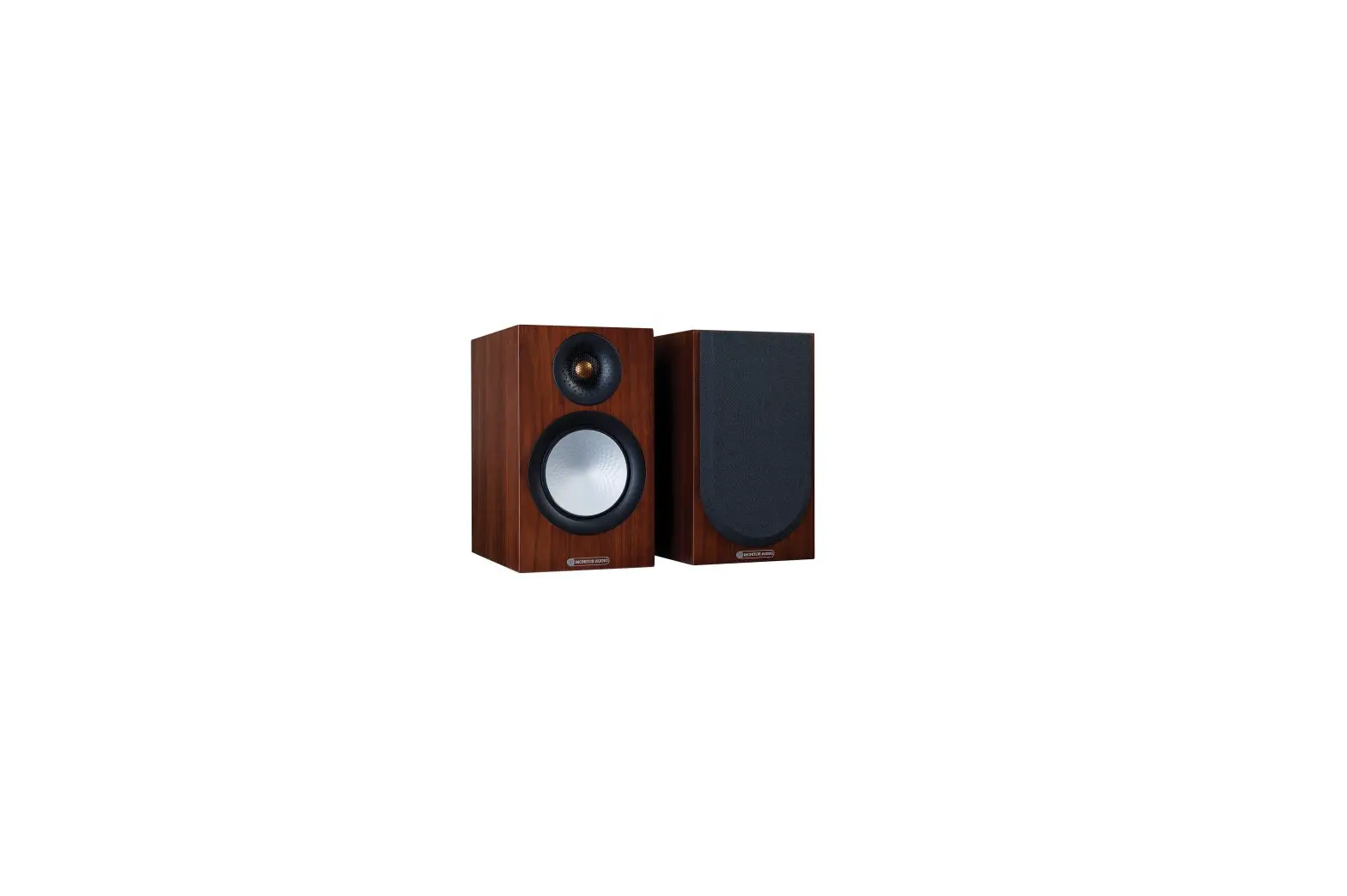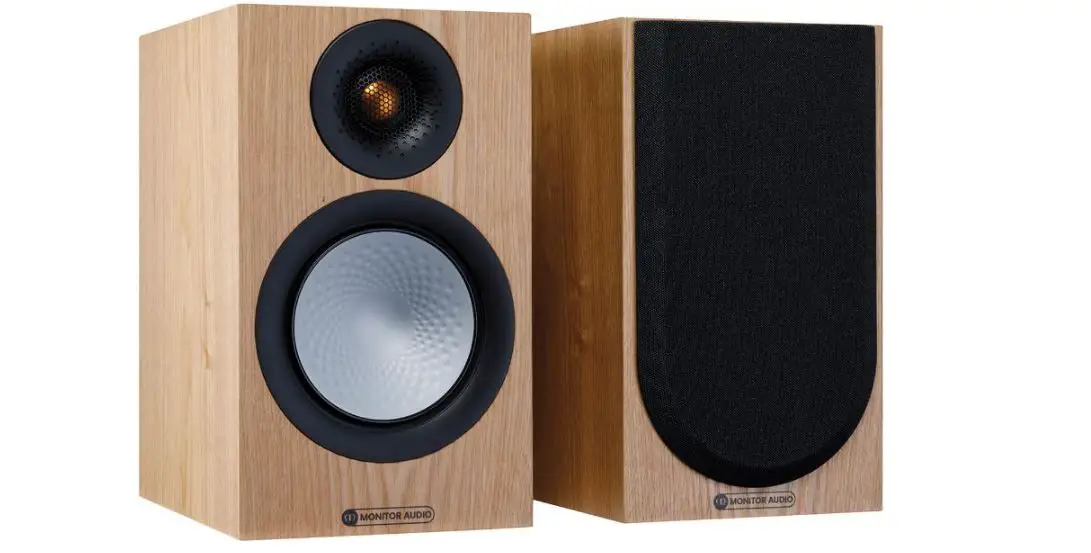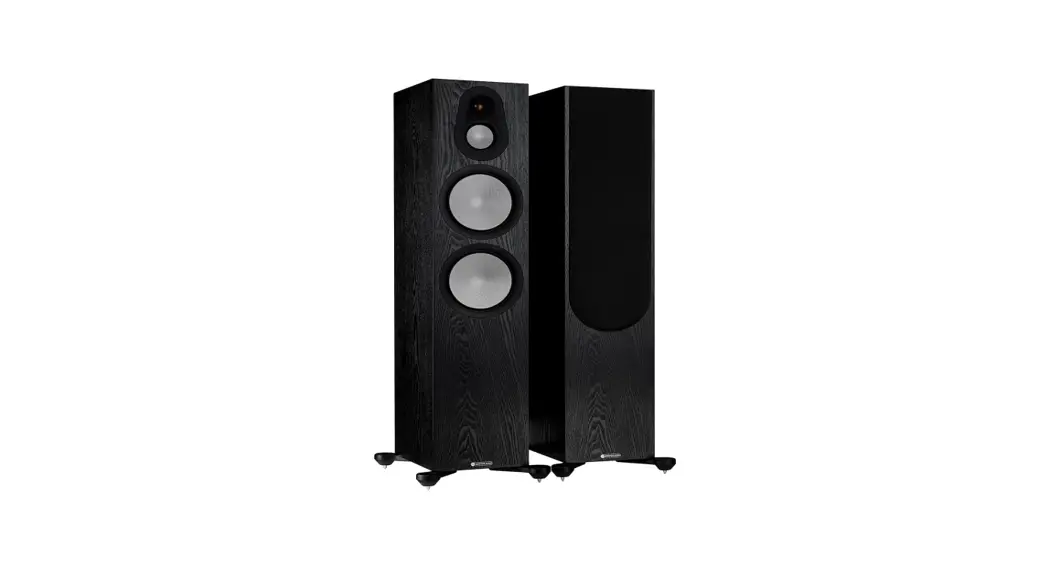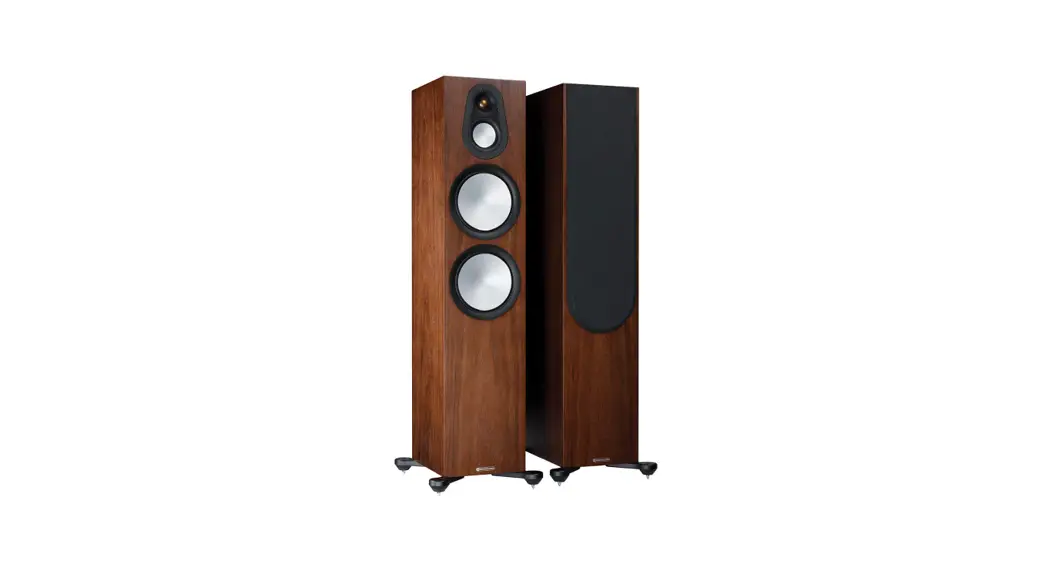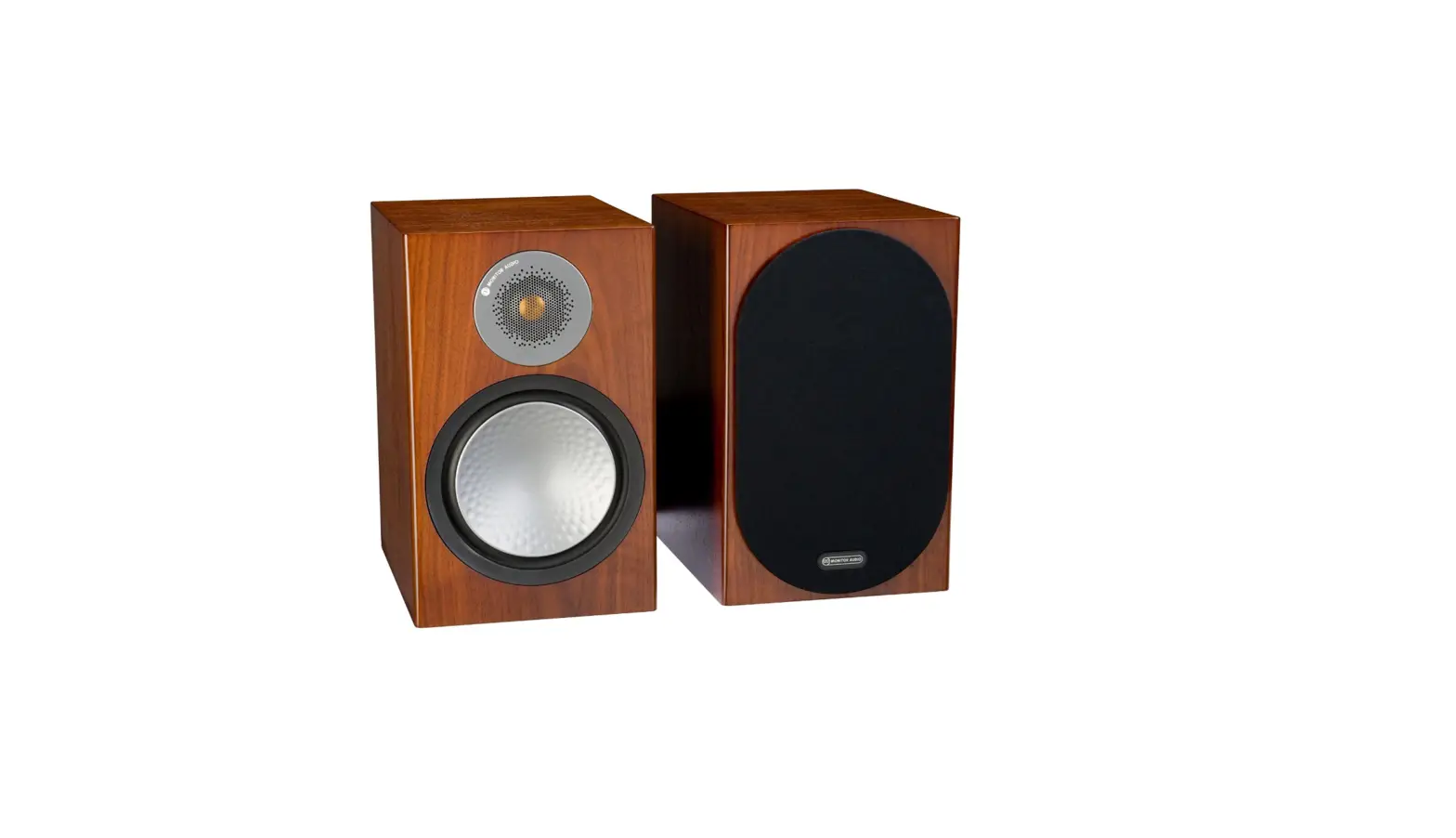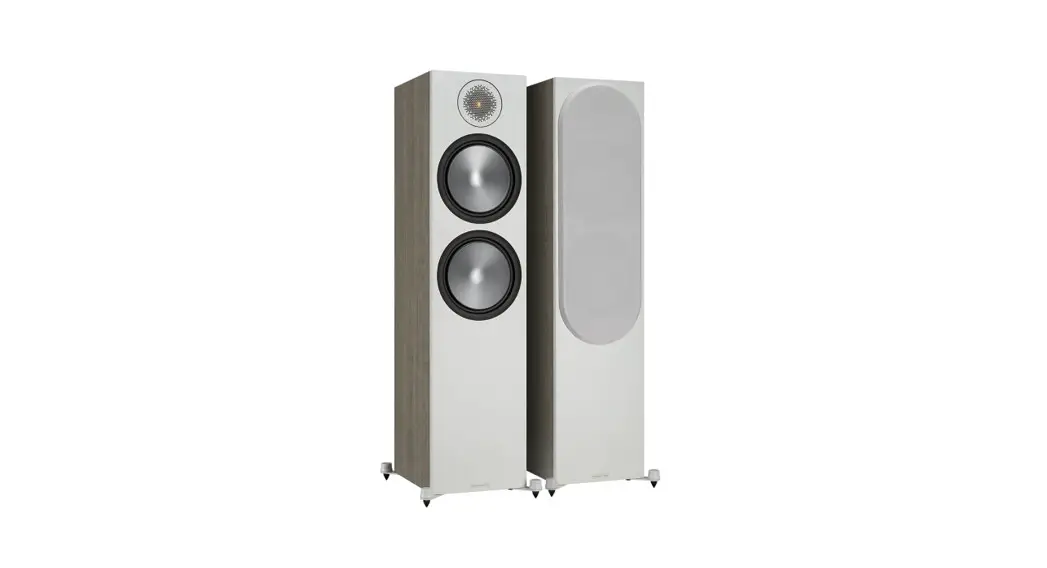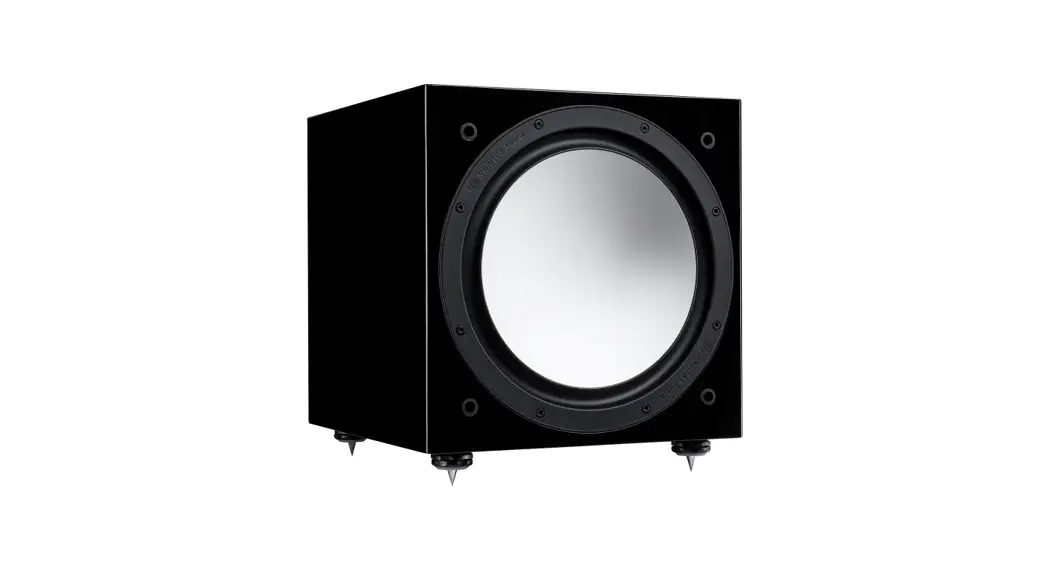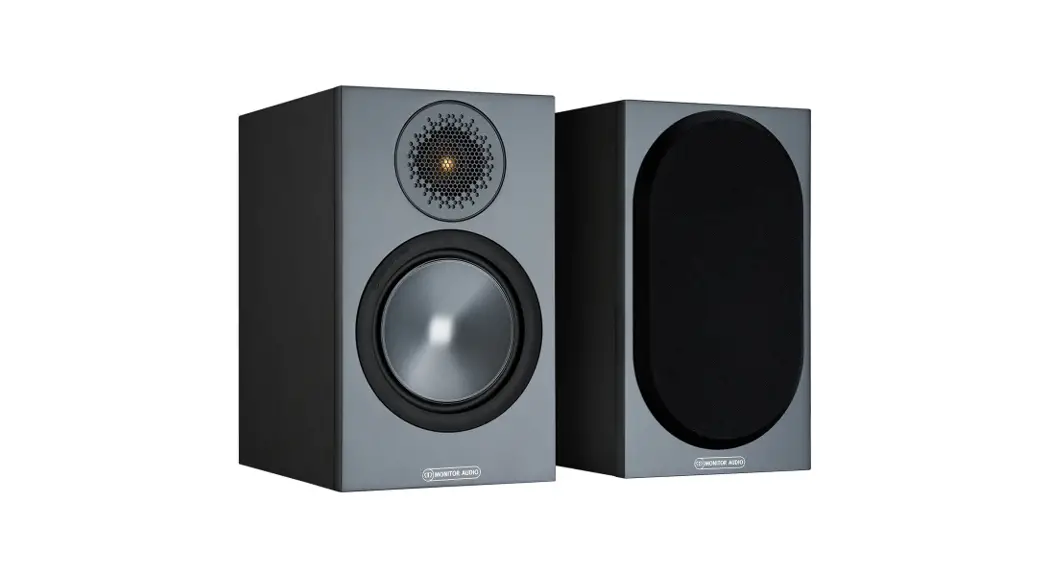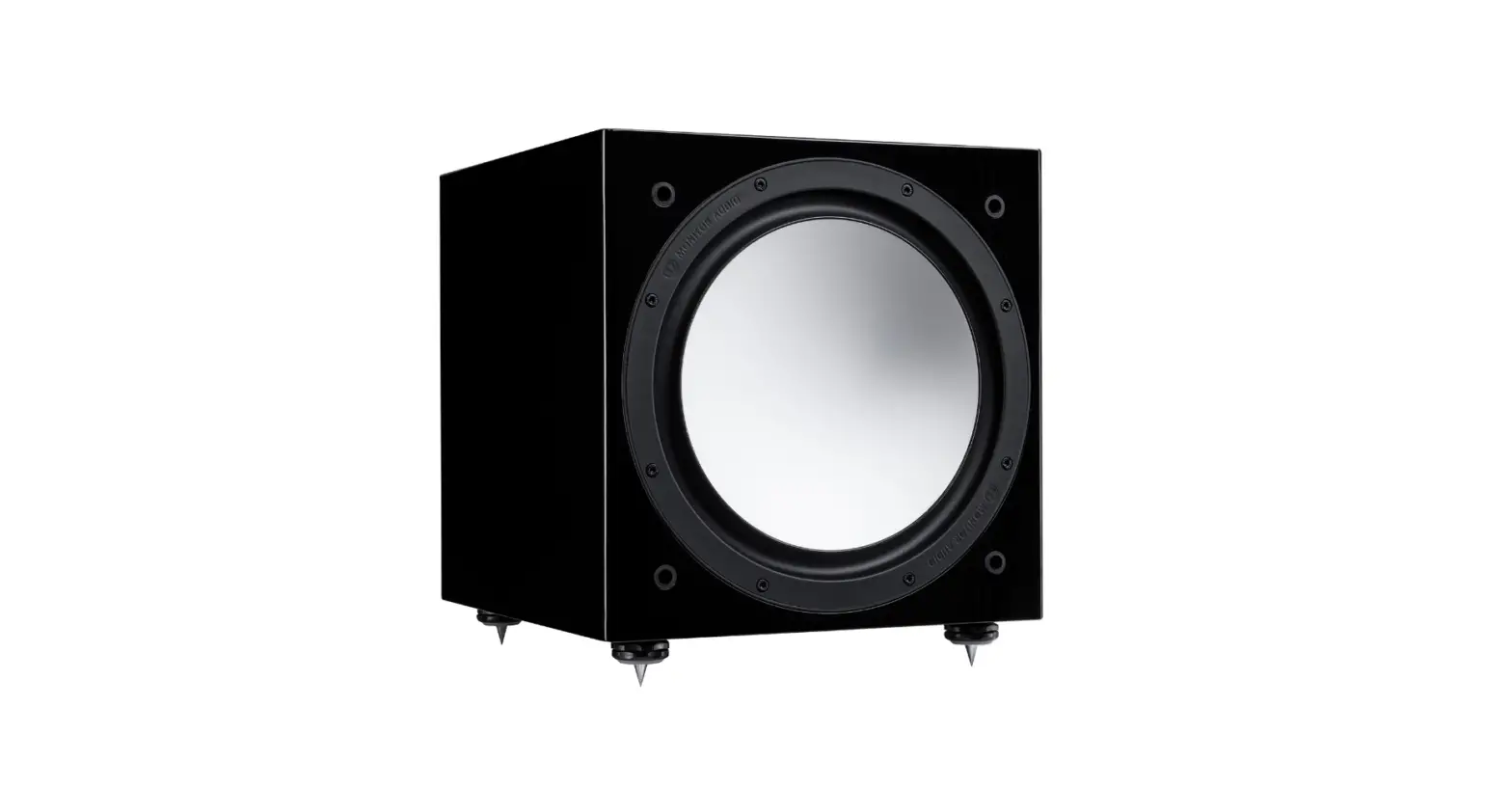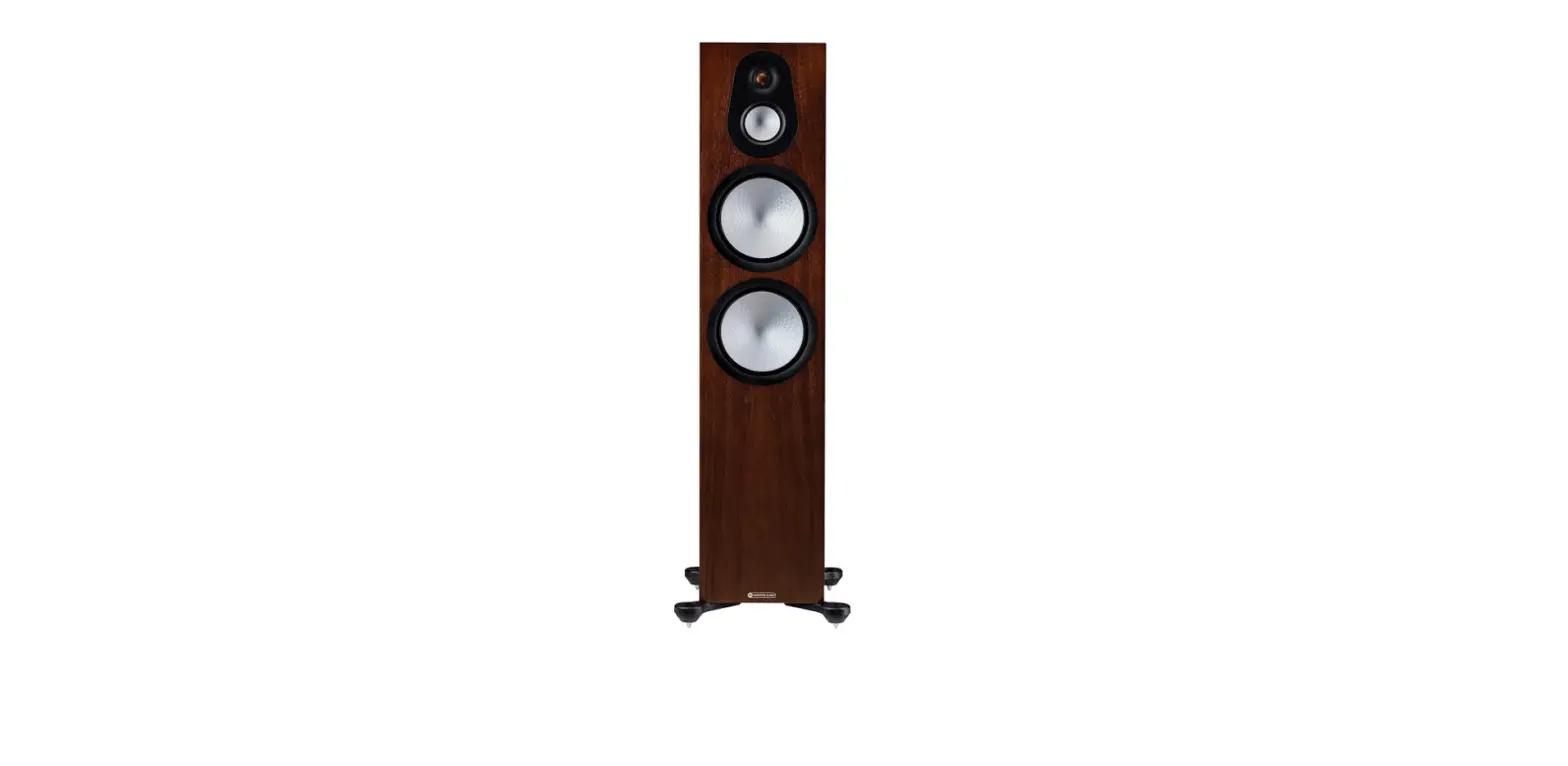

Monitor Audio Silver 500 New 7G in Walnut

Specifications
- Product Weight
22.5 kg 49 lb 9 oz - System Format
3-way - Frequency Response, In-Room (-6dB)
27Hz – 35kHz - Sensitivity (2.83v @ 1m)
90.5dB - Nominal Impedance
8 Ohms - Minimum Impedance
4.1 Ohms @ 150Hz - Maximum SPL (single, free-field)
111dB - Brand
Monitor Audio
Introduction
The Silver 500 7G features several technological advancements. Rigid Surface Technology II, which maintains complete clarity and control of the sound even at maximum volume. a crossover mechanism that, if necessary, adjusts the output from the tweeter and bass driver. a constant and fluid frequency response that works well with many musical styles. We could go on, but the first note of your favorite music played on a set of Silver 500 7G speakers is all that is truly necessary to hear. You’ll see why it has everything a casual listener might desire and everything a seasoned audiophile could require.
Spikes and Feet
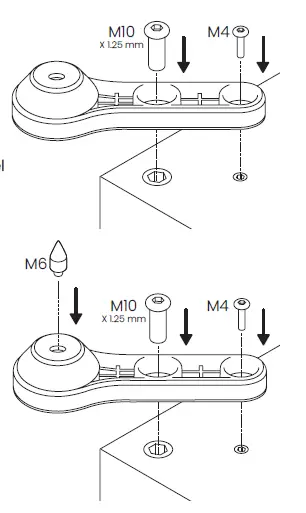
Select finishes are supplied with a foam gasket on the outrigger, please ensure this side is placed on the cabinet.
For Wooden/Hard Floors (Silver 200, 300, and 500 only)
The feet and ‘out-riggers’ are supplied assembled for use on non-carpeted, wooden/ hard floors or where spikes are inappropriate. All that is required is to fix them to the speaker base using the supplied bolts and hex keys. You can check that the speaker is level on all sides by using a spirit level (not supplied). If it’s slightly off-level, unscrew the foot at the lowest point and check again. Continue this process until the cabinet is fully level. Use the locking nuts on aeach foot to fix the feet in place and to stop any unwanted vibrations.
For Carpeted Floors
(Silver 200, 300, and 500 only)
If the speaker is being installed on a carpeted floor, screw the spike into the foot and ‘out-rigger’ assembly. Fix them to the speaker base using the supplied bolts and hex keys. You can check that the speaker is level on all sides by using the spirit level. If it’s slightly off-level, unscrew the foot at the lowest point and check again. Continue this process until the cabinet is fully level. Use the locking nuts on each foot to fix the feet in place and to stop any unwanted vibrations.
Please ensure there are no hidden wires under the carpet that could be damaged by the spikes.
Setting Up
2 Channel Positioning
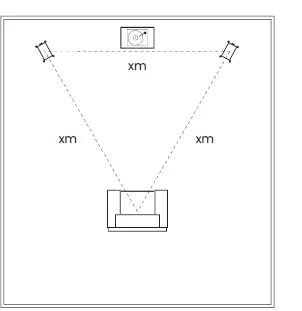
When arranging a 2 channel system, the listening position and the loudspeakers should form an equilateral triangle. Ideally the speakers should be positioned approximately 6 – 10 feet (1.8 – 3m) apart and a minimum of 3 feet (91cm) from the side walls. The ideal distance from the rear wall varies depending on the speaker (see list below).
- Silver 50 6 – 12 inches (15 – 30cm)
- Silver 100 & 200 8 – 14 inches (20 – 36cm)
- Silver 300 & Silver 500 12 – 24 inches (30 – 61cm)
NOTE
These are recommended distances for optimal performance. Actual results will vary depending on room size and construction. Experimentation is strongly advised when setting up the speakers, as
environment and personal preference will differ with every installation. If there is insufficient bass, for example, try moving your speakers closer to the rear wall. The opposite approach is recommended if there is excess bass. Also, see the information on page 6 referring to Port Bungs. If stereo imaging is being lost, try ‘toeing’ them in slightly. The sound should appear to originate from the centre point between the speakers, not the actual speakers themselves.
AV Positioning
Please refer to the illustrations below for the ideal angles and positions of each speaker in your surround system. The speakers should be distanced from the wall according to the requirements of the speaker, which are listed in the 2-Channel Positioning section (page 2). However, due to AV receiver crossover filter settings, they may be positioned closer to the wall. Experimentation is advised.
If the sound is too bass-heavy or there is a bass boom from the room when playing music (without a subwoofer), try moving the loudspeakers slightly further away from the wall(s). If this is not possible, then try the supplied port bungs. In a system with a subwoofer try adjusting the crossover frequency settings for the speakers and/or sub or changing the subwoofer’s position.
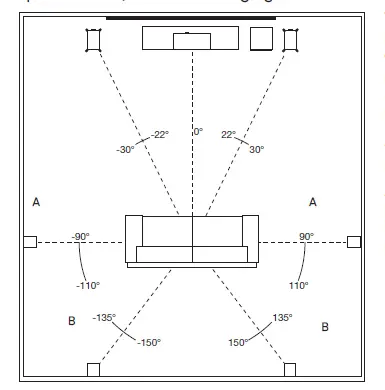
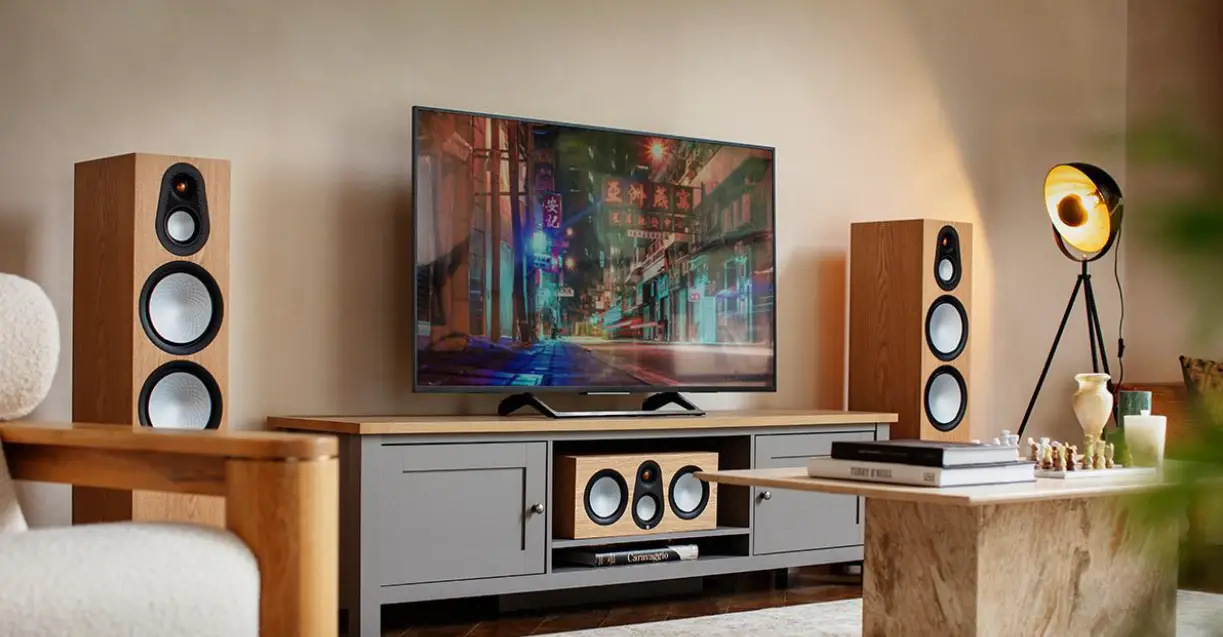
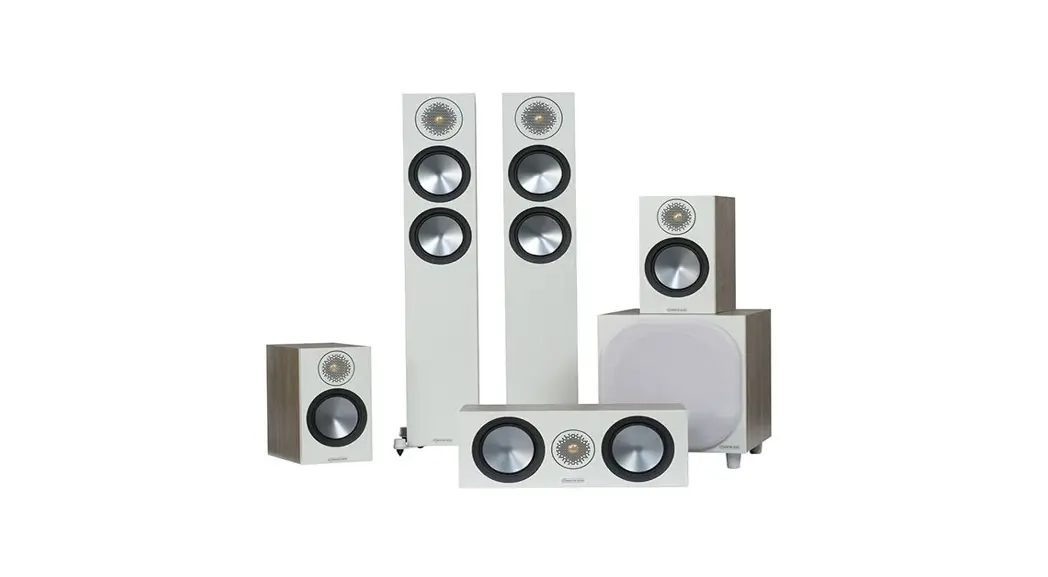
The Silver C250 centre channel speaker should be positioned so that it is pointing at the viewing position and at approximate ear height.
NOTE
The images below are for illustrative purposes only. If using the Silver FX please refer to the next section for further information.
- Side surround speakers
- Rear surround speakers
A 7.1 surround system will make use of side (position A) and rear speakers (position B) to create a full 360° soundstage, if setting up a 5.1 system you can place your surrounds in position (A).
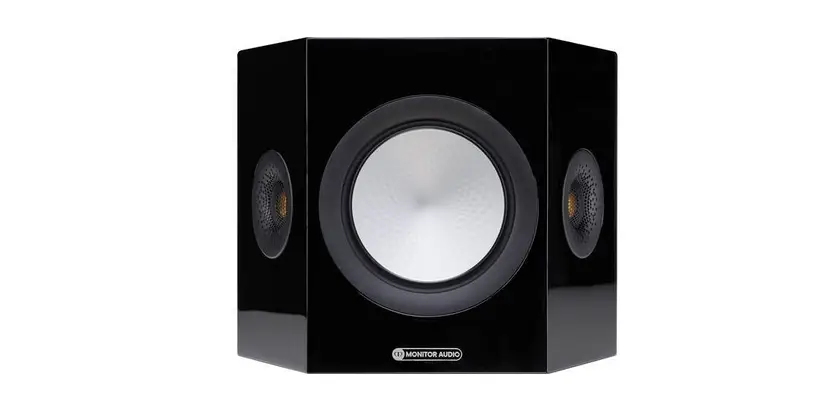
Setting up the Silver FX
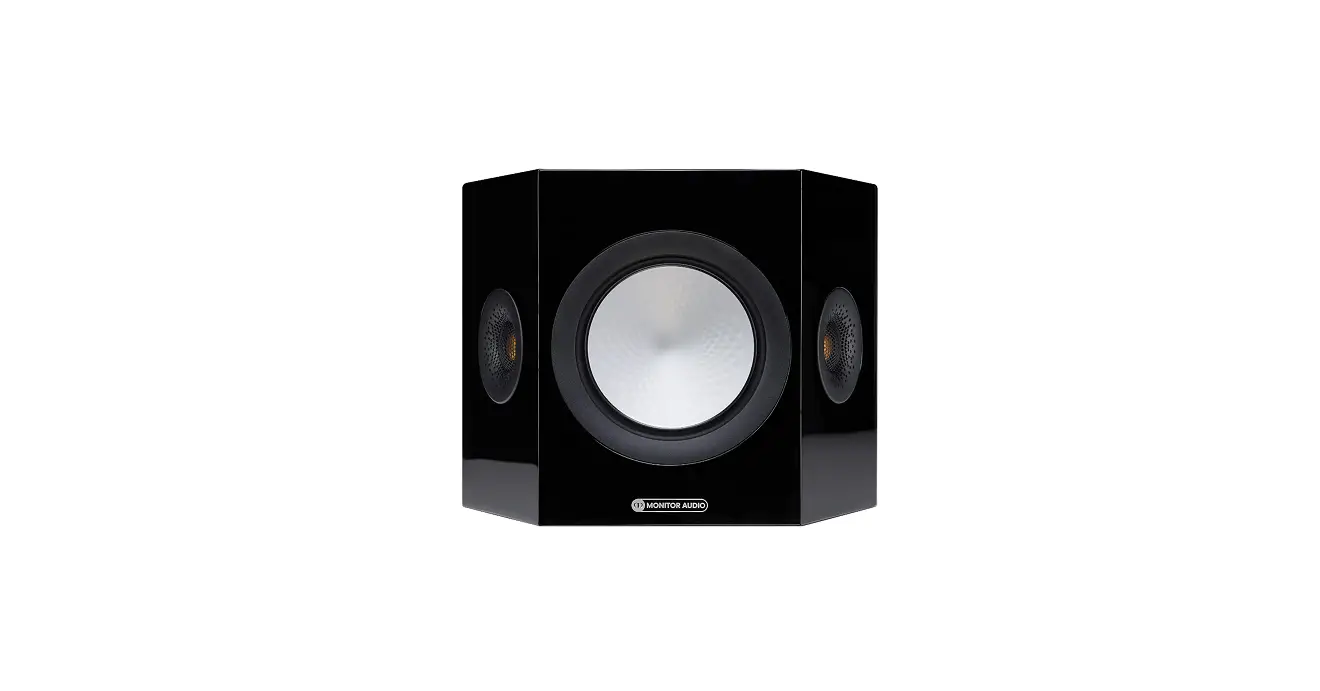
The Silver FX features Di-Pole or Bi-Pole listening modes. In Bi-Pole mode, the driver and tweeters are all in phase. In Di-Pole mode one of the tweeters is out of phase to the other tweeter and main driver to create the diffused sound. The FX speakers should be wall mounted approximately 2 feet above ear height.
Di-Pole/ Bi-Pole switch
When part of 5.1 systems set the switch to Bi-Pole. Although there is nothing wrong with experimenting and trying the switch in the Di-Pole mode.
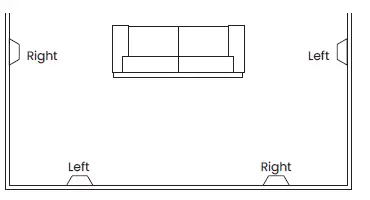
If part of a 7.1 system with 1 pair of FXs set the switch to Bi-Pole. If using 2 pairs of FXs for side and rear effects, set them all to Di-Pole mode and swap the left and right-handed side FX speakers over, keeping the rear FX speakers handed correctly (matching left and right with the front left and right channels) as illustrated
NOTE
Before adjusting any switches, please ensure that the amplifier is at the very least turned off. This will help to protect the amplifier.
Atmos
In-Ceiling
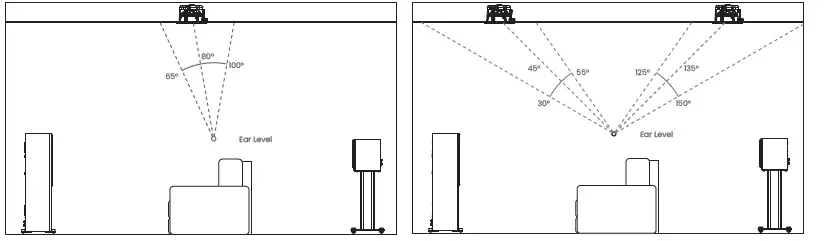
When arranging the overhead channels in an Atmos system we would recommend using our three-way in-ceiling speakers. These employ a unique pivoting midrange/ tweeter module which offers a wider dispersion characteristic and is ideal for Atmos duties. More information can be found on our website: monitoraudio.com
Please see below for the ideal positioning of 2 or 4 Atmos speaker setups. Typically these would be in line with the front left and right speakers.
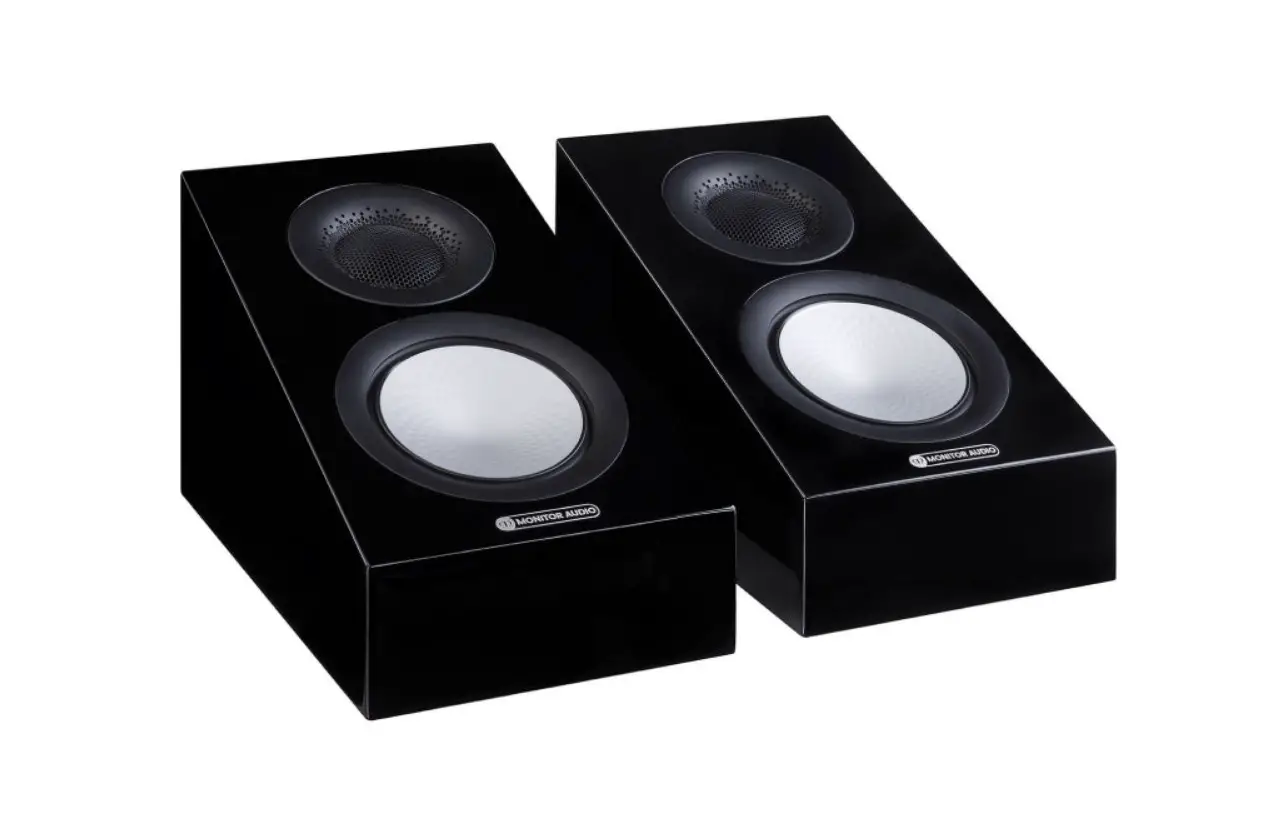
Silver AMS Dolby Atmos® Enabled Speakers
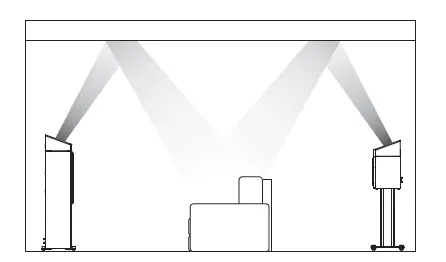
Our new Silver AMS speakers offer a dedicated solution and alternative to in-ceiling Atmos installations. They can be positioned directly on top of the front and/or rear speakers in a 2 or 4 Atmos speaker setup. Additionally and alternatively, the Silver AMS can also be wall mounted for use as surround or height speakers.
Fixing Silver FX & Silver AMS to a Wall
CAUTION
Always determine where the Silver FX or Silver AMS will be fixed and the structure of the wall. For safety reasons, if unsure of your ability to provide a secure and safe fixing, do not attempt to fix these speakers to a wall. Instead, please obtain the services of a competent and qualified tradesperson.
CAUTION
Ensure that water pipes or electricity cables do not run behind where the speakers are going to be secured. Work from secure steps and avoid trailing wires.
NOTE
We do not supply wall-fixing screws and plugs with the Silver FX or Silver AMS. Please only use suitable fixings for the type of wall construction the speakers will be fixed to.
The Silver FX and Silver AMS come with keyhole inserts. To fix the speakers to the wall, we would recommend using the wall fixing template enclosed within the packaging carton.
Wiring
Single Wiring
Single wiring is achieved via a single set of cables to the terminals on the back of the loudspeaker. Internally the loudspeaker crossover guides the frequencies to the appropriate driver/tweeter. Low frequencies to the bass drivers, mid frequencies to the mid/bass drivers and high frequencies to the tweeter. It is perfectly acceptable to connect to the top, bottom terminals or even diagonally (experimentation is advisable to achieve the preferred results).
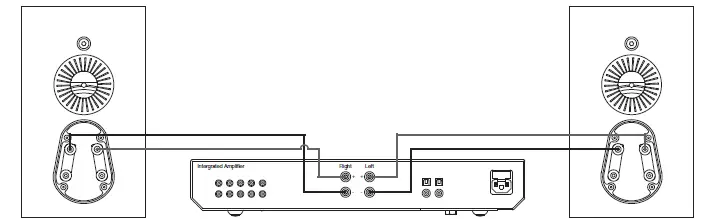
NOTE
When using this method you must keep the terminal links in place.
Bi-Wiring
Bi-wiring is accomplished by connecting separate pairs of speaker cables to the terminals on the loudspeaker from a single pair of connections on the amplifier. In the case of the Silver Series, the bottom terminals connect to the bass driver(s) and the top terminals connect to the tweeter in 2-way loudspeakers or the mid and tweeter in 2.5 and 3-way loudspeakers.
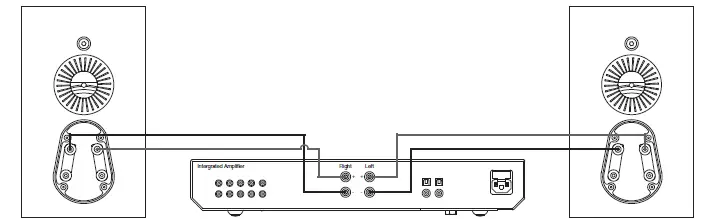
NOTE
When using this method the terminal links MUST be removed.
Bi-Amping
Bi-amping is the same as bi-wiring except you are introducing a second amplifier into the equation. In order to bi-amp, you must connect a set of speaker cables to the top terminals on the loudspeaker from one amplifier and another set of speaker cables to the bottom terminals from the second amplifier.
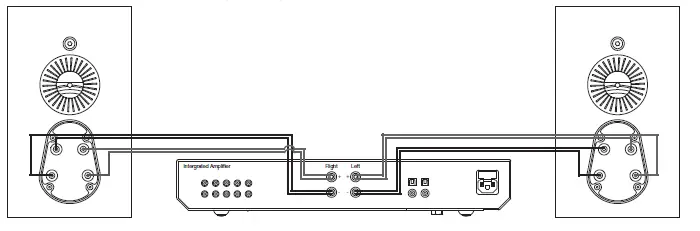
NOTE
When wiring this method the terminal links MUST be removed.
The Effects of Bi-Wiring and Bi-Amping
Fundamentally a loudspeaker crossover varies the impedance seen by the speaker and by the power amplifier. The situation is such that when the full range musical signal is applied to the terminals of a full range speaker system, the bass driver(s) will only receive low-frequency signals, the mid driver receives the mid-band frequency signals and the tweeter only gets sent high-frequency signals. This means that if separate speaker cables are connected to the low and high-frequency terminals, not only have the drive units had the frequency directed and divided for them, but the two separate speaker cables will now also carry different signals, the bass cable mostly the lows, and the tweeter cable mostly the highs. Once the high and low frequencies have been separated in this fashion, the strong current pulses and surges demanded by bass drivers when reproducing bass or drums, will not interact with the delicate sounds of a flute or cymbal.
In a single wired system, unwanted mechanical and electrical resonances manifest as distortion at both sets of speaker terminals. Due to the impedance of the speaker cables, these distortions will not be entirely canceled by the amplifier. Instead, they modulate between the two crossovers and degrade sound quality. When bi-wiring, this interaction is minimized as signal distortion is ‘seen’ at the amplifier’s output where it can be more effectively canceled. Bi-wiring/ bi-amping, therefore, presents a ‘cleaner’ signal at both the low frequency and high-frequency speaker terminals, and because the high and low frequencies have already been separated, each has a minimal effect on the other – in essence, the bass does not overpower delicate treble.
In terms of the audible benefit, bi-wiring/ bi-amping provides more clarity and detail to the midrange and high frequencies. Often the bass will become faster and tighter. Focus and staging will improve as well. In all, this is a very effective and desirable improvement and is highly recommended by Monitor Audio.
Port bungs
WARNING
Care must be taken not to insert the port bungs too far into the port, as this may result in the foam bung being lost inside the cabinet.
If the loudspeaker is to be installed in a small room, typically 9 sqM (80 sqFT), or a room known to reproduce accentuated bass response, it may be desirable to fit a port bung in the affected speaker. However, experimentation is recommended with the positioning of the loudspeaker in the room prior to fitting. To optimise performance from the loudspeaker it is important to ensure the loudspeaker is not positioned too close to a wall or near the corners of a room.
If the positioning of the loudspeaker is predetermined by room aesthetics or layout, you find you have accentuated bass or in this case, speakers are to be sited in close proximity (less than the minimum suggested distances on page 2) to a rear wall (such as on a bookshelf, positioned in a cabinet or on a stand close to a wall), we recommend fitting the supplied port bungs to the ports. With speakers that have 2 ports, such as the Silver 200, only one port bung should still be used per speakeR.
This will reduce the bass ‘boom’ sometimes termed as overhang, and assist the loudspeakers to reproduce their best performance under these environmental conditions. ‘Boom’ is generally caused when bass energy from the loudspeaer ‘excites’ room modes and causes an accentuation at a particular frequency or a number of frequencies.
When fitting port bungs the overall bass extension will not be reduced, however bass energy/ output around the port tuning frequency will be reduced. This has the effect of reducing bass ‘boom’ while increasing bass clarity and apparent agility. In all circumstances, experimentation is highly recommended.
Running-In Your Speakers
Run your speakers in by playing normal music at low-mid listening levels for approximately 50-70 hours playtime. You may find the sound will continue to improve even after the 70-hour mark. This can be done naturally over time: like a fine wine, the performance will improve with age. Alternatively, if you wish to run the speakers continuously on the loop you can decrease the audible volume/ presence by placing the speakers face-to-face so that the drivers/tweeters are directly aligned and as close as possible. Then connect the amplifier to your speakers so that one is as normal (in phase): positive to positive and negative to negative (red to red and black to black), and the other speaker out of phase: positive to negative and negative to positive inputs on the speaker.
Retention Bolt Adjustment
The new Silver Series has a bolt-through driver fixing to reduce cabinet coloration. Each bolt acts as a rigid brace, but also removes the need for conventional driver fixings as well, effectively decoupling the driver and front baffle to eliminate a further source of resonance.
NOTE
Should this bolt become loose over time, or has worked loose during transit, then please use the supplied hex key to tighten the bolt back up. This only needs to be a quarter turn after the strain has been taken by the bolt.
Warranty
Both the craftsmanship and the performance of this product is covered by the manufacturer’s warranty against manufacturing defects provided that the product was supplied by an authorized Monitor Audio retailer under the consumer sale agreement. For the period of cover please refer to the product page on our website: monitoraudio.com for the product you have purchased
When purchasing Monitor Audio products, please keep your receipt of purchase safe, as this validates your warranty.
Owner Information
Product Details
- Model
- Product Serial No
- Date of Purchase
Dealer Details
- Dealer Name
- Address
- Post code
- E-mail address
Monitor Audio reserves the right to alter specifications without notice.
Monitor Audio Ltd
- 24 Brook Road
- Rayleigh, Essex
- SS6 7XJ
- England
- Tel: +44 (0)1268 740580
- Email: [email protected]
monitoraudio.com
©Monitor Audio Ltd. V1-2021