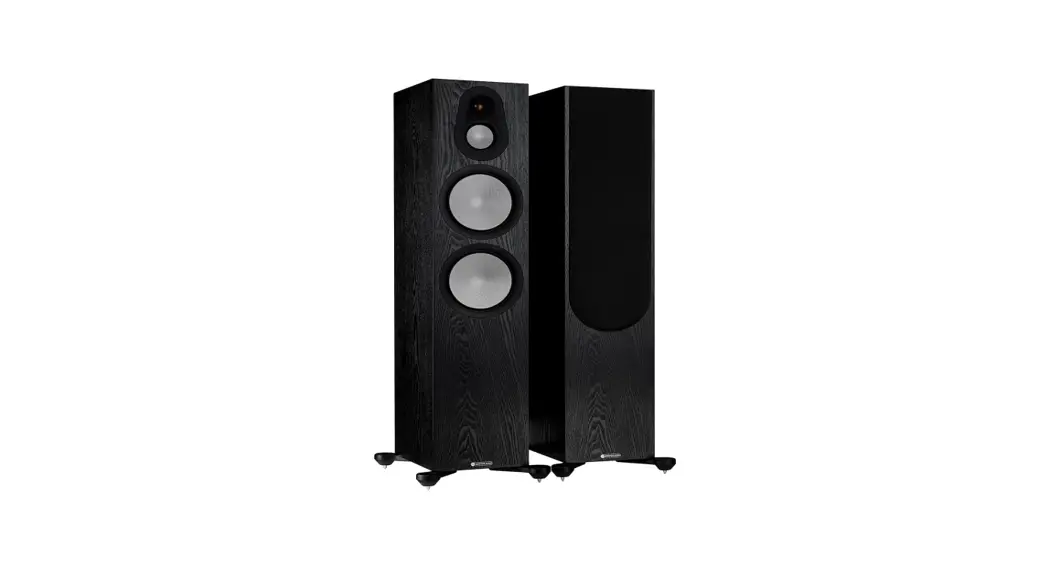
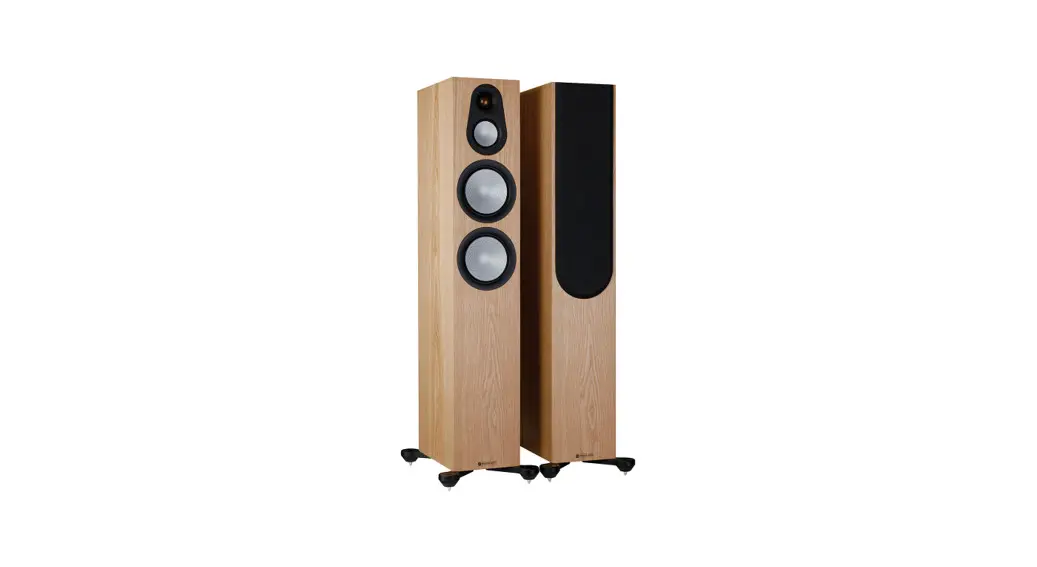
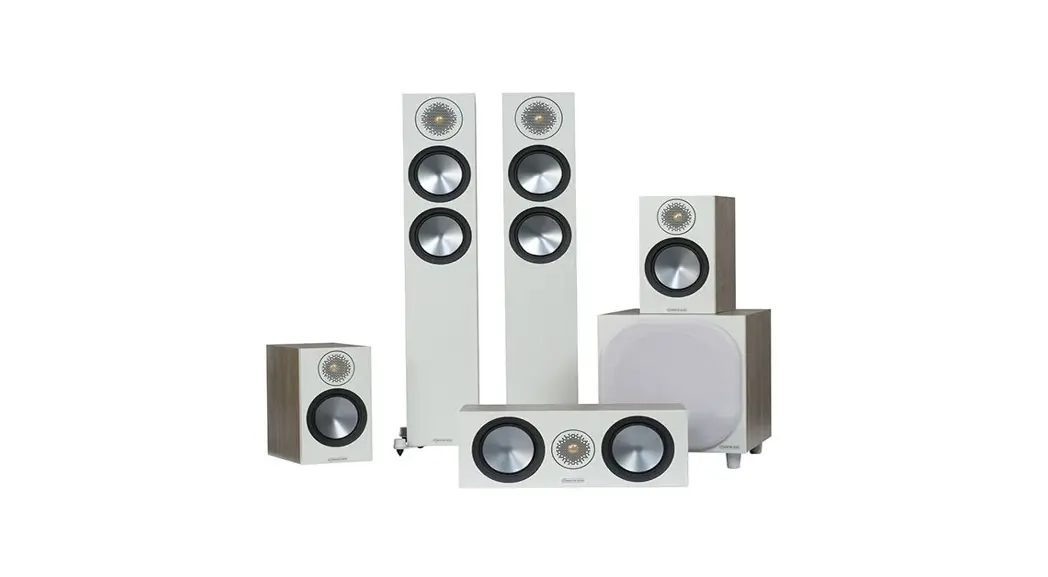
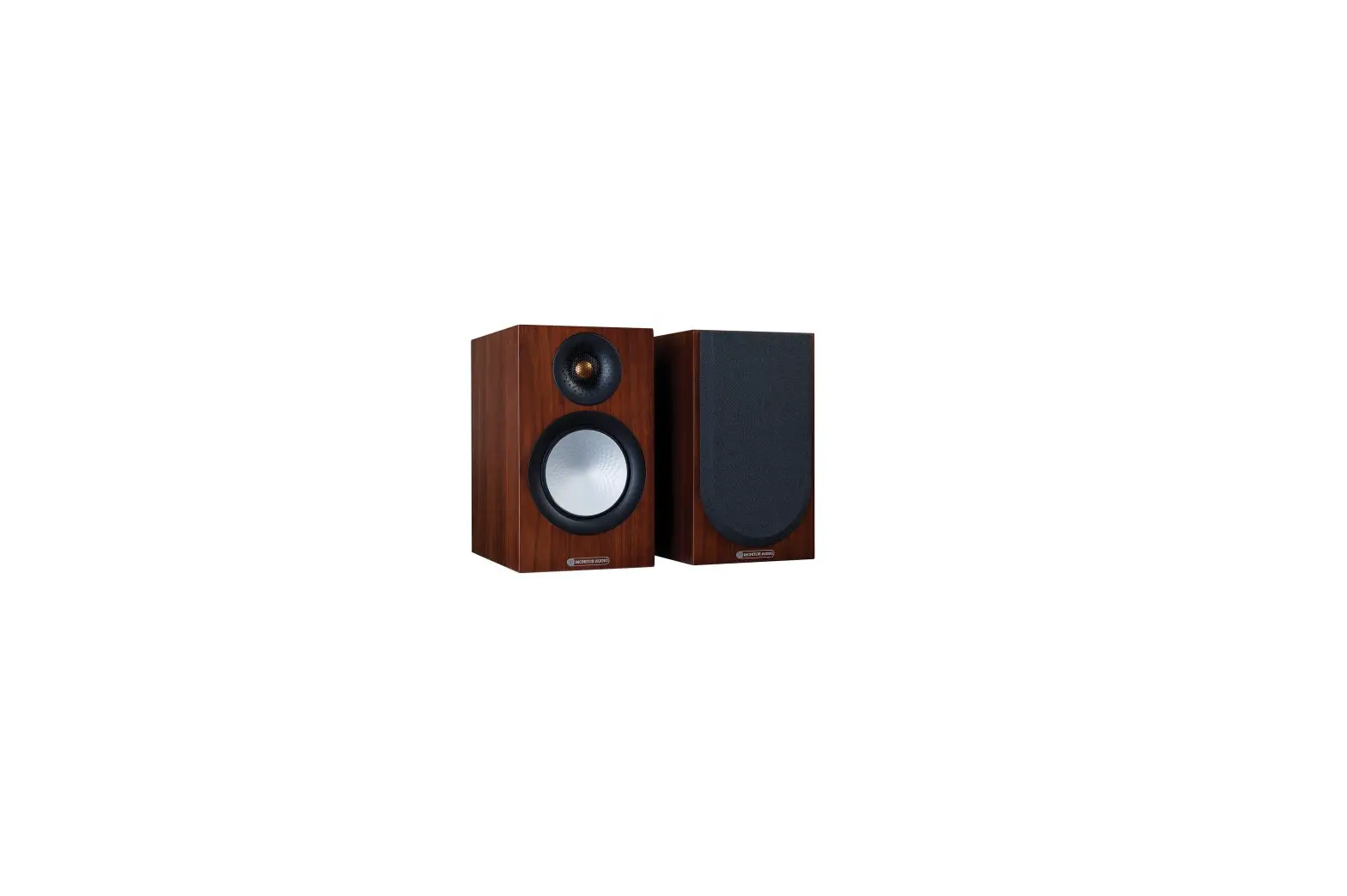
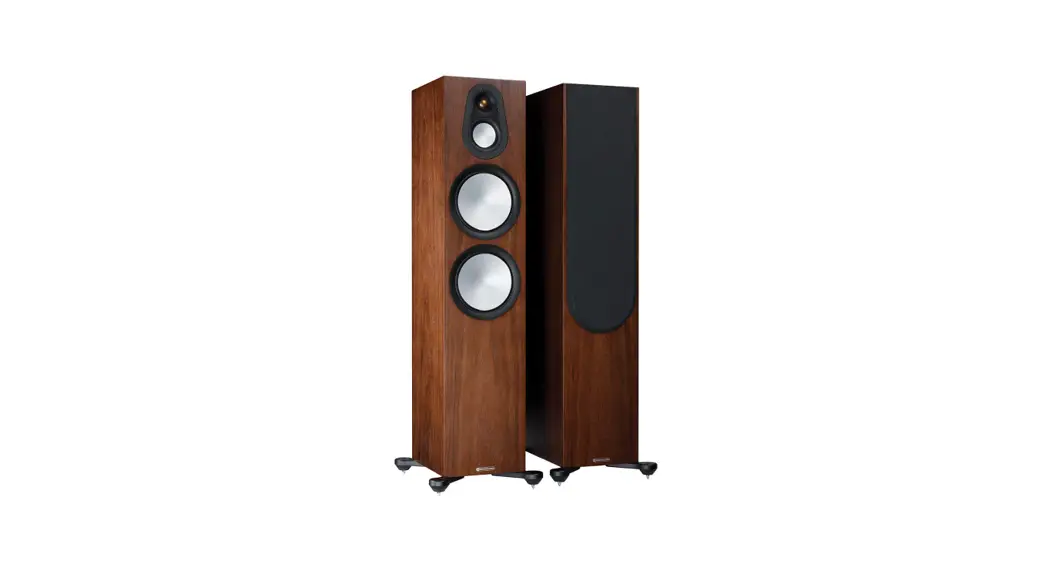
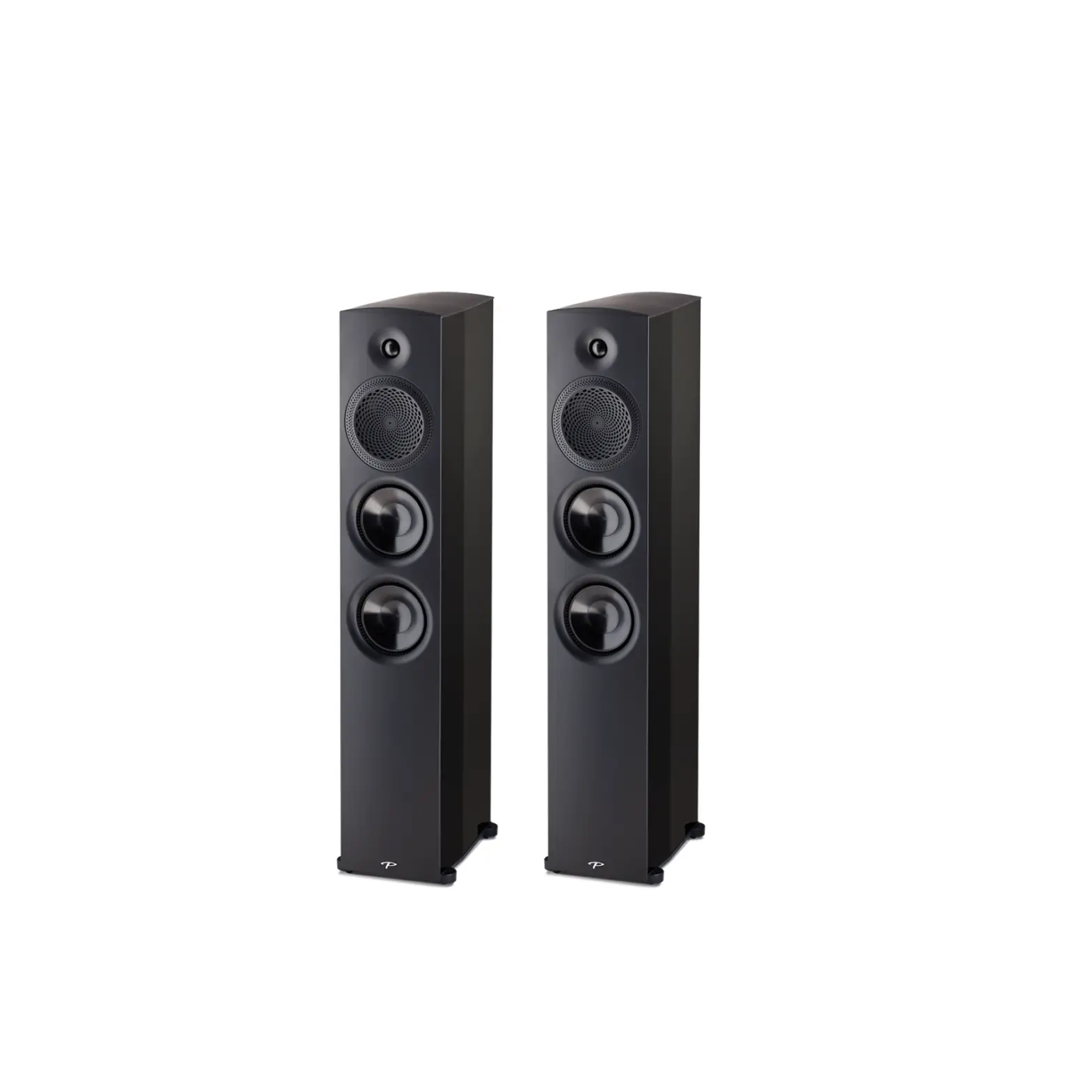
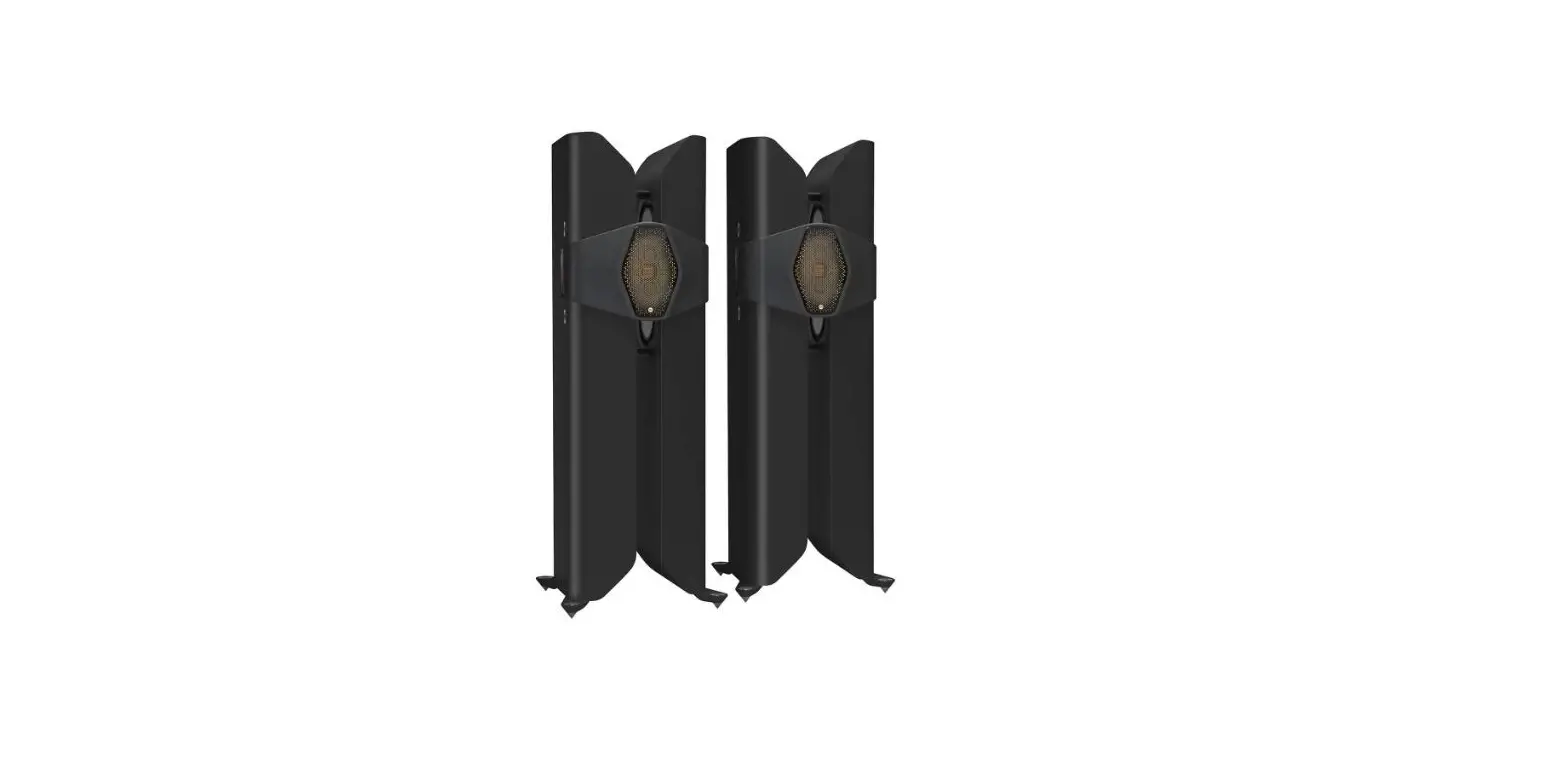
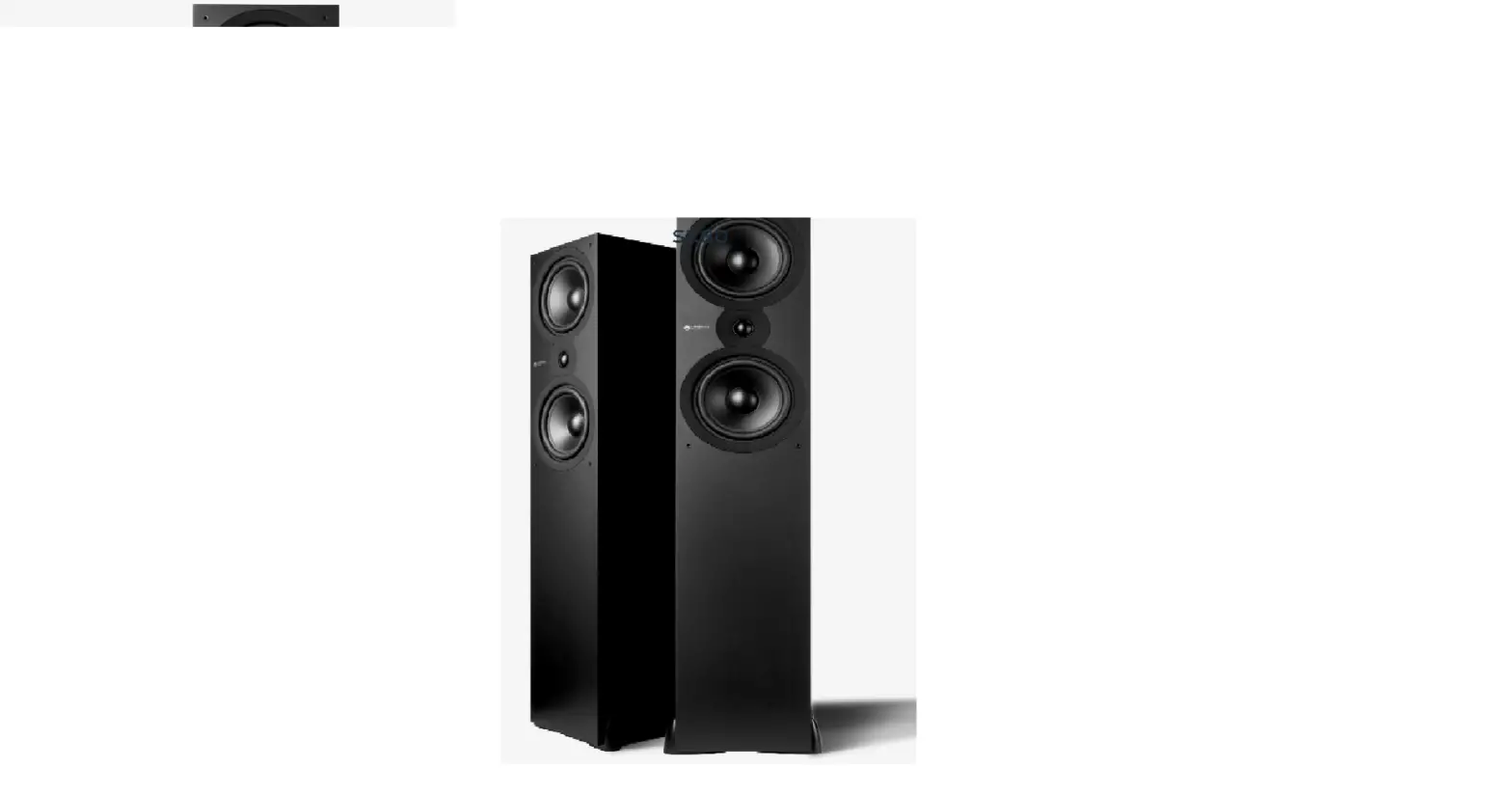
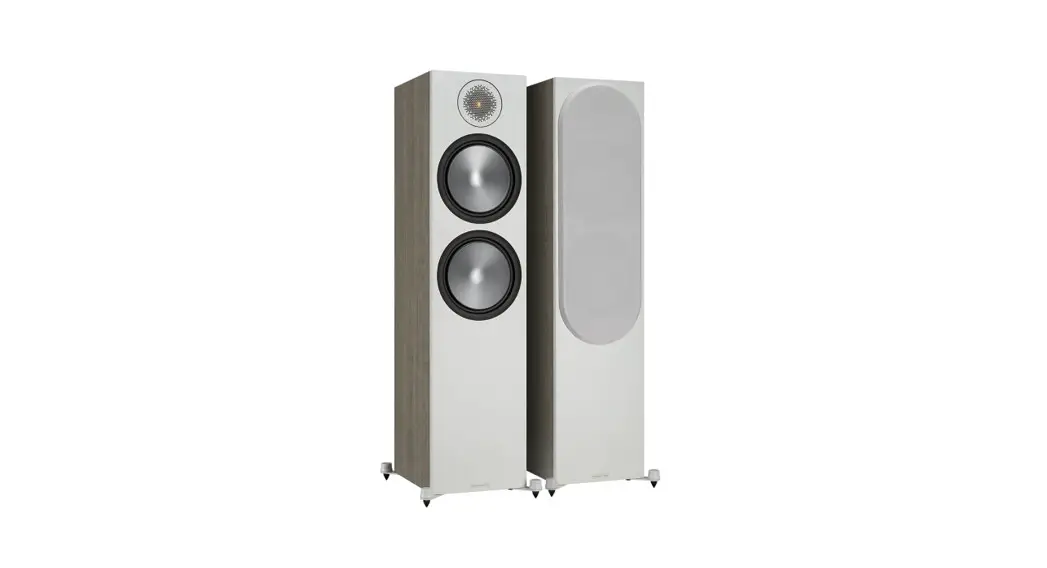
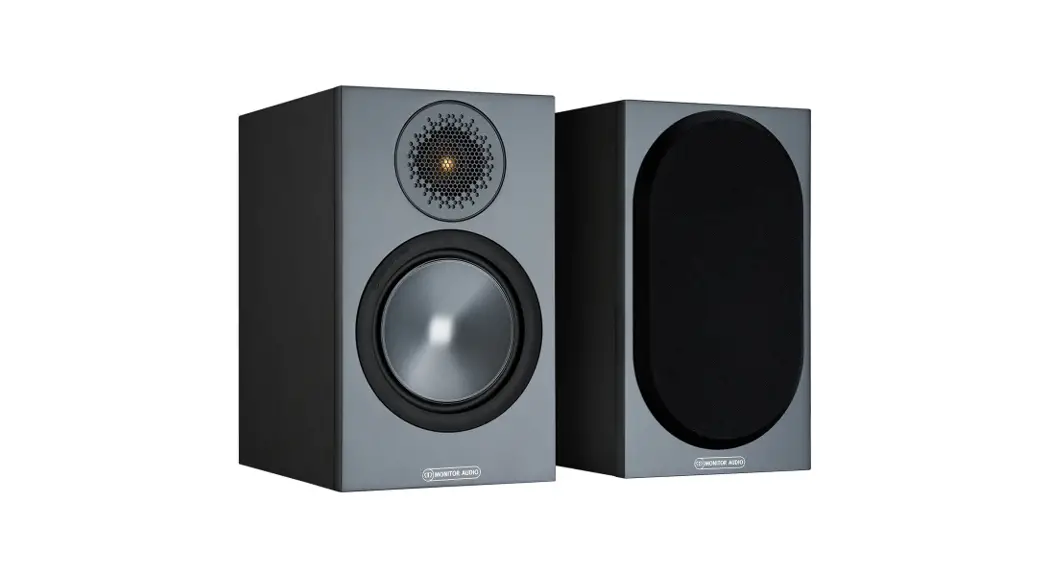
Platinum Series Floorstanding Speakers
Product Information
The Platinum Series 3G speakers are high-quality loudspeakers
designed to provide breathtaking sound. They come in different
models, including Platinum 100 3G, Platinum C250 3G, Platinum 200
3G, and Platinum 300 3G. The speakers are designed for use in a 2
channel system and offer a lifetime of enjoyment with proper care
and maintenance.
Specifications
| Model | Dimensions | Recommended Distance from Rear Wall |
|---|---|---|
| Platinum 100 3G | 15 – 30 cm / 6 – 12 inches | Varies |
| Platinum 200 3G | 20 – 36 cm / 8 – 14 inches | Varies |
| Platinum 300 3G | 30 – 61 cm / 12 – 24 inches | Varies |
Care & Maintenance
To ensure the longevity of your Platinum Series 3G speakers, it
is important to follow these care and maintenance guidelines:
- Keep the speakers in a clean environment and avoid exposing
them to excessive dust or moisture. - Regularly dust the speakers using a soft, lint-free cloth.
- Avoid using abrasive cleaners or solvents that may damage the
speaker’s finish. - Do not place heavy objects on top of the speakers.
- Periodically check the speaker connections and cables for any
loose connections or damage.
Product Usage Instructions
Unboxing
Before unpacking your loudspeakers, ensure that you have enough
clean floor space available. It is recommended to have more than
one person to lift the speakers. Follow these steps to unbox your
speakers:
- Lay the box on the floor with the opening facing up.
- Open the outer carton and use the handles of the inner
cardboard sleeve to lift the loudspeaker and packaging out of the
box. - Remove the polystyrene end caps and fit the spikes (if
applicable).
Spikes & Feet
The Platinum Series 3G speakers come with spikes and feet for
different types of flooring. Follow these instructions based on
your flooring type:
- Use on wooden or hard floors: Position the
loudspeaker in its listening position and ensure it is level and
stable. No additional steps are required. - Use on carpeted floors: Screw the spike into
the foot and outrigger assembly. Position the loudspeaker in its
listening position and ensure it is level and stable. Be cautious
of hidden wires under the carpet that could be damaged by the
spikes.
You can check if the loudspeaker is level on all sides using a
spirit level. If it’s slightly uneven, remove the top cap and
unscrew the foot at the lowest point using the supplied Hex key.
Repeat this process until the cabinet is fully level and then
replace the top cap.
Setting up your system
When setting up a 2 channel system with the Platinum Series 3G
speakers, follow these guidelines:
- Position the listening position and the loudspeakers to form an
equilateral triangle. - Ideally, place the loudspeakers approximately 6 – 10 feet apart
and at least 3 feet from the side walls. - The recommended distance from the rear wall varies depending on
the specific model of the loudspeaker.
Product Manual
Register your Platinum Series 3G speakers
Register your speakers using the QR code or visit monitoraudio.com/registration
Welcome to Platinum Series 3G
Thank you for purchasing this Platinum Series 3G speaker, you’re now ready to start your journey to breathtaking sound. In this product manual, you’ll find information about setting up your system and how to maintain your speakers for a lifetime of enjoyment. If you need any further assistance, please contact our technical team at monitoraudio.com/support
Contents
Unboxing
4
Spikes & feet
6
Setting up your system
8
Wiring your speakers
14
Using your speakers
16
Care & maintenance
18
Warranty
20
Specifications
21
2
3
Unboxing
Before you unpack your loudspeakers, please make sure that there is plenty of clean floor area available.
WARNING: DO NOT attempt to lift any of the loudspeakers alone. The recommended number of people is printed on the outer carton.
Lay the box down on the floor so the opening is on the side facing up. Open the outer carton and then use the handles of the inner cardboard sleeve to lift the loudspeaker and packaging out of the box. Remove the polystyrene end caps and fit the spikes (where applicable). Please refer to the Spikes and Feet section (Pg 6).
Platinum 100 3G Platinum C250 3G
Platinum 200 & 300 3G
4
5
Spikes and feet
Use on wooden or hard floors The outriggers are supplied assembled, fitted to the cabinet for use on non-carpeted, wooden / hard floors or where spikes are inappropriate. All that is required is to position the loudspeaker in its listening position, and check it is level and stable.
Use on carpeted floors If the loudspeaker is being installed on a carpeted floor, screw the spike into the foot and outrigger assembly. Position the loudspeaker in its listening position and check it is level and stable.
Please ensure there are no hidden wires under the carpet that could be damaged by the spikes.
Levelling the speaker You can check that the loudspeaker is level on all sides by using a spirit level (not supplied). If it’s slightly uneven, remove the top cap (held in place magnetically) and unscrew the foot at the lowest point using the supplied Hex key as illustrated below and check again. Continue this process until the cabinet is fully level, then replace the top cap.
Top Cap
Outrigger (Attached to cabinet) Rubber Foot
Spike
Platinum 100 3G feet Platinum 100 3G comes with 8 self adhesive rubber feet in the packaging. These should be placed around the inserts on the bottom of the cabinet when placing the speakers on a shelf or when using third party stands for the speakers. This isolates the speaker to prevent it from moving.
6
7
Setting up your system
2 channel system
When arranging a 2 channel system, the listening position and the loudspeakers should form an equilateral triangle. Ideally the loudspeakers should be positioned approximately 6 – 10 feet (1.8 – 3m) apart and a minimum of 3 feet (91cm) from the side walls. The ideal distance from the rear wall varies depending on the loudspeaker (see list below).
Platinum 100 3G Platinum 200 3G Platinum 300 3G
15 – 30 cm / 6 – 12″ 20 – 36 cm / 8 – 14″ 30 – 61 cm / 12 – 24″
NOTE: These are recommended distances for optimal performance. Actual results will vary dependant on room size, construction and personal tastes.
Experimentation is strongly advised when setting up the loudspeakers, as environment and personal preference will differ with every installation.
If there is insufficient bass for example, try moving your loudspeakers closer to the rear wall. The opposite approach is recommended if there is excessive bass. Additionally refer to the information relating to port bungs on page 19. If stereo imaging is being lost, try `toeing’ them in slightly. Sounds that are recorded equally to each channel should sound as though they come from between the speakers.
x m
x m
x m
8
9
Setting up your system
AV positioning Please refer to the illustration on the right for the ideal angles and positions of each loudspeaker in your surround system. The loudspeakers should be distanced from the wall according to the requirements of the loudspeaker, which are listed in the 2-Channel Positioning section above. However, due to AV receiver crossover filter settings, they may be positioned closer to the wall. Experimentation is advised. NOTE: The images are for illustrative purposes only. See diagram on the right. If setting up a 5.1 system you should place your surrounds in position (A). If setting up a 7.1 surround system you should place your side speakers in position (B) and rear loudspeakers in position (C) to create a full 360° soundstage, If the sound is too bass heavy or there is bass boom from the room when playing music (without a subwoofer), try moving the loudspeakers slightly further away from the wall(s). In a system with a subwoofer, try adjusting the crossover frequency settings for the loudspeakers and/or subwoofer or changing the subwoofer’s position. If placed in a corner, the subwoofer can over excite certain room modes. If there doesn’t seem to be much bass from the system, check what the AV receiver has set the speaker size to. If the loudspeakers have been set to large as part of the auto setup, try setting them to small, which will send more bass frequencies to the subwoofer. Also check the crossover frequencies of the loudspeakers and subwoofer as well as the individual channel levels. The Platinum C250 centre channel should be positioned so that it is pointing at the viewing position and at approximate ear height.
10
B A C
5.1 = A 7.1 = B + C
B A C
11
Setting up your system
Dolby Atmos® When arranging the overhead channels in an Dolby Atmos® system, we would recommend using our three-way in-ceiling loudspeakers such as our Platinum PLIC II loudspeakers . These employ a unique midrange/ tweeter module, which offers a wider dispersion characteristic, and are ideal for Dolby Atmos® duties. Please see the diagram on the right for ideal positioning of 2 or 4 Dolby Atmos® loudspeaker setups. Typically these would be in line with the front left and right loudspeakers.
12
80° 100°
65°
Ear Level
45°
55°
30°
125°
135°
150°
Ear Level
13
Wiring your speakers
Single wiring Single wiring is achieved via a single set of cables to the terminals on the back of the loudspeaker. Internally the loudspeaker crossover guides the frequencies to the appropriate driver/ tweeter. Low frequencies to the bass drivers, mid frequencies to the mid/bass drivers and high frequencies to the tweeter.
NOTE: When using this method you must keep the terminal links in place.
Intergrated Amplifier
Right
Left
++
—
Bi-wiring Bi-wiring is accomplished by connecting separate pairs of loudspeaker cables to the terminals on the loudspeaker from a single pair of connections on the amplifier. In the case of the Platinum Series, the bottom terminals connect to the bass driver(s) and the top terminals connect to the tweeter in 2 way loudspeakers, or the mid and tweeter in 3 way loudspeakers.
NOTE: When using this method you must REMOVE the terminal links.
Intergrated Amplifier
Right
Left
++
—
Bi-amping Bi-amping is the same as bi-wiring except you are introducing a second amplifier into the equation. In order to bi-amp you must connect a set of loudspeaker cables to the top terminals on the loudspeaker from one amplifier and another set of loudspeaker cables to the bottom terminals from the second amplifier.
NOTE: When using this method you must REMOVE the terminal links.
For more information on Bi-wiring and Bi-amping, please visit monitoraudio.com/support/faq/
14
Intergrated Amplifier Power Amplifier
Right
Left
++
—
Right
Left
++
—
15
Using your speakers
Running-in your loudspeakers Run your loudspeakers in by playing normal music at low-mid listening levels for approximately 50-70 hours play time. You may find the sound will continue to improve even after the 70 hour mark.
This can be done naturally over time: like a fine wine the performance will improve with age.
Alternatively if you wish to run the loudspeakers continuously on loop you can decrease the audible volume/presence by placing the loudspeakers face-to-face so that the drivers/tweeters are directly aligned and as close as possible. Then connect the amplifier to your loudspeakers so that one is as normal (in phase): positive to positive and negative to negative (red to red and black to black), and the other loudspeaker out of phase: positive to negative and negative to positive inputs on the loudspeaker.
Port Bungs If the loudspeaker is to be installed in a small room, typically 9 sqM (80 sqFT), or a room known to reproduce accentuated bass response, it may be desirable to fit a port bung in the affected speaker. However, experimentation is recommended with positioning of the loudspeaker in the room prior to fitting. To optimise performance from the loudspeaker it is important to ensure the loudspeaker is not positioned too close to a wall or near the corners of a room.
If the positioning of the loudspeaker is predetermined by room aesthetics or layout, you find you have accentuated bass or in the case speakers are to be sited in close proximity (less than the minimum suggested distances of page 2) to a rear wall (such as on a bookshelf, positioned in a cabinet or on a stand close to a wall), we recommend fitting the supplied port bungs to the ports. With speakers that have 2 ports, such as the Platinum 300 3G, only one port bung should still be used per speaker.
This will reduce the bass `boom’ sometimes termed as overhang, and assist the loudspeakers to reproduce their best performance under these environmental conditions. `Boom’ is generally caused when bass energy from the loudspeaker `excites’ room modes and causes an accentuation at a particular frequency, or number of frequencies.
When fitting port bungs the overall bass extension will not be reduced, however bass energy/ output around the port tuning frequency will be reduced. This has the effect of reducing bass `boom’ while increasing bass clarity and apparent agility.
In all circumstances experimentation is highly recommended.
16
17
Care & maintenance
Upkeep of cabinets The high gloss finish of the cabinet can be maintained by regular dusting using a soft cloth or micro fibre cloth. When the finish needs to be revived a high-quality, non-abrasive, automotive wax or polish can be used. The drive units should only be cleaned with a damp cloth if more than normal dusting is required.
Never use solvents or aggressive cleaning/polishing agents on your Platinum Series 3G loudspeakers. When in doubt, test the cleaning product on an inconspicuous area on the cabinet and let it sit for several days before committing to its use on visible portions of the cabinet.
Retention Bolt adjustment The new Platinum Series has a bolt-through driver fixing to reduce cabinet colouration. Each bolt acts as a rigid brace, but also removes the need for conventional driver fixings as well, effectively decoupling the driver and front baffle to eliminate a further source of resonance.
NOTE: Should this bolt become loose over time, or has worked loose during transit, then please use the supplied torx key to tighten the bolt back up. This only needs to be a quarter turn after the strain has been taken by the bolt.
18
19
Warranty
In the unlikely event that there is a defect with this product, it is covered by the Monitor Audio manufacturer’s warranty, provided that the product was supplied by an authorised Monitor Audio retailer. For the period of cover please refer to the product page on our website at monitoraudio.com Register your product at monitoraudio.com/registration
20
Specifications
Model System Format
Platinum 100 3G 2-way
Frequency response (-6dB) Free-Field
37 Hz >60 kHz
Frequency response (-6dB) In room
28 Hz >60 kHz
Sensitivity (2.83v @ 1m)
85 dB
Nominal impedance 4 Ohms
Minimum Impedance
4.0 Ohms @ 180 Hz
Continuous Power Handling (RMS into 4 Ohms, Pink Noise with 6dB Crest Factor)
150 W
Recommended
Amplifier Power (RMS into 4 Ohm, Music Signal)
75-300 W
Bass Alignment
Ported
Port Tuning Frequency
44 Hz
Crossover Frequency
LF/HF: 2.85 kHz
Platinum 200 3G 3-way
32 Hz >60 kHz
Platinum 300 3G 3-way
25 Hz >60 kHz
Platinum C250 3G 3-way
48 Hz >60 kHz
23 Hz >60 kHz
17 Hz >60 kHz
30 Hz >60 kHz
88 dB
88 dB
88 dB
4 Ohms
4 Ohms
4 Ohms
4.0 Ohms @ 2.5 kHz 4.0 Ohms @ 3.75 kHz 4.0 Ohms @ 150 Hz
300 W
400 W
300 W
150-600 W
Ported 38 Hz LF/MF: 825 Hz MF/HF: 3 kHz
200-800 W
Ported 32 Hz LF/MF: 650 Hz MF/HF: 3 kHz
150-600 W
Sealed N/A LF/MF: 850 Hz MF/HF: 3.5 kHz
Drive Unit Complement
1 x 6″ RDT III bass driver 1 x MPD III tweeter
2 x 6″ RDT III bass driver 1 x 4″ RDT III mid-range driver 1 x MPD III tweeter
2 x 8″ RDT III bass driver 1 x 4″ RDT III mid-range driver 1 x MPD III tweeter
2 x 6″ RDT III bass driver 1 x 2.5″ RDT III mid-range driver 1 x MPD III tweeter
External Dimensions including Terminals (H x W x D)
398 x 225 x 326 mm 155/8 x 813/16 x 1213/16″
1025 x 369 x 455 mm 405/16 x 141/2 x 1713/16″
1115 x 430 x 524 mm 441/2 x 167/8 x 205/8″
External Dimensions
including Outrigger Feet and Spikes
N/A
(H x W x D)
1042 x 369 x 455 mm 41 x 141/2 x 1713/16″
1131 x 430 x 524 mm 441/2 x 167/8 x 205/8″
Weight (Each)
15.2 kg 33 lb 8 oz
35.8 kg 78 lb 14 oz
53.6 kg 118 lb 2 oz
Finishes
Piano Ebony, Piano Black, Matte White
225 x 630 x 326 mm 813/16 x 2413/16 x 1213/16″
N/A
25.4 kg 55 lb 15 oz
21
Dolby, Dolby Atmos, and the double-D symbol are trademarks of Dolby Laboratories.
Monitor Audio Ltd. 24 Brook Road Rayleigh, Essex SS6 7XJ England Tel: +44 (0)1268 740580 Email: [email protected] monitoraudio.com
©Monitor Audio Ltd. | V1-2022 – Platinum Series 3G Manual
 Monitor Audio | Hi-Fi, Cinema & Architectural Speakers