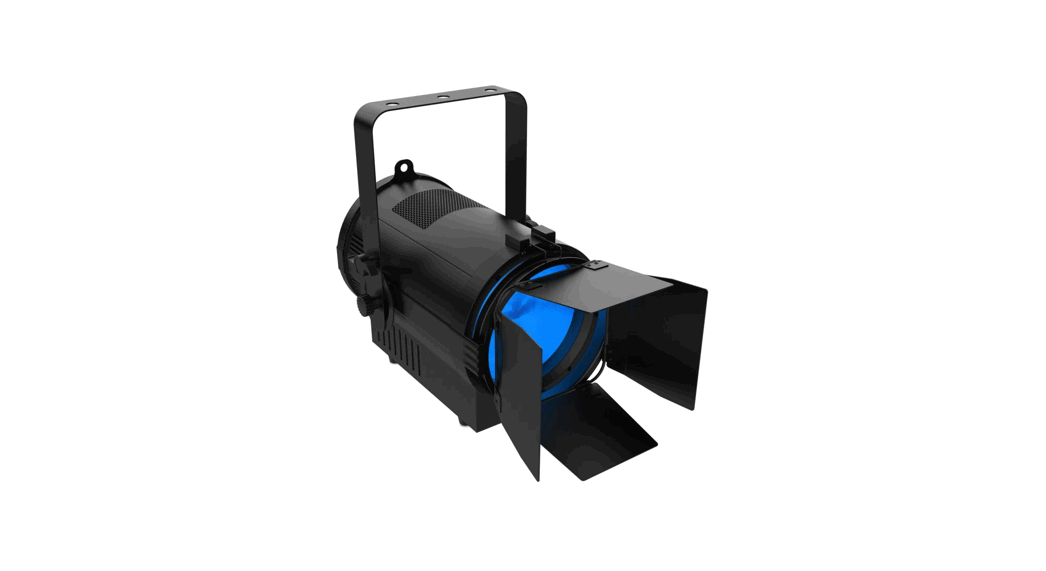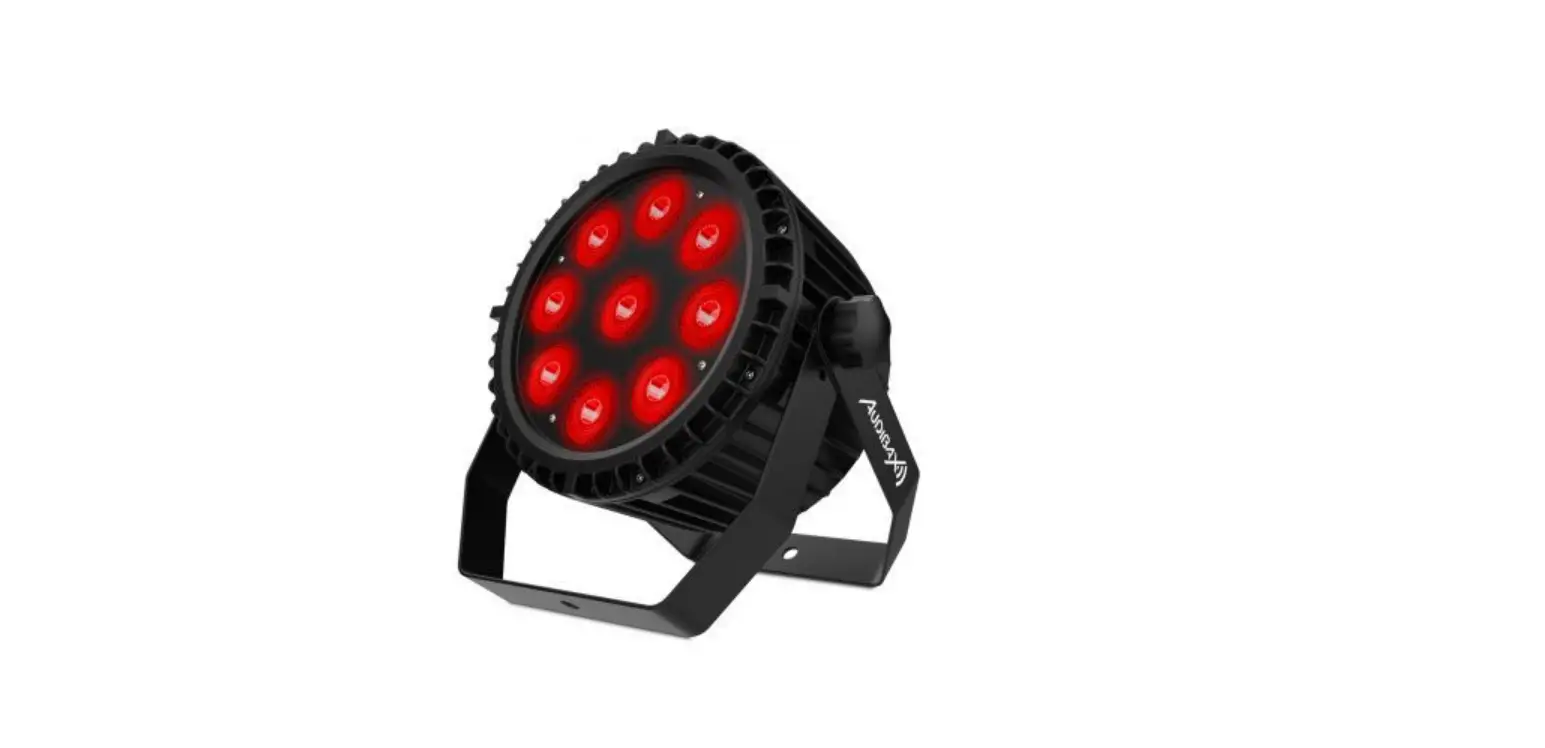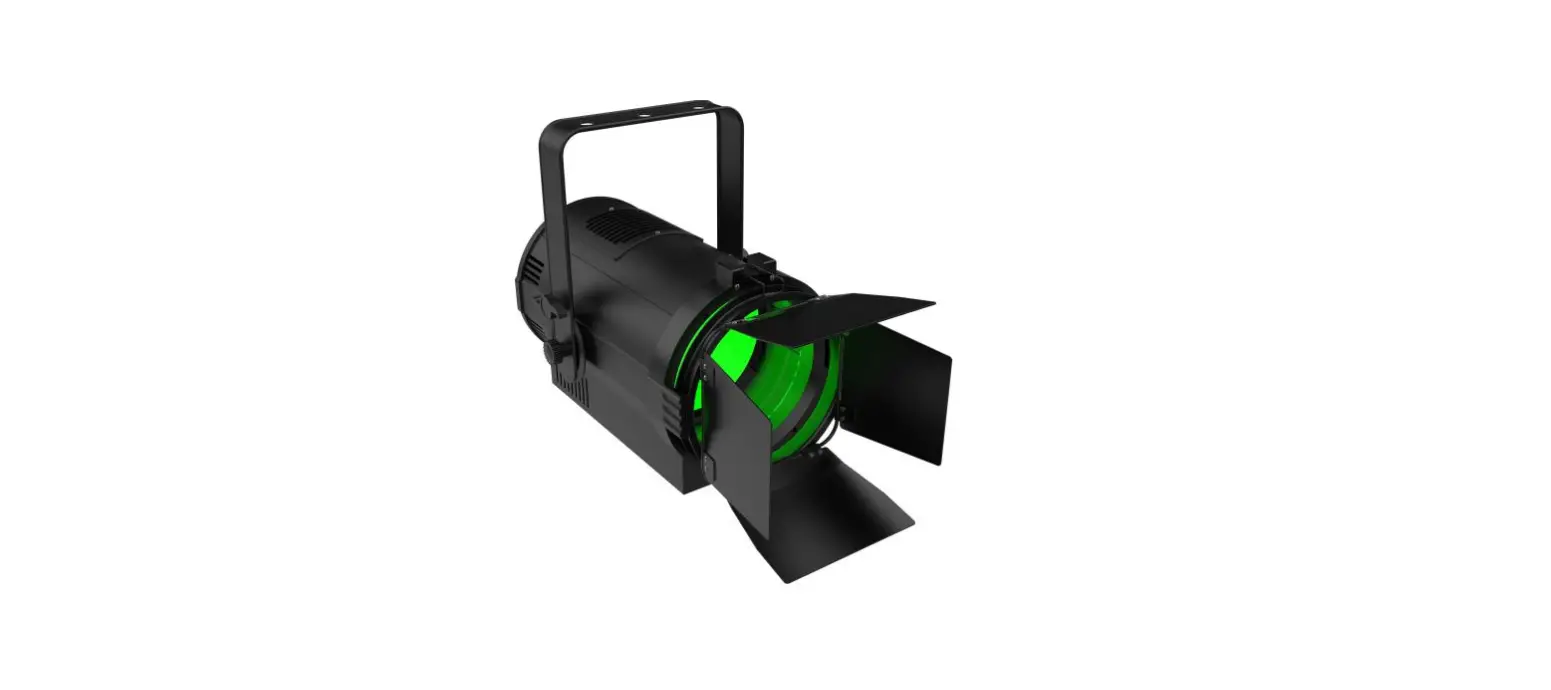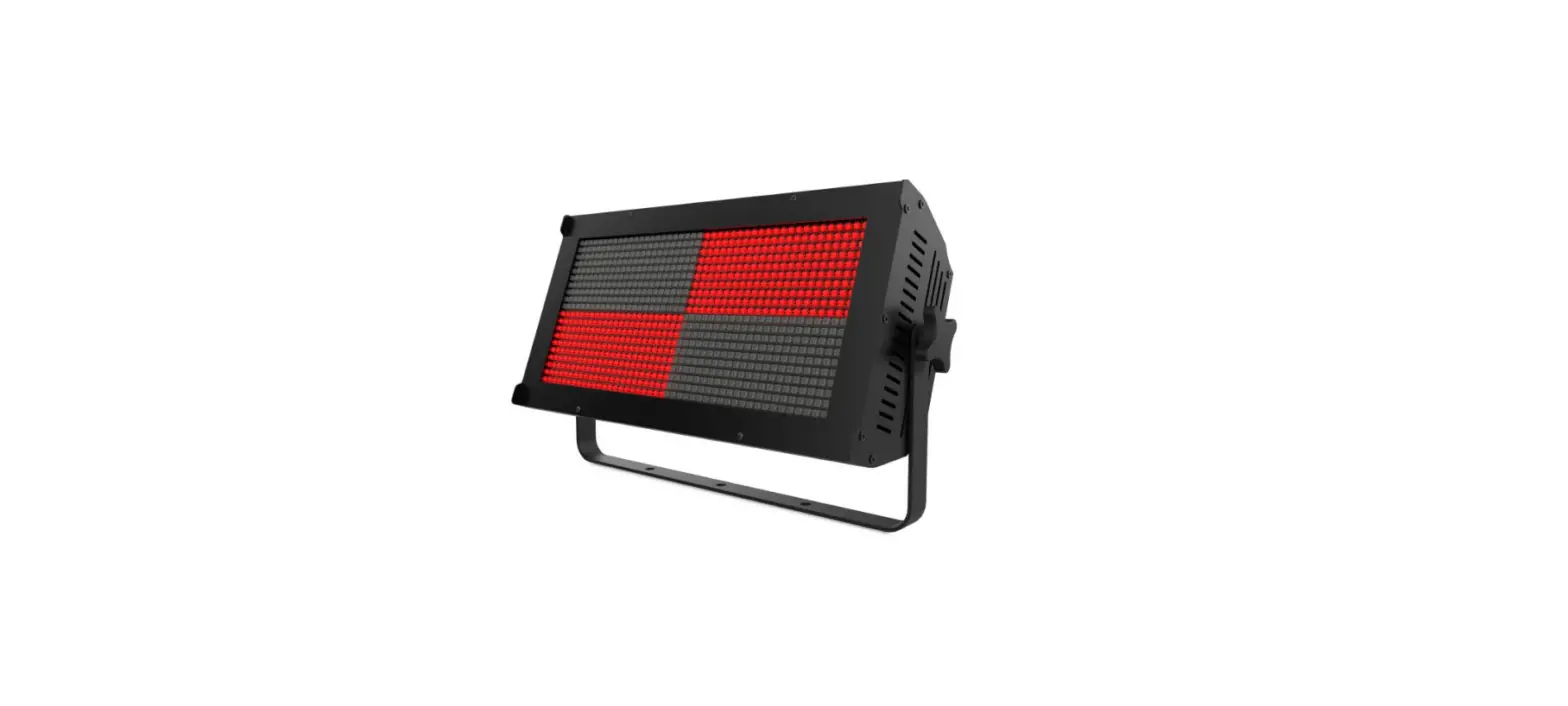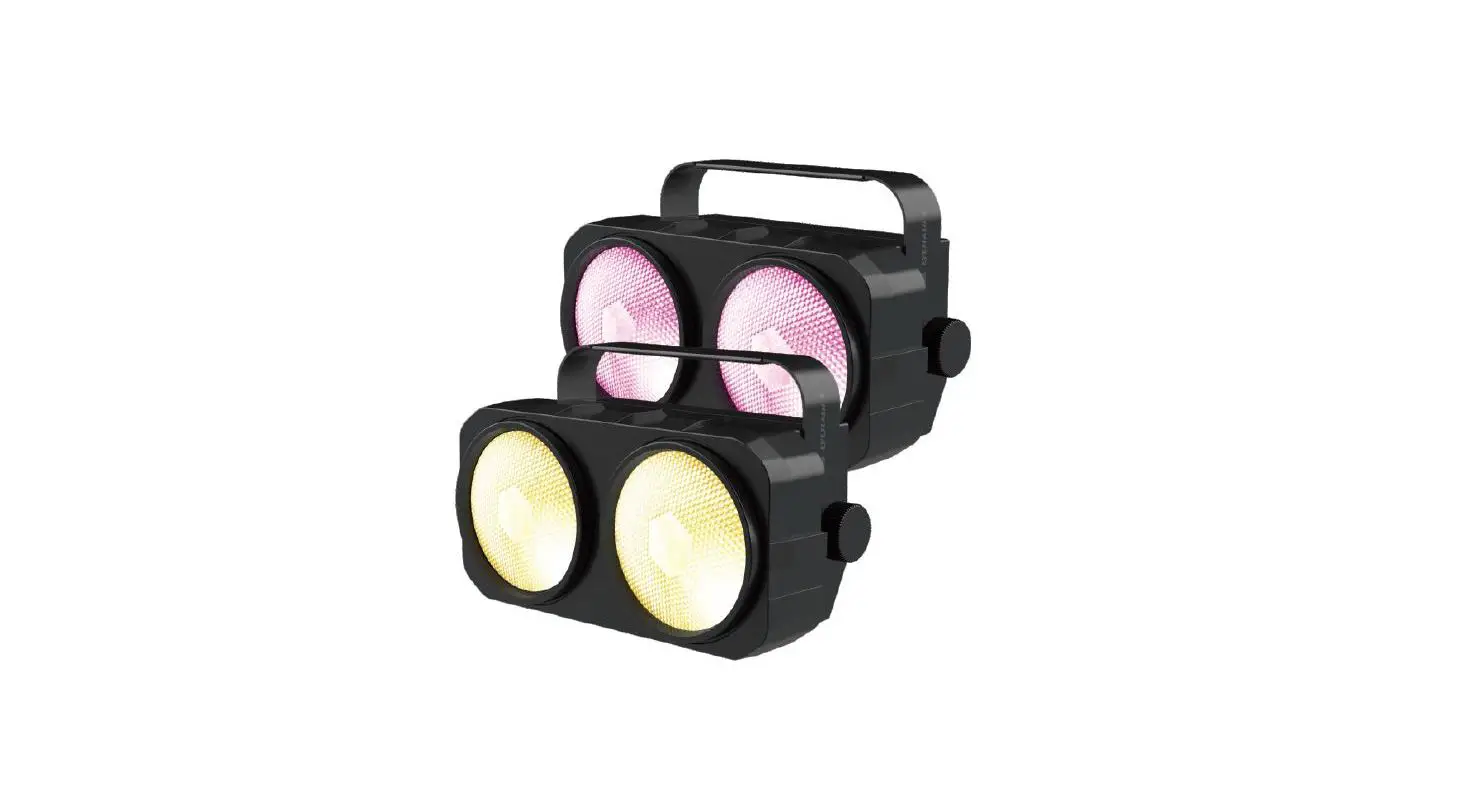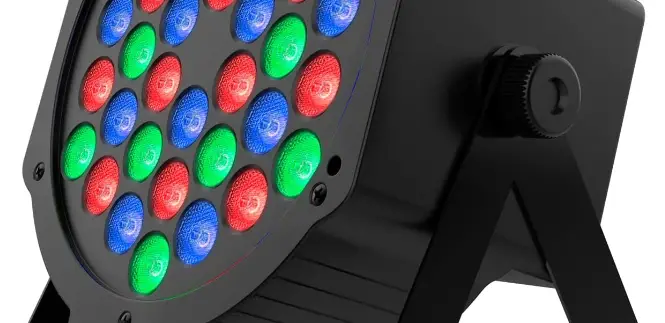

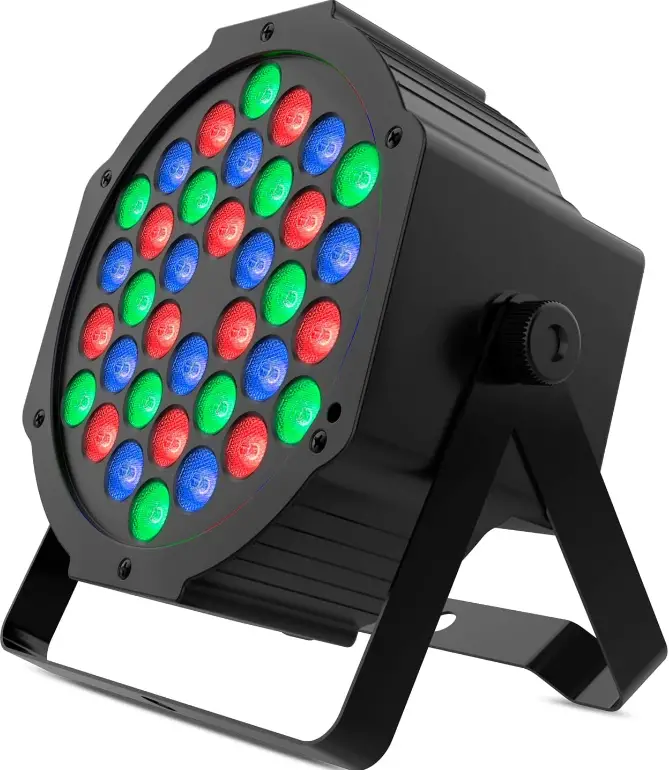
AUDIBAX Montana 36 Foco LED Party Light
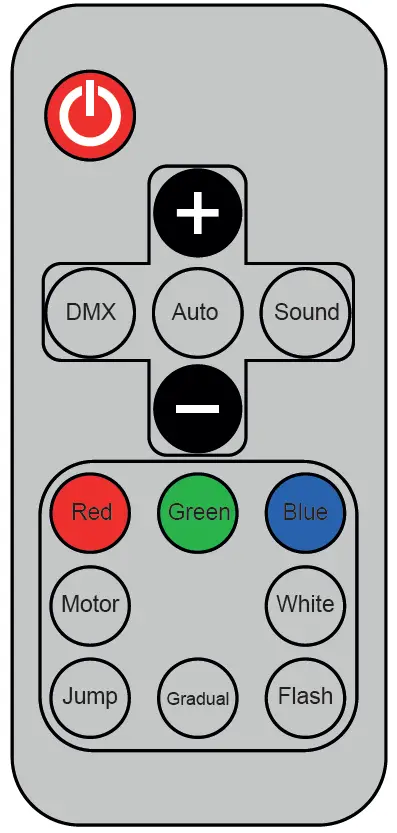
Remote Functions
- Standby key
In normal operation, press this key to enter the standby mode, the motor and LED are not powered, and Standby is displayed. Press this key to restart the machine, reset the motor and enter the pre standby mode - UP
This key can be used to set the address code of motor speed adjustment and LED brightness adjustment - DOWN
This key can be used for address code setting and LED brightness adjustment - DMX
Switch to the DMX mode in any mode - Automatic mode
When not in automatic mode, press this key to switch to automatic mode, In the automatic mode, press this key to switch the automatic mode A1 ~ A7 and press the up / down key to adjust the motor speed - SOUND
Press this key to switch to voice mode when not in voice mode. When in voice mode, press this key to switch voice mode S1 / S2
When in voice control mode, press this key to switch voice control mode. Under S1 / S2, it is remote control manual mode. Similar to the manual mode of DMX, press any key to enter manual mode. - Red
Single press function: red light (brightness can be adjusted by up / down key) – turn off red light → red light – > - Green
Single press function: green light (brightness can be adjusted by up / down key) – > turn off green light → green light – >. - Blue
Single press function: blue light (brightness can be adjusted by up / down key) – turn off blue light → blue light – > - White
This button is not used - Motor speed regulation
This button is not used - Jump speed adjustment
Press this key to adjust the color jump speed from slow to fast - Gradient speed adjustment
Press this key to adjust the color gradient from slow to fast - Stroboscopic speed adjustment
Press this key to adjust the strobe speed
Key-press
Mode Description [MENU] Function DMX control/colors/selection/colors pulse/colors transition/sound control/manual set
[UP]
Up Increase values [DOWN] Down Decrease values [ENTER] Enter values will be saved
Operation Instructions
MENU | Description |
A001~A512 | 7 channel DMX mode skip: has been connected to the DMX information |
D001~A512 | 4 channel DMX mode skip: has been connected to the DMX information |
| SLAU | Slave mode |
CF01~CF99 | Gradient, the higher the value, the faster the color change |
| CJ01~CJ99 | Jump, the higher the number, the faster the color change |
CP01~CP99 | Pulse change, the higher the value, the faster the color change |
| CT01~CT99 | Flash, the higher the value, the faster the strobe |
RGB | LED brightness settings, but not with other modes |
| DEno | Press ENTER to save and enter the next color brightness adjustment, RGB–>R***–>G***–>B****–>R*** |
SOUD | Auto demo mode |
DMX Control Parameter Chart
Channels | Function |
CH1 | Total dimming |
| CH2 | Red light |
CH3 | Green light |
CH4 | Blue light |
0: color constant, and RGB at the same time | |
CH5 | 1~255: color change, the higher the value, the faster the change |
CH6 | 0: no flash |
1~255: color change, the higher the value, the faster the strobe | |
CH7 | 0~50: manual mode first to six channel effective |
51~100: manual selection of color RGB-GB-RB-B-RG-G-R | |
101~150: colorful gradient value is bigger, faster change | |
151~200: colorful pulse change value is bigger, faster change | |
201~250: colorful jump value is bigger, faster change | |
251~255: voice control mode with higher values change more quickly |
CH1 | Total dimming |
CH2 | Red light |
CH3 | Green light |
CH4 | Blue light |