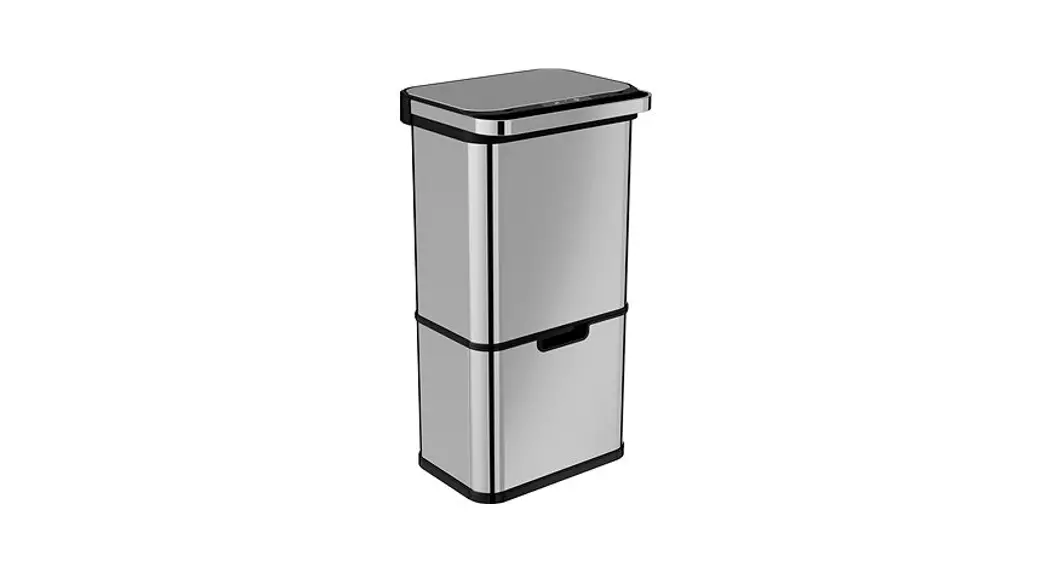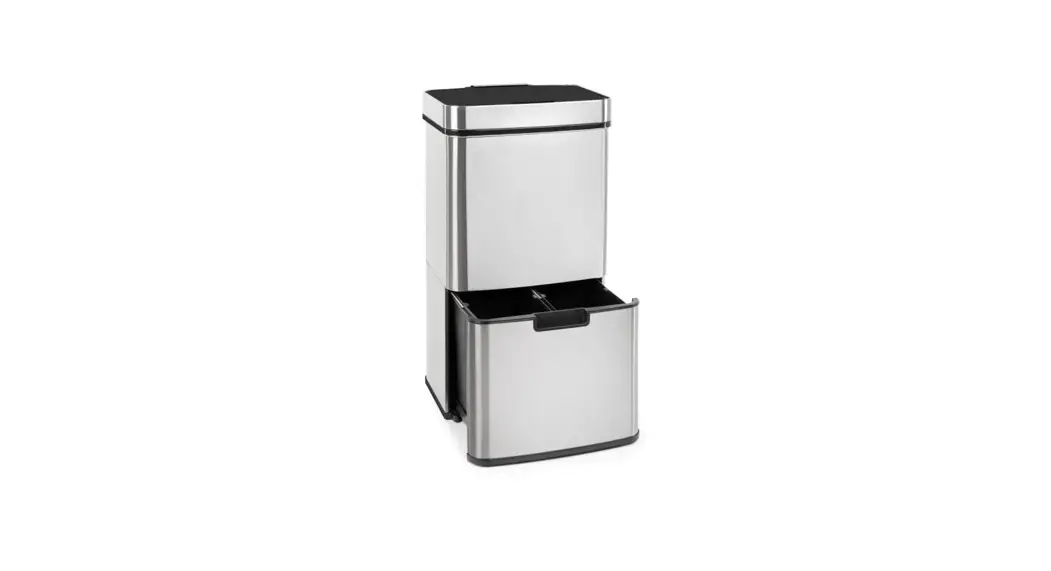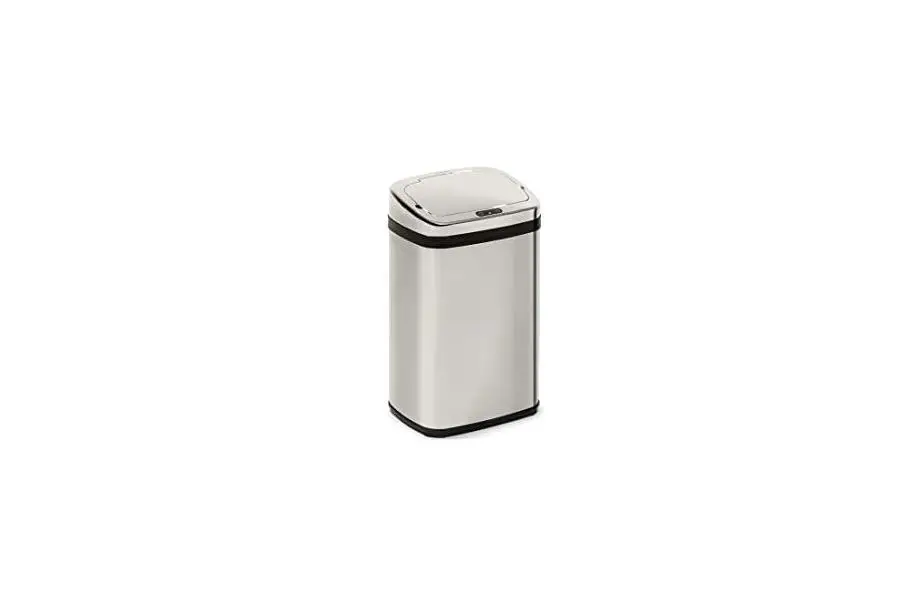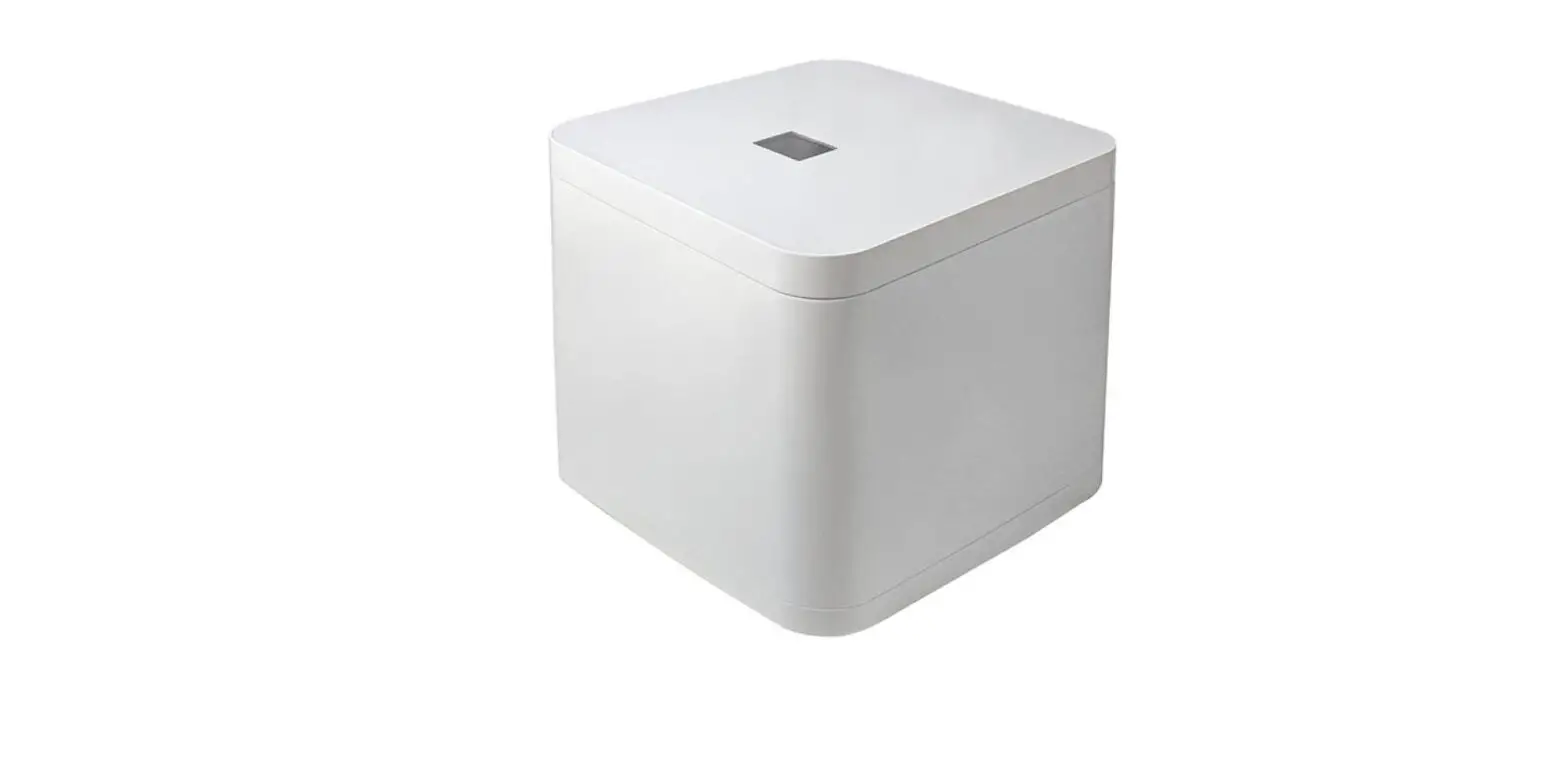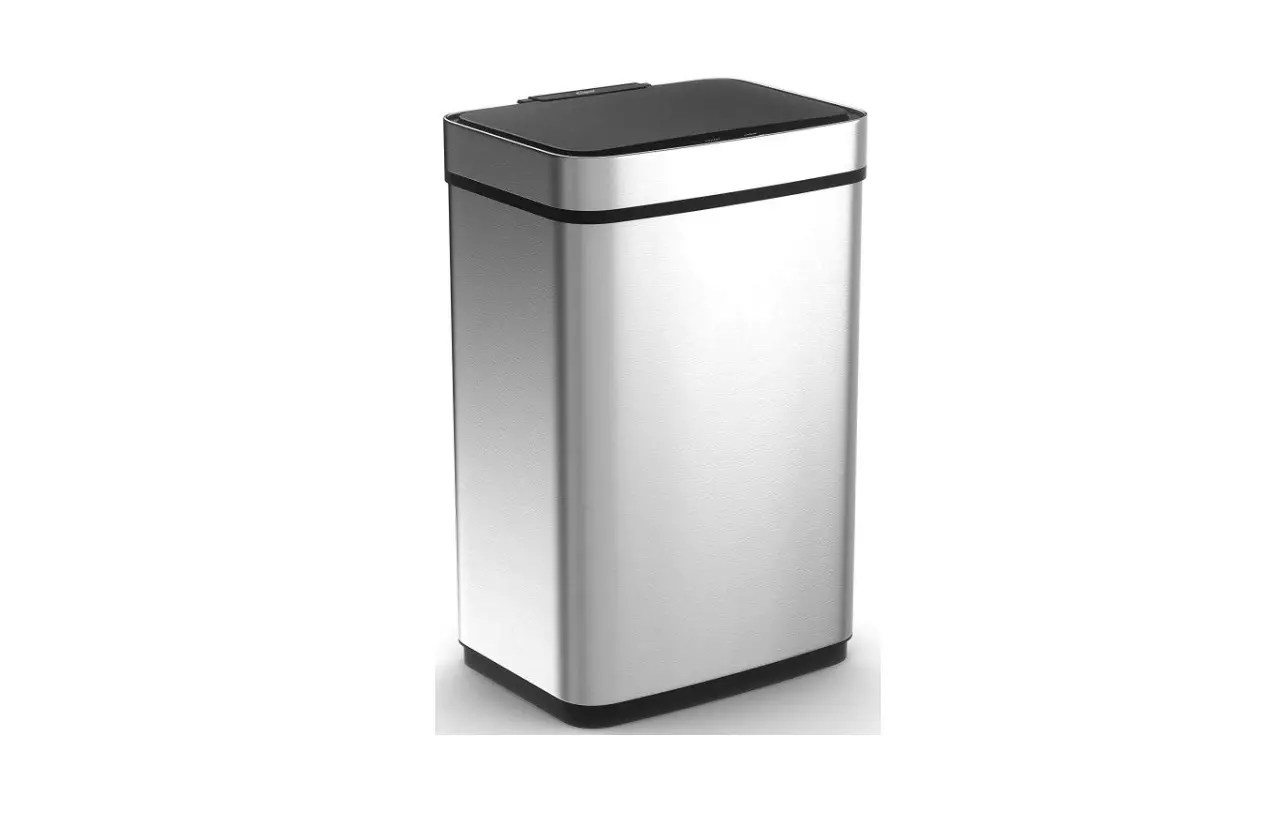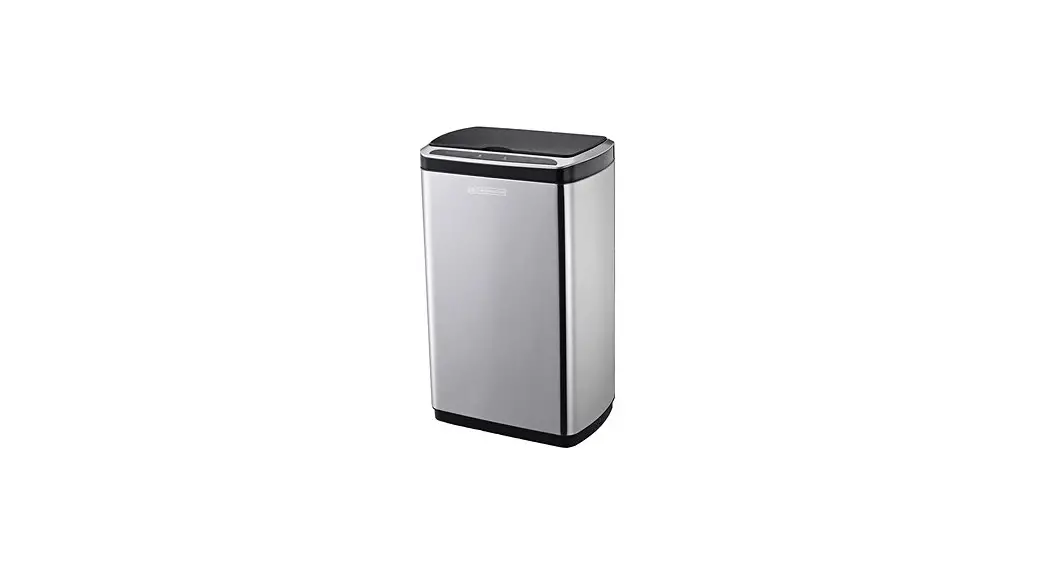

Contactless waste bin
Kontaktloser Korb
Model: AK5113/5110
User manual
SAFETY INFORMATION
 Read this information carefully before you use the appliance and save it for future reference. This appliance has been designed for domestic use only. In case of inappropriate use or a failure to comply with the instructions, the manufacturer accepts no responsibility and the warranty will be voided.
- Use the product only for its intended purpose.
- Incorrect use of the product may cause a risk of fire, explosion or other hazards, and may result in the warranty being voided.
- Do not expose the product to high or low temperatures. Keep the product dry.
- Do not disassemble the product. Improper modifications can damage the product and cause serious injuries.
- This product is not recommended for use by children without supervision.
- Insert batteries with the correct polarity.
- Always replace the whole set of batteries at one time. Do not mix old and new batteries or different battery types.
- Replace exhausted batteries in time to avoid leaking.
- Do not dispose of batteries in a fire.
- This product is intended for indoor use only. Outdoor use may result in product damage or injury.
- Do not use coarse and chemically aggressive substances to clean the appliance.
- Do not apply pressure on the lid to avoid damage.
- The appliance must only be used in the upright position.
OVERVIEW
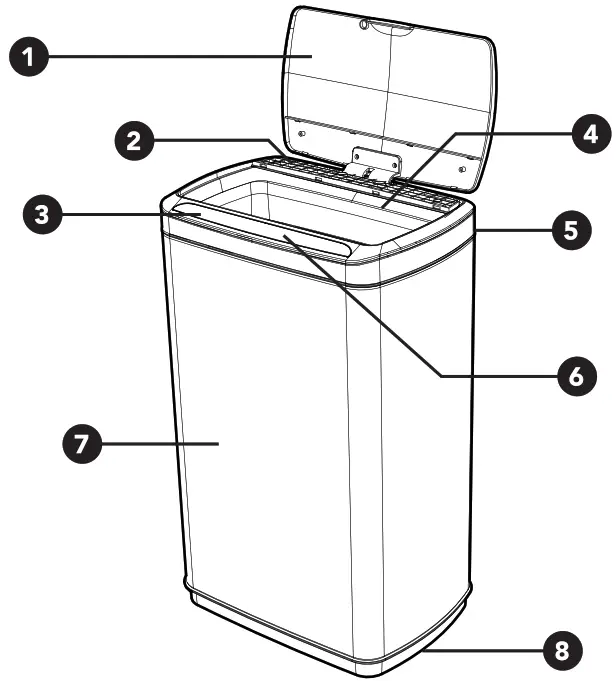
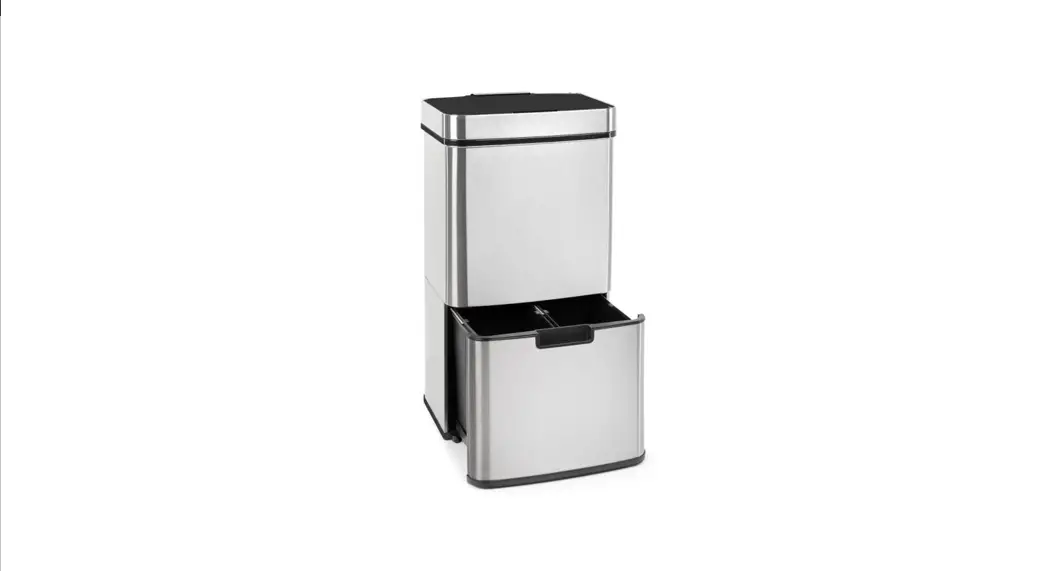
- ECO-Friendly Frosted Lid
- Battery Case
- Touch Switch
- ECO-Friendly Plastic Inner Barrel
- Power Switch
- Induction Zone and Screen
- Barrel Body
- Anti-skid Design for Pedestal
SPECIFICATIONS
| Dimensions | AK51 13: 38x26x63 cm / AK51 10: 38x26x45 cm |
| The volume of the inner container | AK5113:50 I /AK5110: 301 |
| Power supply | 3x AA batteries ALKALINE (not included) |
USE OF THE TRASH BIN
- Check All Parts
• Take out the lid and the inner barrel. Make sure the power switch is facing you. - Install Batteries
• Take out the battery case, install 3 pieces of AA batteries into the case according to the “+” indication, then put back the case and seal the cover. - Switch the Appliance On
• Press the power switch at the backside of the lid to position “I”, The automatic sensor system starts to work. - Instructions of Sensing Function
• When rubbish or any part of your body is in the sensing area (about 15-25cm), the lid will open automatically. After leaving the sensing area, the display screen will show 5 seconds countdown. The lid will close after the countdown ends. - Instructions of Kicking Function
When you kick at or knock on any part of the waste bin, the lid will open automatically. After leaving the sensing area, the display screen will show 5 seconds countdown. The lid will close after the countdown ends.
• Press the OPEN/CLOSE button on the screen to keep the lid in the open state.
• Press it again to close the lid. After you press the OPEN/CLOSE button, the lid will close automatically after 5 seconds if no object was sensed.
CLEANING AND MAINTENANCE
Please make sure that the complete package has been delivered to you. If there happens to be something missing or damaged, contact the seller.Please, keep the sensor area clean to ensure correct functionalityUse only a soft, dean, dry cloth to clean the surface of the product.
TROUBLESHOOTING GUIDE
| Situation | How to solve |
| Lid unusual open | • Check whether batteries are installed properly according to “+” indication or check whether lithium battery incurs low power, and then re-open the power source switch. • Check whether the sensing area is clean or not, please use a neat cloth to wipe if it is dirty. • Check whether the sensing area is clean or not, please use a neat cloth to wipe if it is dirty. |
| Lid unusual close | • Check whether electric circuits are damp, if yes, please do not connect the power source. You can only use the bin if it is dry. • Check whether there is any object around the lid, if yes, please remove it. |
| Lid opens slowly | • Dry battery may incur low power, please replace it. • Lithium battery may incur low power, please recharge it in time. |
If these solutions do not work, please contact sales branch in time. Do not repair trash bin by yourself.
 Úvod - ECOBAT
 Helpmation specialista na bezdotykovou domácnost | helpmation.cz
 Helpmation specialista na bezdotykovou domácnost | helpmation.cz
 Retela.cz
 OZV SEWA | elektroodpad | batérie | obaly | zákon o odpadoch