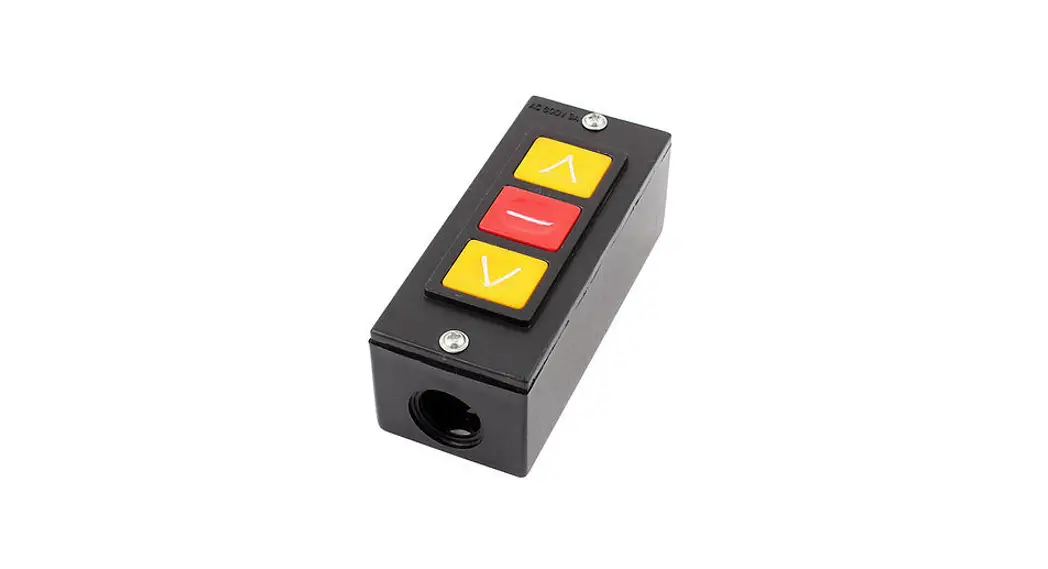
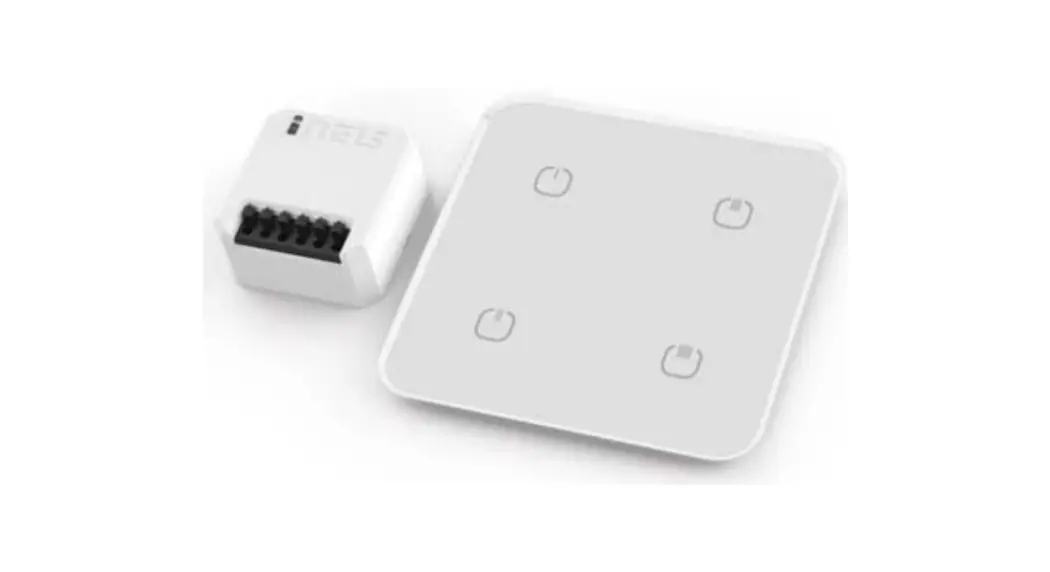
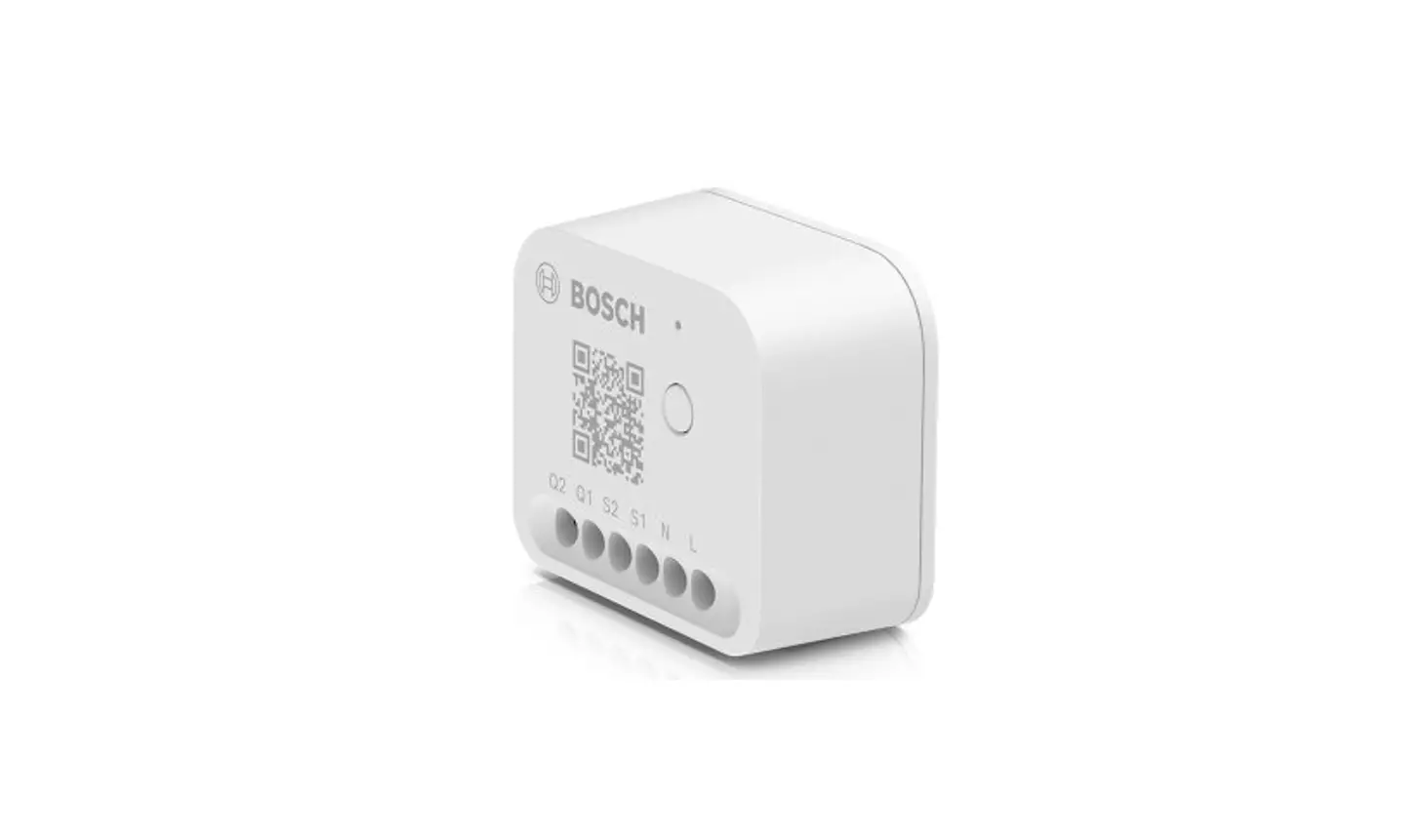
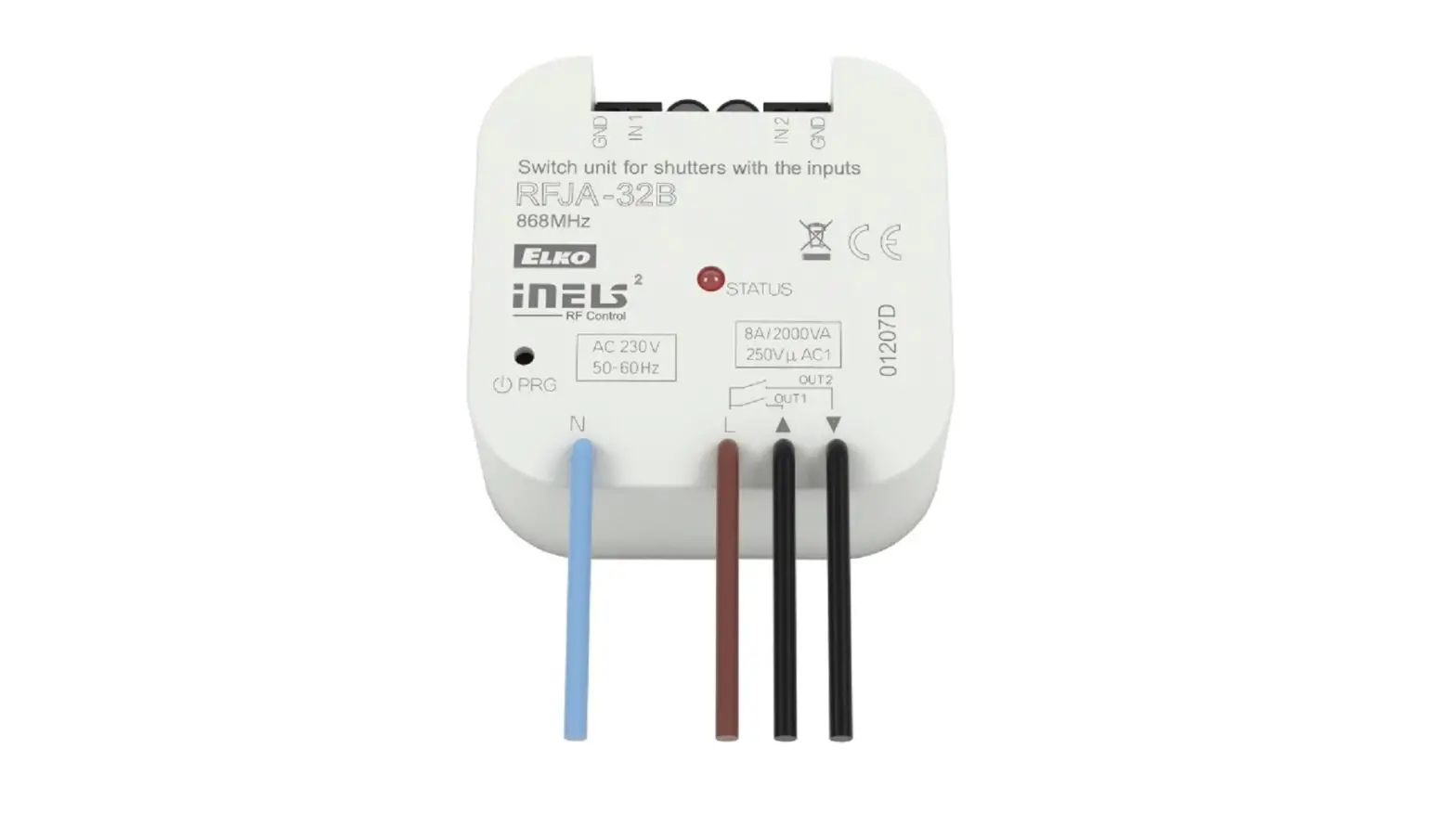
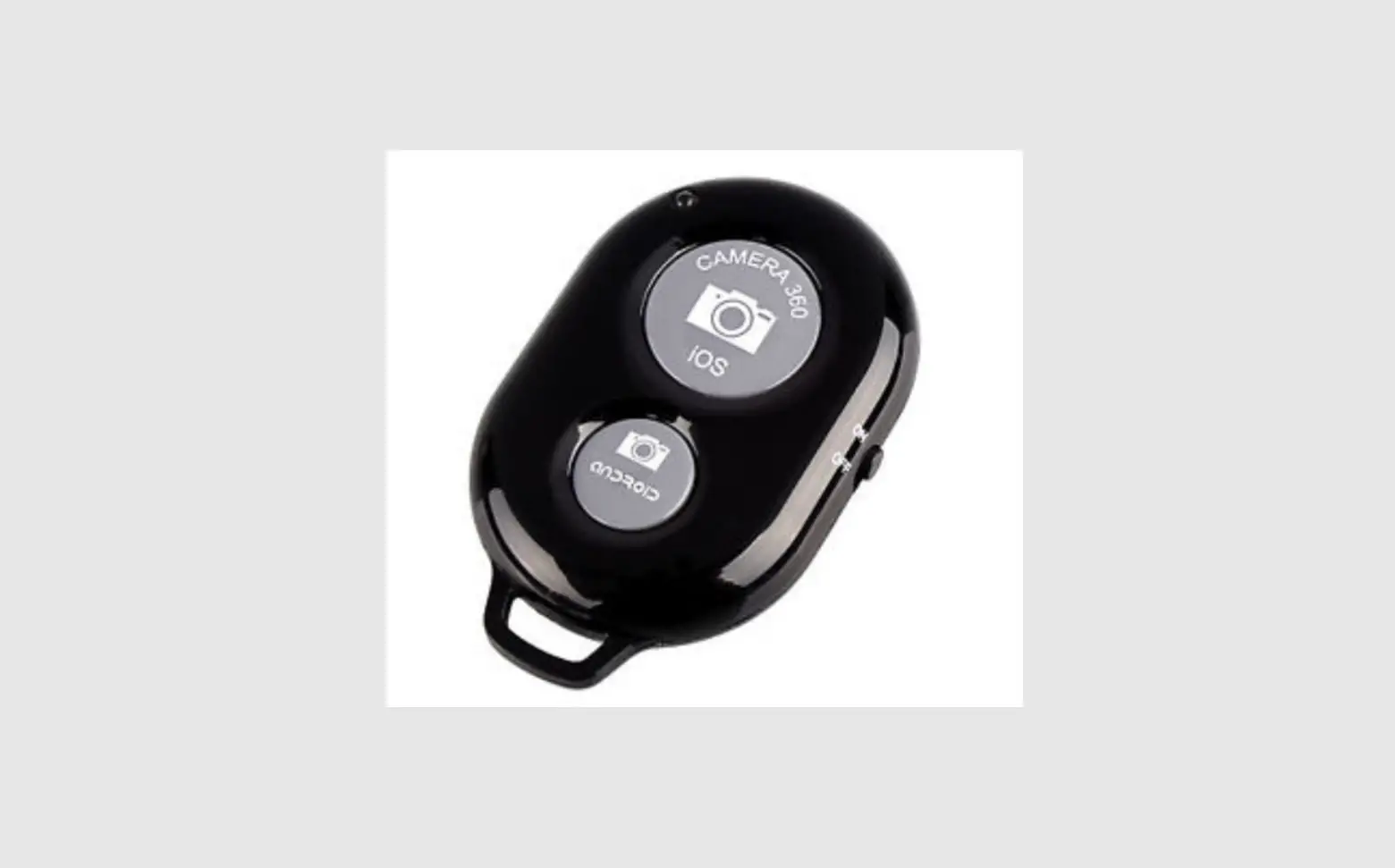
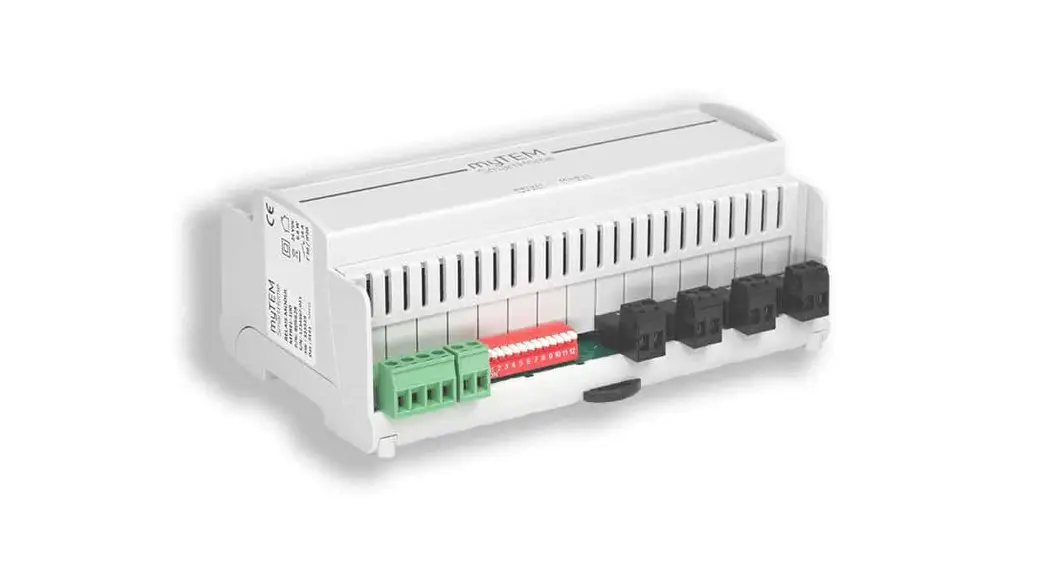
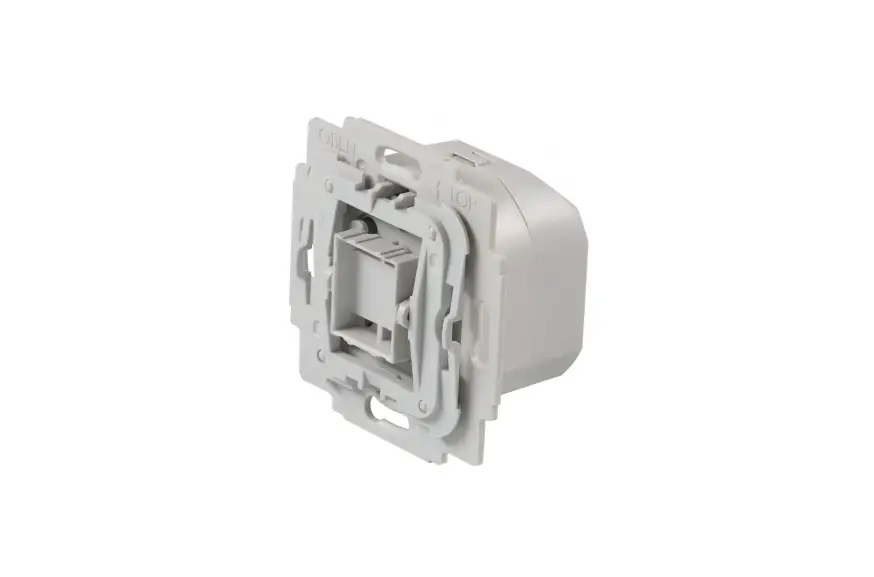
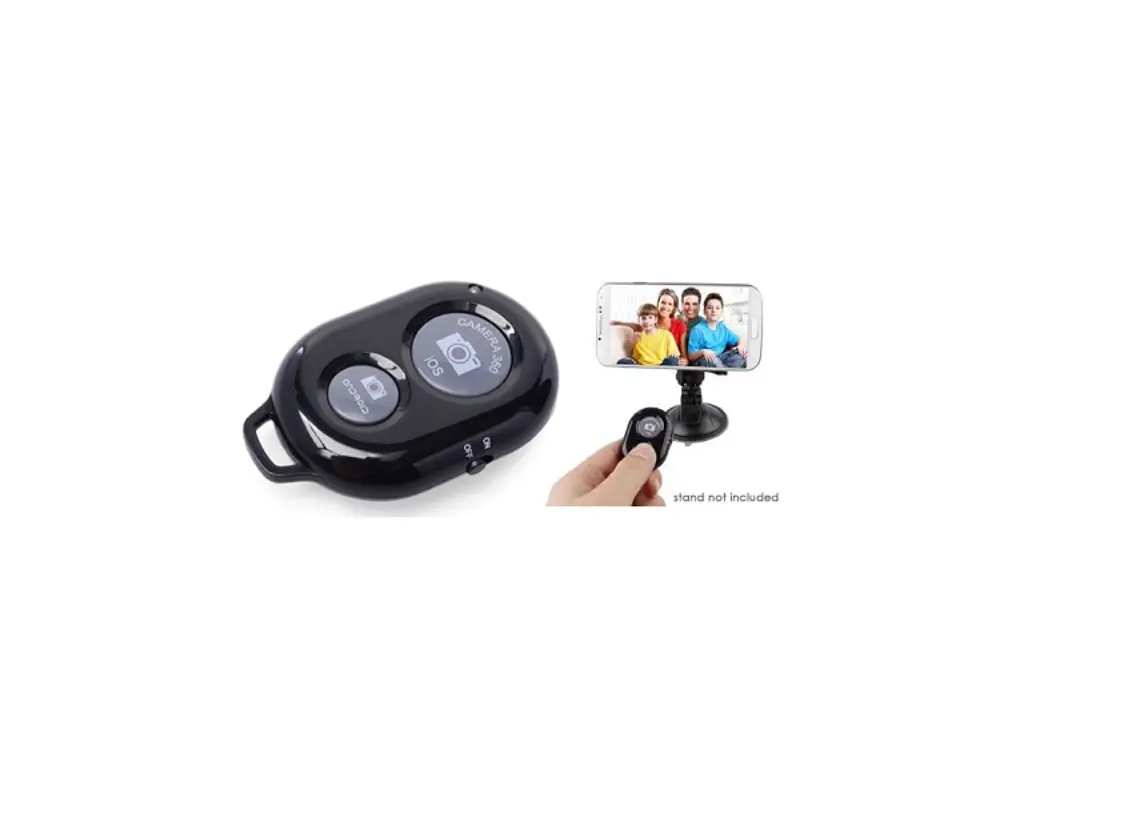
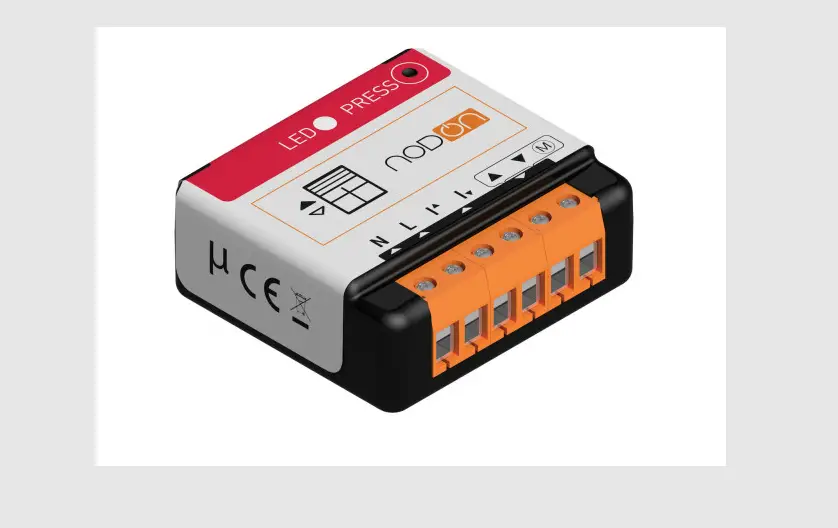
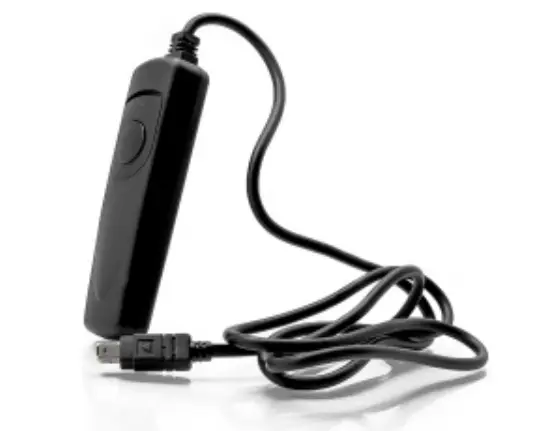
Shutter Switch Smart Controller
Product Information
This product is a device that is designed to perform multiple
functions. It has various features and settings that can be
adjusted to suit your needs. The product is equipped with different
modes and options to enhance its functionality.
Product Usage Instructions
- Start by connecting the power source to the device.
- Locate the power switch and turn it on.
- Refer to the user manual for specific instructions on how to
navigate through the different modes and options. - Use the designated buttons or controls to select the desired
mode or setting. - Make sure to follow any safety guidelines mentioned in the user
manual. - If applicable, connect any external devices or accessories
according to the provided instructions. - Once you have selected the desired mode or setting, begin using
the device for its intended purpose. - Refer to the user manual for any troubleshooting tips or
additional features that may enhance your experience with the
product. - When you are finished using the device, turn off the power
switch and disconnect it from the power source.
Please note that this is a general guide. For more detailed
instructions and specific information about your product, refer to
the user manual that came with your device.
4
n.c. N L 5
6
7
8
9
PE
L N
n.c. N L
M
10
11
12
13
14
15
16
17
18
19
20
21
22
n.c. N L 23
24
25
26
27
PE
L N
n.c. N L
M
28
29
30
31
32
33
34
35
36
37
38
n.c. N L 39
40
41
42
43
PE
L N
n.c. N L
M
44
45
46
47
48
49
50
51
52
53
54
55