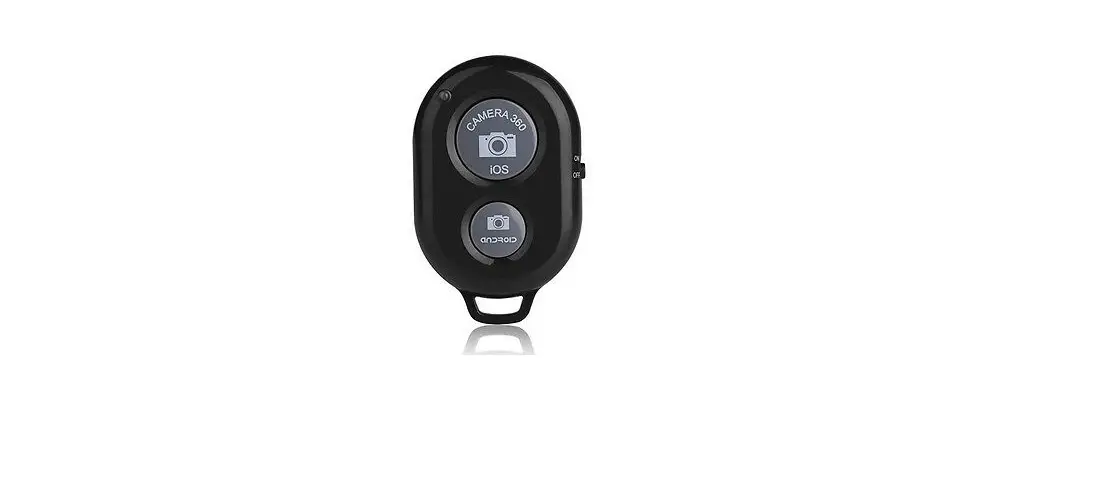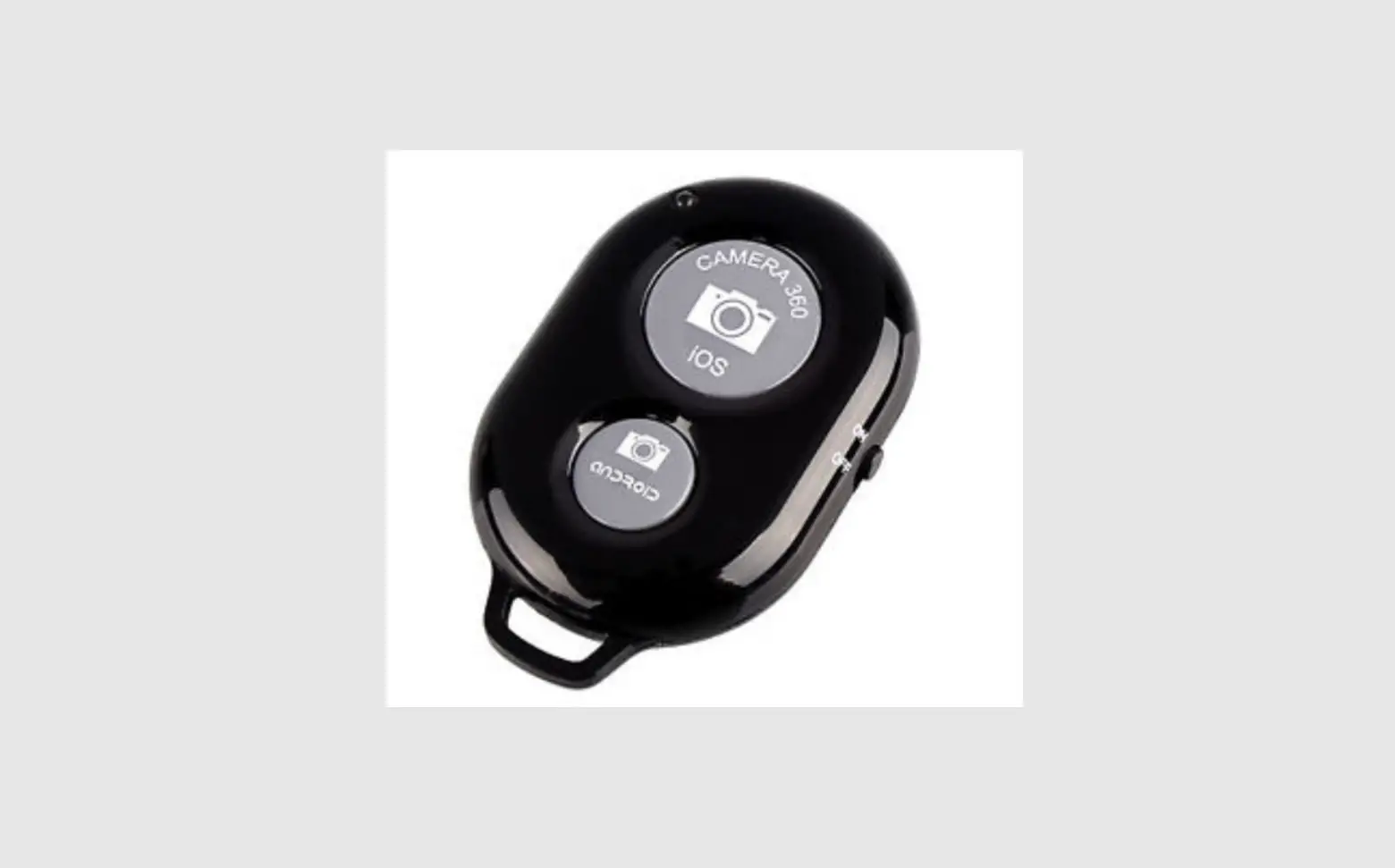
imperii Remote Shutter
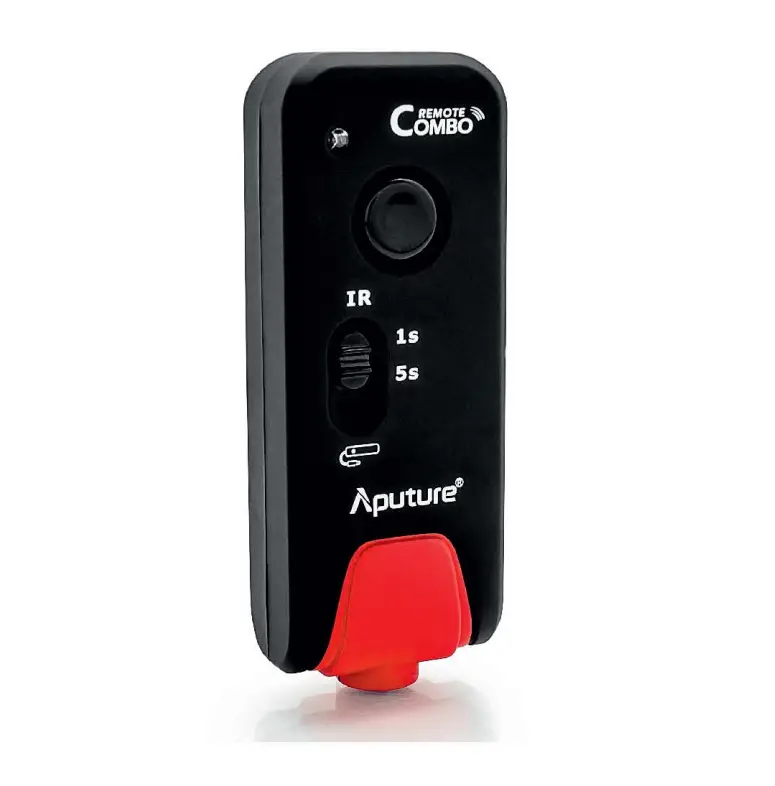
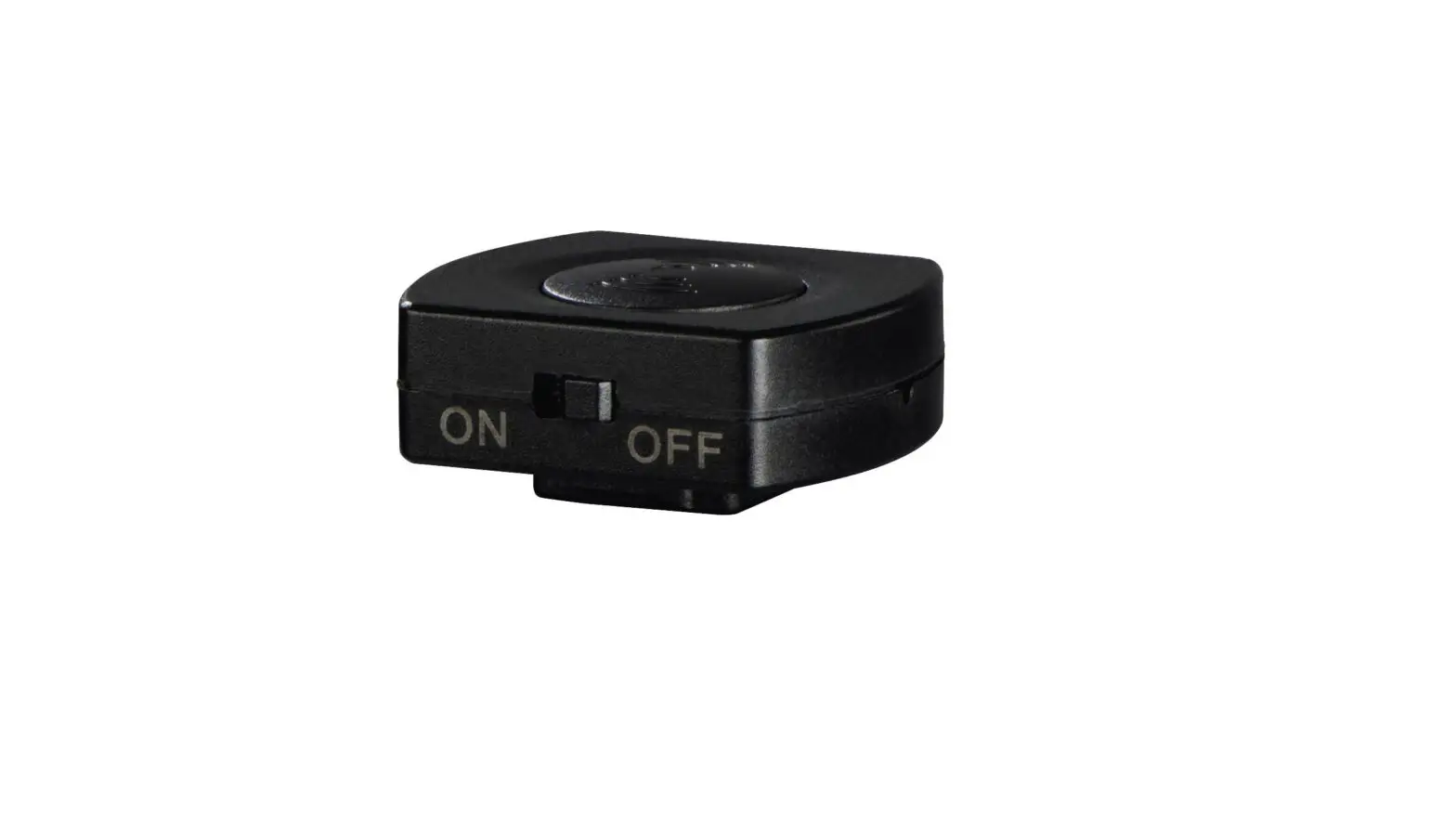
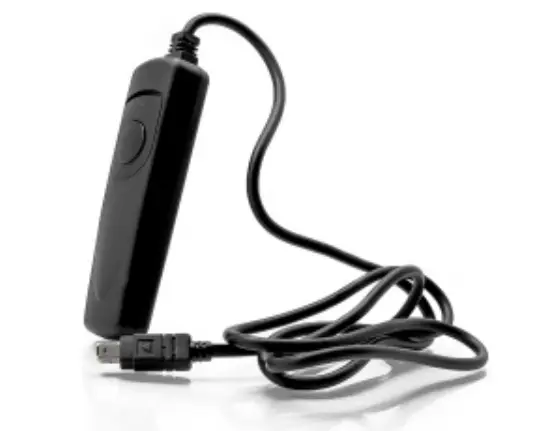
Connect your DSLR camera shutter control. The connector is indicated by the symbol of a remote shutter on the outside to protect the connections.
Turn your DSLR camera. Set the parameters for shooting. When you are ready, press the center button on the remote to shoot.
Three shooting modes:
- Medium pressure: autofocus
- Full pressure: shot
- Lock position: shot
TECHNICAL SERVICE : http://imperiielectronics.com/index.php?controller=contact

imperii Remote Shutter Instruction Manual – Download [optimized]
imperii Remote Shutter Instruction Manual – Download
imperii Remote Shutter Instruction Manual – OCR PDF