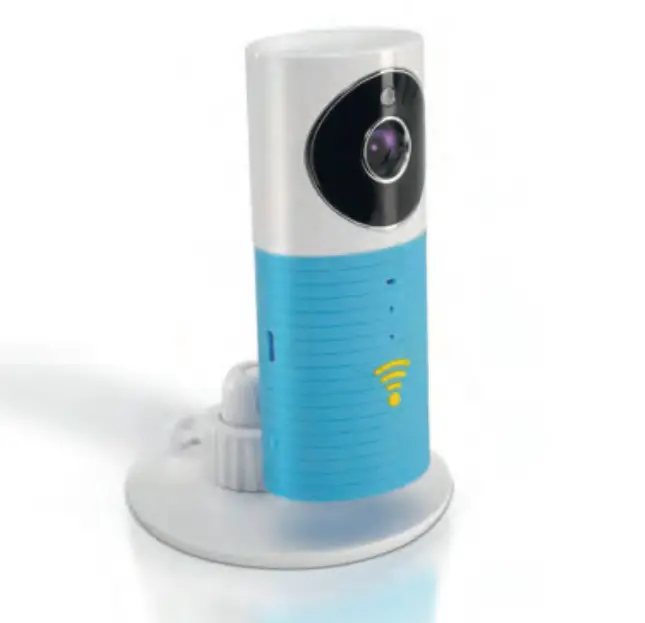
imperii Surveillance Camera Cleaver Guardian
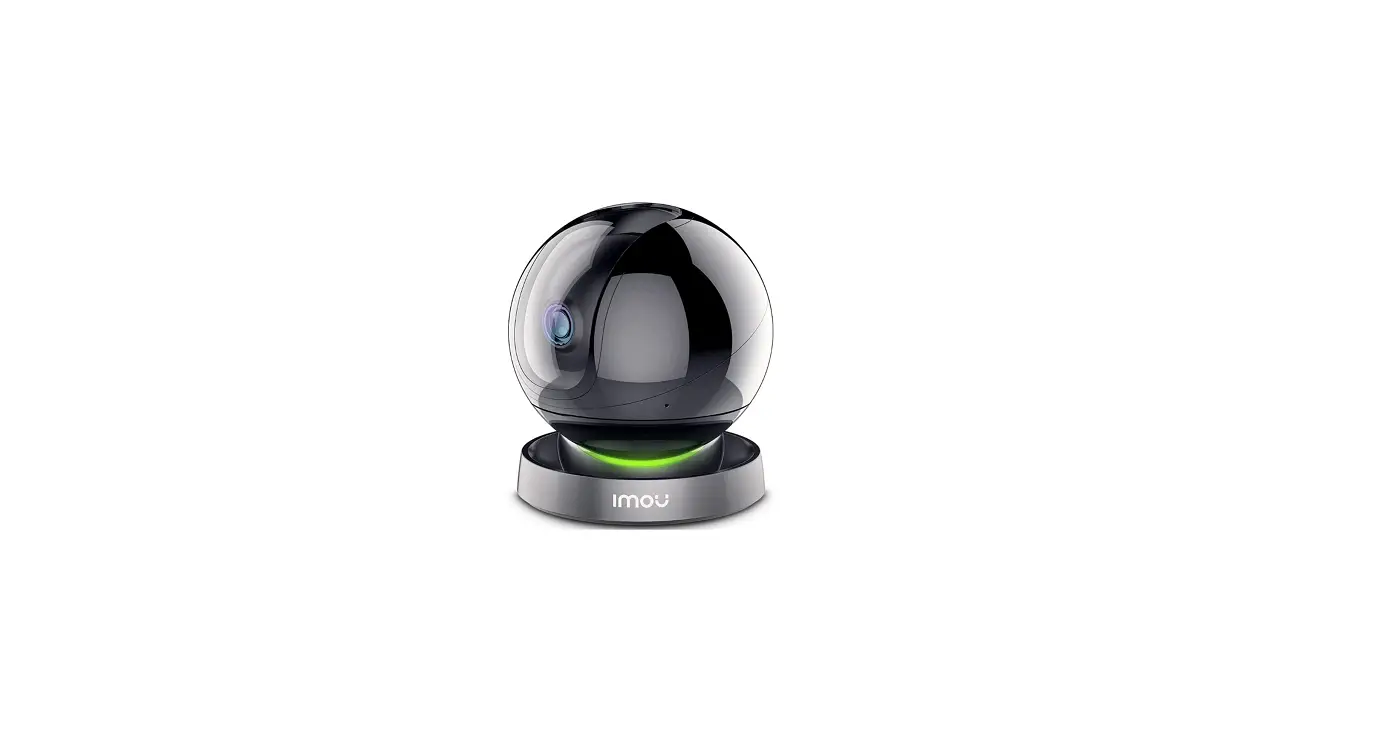
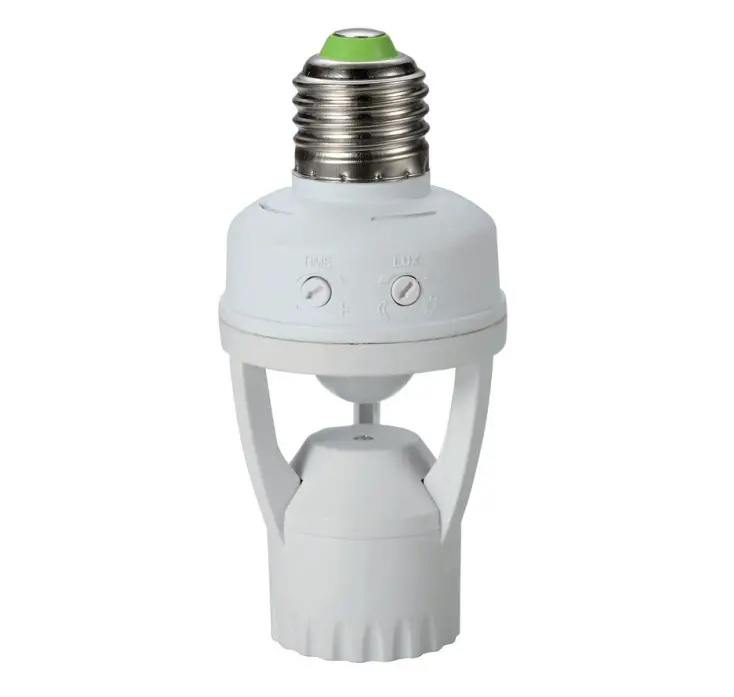
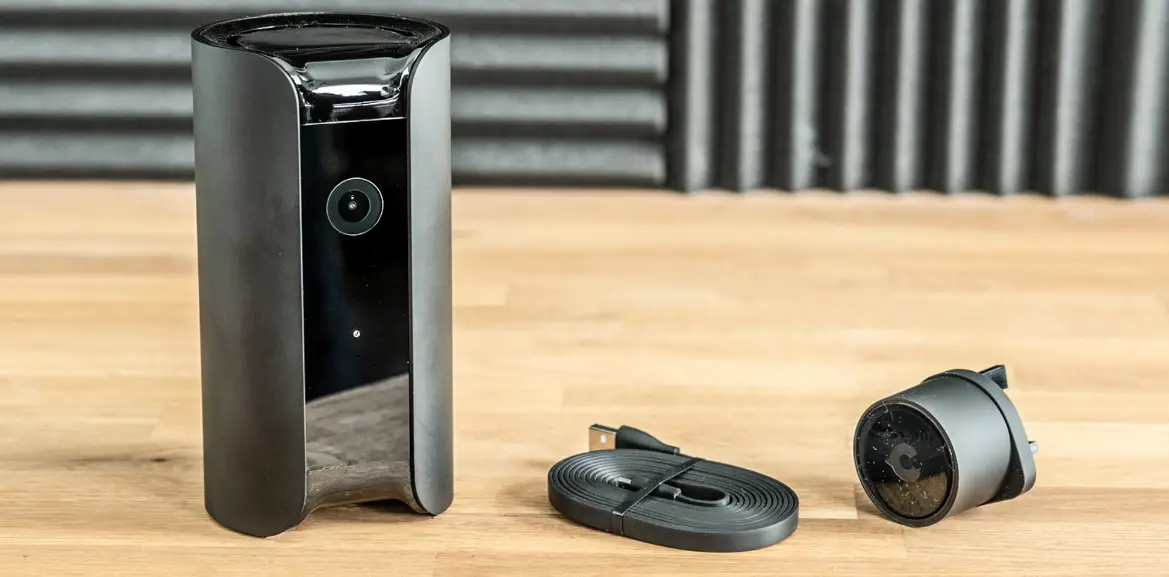
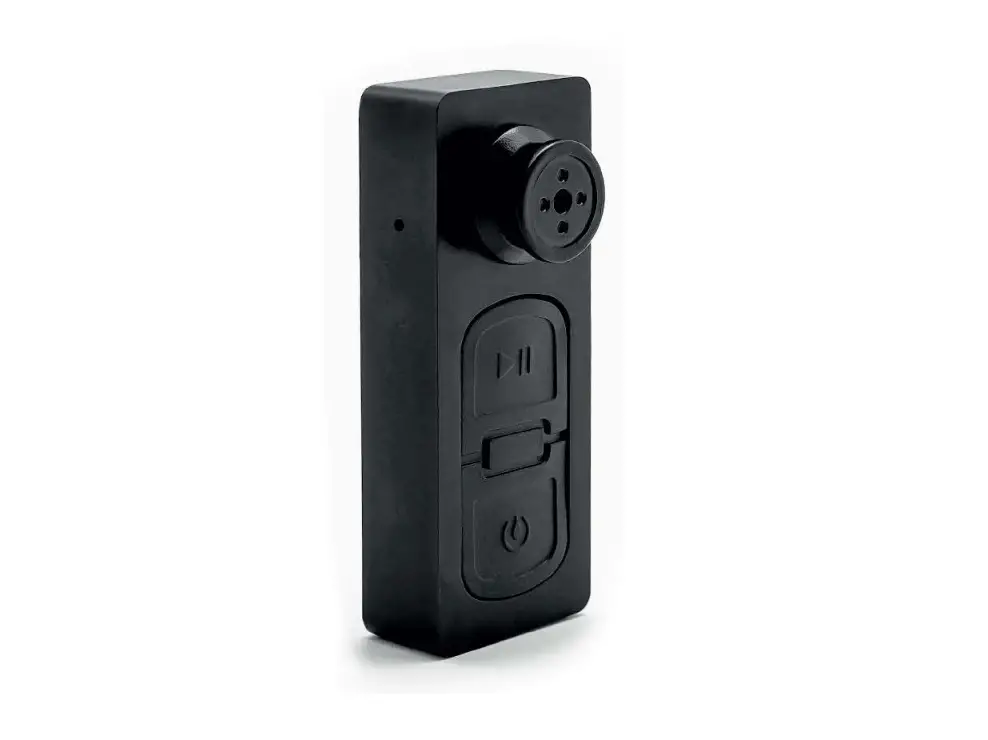
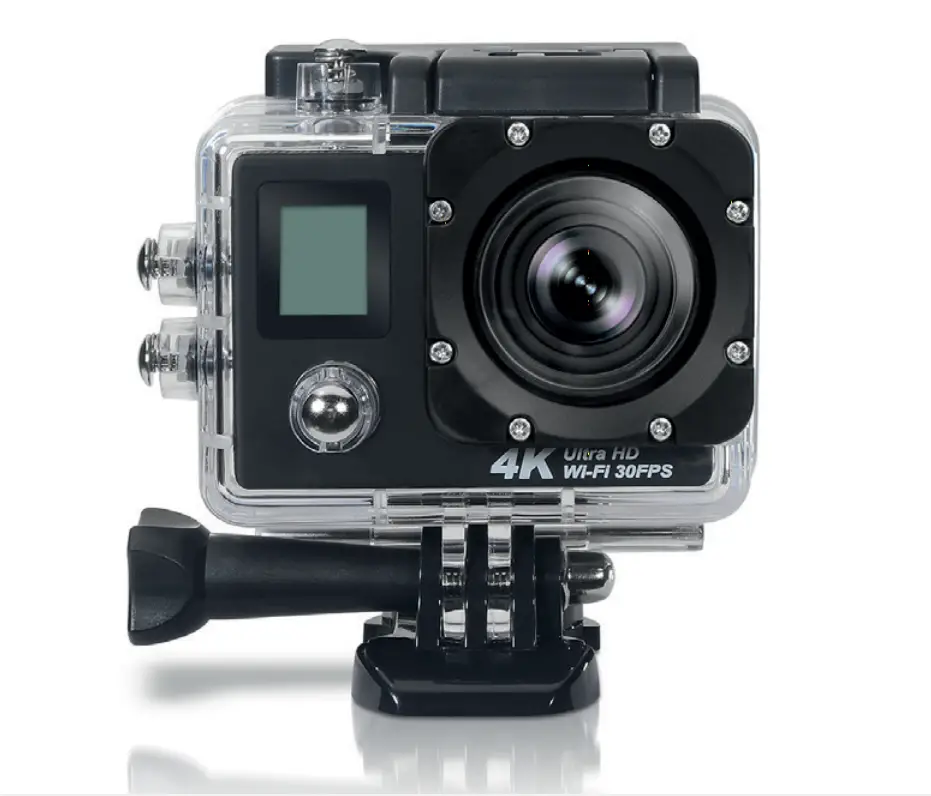
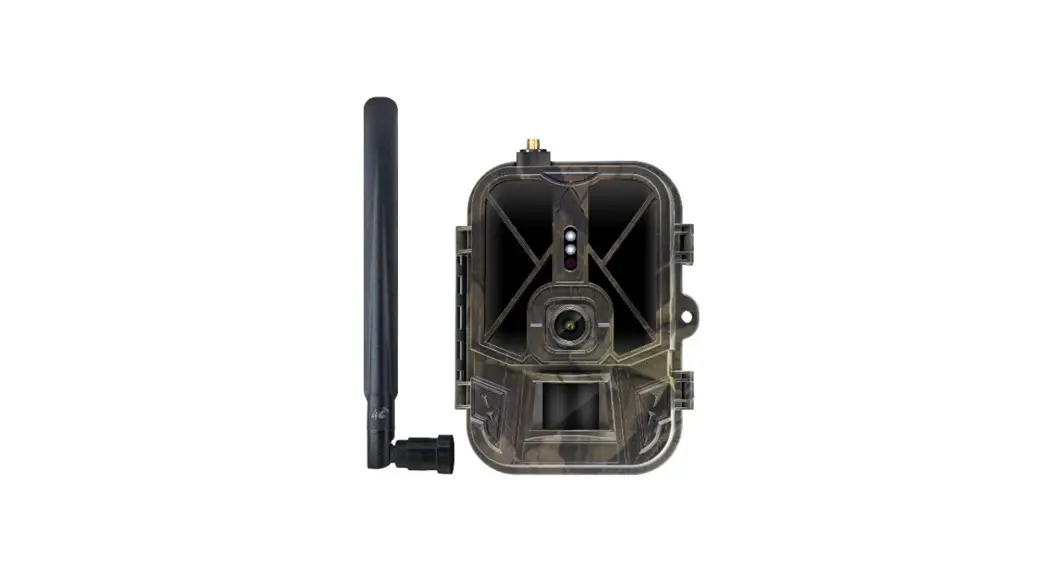
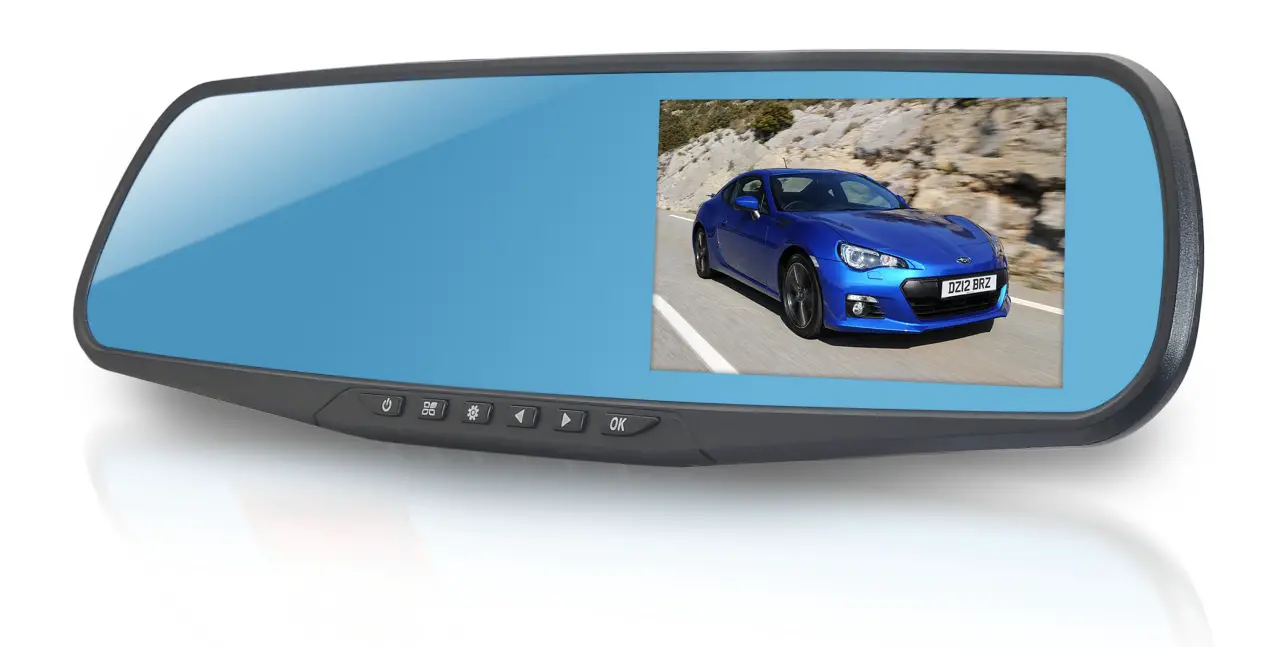
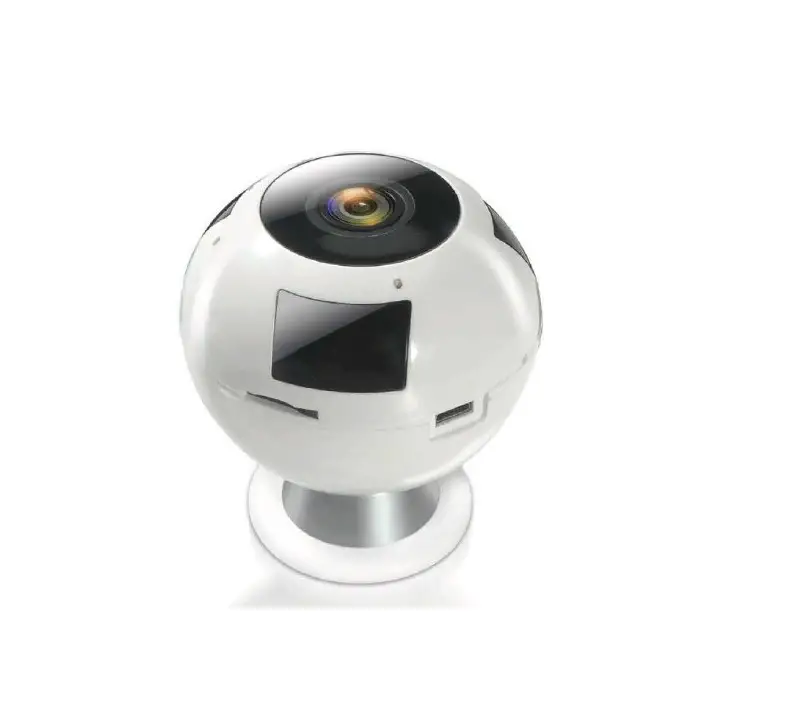
Appearance diagram
Before installation, please read the whole instruction below, and operate as the instruction.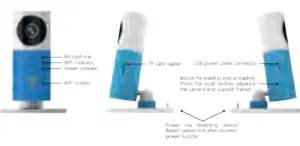
User Guide
- Give power to the device.
- Install APP
- Sign up and sign In
Scan this QR code and download the AP Open APP, click ‘sign up’ to register, sign in if you already have an account.
- Add device
a)After sign up and sign in successfully, you will see home page, click the sign’+’, and then choose ‘camera’.
b) After connecting device with power supply, please make sure the WIFI indicator is blue blinking. If not, Please press and hold the WIFI button for a few seconds until WIFI indicator is blue blinking, and then click ‘WIFI blue flashing lights’ Click view the LED indicator state description.
c) Add device
● Android Phone: On the page of ‘search’, choose new
device you want to add.
● iPhone: via ‘Settings’>’WLAN’ on your iPhone, connect to ‘DOG- 00***’, then come back to here, cl ick ‘next’.
d) On t he page of ‘Setting WIFI’, select a network to connect, type the password, then click ‘next’.
Note: The automatic switching of network is normal during connecting .
e) Add successfully, click ‘Done’, then start using.
- Add device
- Watching video
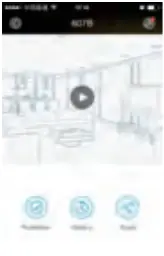
● On the page of ‘Home’, click and come into ‘real-time video’
● Click ‘play’, t hen you watch rea l-time video, click ‘pause’, you can stop the video display
● Click icon ‘Settings’ go to the page of ‘Function Settings’
- Smart camera DOG-1 W Indicator state
DOG-1 W(WIFI) State Instruction The power light is on Be connected to power supply WIFI Indicator 1 is blue blinking Be ready to connect with a mobile devicee\ WIFI Indicator is red blinking slowly Fall to connect to a WIFI WIFI Indicator is blue all the time Connect to WIFI successfully WIFI Indicator is blinking between color red and blue System upgrading - Parameters
Items Specification Product Model DOG-1 W Outlook Gray, blue, pink, orange Lens HD camera, support videoing day and night Video H.264(CODEC), 720* 576@ 1.5fps (resolution) Voice Microphone and sneaker inside Night Vision Automatically enable infrared induction under low illumination WIFI IEEE802.1 1b, IEEE802.1 1g Extensible Space Micro SD card, it can store Power Supply Micro USB, Input 5V—500mA 7 days video with 32G Working environment Temperature: -10~60°, Humidity: <90% Size 85* 85* 110mm
 view the LED indicator state description.
TECHNICAL SERVICE : http://imperiielectronics.com/index.php?controller=contact
imperii Surveillance Camera Cleaver Guardian Instruction Manual – Download [optimized]
imperii Surveillance Camera Cleaver Guardian Instruction Manual – Download
imperii Surveillance Camera Cleaver Guardian Instruction Manual – OCR PDF