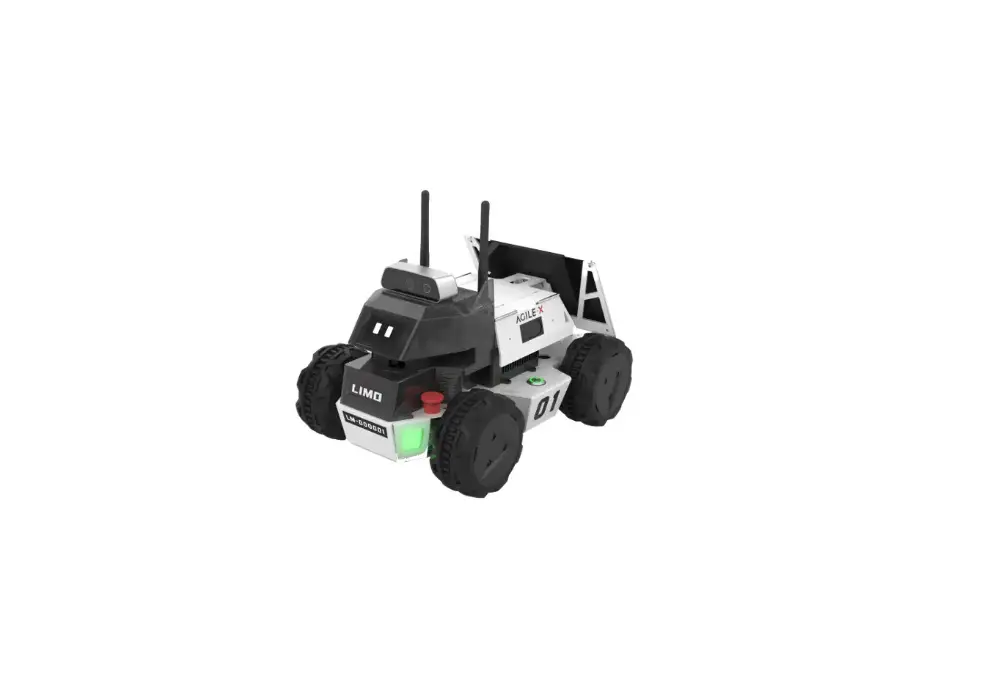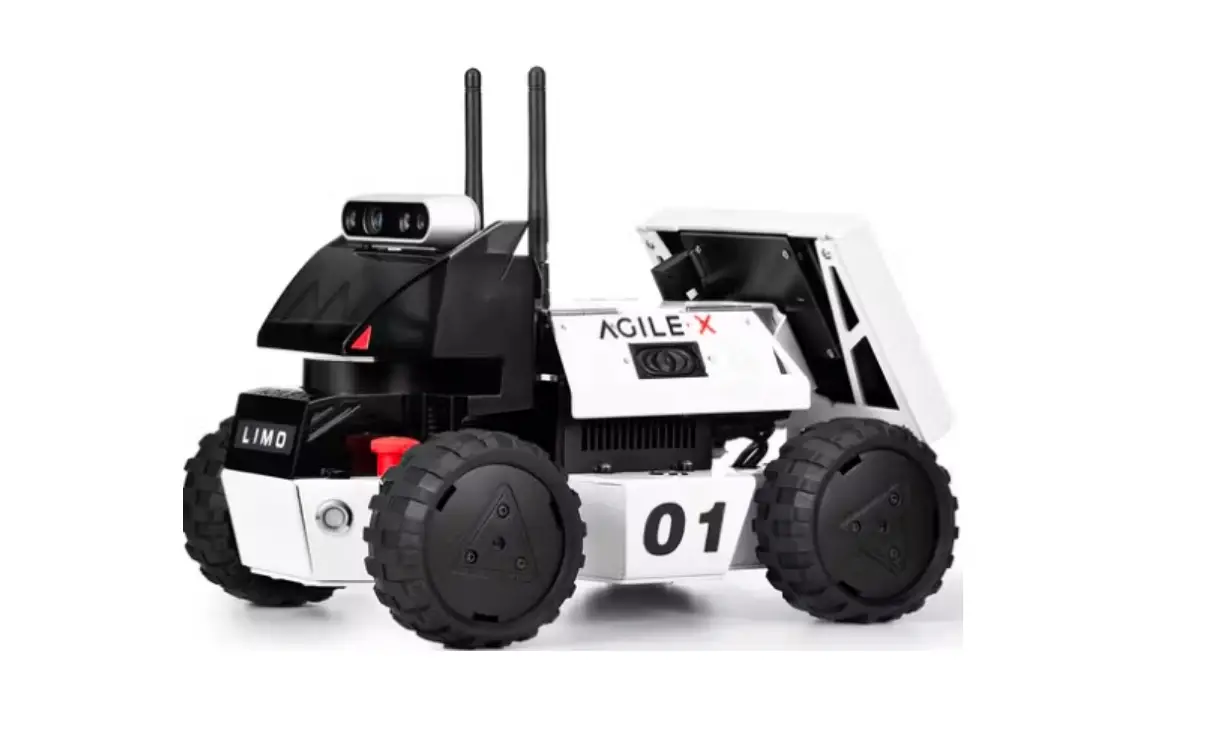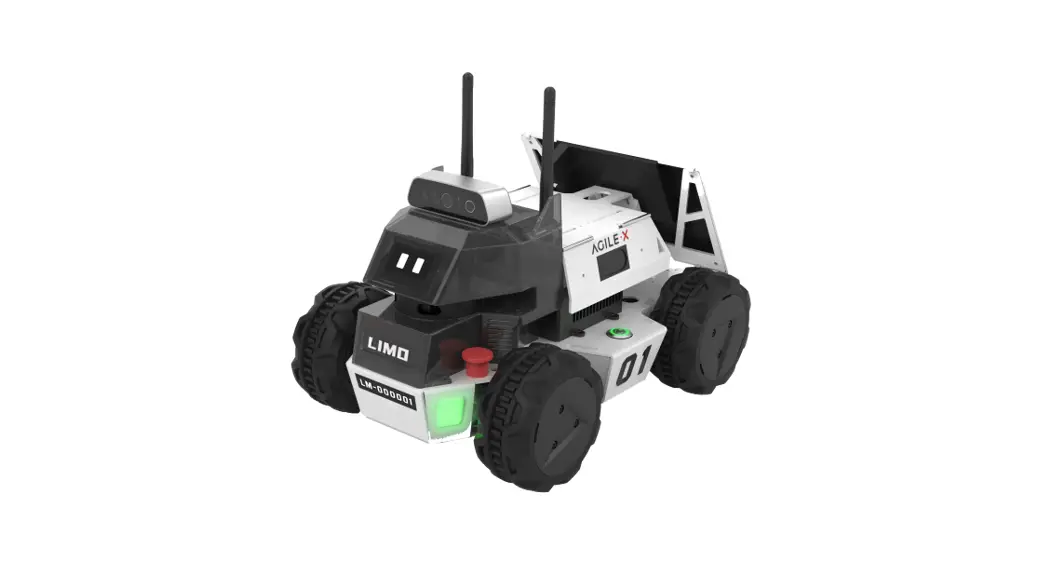

LIMO Simulation Table
Installation Guide

Quick Installation Guide
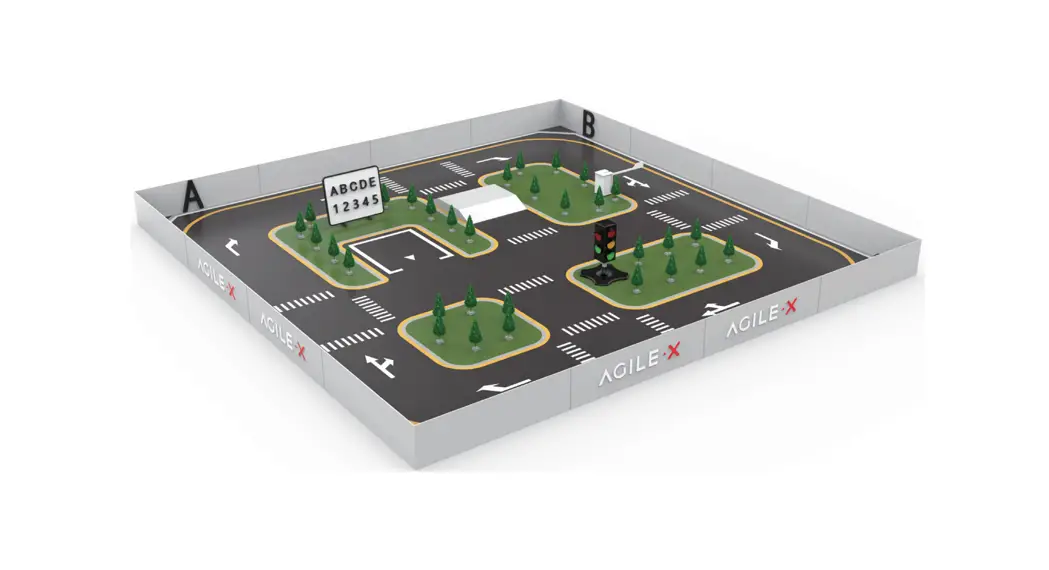
Introduction to LIMO Simulation Table
1.1 Introduction
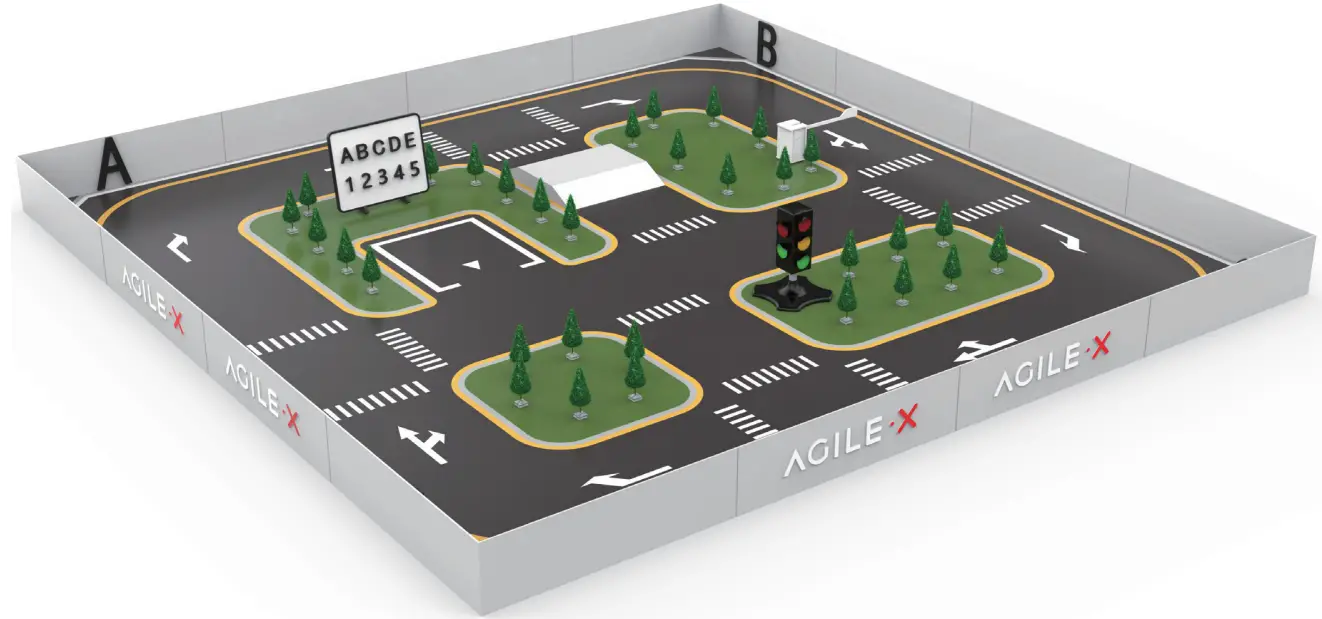
The Limo Simulation table is an interactive simulation table used with limos. On the Simulation table, precise autonomous positioning, SLAM mapping, route planning, autonomous obstacle avoidance, autonomous reverse stall parking, traffic light recognition, character recognition, and other functions can be realized.
1.2 Component list
| Name | Specification | Quantity |
| Simulation table bottom plate | 750 *750 *5mm | 16 |
| Simulation table hoarding | 750 *200 *5mm | 16 |
| Simulation table buckle | 10 L-shaped, 30 U-shaped | 40 |
| Model tree | 15cm model tree with base | 30 |
| Traffic light | Dual-mode traffic light | 1 |
| Uphill | Assembled uphill | 1 |
| Small whiteboard + recognition characters | Small whiteboard + EVA tile recognition characters (1 group of uppercase and lowercase letters and numbers) | 1 |
| Recognition characters | Acrylic ABCD characters | 1 |
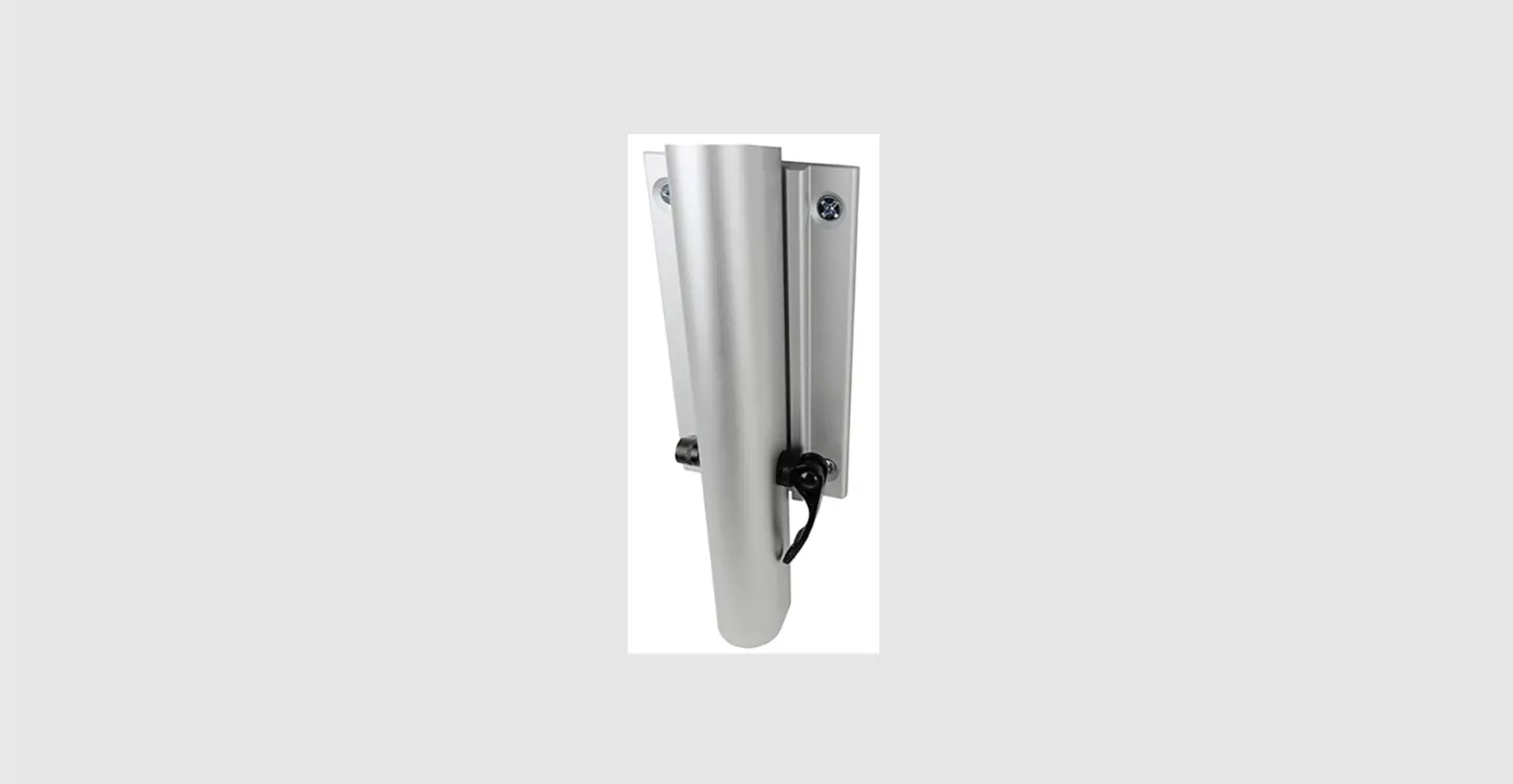
| Lifting lever | QR code identification communication |
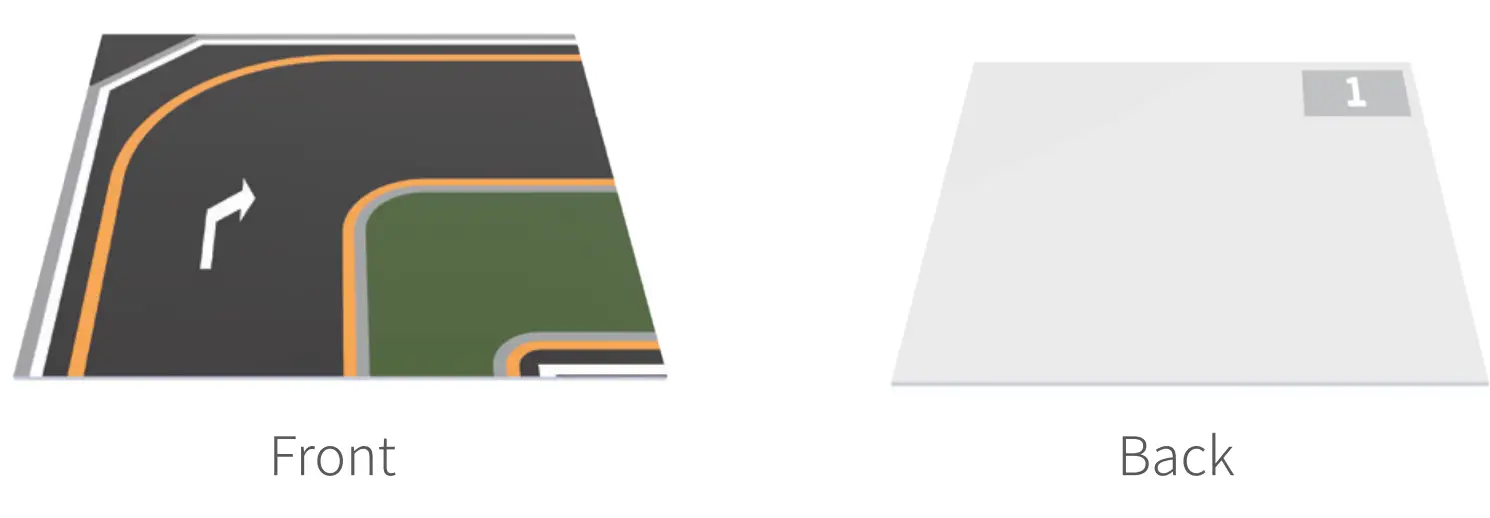
- Simulation table bottom plate

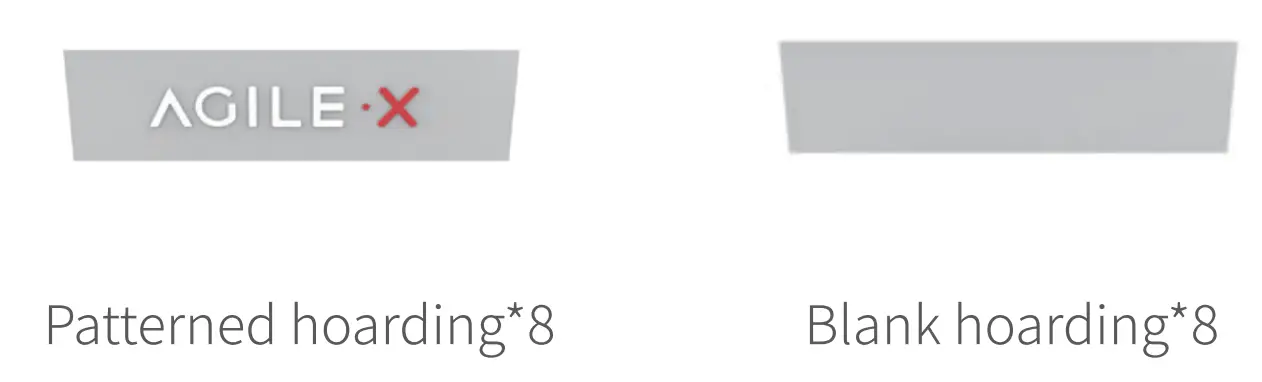
- Simulation table

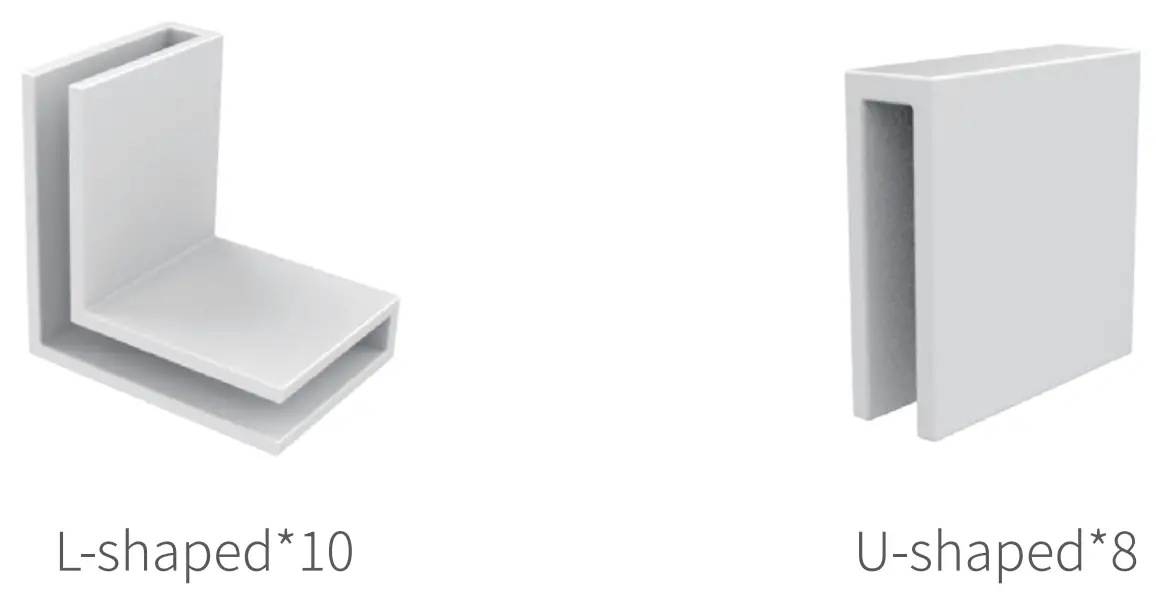
- Simulation table buckle

- Small whiteboard + recognition characters

- Traffic light

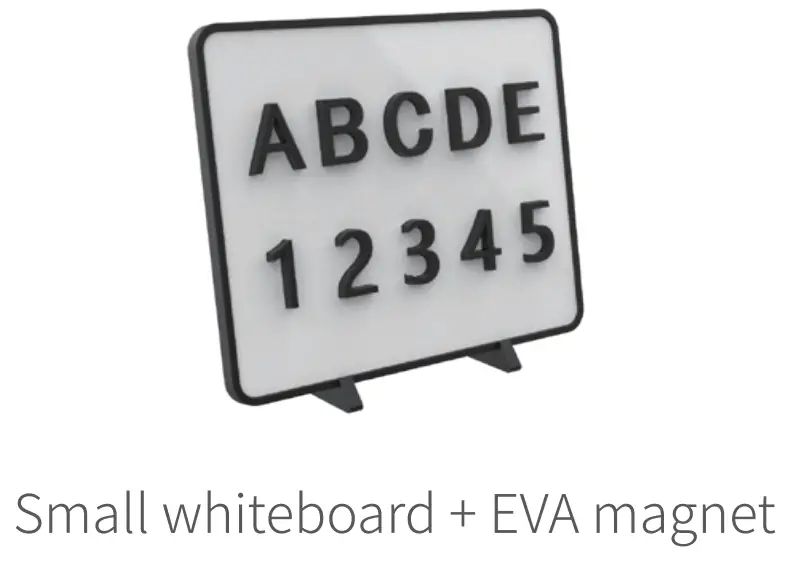
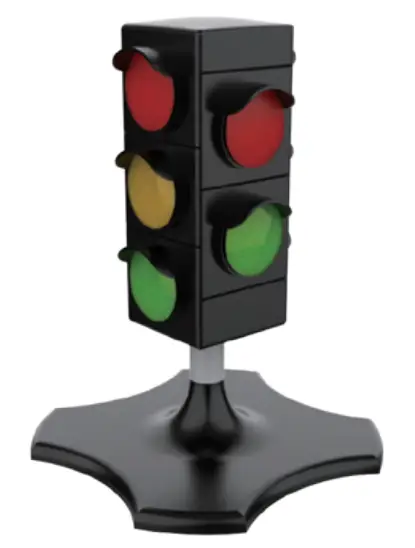
The traffic light is divided into manual mode and an automatic mode, and the switch is under the light body.
Manual mode: Press the round button on the top of the light to switch the light on.
Automatic mode: The red light turns yellow after 35 seconds, then the yellow light turns green after 3 seconds, and the green light changes back to red after 35 seconds. The traffic light changes in a circle, with a beeping sound. It’s equipped with 3 AM batteries, which should be installed in the battery slot under the light body before use.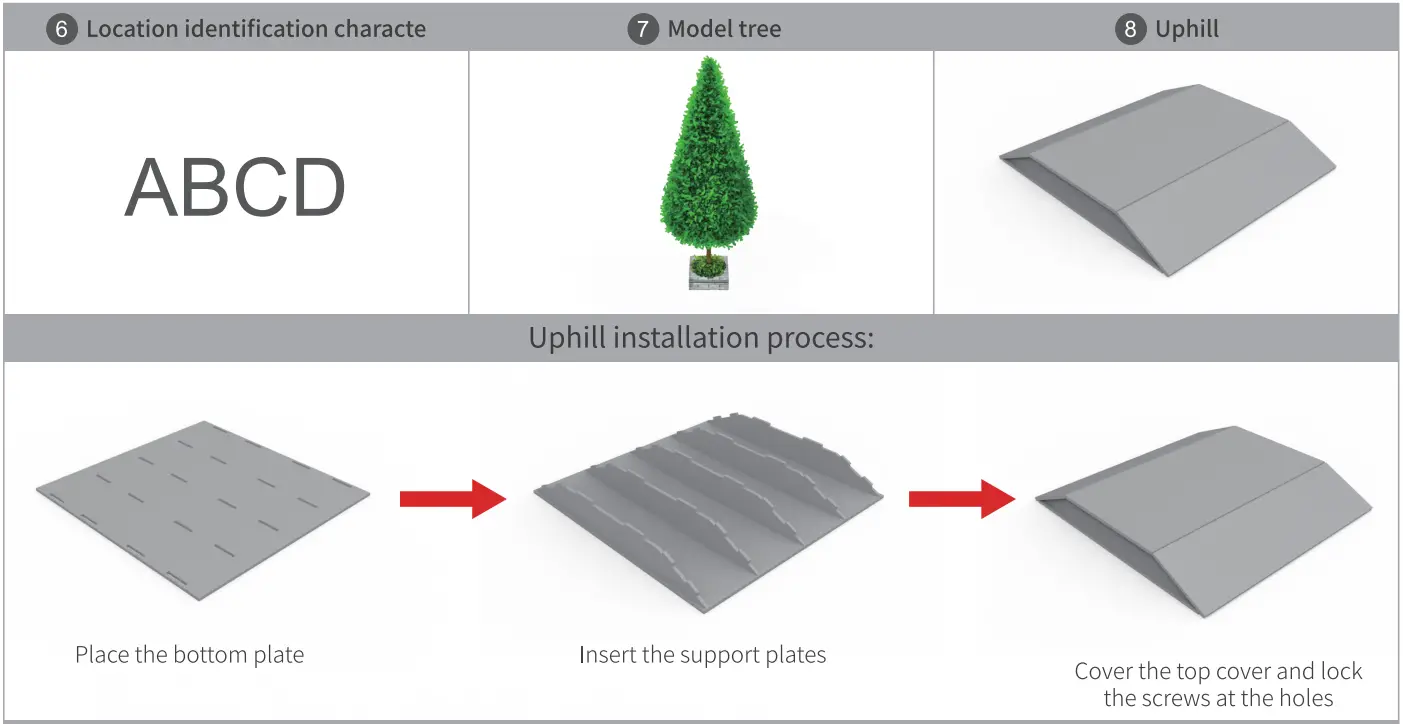
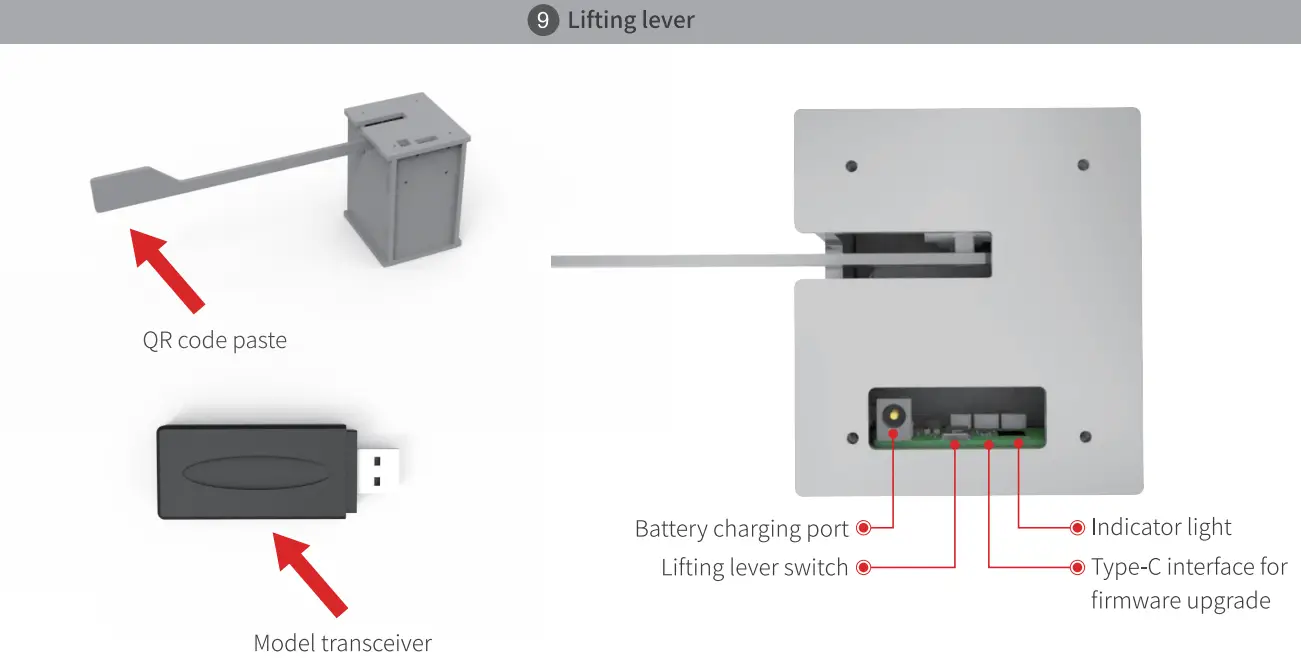
Note: You need to plug the signal transceiver into Limo’s USB interface to control the lifting level.
Indicator light status indication
| Color | Status |
| Red light | Disconnection |
| Greenlight | Normal connection |
| Blue light | Low voltage flashing |
Steps to build a LIMO Simulation table
2.1 Build the bottom plate 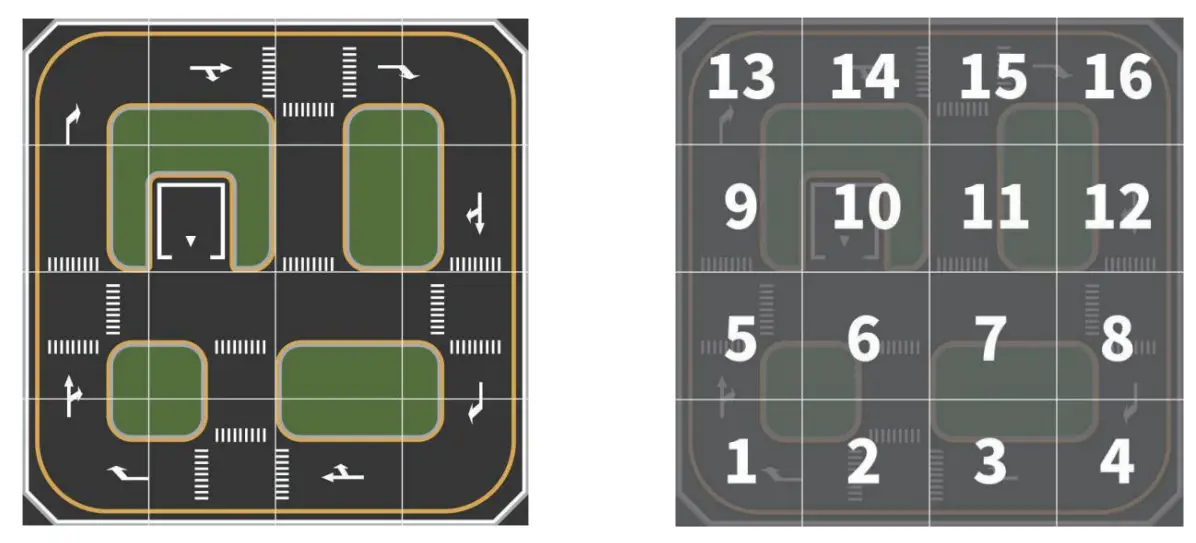
Splice the bottom plate in the order of the bottom plate stickers and referring to the bottom plan; the numbered stickers are unified on the upper right corner of the back of the bottom plate.
Completed picture:
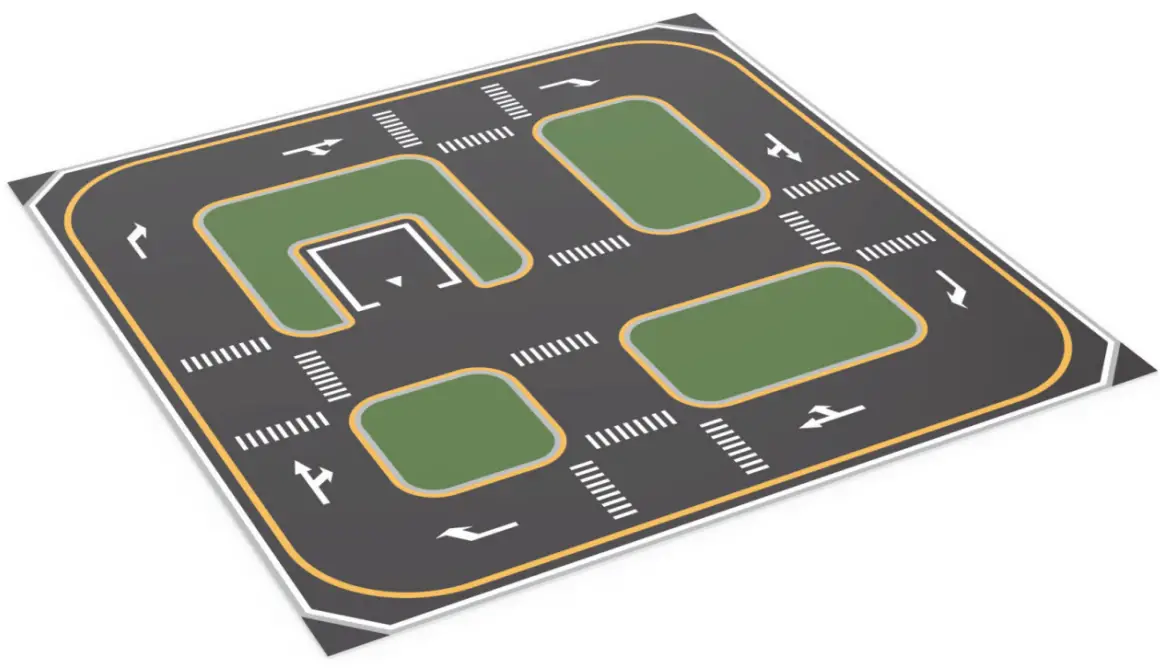 2.2 Build the perimeter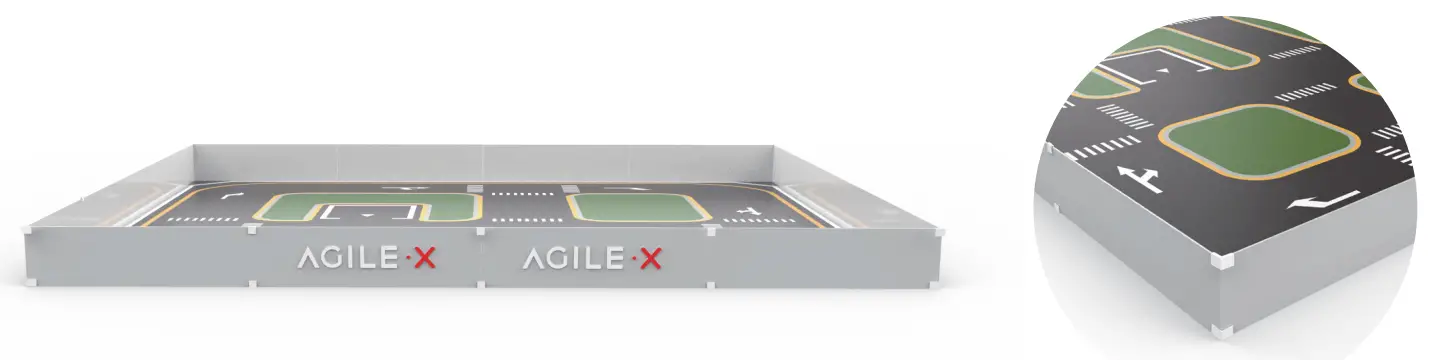
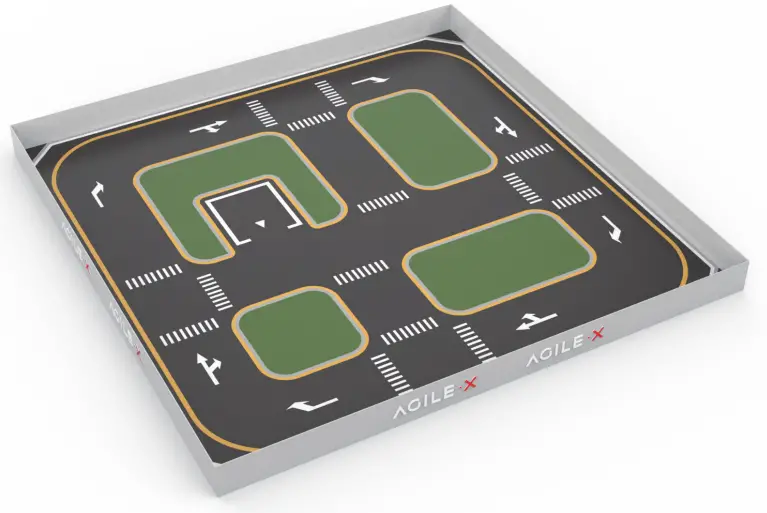
- Enclose the hoarding around the Simulation table, and fix the perimeter with L-shaped buckles and U-shaped buckles.
- The two hoardings in the middle of each side are patterned, and the other two are not patterned.
Completed picture:
 2.3 Install location recognition characters, a small whiteboard, traffic light, uphill, and left lever.
Paste the ABCD characters at the end of the road for the LIMO to identify the location and navigation. Place literacy boards for visual image recognition. Place a traffic light for traffic light detection. Place the lift lever, and place the QR code side in the center of the road for the LIMO camera to identify the QR code to control the lift lever.
Completed picture: 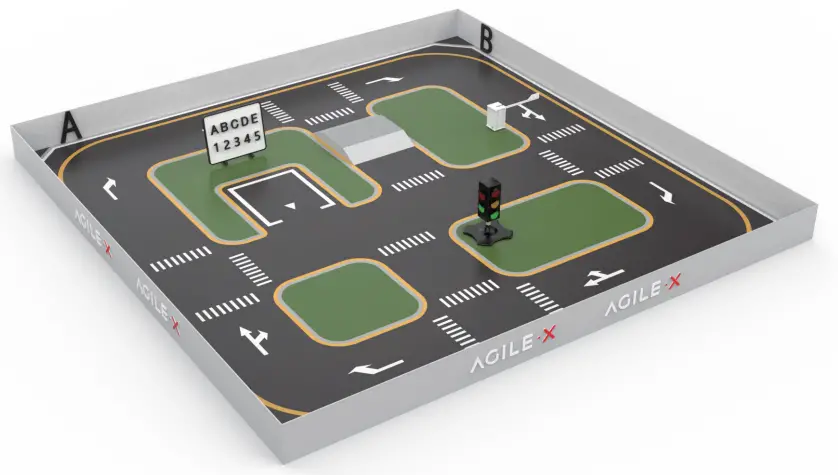
Place model trees
Completed picture: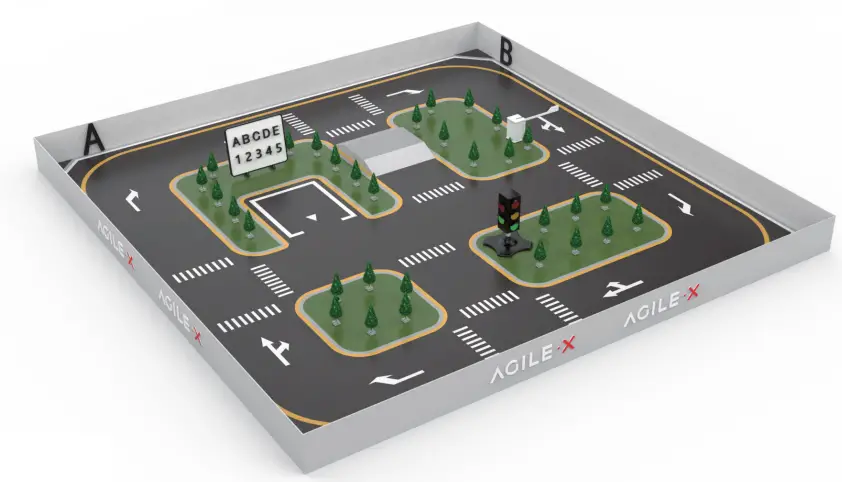
Installation finish
Note: If the friction between the ground and the bottom surface of the Simulation table is small, and the movement of limo causes the displacement of the board, the tape in the accessories can be used to glue the bottom plate from the bottom to prevent displacement.
Company Name: Songling Robot (Shenzhen) Co., Ltd
Address: Room1201, Levl12,Tinno
Building, No.33 Xiandong Road, Nanshan
District, Shenzhen, Guangdong Province, China. [email protected] [email protected]
 86-19925374409
 www.agilex.ai