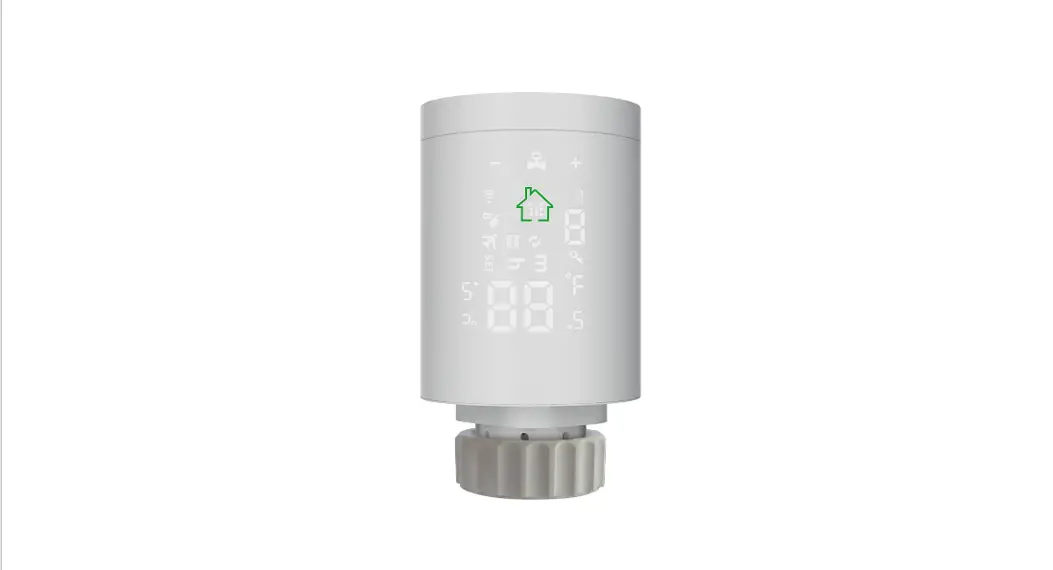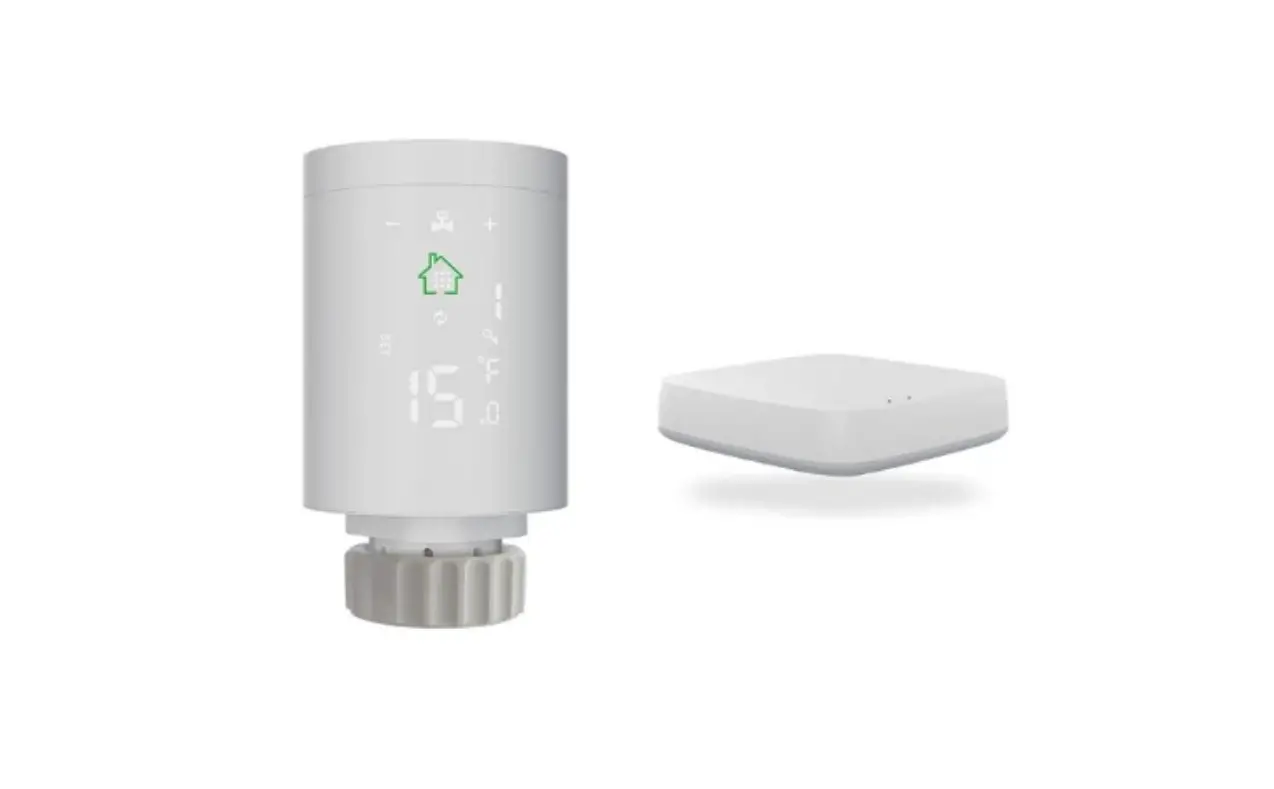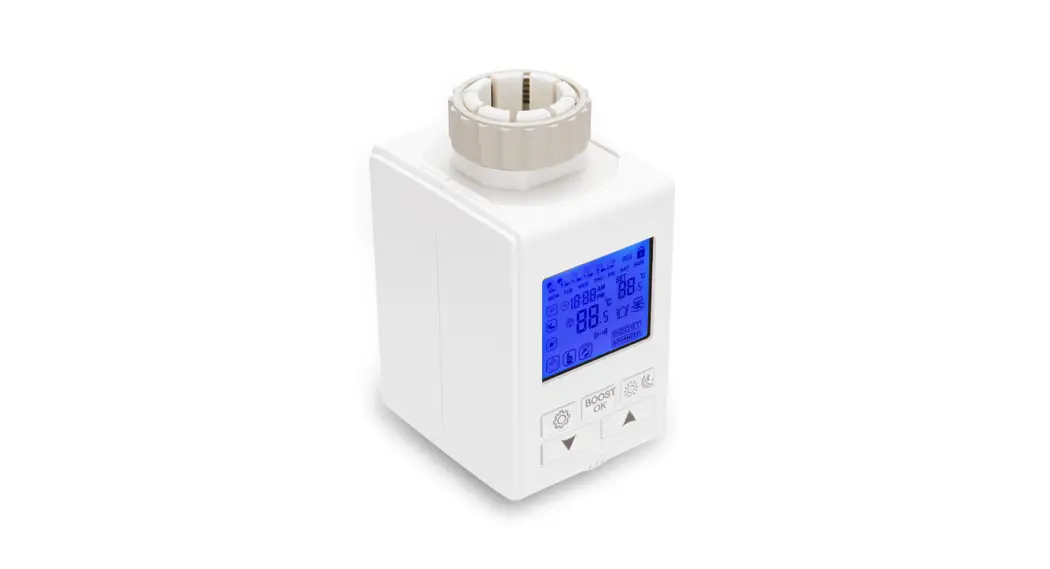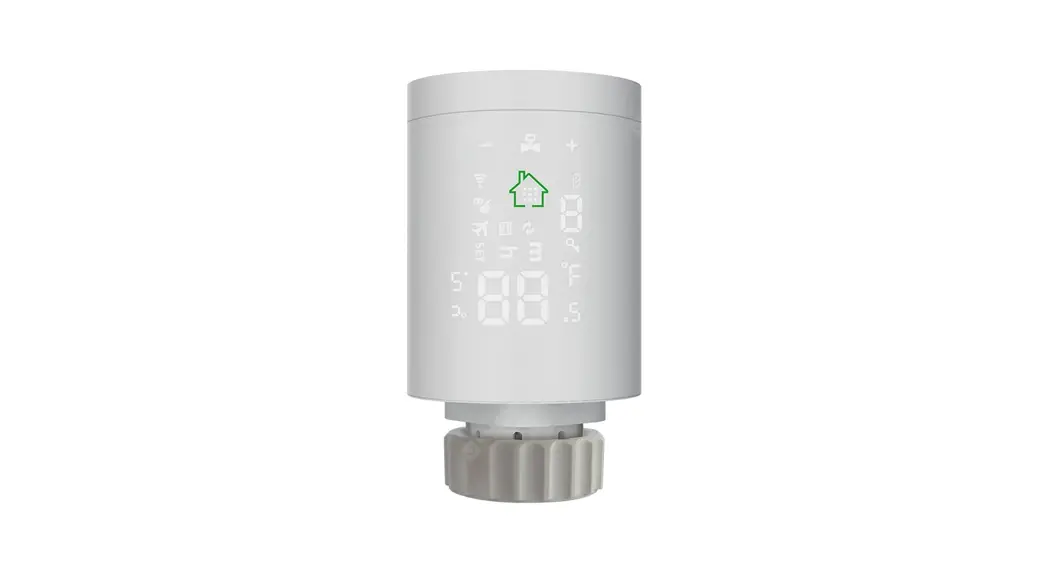
 WIFI Zigbee Radiator Actuator
User Manual
Many thanks for your selection of our products and services, and also for your trust and support to us.
 Search for “Smart RM” or “Smart Life” Download the Wifi App with the following icon
 https://smartapp.tuya.com/smartroom
- Add your gateway to the App, then add your radiator actuator to your gateway in the App
- After the actuator has completed the self-test, press
 about 3s access setting interface, click
 or
or  until
until blink and press, press and hold until rapidly blinking, connection begin.
Note: Your smartphone and gateway must be connected to the same wireless router
Product Specifications
| Power: 2*2 AA* 1.5V alkaline b | Insulating condition: Normal environment |
| Display accuracy::0.5℃ | Running program: Set per 1 week as a cycle |
| Probe sensor::NTC(10k)1% | Size(mm):53*89.5 |
| Maximum route:4.5mm | Range of temperature display::1~70°C |
| The default range of temperature adjustment:5~35°C | Maximum current:90mA |
| Working environment temperature::-10~60°C | Thread size: M30*1.5 |
NO: | Icon | |
A |  weekly program, weekly program, Low battery, Low battery,  Child lock, Child lock,  open window open window | |
B |  Holiday mode, Automatic Mode, Holiday mode, Automatic Mode, BOOST Mode, BOOST Mode,  WIFI mode WIFI mode | |
C |  hour setting hour setting  minute setting minute setting | |
NO: | key | represent |
D |  | 1. short press to set automatic and manual mode. 2. long press 3s to enter setting interface 3. confirm key |
E |
| represent |
F |  | 1. Increasing key 2. long press it into boost mode |

Install the actuator with the valve and power-on, all of the icons appear, 3s later display program version NO.
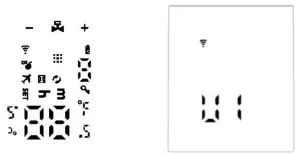
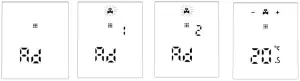
Continuous click until “Ad” appear, press again, actuator begins self-testing, self-testing is finished, working interface appear
Malfunction
| error code | description |
| E1 | Route is too short: in the adjustment process, the pin was stuck before it reach the destination of 2mm. |
| E2 | The temperature sensor is open or damaged |
| flashing indicates low battery |
Note: After malfunction is solved, click to self-test again
Function description
| Mode | Explain |
| Holiday mode | press 3s enter the setting interface, click or until blink, then press to confirm and enter temperature setting, press or to adjust the value, press confirms and enters days setting, press or to adjust the value. If you want to cancel holiday mode, press. until blink, then press to confirm and enter temperature setting, press or to adjust the value, press confirms and enters days setting, press or to adjust the value. If you want to cancel holiday mode, press. |
| Ventilation on and energy saving | Ventilation and energy-saving function is default off, if you want to open this function, please set in advanced options(The default settings will be restored when the battery is replaced ) |
| BOOST | Press and hold enter BOOST, pressing any key can cancel BOOST mode. |
Time setting
Press about 3s access setting interface, click or until blink, press to confirm and appear, press or to adjust hour value, press to confirm and appear, press or to adjust the minute value, press to confirm and the number appears, press or to adjust week value, press to confirm.
Programming mode setting
Press about 3s access setting interface, click or until blink, press enter programming, click until the mode you want blink (5 represent 5+2 days, 6 represent 6+1 days, 7 represent 7 days ), press to enter first time period hour setting, press or to adjust the value, press enters minute setting, press or to adjust the value, press enters temperature setting, press or to adjust the value, press to set second time period, thirdly time period ……
After finishing all time periods, press to save and exit. If you exit before finishing all of the settings, don’t operate, after 5s it will automatically save and return to the working interface.
Programmable(default):
| period | Default period | Default temperature |
| 1 | 6:00-8:00 | 20°C |
| 2 | 8:00-11:30 | 15°C |
| 3 | 11:30-12:30 | 15°C |
| 4 | 12:30-17:30 | 15°C |
| 5 | 17:30-22:00 | 20°C |
| 6 | 22:00-6:00 | 15°C |
Advanced options
Press about 3s to access setting interface,click or until set blink, press to access advanced options, press or to change the value, press to set next item, after finishing all, don’t operate, after 10s it will automatically save and exit.
| Symbol | Setting item | Parameter | default |
| AI | Measure the temperature correction | -9-+9r | it |
| A2 | Window ventilation function | display• press or to set temperature( temperature limit: 5-25r ), press to confirm and enter valve closing time setting (closing time limit: 5-60 minutes) | (.display means close 2.Valve closing time default 15 minute |
| A3 | Automatic lock if no operation more than 10 minutes | 01 close 1: open | 0 |
| A4 | The minimum limit of the setting temperature | I-16r | 5r |
| A5 | The maximum limit of the setting temperature | 16-70t | 35t |
| A6 | Extend BOOST running time. per press to increase 100s. | I OOs-900s | 300(display 30) |
| A7 | Check valve opening | 99 mean valve open 100% 5 mean valve open 5% Each increment is 5% | |
| A8 | Temperature hysteresis start setting | 0.5-1.5 | 1 |
| A9 | Display mode | 0 vertical display I horizontal display | 0 |
| AA | Reset | Display 88, using or to change to 00, press |