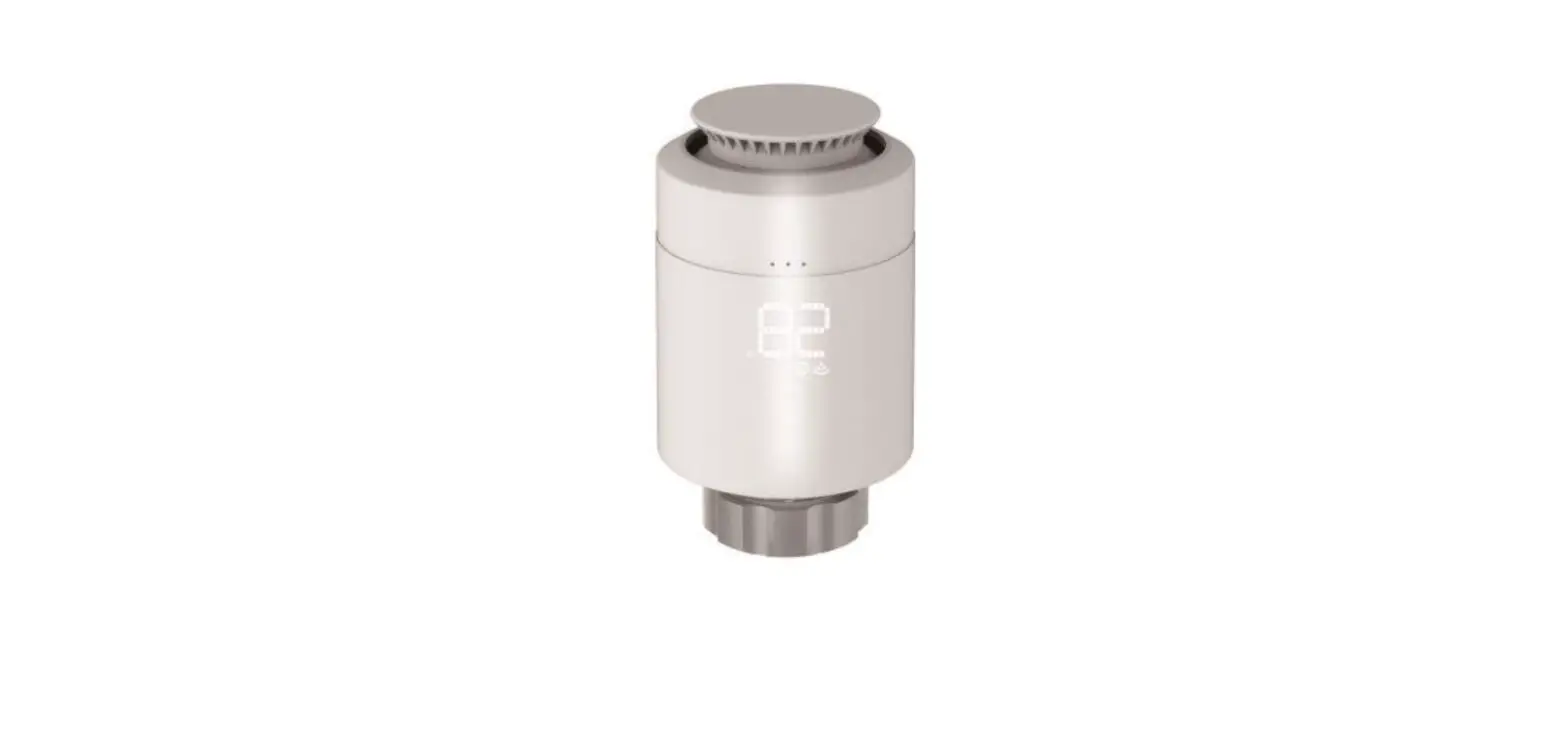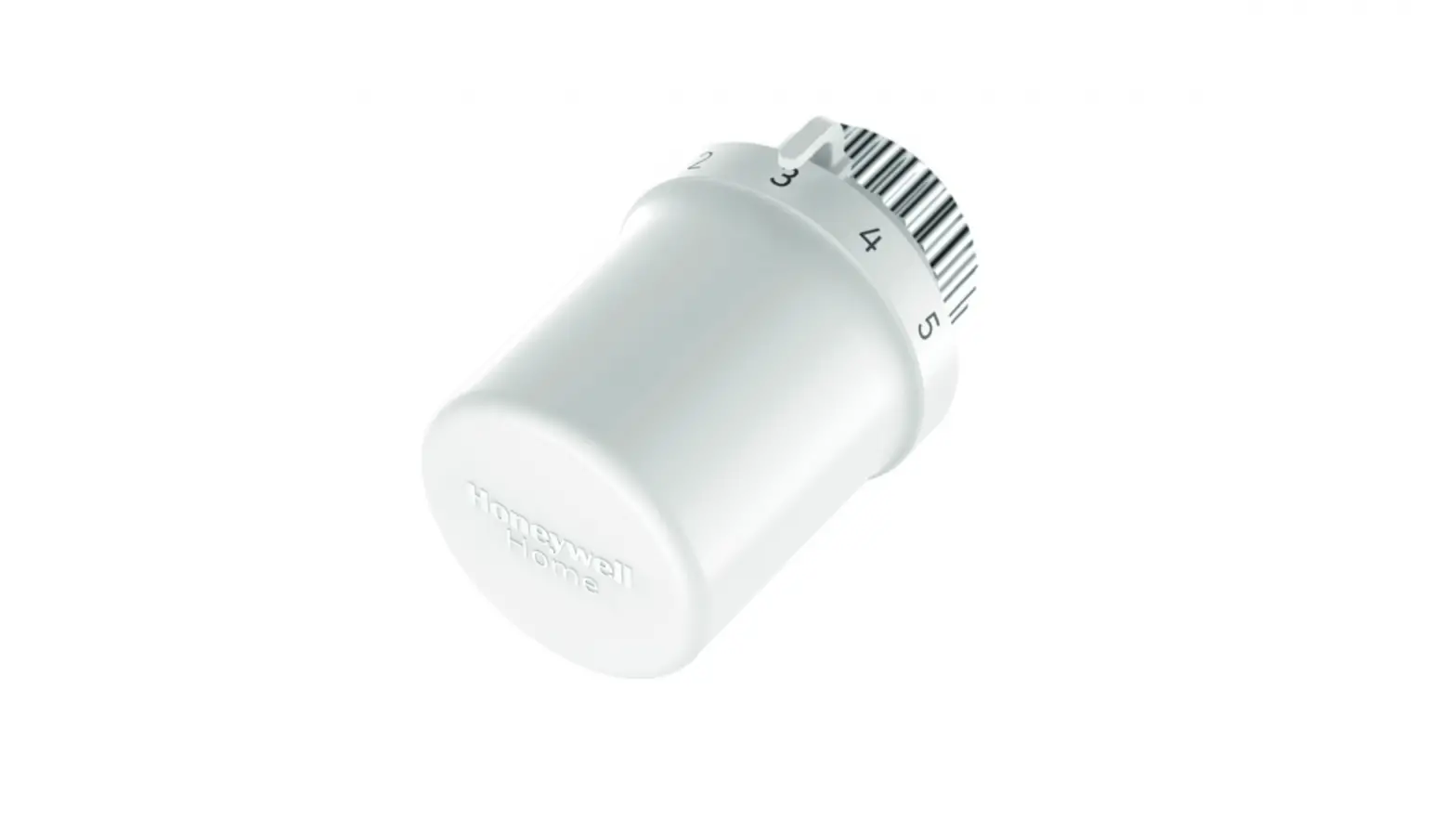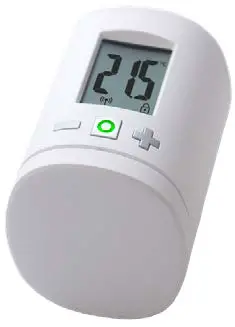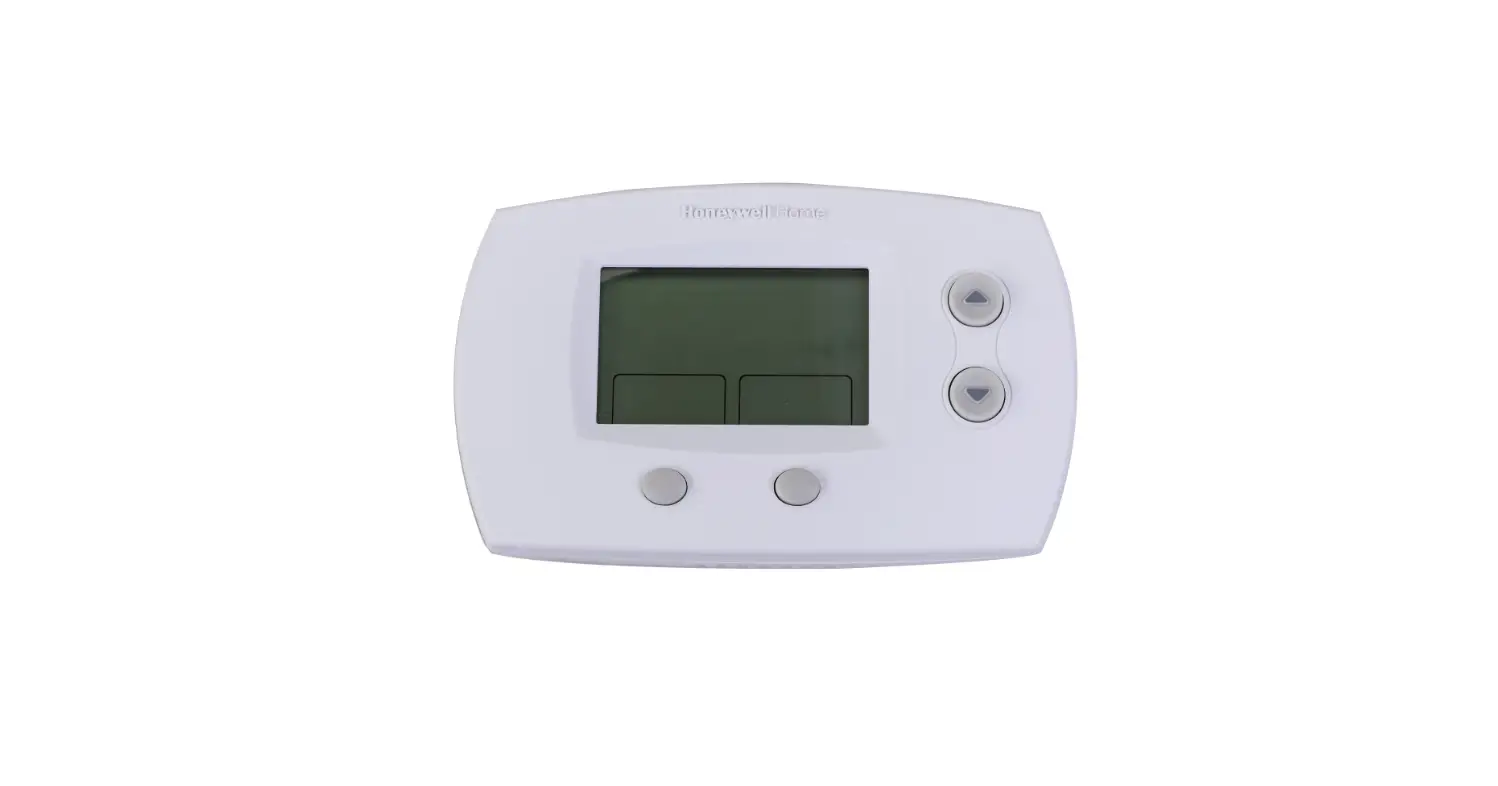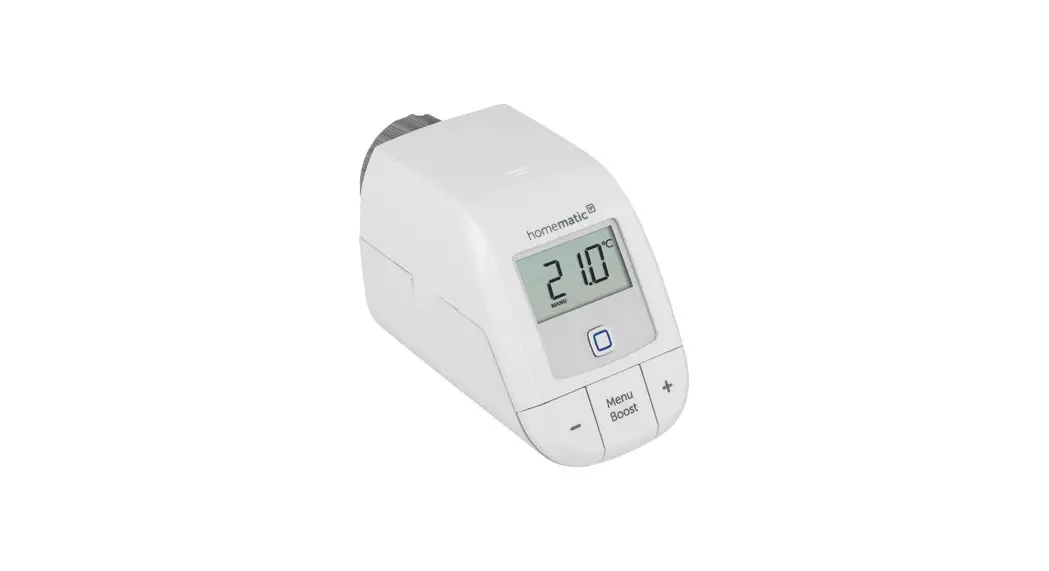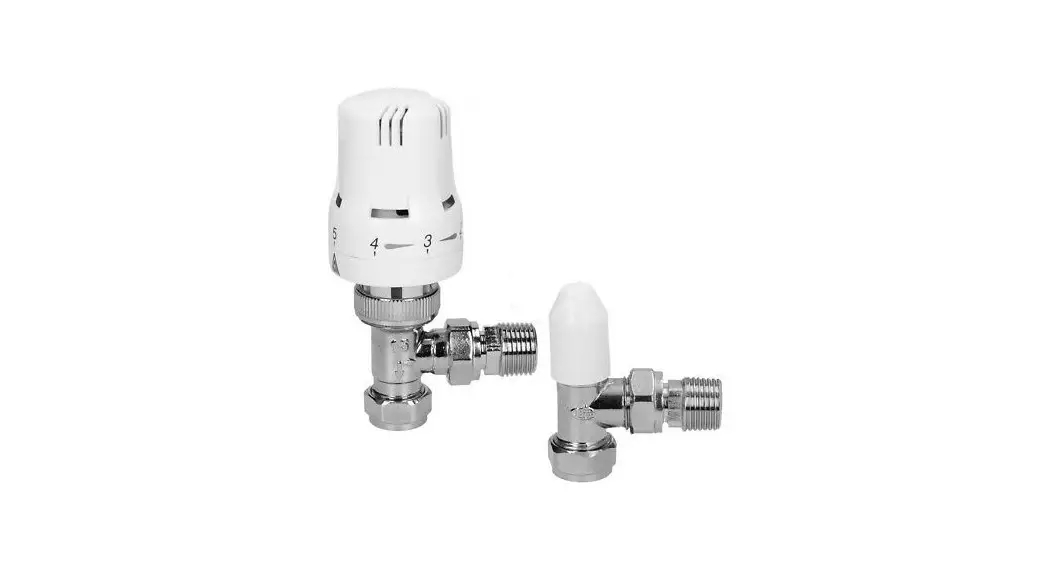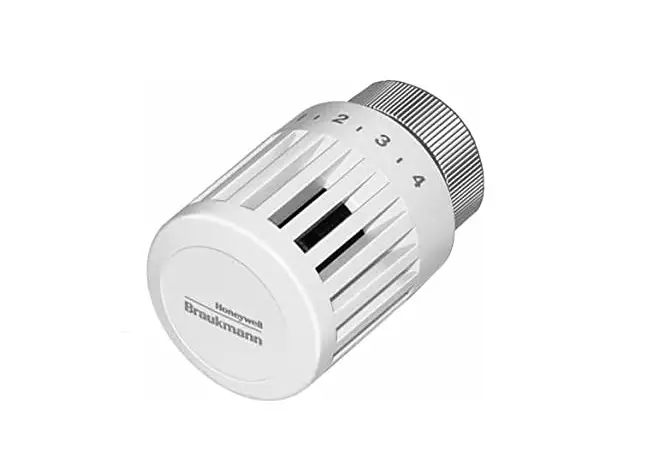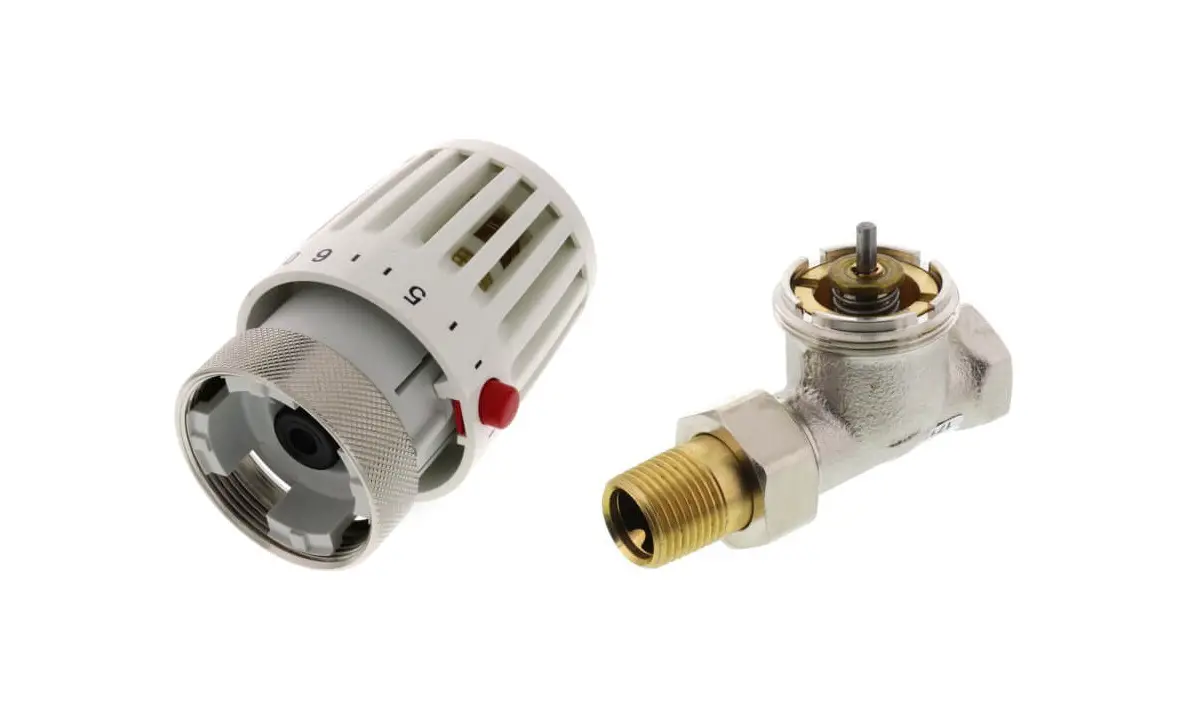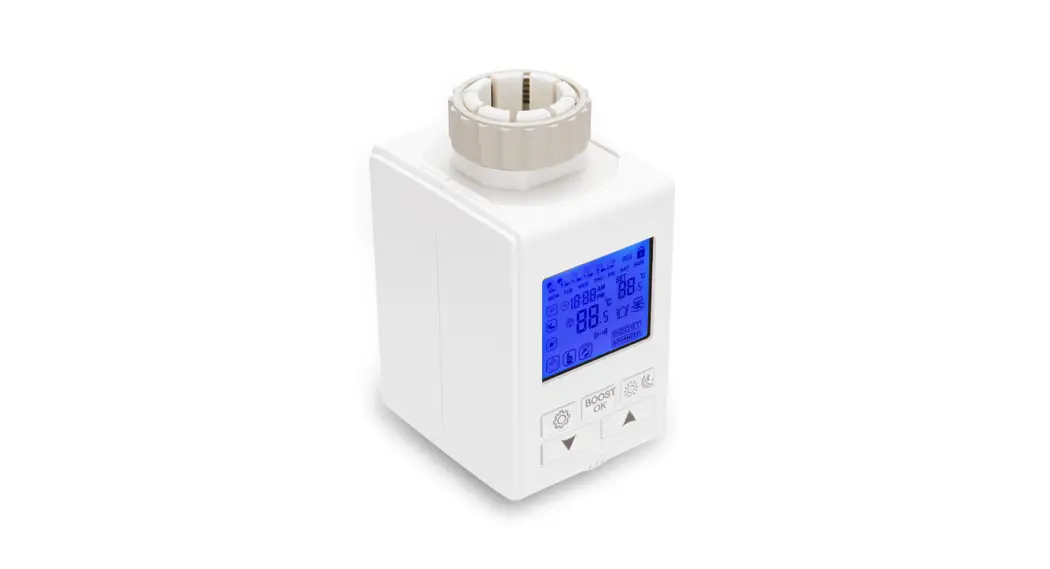

HY369 TRV Thermostatic Radiator Valve
User Manual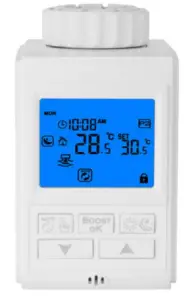
Search for ” Smart RM or Smart life ” Download the Wifi App with the following icon. | After the actuator stroke detection is completed, long-press the key combination “   ” and “ ” and “  ” Activate WIFI distribution network icon is flashing ” Activate WIFI distribution network icon is flashing |
APP need connect to gateway .then connect to the device
Technical Data
| Power: 3*2 AA* 1.5V alkaline batteries Working temperature::-10~60°C The default range of temperature adjustment:5~35°C Range of temperature display::0~70°C Insulating condition: Normal environment Running program: Set per 1 week as a cycle | Maximum current:90mA Display accuracy::0.5℃ Probe sensor::NTC(10k)1% Thread size: M30*1.5 Size(mm):66*52*82+20mm Maximum route:4.5mm |
Initial Setting
 | 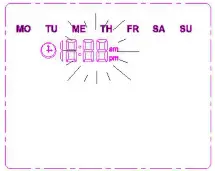 |  |  |
| First-time open thermostat, it displays all icons for 3s then program version NO. |  blinking. Press blinking. Press to set minutes, hours, weeks. Press to set minutes, hours, weeks. Press , ,  to change value. Press to confirm. to change value. Press to confirm. | Test One. “ADA” displays. Press. If batteries, gear reducer, and valve is fine, as shown in the picture | Test Two. Finished |
! Adjustment Error(If solved errors restart by pressing ) Er1 Short route: the pin was stuck which is away from terminus 2mm  Er5 The temperature sensor is disconnected or damaged Low battery, an icon of battery is blinking After put batteries inside,
 is on display then mean okay, if flashing, then breakdown.
Home Screen
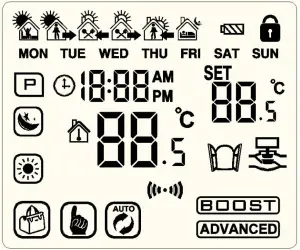
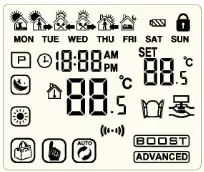
manual mode auto mode  child lock energy-saving mode comfort mode
  holiday mode
  Open Widow Detection
Quick Operation
| Icon | Description |
|
|
|
|
|
|
|
|
|
|
Function
1) Time Setting
Long press for 3s to access Time Setting. Press to switch, then press to confirm. Press, to change minutes, hours, week. Pressto confirm.
2) Holiday Mode
Press to switch into Holiday Mode. Press to confirm. Press,to change temperature and days. Press to confirm
3) Open Window Detection
It is the default that the open window function was closed after being put into batteries , and display – – , And open it on advance setting A2 (once change batteries, should set it again)
When room temperature suddenly drops into temp threshold, valve close for 15 minutes. After finishing, if the room temp is still lower than the temp threshold, it will keep this model.
4) Programmable Mode
P2 5+2 days programmable (Default)
Long press for 3s to access Programmable Mode. Pressto switch into P (5+2 Days, 6+1 Days, 7 Days). Press to confirm. Press,to change value.
P0 Manual Programmable(Default):
| Period | Default Period | Default temperature |
| 1 | 6:00-8:00 | 20℃ |
| 2 | 8:00-11:30 | 15℃ |
| 3 | 11:30—12:30 | 15℃ |
| 4 | 12:30—17:30 | 15℃ |
| 5 | 17:30—22:00 | 20℃ |
| 6 | 22:00—6:00 | 15℃ |
Advanced Options
Long pressfor 3-5 to access Advanced Option. Press to switch into ADVANGED. Press to confirm. Press to change value.
| NO | Description | Range | Default |
| A1 | Temperature Calibration | -9-+9℃ | 0.5℃ |
| A2 | Open Window Detection | 1 open and setting open window temperature: – – mean closed it ,press ,display 5℃,mean open it ,and setting range :5-25℃ 2 Valve closing ime(running time of open window): 0: 05-1: 00 (press one time ,change 5min) , after time is 0,then closed it | 1 Temp threshold – – ℃( Default:Close ) 2 0:15 mean valve close time |
| A3 | Auto be locked | 0:cancel this function 1:open this function | 0 |
| A4 | Min Temperature | 1-10℃ | 5℃ |
| A5 | Max Temperature | 30-70℃ | 35℃ |
| A6 | BOOST Extension | 100s-900s | 300 |
| A7 | Valve Opening | 100 mean valve opening100% 5 mean valve opening 5% | 2℃ |
| A8 | Temperature Tolerance | 1-9℃ | |
| A9 | Factory Default | Display A o, press whole display 88 ,press or to change it to 00 |
 RISK OF ELECTRICAL SHOCK
Please arrange professional technician to install the product according to drawings and instructions.
Disconnect power supply before making any connection. Contact with components carrying hazardous voltage can cause electrical shock.