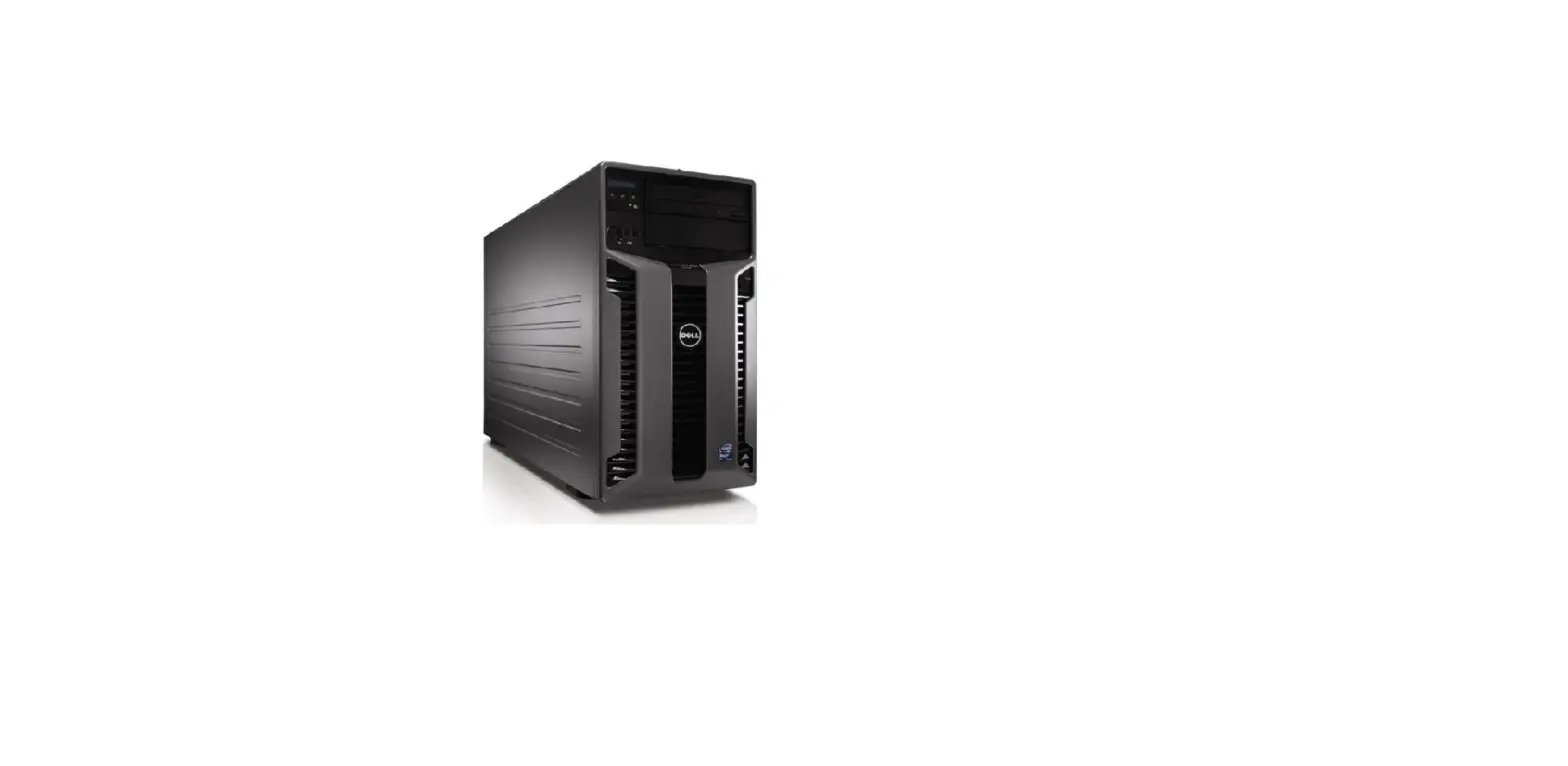
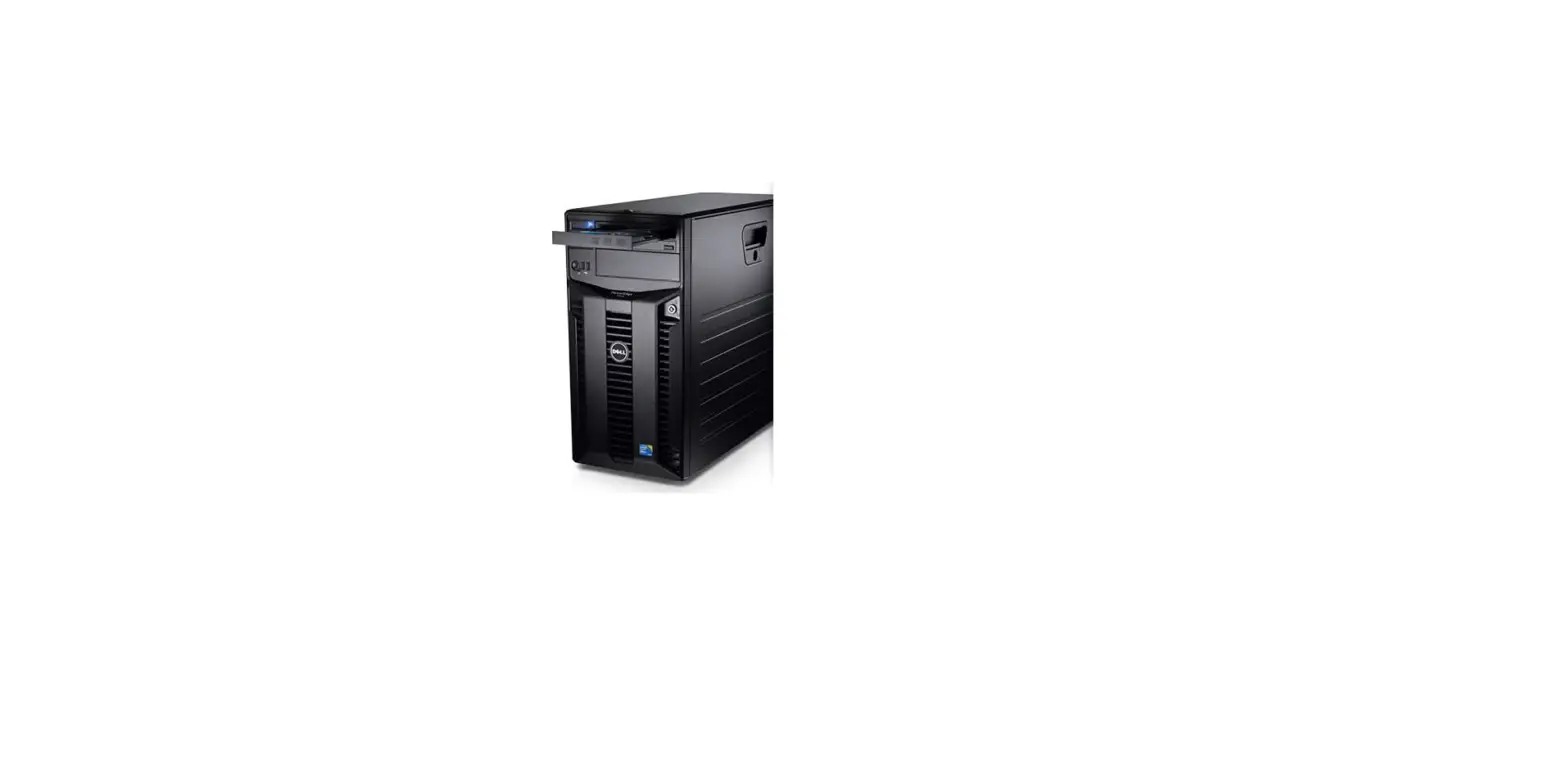
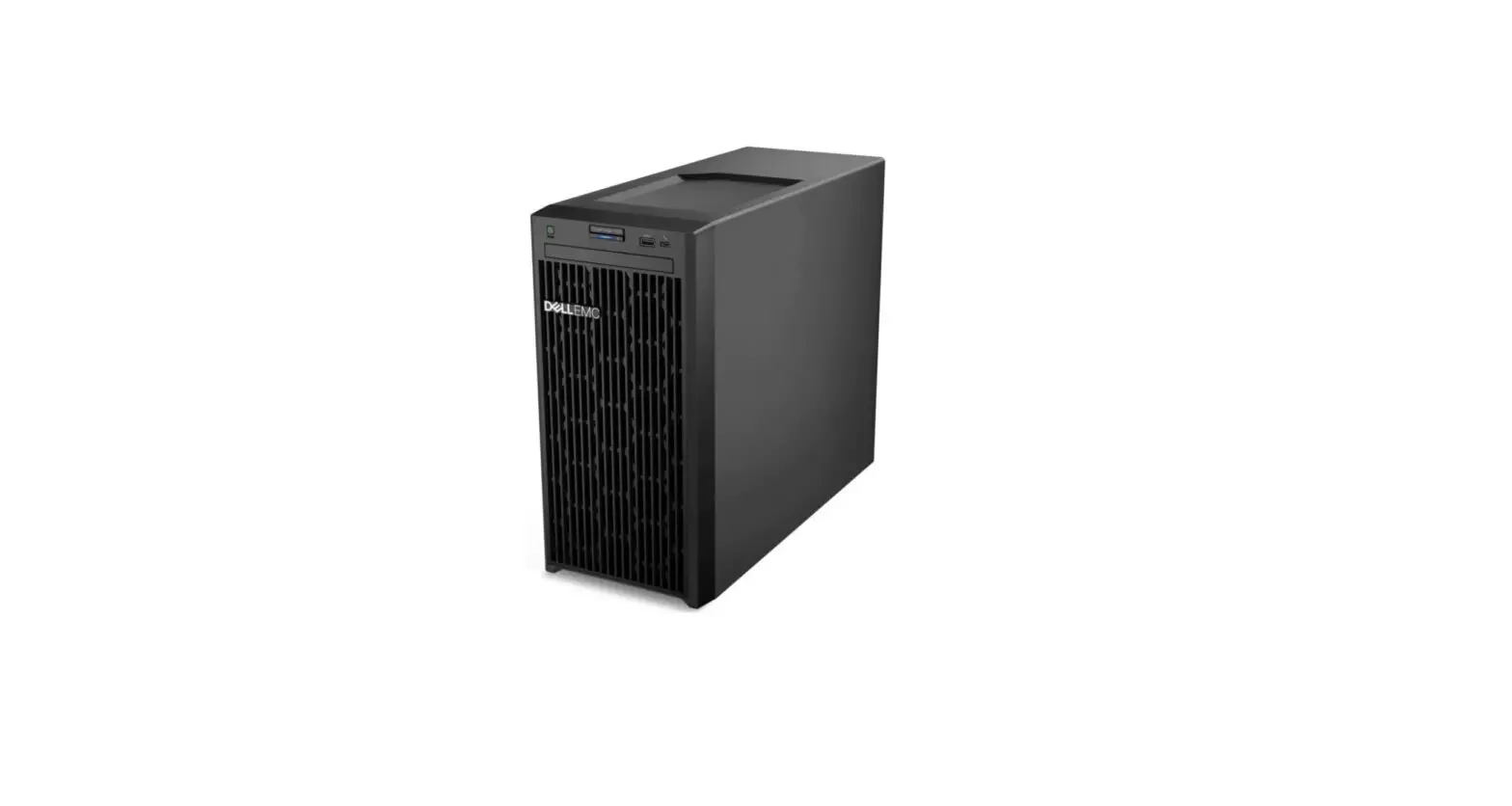
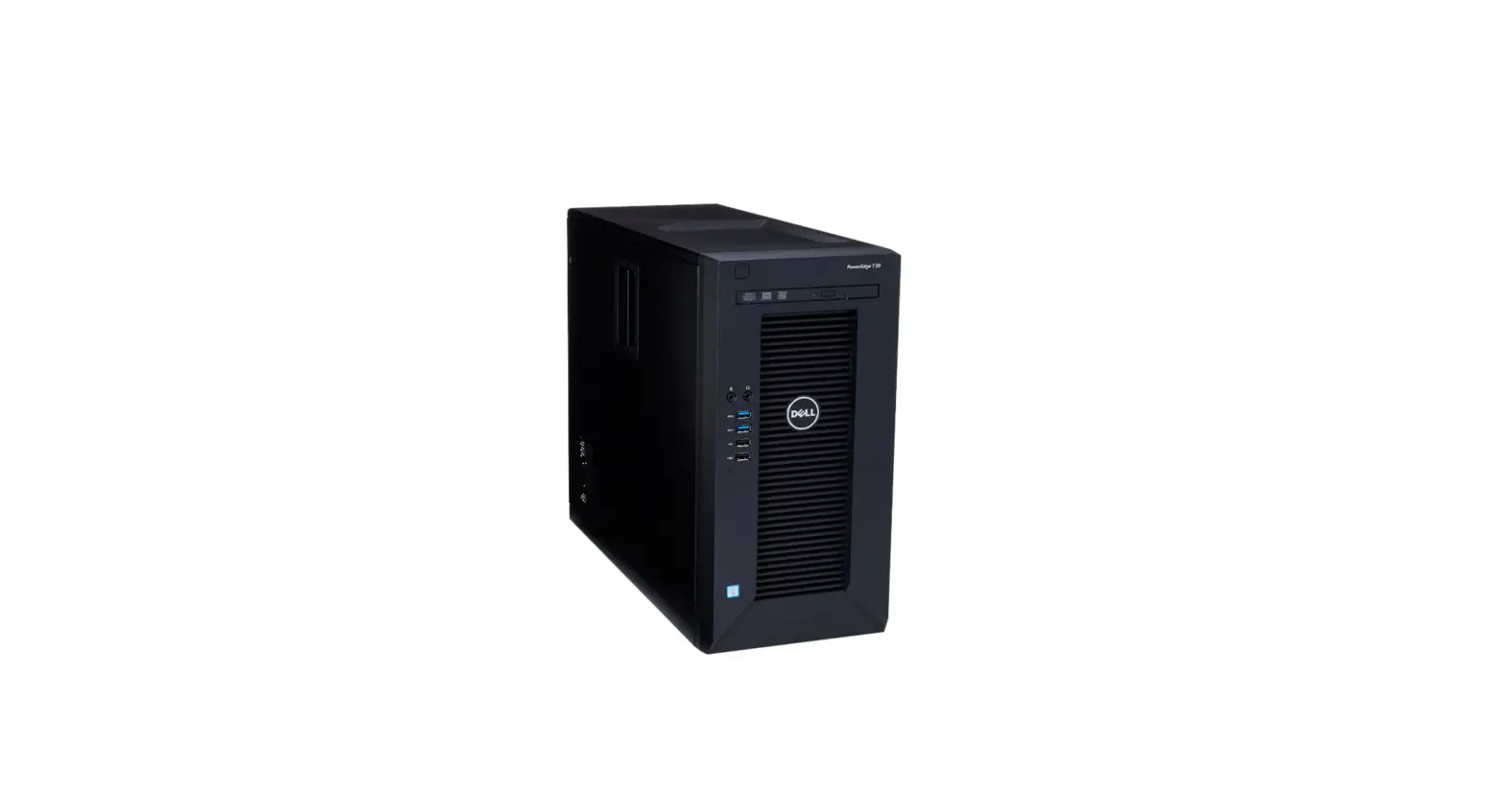
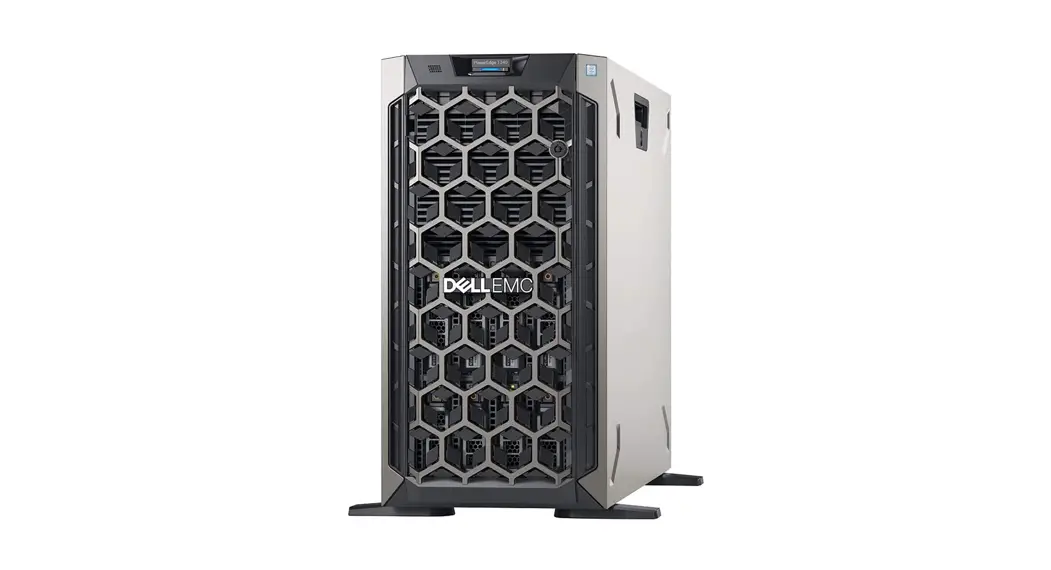
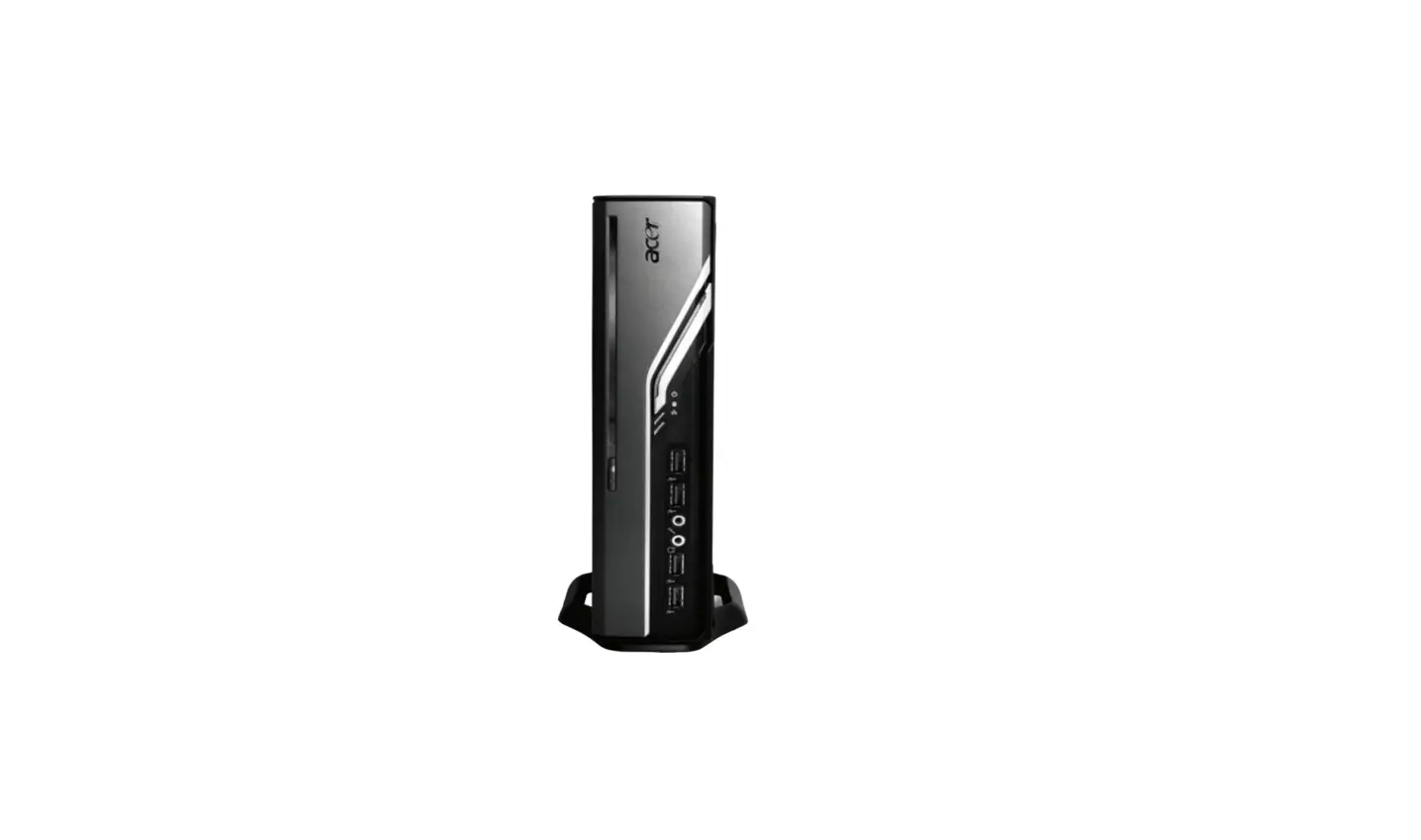
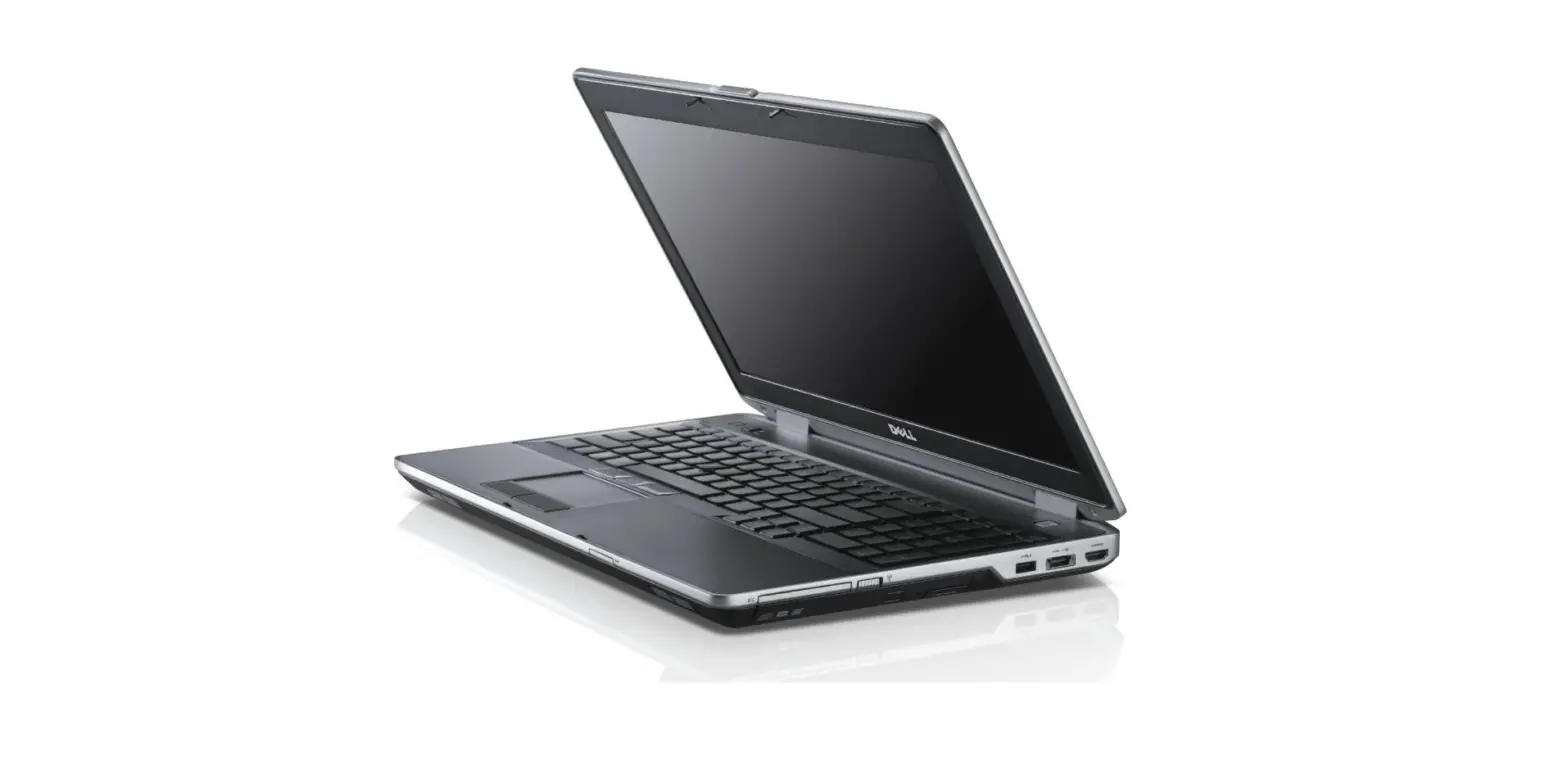
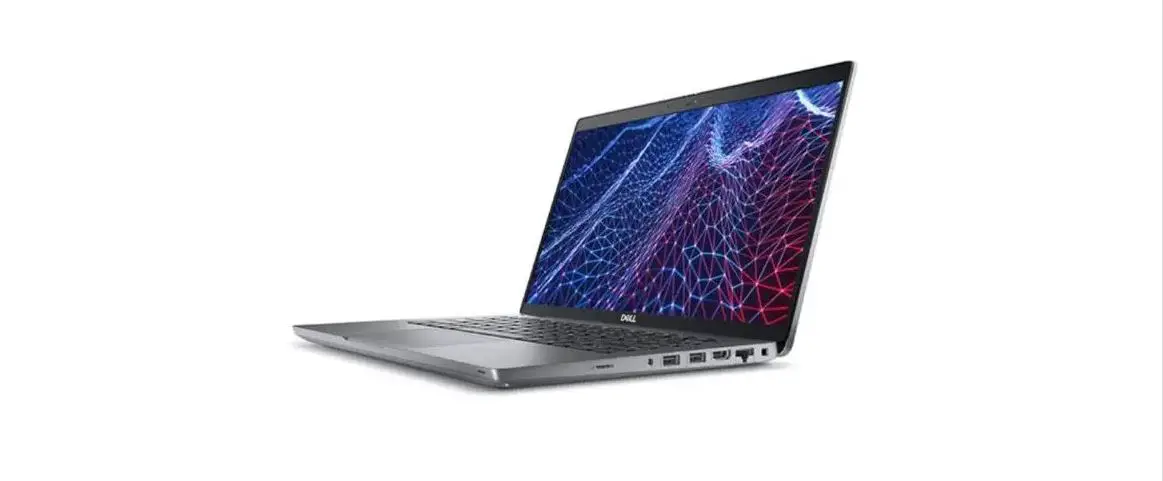
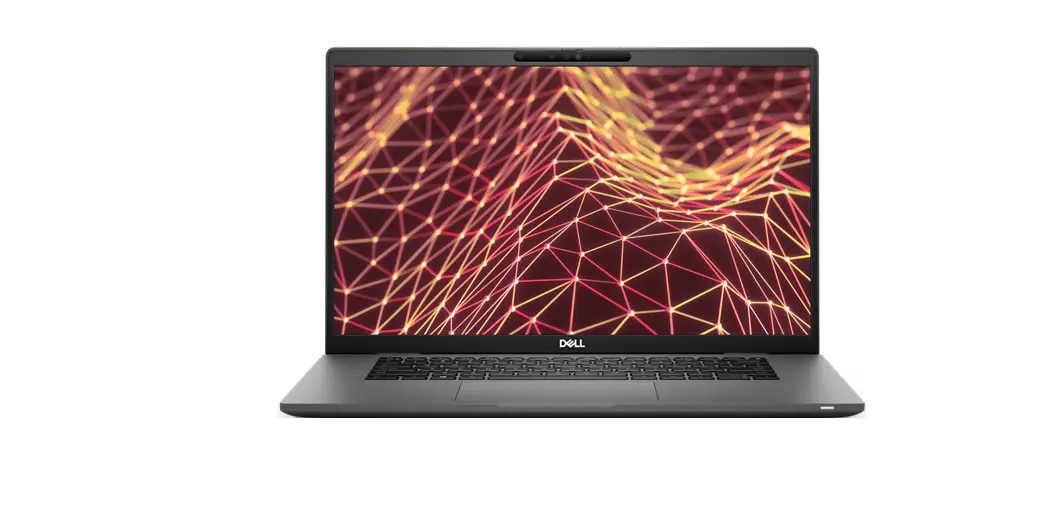
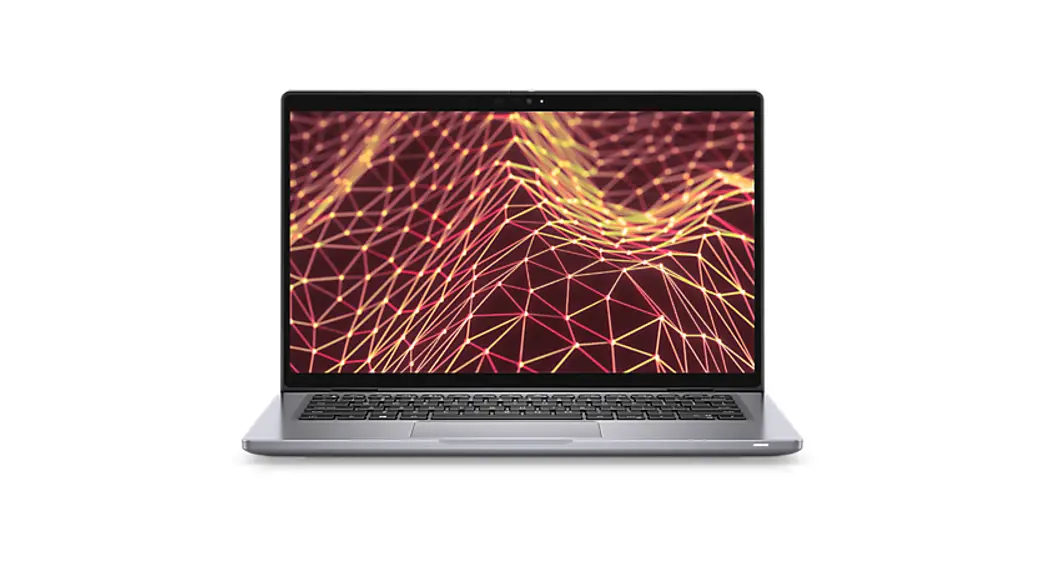
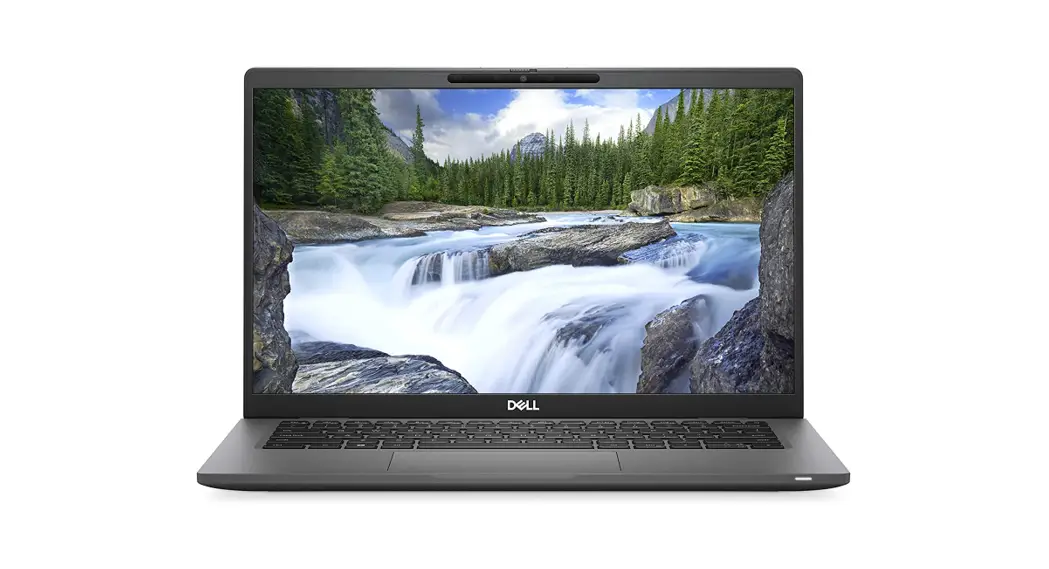
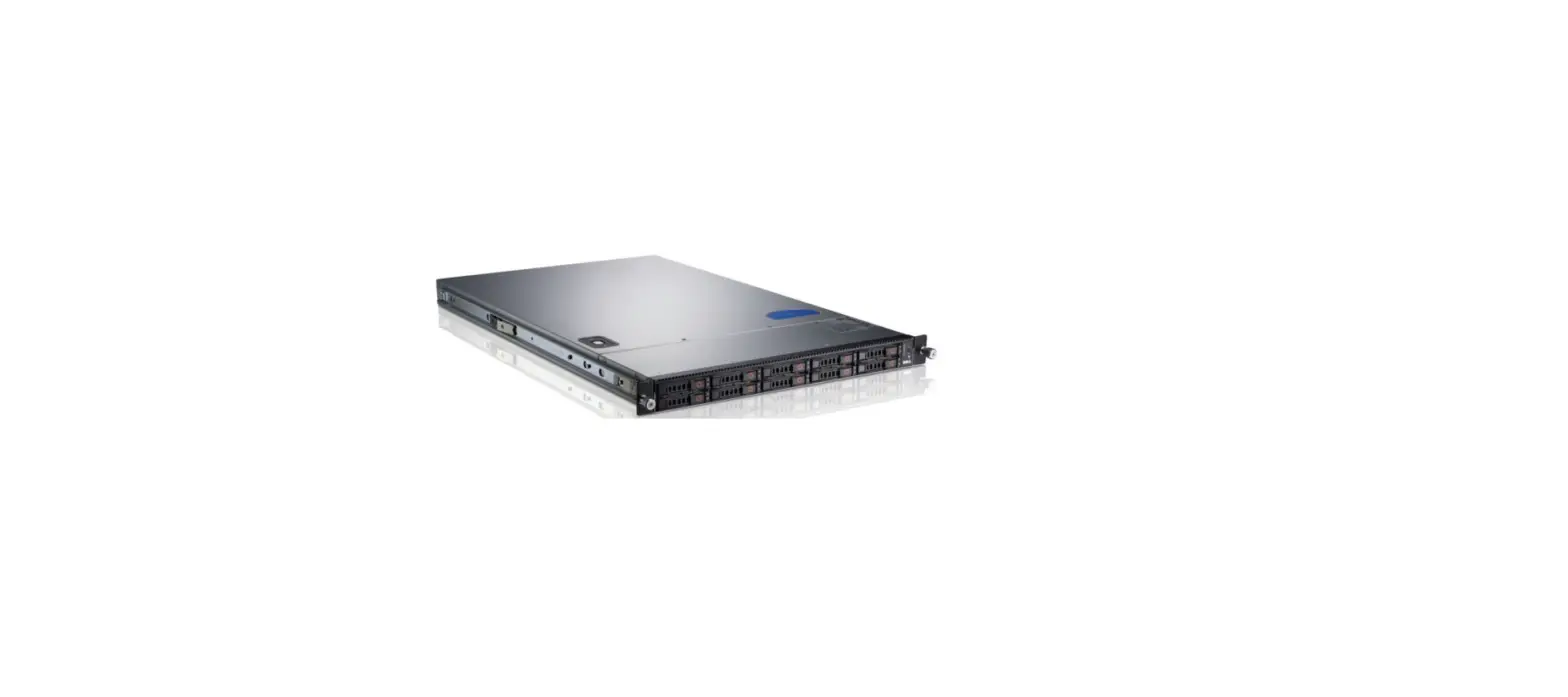
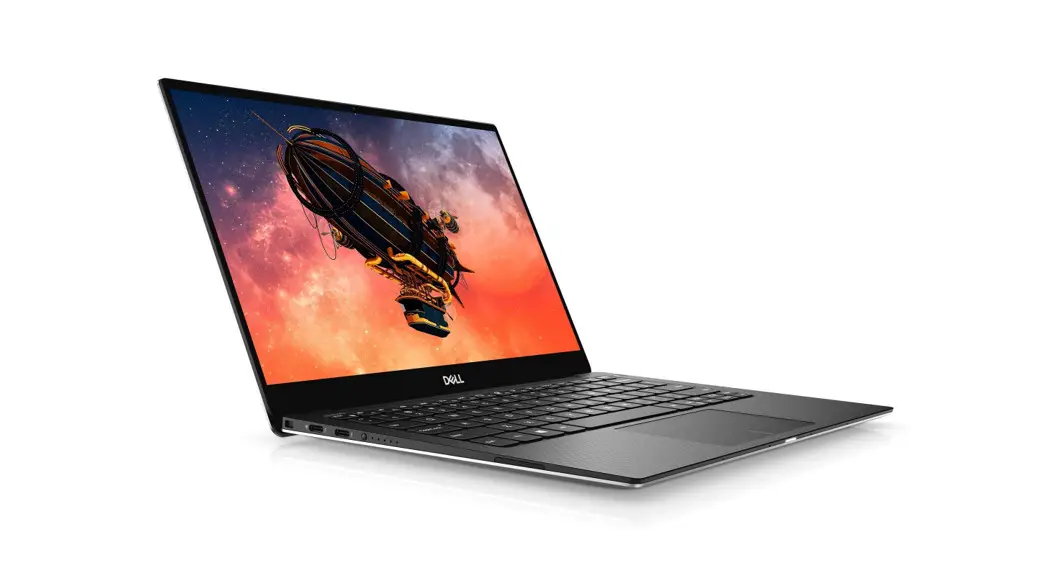
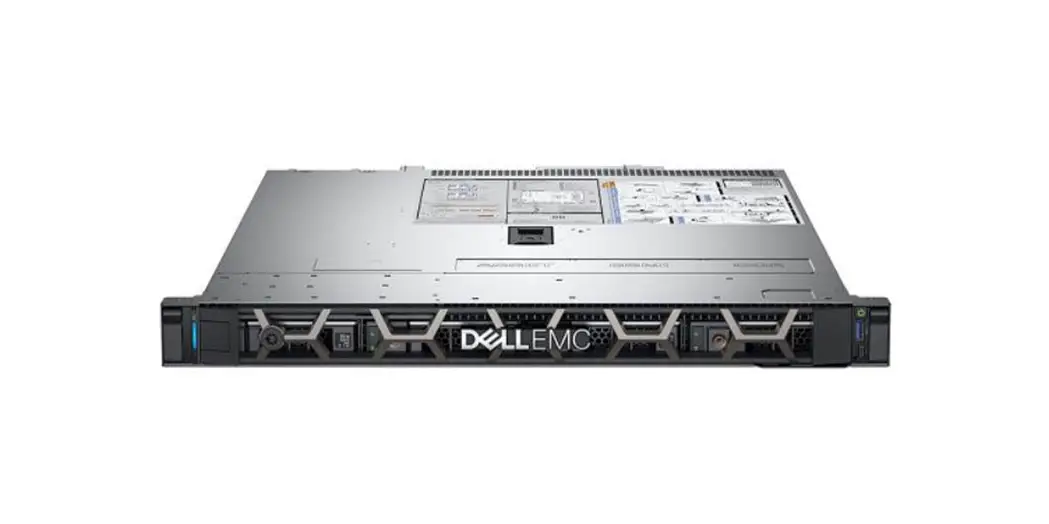
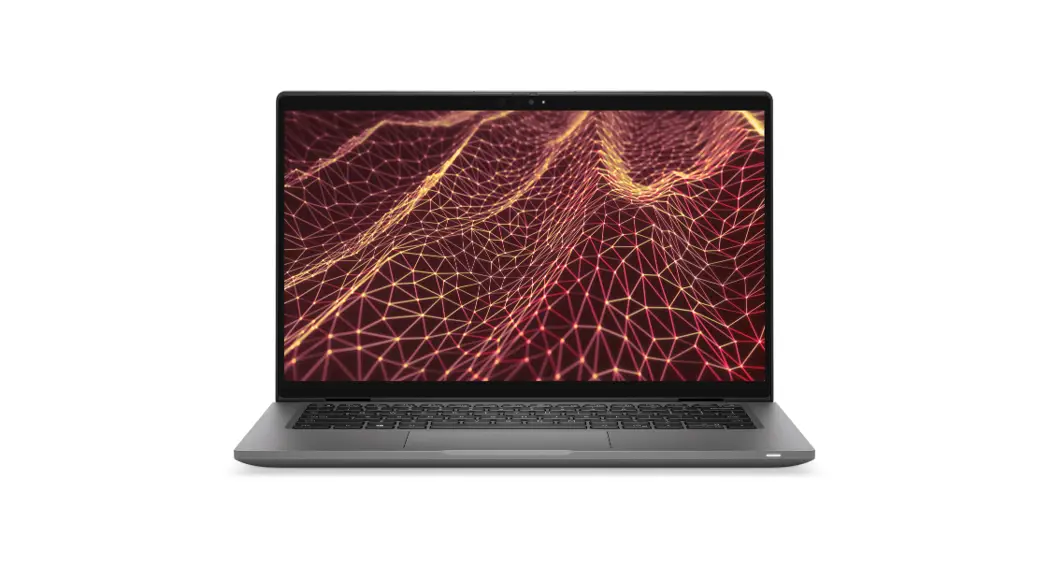
T630 Refurbished Dell PowerEdge
Technical Reference Guide: ACE Mustang Series Model T630
Introduction
The ACE Mustang Series Model T630 is a computer system designed
for professional system integrators, PC technicians, and end of
life recycling facilities. This manual provides information on the
Energy Management Section, which is written to provide additional
guidance on standard energy settings and configurable energy
settings for end-users. If you have any questions regarding this
manual or computer system, please contact our support team through
Ace Computers Support page at support.acecomputers.com. This manual
may be periodically updated without notice. Please check the Ace
Computers website for possible updates to the manual revision
level.
Disclosures
The information in this User’s Manual has been carefully
reviewed and is believed to be accurate. The vendor assumes no
responsibility for any inaccuracies that may be contained in this
document and makes no commitment to update or to keep current the
information in this manual, or to notify any person or organization
of the updates. Ace Computers reserves the right to make changes to
the product described in this manual at any time and without
notice. This product, including software and documentation, is the
property of Ace Computers and/or its licensors, and is supplied
only under a license. Any use or reproduction of this product is
not allowed, except as expressly permitted by the terms of said
license. In no event will Ace Computers be liable for direct,
indirect, special, incidental, speculative or consequential damages
arising from the use or inability to use this product or
documentation, even if advised of the possibility of such damages.
Any disputes arising between manufacturer and customer shall be
governed by the laws of Cook County in the State of Illinois, USA.
The State of Illinois, County of Cook shall be the exclusive venue
for the resolution of any such disputes. Ace Computer’s total
liability for all claims will not exceed the price paid for the
hardware product. Unless you request and receive written permission
from Ace Computers, you may not copy any part of this document.
Information in this document is subject to change without notice.
Other products and companies referred to herein are trademarks or
registered trademarks of their respective companies or mark
holders.
Energy Star and Power Management
The Energy Star program is a strict set of specifications that
residential appliances and construction elements must meet through
evaluation and testing to achieve certification. Created by the
Environmental Protection Agency (EPA) and the United States
Department of Energy (DOE), these specifications cover a wide range
of products, including washers, dryers, refrigerators, freezers,
dishwashers, televisions, tablets, computers, monitors, water
heaters, HVAC units, dehumidifiers, air cleaners and purifiers,
lighting, insulation and more.
Usage Instructions
The ACE Mustang Series Model T630 is an Energy Star certified
computer system that is designed to meet strict energy efficiency
standards. To ensure that the computer system is operating at
optimal energy efficiency levels, please follow the below
instructions:
- Access the Energy Management Section of the manual for
additional guidance on standard energy settings and configurable
energy settings for end-users. - Configure the settings based on your usage requirements and
energy conservation goals. - Periodically check the Ace Computers website for possible
updates to the manual revision level. - Contact Ace Computers support team through
support.acecomputers.com if you have any questions regarding this
manual or computer system.
TECHNICAL REFERENCE GUIDE
ACE MUSTANG SERIES MODEL: T630
9/26/2022
ACE127
1
TABLE OF CONTENTS
DISCLOSURES …………………………………………………………………………………………………………………. 3 INTRODUCTION ………………………………………………………………………………………………………………. 4 ENEGY STAR AND POWER MANAGEMENT …………………………………………………………………………. 5 ILLUSTRATED SYSTEM DISASSEMBLY/REASSEMBLY INSTRUCTIONS………………………………………. 7 UPGRADES, SERVICE, AND REPAIR…………………………………………………………………………………… 16 PRODUCT TAKE BACK, END OF LIFE PROCESSING, and E-WASTE PROGRAM ………………………… 18 REVISION HISTORY ………………………………………………………………………………………………………… 19
9/26/2022
ACE127
2
DISCLOSURES
The information in this User’s Manual has been carefully reviewed and is believed to be accurate. The vendor assumes no responsibility for any inaccuracies that may be contained in this document and makes no commitment to update or to keep current the information in this manual, or to notify any person or organization of the updates. Please Note: For the most up-to-date version of this manual, please see our website at www.acecomputers.com.
Ace Computers reserves the right to make changes to the product described in this manual at any time and without notice. This product, including software and documentation, is the property of Ace Computers and/ or its licensors, and is supplied only under a license. Any use or reproduction of this product is not allowed, except as expressly permitted by the terms of said license.
IN NO EVENT WILL Ace Computers BE LIABLE FOR DIRECT, INDIRECT, SPECIAL, INCIDENTAL, SPECULATIVE OR CONSEQUENTIAL DAMAGES ARISING FROM THE USE OR INABILITY TO USE THIS PRODUCT OR DOCUMENTATION, EVEN IF ADVISED OF THE POSSIBILITY OF SUCH DAMAGES. IN PARTICULAR, SUPER MICRO COMPUTER, INC. SHALL NOT HAVE LIABILITY FOR ANY HARDWARE, SOFTWARE, OR DATA STORED OR USED WITH THE PRODUCT, INCLUDING THE COSTS OF REPAIRING, REPLACING, INTEGRATING, INSTALLING OR RECOVERING SUCH HARDWARE, SOFTWARE, OR DATA.
Any disputes arising between manufacturer and customer shall be governed by the laws of Cook County in the State of Illinois, USA. The State of Illinois, County of Cook shall be the exclusive venue for the resolution of any such disputes. Ace Computer’s total liability for all claims will not exceed the price paid for the hardware product.
The products sold by Ace Computers are not intended for and will not be used in life support systems, medical equipment, nuclear facilities or systems, aircraft, aircraft devices, aircraft/emergency communication devices or other critical systems whose failure to perform be reasonably expected to result in significant injury or loss of life or catastrophic property damage. Accordingly, Ace Computers disclaims any and all liability, and should buyer use or sell such products for use in such ultra-hazardous applications, it does so entirely at its own risk. Furthermore, buyer agrees to fully indemnify, defend and hold Ace Computers harmless for and against any and all claims, demands, actions, litigation, and proceedings of any kind arising out of or related to such ultra-hazardous use or sale.
Unless you request and receive written permission from Ace Computers, you may not copy any part of this document. Information in this document is subject to change without notice. Other products and companies referred to herein are trademarks or registered trademarks of their respective companies or mark holders.
Printed in the United States of America.
9/26/2022
ACE127
3
INTRODUCTION
Audience
This manual is mainly written for professional system integrators, PC technicians, and end of life recycling facilities, with the exception of the Energy Management Section, which is written to provide additional guidance on standard energy settings and configurable energy settings for the end user.
Resources
If you have any questions regarding this manual or computer system, please contact our support team through Ace Computers Support page at support.acecomputers.com
This manual may be periodically updated without notice. Please check the Ace Computers website for possible updates to the manual revision level.
9/26/2022
ACE127
4
ENEGY STAR AND POWER MANAGEMENT
What is Energy Star?
Created by the Environmental Protection Agency (EPA) and the United States Department of Energy (DOE), the Energy Star program is a strict set of specifications that residential appliances and construction elements (washers, dryers, refrigerators, freezers, dishwashers, televisions, tablets, computers, monitors, water heaters, HVAC units, dehumidifiers, air cleaners and purifiers, lighting, insulation and more) must meet through evaluation and testing to achieve certification.
The Energy Star rating assures consumers that the product has been EPA and DOE certified to function as well or better than its peers, while saving money, energy and the environment due to its greater energy efficiency.
Benefits of Energy Star
· Increased Efficiency · Reduced Energy Use · Reduced Utility Bills · Reduced Power Plant Emissions and Carbon Footprint · Wide Selection, Rebates, and Convenience
T630 Power Management Settings “As Shipped”
The default Power Management settings have been selected for compliance with Energy Star and are recommended by the Energy Star program for optimal energy savings.
Power Management Option System Sleep Mode Display Sleep Mode Primary Hard Drive “Hard Disk Turn Off”
Setting After 30 min. of user inactivity After 10 min. of user inactivity 20 min.
How to wake your computers or monitor from Sleep or Hibernate Mode?
To wake up your computer or monitor from sleep or hibernate, move the mouse or press any key on the keyboard. If this does not work, press the power button to wake up the computer.
9/26/2022
ACE127
5
Wake Management
Capable of both remote (via network) and scheduled (via real time clock) wake events from Sleep Mode. Provide clients with the ability to centrally manage (via vendor tools) any wake management settings that are configured through hardware settings if the manufacturer has control over such features.
WoL (Wake on LAN)
WoL Capabilities/Default Settings Has the ability to Enable and Disable WoL for Sleep Mode WoL Enables from Sleep by default:
WoL Enabled from Off by default:
Yes
No
WoL from Sleep:
WoL from Sleep – Default Settings
Yes
No
Shipped Enabled Under All Conditions
Shipped Enabled When Operating on AC power only
Shipped Disabled
Shipped Disabled with both client OS and Network Controls to Enable
Feature
9/26/2022
ACE127
6
ILLUSTRATED SYSTEM DISASSEMBLY/REASSEMBLY INSTRUCTIONS
Introduction
This section of the technical reference guide is intended to provide the following information:
· Information on parts requiring selective treatment per WEEE Directive · Disassembly process for removal of external enclosure without tools · Disassembly instructions, including required tools, as applicable · Diagram and/or pictorial representation of all parts in the system
This section of the user manual is intended to provide guidance to end of life recyclers on the presence of materials and components that require selective treatment, per Article 15 of the EU WEEE Directive 2012/19/EU.
The provided information should also help direct recyclers to proper methods for removing parts and general product disassembly instructions. This Chapter also outlines specific substances, mixtures, and components that must be removed from any separately collected electronic waste component and shall be disposed or recovered in compliance with Directive 2008/98/EC.
Please note: All the illustrations in the below disassembly instructions are for demonstration only. The system and components shown in this section are a representative sample.
Replacement Parts
Refer to section “UPGRADES, SERVICE, AND REPAIR” for information on how to obtain replacement components for your T630.
NOTE: While the components of this computer can be replaced by the end user, Ace Computers does not recommend that an end user without previous computer repair experience perform the upgrades and/or replacement of said components. Computer components are delicate and can easily be damaged. If you are uncertain about replacement or upgrade of your computers, the Ace Computers technical support team does offer “depot” services for on-site system repair and upgrade. Please contact the Ace Computers Technical Support team for additional information and pricing.
CAUTION: Always power off the system and unplug the power cord(s) before opening the side panel to access the internal components.
ATTENTION: Electrostatic discharge potential.
Your computer’s internal components are highly susceptible to risk of damage from electrostatic discharge (static electricity, which occurs naturally on your body due to friction). To avoid damaging your equipment, always earth yourself to your computer system before opening the computer’s chassis or handling any internal component(s).
9/26/2022
ACE127
7
Representative Desktop Component Layout
Please note the illustration below is a representative sample of the T630, your PC may include additional components or variations of this family configuration.
9/26/2022
ACE127
8
System Map: Left View of T630 Model
System Map: Right & Rear Views of T630 Model
ACE127
9
9/26/2022
System Map: Bottom View of T630 Model
T630 Disposal/Selective Treatment
The following section outlines the components of the T630 that required Selective Treatment/Special Handling Per Annex VII, Directive 2012/19/EU:
Optical Drive Motherboard
Lithium Ion Battery
Processor
Heatsink Fan
Memory
HDD, SSD
The HDD, SSD, Memory, Motherboard and Optical Drive each contain one printed circuit board of greater than 10 sq. cm and must be removed from the device and must be disposed of, or recovered, in compliance with the requirements of Directive 2008/98/EC.
Any plastic components within the heatsink fan must be removed separately due to the presence of brominated flame retardants and shall be disposed or recovered in compliance with Directive 2008/98/EC.
ACE127
10
9/26/2022
The processor must be disposed of, or recovered, in compliance with the requirements of Directive 2008/98/EC.
A lithium-ion battery resides on the bottom rear of the laptop. The battery must be removed separately from the laptop and shall be disposed or recovered in compliance with Directive 2008/98/EC.
Any external electrical cables must be removed separately and shall be disposed or recovered in compliance with Directive 2008/98/EC.
The CPU does not contain any WEEE Directive Annex VII materials.
9/26/2022
ACE127
11
Battery
Handle used batteries carefully. Do not damage the battery in any way; a damaged battery may release hazardous materials into the environment. Do not discard a used battery in the garbage or a public landfill. Please comply with the regulations set up by your local hazardous waste management agency to dispose of your used battery properly.
Location: The battery is located on the bottom rear of the laptop, see illustration below.
Type and number of fastenings: Interference snap fit
Tools required: None.
Procedure:
Step 1: Ensure the computer is off, unplugged, and any potential energy is dissipated. Turn the laptop over.
Step 2: Slide latch “1” in the direction indicated below, then slide hold latch “2” in place and slide the battery out in the direction of arrow “3”.
Reinstallation
Step 4: Turn the computer off, and turn it over
Step 5: Slide the battery into the compartment in the direction of the arrow “1”.
Step 6: Slide the latched “2” and “3” in the direction of the arrows to lock the battery.
9/26/2022
Disposal:
Selective Treatment/ Special Handling Per Annex VII, Directive 2012/19/EU: A lithium-ion battery resides on the bottom rear of the laptop. The battery must be removed separately
ACE127
12
from the laptop and shall be disposed or recovered in compliance with Directive 2008/98/EC.
External Power Cable
Location: The inlet to the power cable is located on the I/O panel on the left view of the laptop. Type and number of fastenings: None, direct pressure connection method. Tools required: None. Procedure: Step 1: Ensure your computer is powered down. Step 2: Disconnect the external power cable from the main laptop assembly.
Reinstallation Step 3: Connect the external power cable from the left view of the laptop into the motherboard connection point.
Disposal: Selective Treatment/Special Handling Per Annex VII, Directive 2012/19/EU: Any external electrical cables must be removed separately and shall be disposed or recovered in
compliance with Directive 2008/98/EC.
9/26/2022
ACE127
13
Chassis Bottom Cover Removal
Location: In order to access the internal components of your system, you will need to remove the bottom cover of the chassis.
Type and number of fastenings: Four Phillips head screws
Tools required: Phillips head screwdriver
Procedure:
Step 1: Ensure the desktop is off, unplugged, and any potential energy is dissipated.
Step 2: Unfasten the (4) Phillips screws on the bottom front side rear of the chassis.
Four Phillips Head Screws
Step 3: Once removed, carefully slide the chassis bottom panel directly upward.
9/26/2022
ACE127
14
Contact Ace Computers Support Desk for help
Ace Computers staffs a technical support desk and is always ready to help. You can contact the team at [email protected] – orcall 877-223-2667 -orvisit the acecomputers.com and click “Support” to start a new support ticket online.
9/26/2022
ACE127
15
UPGRADES, SERVICE, AND REPAIR
Replacement and Repair Services are available for a minimum of three years after date of purchase, and often times if a direct replacement is not available and upgrade replacement can be found for several years beyond the initial 3-year mark, ensuring the longest possible utilization of your PC.
9/26/2022
ACE127
16
Ordering Parts, Requesting Repair, or Talking to Technical Support
The Ace Computers technical support team is ready and available to help in providing replacement parts, helping to identify compatible upgrades, or to answer software questions. Please have your serial number available for reference when contacting Ace Computers. You can contact the team at [email protected] – orcall 877-223-2667 -orvisit the support.acecomputers.com site online.
Spare Parts List
Component Description Laptop External Power Connection Cable Docking Station
T630
Part Number
XXXXXXYYY* Power Connection Spare Part
XXXXXXYYY* Docking Station Spare Part
*Where XXXXXXYYY is the initial 9 characters of the computer serial number.
Spare parts can be purchased by contacting the Ace Computers Technical Support Team.
9/26/2022
ACE127
17
PRODUCT TAKE BACK, END OF LIFE PROCESSING, and E-WASTE PROGRAM
Nation Wide Take Back Services
If your PC has reached its end of life or is no longer useable, Ace Computers is excited to offer a Nation-Wide take back service. We will work with you to get the product back and will ensure it is proper disposed of with a certified R2 electronics recycling facility.
Ace Computers has partnered with a local R2-certified electronics waste recycling facility near our HQ in Des Plaines, IL.
For additional information and steps to take regarding our Product Take-Back, End-of-Life Processing, and E-Waste Program, please visit our website at https://acecomputers.com/company/sustainability/ > EPEAT Take-Back/EOL/E-Waste Program Tab.
9/26/2022
ACE127
18
REVISION HISTORY
Release Date 9.26.2022
Changes Initial Release
9/26/2022
ACE127
19
 IT Services Company Solutions l Ace Computers
 Support : Ace Computers
 IT Services Company Solutions l Ace Computers