Small Food Delivery Package Platform
PLATFORM QUICK START
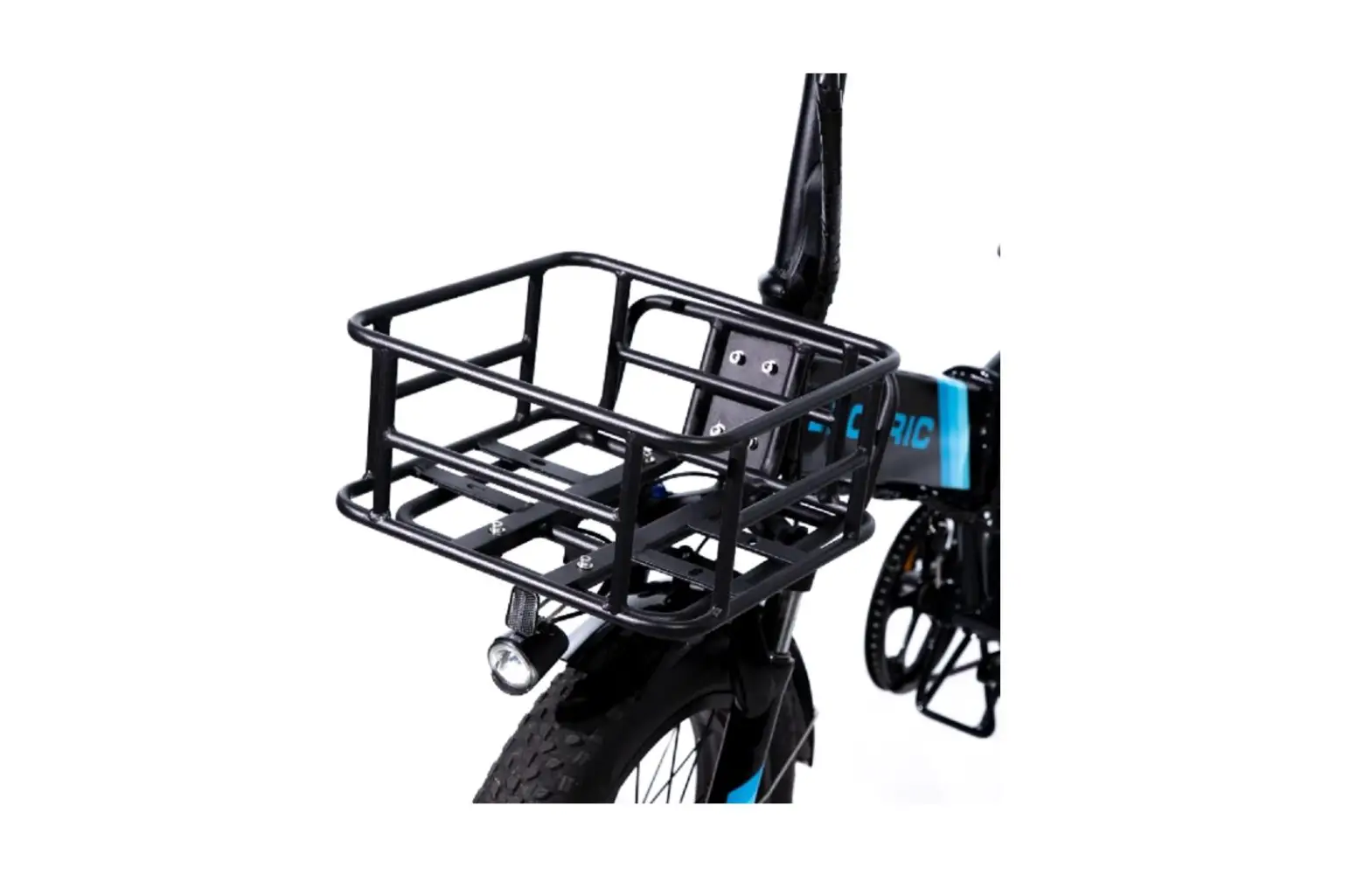
The Platform is a product designed to be installed on a Rear
Rack or Front Rack of a bicycle to provide additional storage
space. The following instructions will guide you through the
installation process.
MAX Weight Capacity:
The maximum weight capacity of the Platform is 75lbs / 35 kgs.
Do not exceed this weight limit as it can cause damage to the
product and may result in injury.
TOOLS REQUIRED:
A 4mm hex wrench is required for the installation process. Make
sure you have the tool before starting the installation.
STEP 1:
Line up the Platform with the existing holes on the Rear Rack or
Front Rack. Make sure the platform is centered and aligned with the
rack.
STEP 2:
Using the existing bolts from the Rear Rack or Front Rack,
insert the bolts with the washer into the holes on the Platform.
Make sure to use all the bolts provided to secure the Platform in
place.
STEP 3:
Tighten the bolts equally until snug. Do not over-tighten the
bolts as it can damage the Platform and may cause it to break or
become unstable.
NOTE:
The Platform is compatible with the Lectric Front Rack. If you
want to install the Platform on the Front Rack, follow the same
installation process as mentioned above.
PLATFORM QUICK START
How to correctly install your platform
MAX Weight Capacity: 75lbs / 35 kgs
TOOL REQUIRED 4mm hex wrench
STEP 1 Line up the Platform with the existing holes on the Rear Rack.
STEP 2 Using the existing bolts from the Rear Rack, insert with the bolts with the washer.
STEP 3 Tighten bolts equally until snug.
NOTE
The Platform is also compatible with the Lectric Front Rack