
8.1.2.1122 CCX Series Voice Software
User Guide
RELEASE NOTES
PVOS 8.1.2 | May 2023 | 3725-13778-008A
Poly Voice Software
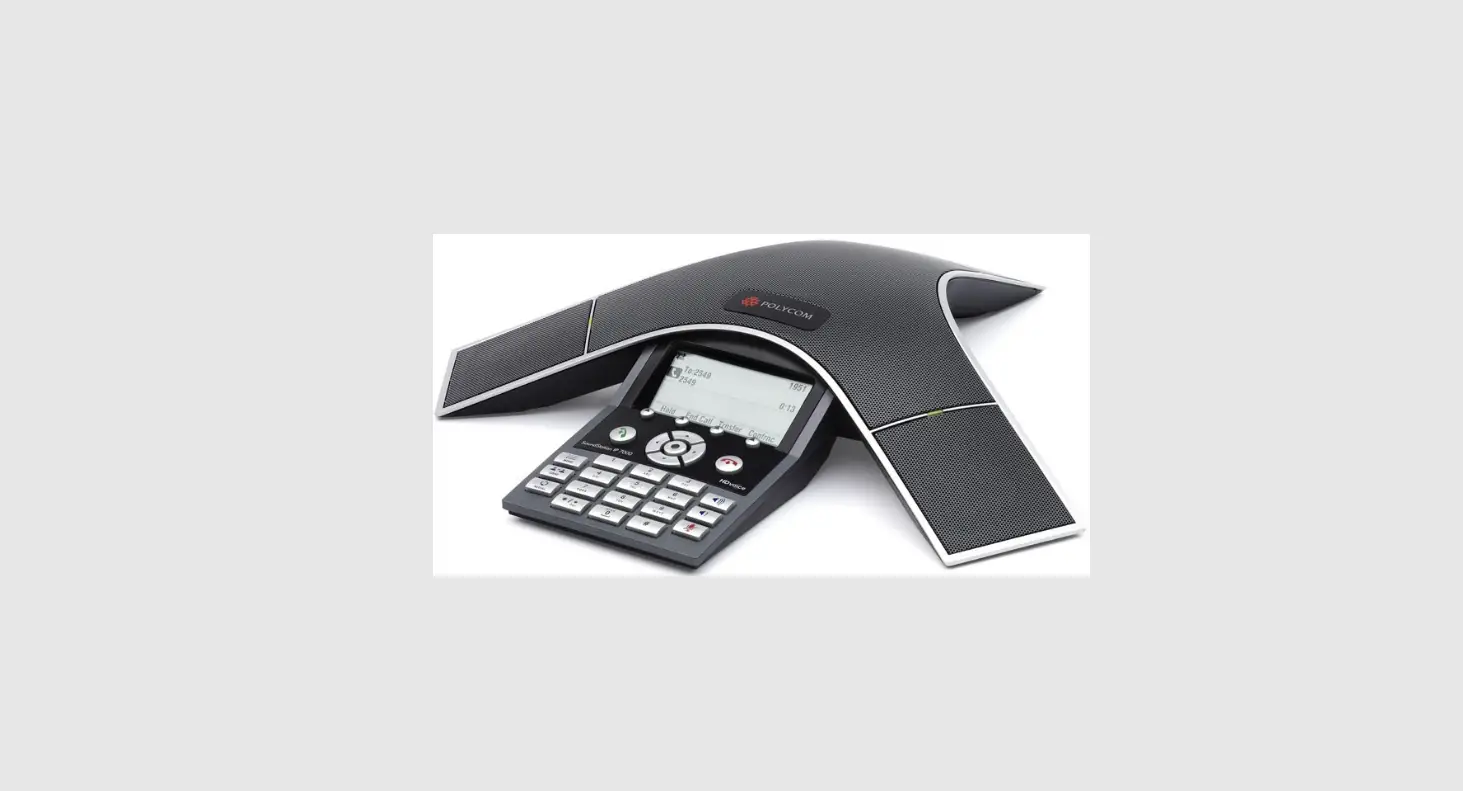
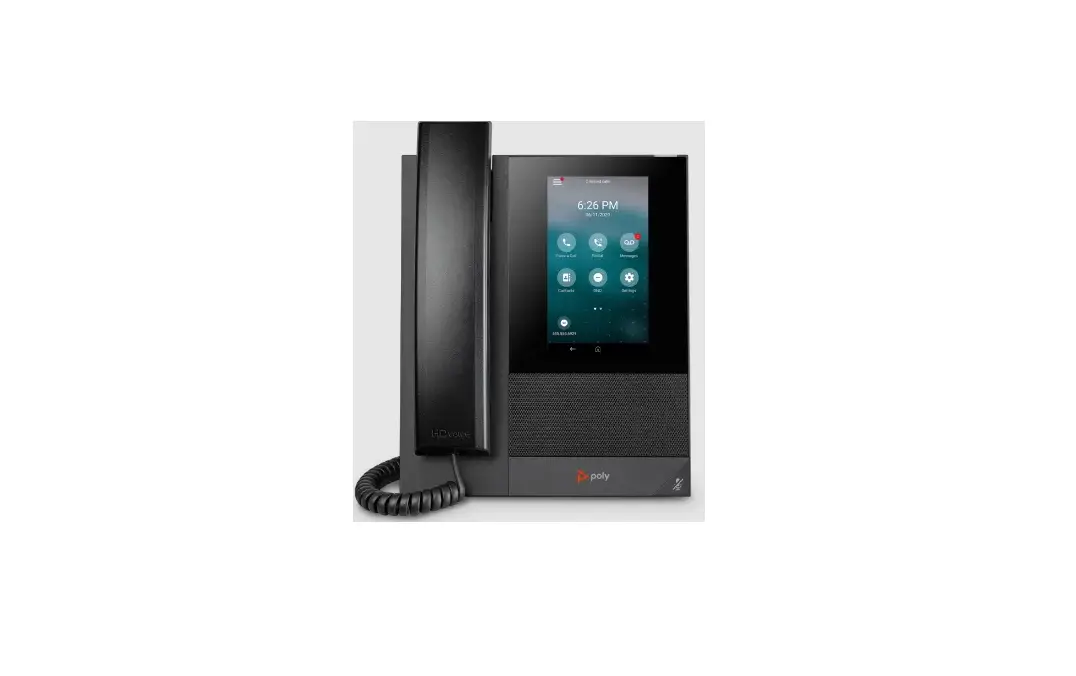
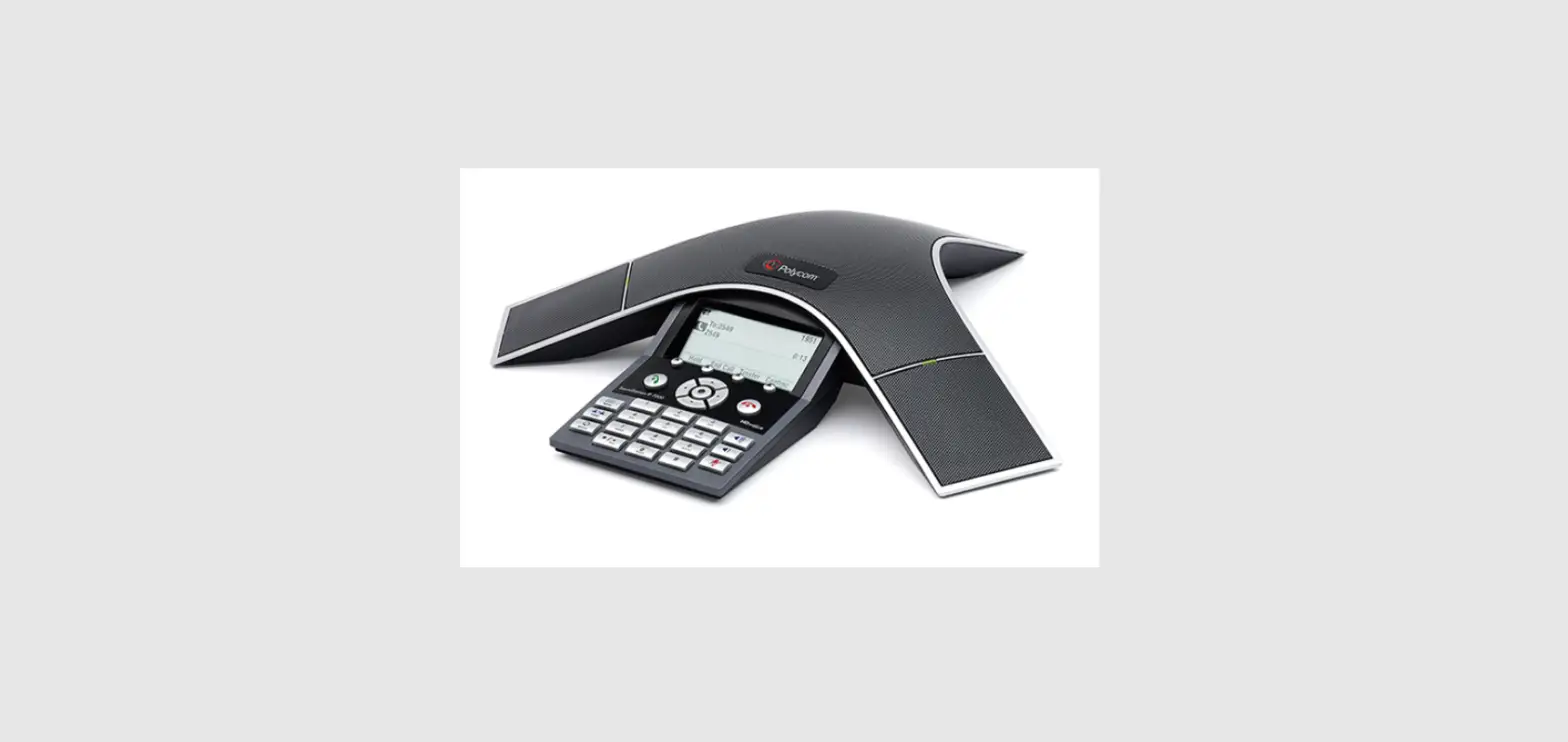
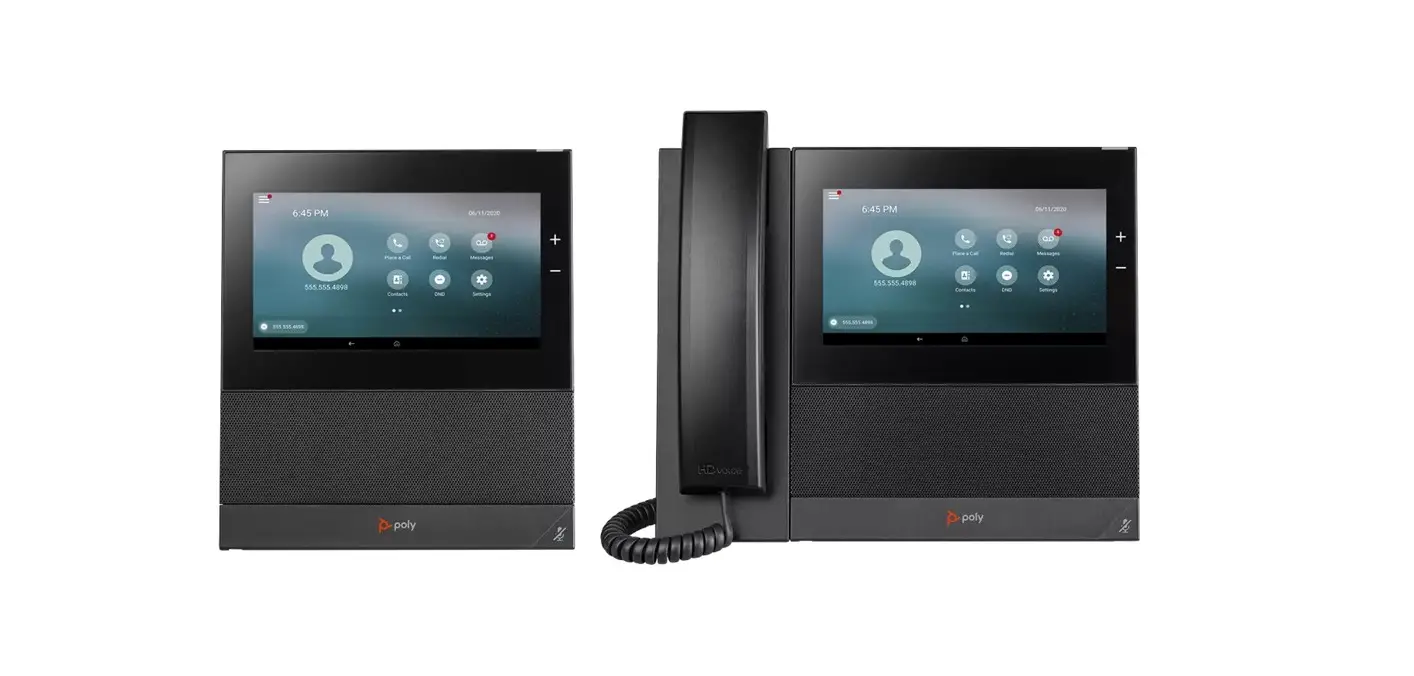
Poly announces the new release of Poly Voice Software (PVOS) for Poly CCX Series, Poly Edge E Series, Poly Trio 8300, and Poly Trio C60 phones.
The build IDs are:
- CCX Series: 8.1.2.1122
- Edge E Series: 8.1.2.1128
- Trio 8300: 8.1.2.1119
- Trio C60: 8.1.2.1124
What’s New in This Release
This release of PVOS includes the features and important fixes from previous software releases, as well as the following updates:
- Microsoft Teams App Update (2023041203)
Microsoft Teams
The Microsoft Teams application is included in each PVOS release for use on CCX 350, CCX 400, CCX 500, CCX 505, CCX 600, and Trio C60 phones. The Teams version included may be updated independently of the PVOS version using the Teams Admin Center. For more information on this Teams version, see What’s new in Microsoft Teams.
IMPORTANT: PVOS includes the Microsoft Teams base profile in every release; however, Microsoft support of a release depends on the PVOS version delivered by Microsoft through the Teams Admin Center.
Microsoft Teams Component Versions
| Microsoft Component | Version |
| Microsoft Teams | 1449/1.0.94.2023041203 |
| Microsoft Admin Agent | v1.0.0.202301162118.product (v413) |
| Microsoft Intune Company Portal | 5.0.5484.0 |
Zoom Rooms Controller
Poly Trio C60 phones optimized for Zoom Rooms act as a controller via the system’s touch user interface and provide audio for Zoom Room meetings through the built-in speakers and microphones.
This software release contains the Zoom Rooms Controller version 5.13.6 (1785) as embedded software.
For more information on this Zoom release, see the Zoom Help Center.
For the latest setup instructions, see the Integrating Poly Trio Systems with Zoom Rooms Solution Guide at Poly Solutions for Zoom Environments.
Headset Compatibility
Refer to the Poly Compatibility Guide for the most current list of headsets compatible with Poly desktop phones.
Release History
| Release | Release Date | Features |
| 8.1.2 | May-23 | Maintenance release for Poly Voice Software. Includes the following feature: • Microsoft Teams App Update (2023041203) |
| 8.1.1 | Mar-23 | Maintenance release for Poly Voice Software. Includes the following features: • File Transfer Optimization During Software Upgrade • Zoom Cloud Paging • Zoom Network Conferencing with Participant Controls • CCX 350 Supports APD-80 Electronic Hook Switch (EHS) Adapter • Mobile Phone Contacts Sort Order • Security Improvements on the System Web Interface • Primary Configuration File XML Attributes for Managing 1 1 GB CCX 400 or CCX 500 Phones |
| 8.1.0 | Feb-23 | Maintenance release for Poly Voice Software. Includes the following features: • Access your mobile phone’s contacts from your Edge E • Add a customizable delay before ringing for inbound calls • A new “Device Prioritized” contact directory management method • New Edge E model-specific help videos and QR code • Remove the Applications button from the main menu • Zoom Phone Appliance (ZPA) on the CCX 505 • Dialpad® app on the CCX 500/505 • Bluetooth Discoverability and Connection speed improvements • Text-to-Speech for keypresses is now easier to turn on and off • Lens connection reliability has been improved • USB Optimized base profile has been deprecated on CCX 600/700 • Security Improvements |
Security Updates
Refer to the Poly Security Center for information about known and resolved security vulnerabilities.
Resolved Issues
The following table lists resolved issues in this release.
NOTE: These release notes don’t provide a complete listing of all resolved issues that are included in the software. User experience updates, performance fixes, and enhancements may not be included. In addition, the information in these release notes is provided as-is at the time of release and is subject to change without notice.
Resolved Issues
| Category | Issue ID | Product | Description |
| Audio | VOICE- 74909 | Edge E Series | Received audio played from the handsfree speaker may be distorted when noise sources are present at the microphone for call start while the AEC is converging. |
| Call Management | VOICE- 74962 | CCX Series Edge E Series Trio | Phones that have failed over to a backup SIP server for extended durations may cease to send REGISTER messages and eventually go offline. |
| Call Management | VOICE- 74858 | Edge E Series | Changes to a call’s state, including remote calls monitored on an SCA line, can cause the phone to freeze if they occur while searching the contact directory. |
| Call Management | VOICE- 74857 | Edge E Series | When the Line Key Reassignment feature is enabled, not all speed dials marked as favorites appear on screen, and some favorites aren’t explicitly assigned to a line key. |
| Calling | VOICE- 74438 | CCX Series Edge E Series | An incorrect change of a default configuration value causes Edge E and CCX phones that use Broadsoft Flexible Seating guest logins to show the wrong caller ID in calls. |
| Certificate management | VOICE- 75070 | CCX Series Edge E Series Trio | The SCEP sourced CA certificate isn’t included in the list of trusted CM when a TLS profile’s CA list is set to “All.” |
| Conference Management | VOICE- 74787 | Trio C60 | For locally mixed conference calls on the Trio C60, the participant control panel will close and be unrecoverable for the rest of the call if all participants individually place the call on hold. |
| Directories/Addrest Books | VOICE- 75108 | Edge E Series | The Directories softkey isn’t removed when softkey feature directories=”0″. |
| Network | VOICE- 74981 | CCX 600 | WiFi connectivity may be interrupted and require a reboot in some cases when a CCX phone’s access point (AP) association requests are denied but other APs remain available. |
| Network | VOICE- 74830 | CCX Series Edge E Series Trio | Time server discovery sends DNS queries for pool.ntp.org when DHCP has already provided a preferred time server. |
| Shared Lines | VOICE- 75053 | Edge E Series | The shared line LED state may be incorrect due to a race condition where the SIP CANCEL of a remotely answered call arrives after the shared line’s SIP NOTIFY with state information. |
| Software Updates | ECS- 1520 | Trio C60 | Trio C60 occasionally rejected a software upgrade due to memory constraints but now optimizes memory to reduce the amount of space needed for an upgrade before starting the upgrade. A factory reset may be required to upgrade to software with this resolution available. |
| User Interface | VOICE- 74308 | Edge E Series | The keypad diagnostics tool on Edge E incorrectly quits the diagnostic test after a single press of the unlit page button of an expansion module instead of after the second press |
Known Issues
This section identifies the known issues in this release.
NOTE: These release notes don’t provide a complete listing of all known issues for the software. Issues not expected to significantly impact customers with standard voice and video conferencing environments may not be included. In addition, the information in these release notes is provided as-is at the time of release and is subject to change without notice.
Microsoft controls the software experience and performance of PVOS systems configured for Microsoft Teams. For any issues regarding Microsoft Teams on your PVOS system, visit Microsoft Feedback.
| Category | Issue ID | Product | Description | Workaround |
| Application | VOICE- 74788 | CCX 500 CCX 505 | Choosing the Dialpad Base Profile allows DiaIpad’s service to change the admin password before a user signs in. The user can no longer log into the device system web interface, access admin settings, or change the base profile. | Trigger a factory reset during bootup. |
| Call Management | VOICE- 74363 | CCX 400 CCX 500 CCX 505 | The in-call screen doesn’t appear and must be manually opened for only the first call after a reboot on CCX 400, CCX 500, or CCX 505. This issue occurs only when the app switch feature is enabled, the phone is USB connected to a laptop, and the first call is made from the laptop’s Teams client. | Use the “Back to Call” notification banner to bring the call screen to the foreground. |
| Peripherals | VOICE- 74614 | CCX 500 CCX 505 CCX 600 CCX 700 | After connecting a Bluetooth headset and then making a call by deliberately using the handset or handsfree speaker, switching to the headset during the call results in no headset audio until the audio termination is switched from the headset and then back again. This issue only affects the first call made this way. | Briefly change the audio path to handsfree mode and then switch bad to headset mode. |
| User Inter face | VOICE- 74790 | Trio 8300 | On Trio 8300, the Phone Lock inactivity timer doesn’t reset and can be triggered while accessing Favorites or Call History using the Navigation duster up/down/left/right arrows. | Access Favorites or Call History from the main menu. |
Get Help
For more information about installing, configuring, and administering Poly products or services, go to Poly Support.
Related Poly and Partner Resources
See the following sites for information related to this product.
- Poly Support is the entry point to online product, service, and solution support information. Find product-specific information such as Knowledge Base articles, Support Videos, Guide & Manuals, and Software Releases on the Products page, download software for desktop and mobile platforms from Downloads & Apps, and access additional services.
- The Poly Documentation Library provides support documentation for active products, services, and solutions. The documentation displays in responsive HTML5 format so that you can easily access and view installation, configuration, or administration content from any online device.
- The Poly Community provides access to the latest developer and support information. Create an account to access Poly support personnel and participate in developer and support forums. You can find the latest information on hardware, software, and partner solutions topics, share ideas, and solve problems with your colleagues.
- The Poly Partner Network is a program where resellers, distributors, solutions providers, and unified communications providers deliver high-value business solutions that meet critical customer needs, making it easy for you to communicate face-to-face using the applications and devices you use every day.
- Poly Services help your business succeed and get the most out of your investment through the benefits of collaboration. Enhance collaboration for your employees by accessing Poly service solutions, including Support Services, Managed Services, Professional Services, and Training Services.
- With Poly+ you get exclusive premium features, insights and management tools necessary to keep employee devices up, running, and ready for action.
- Poly Lens enables better collaboration for every user in every workspace. It’s designed to spotlight the health and efficiency of your spaces and devices by providing actionable insights and simplifying device management.
Privacy Policy
Poly products and services process customer data in a manner consistent with the Poly Privacy Policy.
Please direct comments or questions to [email protected].
Copyright and Trademark Information
©2023 Poly. Bluetooth is a registered trademark of Bluetooth SIG, Inc. All other trademarks are the property of their respective owners.
Poly
345 Encinal Street
Santa Cruz, California
95060
 pool.ntp.org: the internet cluster of ntp servers