
poly Voice Software
What’s New
- Add Mobile Phone Contacts
- Customizable Ring Delays
- Device Prioritized Contact Directory Management
- Edge E Series Help and Support Videos
- Remove the Applications Button
- Zoom Phone Appliance Base Profile for CCX 505
- Dialpad Base Profile for CCX 500 and CCX 505
- Bluetooth Improvements
- Enhancements to Text-to-Speech
- Poly Lens Connection Reliability
- USB Optimized Base Profile Deprecated for CCX 600 and CCX 700
- Security Improvements for the System Web Interface
Add Mobile Phone Contacts
Pair your mobile phone with your Bluetooth-enabled Edge E Series desk phone to access, download, view, and search your contacts.
Applies to:
- Edge E220
- Edge E320
- Edge E350
- Edge E450
- Edge E550
Customizable Ring Delays
Set a delay before your phone rings whenever a call arrives. This feature staggers notifications on a shared line used as a backup for taking calls. The phone delays visual and audible notifications for the call until the delay timer elapses.
Use the following parameter to configure this setting:
- reg.x.ringdelay=”<time in seconds>”
Applies to:
- CCX Series
- Edge E Series
- Trio 8300, Trio C60
Device Prioritized Contact Directory Management
Poly Voice Software has historically prioritized the contact directory file stored and retrieved from the server when creating the contact directory that displays on the phone. In this release, the phone now manages contacts locally without uploading them for storage, while the server still pushes contact information to the phone.
The new Device Prioritized mode enables the local user changes to override the contact data the phone receives from the server. The phone stores local contact directory on the phone and doesn’t upload it to the server.
Use the following parameter to configure this setting:
- dir.local.mode=”devicePrioritized”
You can still clear the directory for privacy needs or to reset a phone via remote management by sending any value in a config file.
Use the following parameter to configure this setting:
- dir.local.devicePrioritized.deleteDirectory=”<any value>”
Applies to:
- CCX Series
- Edge E Series
- Trio 8300
- Trio C60
Edge E Series Help and Support Videos
The support videos available via QR code from Edge E phones in Menu > Help & Support > Help are now model specific.
Applies to:
- Edge E Series
You can now remove the Applications button from the main menu on CCX Series and Trio C60 phones. Use the following parameter to configure this setting:
- homeScreen.application.enable=”0″
Applies to:
- CCX Series
- Trio C60
Zoom Phone Appliance Base Profile for CCX 505
CCX 505 now offers the Zoom Phone Appliance (ZPA) base profile and is certified for use with Zoom communications.
Applies to:
- CCX 505
Dialpad Base Profile for CCX 500 and CCX 505
The Dialpad base profile provides the full Dialpad experience and runs the Dialpad application for cloud communications.
For more information, see the Dialpad corporate website.
Applies to:
- CCX 500
- CCX 505
Bluetooth Improvements
This release includes several improvements to Bluetooth on Edge E Series phones.
- The Bluetooth connection is now faster
- Users don’t need to manually select Connect after pairing.
- Pairing a new device when a device is already connected disconnects the previous device (but leaves it paired) and connects the new device.
- Bluetooth discoverability of Edge E Series phones is now only available in the Bluetooth settings menu.
Applies to:
- Edge E220
- Edge E320
- Edge E350
- Edge E450
- Edge E550
Enhancements to Text-to-Speech
You can now enable Text-to-Speech (TTS) output for incoming caller ID information and the phone’s physical keys.
Applies to:
- Edge E Series
Poly Lens Connection Reliability
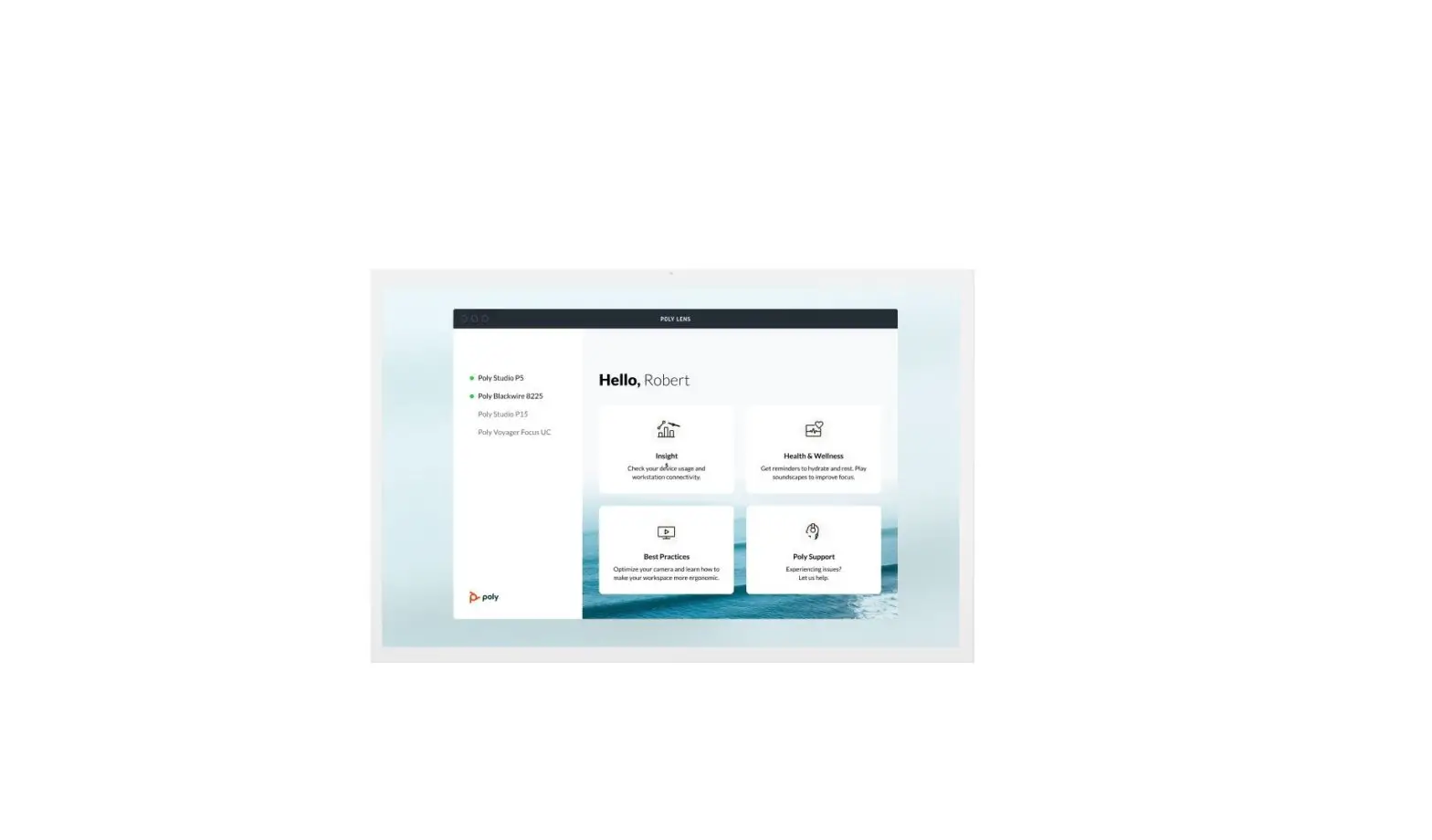
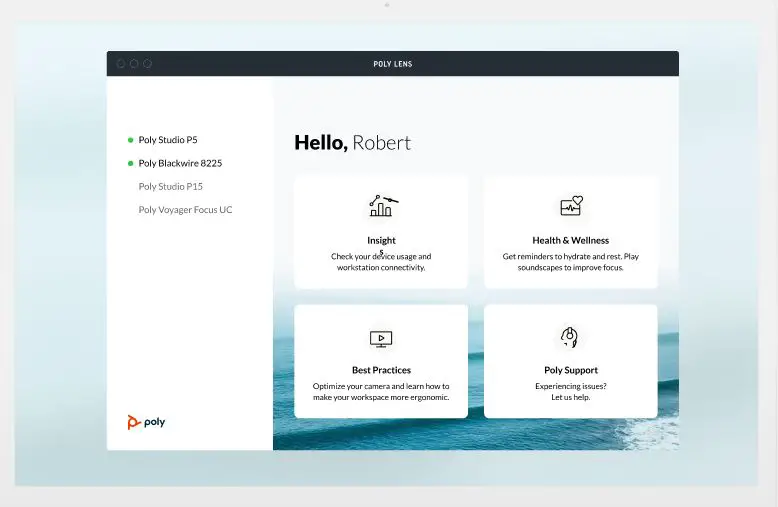
This release contains a fix to ensure a more stable connection between your system and Poly Lens.
Applies to:
- CCX Series
- Edge E Series
- Trio C60
USB Optimized Base Profile Deprecated for CCX 600 and CCX 700
The USB Optimized base profile for CCX 600 and CCX 700 is deprecated starting in this release. This base profile remains supported on Trio C60 and other CCX models (CCX 350, CCX 400, CCX 500, and CCX 505).
CCX 600 and CCX 700 phones configured for the USB Optimized base profile remain in USB optimized mode, but it is no longer supported and may be removed completely in later software releases.
Applies to:
- CCX 600
- CCX 700
Security Improvements on the System Web Interface
The system web interface has improved protection against injection attacks or permission level bypasses. Tools like Ping and Traceroute are now moved from user access to administrator access.
System web interface sessions now clear if the phone detects its network link has cycled.
Applies to:
- CCX Series
- Edge E Series
- Trio 8300
- Trio C60.
Zoom Rooms Controller
Poly Trio C60 phones optimized for Zoom Rooms act as a controller via the system’s touch user interface and provide audio for Zoom Room meetings through the built-in speakers and microphones.
This software release contains the Zoom Rooms Controller version 5.12 (1540) as embedded software. For more information on this Zoom release, see the Zoom Help Center.
For the latest setup instructions, see the Integrating Poly Trio Systems with Zoom Rooms Solution Guide at Poly Solutions for Zoom Environments.
Microsoft Teams
The Microsoft Teams application is included in each PVOS release for use on CCX 400, CCX 500, CCX 505, CCX 600, and Trio C60 phones. The Teams version included may be updated independently of the PVOS version using the Teams Admin Center. For more information on this Teams version, see What’s new in Microsoft Teams.
IMPORTANT: PVOS includes the Microsoft Teams base profile in every release; however, Microsoft support of a release depends on the PVOS version delivered by Microsoft through the Teams Admin Center.
Microsoft Teams Component Versions
| Microsoft Component | Version |
| Microsoft Teams | 1449/1.0.94.2022110803 |
| Microsoft Admin Agent | 1.0.0. 202209060820.product (v382) |
| Microsoft Intune Company Portal | 5.0.5484.0 |
Release History
This section lists the release history of PVOS.
Version History
| Release | Release Date | Features |
| 8.1.0 | February 2023 | Maintenance release for Poly Voice Software. Includes the following features: · Add Mobile Phone Contacts · Customizable Ring Delays · Device Prioritized Contact Directory Management · Edge E Series Help and Support Videos · Remove the Applications Button · Zoom Phone Appliance Base Profile for CCX 505 · Dialpad Base Profile for CCX 500 and CCX 505 · Bluetooth Improvements · Enhancements to Text-to-Speech · Poly Lens Connection Reliability · USB Optimized Base Profile Deprecated for CCX 600 and CCX 700 · Security Improvements for the System Web Interface |
Security Updates
See the Security Center for information about known and resolved security vulnerabilities.
Resolved Issues
This section identifies the issues resolved in this release.
| NOTE: | These release notes don’t provide a complete listing of all resolved issues that are included in the software. User experience updates, performance fixes, and enhancements may not be included. In addition, the information in these release notes is provided as-is at the time of release and is subject to change without notice. |
Resolved Issues
| Category | Issue ID | Product | Description |
| Bluetooth | VOICE-69699 | Trio C60 | A mobile phone connected over Bluetooth to the Trio C60 and in call, using the C60 to send DTMF created a brief audio interruption and crackle. |
| Configuration | VOICE-73033 | Edge E Series | The phone didn’t reload the home page when mb.main.reloadPage=”1″ and the Applications menu option were selected. |
| Diagnostics | VOICE-72468 | Edge E Series | Canceling the Run Diagnostics Check activity in the Help & Support menu by quickly pressing the Back softkey occasionally caused the phone to reboot. |
| Diagnostic | VOICE-71403 | CCX 600 | The ringtone and voice on a Bluetooth call were abnormal. |
| Hardware | VOICE-73905 | CCX 350 | The LCD of some CCX 350 phones flickered. |
| Interoperability | VOICE-73530 | CCX Series Edge E Series Trio 8300 Trio C60 | RFC Compliance and ANATEL testing: Accept all SIP 2xx response codes for REGISTER requests. |
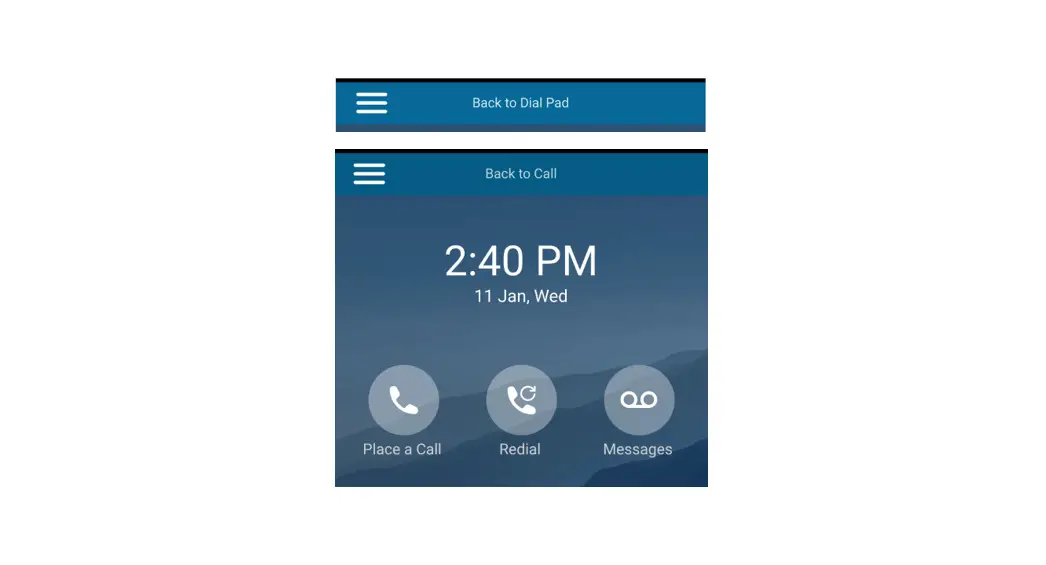
| Interoperability | VOICE-73114 | Trio C60 | Status bar showed Back to Call notification when DUT played audio from a Bluetooth paired Smartphone. |
| Interoperability | VOICE-72862 | CCX Series | Phones operating in Zoom Phone Appliance mode cannot answer inbound calls with Zoom version 5.12. |
| Interoperability | VOICE-71922 | CCX Series | A CCX phone’s reaction to EHS device button presses were incorrect or delayed while running the Zoom Phone Appliance or Microsoft Teams applications. |
| Networking | VOICE-73106 | CCX Series Edge E Series Trio 8300 Trio C60 | Phones with MAC address OUI 48:25:67 incorrectly calculate their PCS/ObiNumber which may cause PDMS-SP service interruption. |
| Peripherals | VOICE-21110 | CCX Series | Attaching a USB-C headset while the phone is off-hook caused the dial tone to pop or modulate. |
| Software | VOICE-73904 | Edge Ex50 | Edge Ex50 phones didn’t show complete WiFi SSID’s that had space(s) and couldn’t connect to them. |
| Software | VOICE-73364 | Edge E Series | Edge E: Emergency page volume wasn’t set to max despite having ptt.emergencyChannel.volume=”0″ |
| Software | VOICE-73274 | CCX Series | CCX Series phones sorted idle screen Favorites by first name instead of Favorite Index number. |
| Software | VOICE-73209 | Edge E Series | Call lists weren’t filtering by line. |
| Category | Issue ID | Product | Description |
| Software | VOICE-72380 | CCX Series Edge E Series Trio 8300 | Update to latest IANA TZ database. |
| Trio C60 | |||
| Software | VOICE-71081 | CCX Series | When putting a call on hold, a small icon at the top of the active call screen delayed updating from the active call to the hold icon. |
| User Interface | VOICE-73586 | Edge E400 Edge E450 | A third page appeared on the secondary screen of the phones when line key reassignment was enabled. |
| User Interface | VOICE-73367 | Edge E Series | When using a config file and not the default of Deuteranomaly incorrectly set the Greyscale color correction mode when color correction is enabled. |
| User Interface | VOICE-73358 | Tri C60 | Trio C60 configured for the phone lock feature in Generic base profile incorrectly showed the “Unlock” option in the Hamburger menu after being unlocked using the idle screen’s unlock button. |
| User Interface | VOICE-73309 | Edge E Series | The Add / Edit / Delete softkey labels overlapped and appeared in the top left of the screen when the font was set to Large. |
| User Interface | VOICE-72865 | Trio C60 | No hang-up button displayed on screen when the C60 off hook button is pressed. |
| User Interface | VOICE-72852 | Trio 8300 | The phone displayed overlapped text in the top left corner of the call history screen. |
| User Interface | VOICE-73265 | CCX 600 CCX 700 | CCX 600 and CCX 700 didn’t show the Settings icon on screen when in USB Optimized base profile. |
| User Interface | VOICE-73255 | CCX 500 CCX 505 | On some phones, the Poly logo that appears during bootup showed horizontal stripes. |
| User Interface | VOICE-72933 | CCX 350 | Incoming calls weren’t present on the screen if the user pressed the Home key. |
| User Interface | VOICE-72908 | Edge E350 Edge E450 | HTML push data didn’t display in the web browser when no other browser-related features were configured or enabled. |
| User Interface | VOICE-72343 | CCX Series | CCX line labels appeared written over top of each other. |
| User Interface | VOICE-69887 | CCX 600 CCX 700 | When in USB Optimized mode on a CCX 600 or CCX 700, using the backspace key when there’s nothing in the dial prompt briefly showed the idle screen’s date and time. |
| User Interface | VOICE-67169 | CCX 600 Trio C60 | Using the Skype for Business base profile when a CCX as a USB audio device was connected to a computer the Hold button unavailable. |
Known Issues
This section identifies the known issues and suggested workarounds in this release.
NOTE: These release notes don’t provide a complete listing of all known issues for the software. Issues not expected to significantly impact customers with standard voice and video conferencing environments may not be included. In addition, the information in these release notes is provided as-is at the time of release and is subject to change without notice.
Microsoft controls the software experience and performance of PVOS systems configured for Microsoft Teams. For any issues regarding Microsoft Teams on your PVOS system, visit the Microsoft Teams User Feedback Forum.
Known Issues
| Category | Issue ID | Product | Description | Workaround |
| Interoperability | VOICE-73660 | Edge E Series | The phone continues to display Edge E UI after the call is terminated when paired with devices using Apple iOS or Samsung Note. | Press End Call to update the Edge-E UI |
| User Interface | VOICE-74055 | Edge E Series | Using a softkey to wake the phone from power saving mode temporarily leaves the softkey label background grey. | Press the key again, open a menu, or trigger any action that causes a screen refresh |
| User Interface | VOICE-73995 | Edge E Series | When Text-to-Speech is enabled screens that allow user input such as dialing a phone number, don’t provide an audible name for the (<<) softkey on first press. | No workaround. |
| Category | Issue ID | Product | Description | Workaround |
| User Interface | VOICE-73922 | CCX Series | Answering an incoming call before touching the softkey to make an emergency call will cause the unlocked dial pad to overlap with the emergency call dial pad. | No workaround. |
Get Help
For more information about installing, configuring, and administering Poly products or services, go to Poly Support.
See the following sites for information related to this product.
- Poly Support is the entry point to online product, service, and solution support information. Find product-specific information such as Knowledge Base articles, Support Videos, Guide & Manuals, and Software Releases on the Products page, download software for desktop and mobile platforms from Downloads & Apps, and access additional services.
- The Poly Documentation Library provides support documentation for active products, services, and solutions. The documentation displays in responsive HTML5 format so that you can easily access and view installation, configuration, or administration content from any online device.
- The Poly Community provides access to the latest developer and support information. Create an account to access Poly support personnel and participate in developer and support forums. You can find the latest information on hardware, software, and partner solutions topics, share ideas, and solve problems with your colleagues.
- The Poly Partner Network is a program where resellers, distributors, solutions providers, and unified communications providers deliver high-value business solutions that meet critical customer needs, making it easy for you to communicate face-to-face using the applications and devices you use every day.
- Poly Services help your business succeed and get the most out of your investment through the benefits of collaboration. Enhance collaboration for your employees by accessing Poly service solutions, including Support Services, Managed Services, Professional Services, and Training Services.
- With Poly+ you get exclusive premium features, insights and management tools necessary to keep employee devices up, running, and ready for action.
- Poly Lens enables better collaboration for every user in every workspace. It’s designed to spotlight the health and efficiency of your spaces and devices by providing actionable insights and simplifying device management.
Privacy Policy
Poly products and services process customer data in a manner consistent with the Poly Privacy Policy.
Please direct comments or questions to [email protected].
Copyright and Trademark Information
©2023 Poly. Bluetooth is a registered trademark of Bluetooth SIG, Inc. All other trademarks are the property of their respective owners.
Poly
345 Encinal Street
Santa Cruz, California
95060