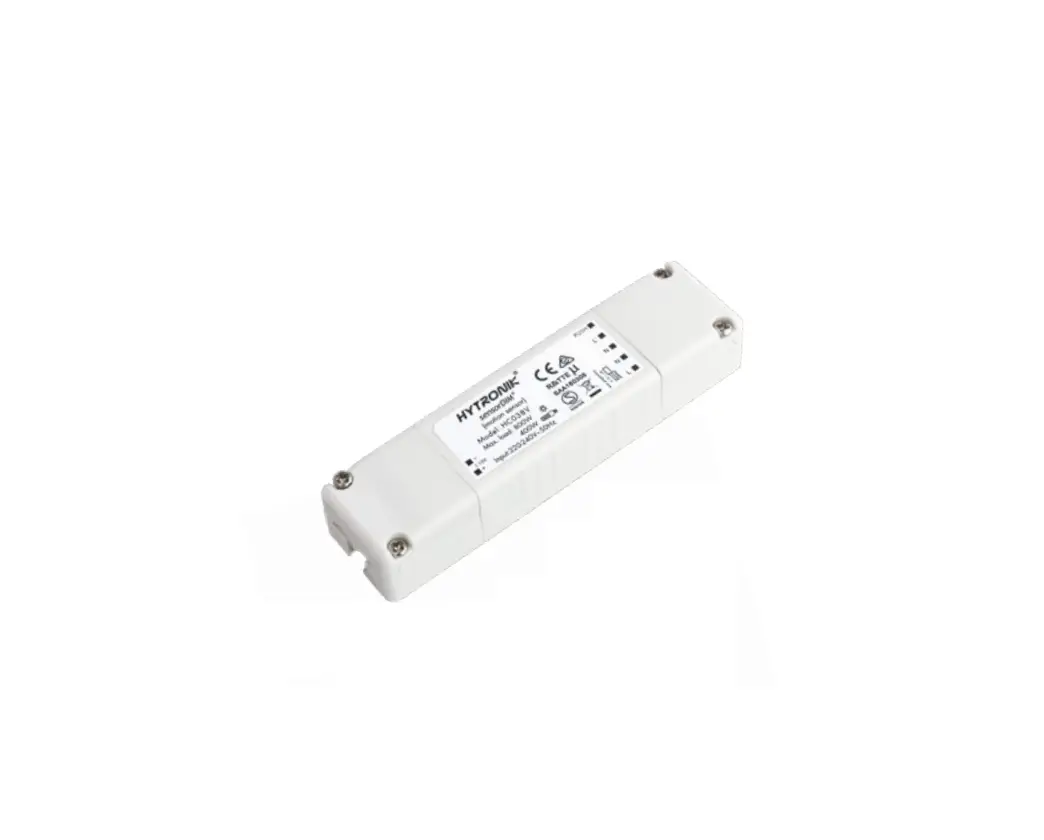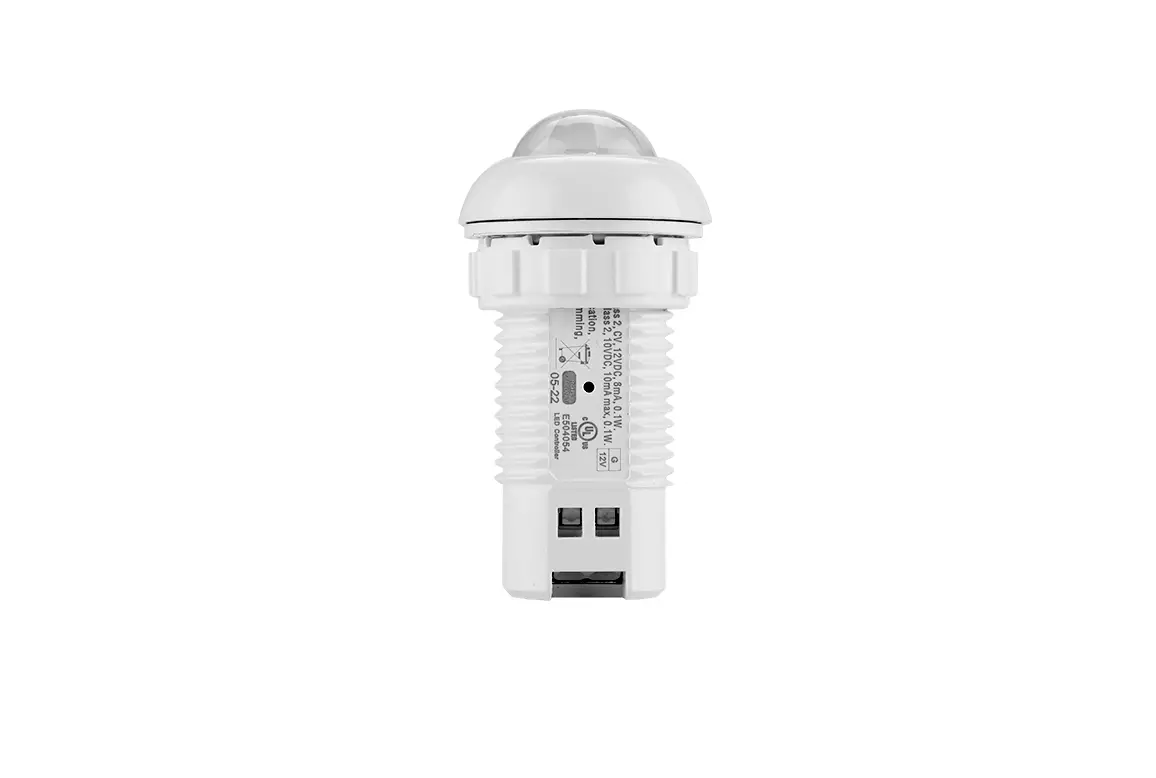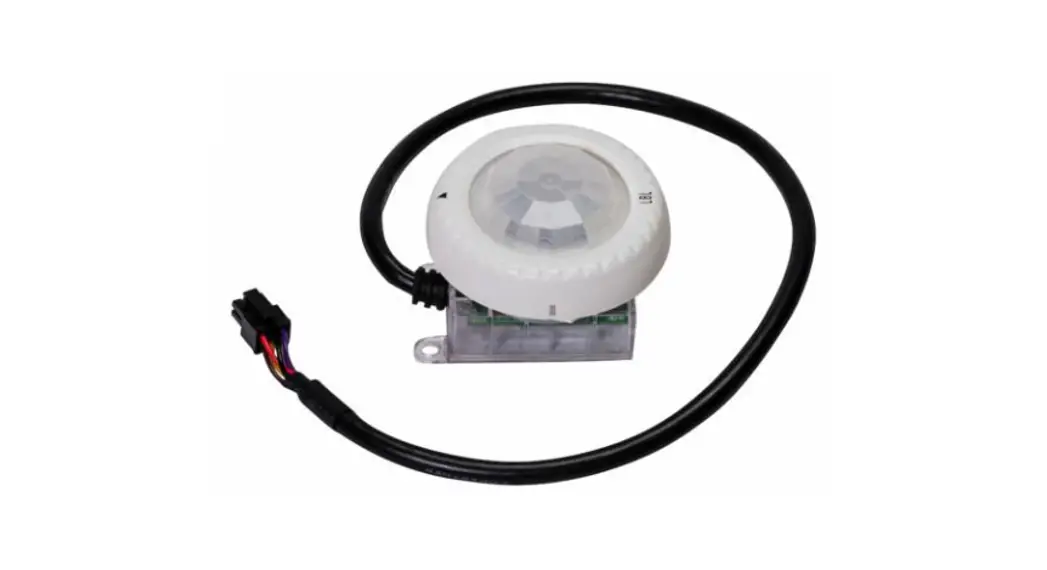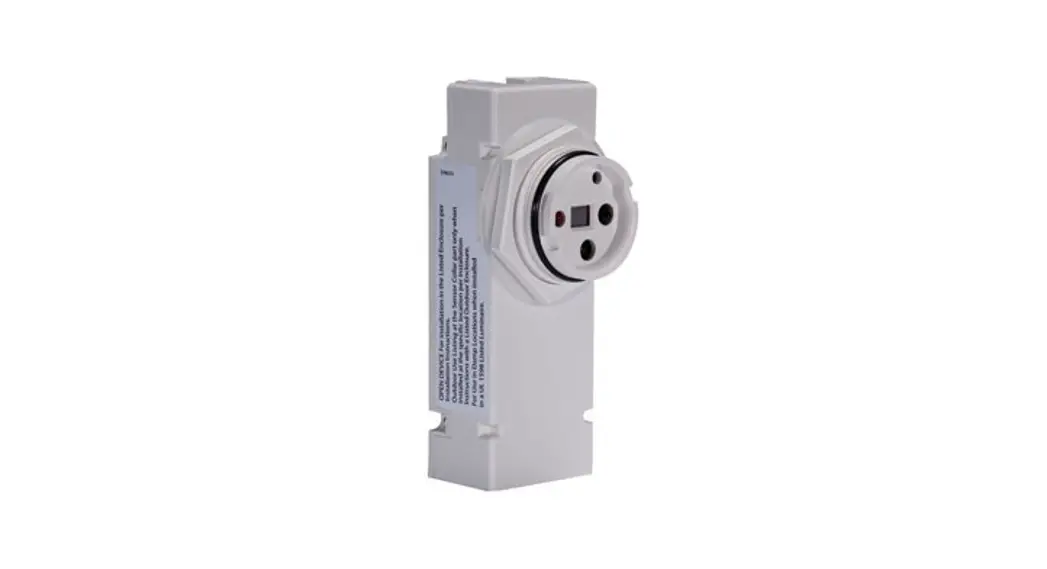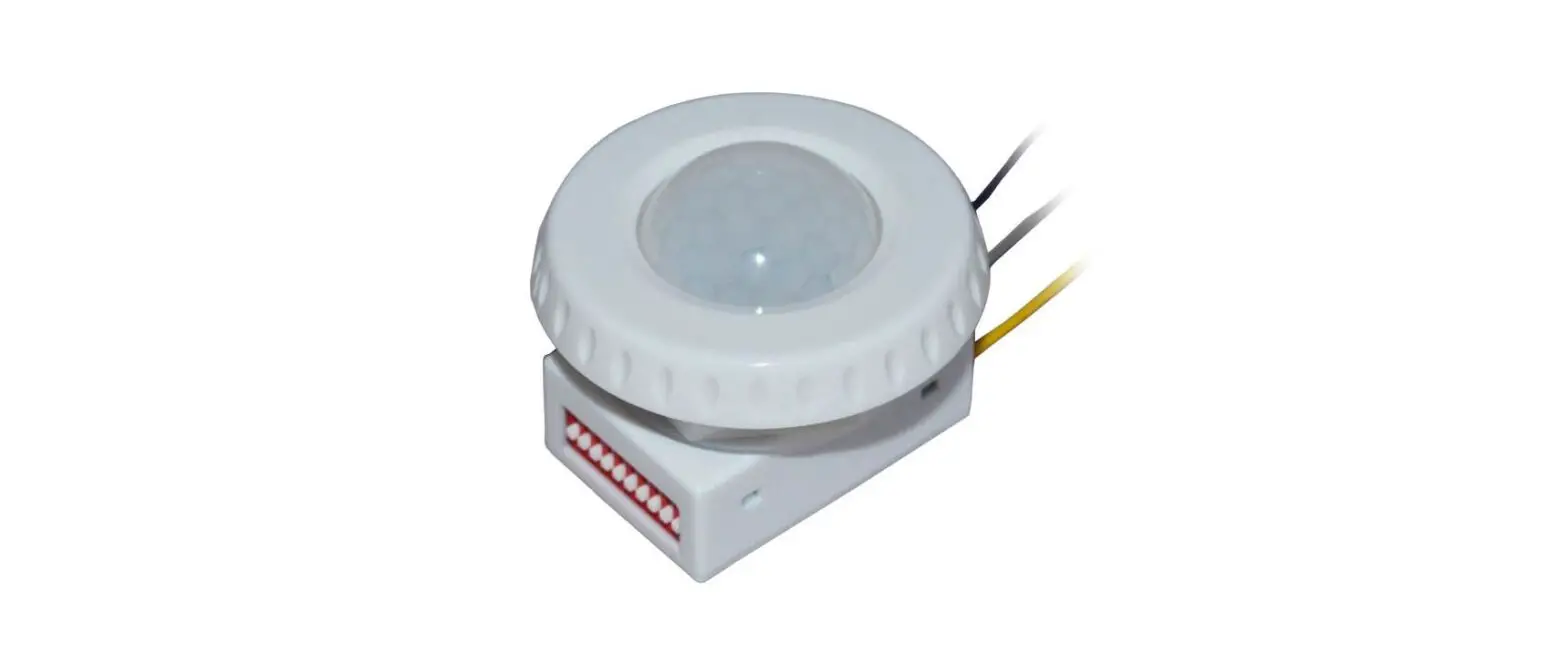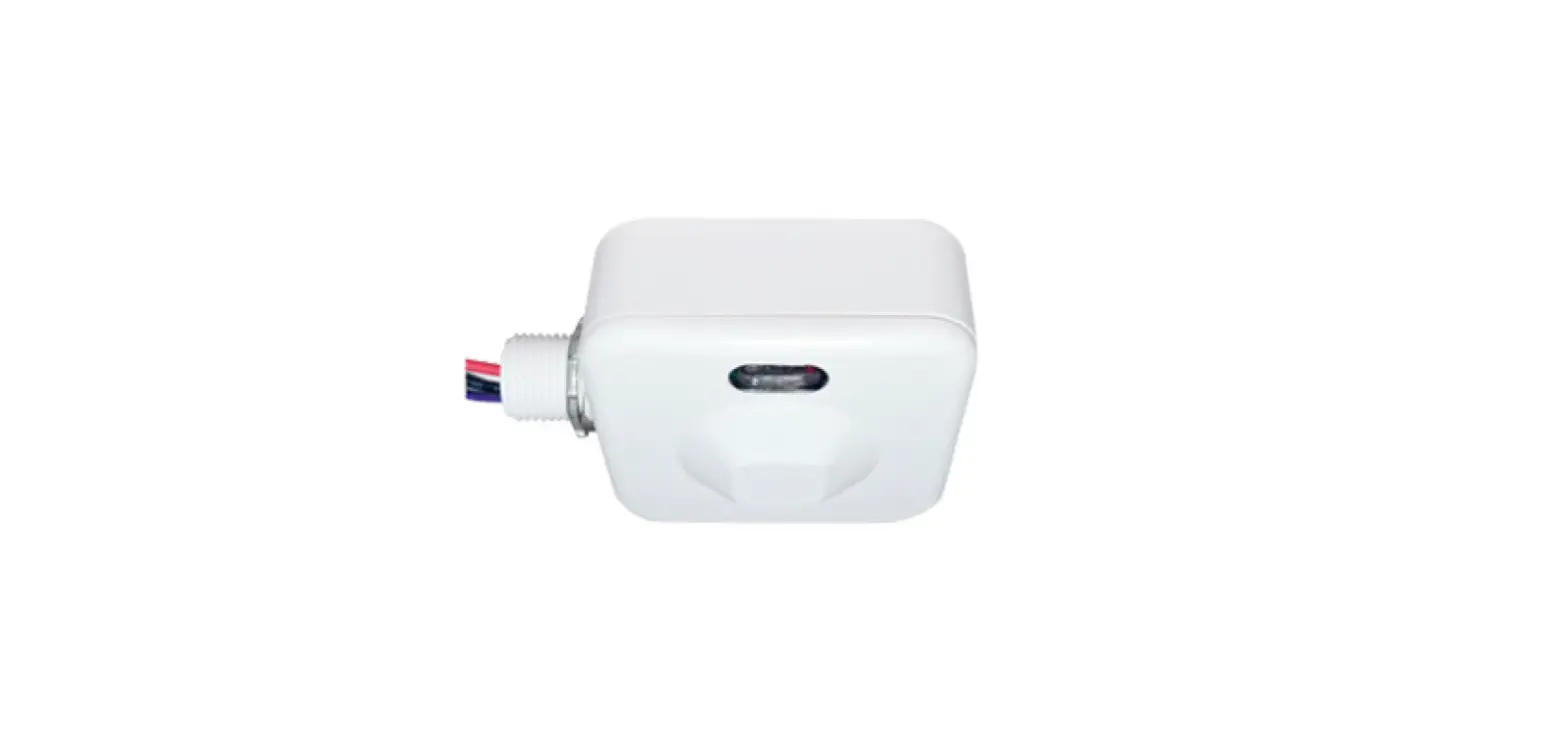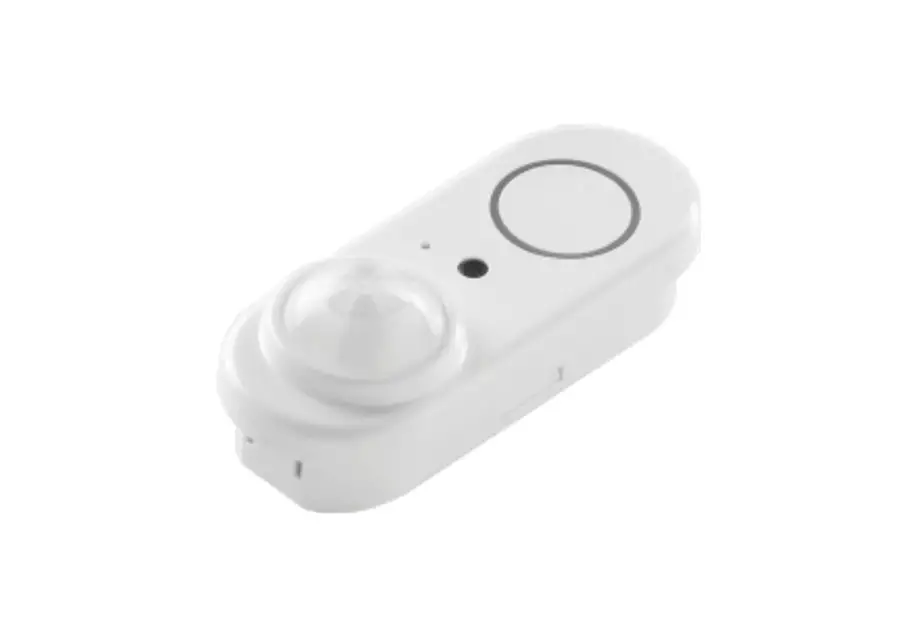
FULHAM ELMOPLX00SR Integrated Low Voltage Daylight Harvesting Bi-level PIR Motion Sensor User Guide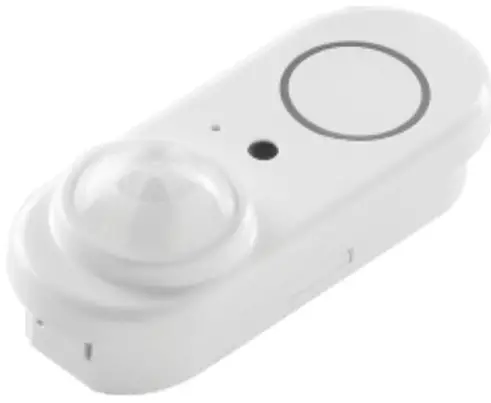
Integrated Low Voltage Daylight Harvesting / Bi-level PIR Motion Sensor
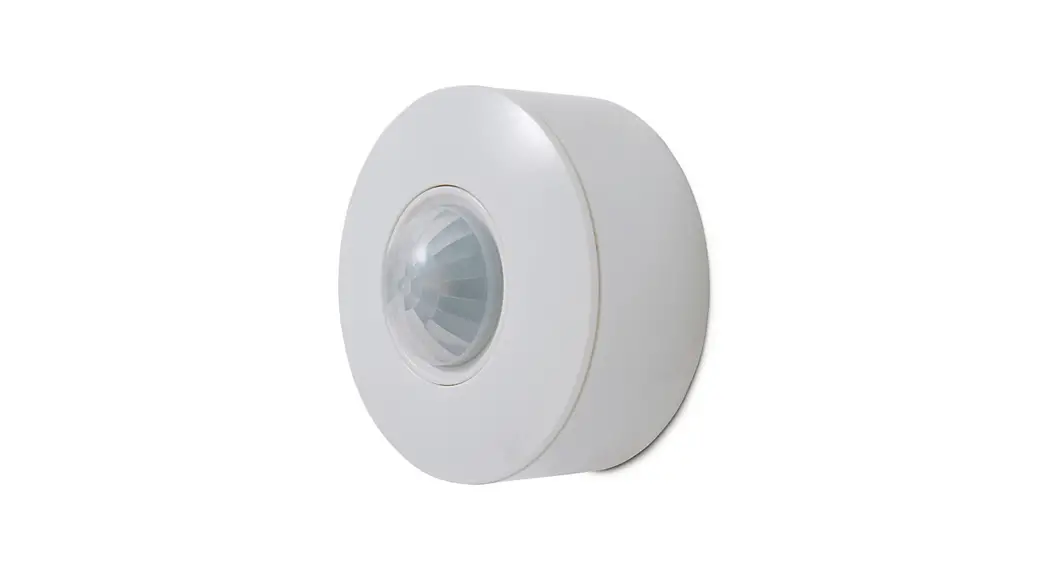
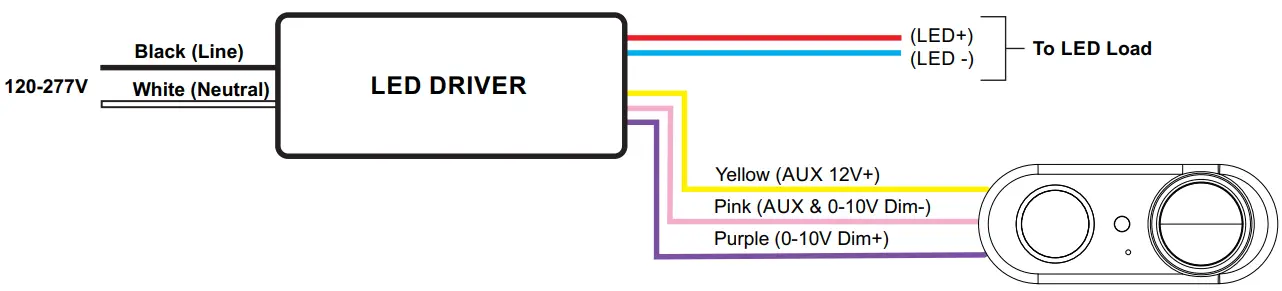
The ELMOPLX00SR is a compact size PIR sensor that combines occupancy sensing with photocell functionality. When used with 0-10V dim-to-off LED drivers, it enables any lighting manufacturer to deliver sensor-equipped fixtures with minimal engineering effort. It operates on 12V DC which can be supplied by a LED driver, which will save OEM cost on the manufacturer side. Different modes can be selected according to the different applications through the ELMOPLX00SR-RM IR remote controller. The integrated photocell can switch the lights on and off for dusk to dawn control, so that lights remains on overnight even without motion detection. Under daylight harvesting mode, the auto-calibration function can control the amount of electric light by measuring the overall combined natural and electric light to achieve the desired light level.
Model Number
| Model | Description |
| ELMOPLX00SR | Integrated low voltage Daylight Harvesting / Bi-level PIR motion sensor |
| ELMOPLX00SR-RM | Remote Controlle |
Specifications
| Input | DC12V, 8mA |
| Output | 0-10V, 10mA |
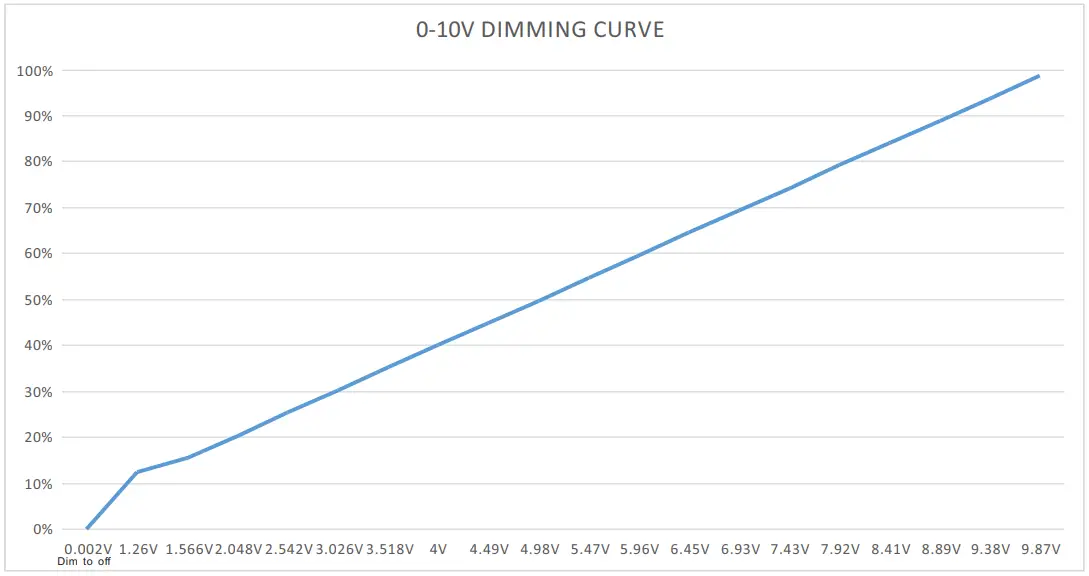
| Dimming | 0-10V, Compatible with Dim-to-off LED drivers, 0-10V dimming voltage of dim to off is 0V. |
| Detection Range | 48ft |
| Mounting Height | 15ft |
| IP Rating | IP20 |
| Operating Temperature | -30°F~131°F (-30°C~55°C) |
| Certification | UL |
| Warranty | 5 Years |
Mechanical Drawing
Unit: mm/inch
Wiring Diagram
Sensor Detection Graphs
Detection Coverage
(Side View)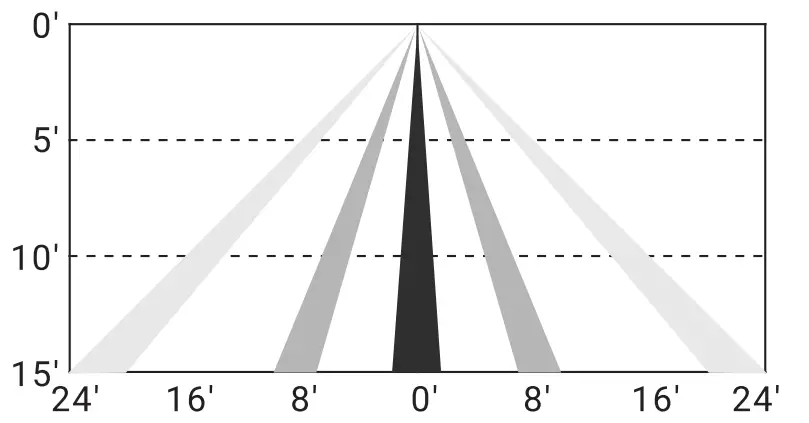
Detection Coverage
(Top View)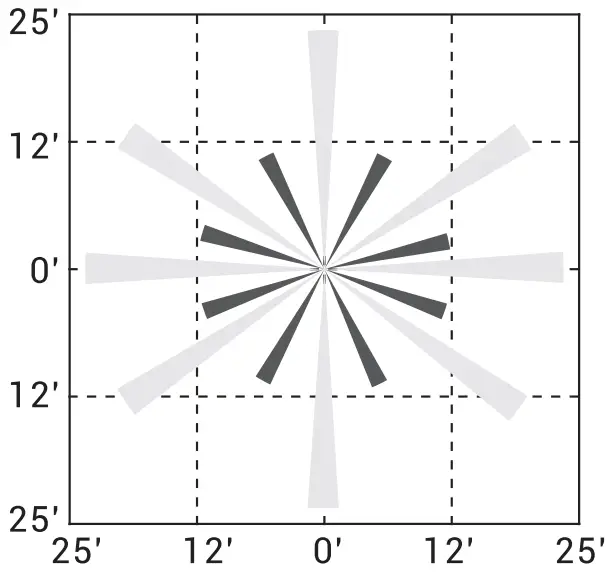
Remote Control Instructions
Memory Mode (Commissioning)
To begin commissioning follow the steps bellow:
- Select either A, B, C, D.
- Indicator lights on the remote will flash to indicate the current saved settings.
- Settings can be configured by pressing the appropriate buttons in the high lighted gray area of the remote control. (TRIM-LEVEL, SENSITIVITY, HOLD TIME, DIM, STANDBY TIME and PHOTOCELL). Review selections and make changes as necessary.
- Point the IR remote control in the direction of the desired luminaire for configuration and press “SEND”.
- If the configuration was successful, the luminaire will flash two times confirming the settings have been saved successfully. Any parameter change to the current saved settings on A through D will override previous settings and will be automatically saved on the remote. If configuring multiple luminaires, select the configured memory mode A through D then follow steps 4 and 5.
*** E MODE allows visual adjustment to choose the desired dimming level.
Continuous Adjustment Mode or Daylight Harvesting (F Mode) enables dimmability in response to daylight availability.
- Point the IR remote control in the direction of the desired luminaire.
- Press “ON” then press “Dim+” or “DIM-” to adjust the dimming level.
- Press “F”. the indicator lights on the remote control will indicate current saved settings.
Note: Only TRIM-LEVEL, SENSITIVITY and HOLD TIME can be selected for Daylight Harvesting settings. - Review selected settings and make changes as necessary. press “SEND”.
- If the configuration was successful, the luminaire will flash two times confirming the settings have been saved successfully. If configuring multiple luminaires, select the configured DAYLIGHT HARVESTING setting then follow steps 4 and 5.
Reset Mode
Default Settings: Motion—> 100%; No Motion for 5 min—> dim to 30%; No motion for 60 min—> Off
Remote Control Function Chart
| ON | Turns On Luminaires |
| OFF | Turns OFF Luminaires |
| TEST | Test mode will last 5 mins then return to previous setting Test mode will hold time 2 seconds SDL 50% and standby time 2 seconds |
| RESET | Trim-High=100%,sensitivity=High,T1=5min,Standby Dim=30%, T2=60min,Photocell=OFF |
| DIM+/- | Remote will manually dim luminaire up or down by increments of 0.5volts. Must be smooth dimming if holding dimming button. |
| TRIM-LEVEL | Set Maximum threshold value 50/75/100% |
| SENSITIVITY | OFF(PIR OFF Enter PC ON/OFF function)/LOW(50%)/HIGH (100%) |
| HOLD TIME | (time of no occupancy after which fixture goes to stand by) 30s / 5min /15min / 30min |
| F MODE DAYLIGHT HARVESTING | (Enable/Disable) Measure and set feature to allow the fixture to maintain a light level. If turned ON. |
| STANDBY DIM | Select any standby dim level 0/10/30/50% |
| STANDBY TIME | Stand by time- 10S / 5min /15min / 30min / ih/co.a00. means the stand-by time is infinite and the fixture is effectively controlled by the daylight sensor) |
| PHOTOCELL | LOW (1 fc) / HIGH (50(0/CAL Collecting The current Lux Level OFF |
| MODE | Set settings to a Program profile A to F |
| SEND | Send settings to sensor |
| DEFAULT MODE A | Trim-High=100%,sensitivity=low.T1=30min,Standby Dim = 50%, T2=00.Photocell=CAL |
| DEFAULT MODE B | Trim-High=100%,sensitivity=low,T1=30min,Standby Dim = 50%, T2 =15min,Photocell =CAL |
| DEFAULT MODE C | Trim-High=100%,sensitivity=low,T1=30min,Standby Dim= 50%, T2=15min,Photocell=OFF |
| DEFAULT MODE D | Trim-Low=50%,sensitivity=low,T1=30s,Standby Dim=50%, T2=30min,Pholocell =CAL |
| DEFAULT MODES | Manual Mode, Trim-High=100% |
| DEFAULT MODE F | Daylight Harvesting. Trim-Low=50%,sensitivity=low,T1=15min |
Specifications
| Communication Method | Infrared |
| Battery Type | 3V CR2032 Batteries (Qty. 2) |
| Flame Rating | HB |
| Operating Humidity | ≤90% RH |
| Operating Temperature | 0°C – 45°C (32°F – 113°F) |
Mechanical Drawing
Unit: mm/inch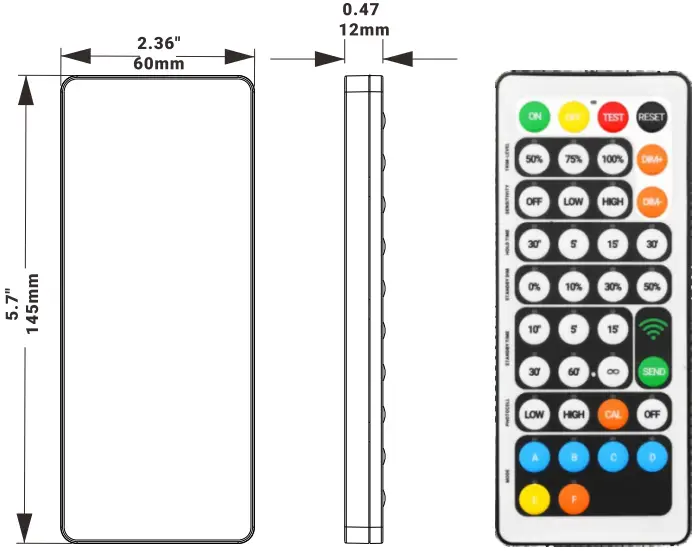
.Fulham Co. Inc.: 12705 South Van Ness Ave., Hawthorne, CA 90250 Tel.: 1-323 779-2980 Fax.: 1-323-754-9060. Specifications subject to change without notice. [email protected] www.fulham.com .

 Fulham: Lighting Solutions | LED Drivers | Ballasts | Emergency | Modules