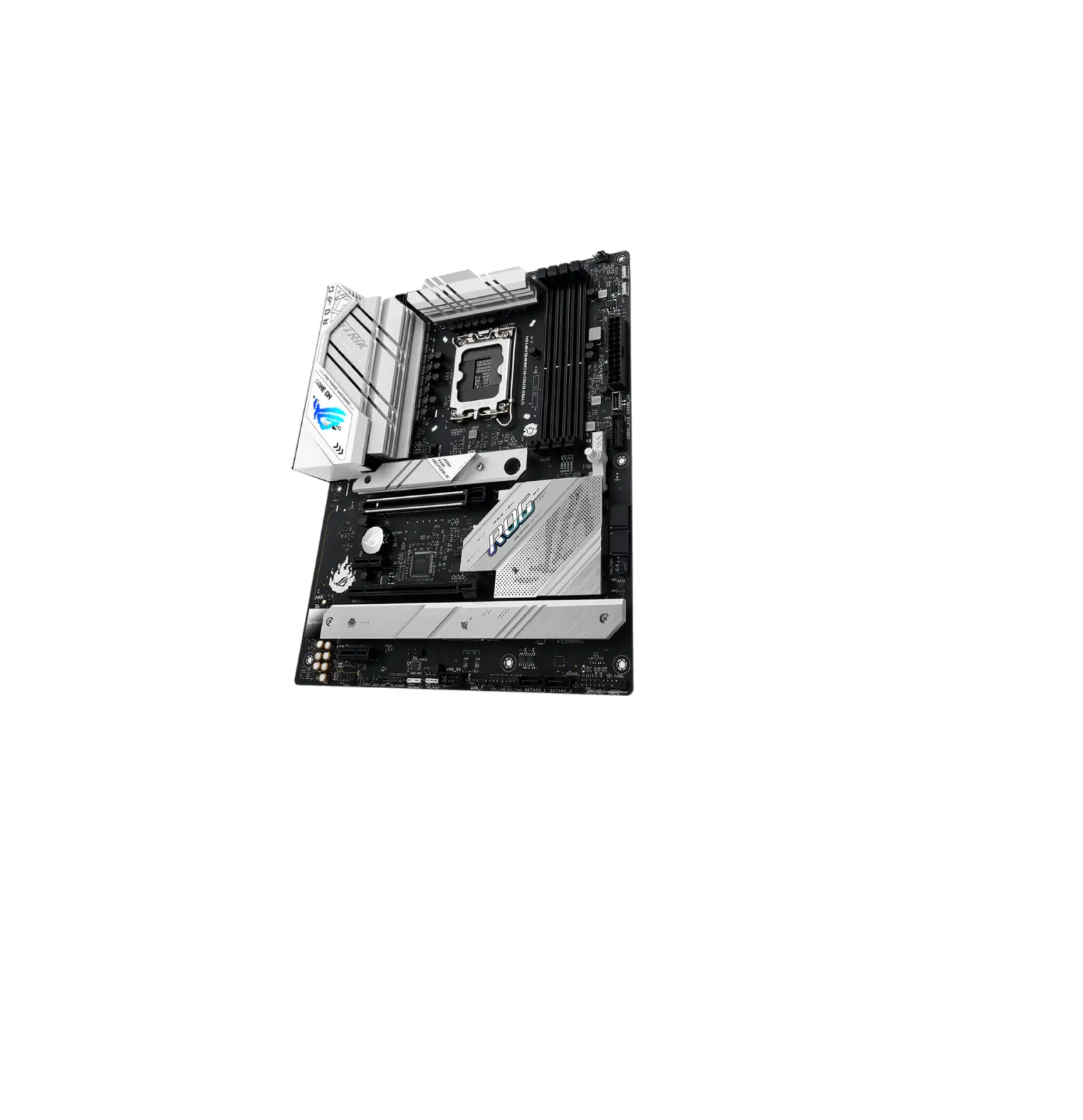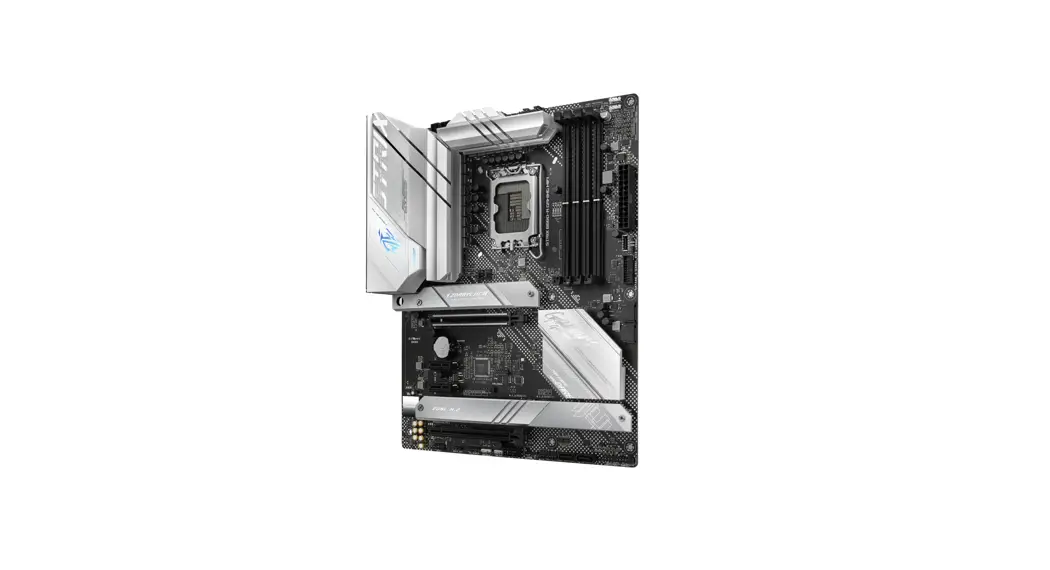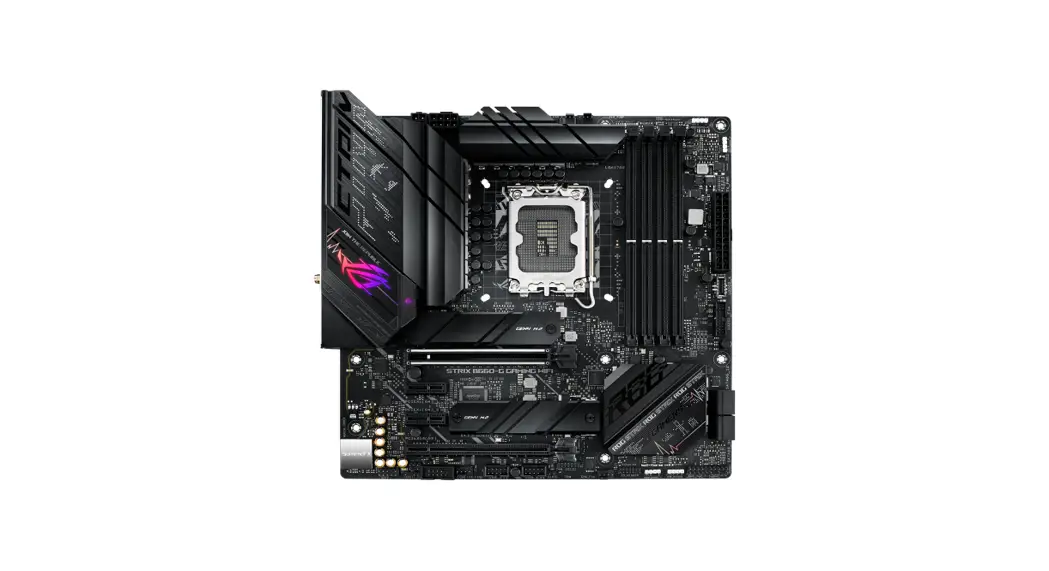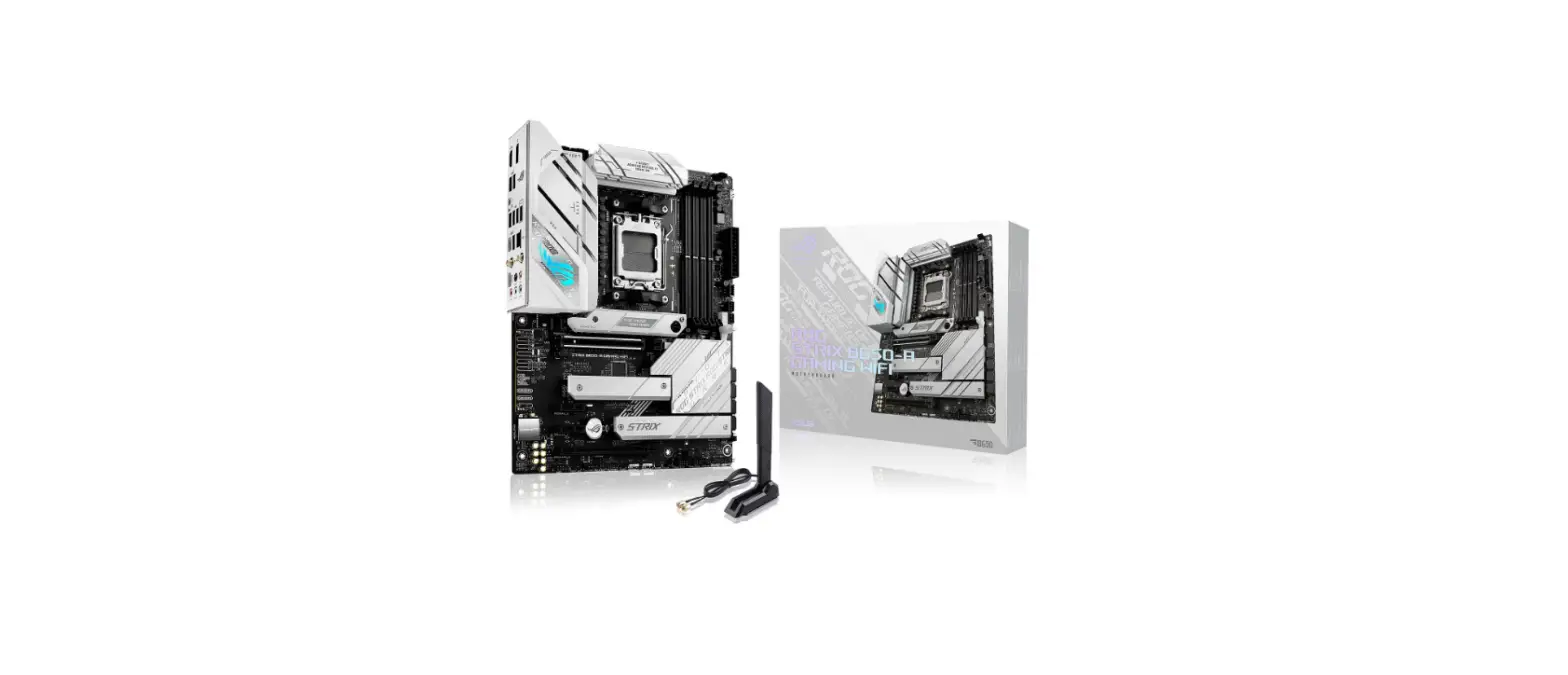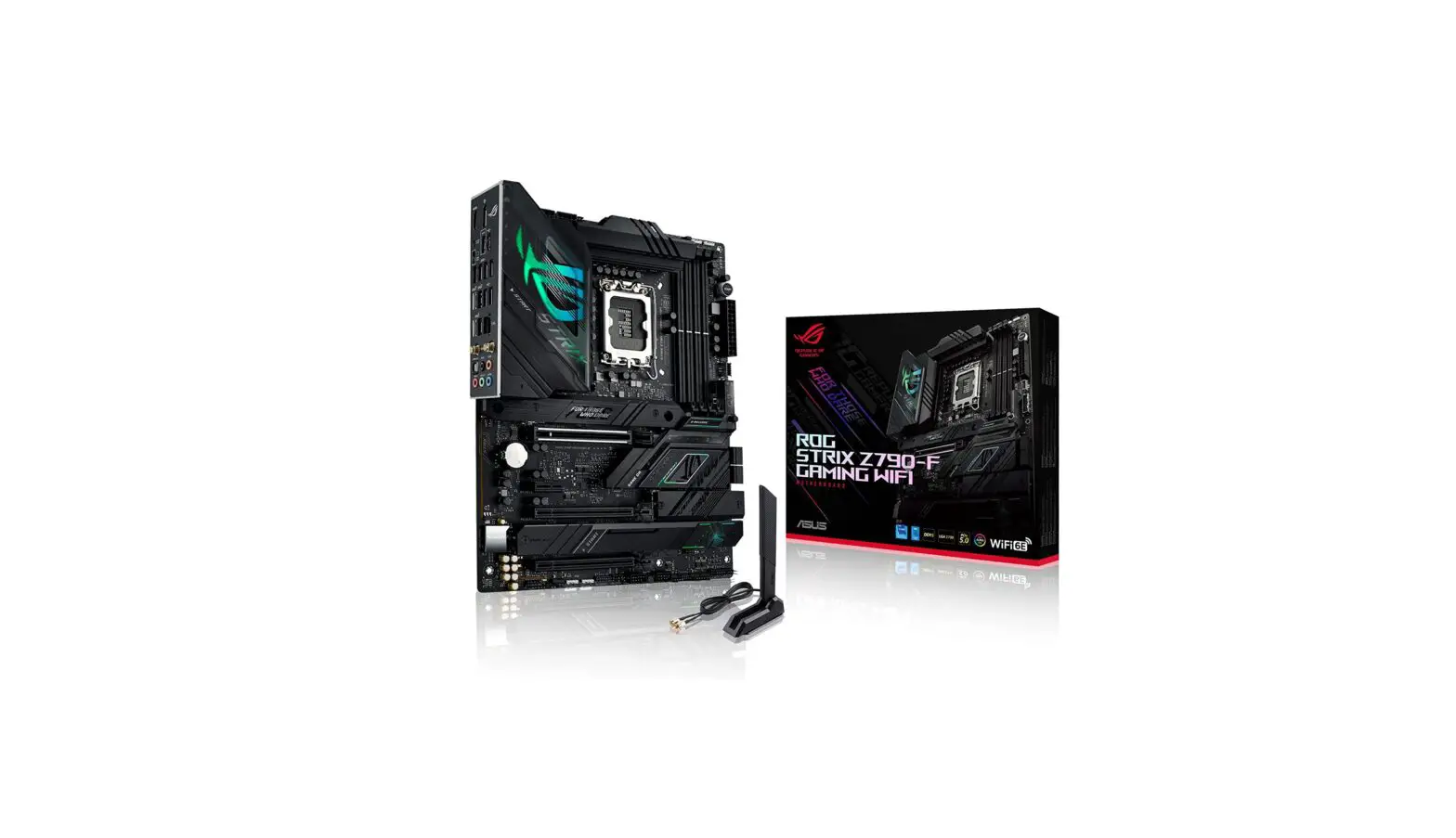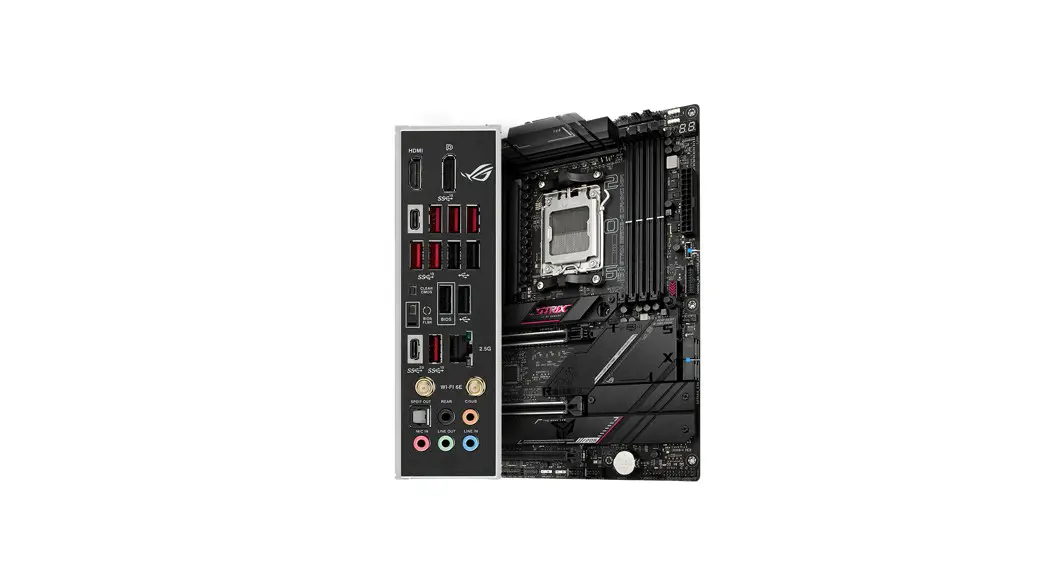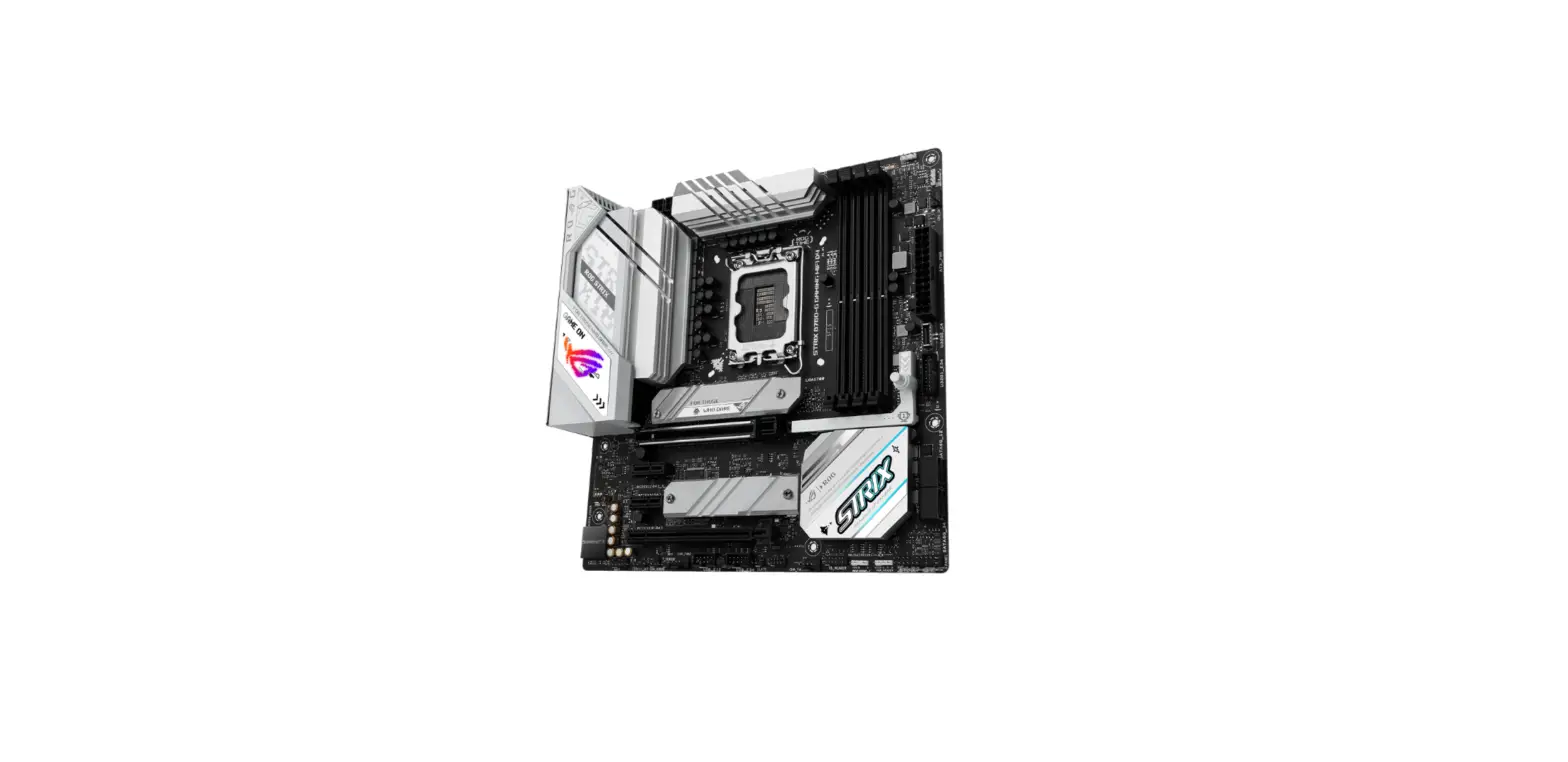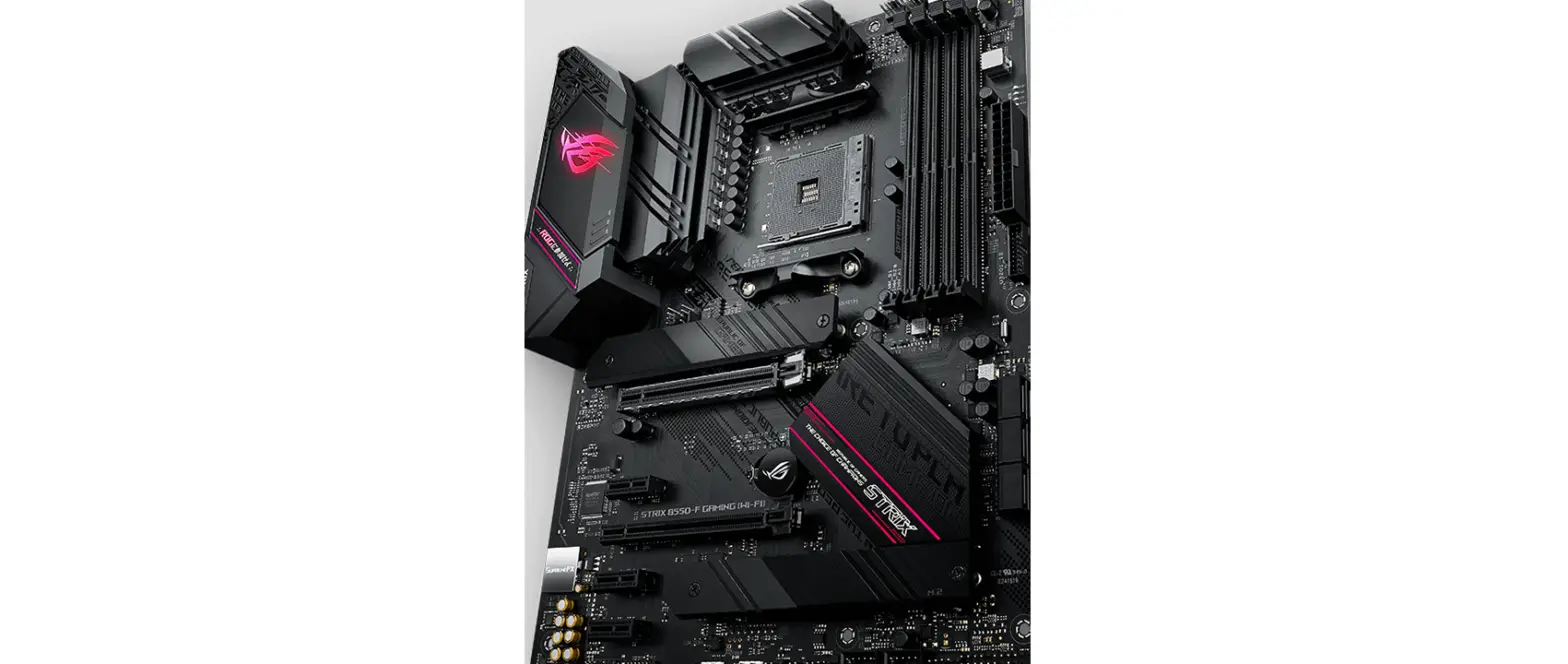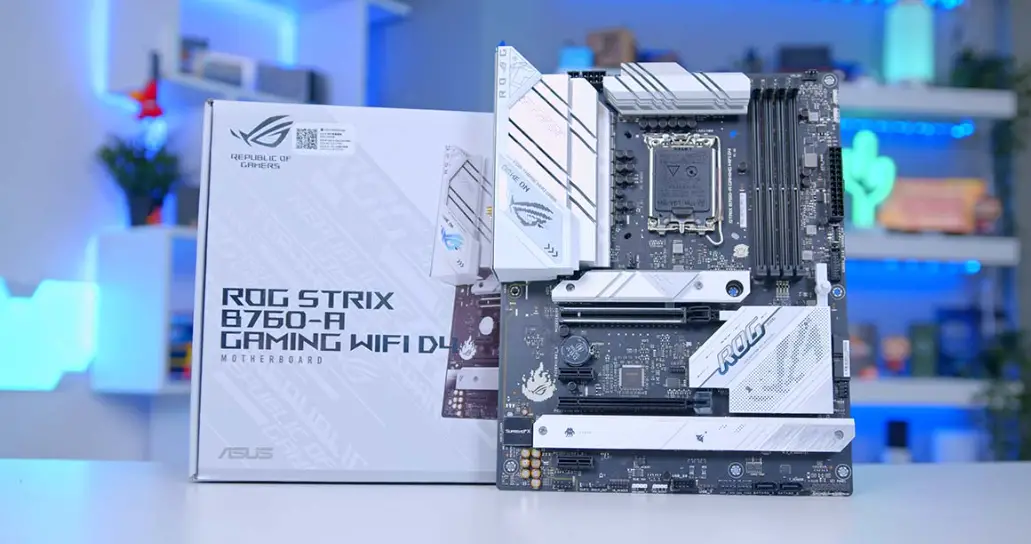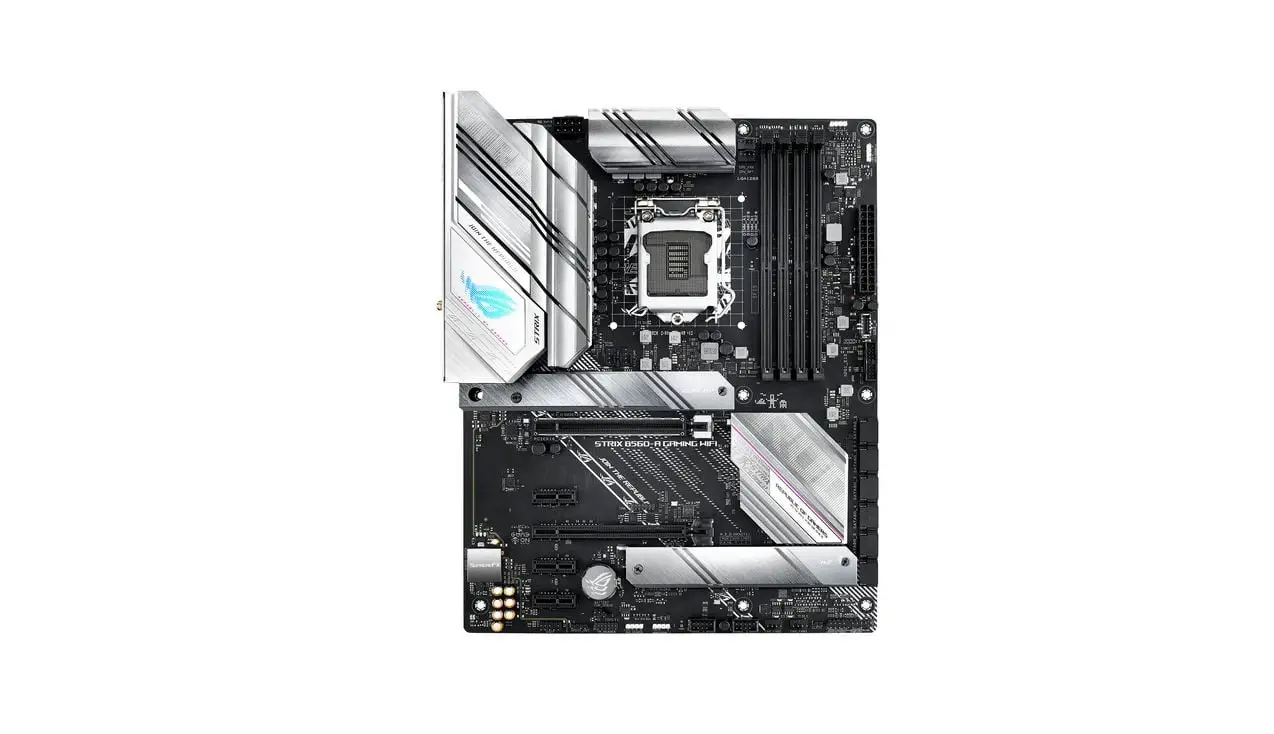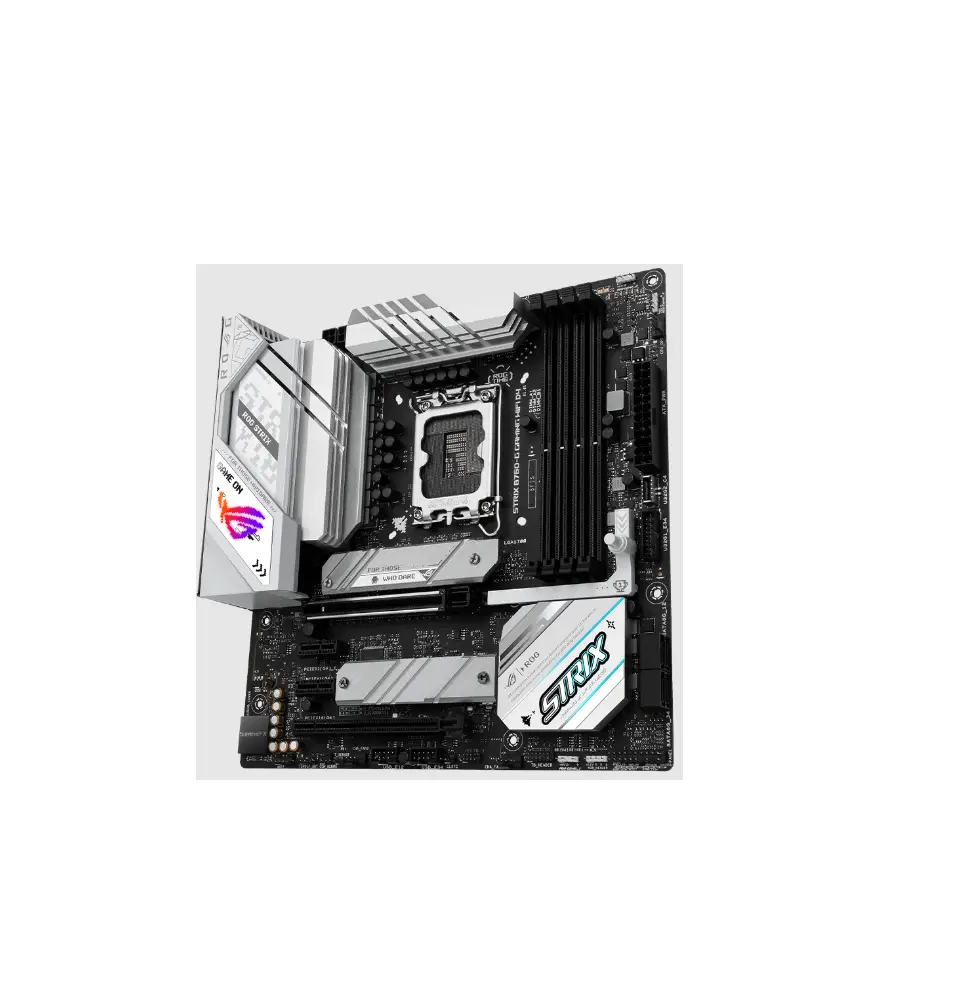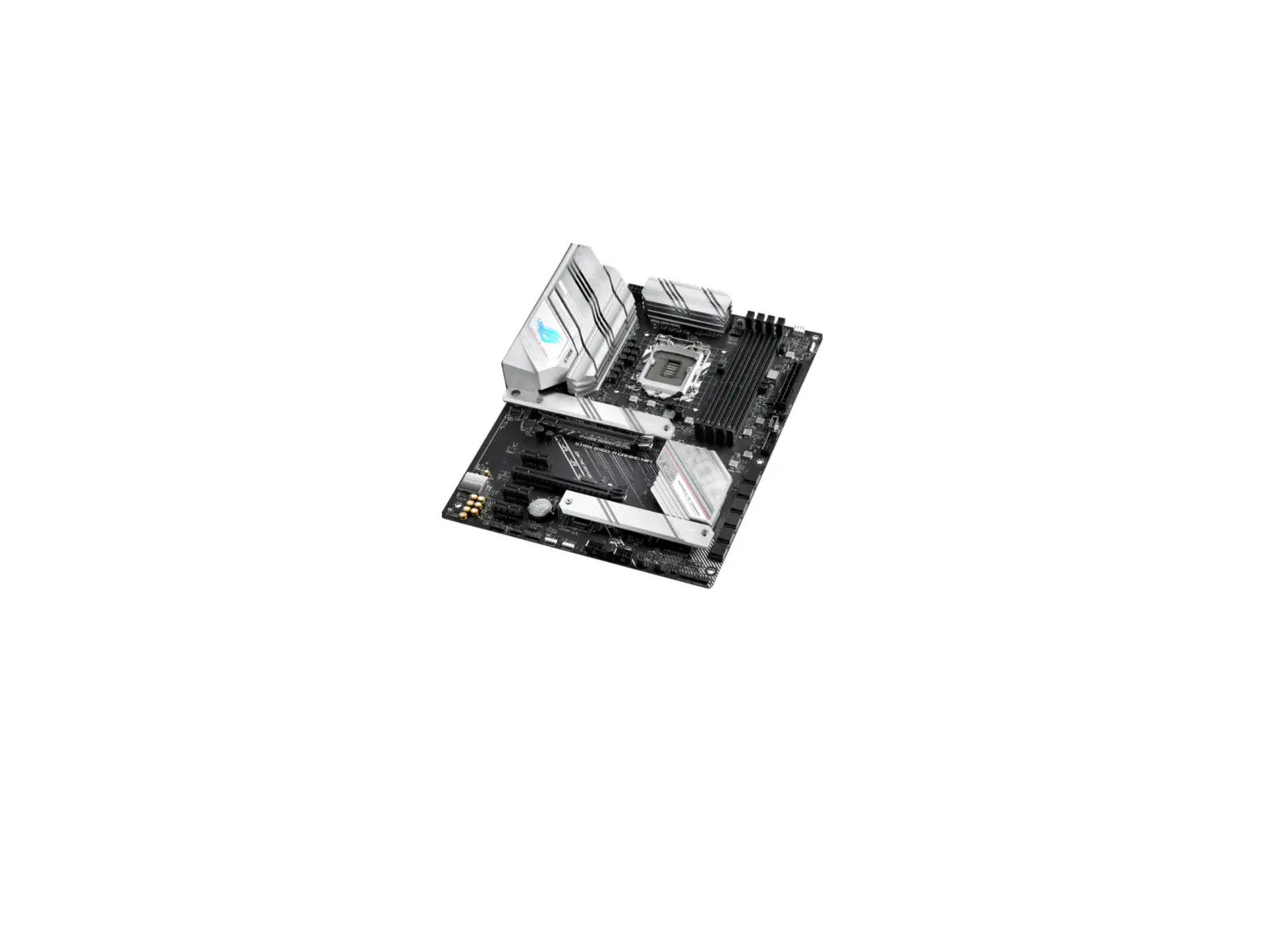

REPUBLIC OF GAMERS ROG STRIX B560-A Gaming WIFI LGA 1200 ATX Gaming Motherboard
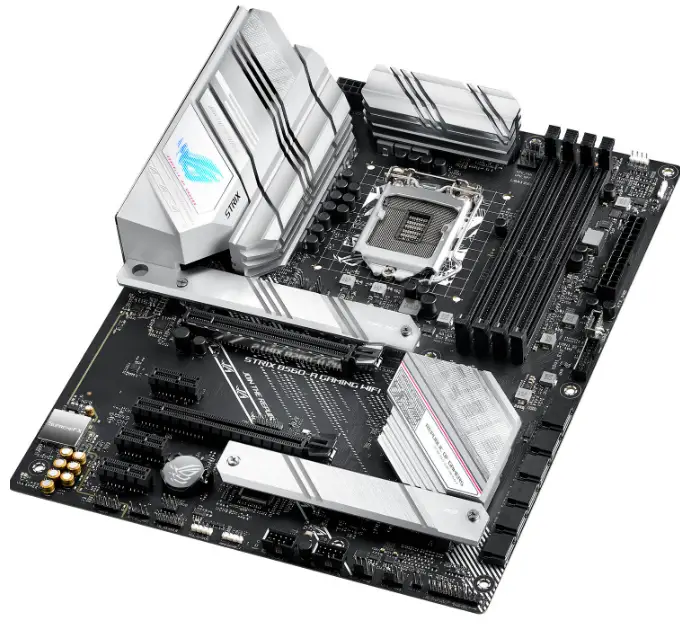
Motherboard Layout
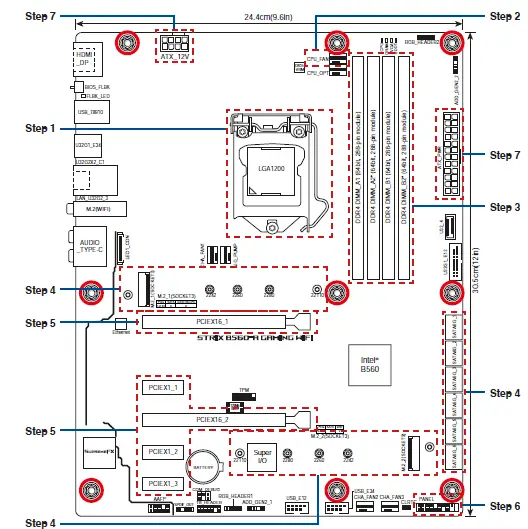
- STEP 1
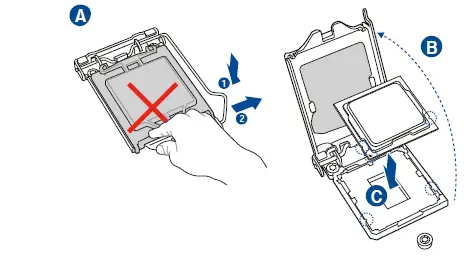
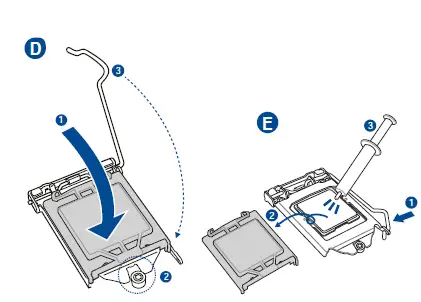
Install the CPU
Installer sentralprosessoren (CPU)
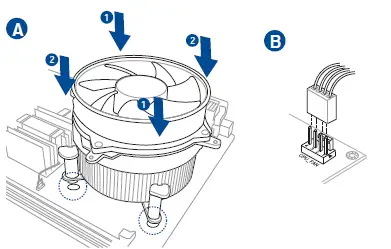
- Step 2
Install the CPU fan
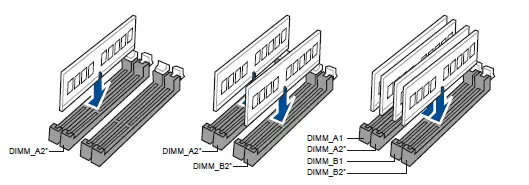
- Step 3
Install memory modules

- Step 4
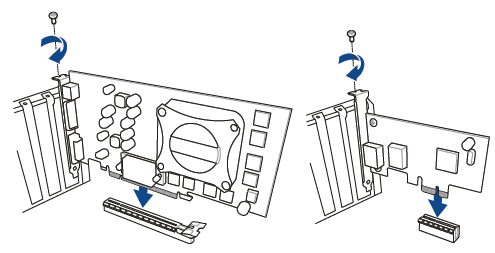
Install storage devices. To install M.2 refer to user manual. - Step 5
Install expansion card(s)
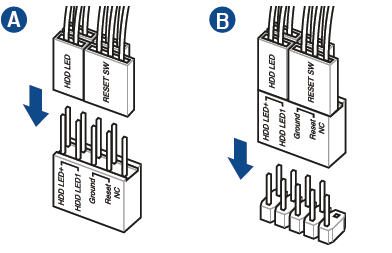
- Step 6
Install the system panel connector
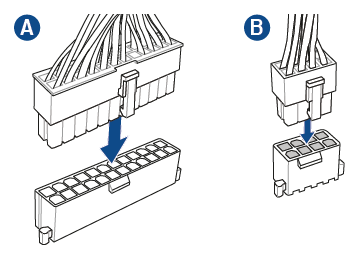
- Step 7
Install ATX power connectors
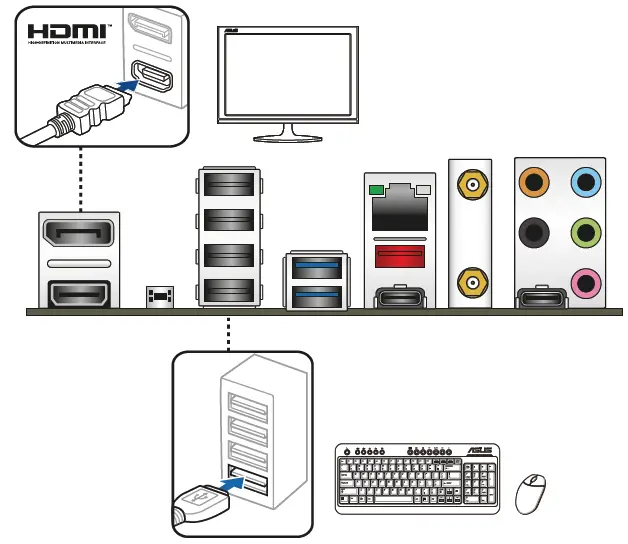
- Step 8
Connect input/output devices
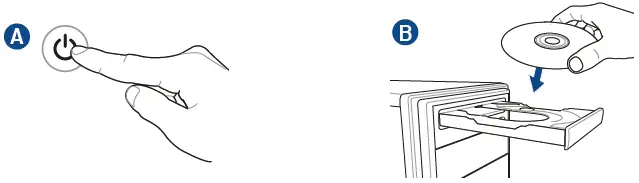
- Step 9
Power on the system and install operating system and drivers
 Official Support | ASUS Global