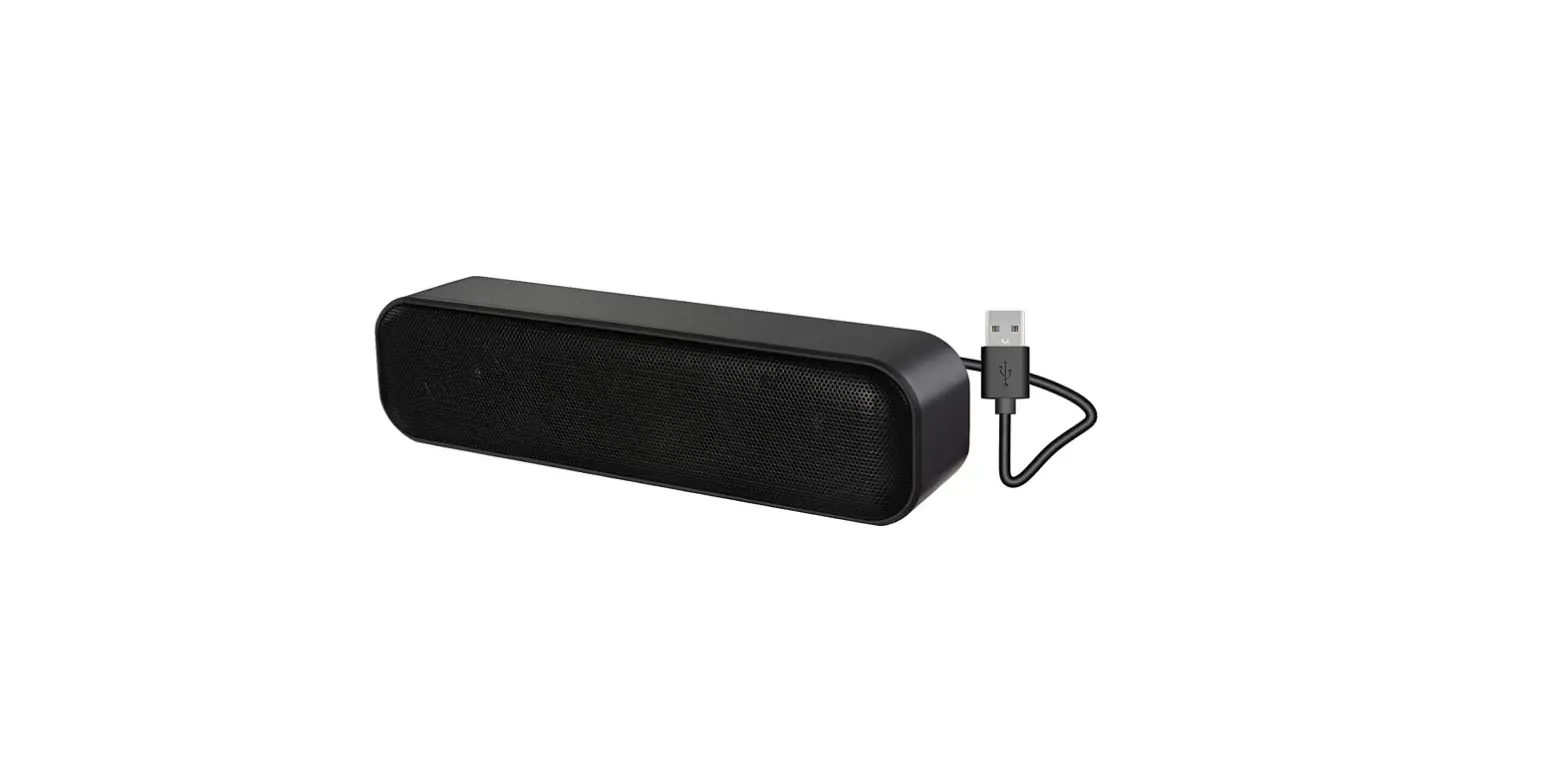
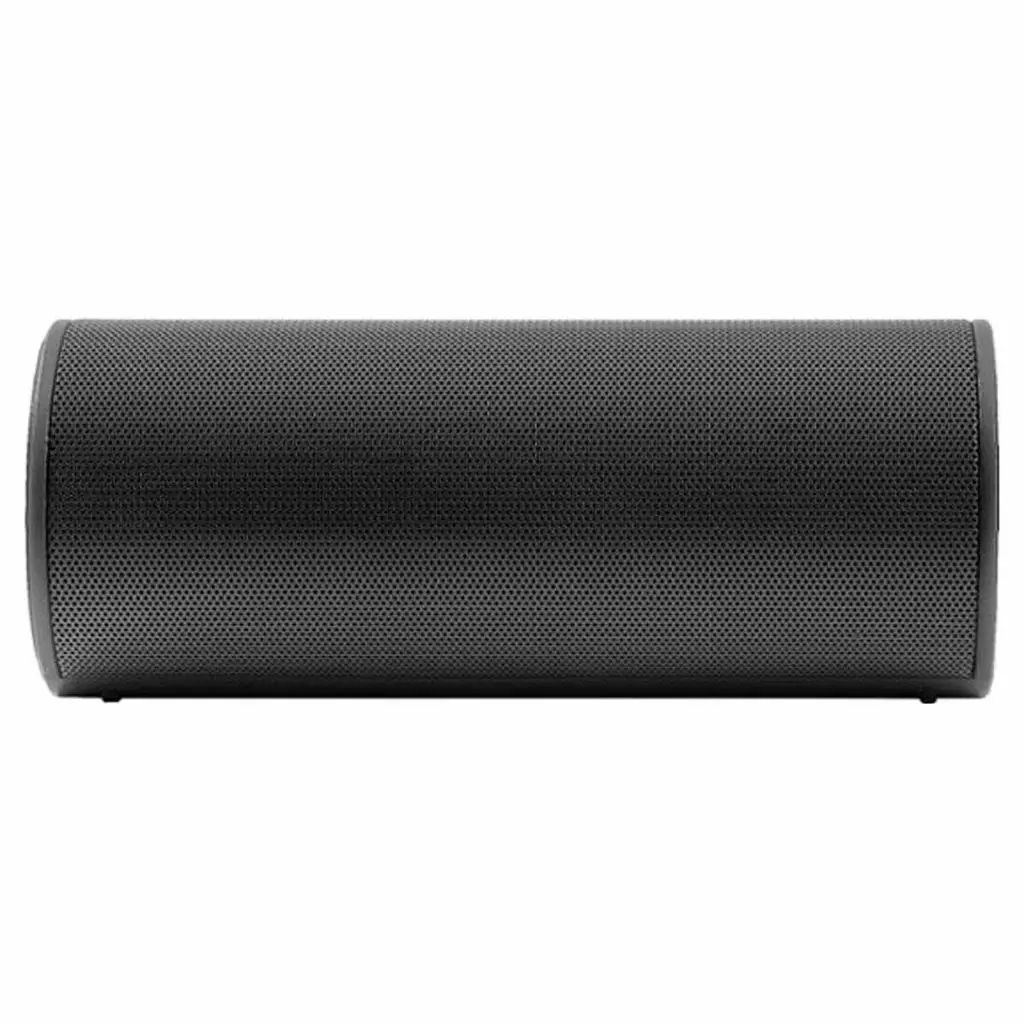
NS-SPBTBRICK2 Portable Speaker with Power Bank
Product Information
The NS SPBTBRICK2 / NS SPBTBRICK2 XX is a portable speaker with
a power bank feature. It is designed to provide high-quality audio
and can be used with Bluetooth-enabled devices or through an audio
cable connection. The speaker also functions as a power bank,
allowing you to charge external devices.
Package Contents
- Portable Speaker with Power Bank
- Charging Cable
Features
- Power button
- Call button
- Charging and battery power LED
- Bluetooth LED
- Volume +/- buttons
- Power bank button
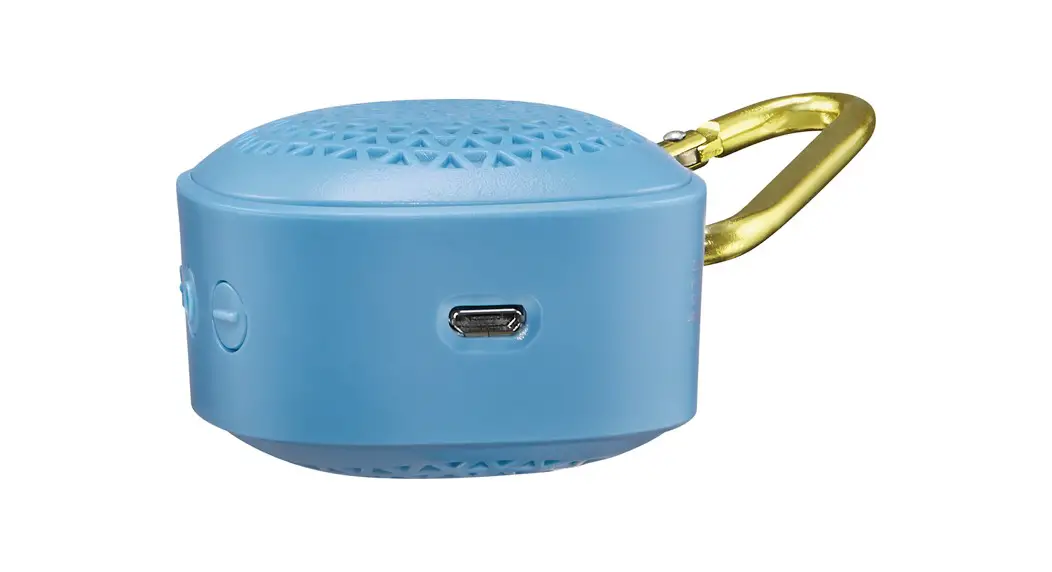
- Micro USB port
- DC OUT port
- AUX in jack
Product Usage Instructions
Charging Your Speaker
- Open the port cover on the back of your speaker.
- Connect the small end of the charging cable to the micro USB
port on the back of your speaker. - Connect the other end of the charging cable to a USB port on a
USB wall charger or your computer. - To check the battery level, press the Power bank button. The
charging LED will indicate the battery level.
- Blinks white: Charging
- Solid white: Fully charged
remains low for about five minutes, the speaker will turn off
automatically.
Charging an External Device
- Open the port cover on the back of your speaker.
- Plug one end of a USB cable into your external device and the
other end into the DC OUT port on your speaker. - Press and hold the Power bank button. Your external device will
start charging.
Connecting an Audio Device
- Press and hold the Power button to turn on your speaker. The
Bluetooth LED indicator will blink blue quickly, indicating that
your speaker is in pairing mode. - Make sure that your Bluetooth device is within 33 ft. (10 m) of
your speaker. - Turn on your Bluetooth device and enable Bluetooth, then enter
pairing mode. Refer to the documentation that came with your
Bluetooth device for more information. - Select “NS-SPBTBRICK2” on your Bluetooth device. Your speaker
will pair with your Bluetooth device, and the Bluetooth LED
indicator will light solid blue. - To disconnect, unpair your Bluetooth device from your speaker.
Alternatively, you can press and hold the Call button for three
seconds on your speaker to automatically lose the Bluetooth
connection with your device.
- Blinks blue: Speaker is in pairing mode
- Solid blue: Speaker is connected to a Bluetooth device
- Blinks blue slowly: Speaker is connected to an AUX device
Reconnecting to a Paired Device
If your speaker is not paired to a device, the LED will blink
blue. Follow these steps to reconnect:
- Turn off your speaker.
- Turn on your speaker. The speaker will search for the last
connected Bluetooth device and automatically reconnect. - If your Bluetooth device is out of range, make sure it is
within 33 feet of your speaker. - If Bluetooth is turned off on your Bluetooth device, turn it on
and ensure that it is in pairing mode. - If you have connected your Bluetooth device to another device,
disconnect it from the other device and set your device to pairing
mode. Then select “NS-SPBTBRICK2” on your Bluetooth device.Note: The Bluetooth range may be reduced if the wireless signal
has to pass through walls or other obstructions.
Using Your Speaker
- Connect your speaker to a device using Bluetooth or an audio
cable. - Play audio on your connected device.
- Use the + or – buttons to adjust the volume of your
speaker.
QUICK SETUP GUIDE
Portable Speaker with Power Bank
NS SPBTBRICK2 / NS SPBTBRICK2 XX
PACKAGE CONTENTS
· Bluetooth speaker · USB charging cable · Quick Setup Guide
FEATURES
· Stereo speakers · Wirelessly stream from any Bluetooth device · Rechargeable battery lasts up to 40 hours · Integrated power bank charges your mobile devices · Water-resistant body
Back view
Power button
Call button
Charging and battery
power LED
Bluetooth LED
Volume +/buttons
Power bank button
Micro USB port
DC OUT
AUX in jack
Before using your new product, please read these instructions to prevent any damage.
IMPORTANT SAFETY INSTRUCTIONS
· Read these instructions. · Keep these instructions. · Heed all warnings. · Follow all instructions. · Do not use this speaker near water. · Clean only with a dry cloth. · Do not block any ventilation openings. Install in accordance with the
manufacturer’s instructions. · Do not install near any heat sources such as radiators, heat registers,
stoves, or other apparatus (including amplifiers) that produce heat. · Only use attachments/accessories specified by the manufacturer. · Unplug this speaker during lightning storms or when unused for long
periods of time. · Refer all servicing to qualified service personnel. Servicing is required
when the speaker has been damaged in any way, such as if the speaker is dropped, exposed to liquids, or does not operate normally. · Never expose the product to fire as this could result in personal injury. · Do not store the product in an extremely cold or warm environment. · Never dismantle the product. · Never let children play with the product. · Do not expose the product to dampness or moisture. · The product should not be exposed to dripping or splashing. · Pay attention to the environmental aspects of battery disposal. · Do not expose the speaker’s battery to excessive heat such as sunshine or fire. · CAUTION: Danger of explosion if the battery is incorrectly placed. Do not try to replace the battery.
CHARGING YOUR SPEAKER
1 Open the port cover on the back of your speaker. 2 Connect the small end of the charging cable to the micro USB port on
the back of your speaker. 3 Connect the other end to a USB port on a USB wall charger or your
computer. 4 To check the battery level, press the (Power bank button). Note: The speaker beeps when the battery is low. About five minutes later, the speaker turns off automatically.
CHARGING LED Blinks white Solid white
DESCRIPTION Charging Fully charged
CHARGING AN EXTERNAL DEVICE
1 Open the port cover on the back of your speaker. 2 Plug one end of a USB cable into your external device and the other
end into the DC OUT port on your speaker. 3 Press and hold the (Power bank button). Your external device
charges.
CONNECTING AN AUDIO DEVICE
Bluetooth 1 Press and hold (power) to turn on your speaker. The Bluetooth LED
indicator blinks blue quickly and your speaker automatically enters pairing mode. 2 Make sure that your Bluetooth device is within 33 ft. (10 m) of your speaker. 3 Turn on your Bluetooth device, turn on Bluetooth, then enter pairing mode. For more information, see the documentation that came with your Bluetooth device.
4 On your Bluetooth device, select NS-SPBTBRICK2. Your speaker pairs with your Bluetooth device and the Bluetooth LED indicator lights solid blue.
5 To disconnect, un-pair your Bluetooth device from your speaker. OR Press and hold (call) for three seconds on your speaker. Your Bluetooth device loses connection automatically.
BLUETOOTH LED Blinks blue Solid blue Blinks blue slowly
DESCRIPTION Speaker is in pairing mode Speaker is connected to Bluetooth device Speaker is connected to an AUX device
Audio cable · Connect a 3.5 mm audio cable (not included) from your speaker’s
AUX jack to your audio device’s headphone/audio out jack.
RECONNECTING TO A PAIRED DEVICE
When your speaker is not paired to a device, the LED blinks blue.
Your speaker loses the Bluetooth connection if you… To reconnect…
Turn off your speaker.
Turn on your speaker. Your speaker searches for the last connected Bluetooth device and reconnects.
Move the Bluetooth device out Make sure that your Bluetooth device is
of range.
within 33 feet of your speaker.
Turn off your Bluetooth device. Turn on your Bluetooth device, then make sure that Bluetooth is on.
Turn off Bluetooth on your Bluetooth device.
Turn on Bluetooth on your Bluetooth device.
Connect your Bluetooth device to another Bluetooth device.
Disconnect your Bluetooth device from the other Bluetooth device, then set your device to pairing mode. Select NS-SPBTBRICK2 on your Bluetooth device.
Note: The Bluetooth range (33 ft./10 m) may be reduced if the wireless signal has to pass through walls or other obstructions.
Notes: · If a device does not automatically reconnect, you may need to reselect
NS-SPBTBRICK2 on your Bluetooth device. · If you move your device out of range, it will lose Bluetooth connection until
you come back within range.
USING YOUR SPEAKER
1 Connect to your speaker with Bluetooth or an audio cable. 2 Play audio on your connected device. 3 Press + or – to adjust your speaker’s volume.
Note: Make sure that your connected device’s volume is set to at least 50%. 4 Use the controls on your connected device to control playback.
TAKING A PHONE CALL
The following functions are available when paired to a phone with Bluetooth: · Reject an incoming call: Press and hold (call). · Answer an incoming call: Press (call). · Switch audio between your speaker and phone during a call:
Press and hold (call). · End the current call: Press (call). · Redial the last dialed number: Press (call) twice.
RESETTING YOUR SPEAKER
· If you want to clear the list of paired devices or have trouble pairing, press and hold (power) for eight seconds. Your speaker resets.
SPECIFICATIONS
· Dimensions (H × W × D): 7.48 × 3.1 × 2.8 in. (19 × 7.9 × 7.15 cm)
· Battery size: 4,400 mAh · Wattage: 3W · USB charging cable: 11.8 in. (30 cm) · Range: 33 ft. (10 m) · Run time: 40 hours · Charge time: 4.5 hours · Weight: 1.08 lbs. (0.49 kg)
TROUBLESHOOTING
PROBLEM No power No sound or low volume
Cannot establish Bluetooth connection
My Bluetooth device keeps unpairing “NS-SPBTBRICK2” does not appear on my Bluetooth device Base speaker rattles Poor sound quality
SOLUTION
· Make sure that your speaker’s battery is charged. · Make sure that your speaker is turned on.
· Make sure that your Bluetooth device is turned on, Bluetooth is turned on, and NS-SPBTBRICK2 is selected. · Turn up the volume on your speaker and Bluetooth device. Make sure that your Bluetooth device is not muted. · Make sure that your speaker is not paired to another Bluetooth device. · Make sure that your Bluetooth device is not paired to another Bluetooth device. · Shorten the distance between your speaker and your Bluetooth device.
· Make sure that your speaker is in pairing mode. Press and hold the (call) button to re-enter pairing mode. · Shorten the distance between your speaker and your Bluetooth device. · Turn your devices o , then on. Re-pair your speaker and your Bluetooth device. · Make sure that your speaker is not paired to another Bluetooth device. · Make sure that your speaker and Bluetooth device are both in pairing mode. · Make sure that your Bluetooth device supports Bluetooth v4.0. · Make sure that your Bluetooth device is not connected to any other device. · Make sure that you have selected NS-SPBTBRICK2 on your Bluetooth device. · Make sure that AUX external device is not connected. Disconnect any audio cables connected to your speaker’s AUX jack. · Try resetting your speaker.
· Shorten the distance between your speaker and your Bluetooth device. · If the battery on your Bluetooth device is low, recharge the battery. · If the battery on your speaker is low, recharge the battery.
· Shorten the distance between your speaker and your Bluetooth device. · Put your speaker into pairing mode, then refresh your list of Bluetooth devices. For more information, see the documentation that came with your Bluetooth device.
· Check your output device to see if you have a setting that adds bass.
· Move your speaker and Bluetooth device closer together. · Try a di erent music source. · Pair your speaker to a di erent device. · Try changing the volume on your music source.
LEGAL NOTICES
FCC
This device complies with Part 15 of the FCC rules. Operation is subject to the following two conditions: 1) this device may not cause harmful interference, and 2) this device must accept any interference received, including interference that may cause undesired operation.
This equipment has been tested and found to comply with the limits for a Class B digital device, pursuant to Part 15 of the FCC rules. These limits are designed to provide reasonable protection against harmful interference in a residential installation. This equipment generates, uses, and can radiate radio frequency energy and if not installed and used in accordance with the instructions, may cause harmful interference to radio communications. However, there is no guarantee that interference will not occur in a particular installation. If this equipment does cause harmful interference to radio or television reception, which can be determined by turning the equipment off and on, the user is encouraged to try correct the interference by one or more of the following measures:
– Reorient the receiving antenna.
– Increase the separation between the equipment and receiver.
– Connect the equipment into an outlet on a circuit different from that to which the receiver is connected.
– Consult the dealer or an experienced radio/TV technician for help.
You are cautioned that changes or modifications not expressly approved by the party responsible for compliance could void your authority to operate the equipment. Note: The manufacturer is not responsible for any radio or TV interference caused by unauthorized modifications to this equipment. Such modifications could void the user’s authority to operate the equipment.
RSS IC Statement This device complies with Industry Canada licence exempt RSS standard(s). Operation is subject to the following two conditions: (1) this device may not cause interference, and (2) this device must accept any interference, including interference that may cause undesired operation of the device. Le présent appareil est conforme aux CNR d’Industrie Canada applicable s aux appareils radio exempts de licence. L’exploitation est autorisée aux deux conditions suiv antes : (1) l’appareil ne doit pas produire de brouillage, et (2) l’utilisateur de l’appareil doit accept er tout brouillage radioélectrique subi, même si le brouillage est susceptible d’en comprom ettre le fonctionnement. IFETEL Statement La operación de este equipo está sujeta a las siguientes dos condiciones: 1. es posible que este equipo o dispositivo no cause interferencia perjudicial y 2. este equipo debe aceptar cualquier interferencia, incluyendo la que pueda causar su propia operación no deseada.
ONE YEAR LIMITED WARRANTY
Visit www.insigniaproducts.com for details.
CONTACT INSIGNIA:
1-877-467-4289 (U.S. and Canada) 01-800-926-3000 (Mexico) www.insigniaproducts.com
INSIGNIA is a trademark of Best Buy and its a liated companies Distributed by Best Buy Purchasing, LLC 7601 Penn Ave South, Richfield, MN 55423 U.S.A. ©2018 Best Buy. All rights reserved. Made in China
V3 ENGLISH 18-0206
 Insignia Consumer Electronic Products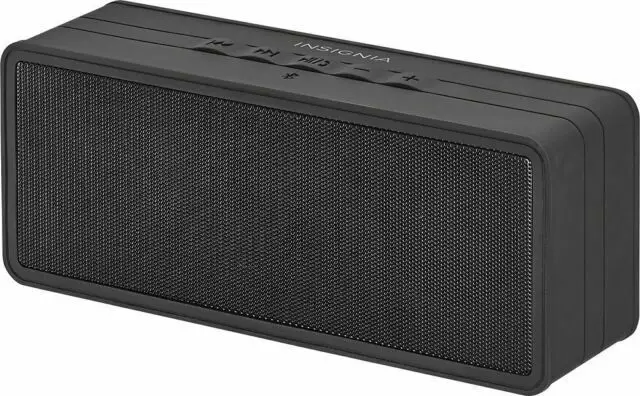

![Insignia Bluetooth Speaker [ns-cspbtf1] User Manual](https://static-data1.manualsee.com/1/img/414/18207/2020/12/insignia-bluetooth-speaker.png "Insignia Bluetooth Speaker [ns-cspbtf1] User Manual")