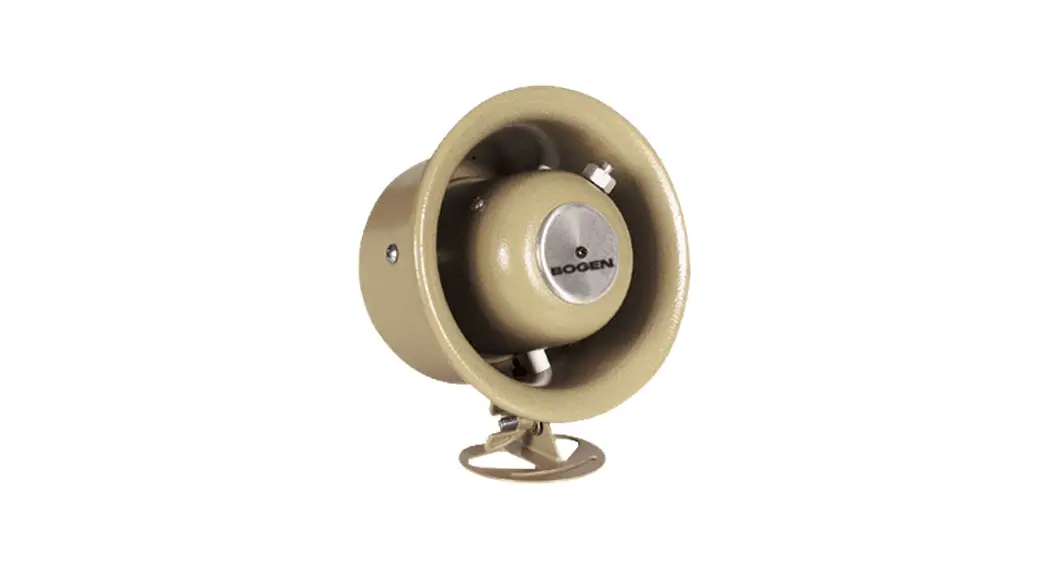
CSD2X2U-V2 Speaker System
Product Information
Product Name: CSD2X2U-V2
Speaker System Type: 70V, 25V, and 8 Speaker System
Model Number: 740-00196B 230630
Compatible Mounting Plate: V2 MOUNTING PLATE
Compatible Nyquist Products: NQ-GA10P, NQ-GA10PV, NQ-GA20P2,
NQ-GA40P3, NQ-GAXMR1
Features: Can operate as a Nyquist PoE-enabled active
loudspeaker system and a VoIP intercom station
Product Usage Instructions
Passive Speaker Configuration – Electrical Connection
- Remove the cover of the electrical box and install the cable
clamp if desired. - Feed the interconnecting cable into the electrical box.
- Select the appropriate speaker leads for the desired system
type (refer to the table in the user manual). - Cut off the bare wire tip of unused speaker leads.
- Secure all mechanical connections and reinstall the cover.
- Set the tapselector switch to the proper tap setting.
- Note: All wiring must comply with NFPA 70.
Nyquist PoE Amplifier and Speaker Configuration
Necessary Components: NQ-GA10P or NQ-GA10PV
- Refer to Figure 1 for electrical connections.
- Mount the VoIP Intercom Module (NQ-GA10P) onto the speaker’s
mounting plate (refer to Figure 2). - Refer to Figure 3 for the placement of mounting holes for
specific modules.
Wiring Instructions
Run at least a Cat 5 cable from the appropriate-sized PoE switch
to the VoIP module.
Wire the output of the VoIP module to the CSD speaker in the 8
configuration (refer to Figure 4).
Nyquist PoE Amplifier and 25V/70V Speaker Configuration
Necessary Components: NQ-GA10P, NQ-GA10PV, NQ-GA20P2, NQ-GA40P3,
and NQ-GAXMR1
- Refer to Figure 5 for the mounting of the VoIP Intercom Module
(NQ-GA10P) and Distributed Audio Transformer (NQ-GAXMR1) onto the
speaker’s mounting plate. - Refer to Figure 3 for the placement of mounting holes for these
two modules.
Wiring Instructions
Run at least a Cat 5 cable from the appropriate-sized PoE switch
and connect it to the PoE amplifier module.
Refer to Figure 6 for the connection between NQ-GA40P3 and
NQ-GAXMR1. The NQ-GA40P3 can be replaced by NQ-GA10P/V or NQ-GA20P2
(refer to Figures 7 and 8). Connect the NQ-GAXMR1 to the CSD2X2U-V2
speaker using 25V wiring. If additional speakers are needed, ensure
proper wiring to prevent amplifier overload.
CSD2X2U-V2
70V, 25V, and 8 Speaker System Installation and Use Guide
Specifications are subject to change. © Copyright 2023, Bogen Communications LLC
740-00196B 230630
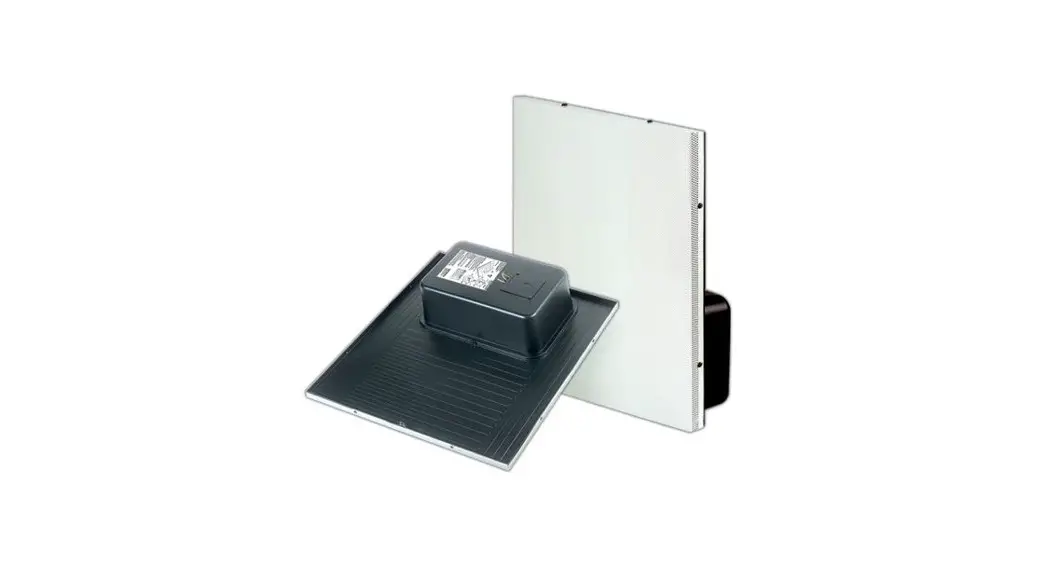
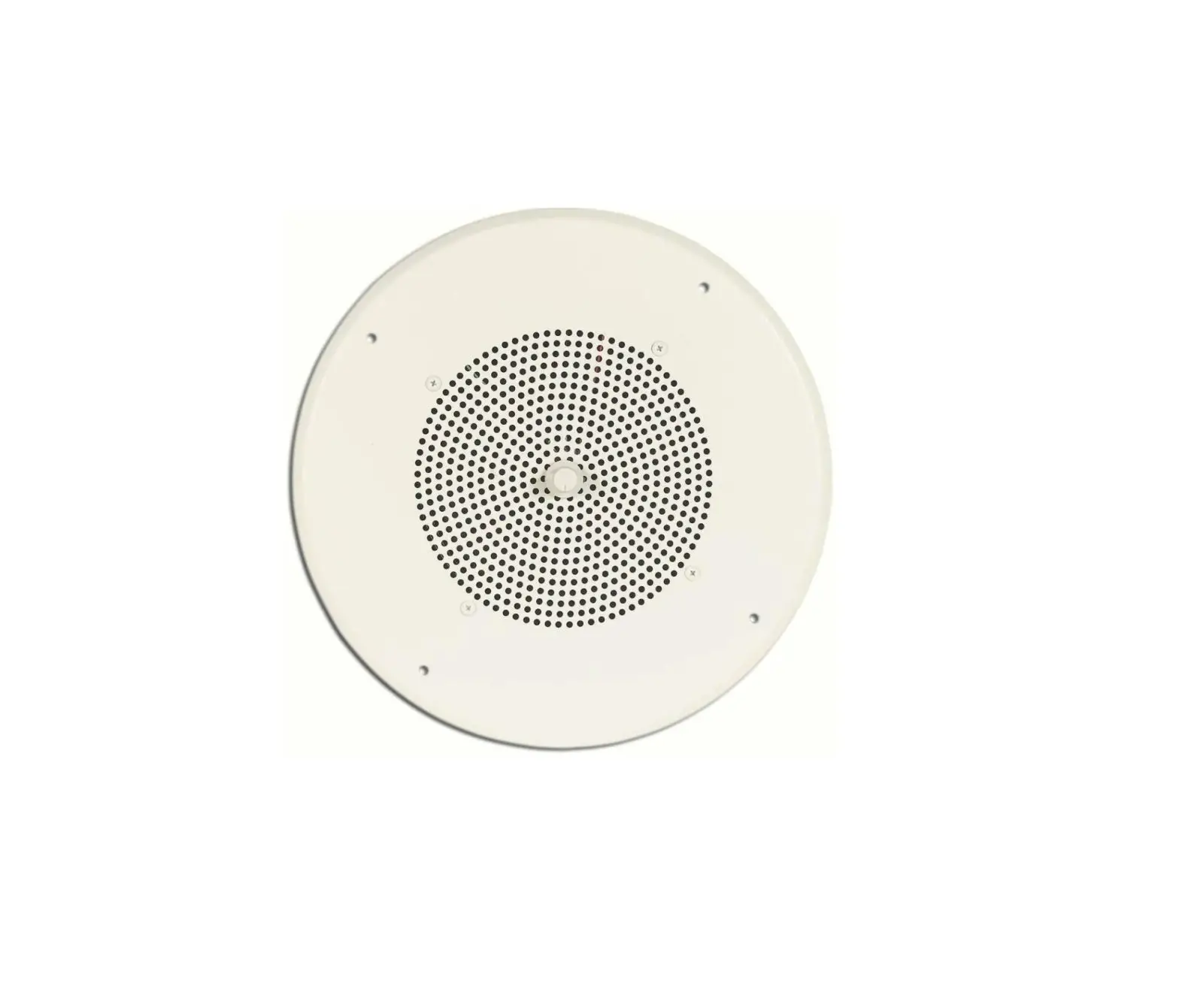
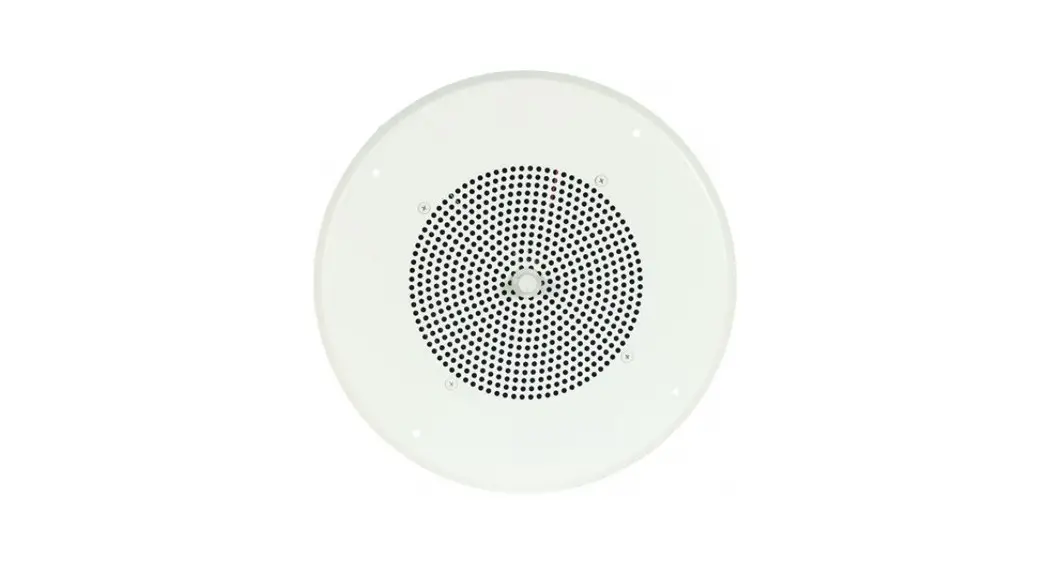
The CSD2X2U-V2 ceiling speaker has an 8 driver and a tap selector that allows it to be run as a ¼W to 4W speaker at 25V or 70V. It also includes a wire that bypasses the transformer and allows the speaker to operate at 8. The V2 version of the speaker includes a unique mounting plate to greatly expand its capabilities by allowing several of Bogen’s Nyquist products to be mounted to the speaker.
Mounting Plate
The mounting plate allows for the addition of several of Bogen’s Nyquist products, including the NQ-GA10P, NQGA10PV, NQ-GA20P2, NQ-GA40P3, and the NQ-GAXMR1. Through this product integration, the CSD2X2U-V2 can operate as a Nyquist PoE-enabled active loudspeaker system as well as a VoIP intercom station.
Passive Speaker Configuration
Electrical Connection
1. Remove cover, install cable clamp (if desired), and feed intercon-
necting cable into the electrical box (see Figure 1).
2. See table on the right to select speaker leads for desired system type.
3. Cut bare wire tip off of unused speaker leads. Secure all mechanical connections and reinstall the cover.
4. Set tapselector
switch to
p
r#o$per tap setting.
Note: All wiring must comply with NFPA 70.
!”
!#”
#$
1
.5
2
.25
4
WATTS
25V OR 70V
53-5974-03C
COLOR
RED
YELLO W
BLUE
WHITE
BLACK
LEAD
70V 25V 8 Connect to BLUE for 70V and 25V; disconnect for 8 Input COM
OR
Nyquist PoE Amplifier and Speaker Configuration
Figure 1: Electrical connections.
Necessary components: NQ-GA10P or NQ-GA10PV.
#$
Figure 2 shows
the
positioning
for
the
mounting
of
the
VoIP
IntercomM
odule
(NQ-GA10P)
onto
the
speaker’s
mount-
ing plate. For a closerlooka
t the mounting plate, refer to Figure 3.
!”
!#”
#$
V2 MOUNTING PLATE
NQ-GA10P
V2 MOUNTING PLATE
Figure 2: Mounting Intercom Module (NQ-GA10P shown)
2
NQ-GA10P
CSDV2 Mounting Plate The placement of mounting holes varies per module (see Figure 3). They are as follows: A = NQ-GAXMR1 B = NQ-GA40P3 C = NQ-GA10P, NQ-GA10PV, or NQ-GA20P2
A
A
B
C
B
C
A
A
C
B
C
B Figure 3: Mounting plate
with holes marked for
specific modules.
Wiring Instructions
Run, at minimum, a Cat 5 cable from the appropriate-sized PoE switch to the VoIP module. Wire the output of the VoIP module to the CSD speaker in the 8 configuration (see Figure 4). This has a 10W maximum at 8 operation.
To CSD2X2U-V2 Speaker wired at 8
NQ-GA10P Vo1P Intercom Module
CAN
RELAY AUDIO
5V CH CL
G
NC COM NO
G
I/O G
A
1 2
®
Figure 4: NQ-GA10P VoIP Intercom Module connect to CSD speaker.
Nyquist PoE Amplifier and 25V/70V Speaker Configuration
Necessary Components: NQ-GA10P, NQ-GA10PV, NQ-GA20P2, or NQ-GA40P3, and NQ-GAXMR1.
Figure 5 shows the positioning for the mounting of both the VoIP Intercom Module (NQ-GA10P) and the Distributed Audio Transformer (NQ-GAXMR1) onto the speaker’s mounting plate. Refer back to Figure 3 for the placement of the mounting holes used for these two modules.
NQ-GAXMR1
NQ-GAXMR1
V2 MOUNTING PLATE
NQ-GA10P
V2 MOUNTING PLATE
Figure 5: Mounting Intercom Module (NQ-GA10P shown) and NQ-GAXMR1
NQ-GA10P
3
Wiring Instructions
Run, at minimum, a Cat 5 cable from the appropriate-sized PoE switch and connect this to the PoE amplifier module.
Figure 6 shows the NQ-GA40P3 connected to the NQ-GAXMR1. The NQ-GA40P3 can be replaced by either the NQGA10P/V (see Figure 7) or NQ-GA20P2 (see Figure 8) modules. These illustrations also show 25V wiring running from NQ-GAXMR1 to a CSD2X2U-V2 speaker and additional speakers if needed. 70V is also an option, but both outputs cannot be used simultaneously. If additional speakers are needed, proper care should be taken when wiring so the amplifier does not become overloaded.
NQ-GAXMR1 Audio Transformer
OUTPUT
COM 25V 70V
INPUT COM +
+
+
+
+
CSD2X2U-V2 can be daisy-chained to additional tapped at 25V speakers tapped at 25V
NQ-GA40P3 PoE++ Amplifier Module
AMP
LINE
LINE
IN
OUT
+ G
G+
®
Figure 6: NQ-GA40P3 PoE++ Amplifier Module connected to NQ-GAXMRI Audio Transformer, CSD2X2U-V2 Speaker, and additional speakers.
NQ-GAXMR1 Audio Transformer
OUTPUT
COM 25V 70V
INPUT COM +
+
+
+
CSD2X2U-V2 can be daisy-chained to additional tapped at 25V speakers tapped at 25V
NQ-GA10P/V Vo1P Intercom Module
HDMI OUT
CAN
RELAY AUDIO
5V CH CL
G
NC COM NO
G
I/O G
A
1 2
®
Figure 7: NQ-GA10P/V VoIP Intercom Module connected to NQ-GAXMR1 Audio Transformer then to speaker.
Note: The NQ-GA10P/V intercom function cannot be used when the speaker output is wired in the configuation illustrated in Figure 7.
4
NQ-GAXMR1 Audio Transformer
OUTPUT
COM 25V 70V
INPUT COM +
+
+
+
CSD2X2U-V2 can be daisy-chained to additional tapped at 25V speakers tapped at 25V
NQ-GA20P2 PoE+ Amplifier Module
LINE OUT 1 2G
AMP 1 2G
®
Figure 8: NQ-GA20P2 PoE+ Amplifier Module connected to NQ-GAXMR1 Audio Transformer and speaker.
Ceiling Mounting Instructions
NQ-CSD2X2U-V2 (2 × 2 ft. tile space) 1. Drop speaker into space (support rail not necessary).
NQ-CSD2X2U-V2 (2 × 4 ft. tile space) 1. Cut ceiling tile no more than 23¾. 2. Place speaker in ceiling with the tile support rail facing the ceiling-tile opening (see Figure 9). 3. Drop in the ceiling tile.
NQ-CSD2X2U-V2
Figure 9: Speaker installation with mounting plate and tile support rail. 5
Safety
Listed to UL62368.
Two-Year Warranty
The CSD2X2U-V2 is warranted to be free from defects in material or workmanship for two (2) years from the date of sale to the original purchaser. This warranty does not extend to any of our products that have been subjected to abuse, misuse, improper storage, neglect, accident, improper installation or have been modified or repaired or altered in any manner whatsoever, or where the serial number or date code has been removed or defaced.
4/2023
6