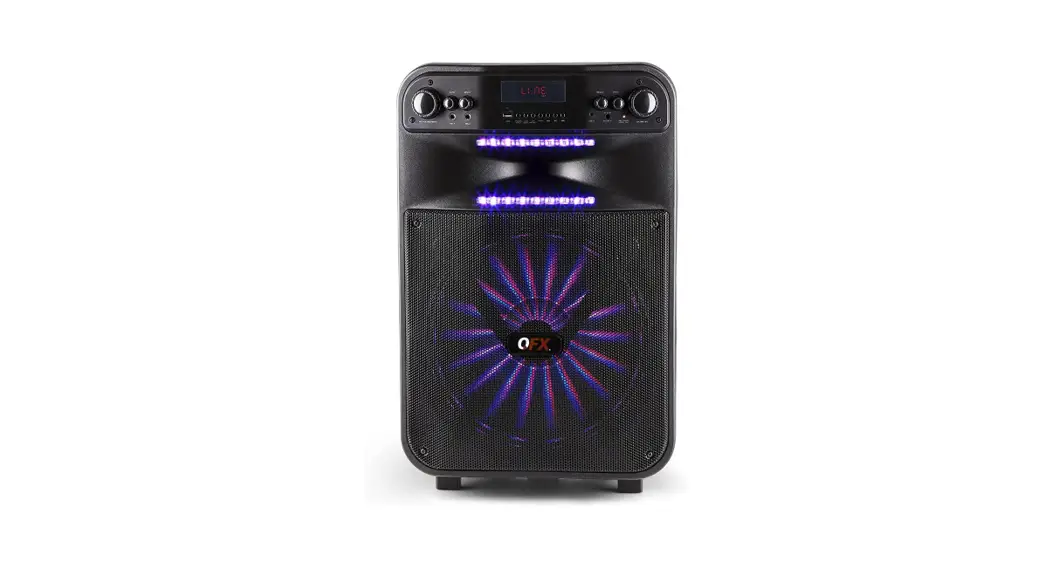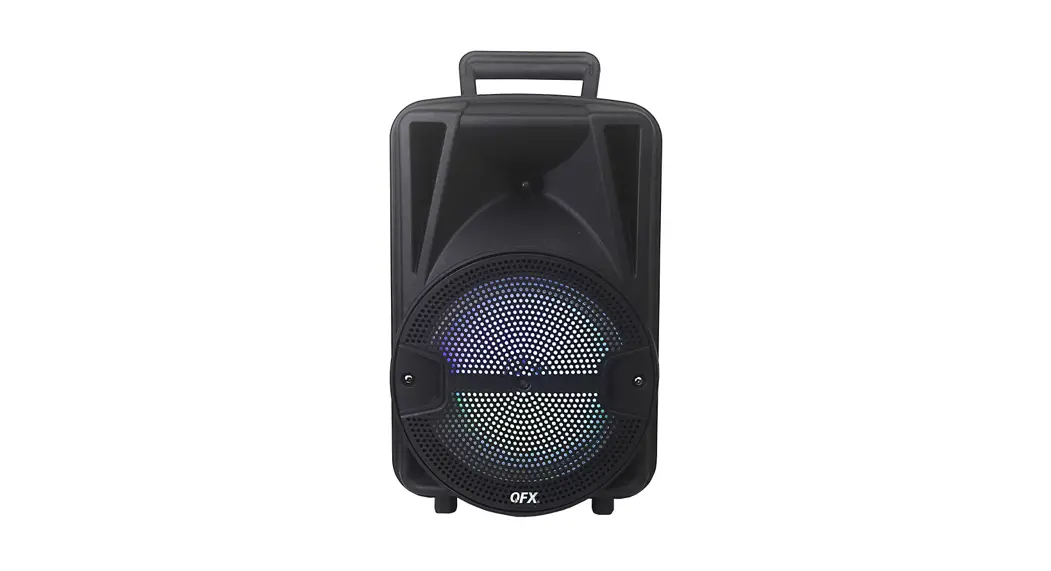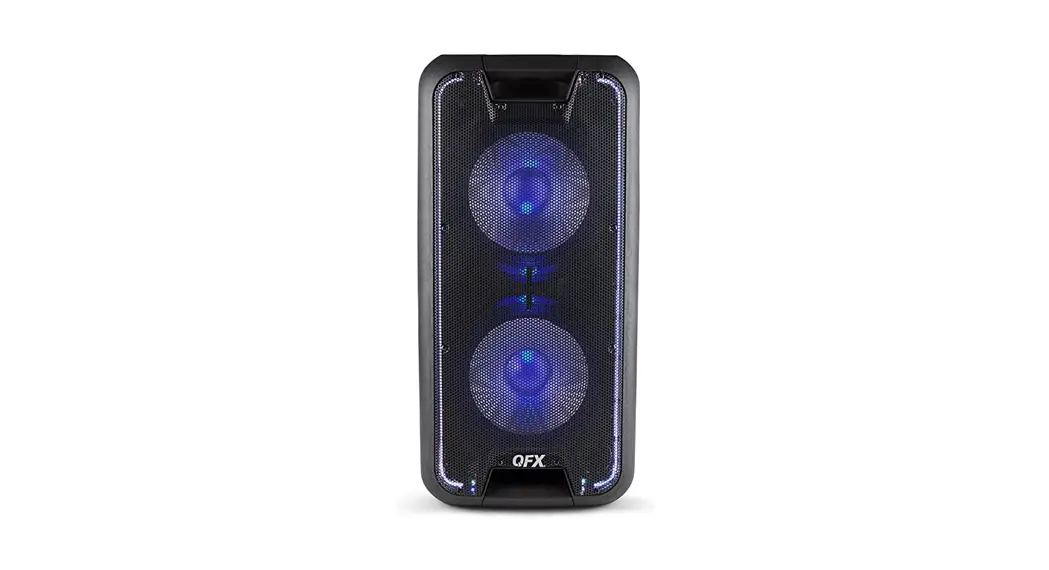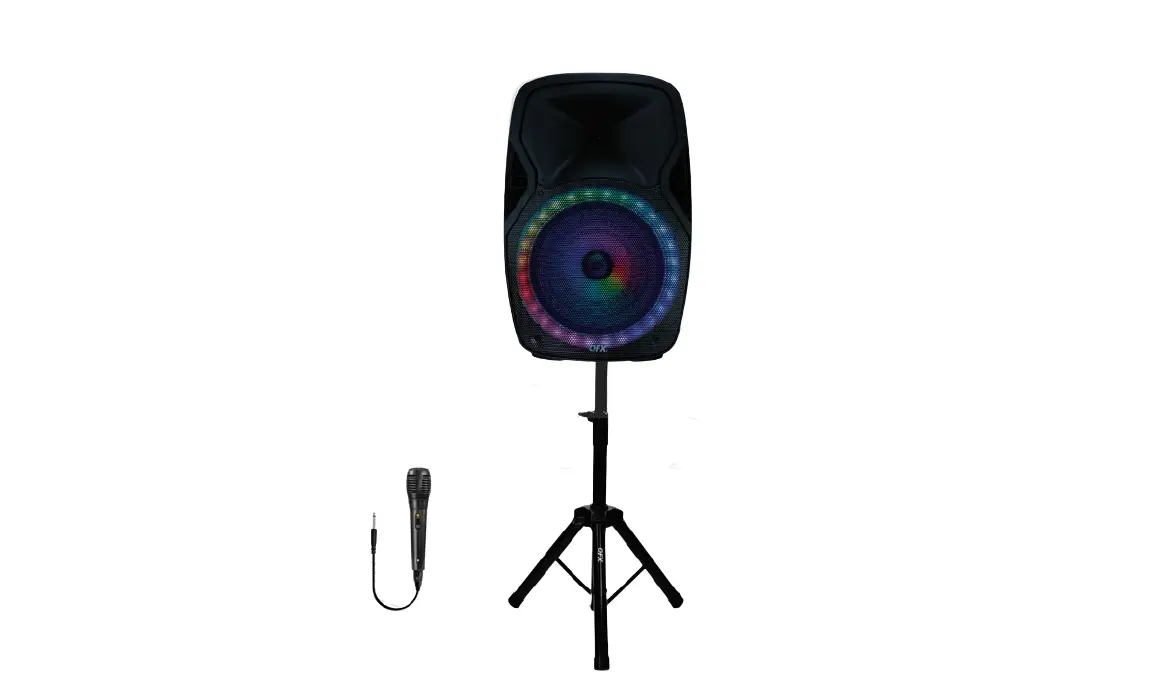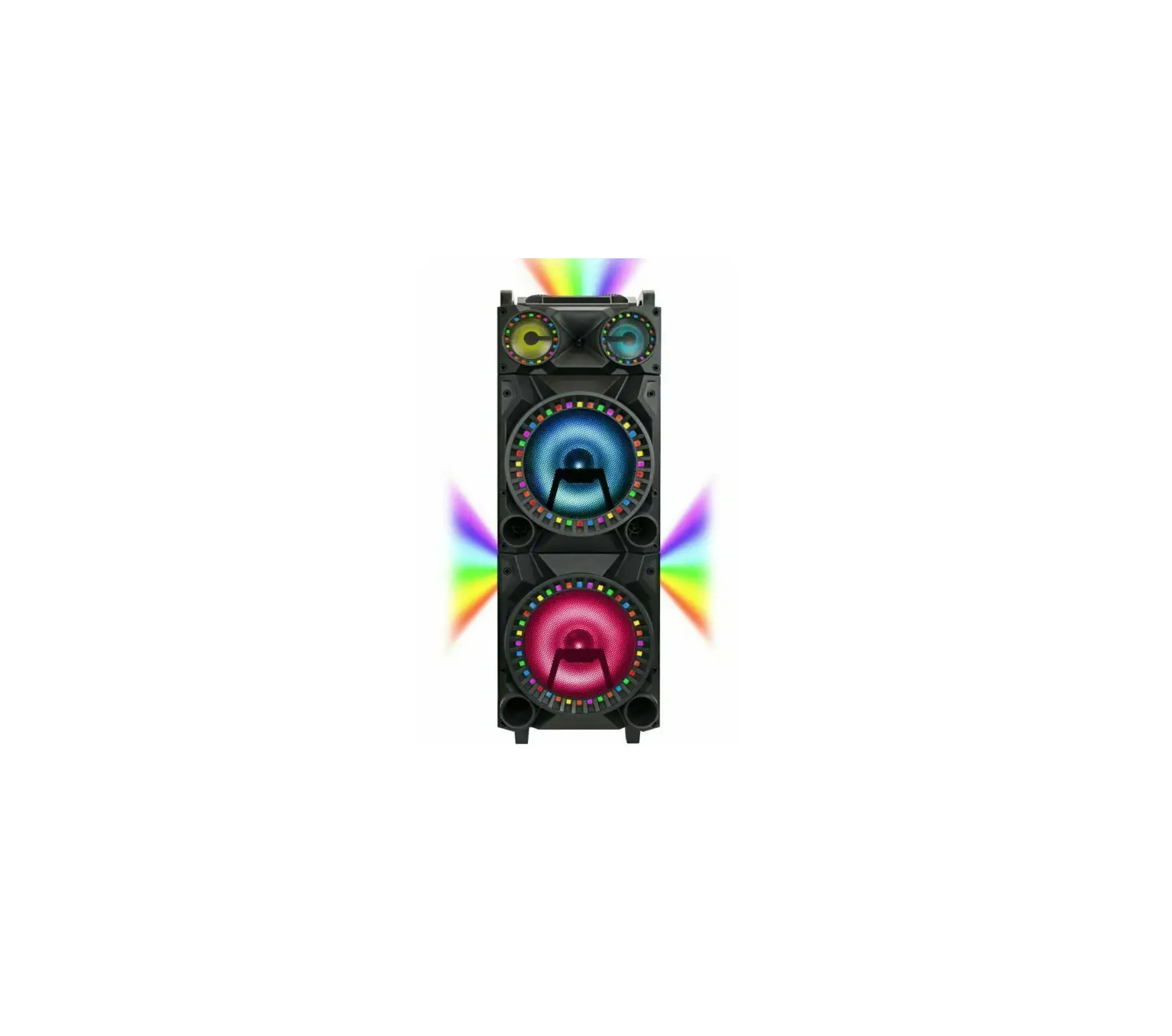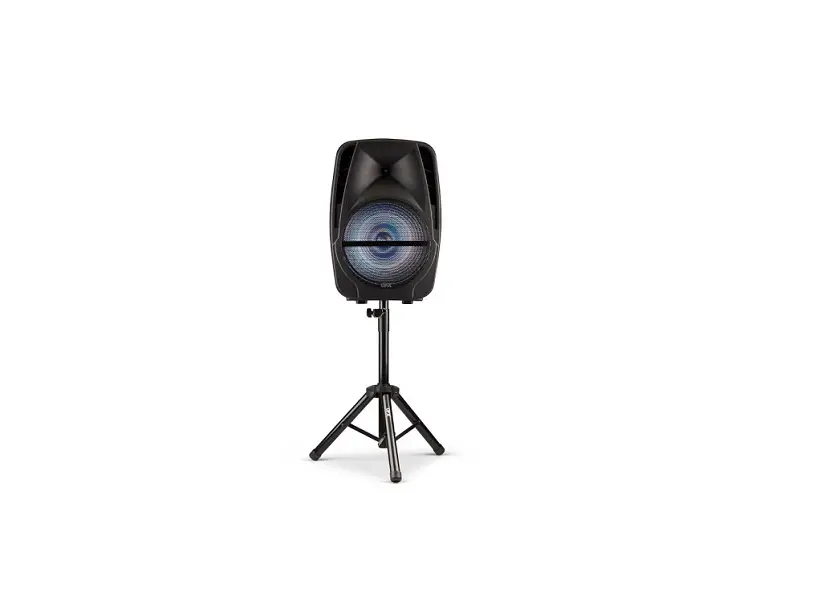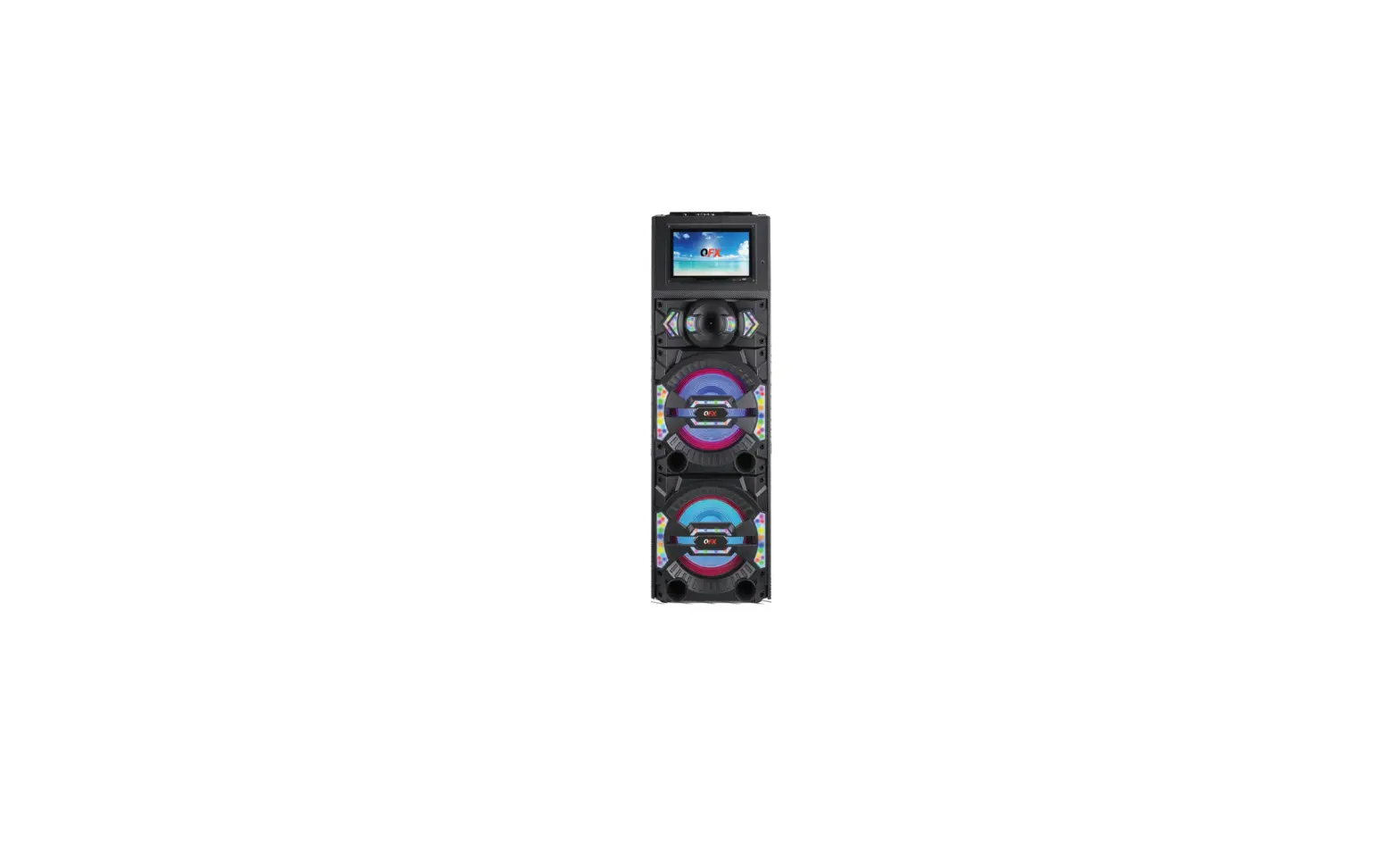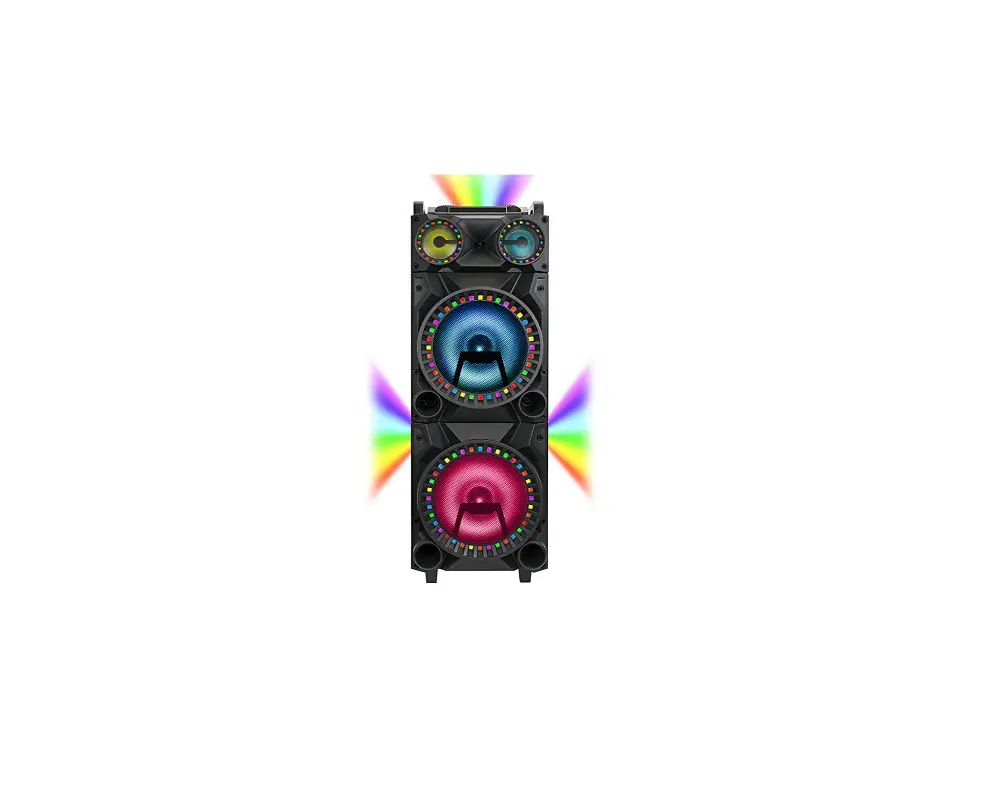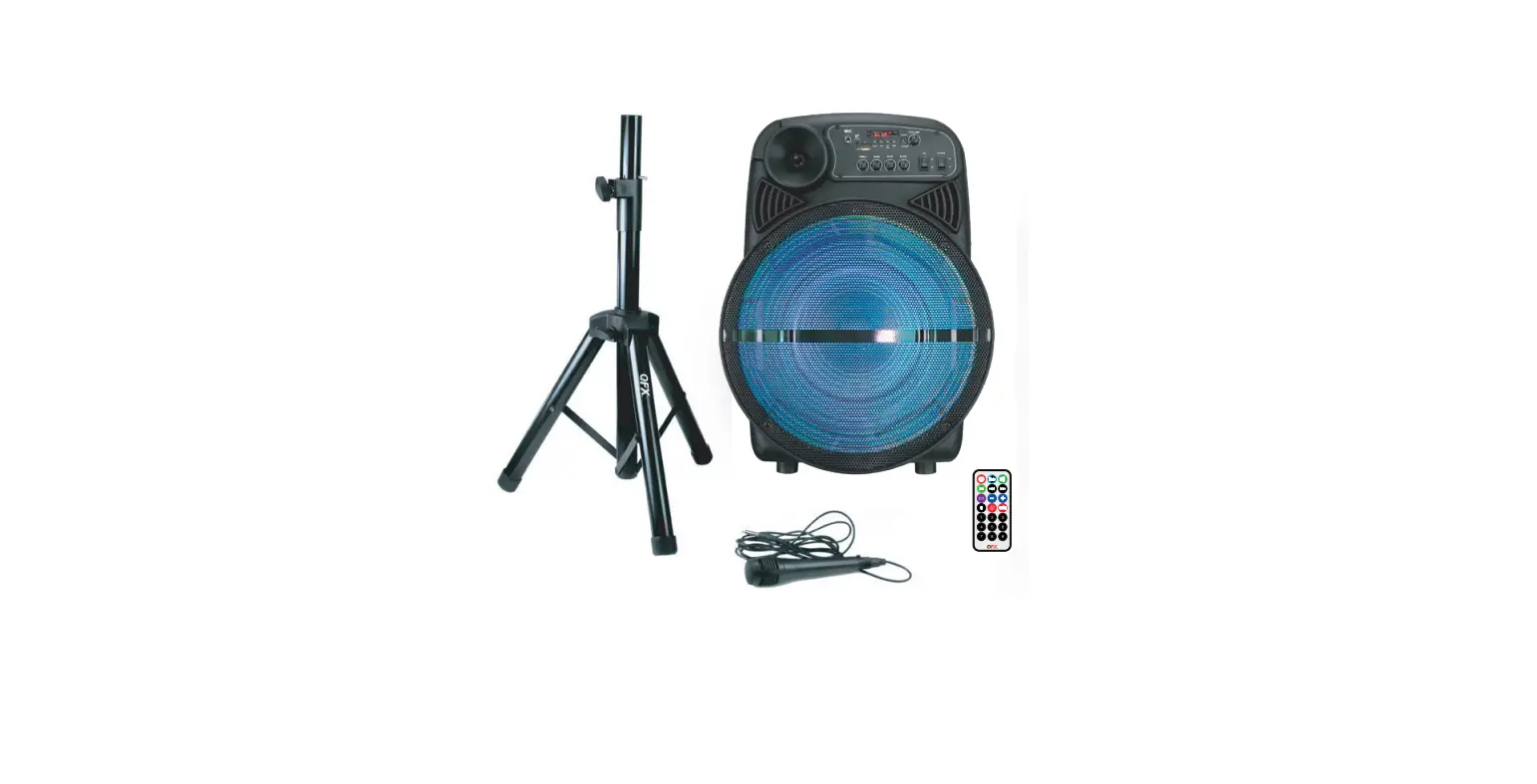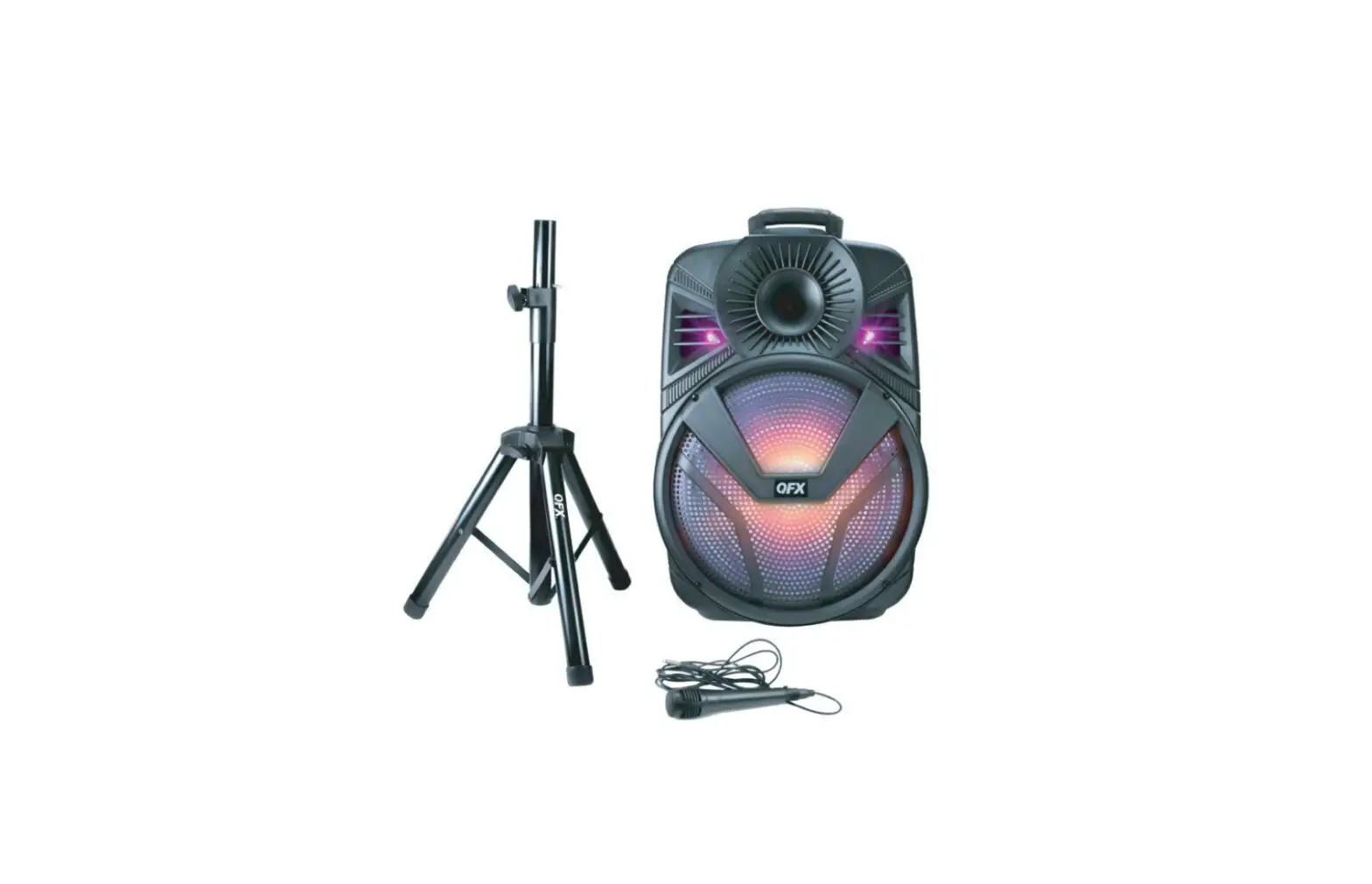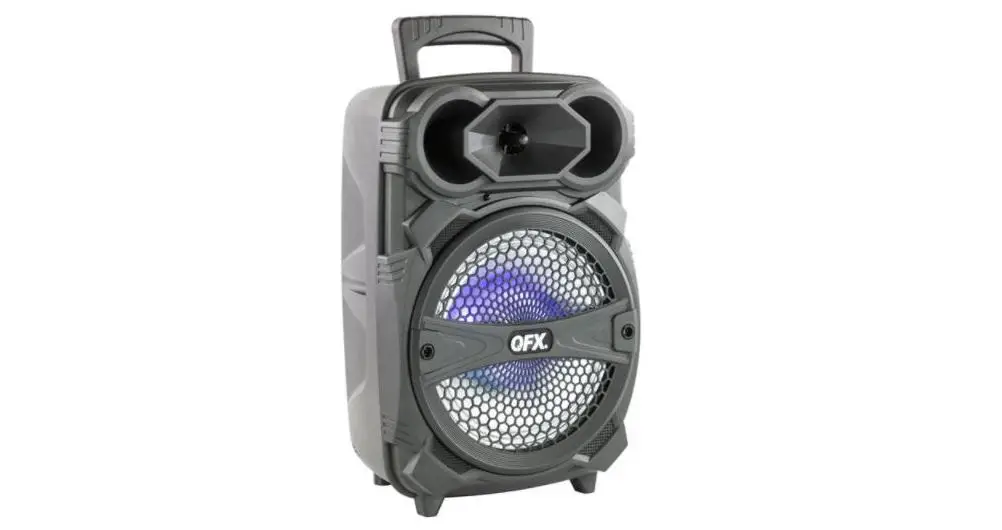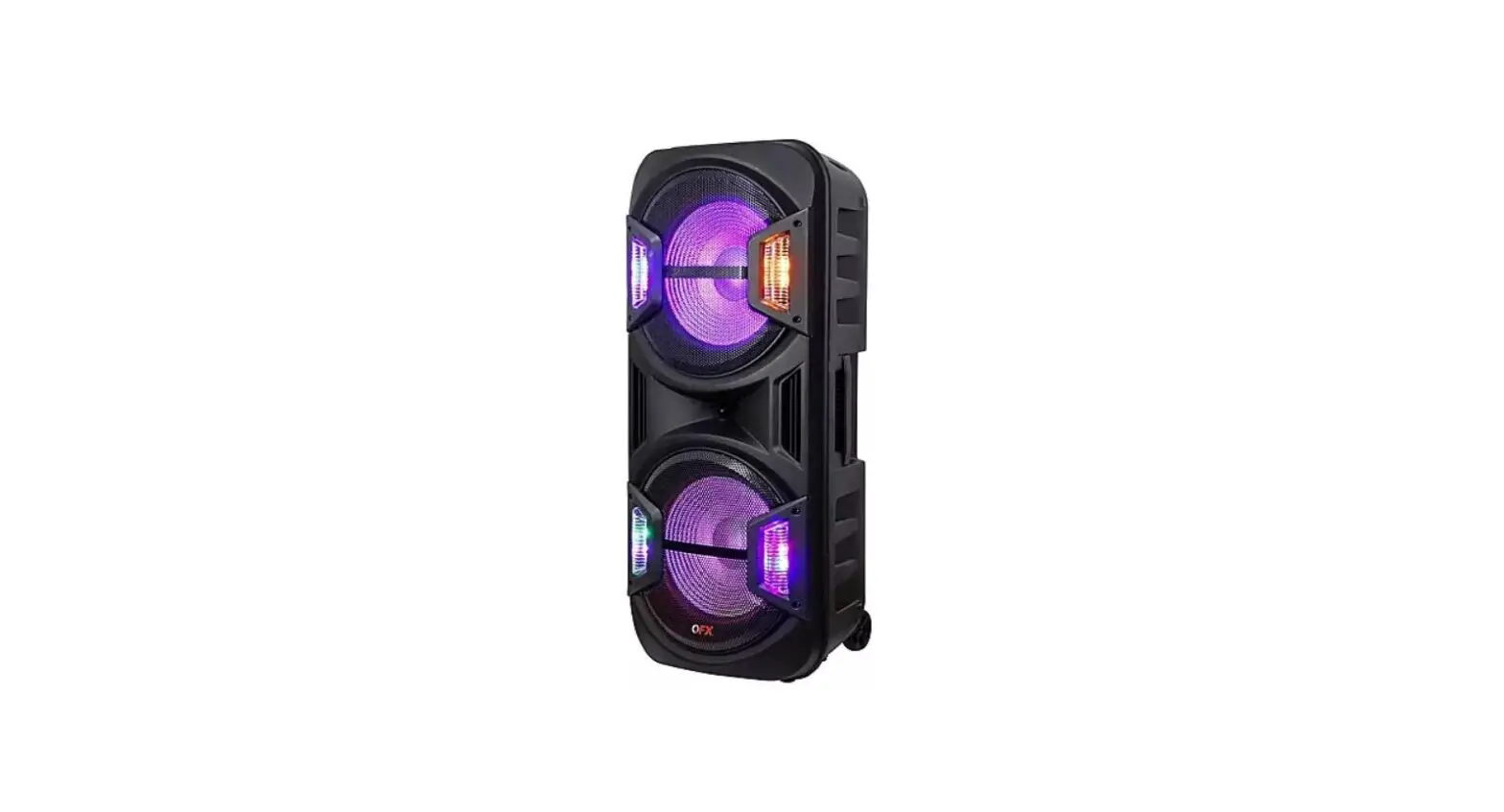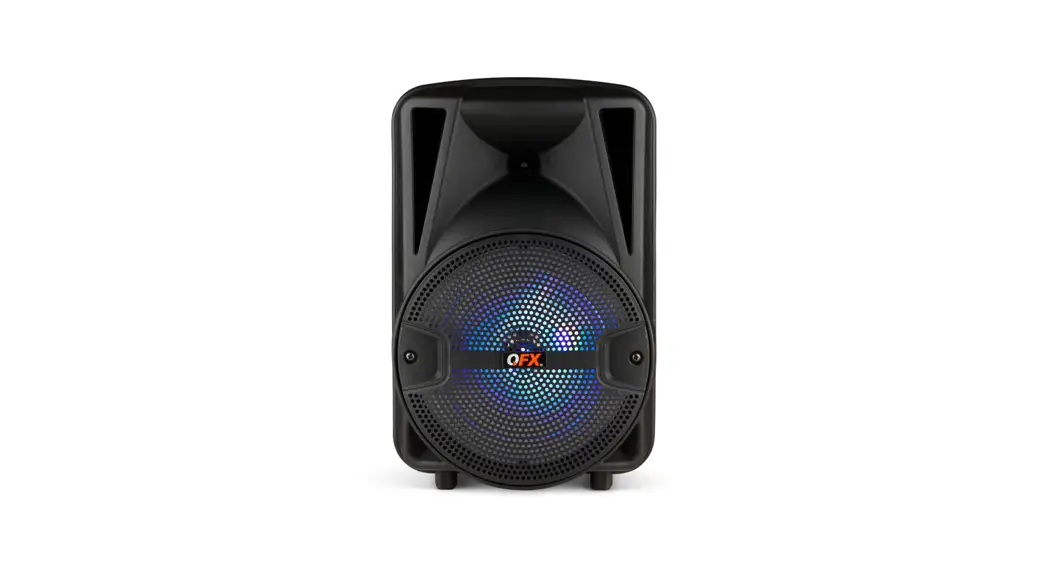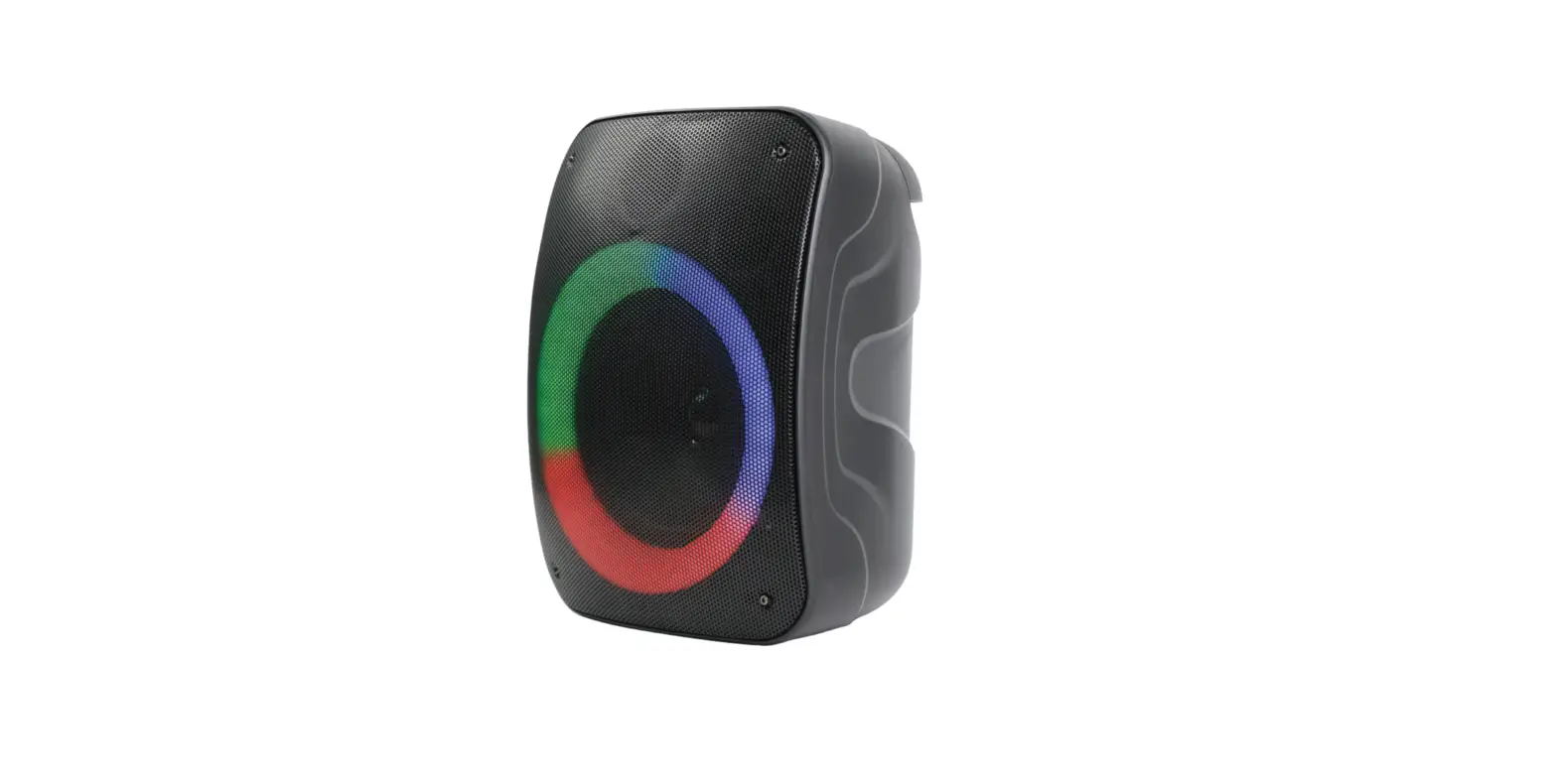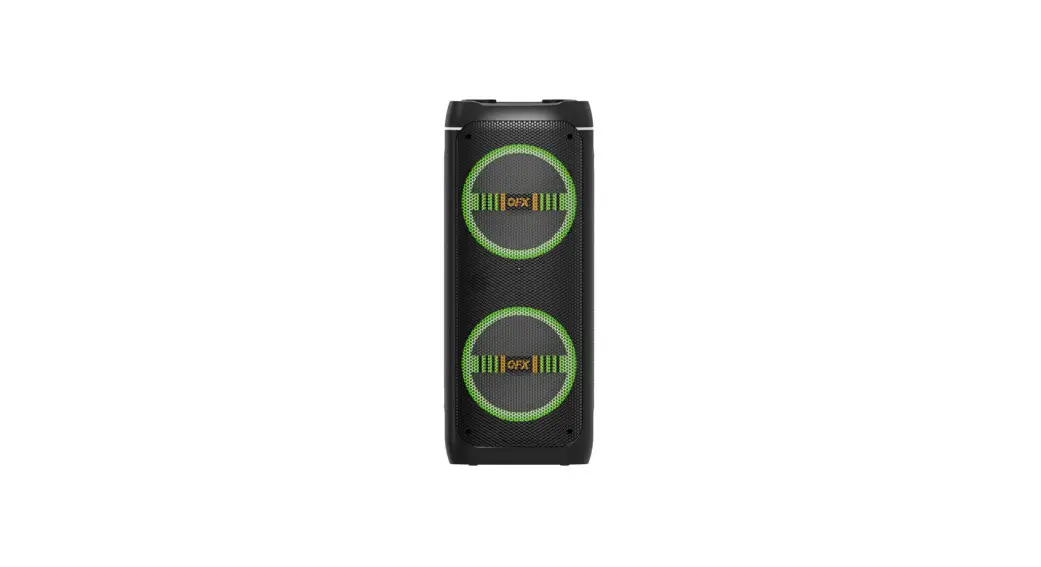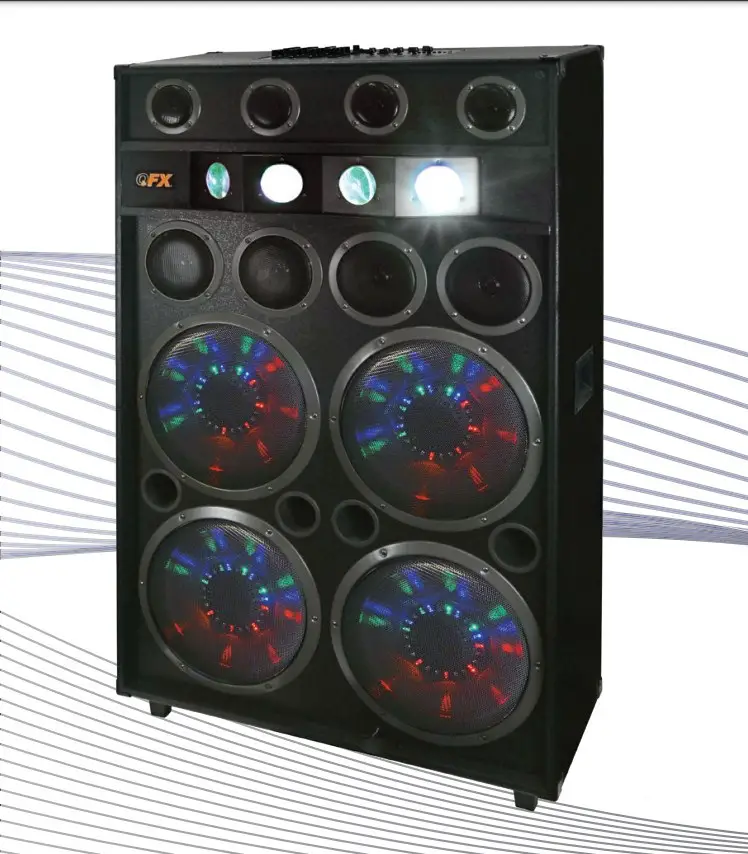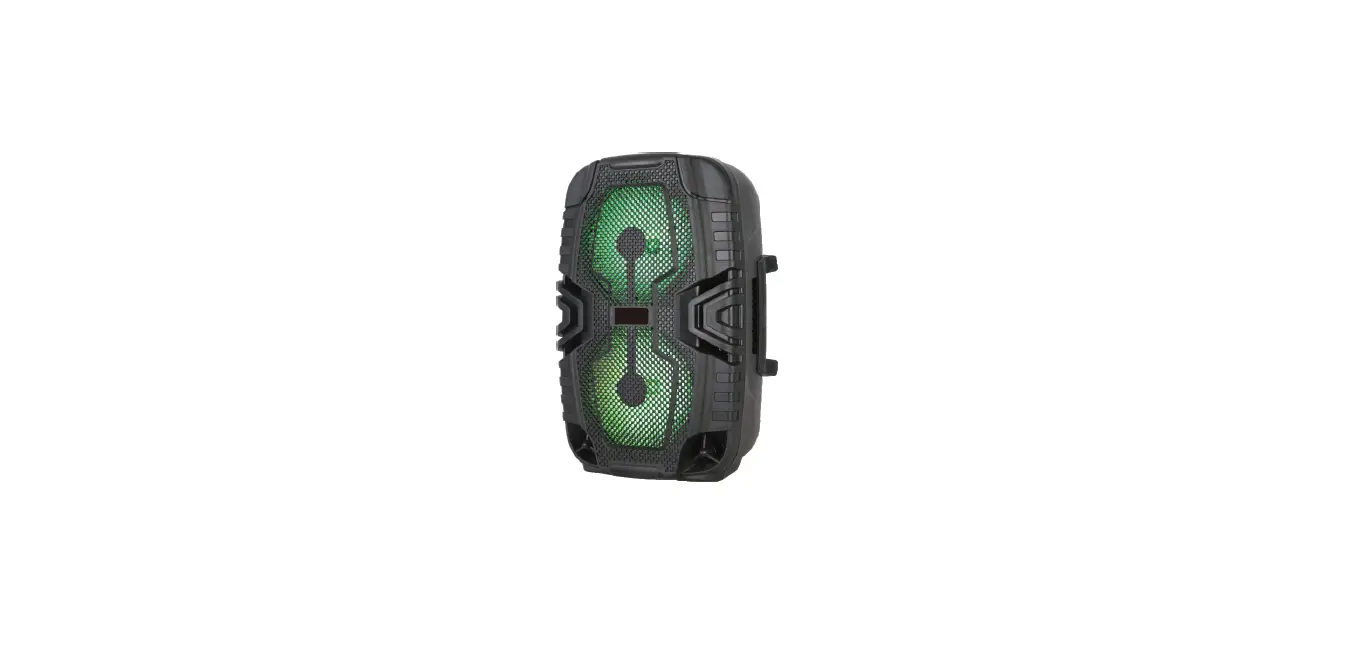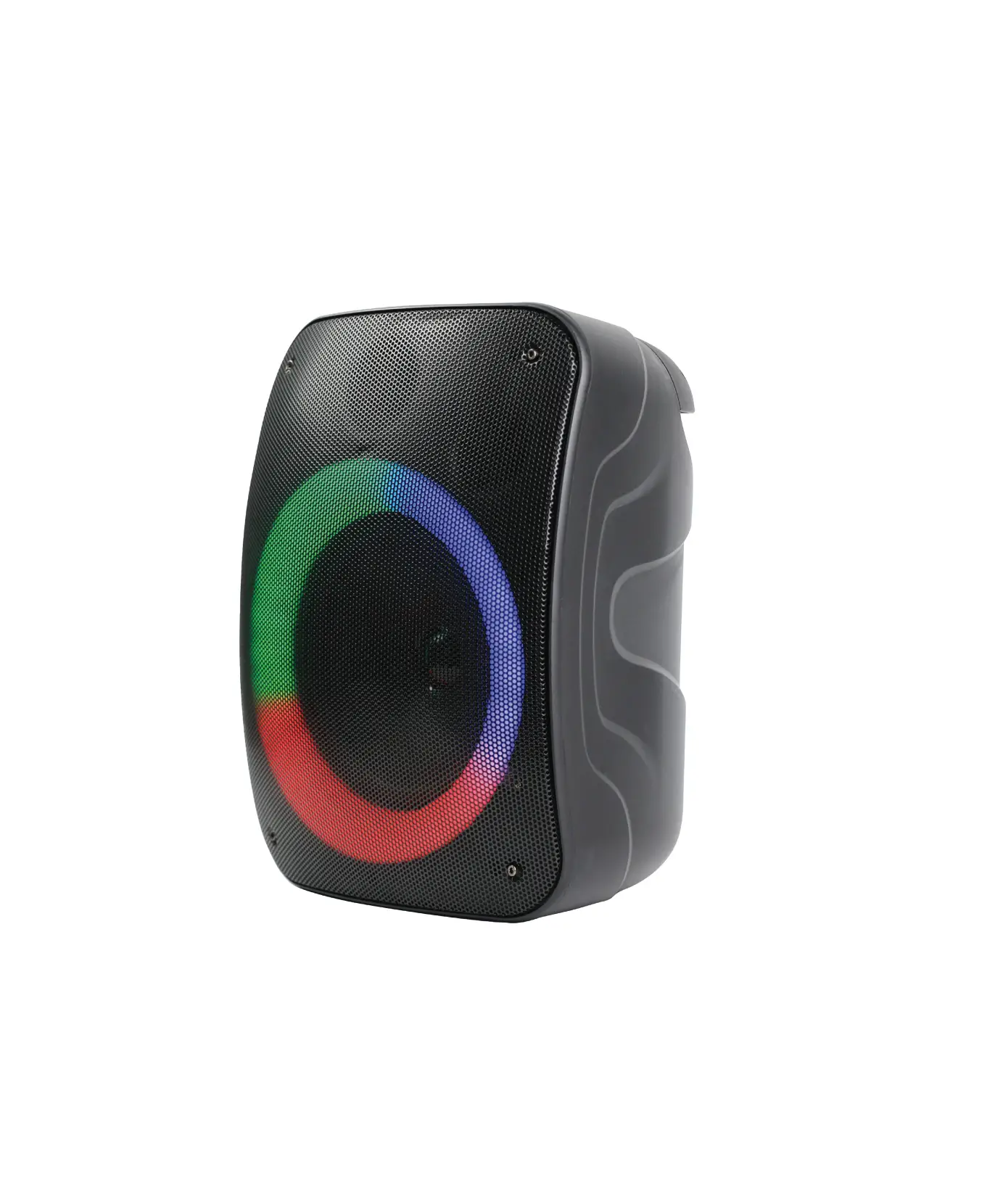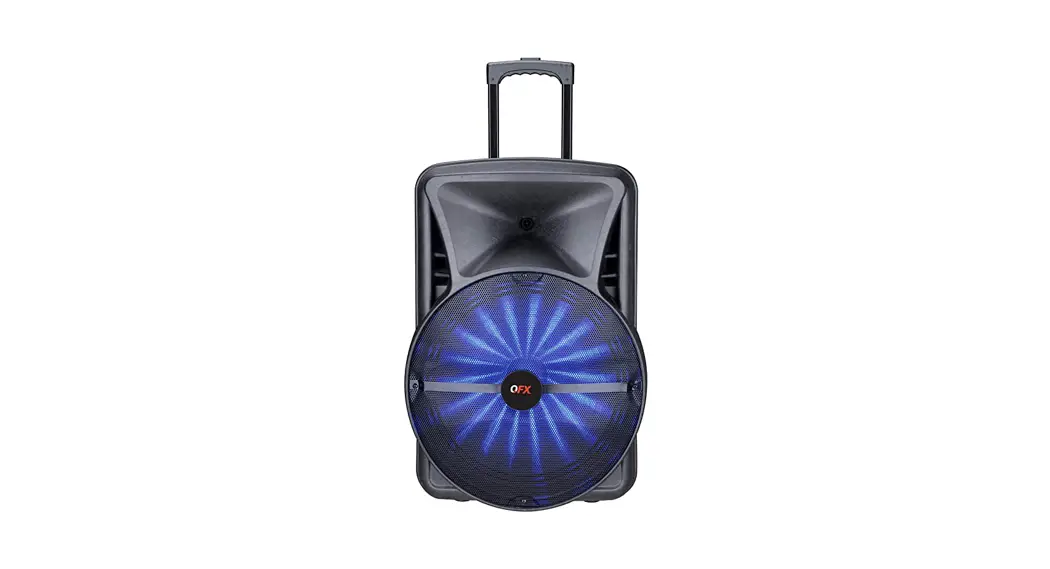

PORTABLE BATTERY SPEAKER
User Manual
PBX-BF25
| Function: | |
| SPEAKER APP CONTROL | MICROPHONE EQ |
| BLUETOOTH PLAYER | MICROPHONE DSP: |
| FM TUNER | PITCH SHIFTER |
| USB PLAYER | VOICE CHANGE EFFECT |
| LINE IN | REVERB |
| USB OUTPUT 5V1A | DELAY |
| LED DISPLAY | ECHO |
| LIGHT PARTY LIGHTS | PORTABLE DESIGN WITH |
| DIGITAL 5 BAND GRAPHIC EQ | RECHARGEABLE LITHIUM |
| BASS & TREBLE | BATTERY |
Specifications:
| Power: | 20W |
| Frequency Response: | 20W |
| Power Supply: | DC 9V |
PANEL LAYOUT & FUNCTIONS
- LED DISPLAY: Function Screen.
- VOLUME KNOB: Master Volume. Press To Enter The Sub-Menu.
- POWER/INPUT. ON/OFF. Input Select4.
- PLAY/PAUSE: Play or pause track
- POWER SUPPLY: DC 9V Input.
- NEXT: Next Track or FM Station
- PREVI: Previous Track or FM Station
- USB OUTPUT: USB 5V 1A output
- LED CHARGE STATUS: RED = Charging GREEN = Full
- MIC1: 6.35mm TRS Input.
- MIC2: 6.35mm TRS Input.
- LINE INPUT: 3.5mm TRS Input.
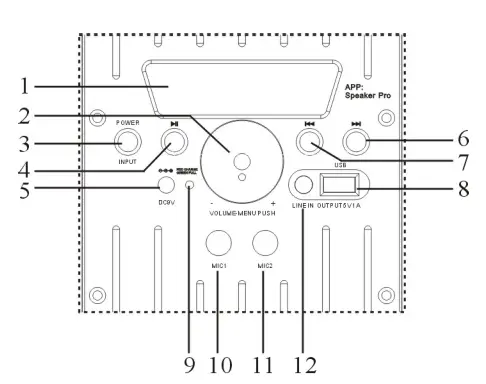
- POWER/INPUT: Press and hold the POWER/INPUT button to turn ON/OFF the unit. Press to toggle through input functions, BT, LINE, USB, FM RADIO.
- VOLUME KNOB: Increase or decrease the volume by turning the knob. Press to enter the submenu to modify: Bass and Treble EQ, Mic Volume, Reverb, Delay, and LED Light Settings.
- PLAY/PAUSE: Press to play and pause tracks. In FM mode, press and hold to scan through
FM stations. - PREVIOUS/NEXT: to switch the song and radio.
- USB: USB Player/Power Bank 5V 1A output. FM Operation Use the POWER/INPUT button to toggle to FM Radio mode. Press and hold to auto-scan Stations.
Bluetooth:
Use the POWER/INPUT button to select Bluetooth mode. On your mobile device search in the Bluetooth settings for”PBX-BF25″. Connect to sync your mobile device and PBX-BF25 together. To control the unit via your mobile device, download the App “Speaker Pro”.
Speaker Pro App
- Bluetooth Music play
- USB Settings
- LED Light Controls
- FM Radio
- Bluetooth Settings
- Line Input mute
- Equalizer and Mic Settings
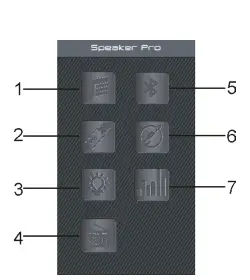
(1) Bluetooth Music play
Press to enter into Bluetooth Music play page, Press “Pick songs to play” to choose the song you want to play. Press “Done” to return to the Bluetooth Music play page.
(2) USB card play When inserting a USB into the speaker, press to enter the USB Card play page. To choose a song and play music on the USB card, press “Play” on the current selection. Use the Previous, Next, and Volume keys to control the unit’s functions. Press “List” to return to the USB list page, press “Back” to return to the main page.
(3) LED Light Settings Press to enter the LED Light Control page. Pick and choose a color from the color wheel. Use the slider to adjust the brightness or select from the 12 preset light modes. To return to the main page, press ” ” in the left corner. (4) FM Radio Press to enter into FM radio mode, press
  SCAN to enter into radio program automatic scan. Press
  for radio program manual scan,
  Top and bottom trimming, Turn the digital TUNER dial to adjust radio station radio: frequencies between
87.5MHz~108.0MHz.
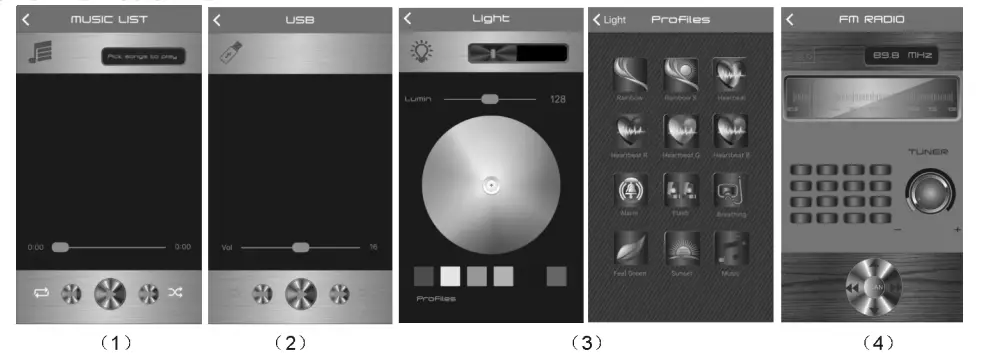
(5) Bluetooth connection
Press to enter into Bluetooth Control connection page, then click “Speaker Pro BLUE” to connect to the speaker.
(6)Line Input – mute Press  to enter into Line Input page, press
 to mute music, press insert a line continues to play. Press “Back” to exit to the main page.
(7) Equalizer and Mic Settings Press to enter into the Sound Settings page to adjust the volume for Music and Microphone. Press the Music tab to adjust the volume or equalizer. Select the Microphone tab to adjust the mic volume, EQ, echo, and delay settings. Select Mic DSP reverb, delay, and pitch data.
(8)MIC DSP selection
Digital Signal Processing Mode: DSP MODE has 5 choices: KTV, HALL, CAVE, CONCERT, STADIUM. MIX VOLUME: BYPASS, EFFECT adjustment ECHO: Attenuation Control and Delay millisecond adjustment. REVBER Adjust the reverb size: DRY WET, WIDTH, ROOM, DAMPING.
VOICE CHANGE: Pitch and format settings PITCH SHIFTER: Change the frequency pitch. HOWLING CONTROL: Four presets: FREQUENCY SHIFTER, HOWLING, PRECISE, MASSIVE.