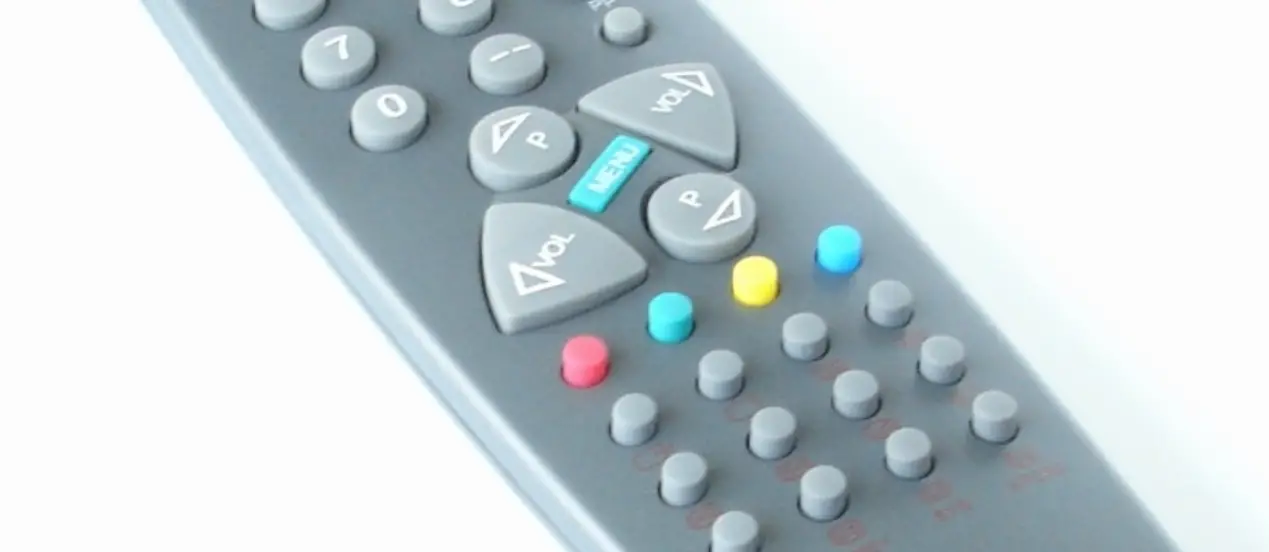
AMA-RF01 Remote Control
Product Information
Remote Control
- Software Version: OST-AMA-FCC V1
- Hardware Version: DYRF012-001-V5.0
- Rated Input Specifications: Input: 3.0V / 11mA (operating),
3.0V / 10uA (standby)
Product Usage Instructions
Pairing:
- Power on the fan control box.
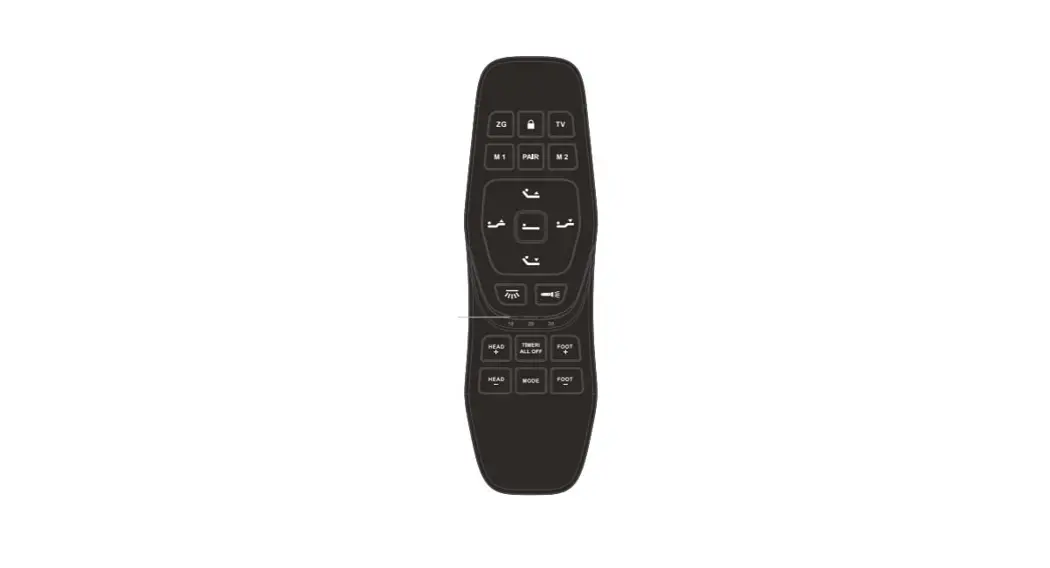
- Press and hold the Function Off button on the remote controller
for 10 seconds. - The indicator light on the fan control box will flash rapidly,
indicating successful pairing.
General Operation:
- Once the pairing is done, the remote controller can be used to
control the fan speed and lighting on/off.
Note:
- The translation provided is for reference purposes. Please
consult the original user manual or contact the manufacturer for
accurate and official instructions. - Any changes or modifications not expressly approved by the
party responsible for compliance could void your authority to
operate the equipment.
Interference Troubleshooting:
If interference occurs, try one or more of the following
measures:
- Reorient or relocate the receiving antenna.
- Increase the separation between the equipment and
receiver. - Connect the equipment into an outlet on a circuit different
from that to which the receiver is connected. - Consult the dealer or an experienced radio/TV technician for
help.
Product Specifications:
Appearance dimension: [Specify the appearance dimension
here]
Remote Control
Model Name: AMA-RF01 Tradename:AMA Usage Environment Normal air (not suitable for use in water or liquids) Operating temperature: 10°C ~ 45°C Maximum humidity: 90% Maximum operating frequency: 315MHz
Software Version OST-AMA-FCC V1 Hardware Version DYRF012-001-V5.0 Rated Input Specifications Input: 3.0V / 11mA (operating), 3.0V / 10uA (standby)
User Manual
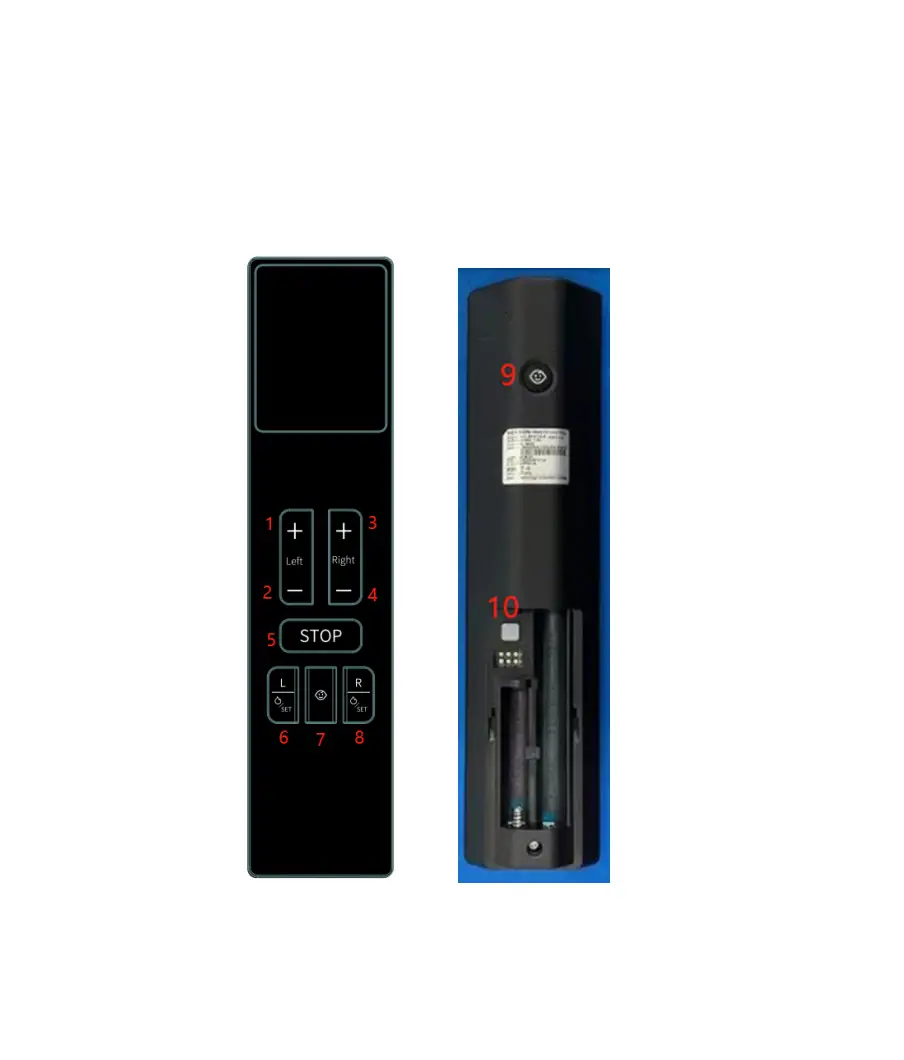
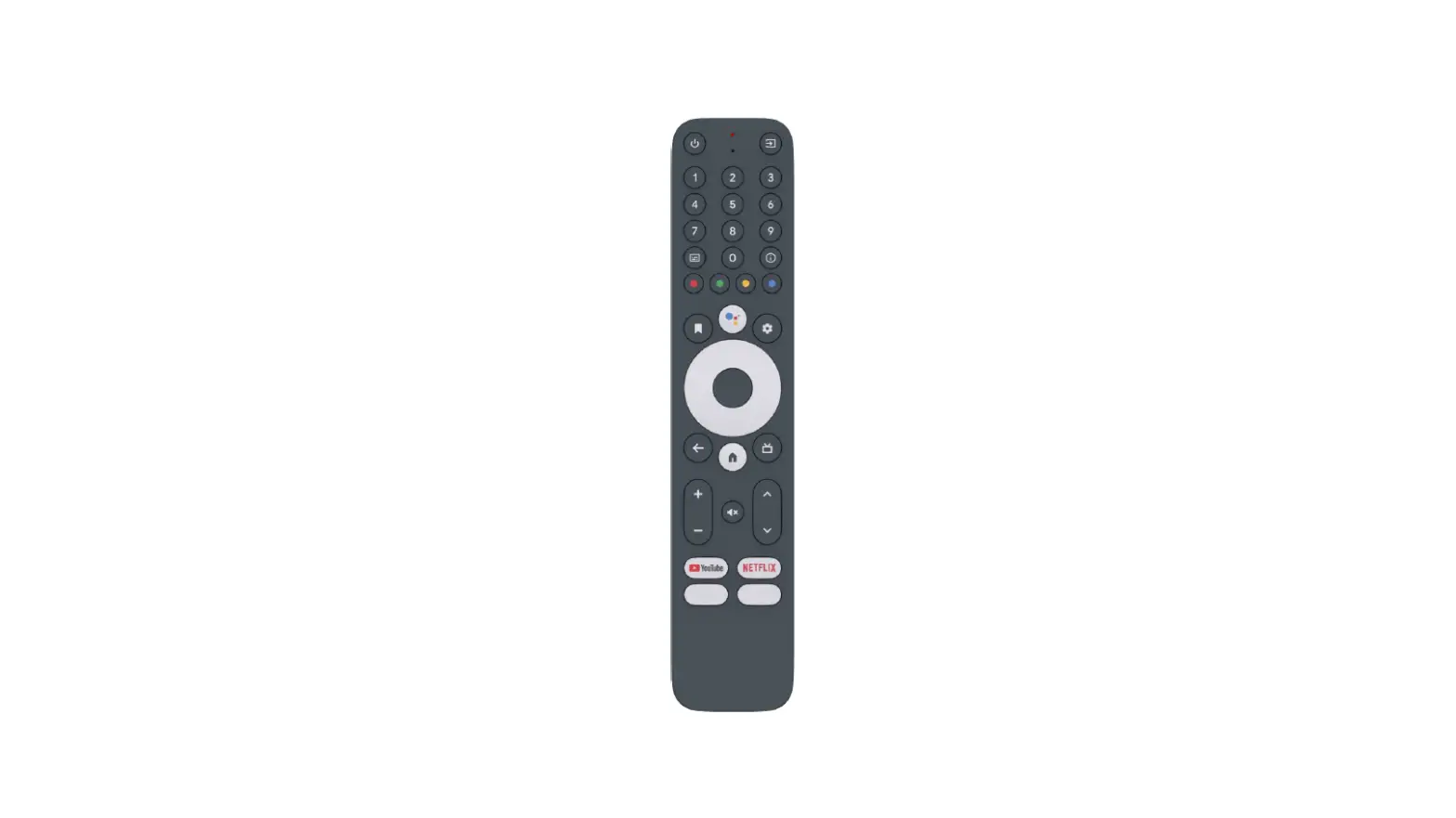
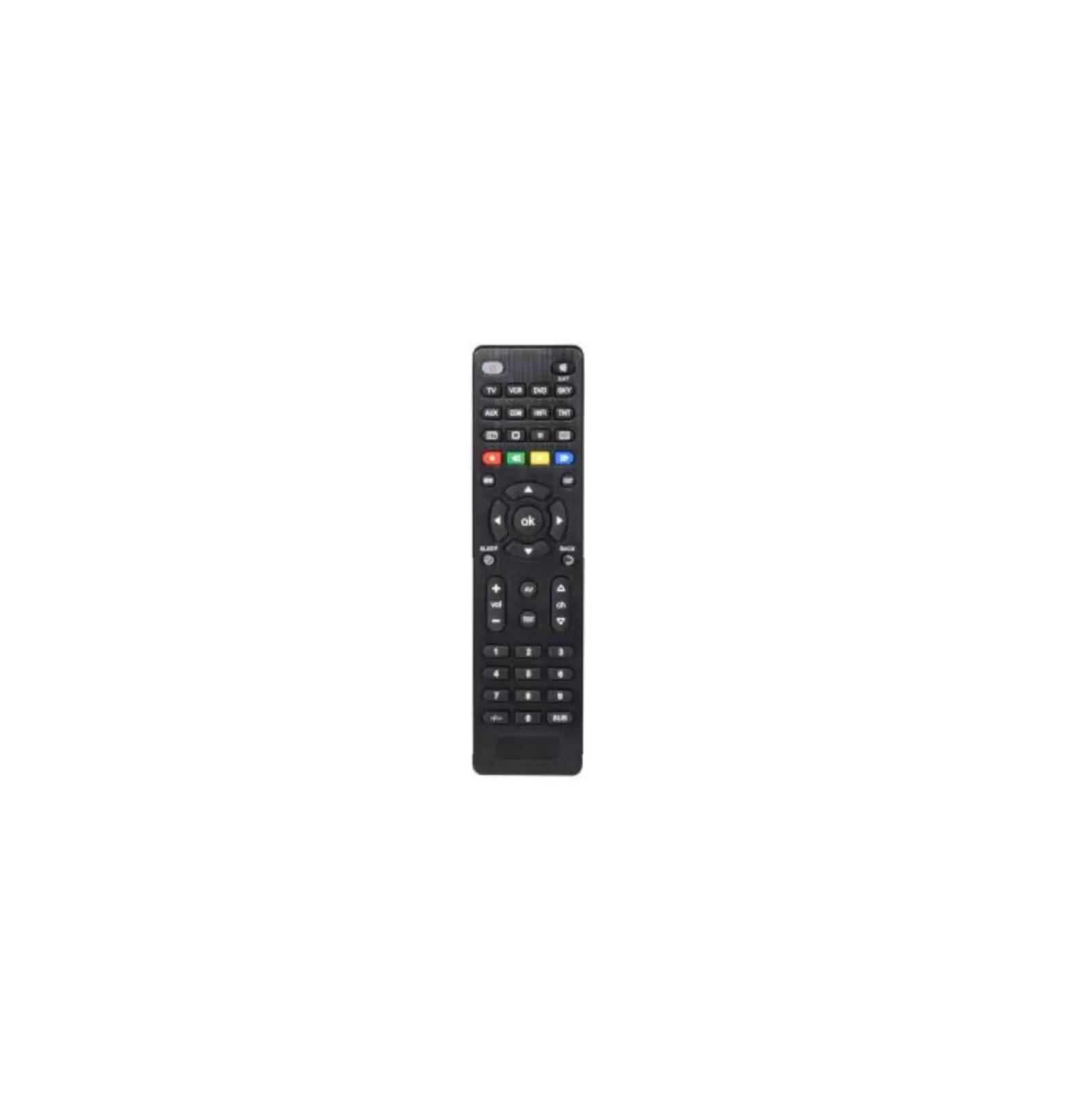
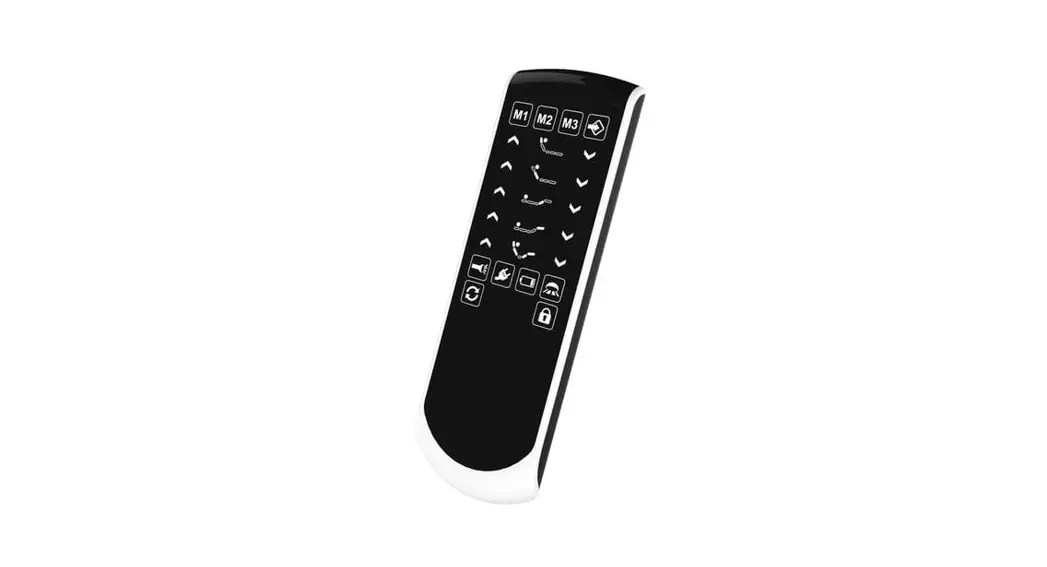
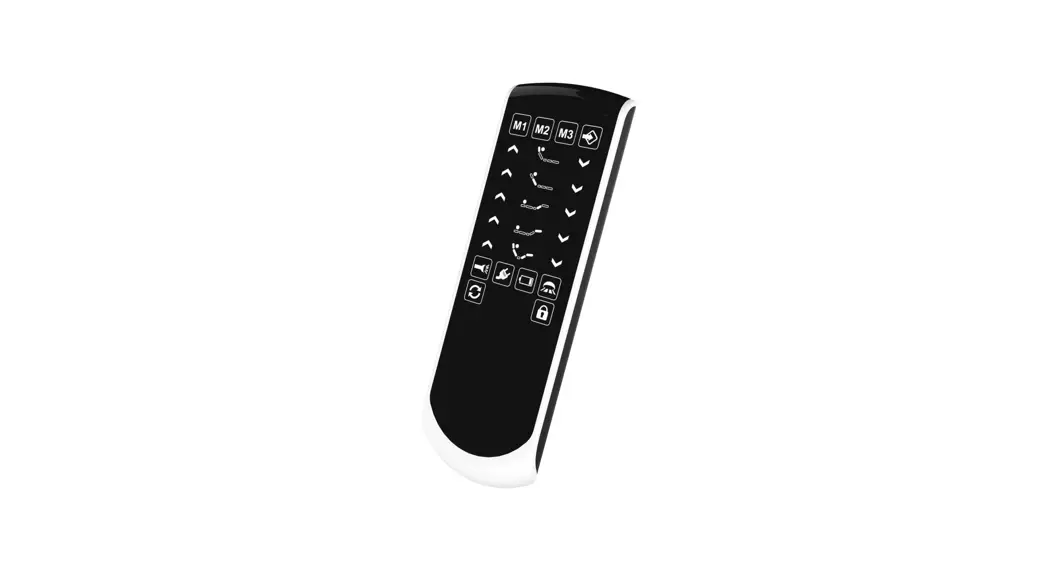
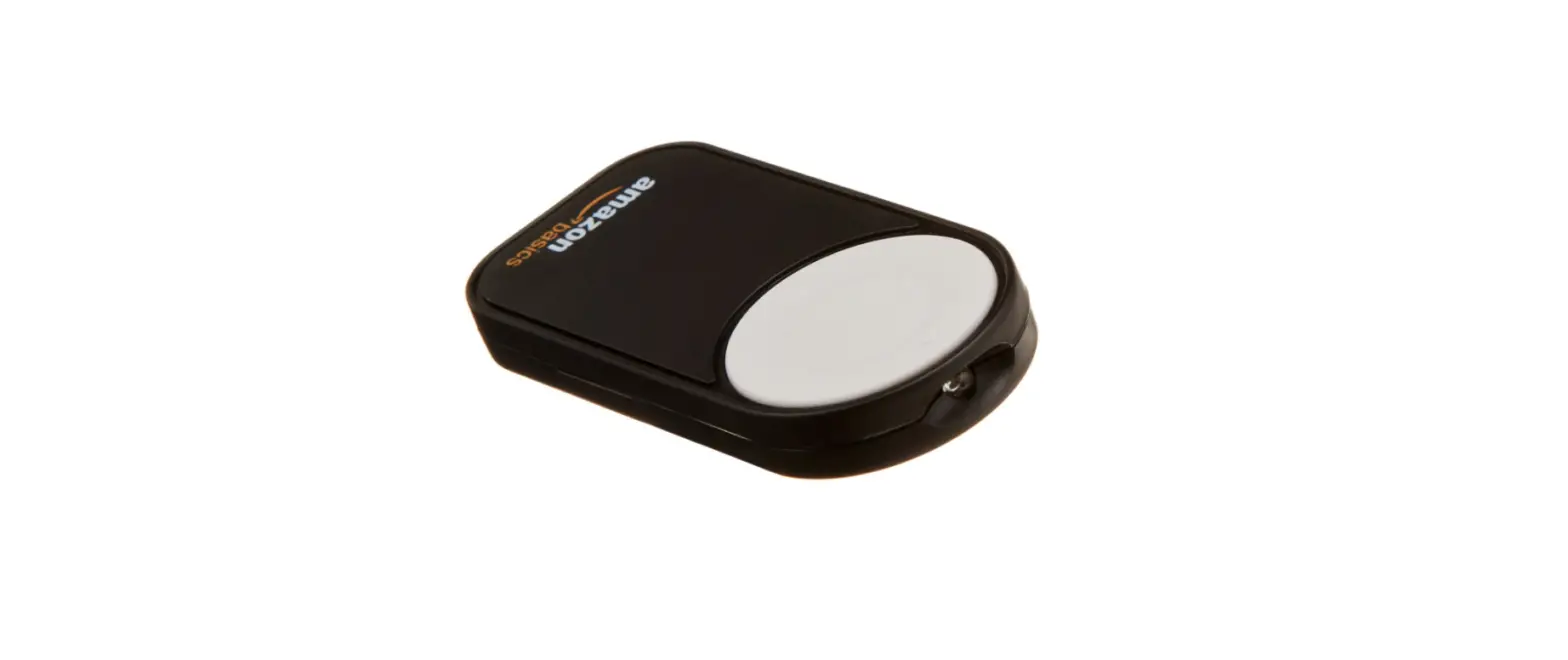
Rated Voltage: 3.0V Operating Temperature: 10°C ~ 45°C Product Diagram
Usage Instructions Pairing It requires pairing before remote controller can function properly with fan control
box. After powering on fan control box, press and hold Function Off button on remote controller for 10 seconds until the indicator light on fan control box flashes rapidly, indicating successful pairing.
General Operation Once the pairing is done, remote controller can be used to control the fan speed and lighting on/off.
Safety Precautions 1. Please operate the remote controller under normal environmental conditions. The remote controller is not designed to be shockproof, pressure-resistant, moisture-resistant, or impact-resistant. Please keep it in a safe place when not in usage. 2. Do not mix “new and old batteries” or “batteries of different brands” or “batteries made of different materials” to avoid affecting or damaging battery life and functionality of the remote controller. 3. If the remote controller is not used for an extended period, please remove batteries to prevent battery leakage and damage to remote contoller. 4. RF wireless signals are susceptible to interference from transformers and metal shields. Please keep a distance from such sources of interference. If it is necessary to enclose the remote controller in a metal casing, make sure to extend the antenna outside.
Note: The translation provided is for reference purposes. Please consult the original user manual or contact the manufacturer for accurate and official instructions.
Any changes or modifications not expressly approved by the party responsible for compliance could void your authority to operate the equipment.
Note: This equipment has been tested and found to comply with the limits for a Class B digital device, pursuant to part 15 of the FCC Rules. These limits are designed to provide reasonable protection against harmful interference in a residential installation. This equipment generates, uses and can radiate radio frequency energy and, if not installed and used in accordance with the instructions, may cause harmful interference to radio communications. However, there is no guarantee that interference will not occur in a particular installation. If this equipment does cause harmful interference to radio or television reception, which
can be determined by turning the equipment off and on, the user is encouraged to try to correct the interference by one or more of the following measures: –Reorient or relocate the receiving antenna. –Increase the separation between the equipment and receiver. –Connect the equipment into an outlet on a circuit different from that to which the receiver is connected. –Consult the dealer or an experienced radio/TV technician for help.
Product Specifications
Appearance dimension
Model: AMA-RF01 Rated Voltage: 3.0V Operating Temperature: 10°C ~ 45°C Storage Temperature: 5°C ~ 55°C Operating Frequency: 315 MHz Functional Interface