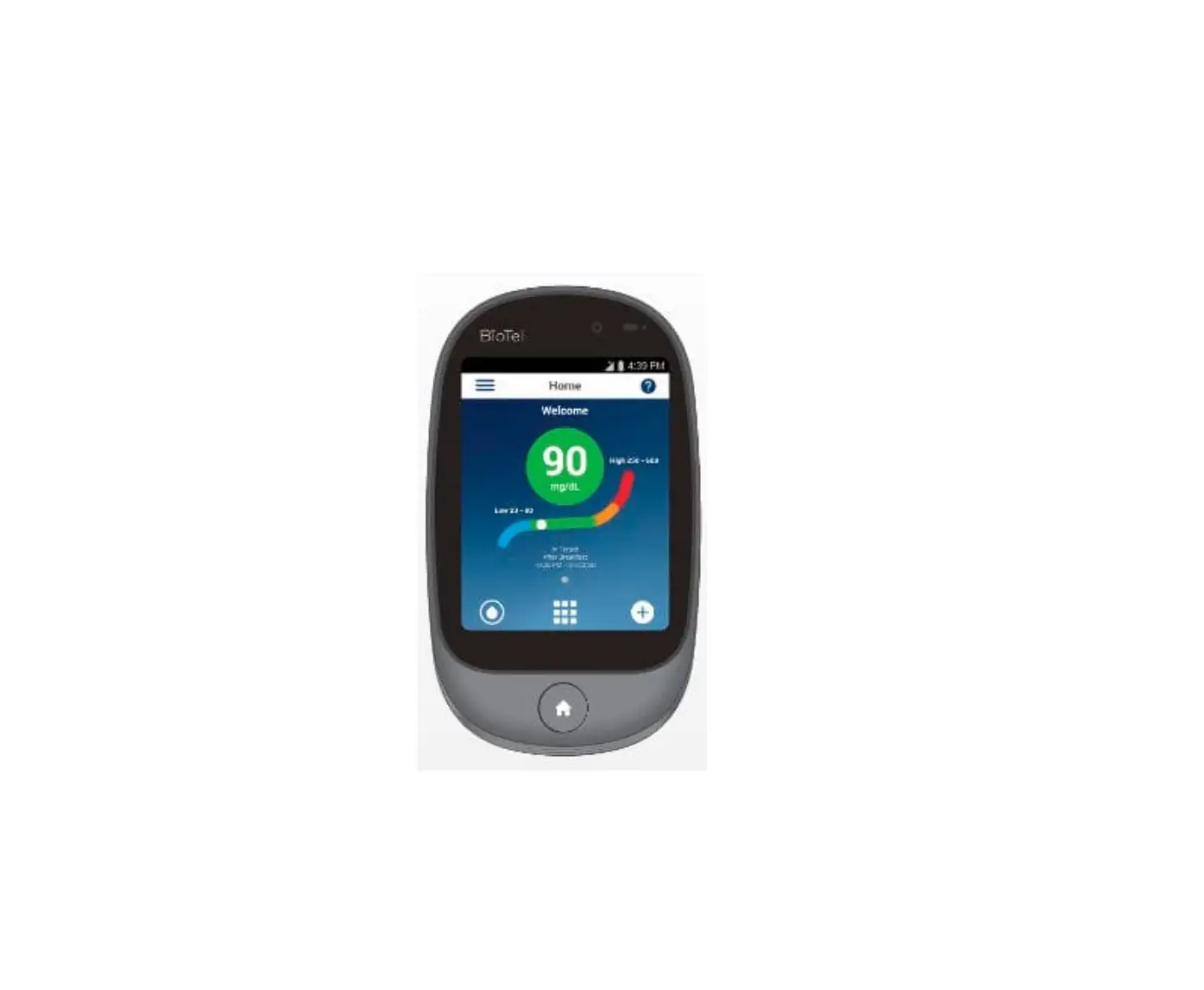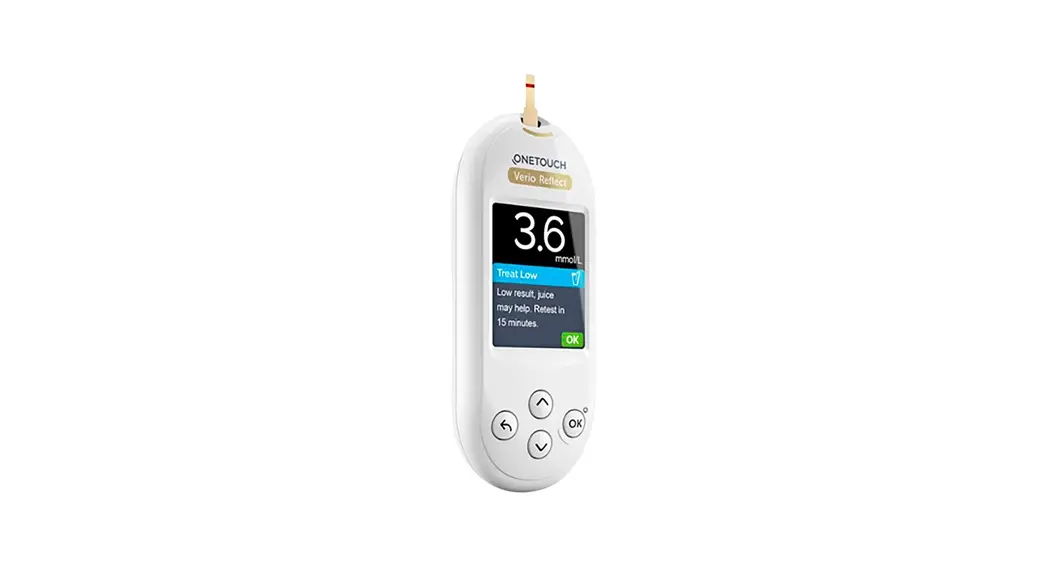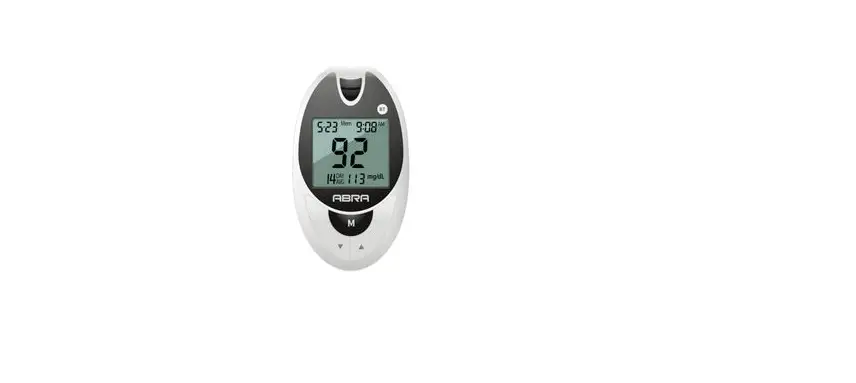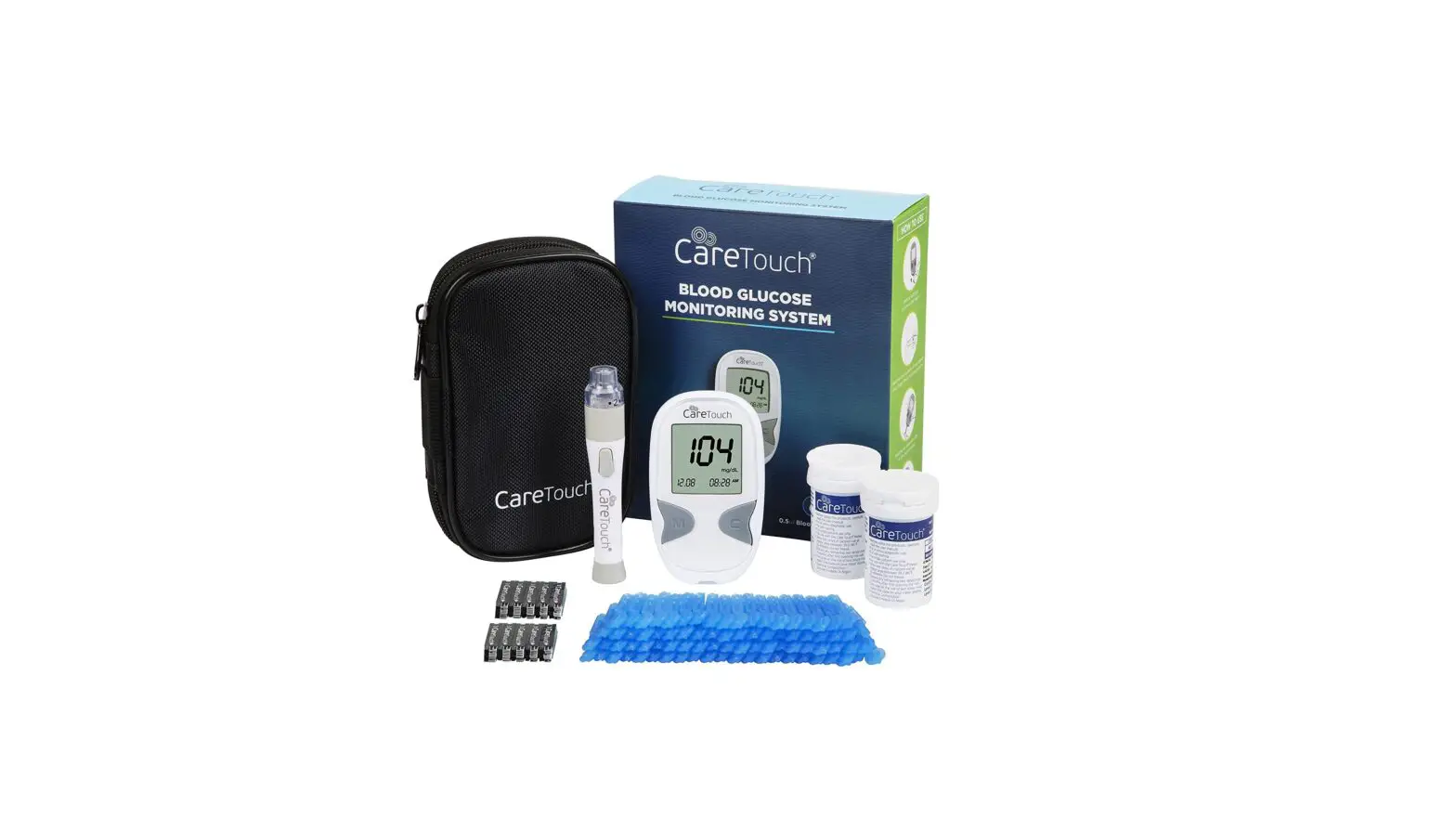

TELCARE Wireless Blood Glucose Monitoring System
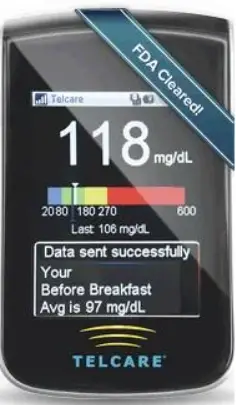
Telecare Blood Glucose Monitoring System
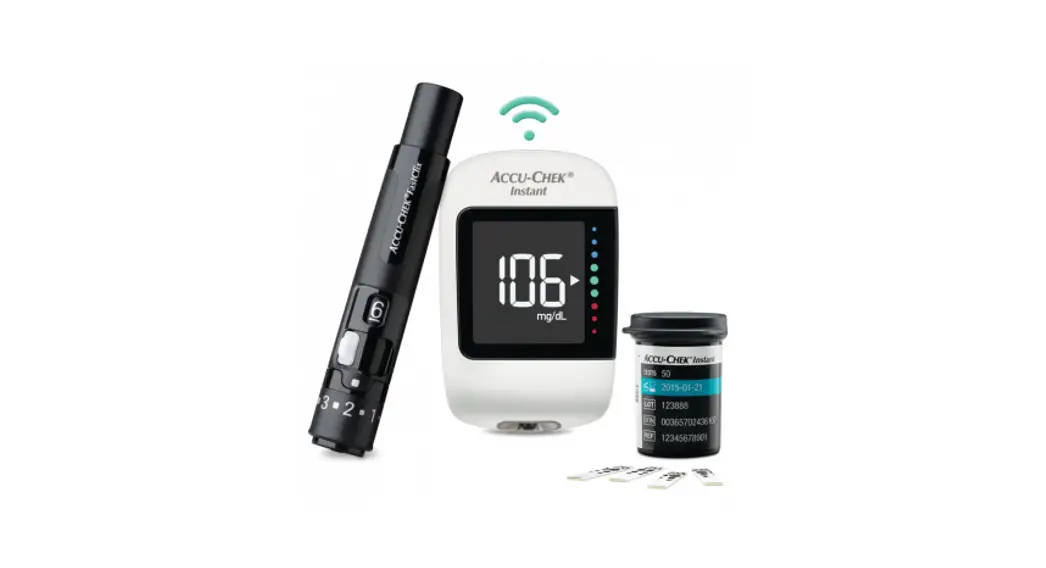
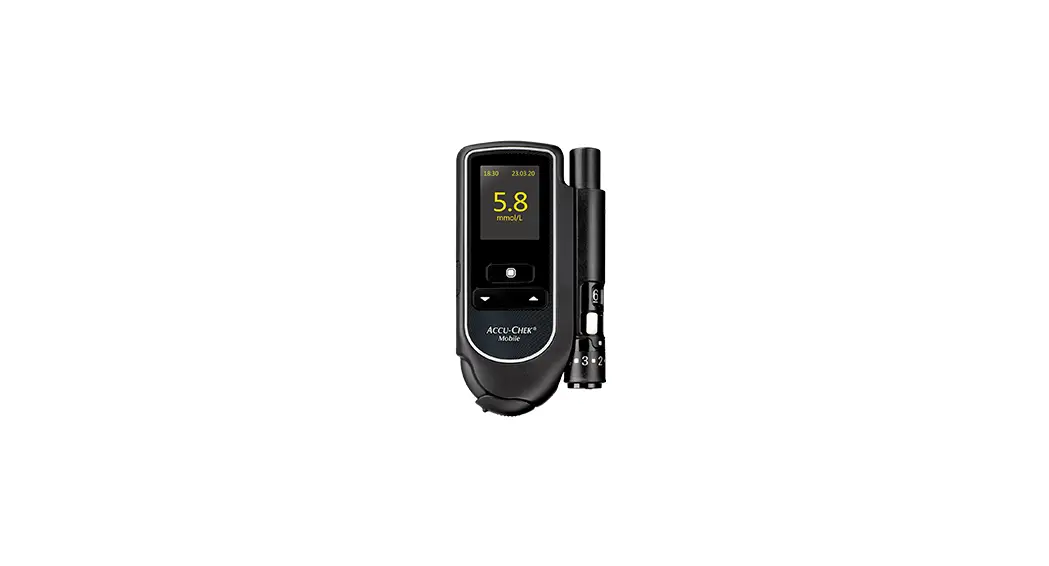
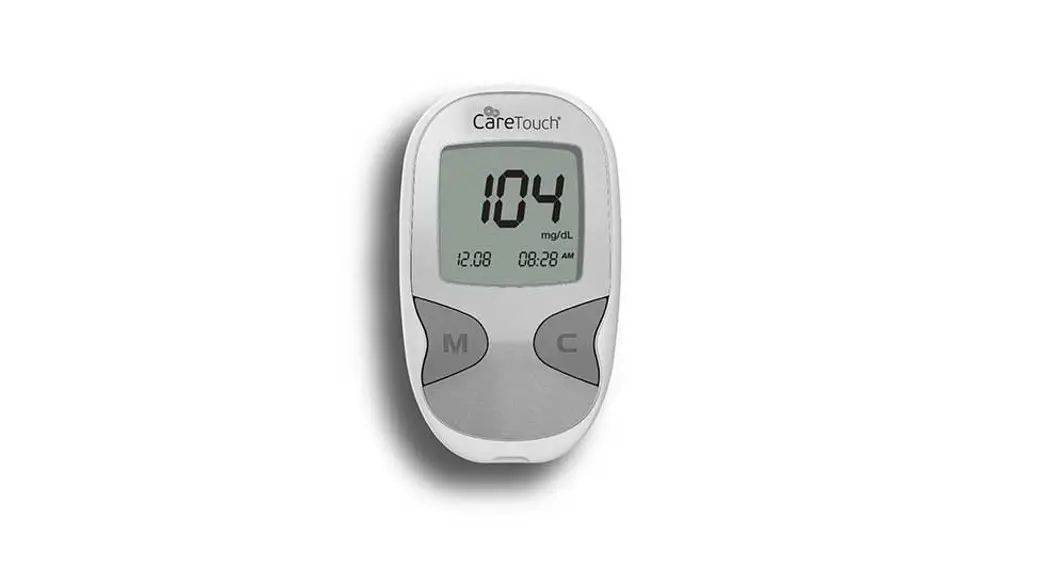
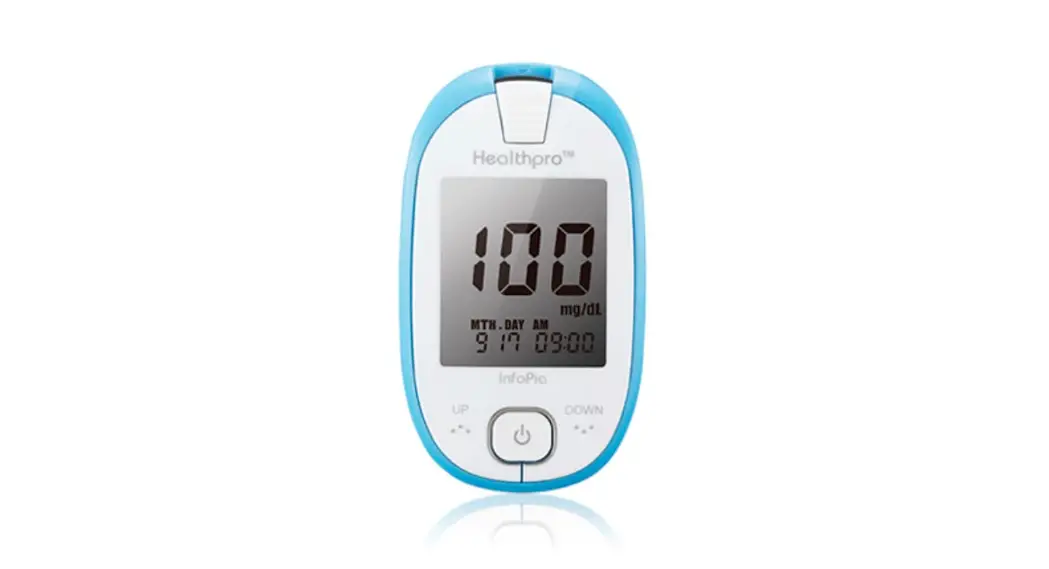
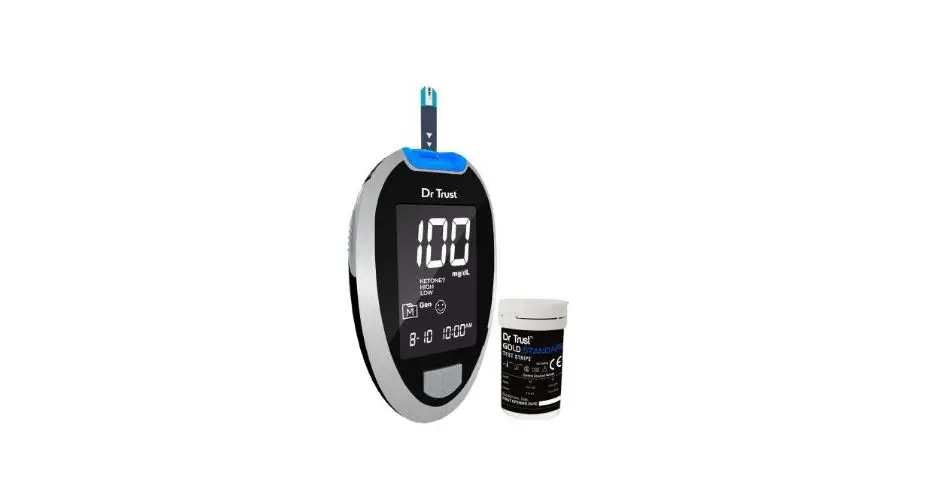
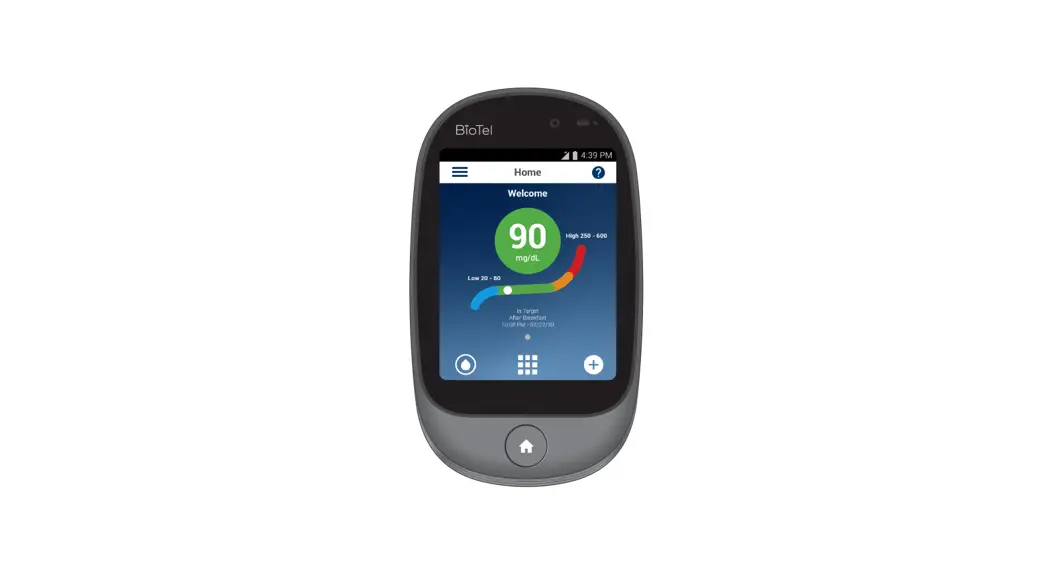
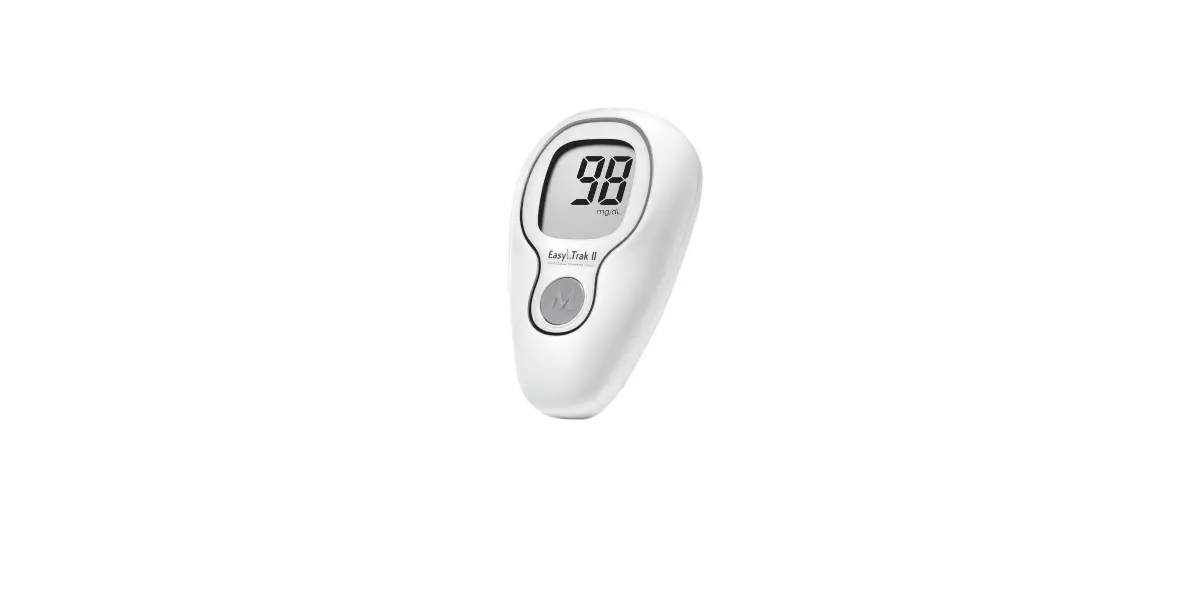
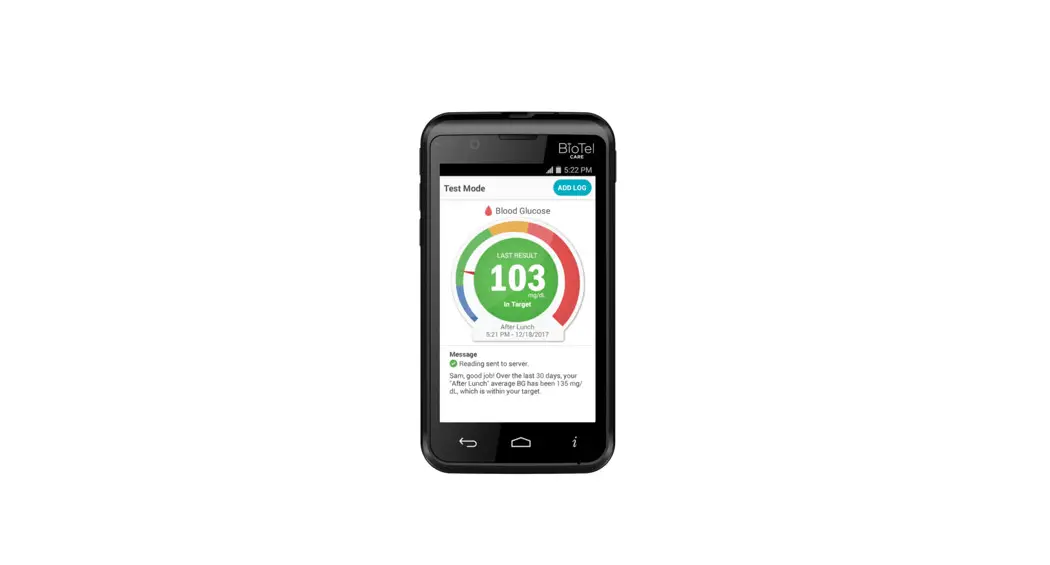
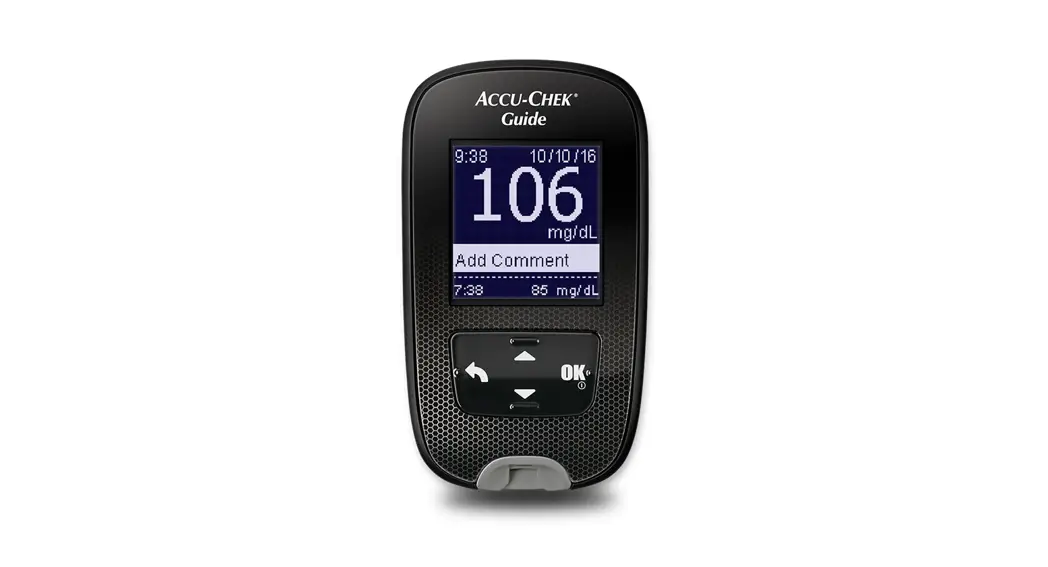
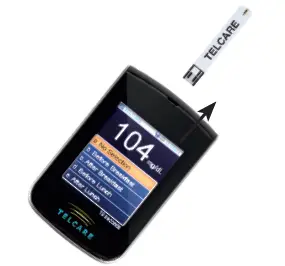
The Telecare Blood Glucose Monitoring System is a device used to monitor blood glucose levels. It includes a glucose meter, lancet device, test strips, and control solution.
Product Usage Instructions
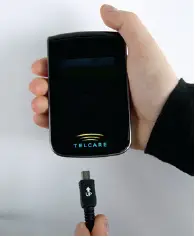
- Before using the glucose meter for the first time, charge it for at least 3 hours with the AC charger included in your kit.

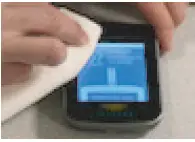
- Clean and disinfect your lancing device after every use. Clean and disinfect your meter at least once a week. Refer to the details in the user manual for instructions.

- Wash your hands and the testing site with warm water and soap.
Dry your hands well.
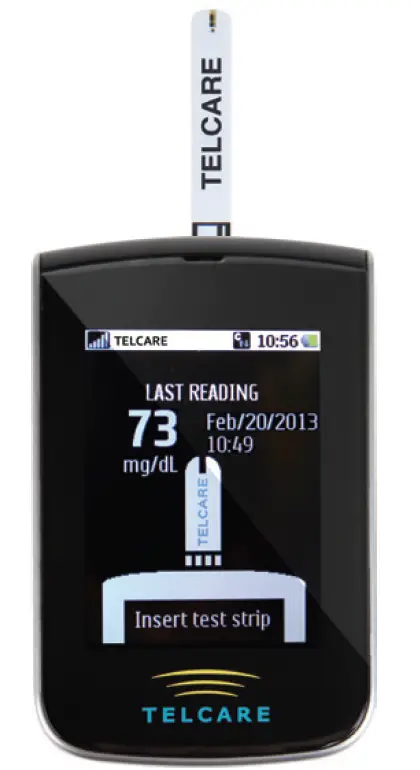
- Turn on the glucose meter using the power button.

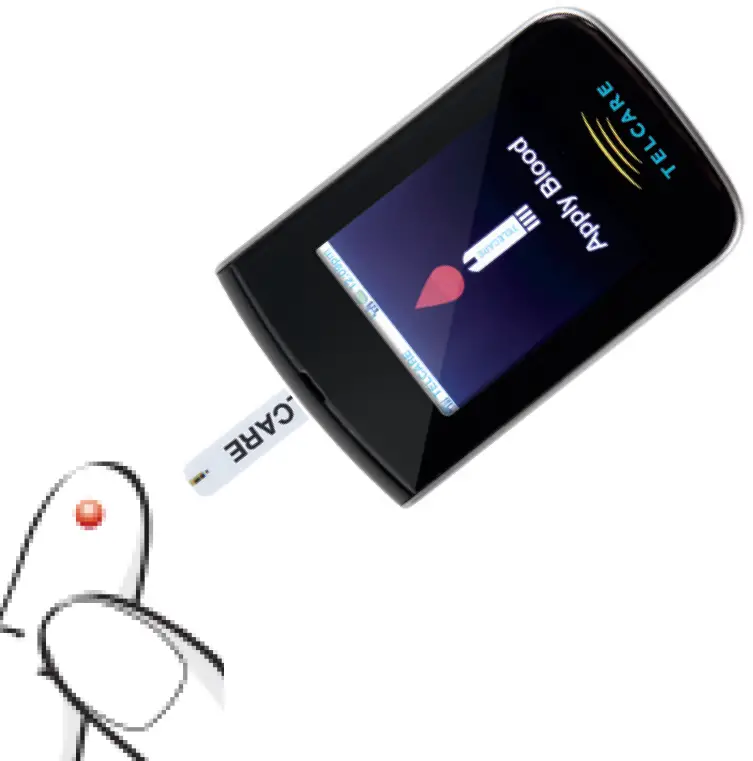
- When the Insert Test Strip screen appears, insert the Telecare test strip. Continue to push the strip in until Apply Blood appears.

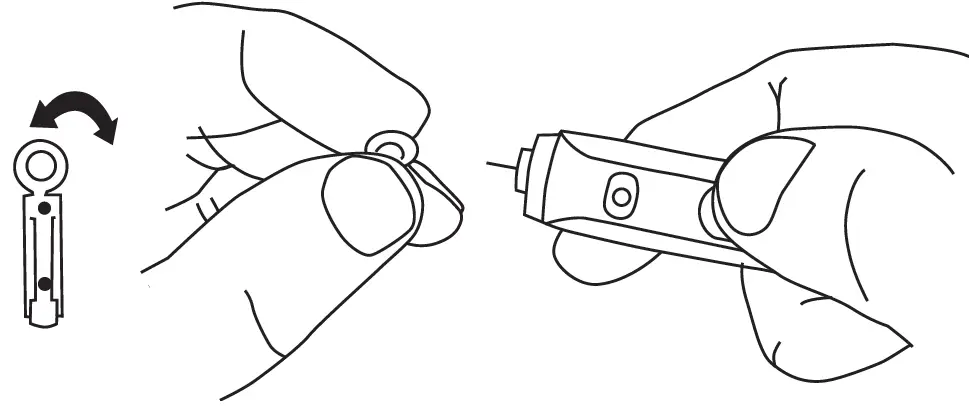
- Insert a new lancet into the lancing device and twist off its plastic cap.

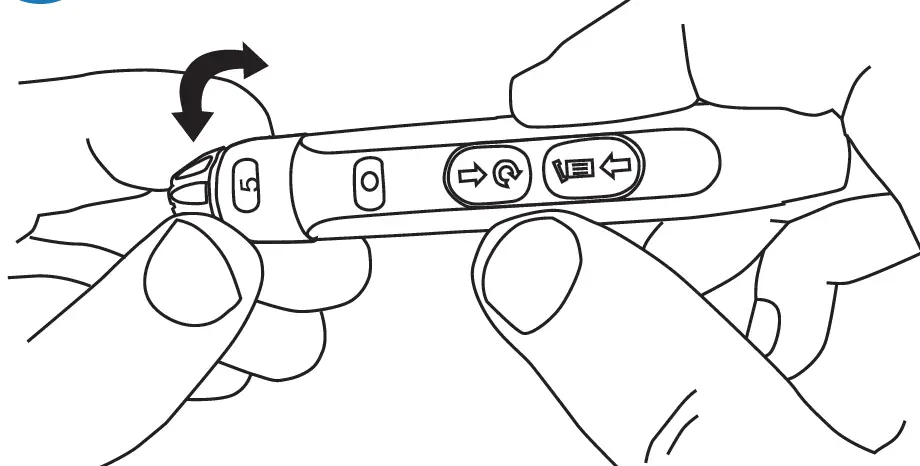
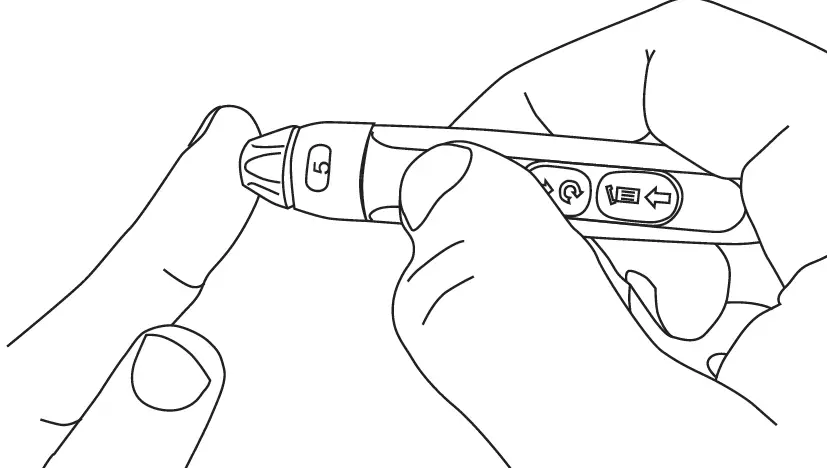
- Adjust the cap to your desired puncture depth level.

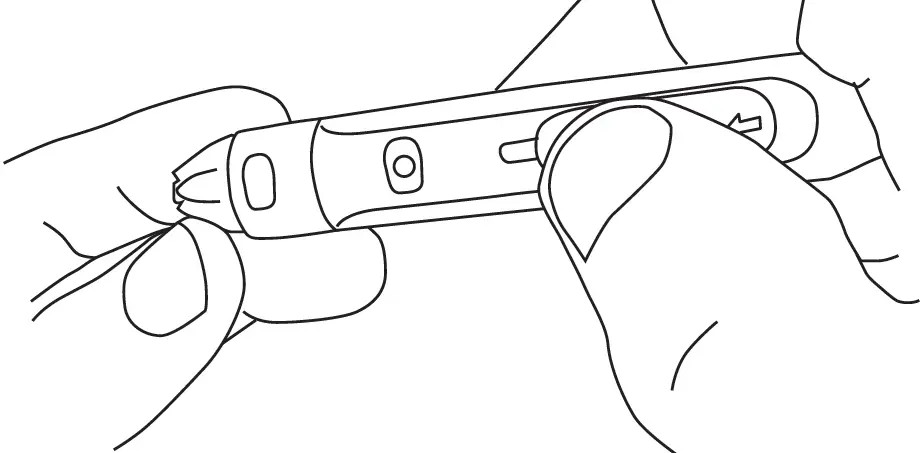
- Using your thumb, push the sliding button back. You will hear a click, indicating that the lancet carrier is locked into position.

- Position the end of the device against the side of the fingertip. Press the trigger button to actuate the lancet.

- Make sure the Apply Blood screen is displayed. Touch the tip of the test strip to the blood drop until the end is filled.

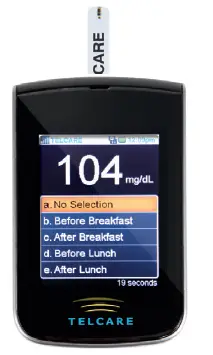
- Your test result will display.

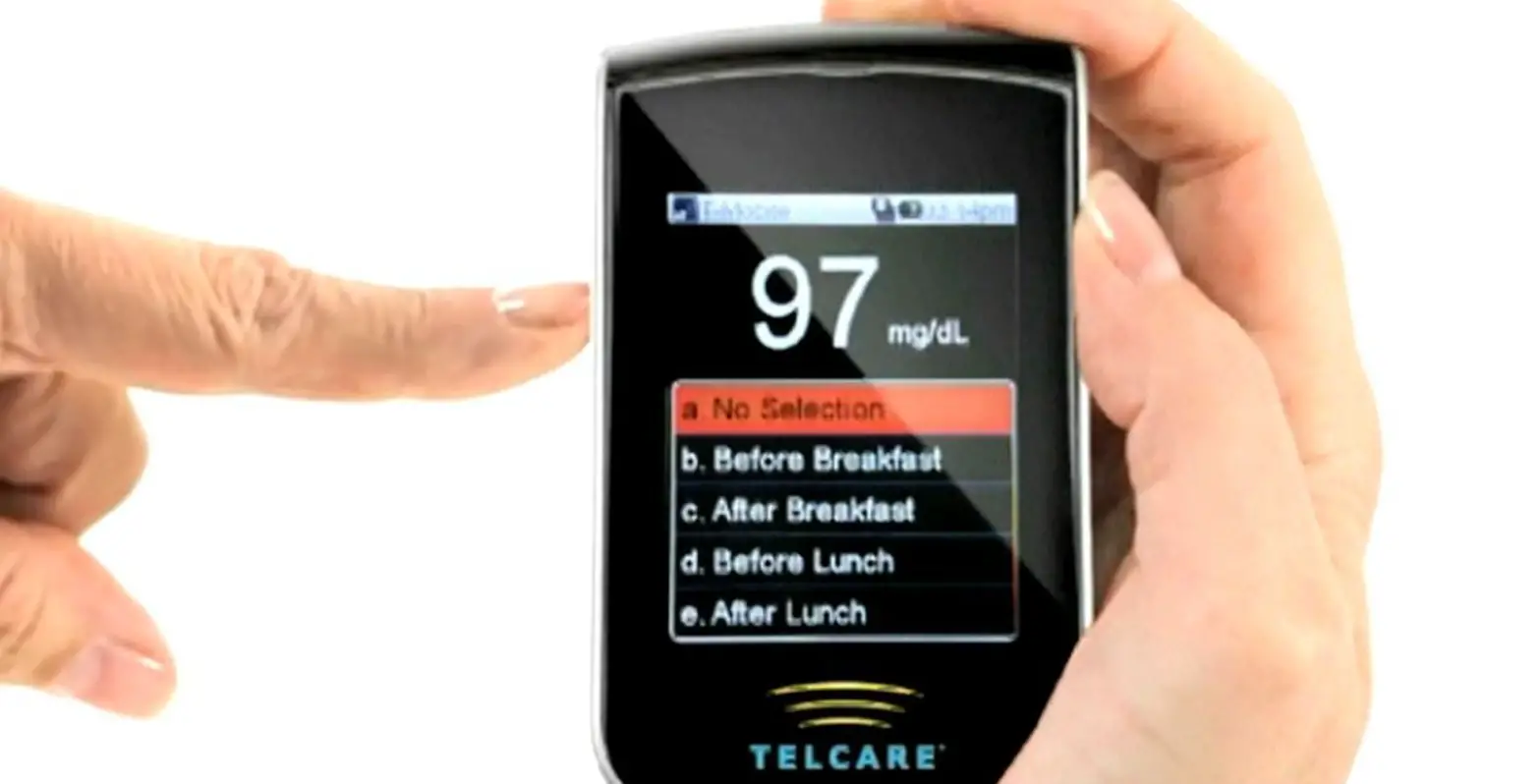
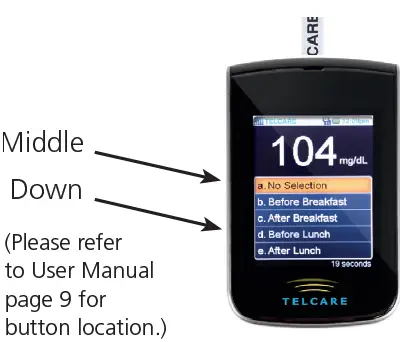
- Highlight a reading tag using the down button. Enter the reading tag by pressing the middle button

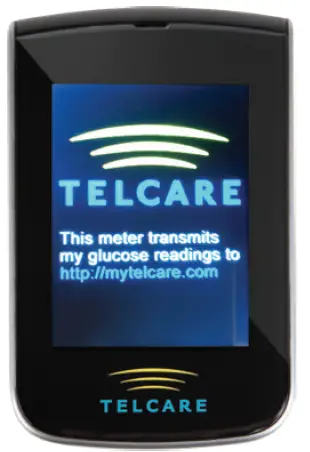
- Remove test strip to send data to MyTelcare.com.
If there is no data connection, move to a different location to get a cell signal, go to History, highlight unsent reading, and press the middle side button to send.
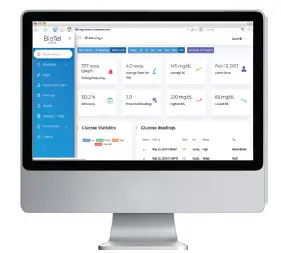
- Log in to MyTelcare.com to:.
- View blood glucose readings
- Invite caregivers
- Set up messaging options
- Create target zones
- Print data


Contact Telecare customer service at (888) 666-4530 (US) or (1) (978) 610-4688 (International) if you have any questions or comments.
 MyTelcare
 五鼎生物技術 ApexBio Taiwan
 Philips Virtual Care Management – BioTelemetry, a Philips company