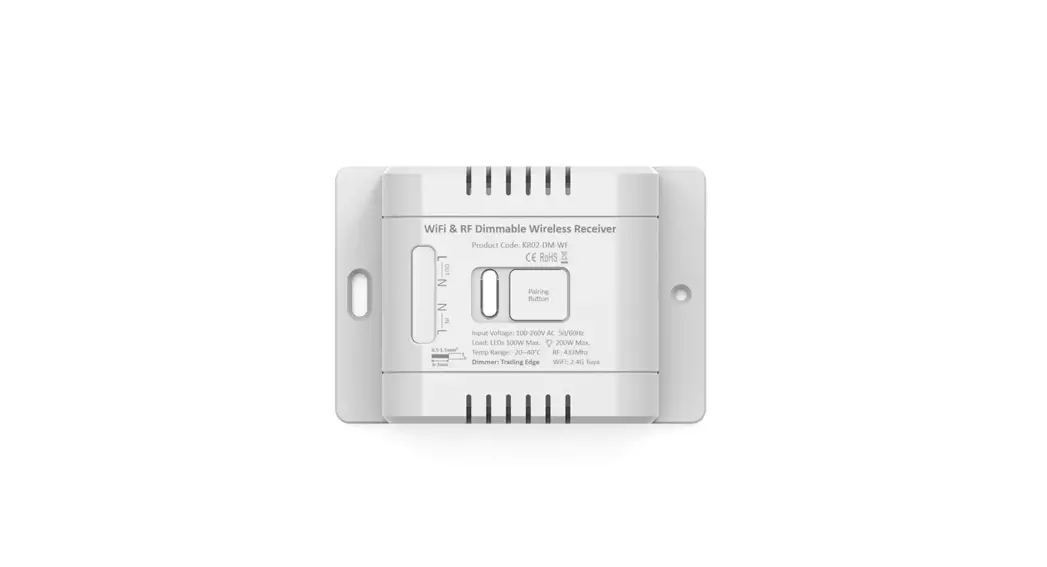

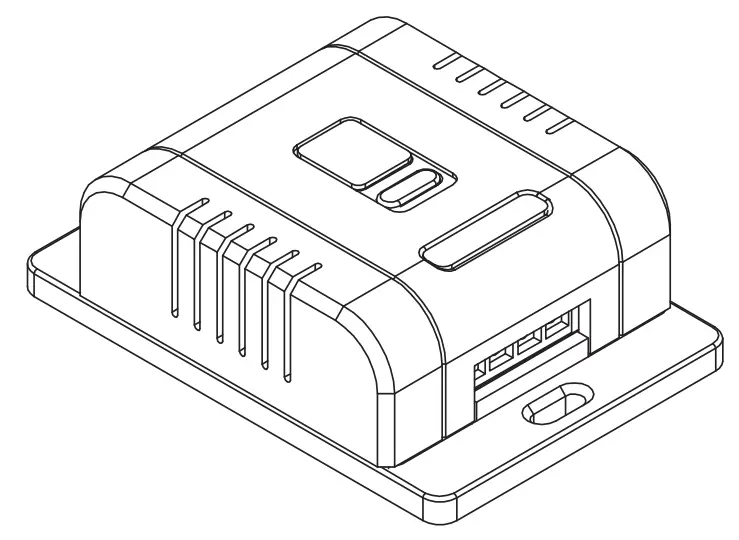
 User Manual
for Kinetic Wall Switch Dimmer Receivers
CUL 40040
Important note: Isolate power before connecting receiver. Failure to do so can cause electric shock, fire or other hazards. v1.0.1
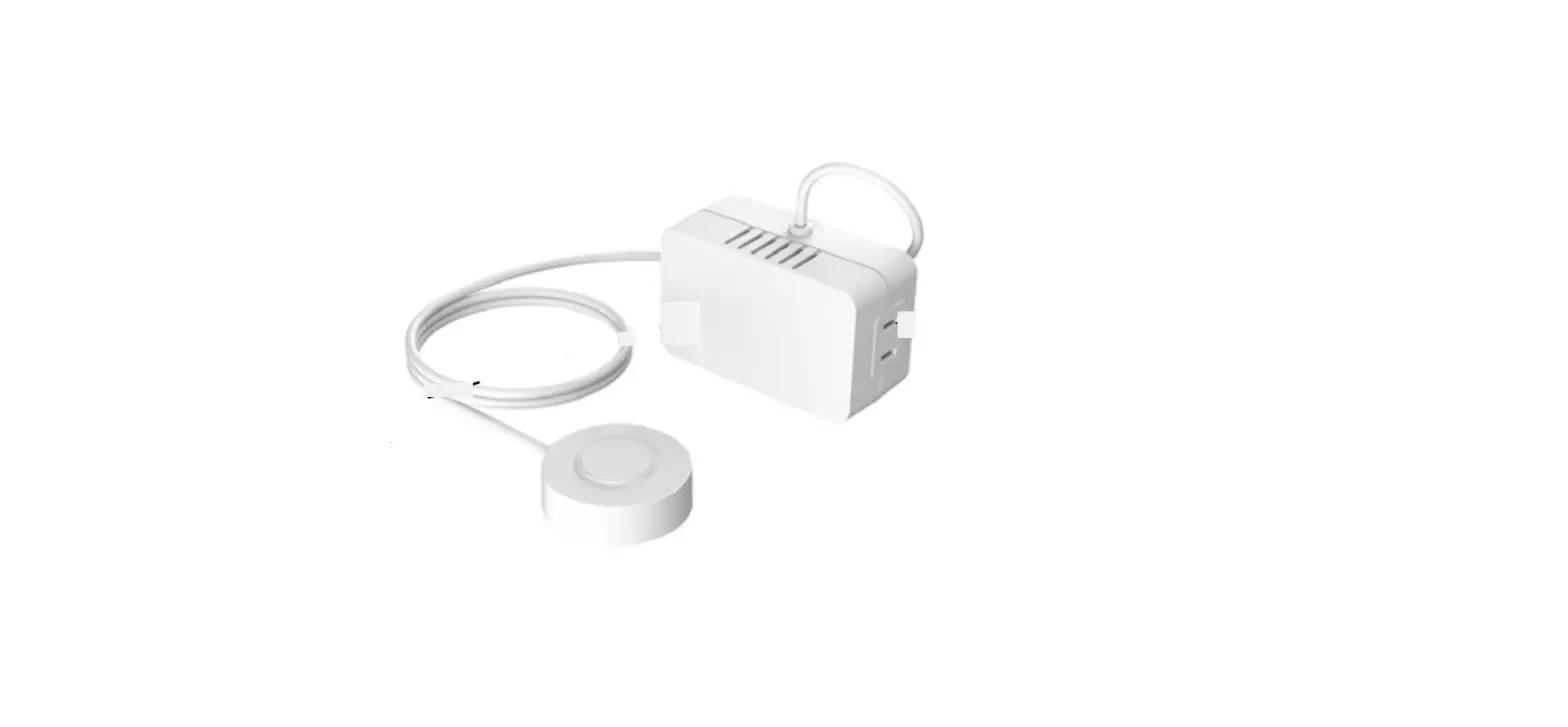
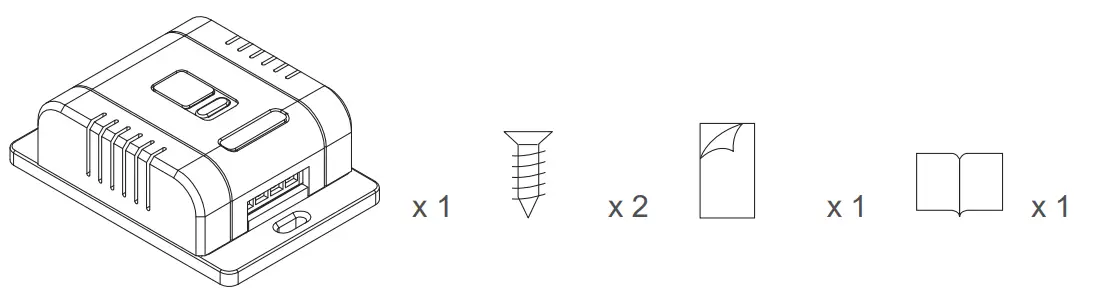
What is in the box ?
Specifications
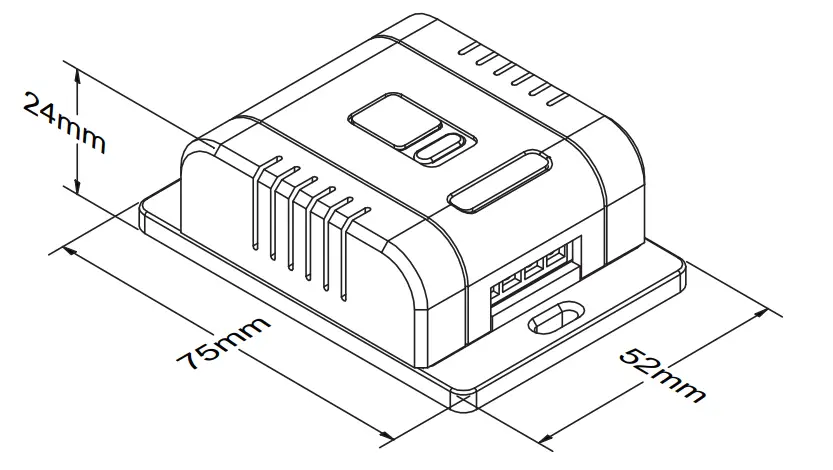
Dimensions:
Product Code:
RF & Wif KR02-DM-WF
Dimming:
Trailing Edge
Power:
100W LED; 200 Resistive Loads
Input Voltage:
AC85~240V 50/60Hz
Radio Frequency:
RF 433MHz & 2.4G for Smart Versions.
IP Rating:
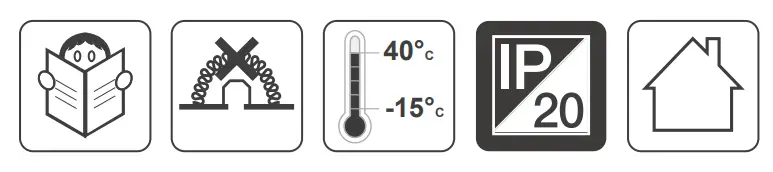
IP20; Indoor use only.
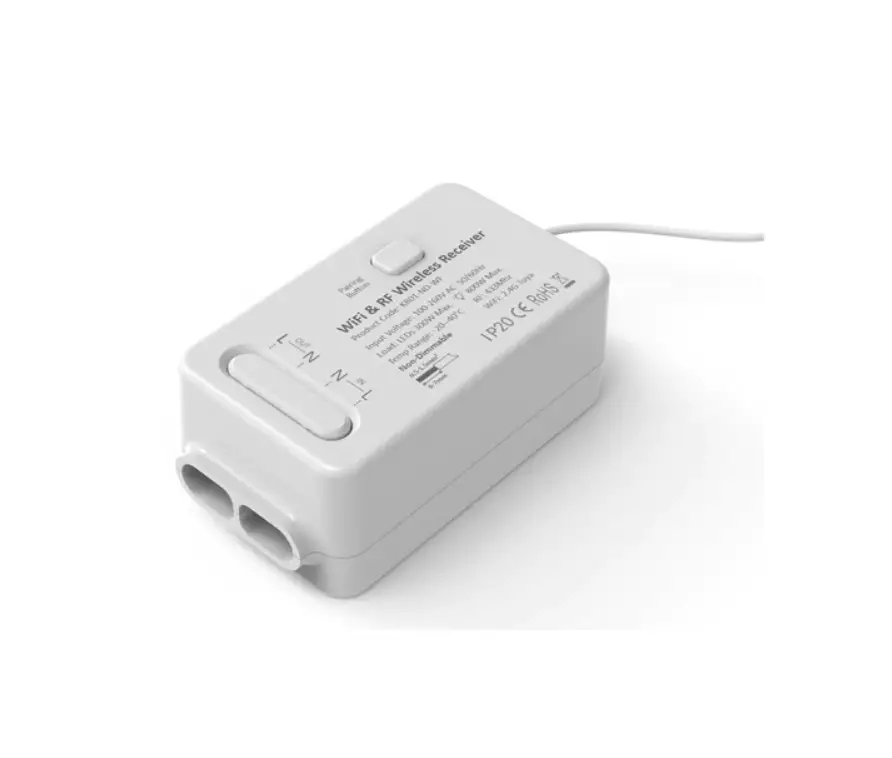
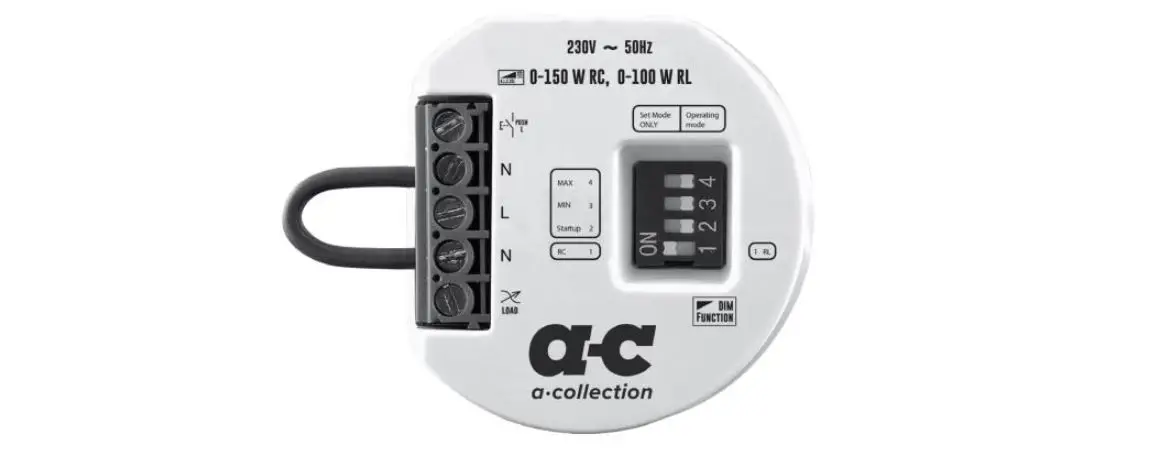
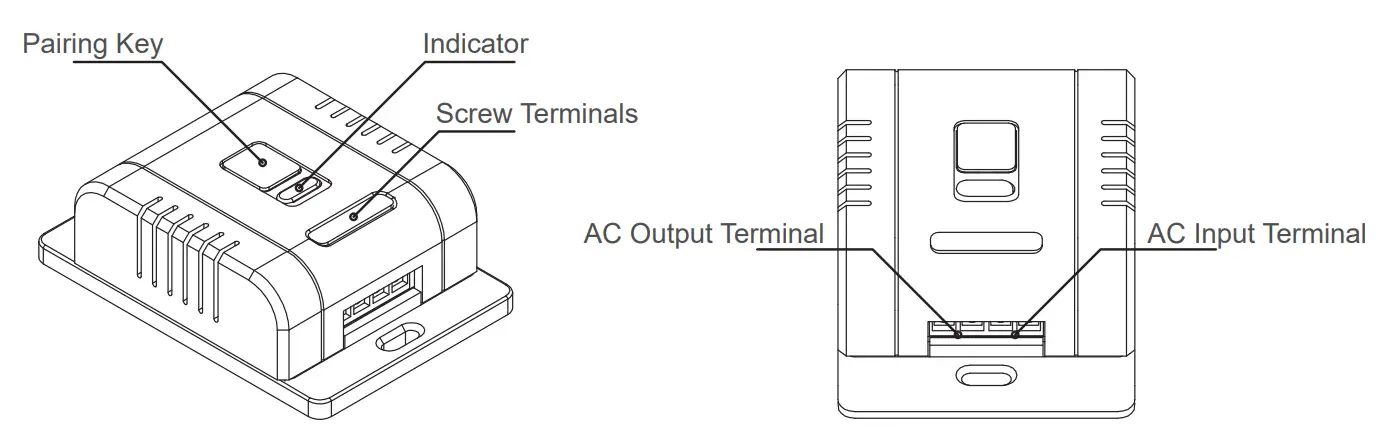
Functions of parts
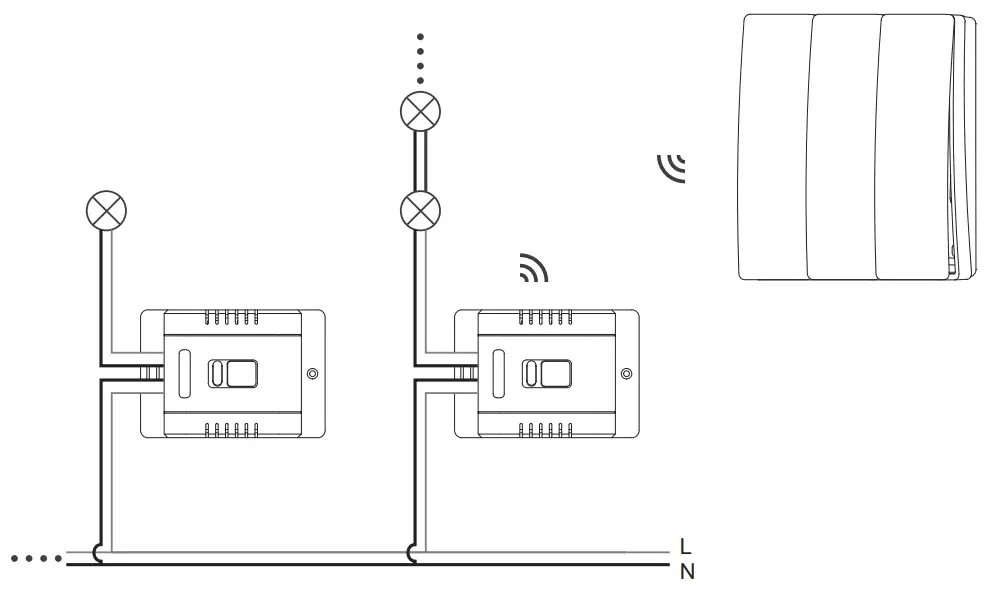
Wiring Diagram
Installations
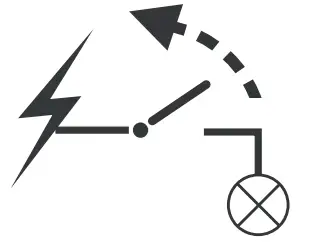
a Disconnect the mains before installation.
Installation must be carried out by licensed electricians.
b Fix the cables to the receiver firmly.
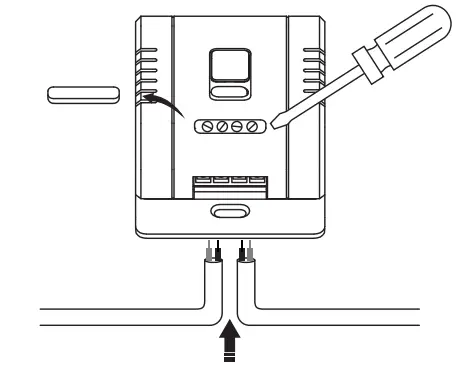
c Press the Pairing Key to pair to switches.
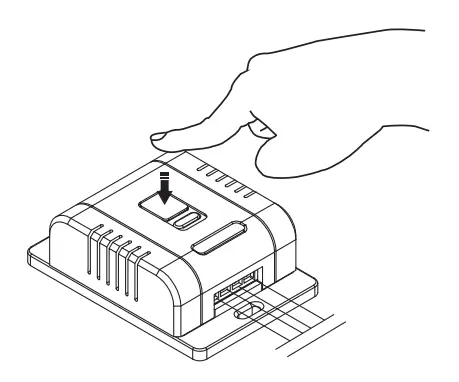
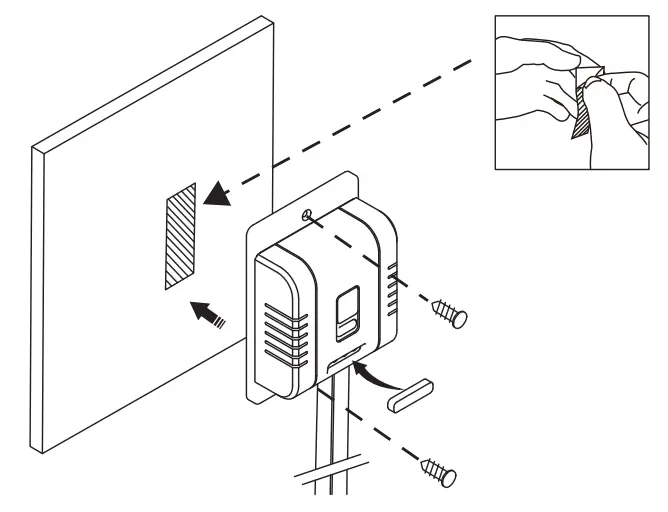
d Fix the receiver by screws or sticker provided.
Pairing
- For RF Pairing
 Press the Pairing Key for 3-4s, untill the RED indicator flash slowly.
 Reset Pairings:
RF – Long press the pairing key for 6-7s; While the indicator on receiver flashes, press the Kinetic switch ONCE to complete the pairing.
App – Long press the pairing key for 10-12s. - For App Pairing
a Download Tuya Smartlife App to process: https://smartapp.tuya.com/smartlife
b Press 10-12s to activate App pairing on receiver:Press the Pairing Key for 10-12s, untill the Red indicator changes into Blue light.
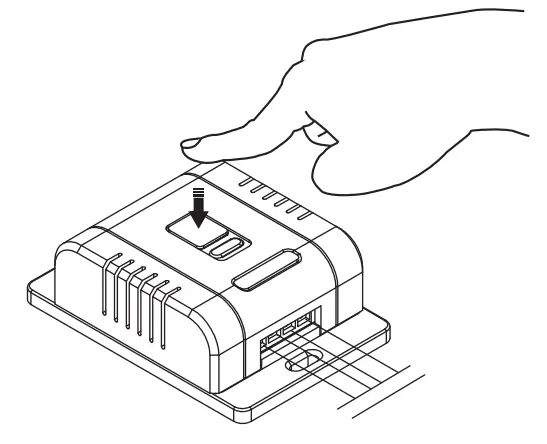 Press the Pairing Key for 3-4s, untill the RED indicator flash slowly.
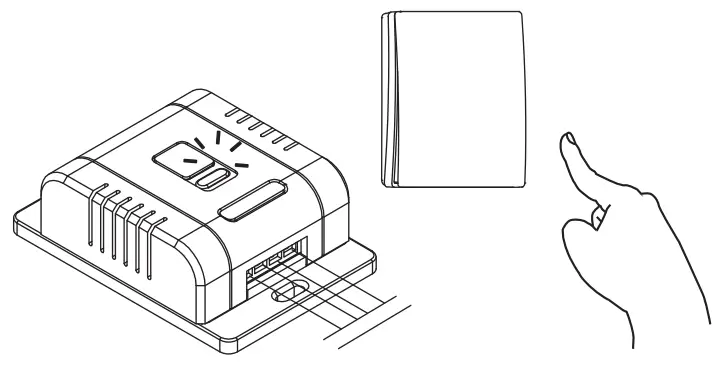 While the indicator on receiver flashes, press the Kinetic switch ONCE to complete the pairing.
a Add the Dimmer receiver to Tuya App to compete pairing:
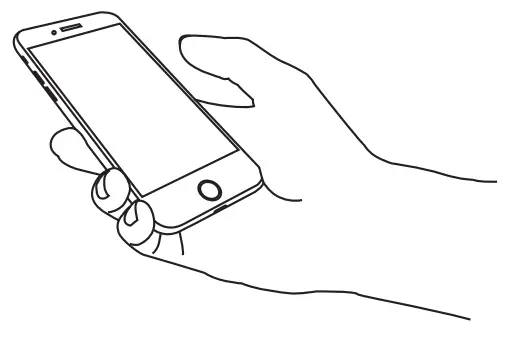
continue with Tuya User Manual……
b Please note, 5G Router is NOT compatible.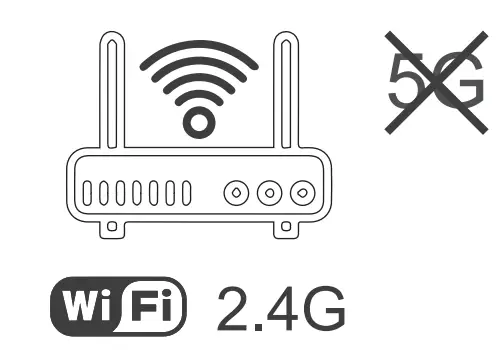
Pairing Limitations
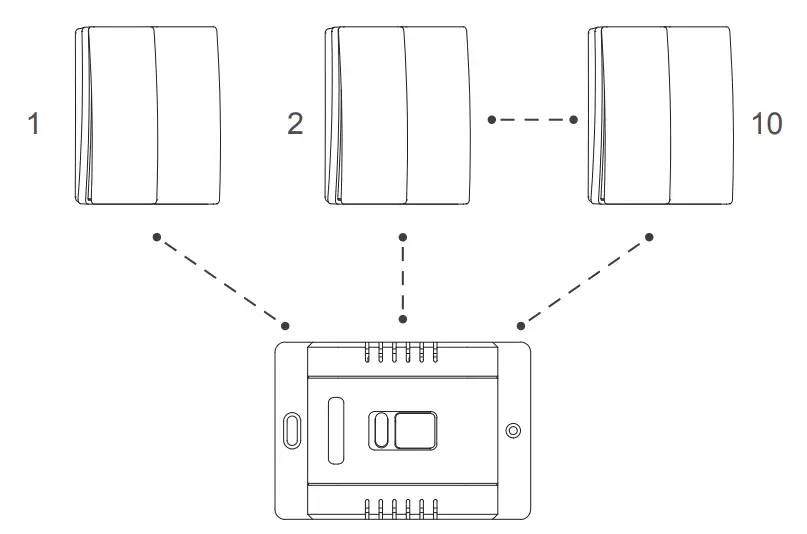
Max. 10 Kinetic Switches to pair ONE Dimmer Receiver.
To avoid sync problem, we DO NOT suggest to pair multiple dimmer receivers to one or multiple Kinetic Switches.
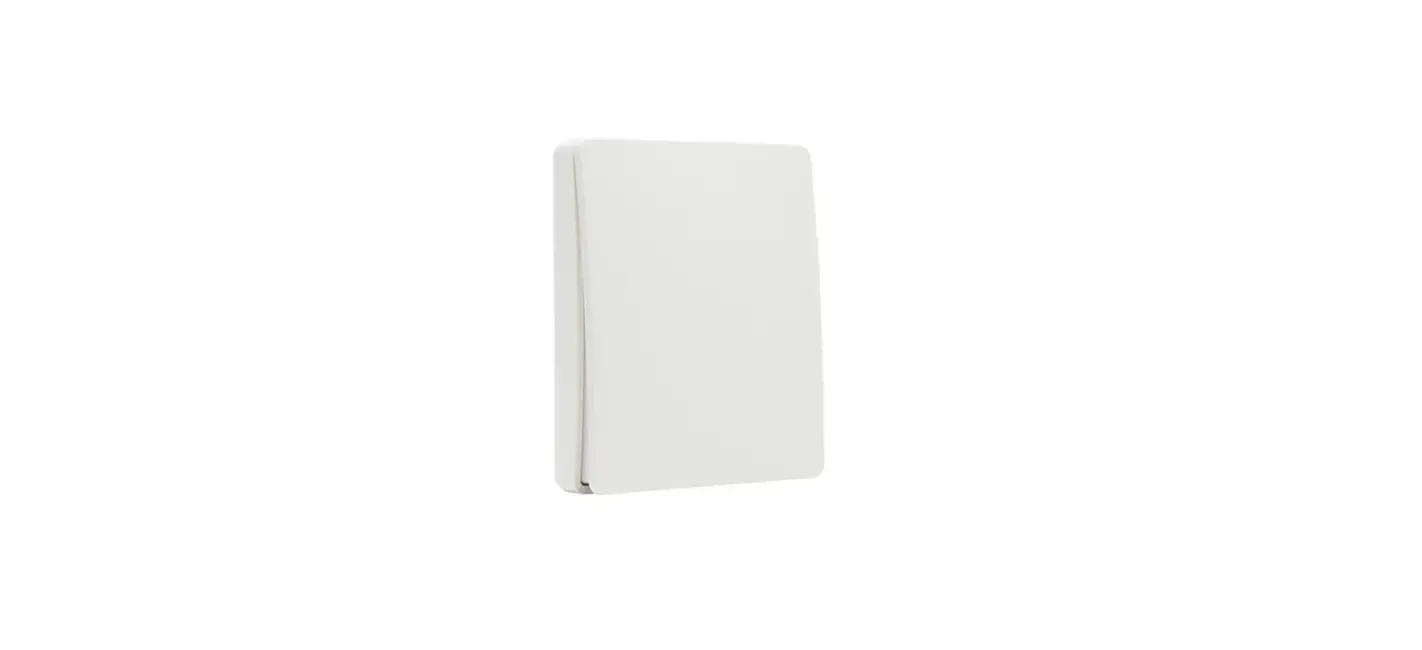
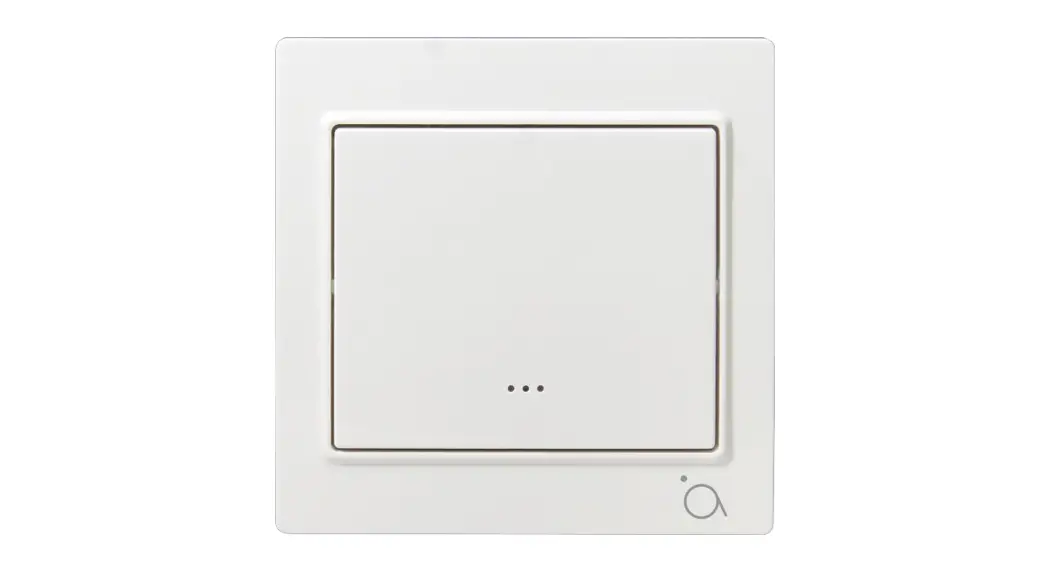
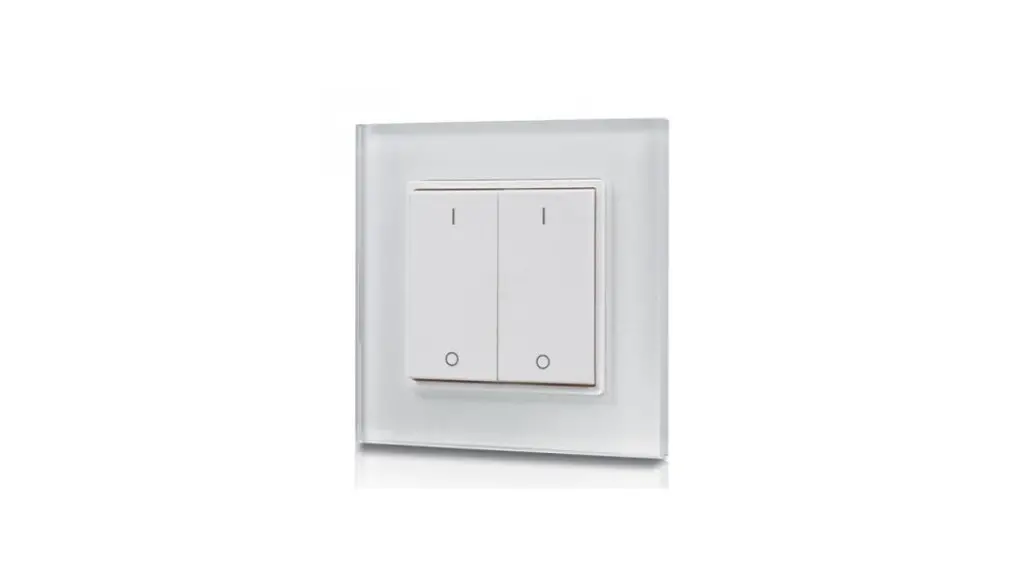
Control the Dimmer via Kinetic Switch
Left Switch Button
- Adjust The Brightness
- Soft Start from Off
 Right Switch Button
 - Turn On/Off
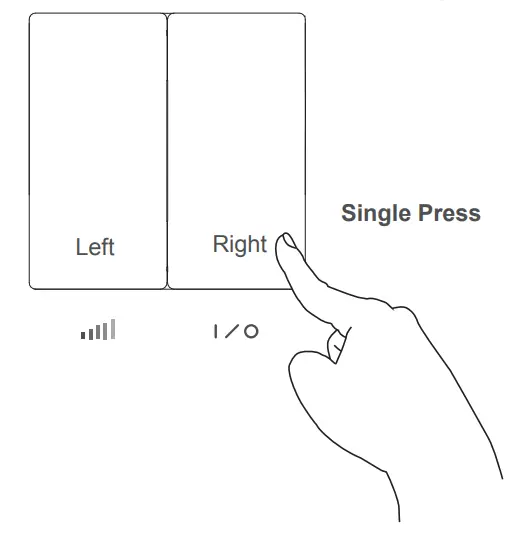 Right Switch Button
 For better dimming performance, please set the Min. and Max. brightness range for the dimmer on Tuya App. Follow the Tuya User Manual to do so.
Control the Dimmer via Tuya App
Follow Tuya App User Manual for better experience.
Scan the QR code to Tuya User Manual.
Attentions
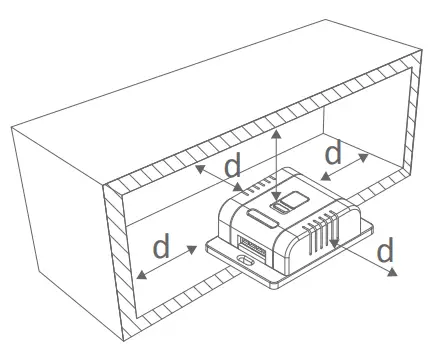
Do not cover with insulations.