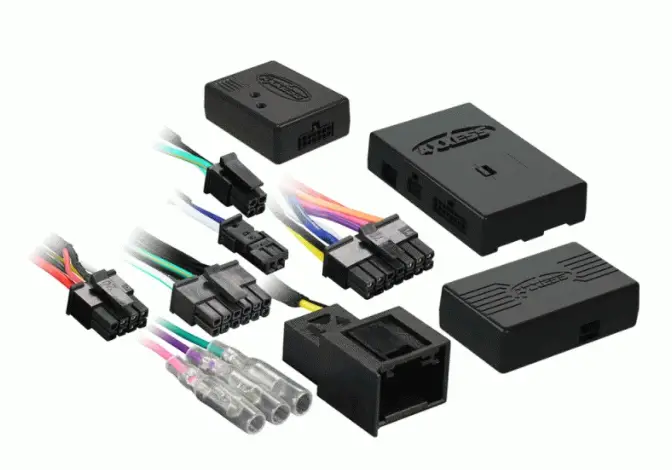
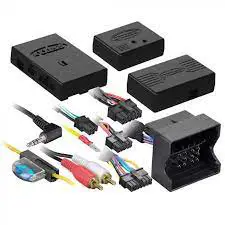
AXXESS Fiber Optic MOST25
How to remove Fiber Optic cables from OE connectors
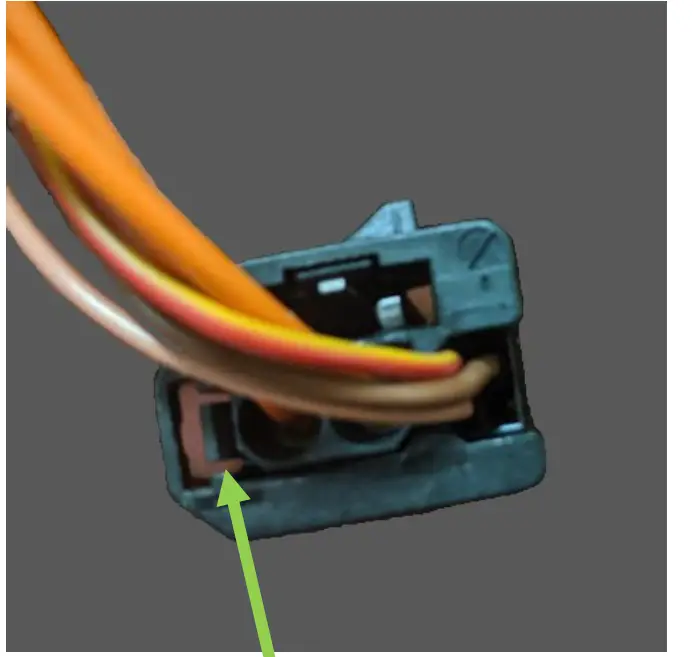
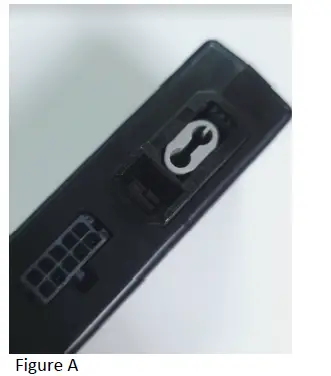
Step 1: Using a pick tool, carefully pull this tab towards the outside edge, then gently pull the fiber optic cable from the connector. (The fiber optic cables are in a plastic insert and will not come apart)
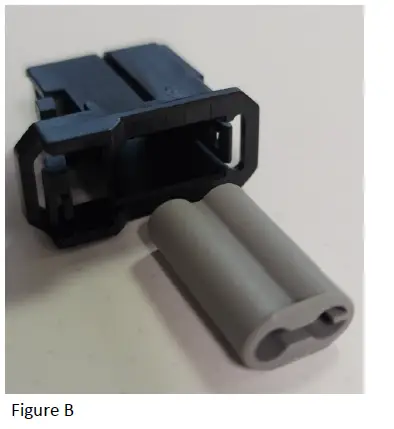
Step 2: Remove the plastic insert from the fiber module (Fig a.), remove the gray dust cover (Fig b.), and insert the fiber cables, then plug the connector back in to the fiber decoder.