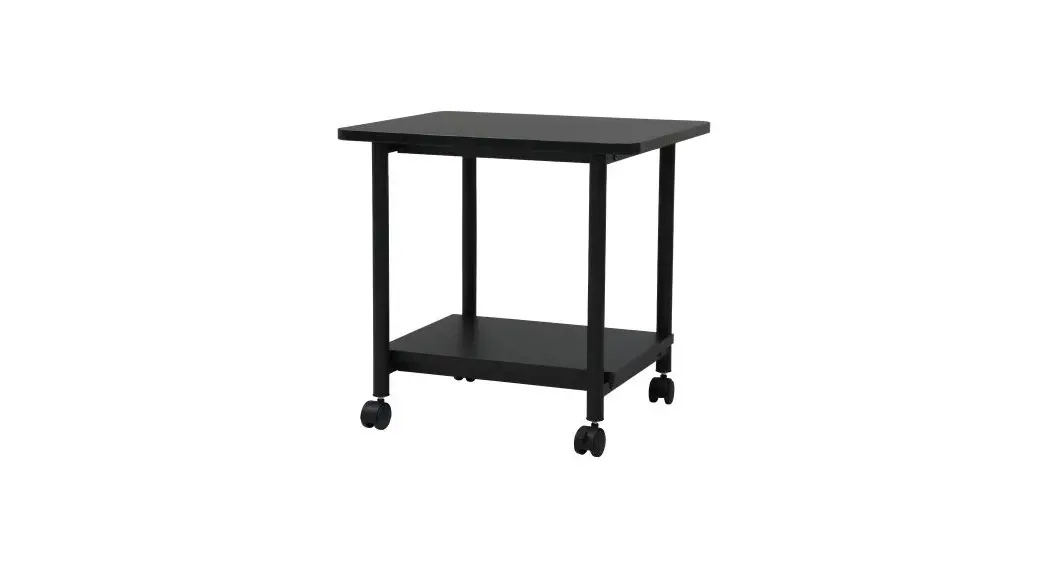
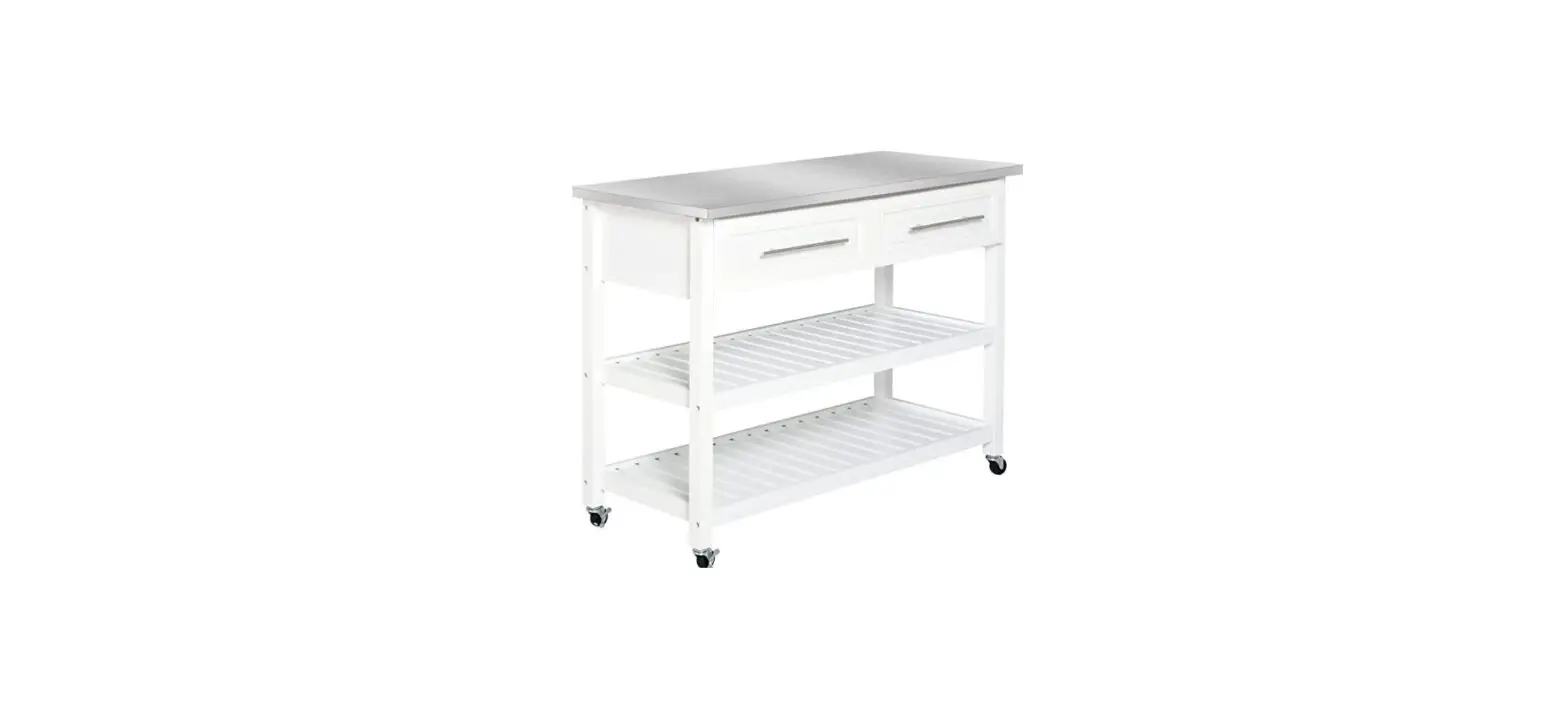
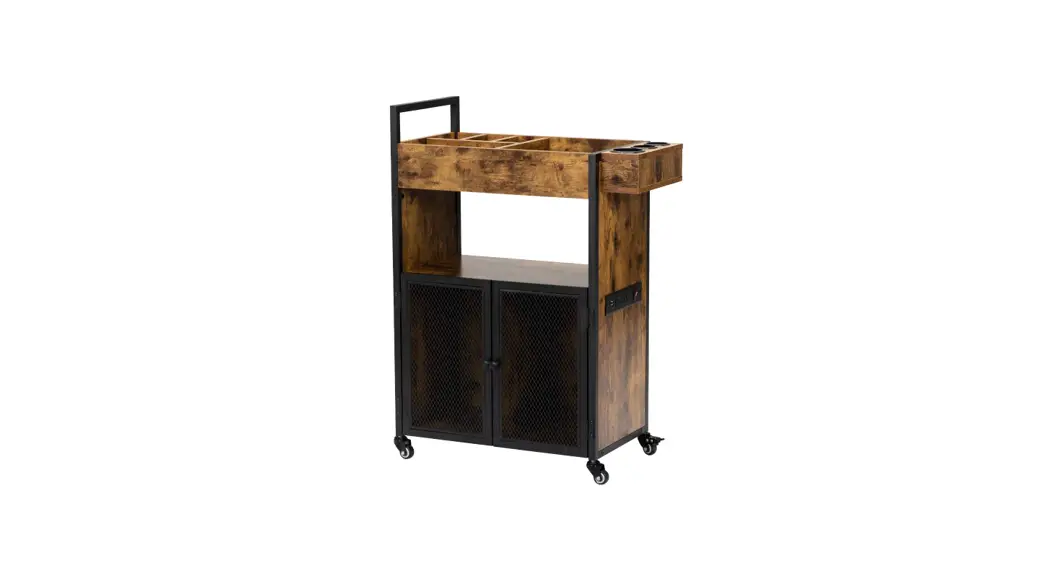
WEB721 Under the Desk Storage-Printer Cart
Product Information
Product Name: Under the Desk Storage – Printer
Cart
Model Number: WEB721
Dimensions: 21in L x 16in W x 17.78in H
Weight Capacity: 50 lbs
Weight: 20.29 lbs
Assembly Instructions
- Secure both of the support bars (Parts 4) to the cart top (Part
1) by using 4 x screws (Part A). - Line up spacers (Part C) between left frame (Part 2) and
support bars (Part 4). Then secure frame to top piece by inserting
screw (Part B) using Allen wrench (Part D). - Line up spacers (Part C) between left frame (Part 2) and bottom
tray (Part 6). Then secure frame and tray by inserting screw (Part
B) using Allen wrench (Part D). - Repeat steps 2 and 3 to attach right frame (Part 3) to the
cart. - Once all screws are secure and tight, place the cart upside
down and use the wrench (Part F) to screw in the 4 x casters (Part
E).
Usage Instructions
- Step 1: Follow the assembly instructions
provided above to assemble the printer cart. - Step 2: After assembly, ensure that heavier
items are placed on the lower shelves and lighter ones on top. Do
not stand or sit on the unit, and avoid dropping items onto it.
Evenly distribute items within the unit to prevent tipping
over.
Customer Service Information
Telephone: (800) 323-5565
Fax: (310) 533-3899
Hours: 8:30 AM – 4:30 PM (PST)
Email: [email protected]
Homepage: www.SevilleClassics.com
Under the Desk Storage- Printer Cart
WEB721
Thank you for choosing Seville Classics! We hope that you enjoy your new Utility Cart. Please read through this user guide for parts, assembly instructions, frequently asked questions and contact information
042023
Parts List
1
A
(.86″ X 22mm ) X4 X1
2
3
B
( .98″ X 25mm ) X8
X1
X1
C
4
X8
X2
D
5
X1
E
X1
X4
6
F
X1
X1
Please make sure you have all the parts on the list.
If you’re missing parts, contact us for replacements at (800) 323-5565 or send an email to [email protected]
1
Assembly Instructions Step 1
4 B
2
C
1 A 3
6
E
1. Secure both of the support bars (Parts 4) to the cart top (Part 1) by using 4 x screws (Part A).
2. Line up spacers (Part C) between left frame (Part 2) and support bars (Part 4). Then secure frame to top piece by inserting screw (Part B) using Allen wrench (Part D).
3. Line up spacers (Part C) between left frame (Part 2) and bottom tray (Part 6). Then secure frame and tray by inserting screw (Part B) using Allen wrench (Part D).
4. Repeat steps 2 and 3 to attach right frame (Part 3) to the cart. 5. Once all screws are secure and tight, place the cart upside
down and use the wrench (Part F) to screw in the 4 x casters (Part E).
2
Step 2
1
5 2
3 6
a6l.iOgnnctheecadsrtaewrseraroenstoectuhree,gtliildteths eanddrapwuesrh(Pthaertd5r)aswliegrhitnly. and
CAUTION: PLACE HEAVIER ITEMS ON THE LOWER SHELVES AND
LIGHTER ONES ON TOP. DO NOT STAND OR SIT ON UNIT. DO NOT DROP ITEMS ONTO UNIT. EVENLY DISTRIBUTE ITEM WITHIN THE UNIT TO PREVENT TIP OVER.
042023
Specifications
Dimensions: 21in L x 16in W x 17.78in H Weight capacity: 50 lbs. Weight: 20.29 lbs.
Customer Service Information
Telephone: (800) 323-5565 Fax: (310) 533-3899
Hours: 8:30 AM – 4:30 PM (PST) Email: [email protected] Homepage: www.SevilleClassics.com
 Seville Classics