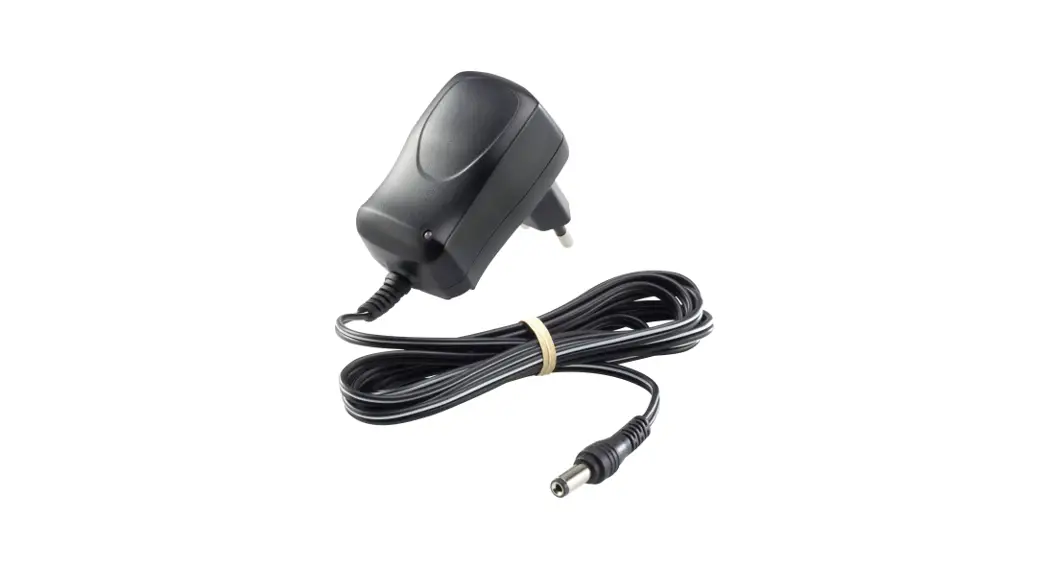
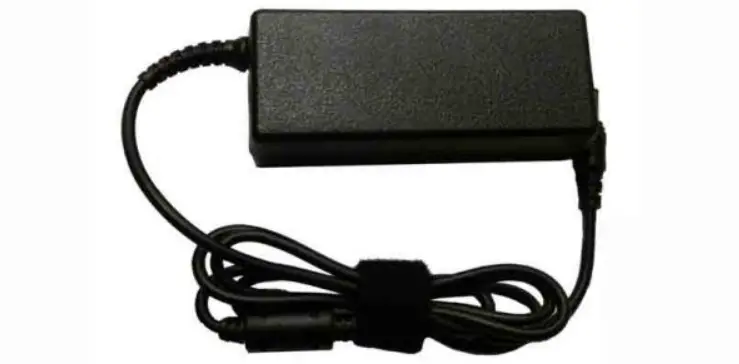
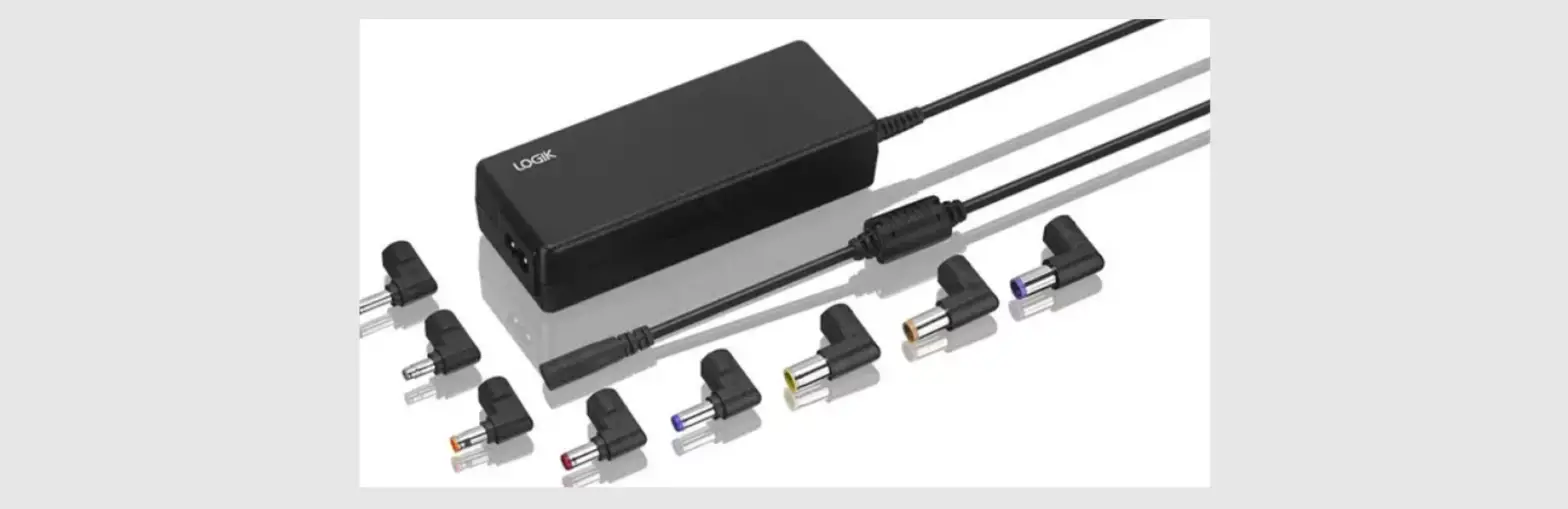
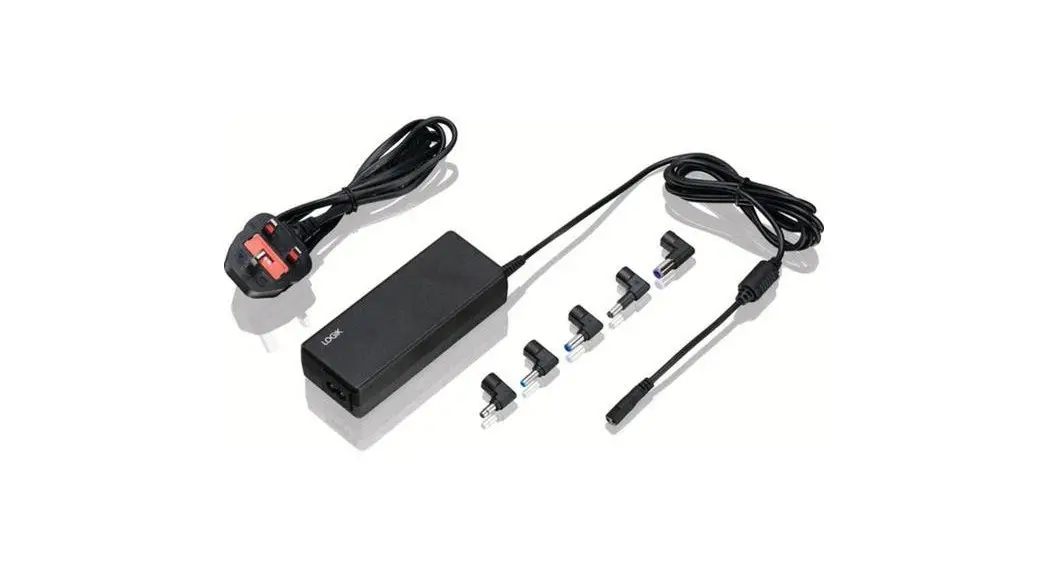
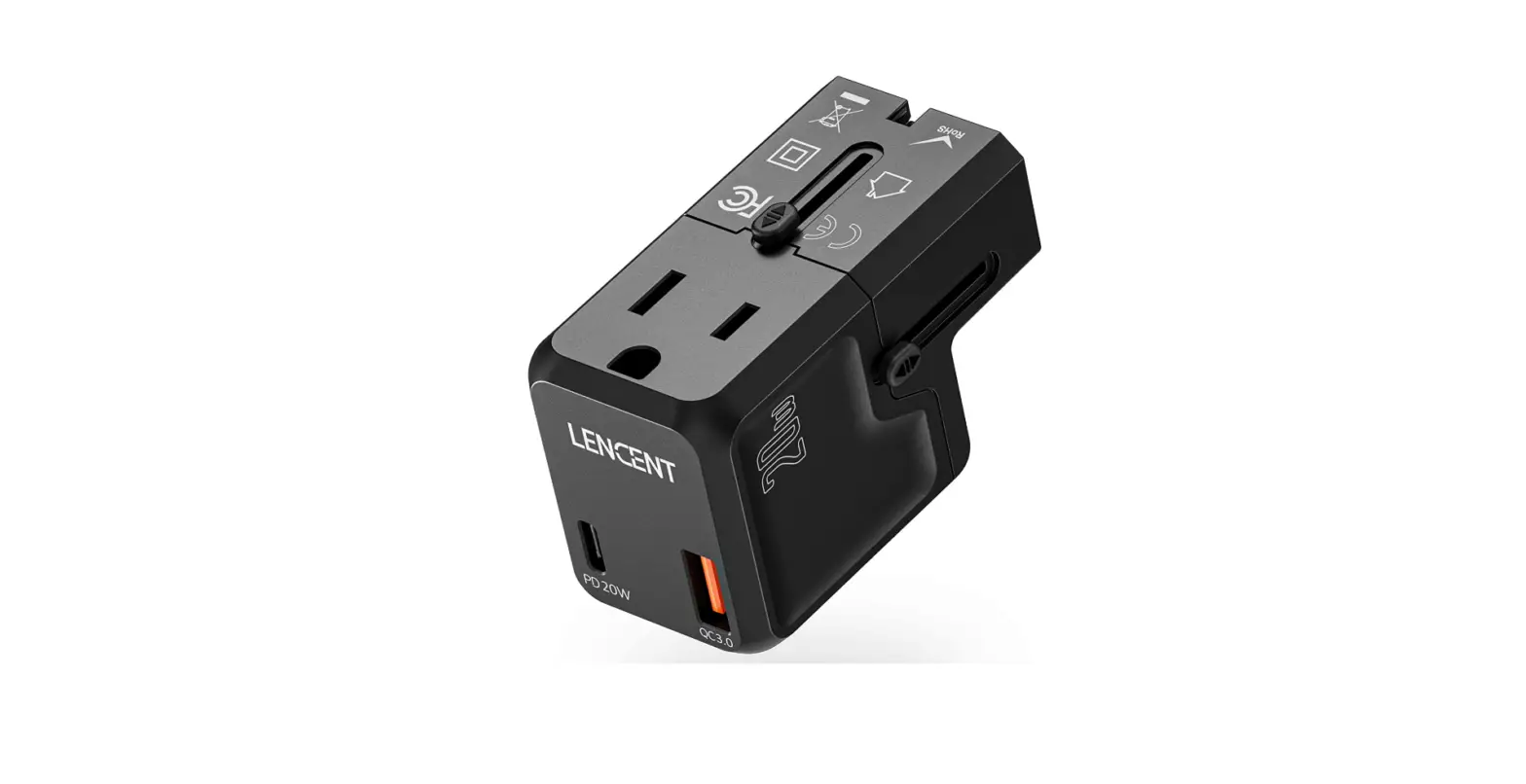
E5-A3-B3 12W Interchangeable Power Adapter
Product Information:
This product is a versatile and user-friendly device designed to
provide efficient performance in various applications. It offers
advanced features and functionality to enhance productivity and
convenience.
Product Usage Instructions:
Follow the steps below to properly use this product:
- Ensure that the product is connected to a power source using
the provided power cable. - Refer to the user manual for specific instructions on how to
set up and configure the product for your desired application. - Once the product is properly set up, familiarize yourself with
the control panel and interface. - Use the provided remote control or buttons on the device to
navigate through the menu options and select desired settings. - For input/output connections, refer to the user manual for the
appropriate ports and cables to use. - Make sure to follow safety guidelines when connecting and
disconnecting cables. - If using the product for audio or video playback, ensure that
the necessary media files are stored on compatible devices or
inserted into appropriate media slots. - Adjust any necessary audio or video settings using the
on-screen menu or remote control. - To power on/off the product, use the designated power button or
remote control function. - Regularly clean and maintain the product according to the
instructions provided in the user manual to ensure optimal
performance and longevity.
Please note that this is a general guide. For specific
instructions and detailed information, refer to the user manual
accompanying the product.
32:(56833/<
)($785(6
,QSXW$&9a+] ,QWHUFKDQJHDEOHSOXJV86(8$88..5SOXJ 3RZHU:::VHUHLV 2YSRFSVFSDQG2YHUORDGSURWHFWLRQ 5LSSOHP9 (IILFLHQFOHYHO9, ‘LPHQVLRQ
PPH[FOXGHSOXJ 2XWSXWFDQEHFDEOHDWWDFKHGRU86%$SRUW
6$)(7<
6$)(7< 6DIHW6WDQGDUG 6DIHW$SSURYDO (0&6WDQGDUG
07%)
8/,(&(1,(&,(& 8/F8/&()&&8.&$36(&%6$$.&789
(0&(0,66,21(1FODVV%&,635(1($&737& (0&,0081,7<(1(1OLJKWLQGXVWUOHYHOFULWHULD$($&737& .K U VP L Q 0 , / + ‘ % . )
02′(//,67
:81,9(56$/6(5,(6
02′(/,138792/7$*(
6.*= 6.*= 6.*= 6.*= 6.*= 6.*=
9$& 9$& 9$& 9$& 9$& 9$&
32:(5
287387 92/7$*(
:
9
:
9
:
9
:
9
:
9
:
9
287387 &855(17
$ $ $ $ $ $
3/8*7<3(
86(8$88. 86(8$88. 86(8$88. 86(8$88. 86(8$88. 86(8$88.
:81,9(56$/6(5,(6
02′(/,138792/7$*(
6.*= 6.*= 6.*= 6.*= 6.*=
9$& 9$& 9$& 9$& 9$&
32:(5
287387 92/7$*(
:
9
:
9
:
9
:
9
:
9
287387 &855(17
$ $ $ $ $
3/8*7<3(
86(8$88. 86(8$88. 86(8$88. 86(8$88. 86(8$88.
0HFKDQLFDO’LDJUDP 863/8*
$863/8*
$GDSWHU0HFKDQLFDO
32:(56833/<
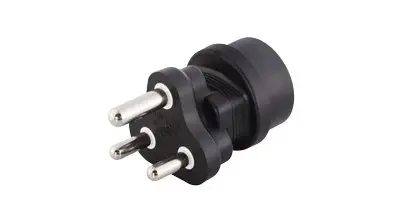
(83/8*
8.3/8*