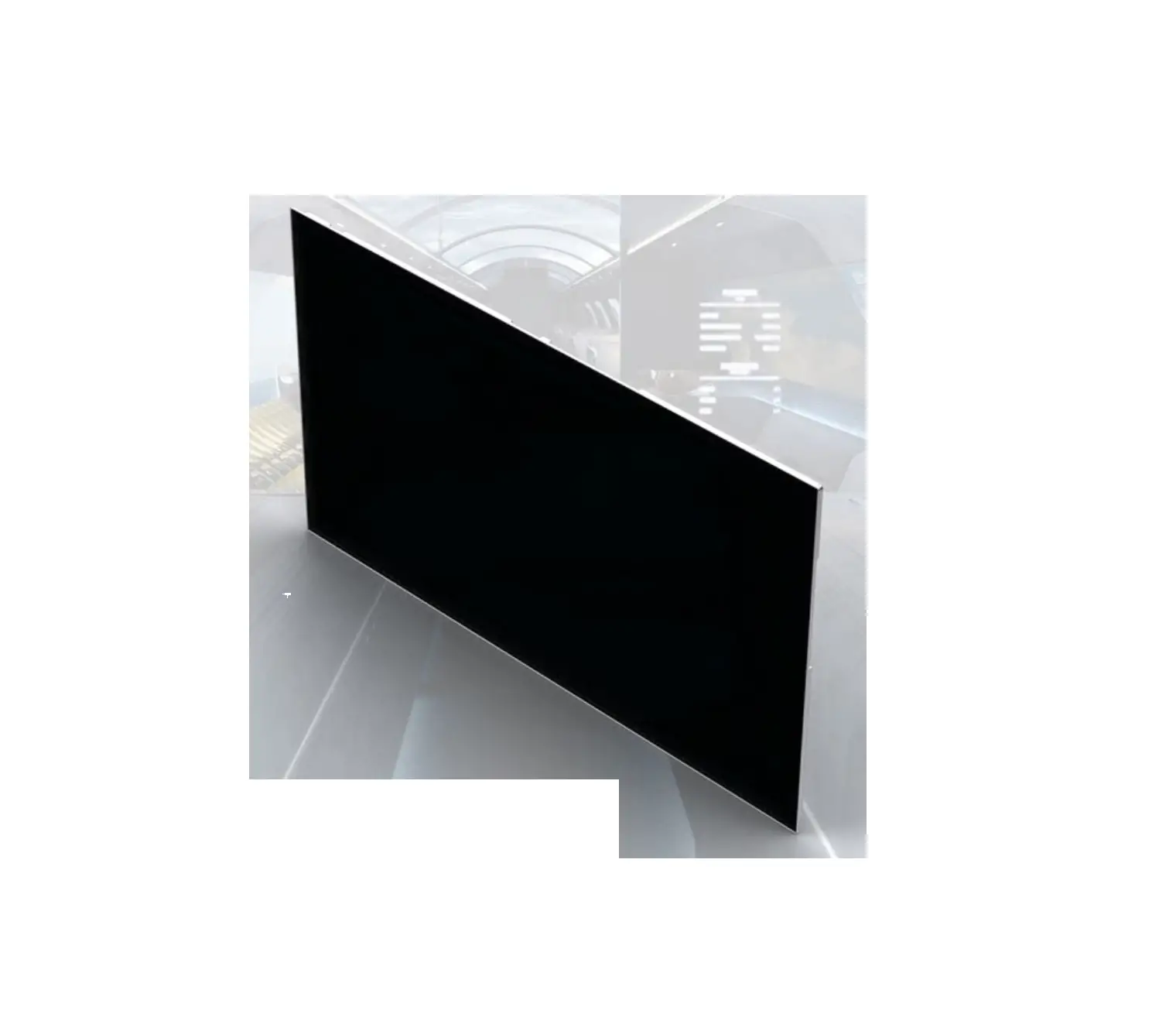
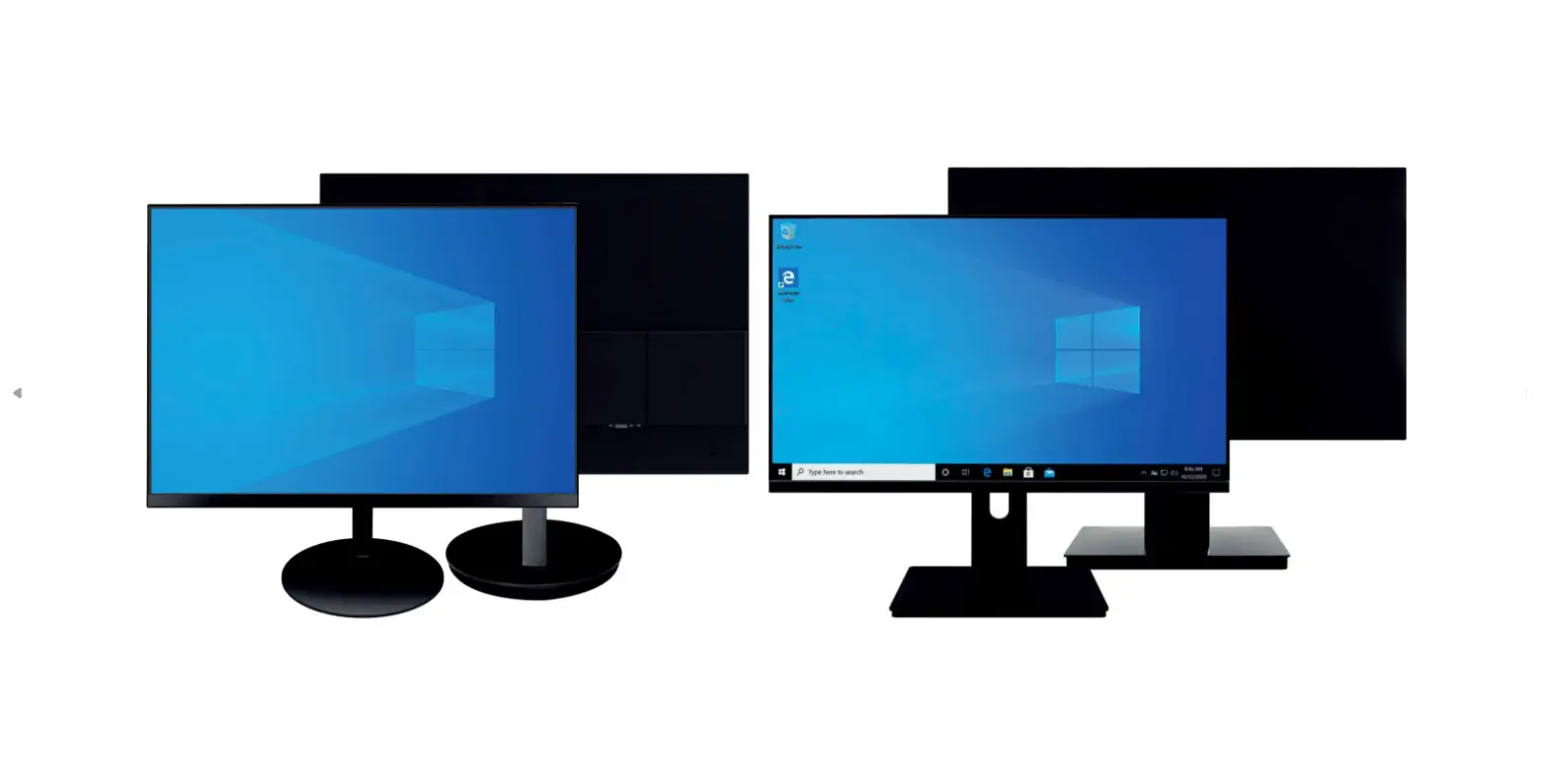
PDL110 9.7 Inch Customer Display
Product Information
PDL110 Manual
The PDL110 is a colorful TFT LCD Display that supports more than
250 Nits of brightness. It provides clear and effective information
for users. The VGA type does not support automatic setting (DDC-2)
and the resolution screen must be set manually before operating.
The OSD language only supports English.
Features
- Brightness: 250 nits for vivid images
- Equipped with a brightness 250 nits LCD panel
- High-performance marketing tool with the lowest cost on the
market
Interfaces
- USB Interface: USB cable can get power from the connected
system, eliminating the need for a power supply or adapter - VGA/HDMI Interface: Requires a power supply to support either
VGA or HDMI port
Specification
- Display Size: Technical Solutions
- Interface: USB, HDMI/VGA
- Resolution: Depends on manual setting
- Power Supply: Depends on interface type
- Display Area: Depends on display size
- Display Type: TFT LCD
- Back Light: White
- Luminance: 250 nits
- Response time: Depends on technical solutions
- Viewing Angle: Depends on technical solutions
- Temperature: Depends on operating conditions
- Safety Standard: Not specified
Product Usage Instructions
PDL110U USB Interface
- Apply the USB driver from the installation disc without
connecting the USB cable to your PC device. - After finishing the USB driver installation, connect the USB
cable to your PC device and power on the PDL110U. - In the DEVICE MANAGER, a new USB device port should
appear. - Right-click on the desktop and select “Screen Resolution.” The
second display should be successfully installed. - You can find the USB Display icon on the lower right corner of
the desktop.
PDL110VH-12 VGA/HDMI Interface
- Connect the USB cable and VGA/HDMI cable to your PC device and
power on the PDL110VH-12. - Right-click on the desktop and choose “Screen Resolution.” The
second display should be successfully installed. Select the
recommended resolution for the second display.
USER MANUAL PDL110 Manual
PDL110
9.7″ Customer Display
PDL110 Manual
Contents
Product Introduction……………………………………………………………………………………………………………….. 3 Features …………………………………………………………………………………………………………………………………… 3 Specification…………………………………………………………………………………………………………………………….. 4 Product Overview ……………………………………………………………………………………………………………………. 5 Installation ………………………………………………………………………………………………………………………………. 6
PDL110U USB Interface…………………………………………………………………………………………………………….. 6 PDL110VH-12 VGA/HDMI Interface……………………………………………………………………………………………. 7
PDL110 Manual
Product Introduction
PDL110 Is a colorful TFT LCD Display, this display supports more than 250 Nits of brightness, which can provide clear and effective information for your users. PDL110 VGA Type does not support (DDC-2) automatic setting, the resolution screen must be set manually before operating. OSD language only supports English.
Features
Brightness 250 nits makes the image more vivid. 3nStar PDL110 is equipped with brightness 250 nits LCD panel, which makes your shop more vivid and energic. With PDL110, you could present your information for customer in various ways. For example, during the payment handling time, your customer can see all information you display on the panel. The PDL110 is a high-performance marketing tool with the lowest cost on the market.
Interfaces PDL110 has 2 kinds of interface, HDMI/VGA, and USB. When PDL110 is USB Interface, Its USB cable could get power from the system you are connected with, so you are no longer in need of a power supply or adapter to power up your display. This way it will be much easier for cable organization. For the PDL110, if the product has VGA or HDMI PORT, the product must have a power supply to support either or.
Specification
PDL110 Manual
Display Size Technical Solutions Interface Resolution Power Supply Power Display Area Display Type Back Light White Luminance Response time Viewing Angle Temperature Safety Standard
9.7 inch wide Display Link USB/VGA/HDMI 1024 x 768 5v/12v 3W 197 (H) X 148 ( V ) MM 4:3 High brightness TFT LCD (Digital Panel) LED 250 Nits 25 MS 350 (Horizontal ), 60 ( Vertical ) Operation: -20c -45C FCC, CE, ROHS
Product Overview
PDL110 Manual
1. Power Switch 2. Menu Selection 3. UP 4. Down 5. Automatic Adjustment
Installation
PDL110 Manual
PDL110U USB Interface
1. Please apply the USB driver in the installation disc first WITHOUT connecting the USB cable to your PC device. 2. After finished the USB driver installation, please connect the USB cable to your PC device. Then power on your PDL110U. 3.Then you can see, there will be a new USB device port showed up in your DEVICE MANAGER.
Right click your mouse on desktop, then select the “Screen Resolution” column. You could see the second display is already successfully installed.
4. Now you could find the “USB Display” icon on the lower right corner of desktop.
· Here is the function introduction of Display Manual: You could apply all the setting of Screen Resolution here.
· Check for update: It will connect to Display Link Website and check if there is any new software
PDL110 Manual
PDL110VH-12 VGA/HDMI Interface
1. Please connect the USB cable and VGA/HDMI cable to your PC device. Then power on your PDL110VH-12.
2. Right click your mouse on desktop, then choose the “Screen Resolution”, you could see the second display is already successfully installed choose the recommended resolution for the second display.
 3nStar | Best POS/AIDC Products. – 3nStar manufacture technology and solutions for retail and automatic data collection. Giving companies the visibility of their businesses needed to increase productivity and profits.