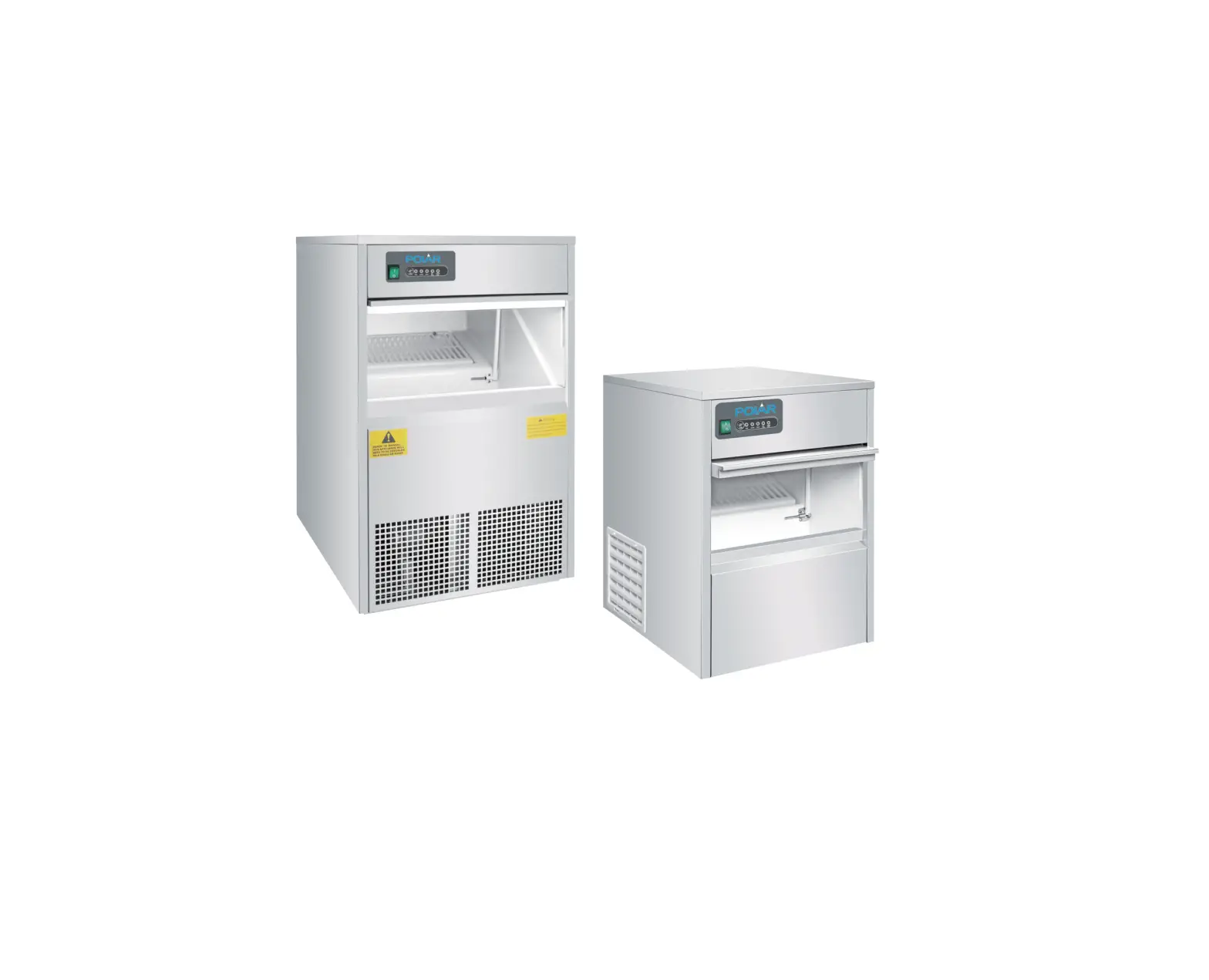
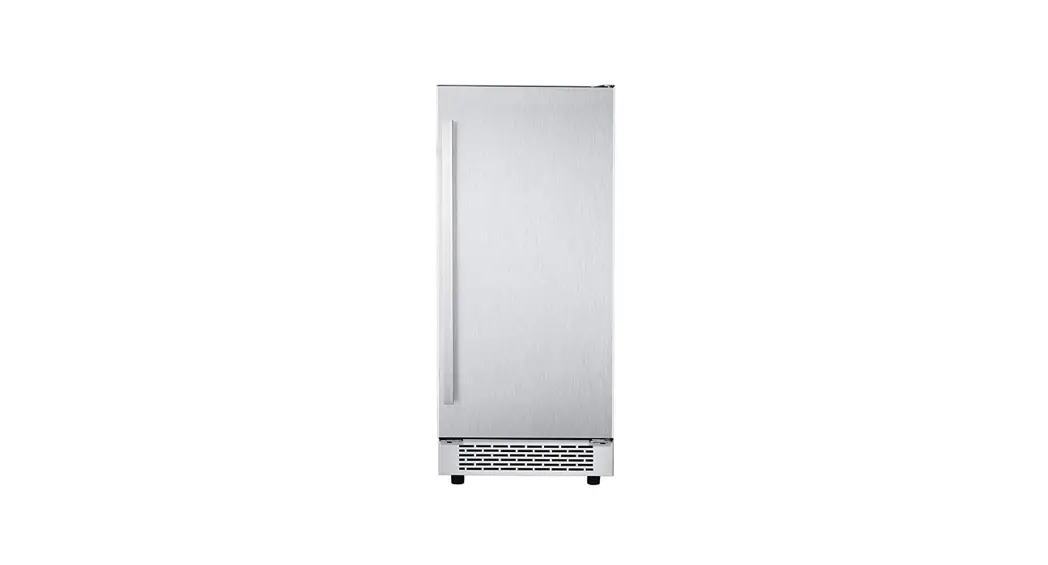
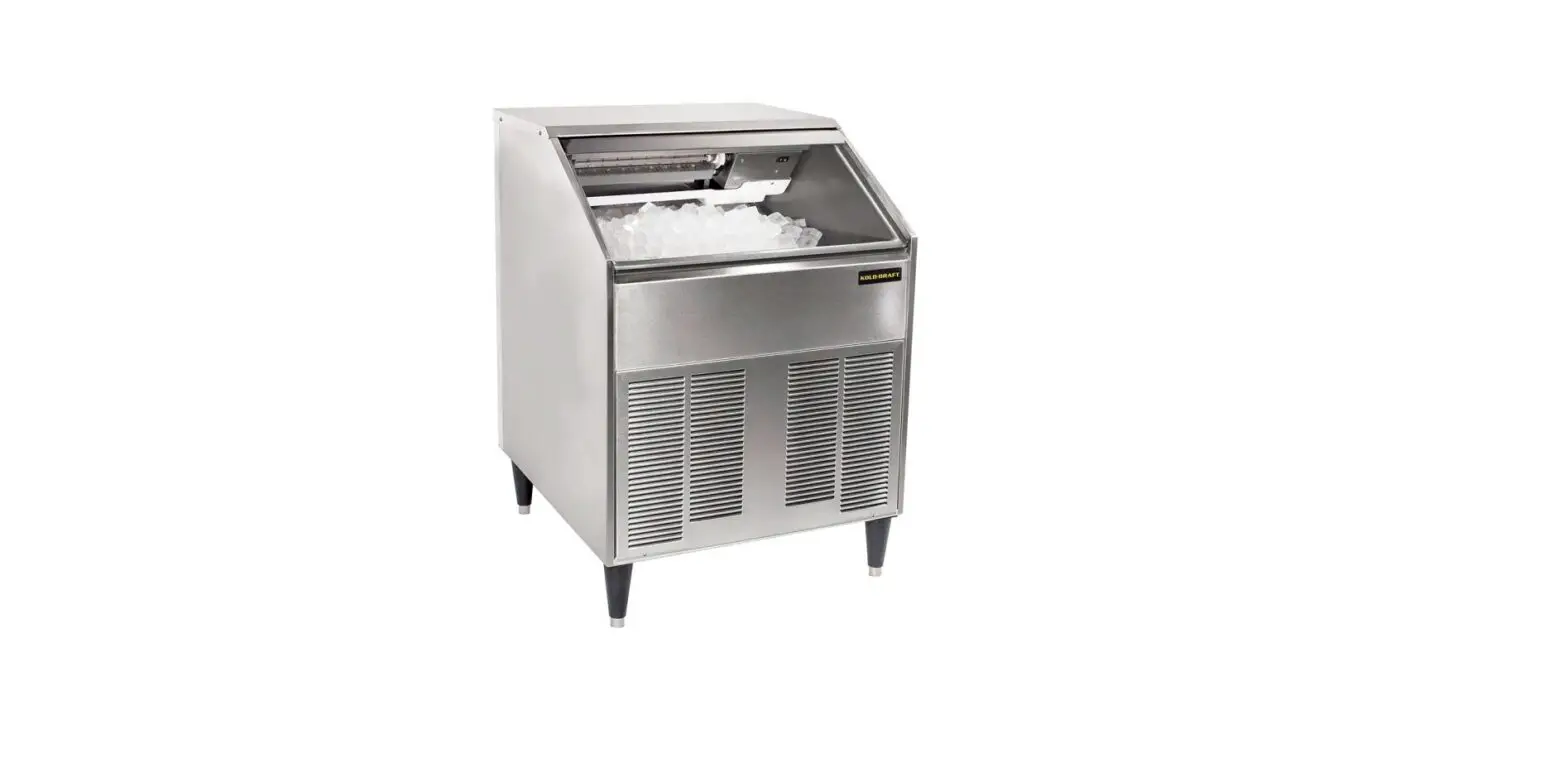
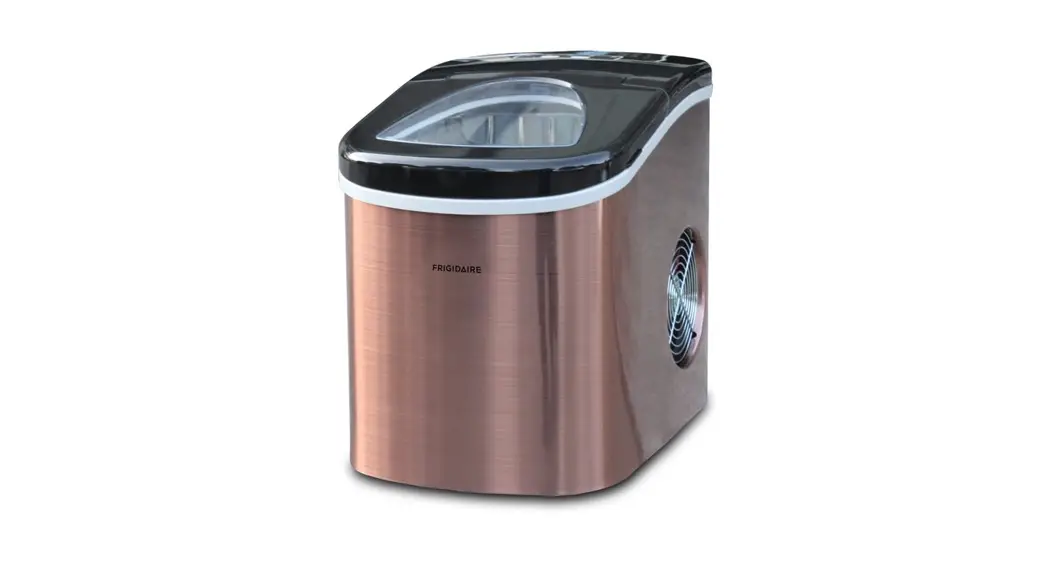
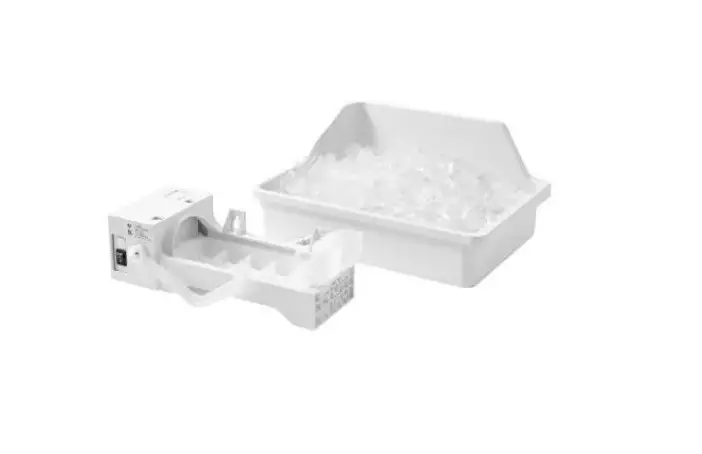
TC57 Ice Makers
Ice Makers User Manual
Product Information
- Location: The ice machine must be located inside a
temperature-controlled room. Running the ice machine outdoors or in
an area where the temperature can exceed the working limits may
harm the machine and void your warranty. Ice machines are designed
and built with the highest respect for security. - Side Ventilation: If the unit is located in an area with no
side ventilation, the ice maker may not work properly. Leaving
enough room around the unit will allow it to work properly. The ice
production capacity is directly related to the condenser air delta
temperature, water temperature, states of the condenser air
channel, and age of the machine. - Installation: Always have your Ice Maker installed by an
Authorized Service. Your manufacturer’s warranty may become void if
the Ice Maker is installed by a third-party service. - Environment-friendly: This product has been manufactured in
environment-friendly modern facilities without harming the
environment.
Product Usage Instructions
- Safety Warnings:
- Always plug in your product to a grounded power outlet.
- Your ice maker is designed to operate at the voltage shown on
the Technical Table. - Comply with European directive 2002/96/EC on recycling for
waste disposal. - Caution! This contains information necessary for prevention of
serious hazards which may cause the product to become
dysfunctional, or may cause injury or loss of life and property
during the use of the product. - Warning against electric shock. This indicates explanatory and
facilitating information related to the use of the product.
- General Outlook and Technical Specifications:
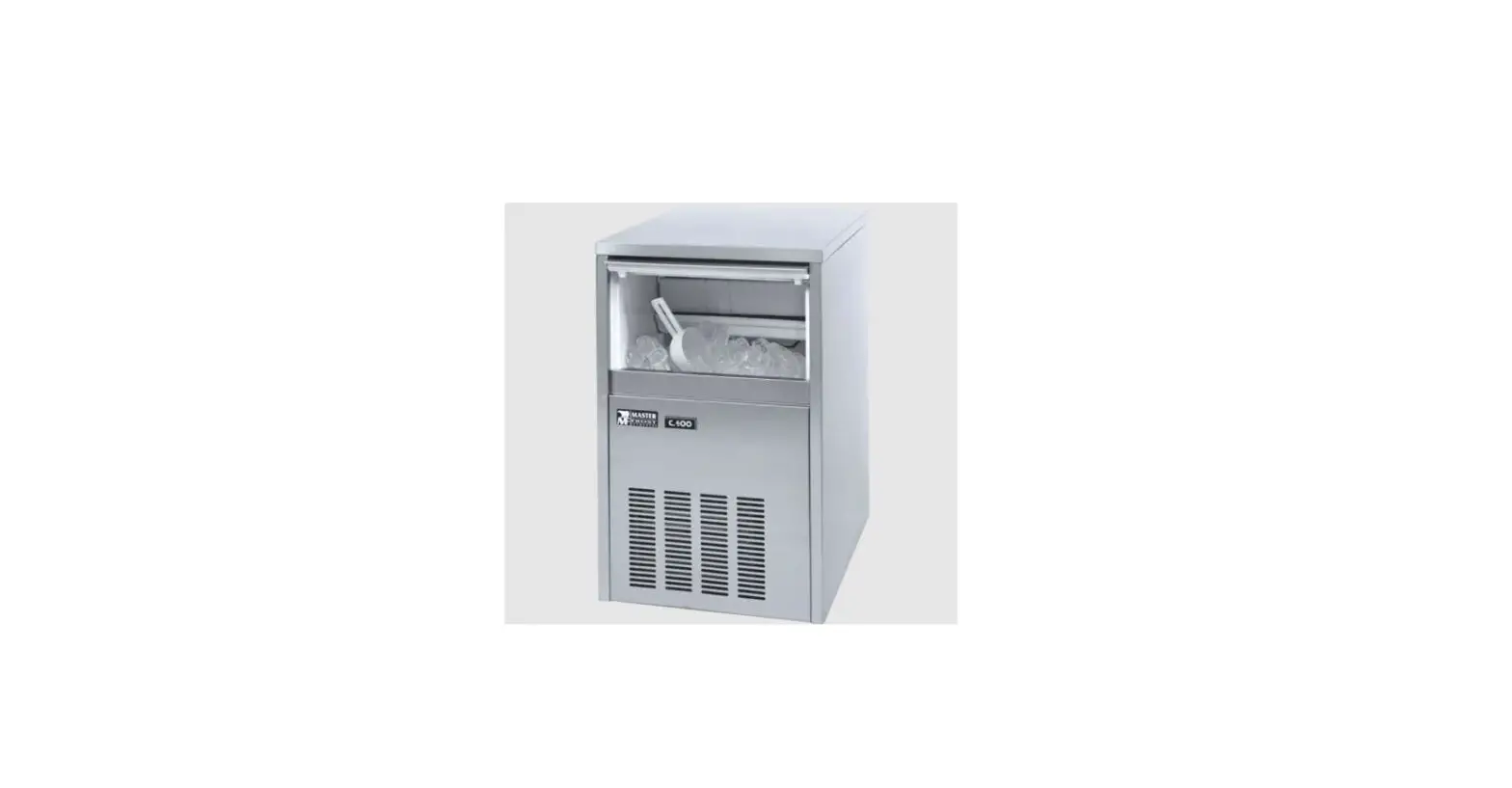
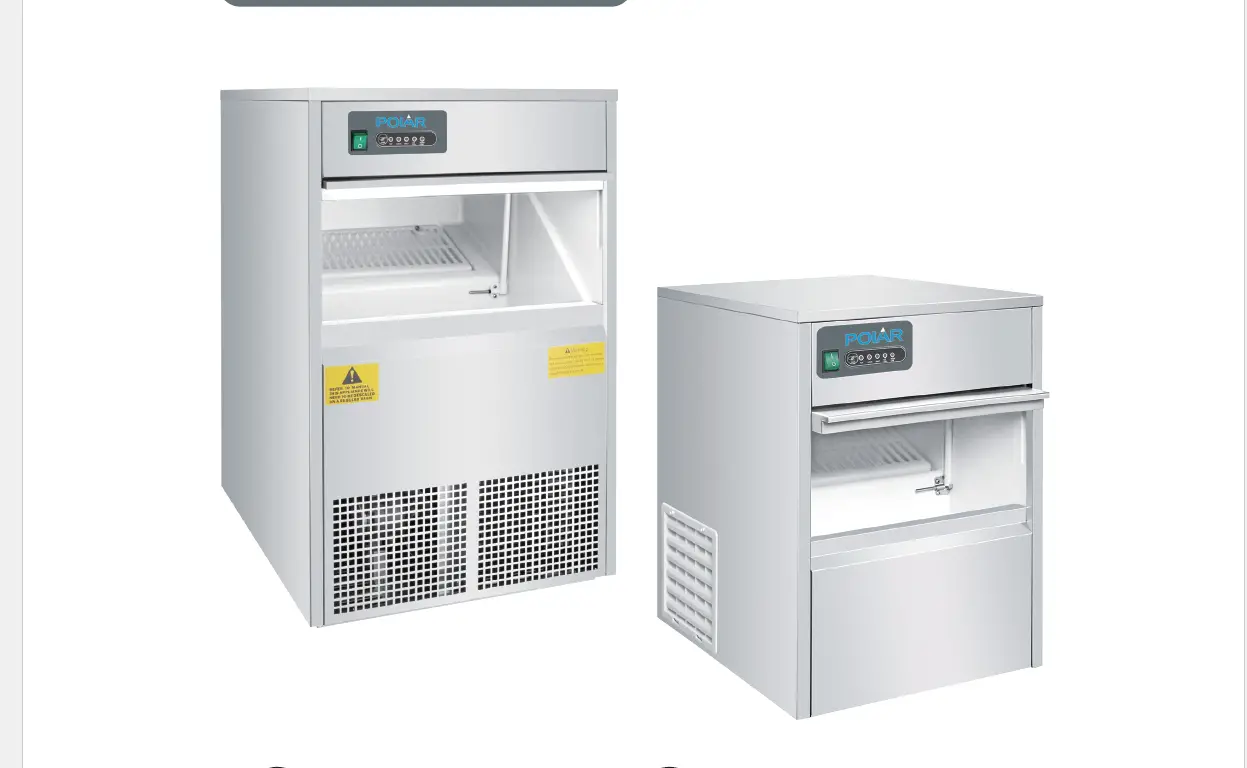
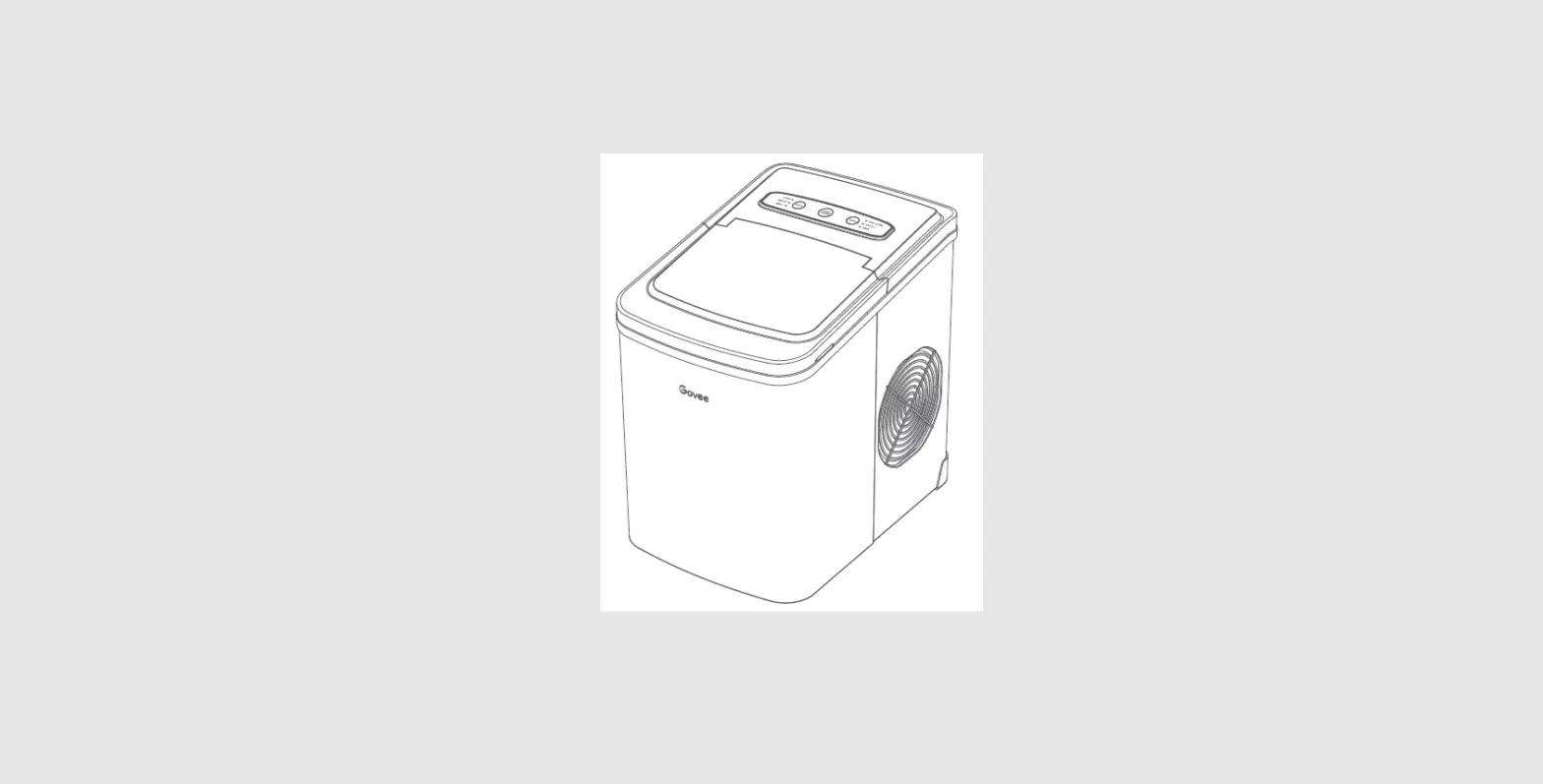
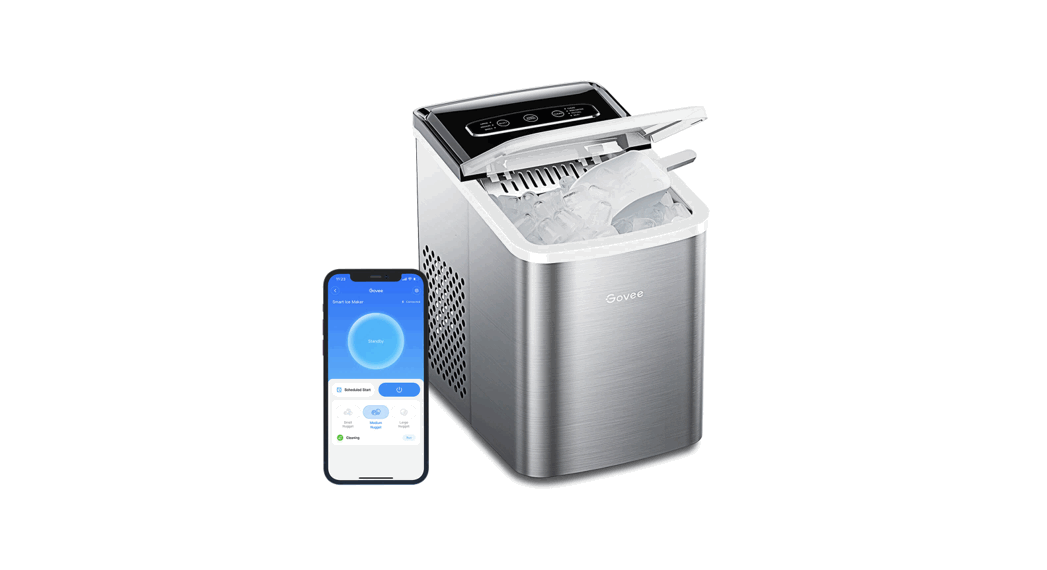
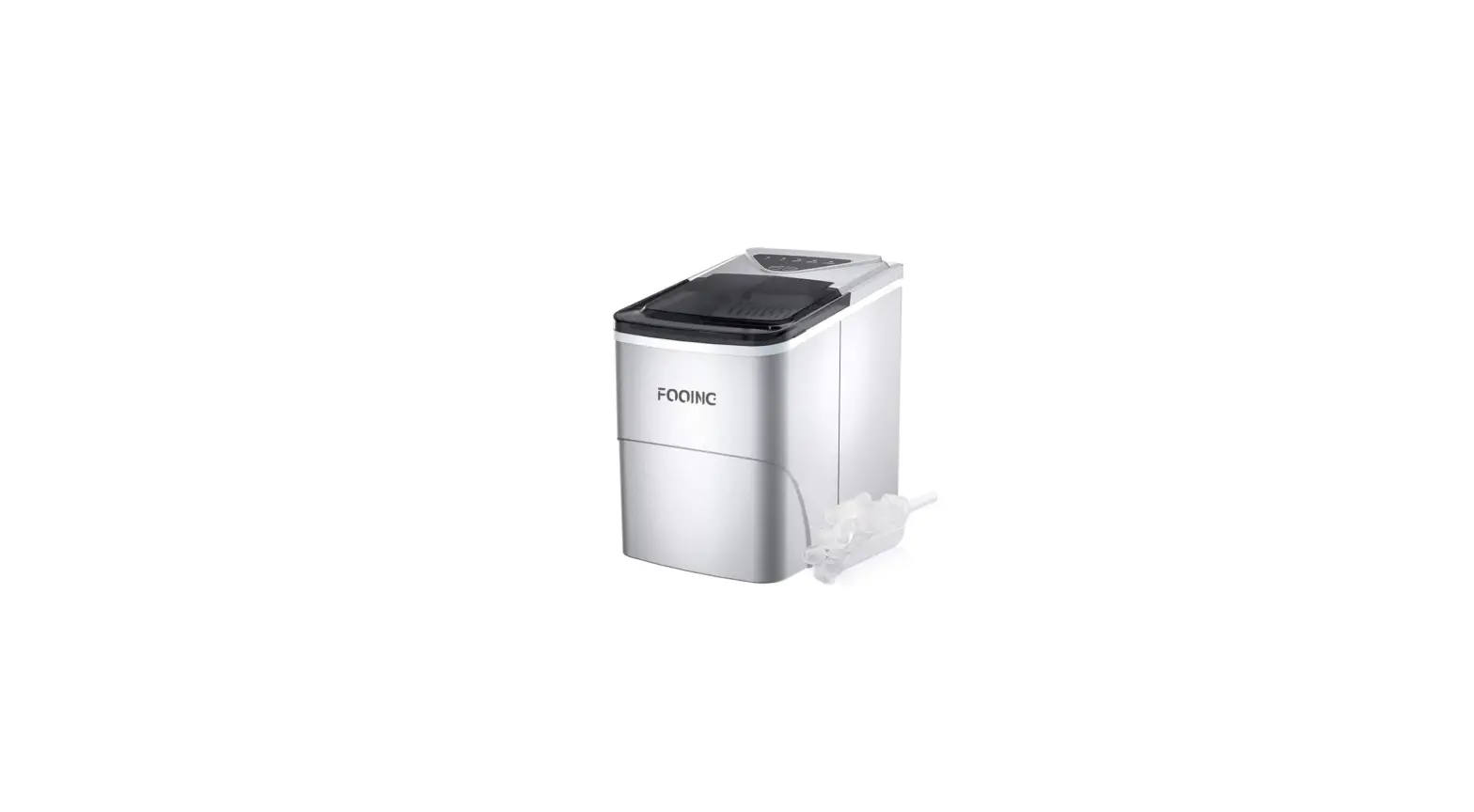
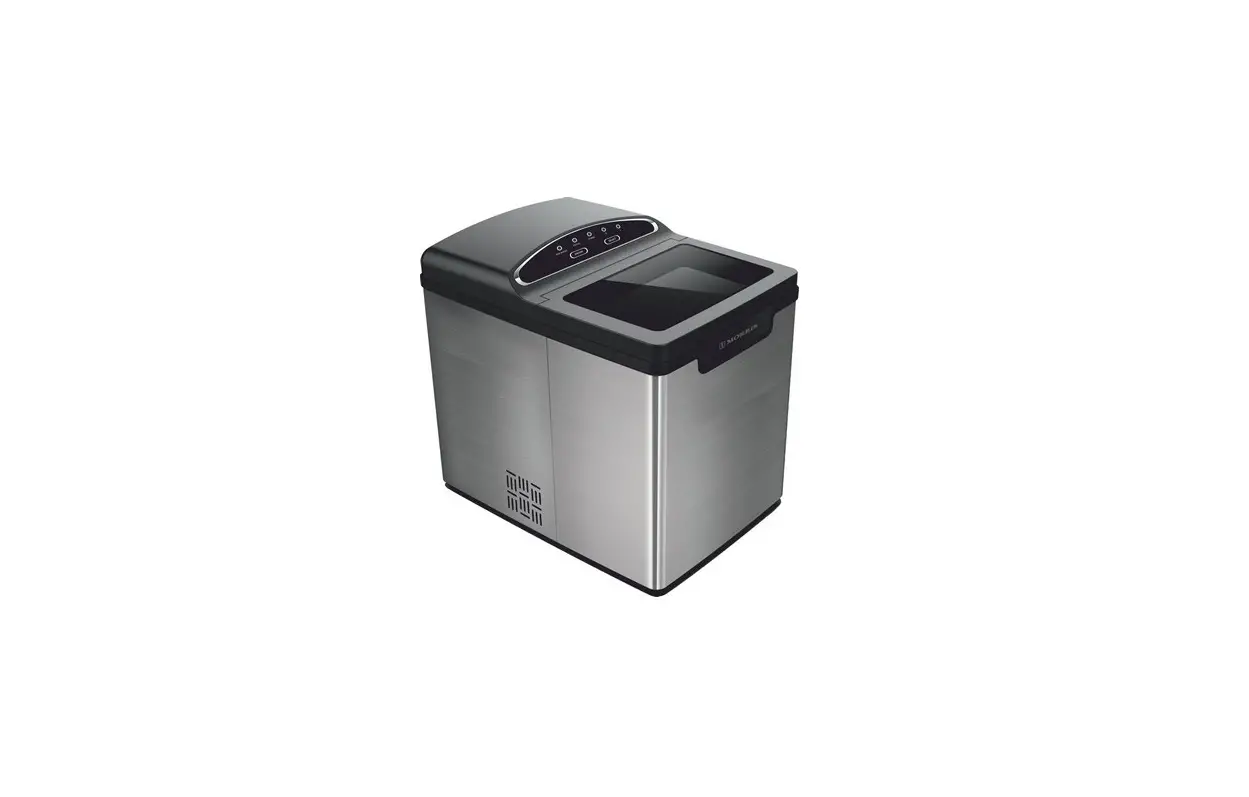
- Ice Storage Bin Lid
- Stainless Steel Cabinet
- Ventilation Filter
- Multifunction Button Group
- Adjustable legs (varies according to product models)
- Installation of Your Ice Maker
- Operating Instructions
- Cleaning and Maintenance
- Troubleshooting
- Warranty Information
Note: This User’s Manual has been issued for several models.
Some features mentioned in this manual may not be available on your
product.
Technical Table
| Product Code | Refrigerant Gas | Production Capacity (kg) | Storage Capacity (kg) | Ice Capacity Per Cycle (Unit) | Ice Type | Cooling System | Climate Class | Voltage | Maximum Power | Daily Electric Consumption | Fuse ** | Product Weight (kg) | Product Dimension (w*d*h) | Packing Dimension (w*d*h) | Loading Quantities (20DC) | Loading Quantities (40HC) | Loading Quantities (Tr.-Optima) |
|---|
Ice Makers User Manual
01
02
Max 5 Bar Max 1 Bar
03
04
05
06
On-Off
Temizlik Cleaning
07
08
20 cm
10 cm
10 cm
Location: The ice machine must be located inside temperature controlled room. Running the ice machine outdoors or in an area that the temperature can go outside of the working limits may harm the machine, and your warranty may become void. Ice machines are designed and built with the highest respect for security.
Location: In case the unit is located in an area with no side ventilation, ice maker does not work properly. Leaving enough room around the unit will allow the unit work properly. Normal ice-production capacity is directly relevant with the condenser air delta temperature, water temperature, states of the condenser air channel and age of the machine.
Dear Customer,
Please always have your Ice Maker installed by an Authorized Service. Your manufacturer’s warranty might become void in the case your Ice Maker
has been installed by a third party service.
NOTE: This User’s Manual has been issued for several models. Some features mentioned in this manual (indicated by *) may not be available
on your product.
“READ THE INSTRUCTIONS BEFORE ASSEMBLING OR USING THIS ICE MAKER.”
This product has been manufactured in environment-friendly modern facilities without harming the environment
TABLE OF CONTENTS
Chapter 01….. Safety warnings Chapter 02….. General Outlook and Technical Specifications Chapter 03….. Installation of Your Ice Maker Chapter 04….. Operating Instructions Chapter 05….. Cleaning and Maintenance Chapter 06….. Troubleshooting Chapter 07….. Warranty Information
Chapter 01. Safety warnings
1. Always plug in your product to a grounded power outlet. 2. Your ice maker is designed to operate at voltage shown on Technical Table.
Running the product at a different voltage may cause the product to become dysfunctional or even may cause fire. 3. Do not place your ice maker next to any heat source. 4. Set up your ice maker at a humidity-free location and with un-obstructed air circulation around the unit. 5. After the installation is done, do not move your ice maker and wait for at least two hours to start it. 6. Make sure you cleaned the inside surface of your product before first use. 7. Do not use power strips or extension cords to run your product. 8. Protect the power cord against hot surfaces. 9. Do not let un-trained and/or unsupervised children younger than 8 years old operate your ice maker. 10. The cleaning and maintenance of the device should not be made by children unless they are under supervision. (Whoever wrote this must have had a bad experience or trouble with children)
NOTE This product bears (AEEE/WEEE) classification symbols indicating waste electric and electronic equipments. Accordingly, the user must comply with the European directive 2002/96/EC on recycling for the purpose of minimizing the impact of the waste product on the environment. It is recommended to communicate with local authorities about waste disposal.
Caution! This contains information necessary for prevention of serious hazards which may cause the product to become dysfunctional, or may cause injury or loss of life and property during the use of the product.
Warning against electric shock. This indicates the explanatory and facilitating information related to use of the product.
Chapter 02. General Outlook and Technical Specifications
Ice Storage Bin Lid
Stainless Steel Cabinet Ventilation Filter
Multifunction Button Group
Adjustable legs*
Small differences in color and other variations are possible for different visualization, imaging technologies or other technical reasons. The manufacturer is not liable for these differences and deviations. No rights can be obtained due to typographical errors, product descriptions or obvious errors on the website.
* Adjustable legs can vary according to product models.
Technical Table
Product Code Refrigerant Gas Production Capacity (kg) Storage Capacity (kg) Ice Capacity Per Cycle (Unit) Ice Type Cooling System Climate Class Voltage Maximum Power Daily Electric Consumption Fuse ** Product Weight (kg) Product Dimension (w*d*h) Packing Dimension (w*d*h) Loading Quantities (20DC) Loading Quantities (40HC) Loading Quantities (Tr.-Optima)
FR30 R290
26 8 18 Gourmet Air T 230V-50Hz 350 W 5,9 kW 10 A 30 390*515*640 450*575*710 168 368 405
FR40 R290
37 16 36 Gourmet Air T 230V-50Hz 520 W 10,4 kW 10 A 39 500*580*690 555*635*855 72 216 279
FR60 R290
57 28 44 Gourmet Air T 230V-50Hz 550 W 14,7 kW 10 A 48 500*580*800 555*635*965 72 144 186
(*) Indicates the daily ice making capacity of the product at 20 OC Ambient and 10 OC Water Inlet temperature. (**) Check the values of the electrical network to which the product is connected.
The presence of particles in the water due to quality of the water supply and / or contamination with dirt, installation residue, burrs, slag and so on will adversely affect the operation of the ice maker. Such contamination may cause inefficient operation, no ice making, loud noises, etc. Problems with the machine due to plumbing and/or calcified water are not covered by the warranty.
Chapter 03. Installation of Ice Maker
Selection of Location for Your Product
Your product should not be in direct contact with or in close proximity to any heat source. You should leave at least 10 cm of distance if you place your ice maker next to other electrical equipment (such as ovens, computers etc,) that are considered as heat sources. If the product is to be placed next to a wall, the distance between the back surface of the product and the wall should not be less than 20 cm (See Figure-7). Do not place objects in front of the ventilation filter of your ice maker that might prevent air circulation into your product. Do not place your product outdoors. This product is designed to be used indoors.
Electrical Connection The voltage and frequency values of the main power supply have to be the same as written on the product label. If you are in doubt or need assistance, please contact the nearest Authorized Service or get help from a qualified electrician. Make sure your power outlet has been grounded. The amperage of the circuit breaker to which the product will be plugged in should be 10A**. (See Technical Table / Entry fuse section.) Do not use power strips with multi sockets or extension cords to operate your product. Water Use and Connection Your ice maker is designed to make ice cubes within the most ideal time and size. However, it is important to note that there are some things that will affect the quality of the ice produced by the machine, as well as the health of the internal components of the ice maker.
The Water Supply
Should be good for human consumption, Should have an optimum level of hardness, Should include minimal amount of chlorine.
The optimum water filters to be used on your product are available and can be purchased from your Authorized Service. Water temperature should be between 10°C and 30°C
Installation
Remove and disassemble all packaging materials of the product before installation.
The ice slide grate, waterproofing plastics and the ice scoop are provided inside the product. If any part or accessory is missing, please contact our customer services.
Clean the inner cabinet with warm water and a soft cloth before using the ice maker. Clean the ice trays with warm soapy water. Dry with a soft, cotton cloth. After placing the ice maker at the installation point, wait 2 (two) hours before operating to get the cooling system pressure stabilized. Install the parts inside the ice maker in accordance with the assembly instructions.
The cold water inlet pressure must not exceed the operating water pressure (5 Bar) indicated on the technical data sheet. If the line pressure is higher than 5 Bar, a pressure reducer must be installed.
Connect your device to the mono phase – grounded power supply of the rating indicated on the nameplate. Your device is designed to function normally within ± 10% of the main voltage. If this range cannot be provided in your local power network, it is recommended to use a voltage regulator.
If it is necessary to change the location of your ice maker, be sure to transport the unit according to the markings on the original packaging of the device.
Protect your device against factors that may damage the package and the device (moisture, water, impact, chemical, etc.).
Only Authorized Service should disassemble the device. Never interfere with the internal parts and elements of the ice-maker.
The device must be commissioned by the Authorized Service. Failure to comply with the above conditions will void your product warranty. Do not leave packaging materials (plastic bags, nylon, etc.) within the reach of
children. The manufacturer reserves the right to change the information in this manual.
Therefore; this booklet does not constitute a commitment to specifications.
Chapter 04. Use of the Ice Maker
Operating the Ice Maker
After installing your Ice Maker following the instructions above and making all necessary connections;
1. Make sure that the power outlet you are using for your ice-maker is live and has power.
2. Turn on the water. 3. Set the On-Off button at the front of your product to the On position. (When
you set it to the On position, the power light on the button will turn on.) 4. The product will automatically go into a delay-time mode for 5 minute after
it is turned on. 5. At the end of the delay-time mode, the product will start getting water and
making ice. 6. Your product will complete the ice-making cycle after a certain time,
depending on the ambient and water temperature.
NOTE In order to allow your product to make ice in the optimum dimple size and time, you need to wait for at least 2 hours after the installation, before turning on the machine.
Shutting Off The Ice Maker
Set the power button at the front of your Ice Maker to “Off” position. Unplug the product if you are not going to use the ice-maker for a long time. Turn off the water.
There are some malfunction and warning signals defined for the Red light on the power button of the product as detailed in the chart below.
Function Mode Cleaning Fault Ice Bin Full
On 3 sec 2 sec 1 sec
Off 1 sec 2 sec 1 sec
Chapter 05. Cleaning and Maintenance of Your Ice Maker
Safety rules must be observed before cleaning your Ice Maker:
1. Unless otherwise specified, turn off and unplug the unit before starting to clean the Ice Maker.
2. The outer cabinet of the product should only be cleaned by wiping with a damp cloth. Do not spray the unit with water or any other cleaning solvent. This causes undesired electrical failures and jeopardizes the safety of the user.
3. Always wear protective gloves and similar protective equipment during cleaning.
4. Never use cleaning agents and chemicals which may cause cutting, piercing and corrosion to your product. Your Ice Maker will be out of warranty if chemicals are used for cleaning.
5. Do not use any cleaning agents not recommended by your Authorized Service.
Exterior Cleaning of the Ice Maker
The exterior of your ice-maker is made of stainless steel. Wipe the exterior surfaces with a cotton damp cloth or a sponge and then wipe it with a dry, clean cotton cloth.
Cleaning of the Sprayer System 1. Make sure the water and electrical connections of the product are off, in
compliance with the cleaning instructions above. 2. Remove all the ice from the storage bin. 3. The power switch should be off, and the water inlet valve should be opened. 4. Remove the slide grate located inside the inner basin and then remove the
level discharge plastic from its slot, and ensure the water to be discharged. (See Figure-3) 5. Place the water level drain plastic group back to its slot after discharging the water inside the pool. (See Figure-4) 6. Then, pour the cleaning solution recommended by Authorized Service into the water pool. 7. Select the `cleaning’ setting on your product, then turn the power switch to the “On” position. WITHIN 30 SEC OF TURNING ON THE POWER, YOU MUST PRESS AND HOLD THE `CLEANING’ BUTTON FOR 9 SEC. (See Figure-5) 8. The cleaning process will continue for 10 minutes. 9. At the end of the cleaning cycle, remove all the produced ice from storage bin.
Do not turn off the product while cleaning is in progress. After the cleaning process, discharge the water inside the inner basin. (See figure 3) Right after this cleaning, the Ice Set must be cleaned.
Cleaning of the Ice Set To remove the top cover, remove the screws in “Figure-6”. Remove the plastic cover on the cooling pipes. Clean the cooling pipes and visible surfaces in the tank with cleaning solution / soapy cloth. Then rinse and then dry. Close the plastic cover that protects the cooling system pipes and then close the top cover of the product. Then replace the screws.
Cleaning of the Ice Storage Bin 1. To clean the ice bin, first turn the power switch to the “Off” position. Then
disconnect the product from the main power supply. 2. Drain the ice completely from the ice bin. 3. Wipe the inside of the ice bin with cleaning solution / soapy cloth and then rinse
/ dry. 4. Take care not to allow any lime and/or cleaning solution residue to remain.
Cleaning of the Water Inlet Filter 1. Disconnect the Ice Maker from main power supply. 2. Disconnect the water connection of your ice maker. 3. Remove the water inlet filter. (The frequency of cartridge replacement varies
depending on the usage period, but it is recommended to change every 6 months.) 4. Follow the filter manufacturer’s maintenance and cleaning instructions / recommendations to perform cleaning and maintenance of the water inlet filter.
Then return the Ice Maker to operation by following the installation instructions.
The applications specified in the product cleaning instructions should be performed at least 4-5 times a year.
Chapter 06. Actions to be Taken Before Calling Authorized Service
Malfunction
Ice Maker does not work
Probable Reason
Power button is Off.
The power connection is faulty.
Solution
Set the power button to the “On” position. Get the power connection checked by a qualified electrician.
The Ice Maker is in protection mode.
The compressor stops shortly after it starts working
No power in the outlet. Ambient temperature is very high
Grid voltage is low
Ice Set is cooled but the water inside the water pool is insufficient
Ices are not transparent
Water valve is faulty
Water supply pressure is low Water level drain plastic group seeps Water nozzle is blocked
Water pool is dirty
Pressure of the water pump is low The water is blurry / dirty / chlorinated
Check the place selection instructions of the ice maker. Ice Maker does not receive adequate amount of air. Check the fuse connected to the outlet.
Check the place selection instructions of the ice maker. Ice Maker does not receive adequate amount of air. Clean the ventilation filter. Get the power connection checked by a qualified electrician. Contact the nearest Authorized Service.
Make sure that the water supply pressure is greater than 1 Bar. Place the water level plastic group to its slot tightly. Water nozzle sprayer should be checked. The blocked nozzles should be cleaned. Clean the Ice Maker by following the cleaning instructions. Contact the nearest Authorized Service.
Use a water filter.
Malfunction
Ices are much smaller than they should be.
Ices are much bigger than they should be. The quantity of the ice is insufficient
Device does not stop when the ice bin is full
Probable Reason
Water is insufficient
Cooling system is faulty
Time setting is incorrect Sensor is faulty
Gas leakage in the defrost solenoid Water valve is faulty Sensor is faulty
Solution
Place the water level plastic group to its slot tightly. Check the water main connection for the water leakage. Contact the nearest Authorized Service. Set the time on the electronic card to a lower value. Contact the nearest Authorized Service.
Contact the nearest Authorized Service.
Contact the nearest Authorized Service. Contact the nearest Authorized Service.
Chapter 07. Scope of Warranty
Dear Customer,
This warranty provided by our company does not cover the repair of defects caused by unusual use of the ice maker, and the following items are excluded from the warranty.
Malfunctions and damages caused by the operator during use, Malfunctions and damages that occurred during shipment or during loading or unloading and during delivery to the end-user, Malfunctions and damages that occurred due to low or high voltage, usage contrary to the voltage written on the label of the product and the electrical installation, Malfunctions and damages that occurred after any fire or lightning during use, Malfunctions resulting from use of the product contrary to the warnings and methods specified in the user manual,
The repairing of the above-mentioned malfunctions shall not be included in the scope of the warranty, the repair shall be charged.
The shipment to the place of use and the assembly of the product are excluded from the product price.
The responsibility for confirming and granting Warranty Certificate to the consumer shall belong to the seller, reseller, agency or representation from which the consumer bought the good.
The warranty is valid for the period mentioned in the warranty certificate and only for the malfunctions that occurred in the product; no other claims, for a refund, repair or replacement shall be done. In the case that any destruction/falsification of the original serial number recorded on the warranty certificate and on the product is found, the product shall be out of warranty. As for the repairs within the scope of the warranty, only the services specified in the warranty certificate or on our website are authorized.
Measuring the Mains Water Supply Hardness and Use of Water Filter
NOTE:
…………………………………………………………………………………………………………………………. …………………………………………………………………………………………………………………………. …………………………………………………………………………………………………………………………. …………………………………………………………………………………………………………………………. …………………………………………………………………………………………………………………………. …………………………………………………………………………………………………………………………. …………………………………………………………………………………………………………………………. …………………………………………………………………………………………………………………………. …………………………………………………………………………………………………………………………. …………………………………………………………………………………………………………………………. …………………………………………………………………………………………………………………………. …………………………………………………………………………………………………………………………. …………………………………………………………………………………………………………………………. …………………………………………………………………………………………………………………………. …………………………………………………………………………………………………………………………. …………………………………………………………………………………………………………………………. ………………………………………………………………………………………………………………………….
………………………………………………………………………………………………………………………….
…………………………………………………………………………………………………………………………. …………………………………………………………………………………………………………………………. …………………………………………………………………………………………………………………………. …………………………………………………………………………………………………………………………. …………………………………………………………………………………………………………………………. …………………………………………………………………………………………………………………………. …………………………………………………………………………………………………………………………. …………………………………………………………………………………………………………………………. …………………………………………………………………………………………………………………………. …………………………………………………………………………………………………………………………. …………………………………………………………………………………………………………………………. …………………………………………………………………………………………………………………………. …………………………………………………………………………………………………………………………. …………………………………………………………………………………………………………………………. …………………………………………………………………………………………………………………………. …………………………………………………………………………………………………………………………. …………………………………………………………………………………………………………………………. …………………………………………………………………………………………………………………………. …………………………………………………………………………………………………………………………. …………………………………………………………………………………………………………………………. …………………………………………………………………………………………………………………………. …………………………………………………………………………………………………………………………. …………………………………………………………………………………………………………………………. …………………………………………………………………………………………………………………………. …………………………………………………………………………………………………………………………. …………………………………………………………………………………………………………………………. …………………………………………………………………………………………………………………………. …………………………………………………………………………………………………………………………. …………………………………………………………………………………………………………………………. …………………………………………………………………………………………………………………………. …………………………………………………………………………………………………………………………. …………………………………………………………………………………………………………………………. …………………………………………………………………………………………………………………………. …………………………………………………………………………………………………………………………. …………………………………………………………………………………………………………………………. …………………………………………………………………………………………………………………………. …………………………………………………………………………………………………………………………. …………………………………………………………………………………………………………………………. …………………………………………………………………………………………………………………………. …………………………………………………………………………………………………………………………. ………………………………………………………………………………………………………………………….
110122010