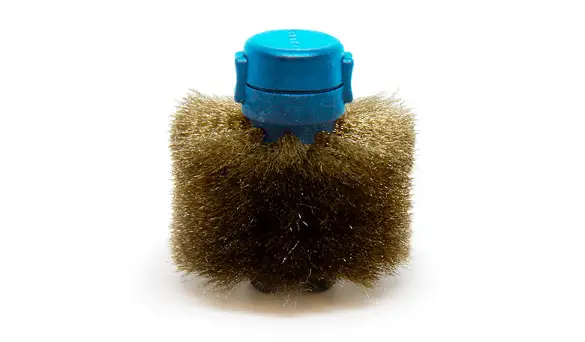

JBC CL1007 Blue Core Metal Brushes for Automatic Tip Cleaner
Product Information
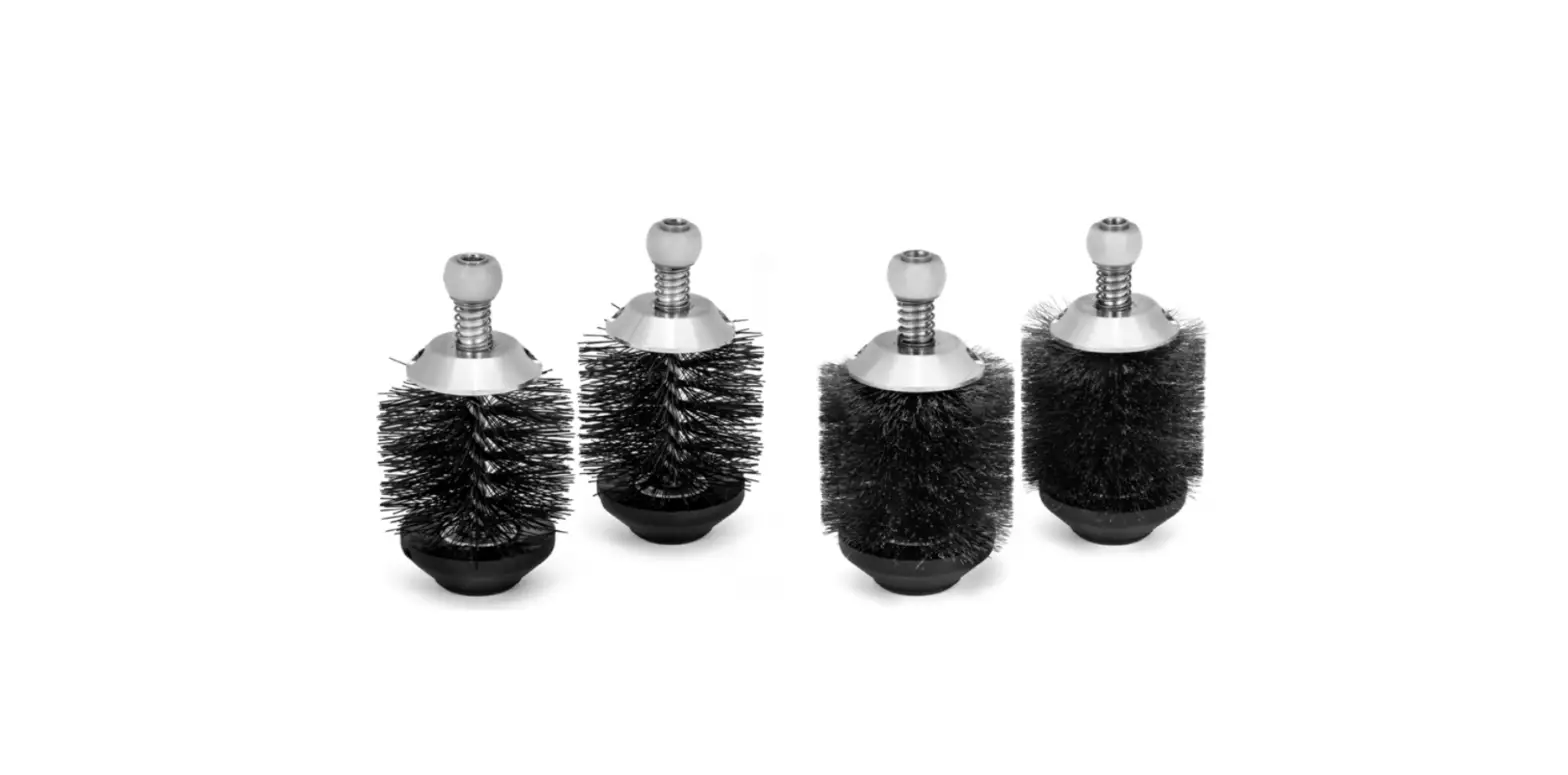
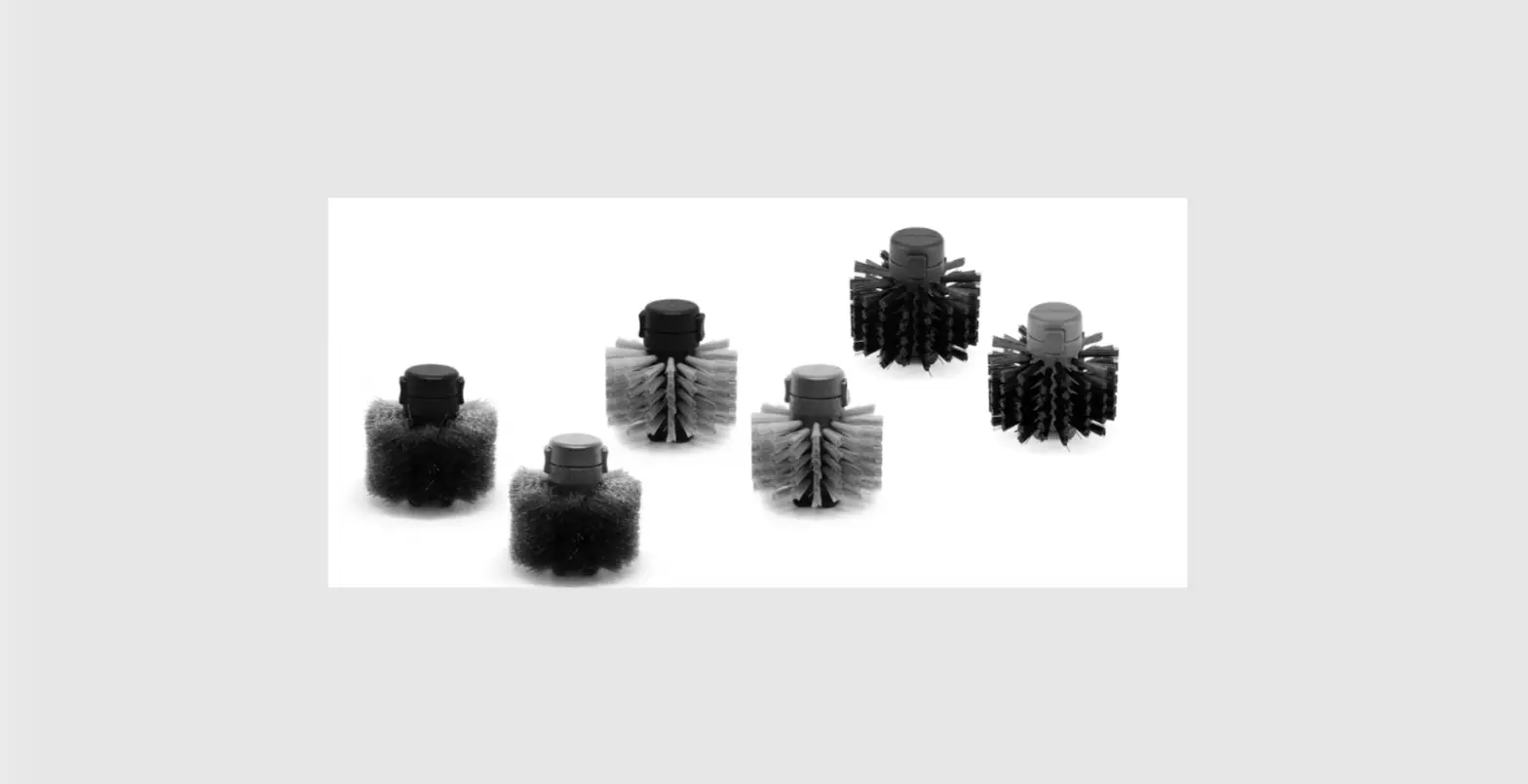
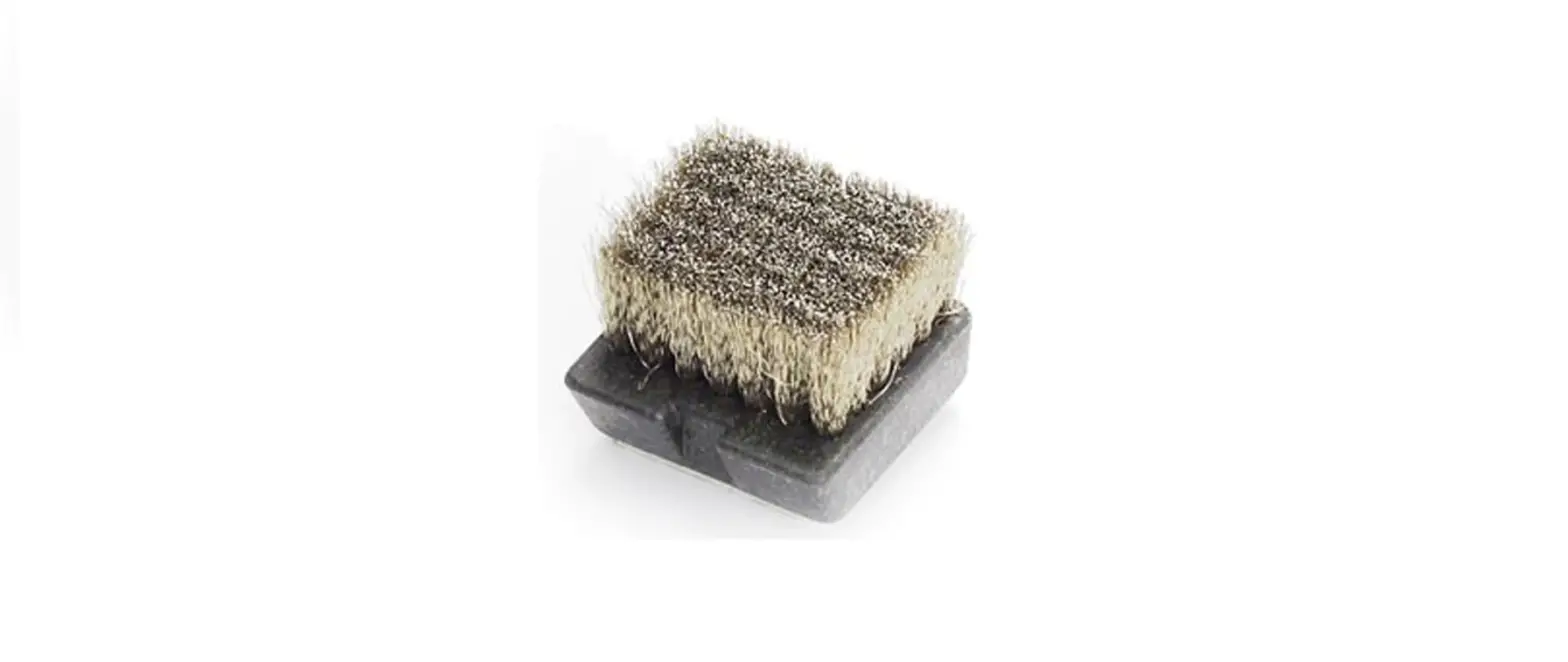
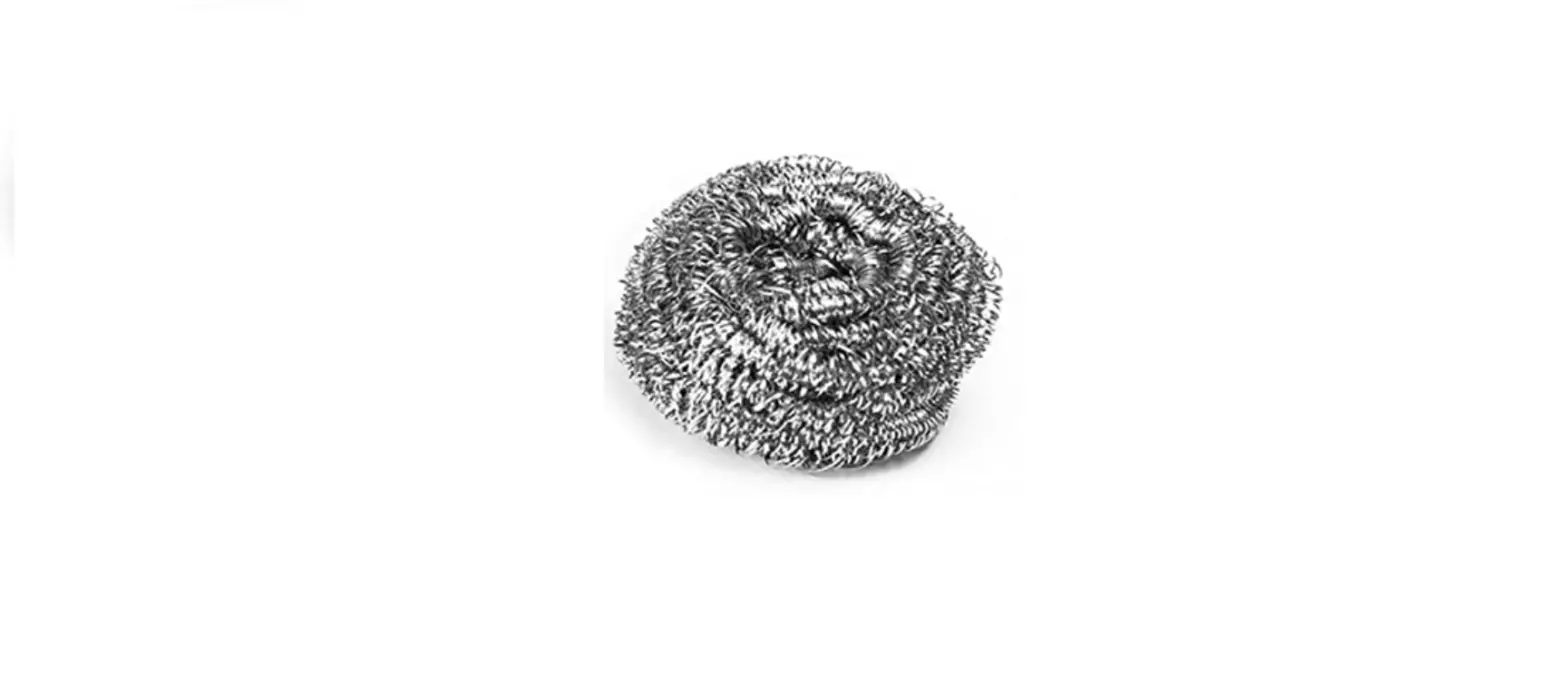
The Automatic Tip Cleaner comes with metal and fiber brushes which are available with black and blue cores. The metal brushes are available with reference CL1007 and CL1008 while the fiber brushes are available with reference CL2007 and CL2008. Each reference includes two brushes.
The brushes have different recommended uses, cleaning times, and life cycle. The metal brushes are recommended for intensive cleaning and have a long lifespan while the fiber brushes have a gentler cleaning action and an extended lifespan. The black and blue cores are used to distinguish between lead-free and leaded soldering. Only use the non-metal brushes when they are rotating to prevent damage.
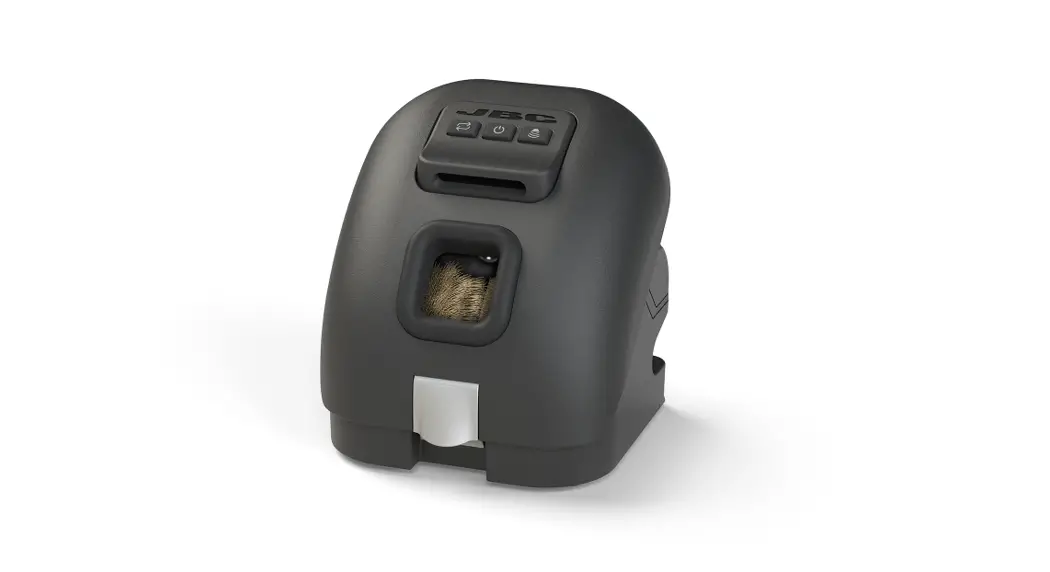
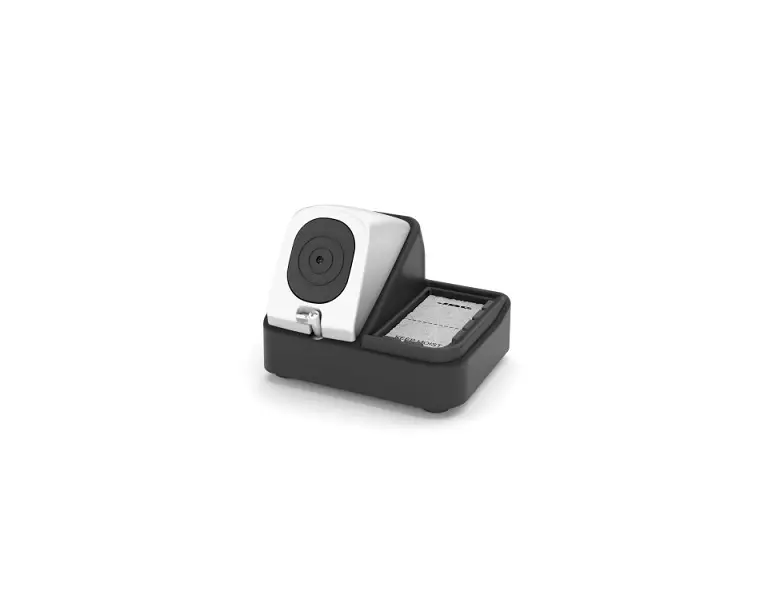
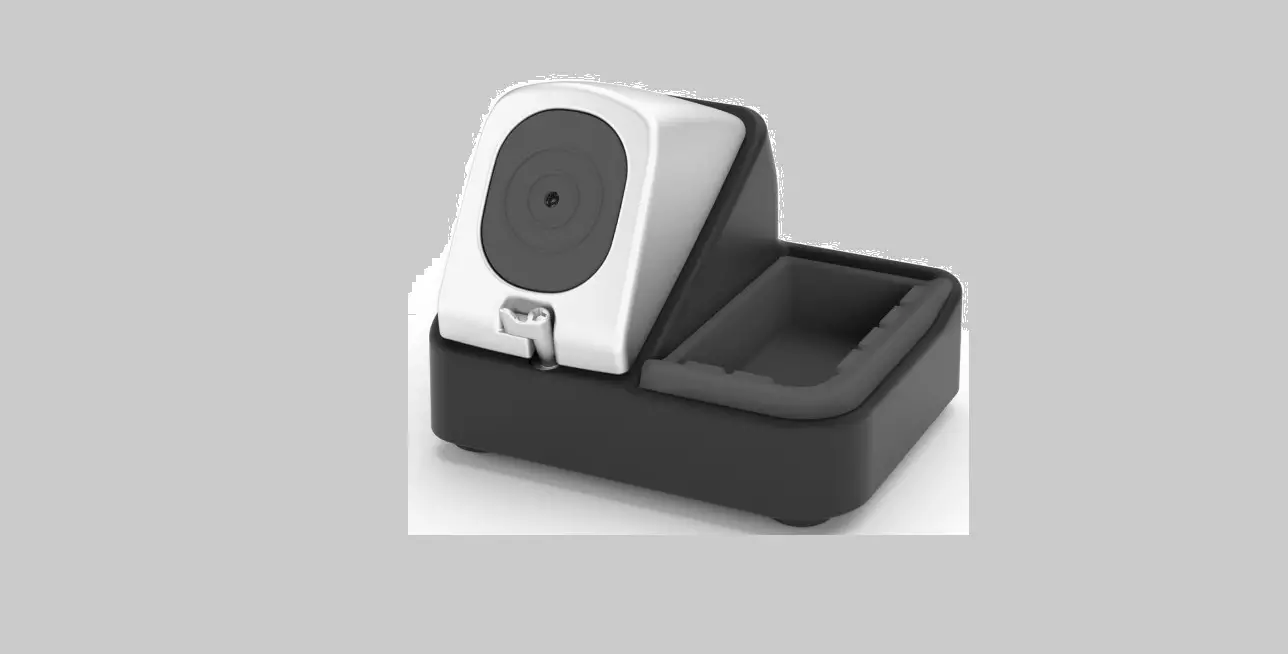
To change the brushes, unplug the tip cleaner and remove the splashguard. For CLR, open the side closures, press the brush buttons, and remove the brushes. For CLU, pull the locking tab to open the splashguard, press the brush buttons, and remove the brushes. Align the new brush with the axis and push it until a click is heard. Ensure that the brush is properly fixed.
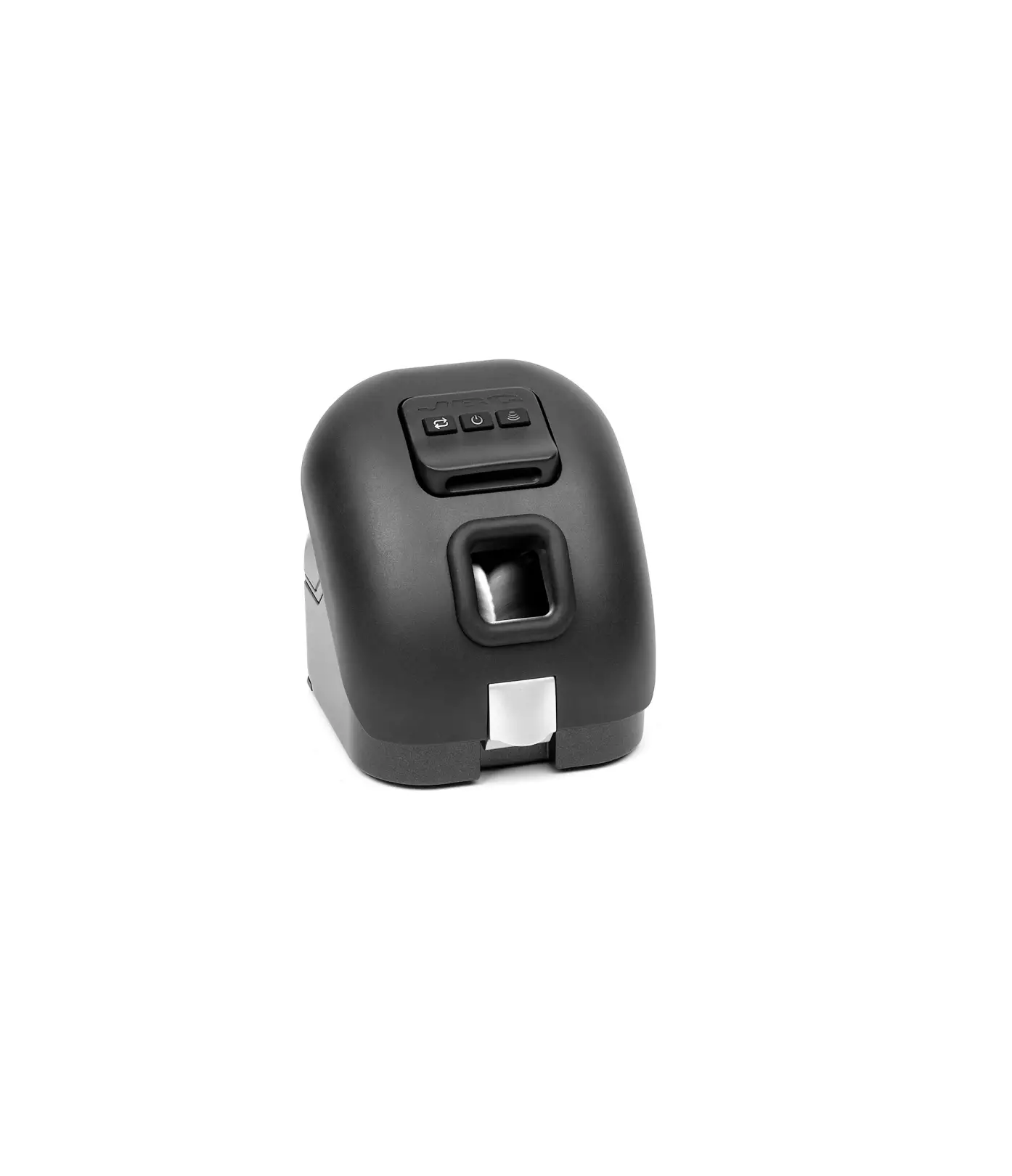
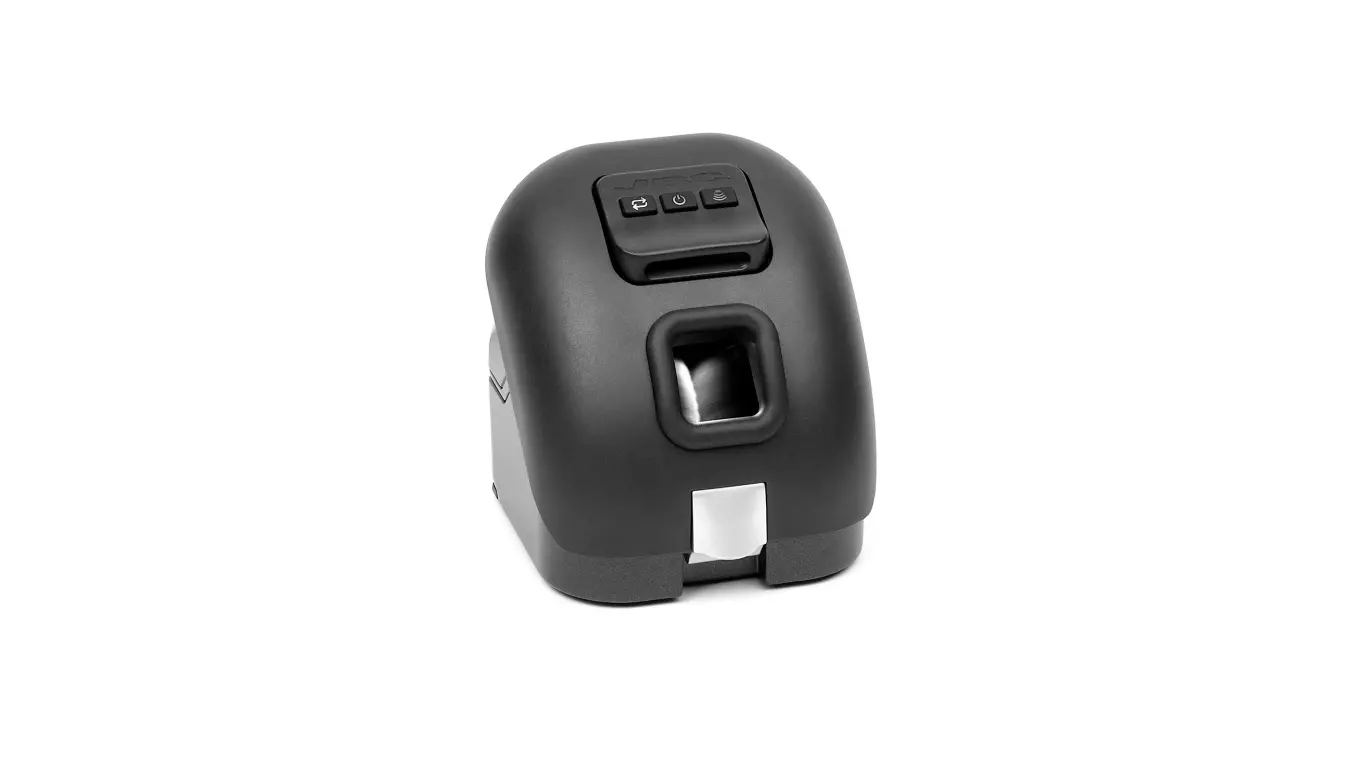
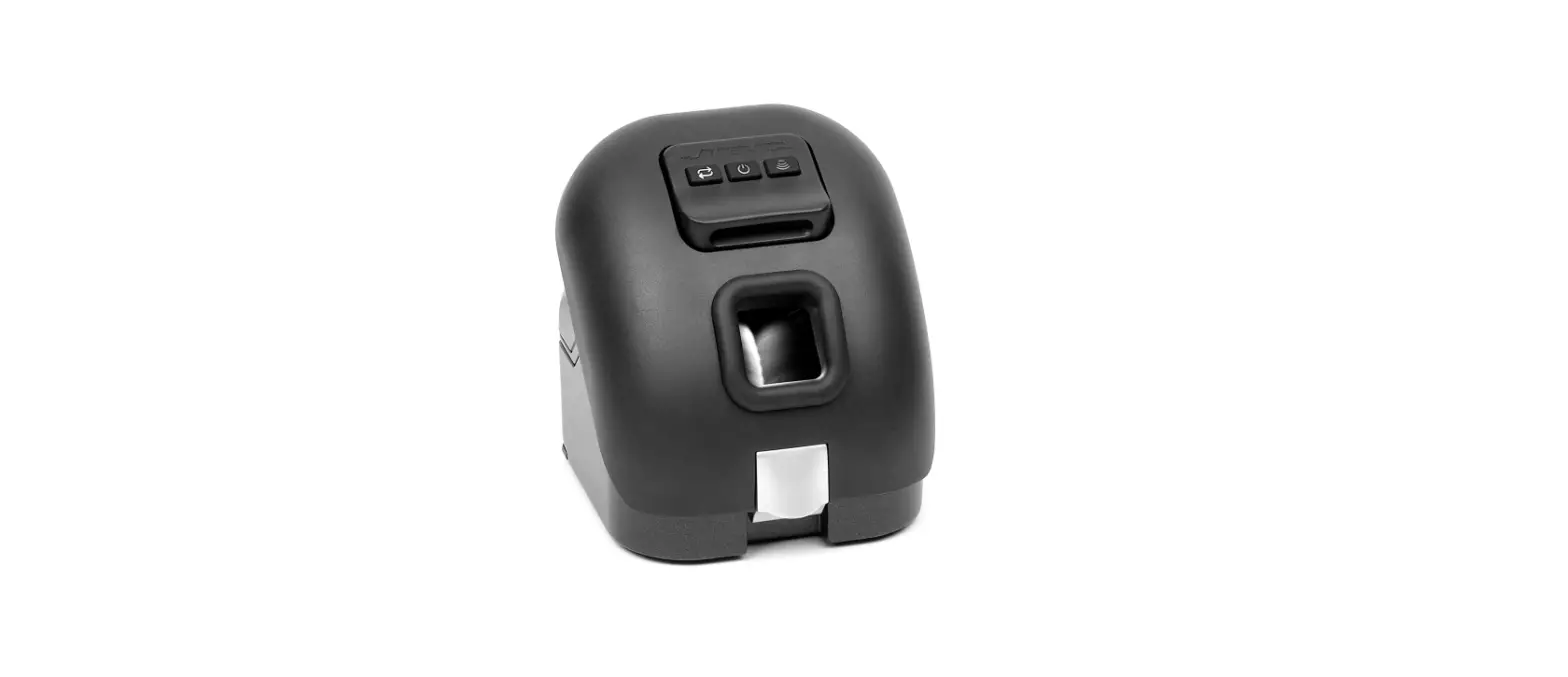
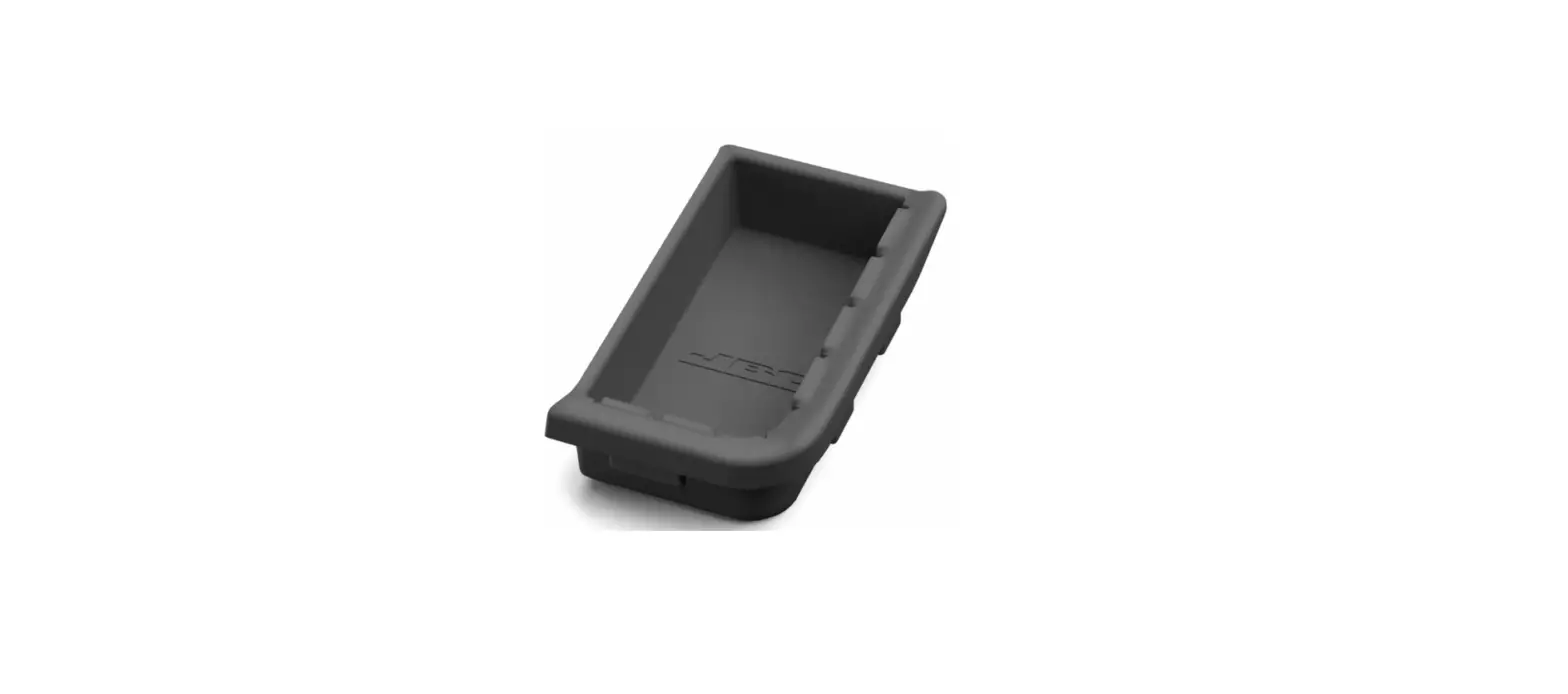
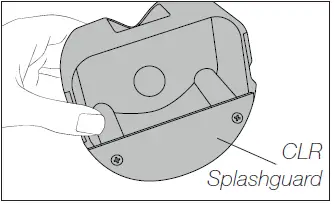
The product also comes with a CLR splashguard that works as a tin collector, and a CLU solder collection tray. The brushes can be cleaned by immersing them in isopropyl alcohol and allowed to dry before use.
Product Usage Instructions
- Before changing the brushes, unplug the Automatic Tip Cleaner from the mains.
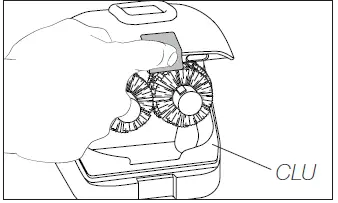
- For CLR, open the side closures, press the brush buttons, and remove the brushes. For CLU, pull the locking tab to open the splashguard, press the brush buttons, and remove the brushes.
- Align the new brush with the axis and push it until a click is heard. Ensure that the brush is properly fixed.
- Clean the CLR splashguard or CLU solder collection tray and place them back in position.
- Close the tip cleaner and plug it into the mains.
- To clean the brushes, immerse them in isopropyl alcohol and allow them to dry before use.
This manual corresponds to the following references:
CL1007* Metal – blue core
CL1008* Metal – black core
CL2007* Fiber – blue core
CL2008* Fiber – black core
*each ref. incl. 2 brushes
Packing List
The following items are included:
- Brushes for Automatic Tip Cleaner ……………… 2 units

- Manual ………………………. 1 unit

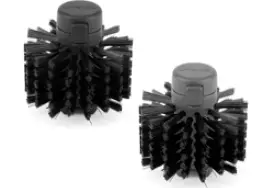
according to purchased reference
Features
All brushes are offered with black and blue core, to distinguish them when doing lead-free and leaded soldering.
Fiber brushes have a longer lifespan than metal brushes.
| CL1008 | CL1007 | CL2008 | CL2007 | |
| Material | Metal | Metal | Fiber | Fiber |
| Cleaning | Intensive | Intensive | Gentle | Gentle |
| Max. time use | 10 s | 10 s | 5 s | 5 s |
| Recommended time use | 1-2 s | 1-2 s | 1-2 s | 1-2 s |
| Life cycle | Long | Long | Extended* | Extended* |
| Core | Black | Blue | Black | Blue |
Only use the non-metal brushes when they are rotating. Incorrect use will damage them.
Changing Brushes
Before opening the tip cleaner, unplug it from the mains.
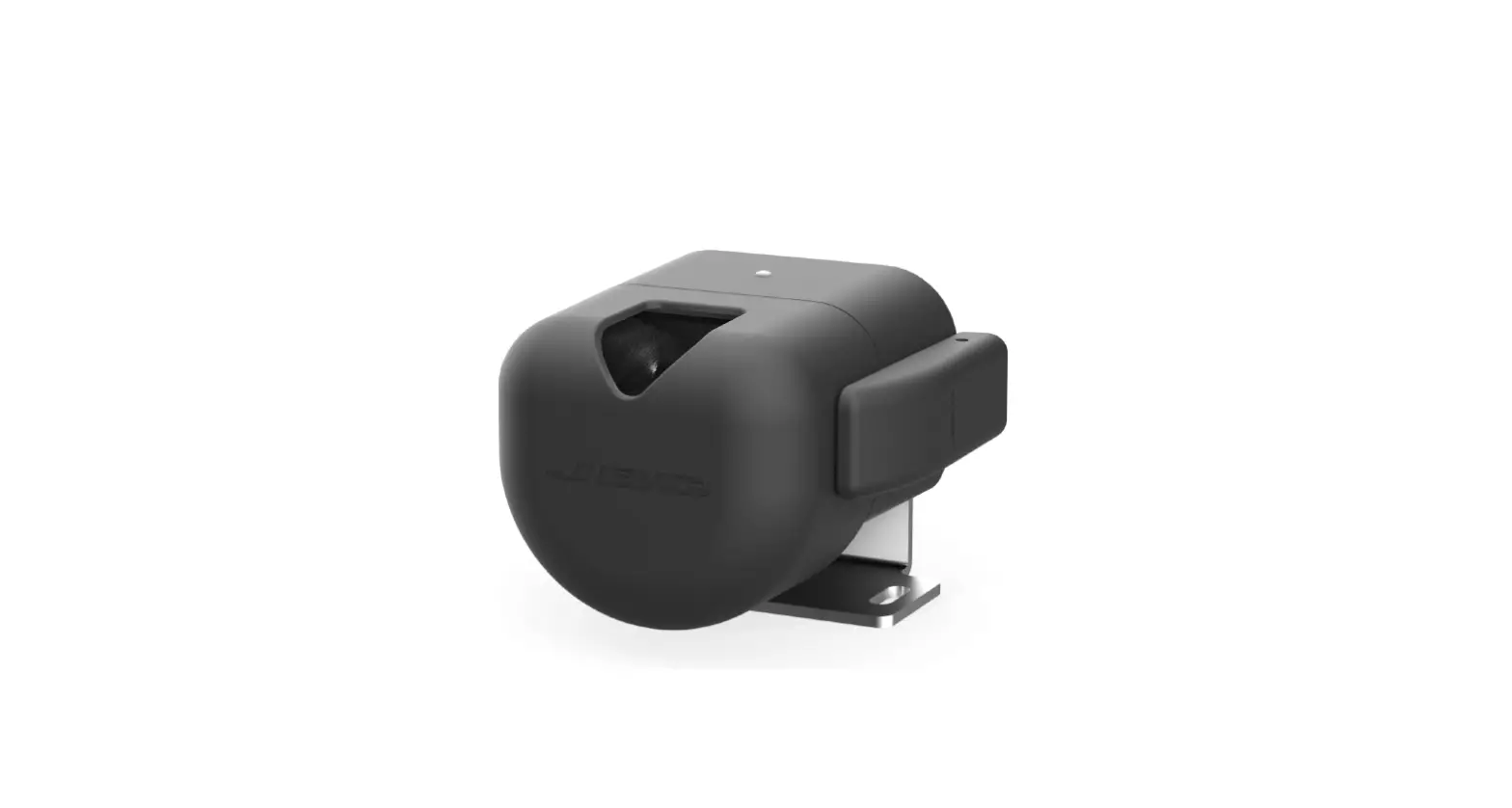
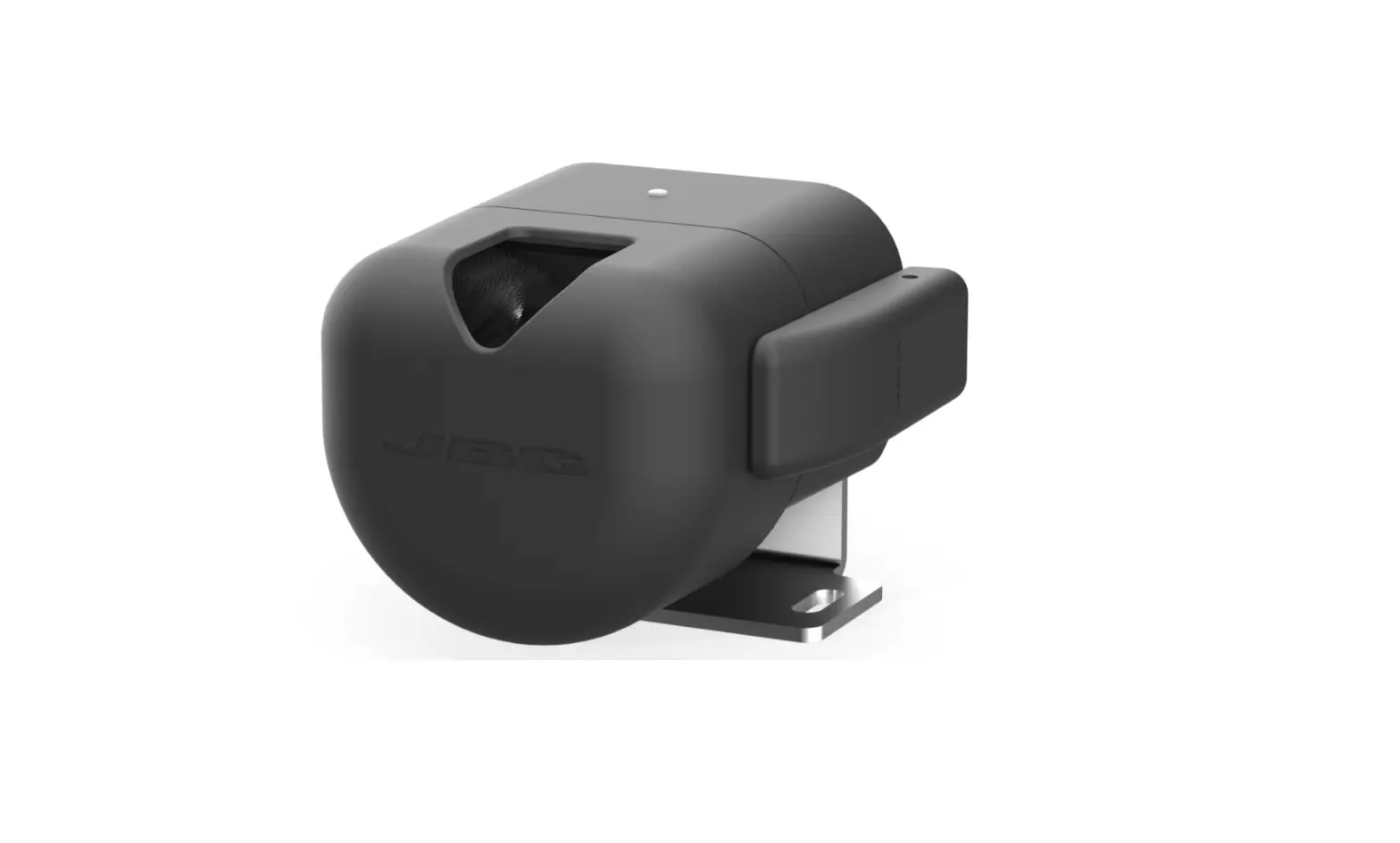
- For CLR, open the side closures and remove the splashguard.

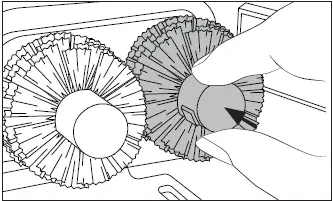
- Press the brush buttons (1) to remove the brushes (2).

- The CLR splashguard also works as a tin collector.

- For CLU pull the locking tab to Open the splashguard.

- CLU features a solder collection tray.

- Align the brush with the axis and push them in until a click is heard. Check if the brush is properly fixed.
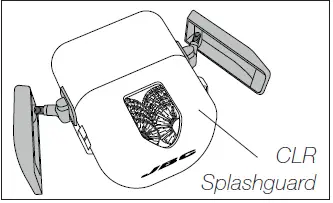
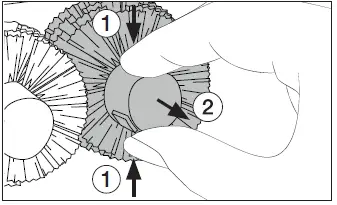
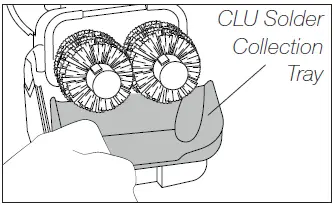
Clean the splashguard/solder collection tray, place them back in its position and close the cleaner.
Brushes (both, metal and fiber) can be cleaned by immersing them in isopropyl alcohol. They must be allowed to dry before use.
Specifications
CL1007 / CL1008 / CL2007 / CL2008
Metal and Fiber Brushes for Automatic Tip Cleaner
Ref. CL1007 Metal – blue core
Ref. CL1008 Metal – black core
Ref. CL2007 Fiber – blue core
Ref. CL2008 Fiber – black core
- Brush Dimensions: 50 x 50 x 52 mm / 1.97 x 1.97 x 2.05 in
CL1007 / CL1008 Metal
- Total Net Weight: 102 g / 0.22 lb
- Package Dimensions/Weight: 140 x 80 x 65 mm / 156 g
(L x W x H) 5.51 x 3.15 x 2.56 in / 0.34 lb
CL2007 / CL2008 Fiber
- Total Net Weight: 44 g / 0.1 lb
- Package Dimensions/Weight: 140 x 80 x 65 mm / 100 g
(L x W x H) 5.51 x 3.15 x 2.56 in / 0.22 lb
Warranty
JBC’s 2 year warranty covers this equipment against all manufacturing defects, including the replacement of defective parts and labour.
Warranty does not cover product wear or misuse.
In order for the warranty to be valid, equipment must be returned, postage paid, to the dealer where it was purchased.
This product should not be thrown in the garbage.
In accordance with the European directive 2012/19/EU, electronic equipment at the end of its life must be collected and returned to an authorized recycling facility.
www.jbctools.com
 JBC Soldering and Rework equipment for electronics