JBC CLMRP Tip Cleaner for Robot Instruction Manual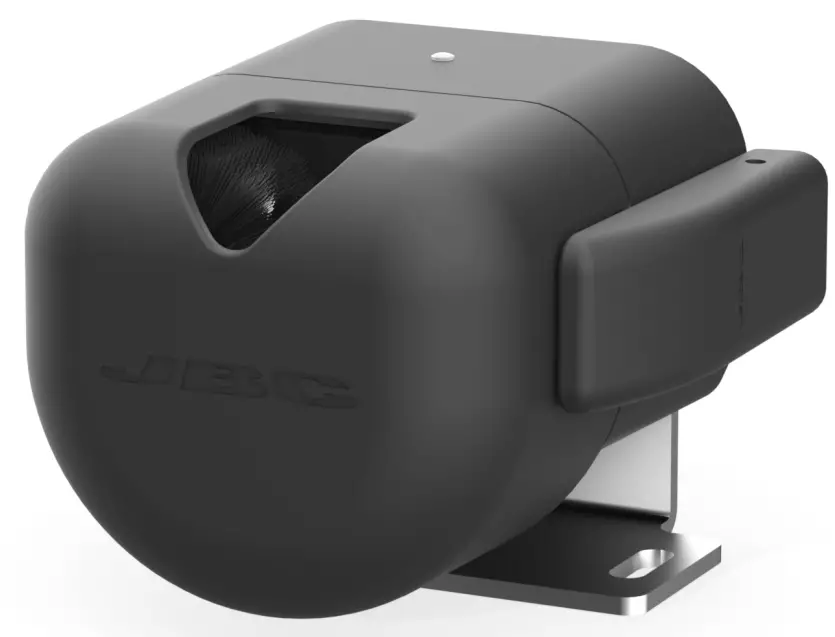
This manual corresponds to the following references:
- CLMR-PA with Fiber Brushes
Packing List
According purchased reference either one or the other cleaner is included:
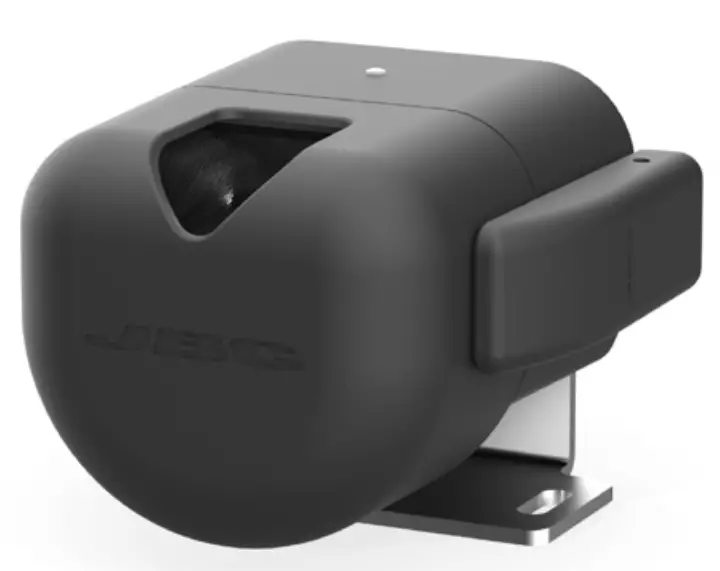
- Tip Cleaner for Robot with Fiber Brushes.. 1 unit

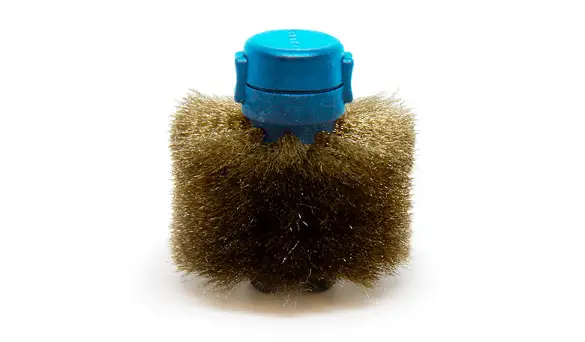
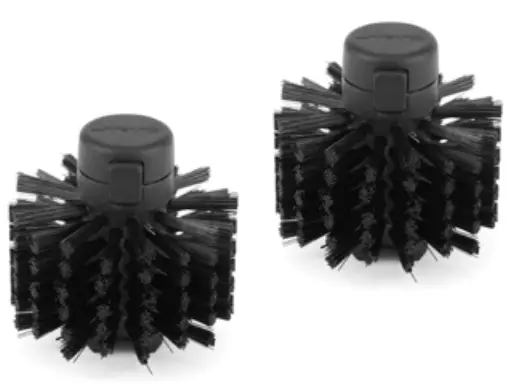
- CL2008 Fiber Brushes (black core) …… 1 pair Ref. CL2008 (includes 2 brushes

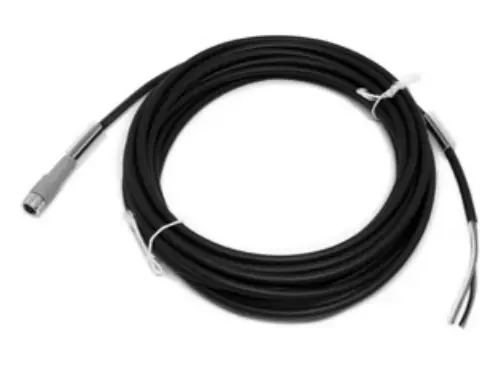
- Connector Cable (3m) ……………………. 1 unit Ref. 0024563

- Manual …….. 1 unit Ref. 0029764

Features
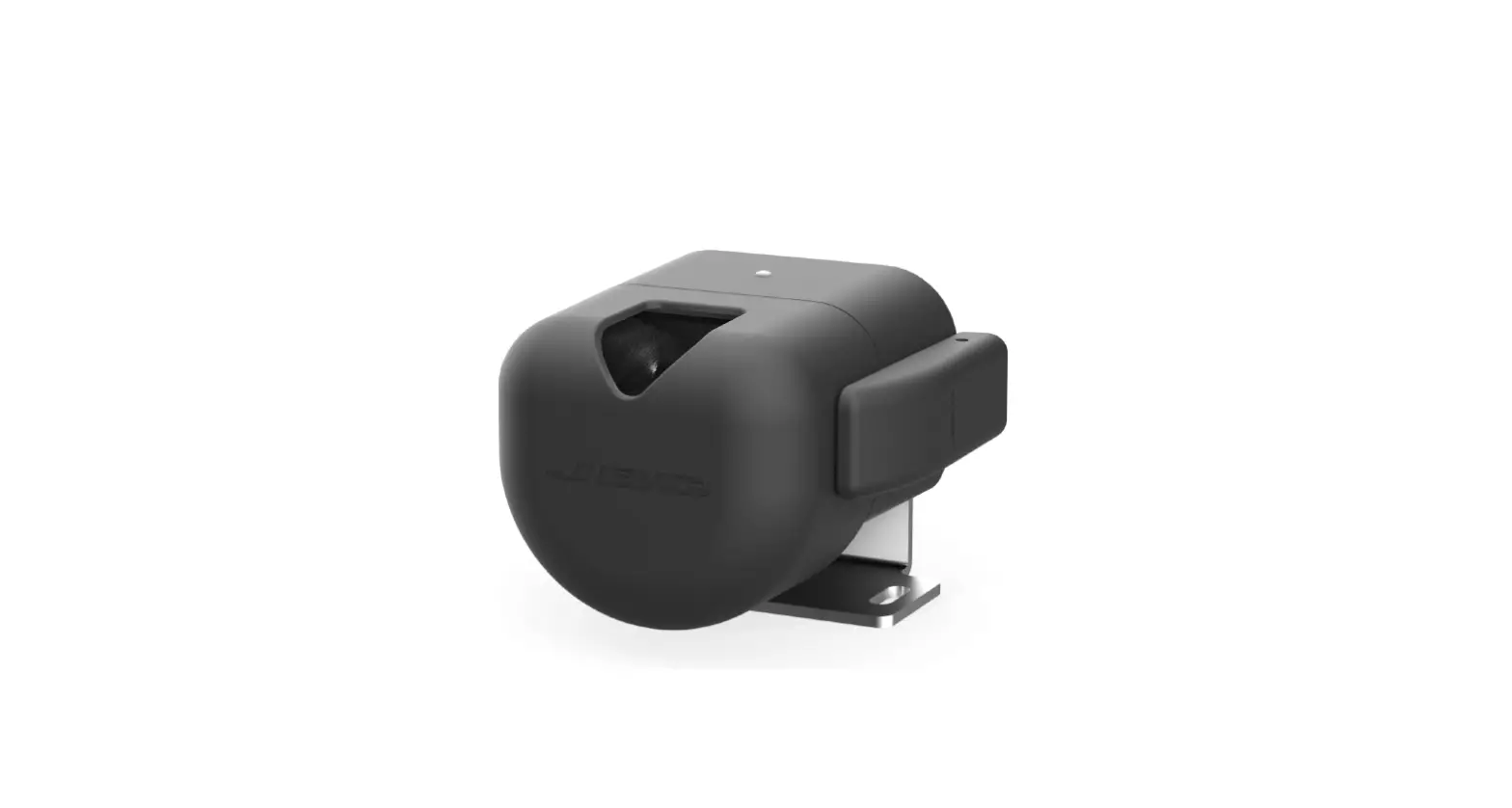
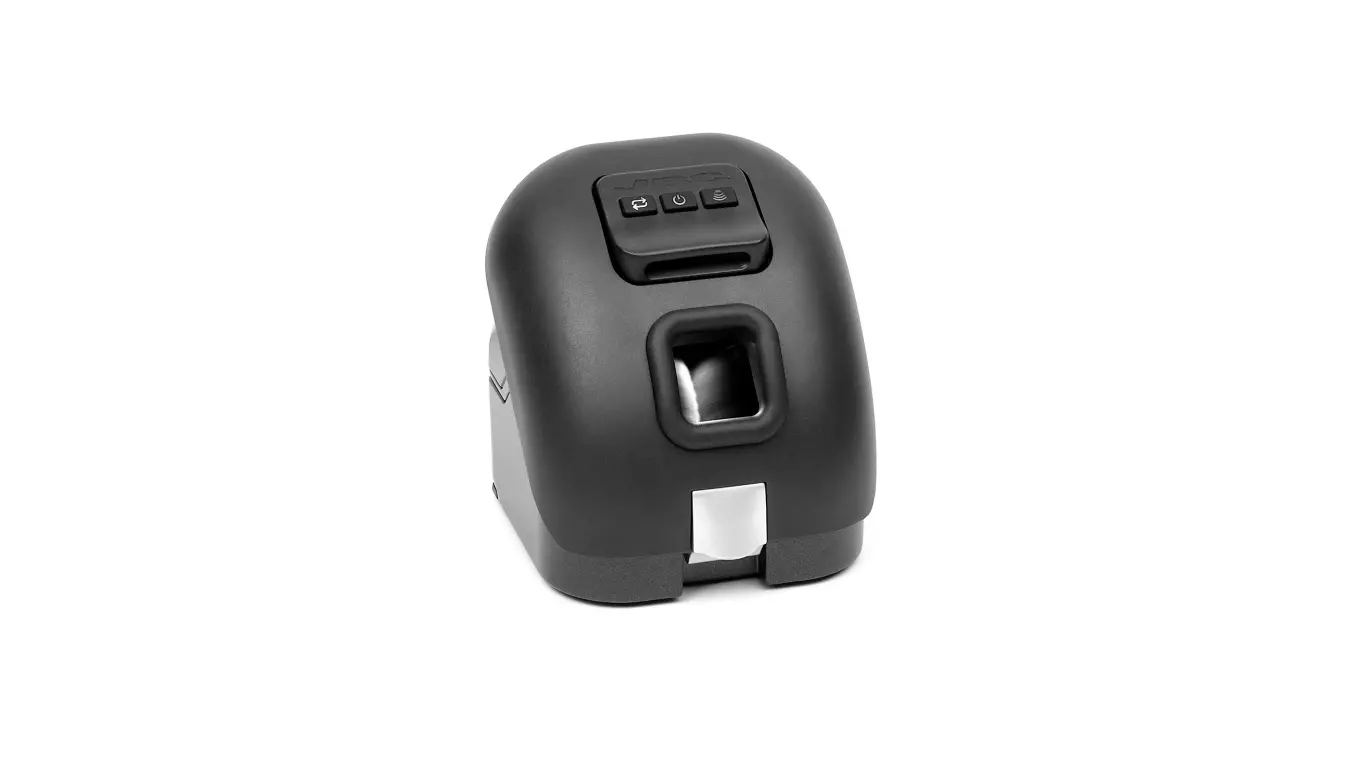
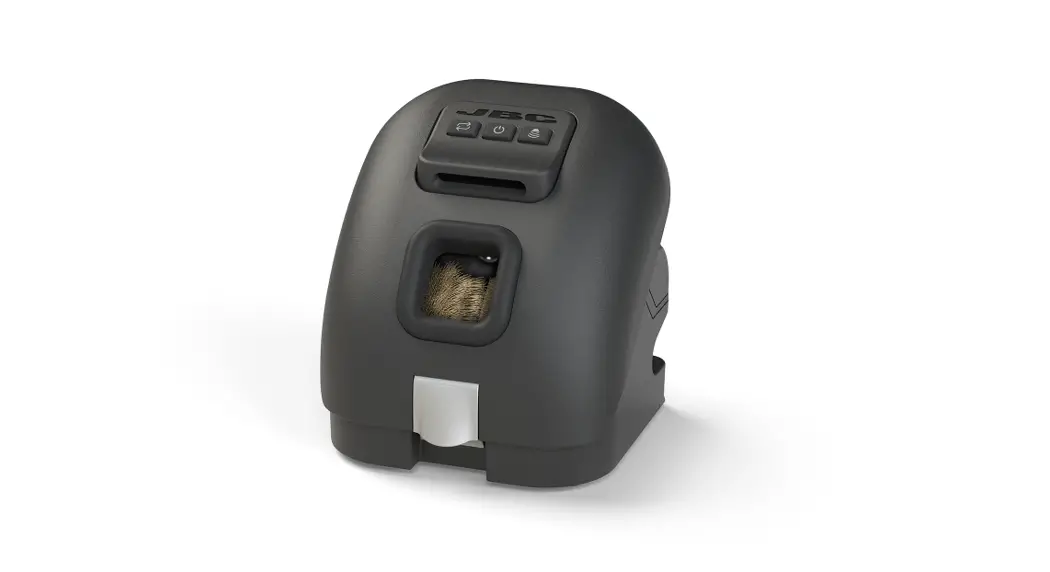
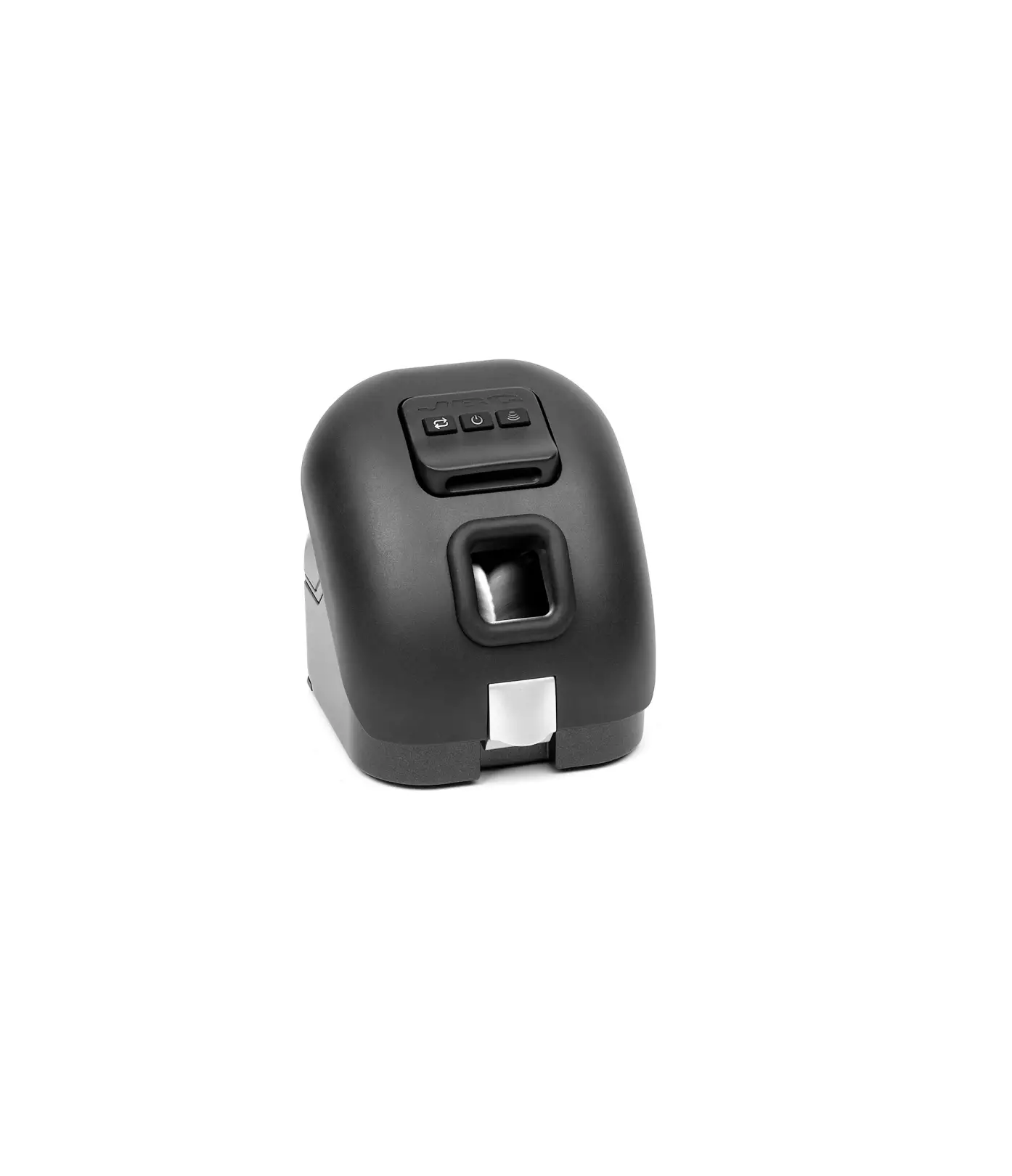
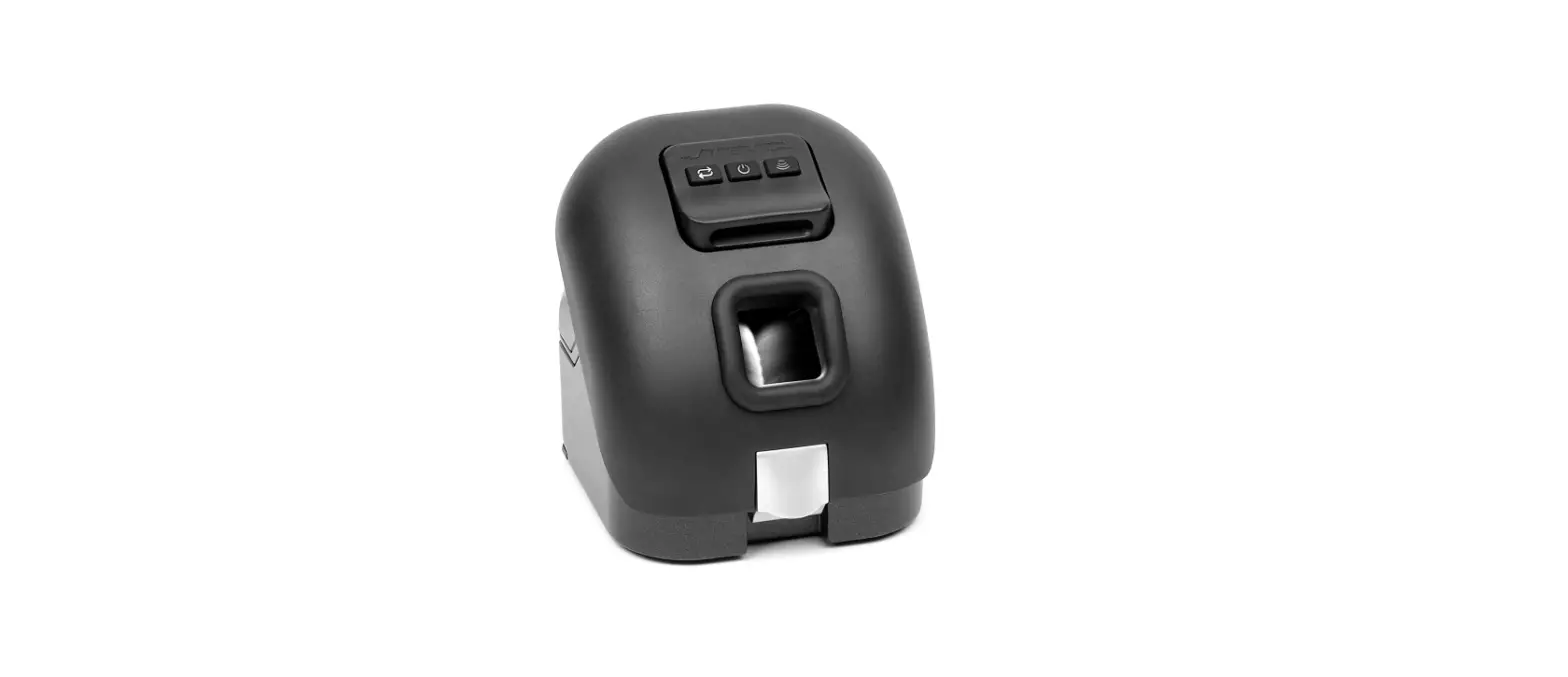
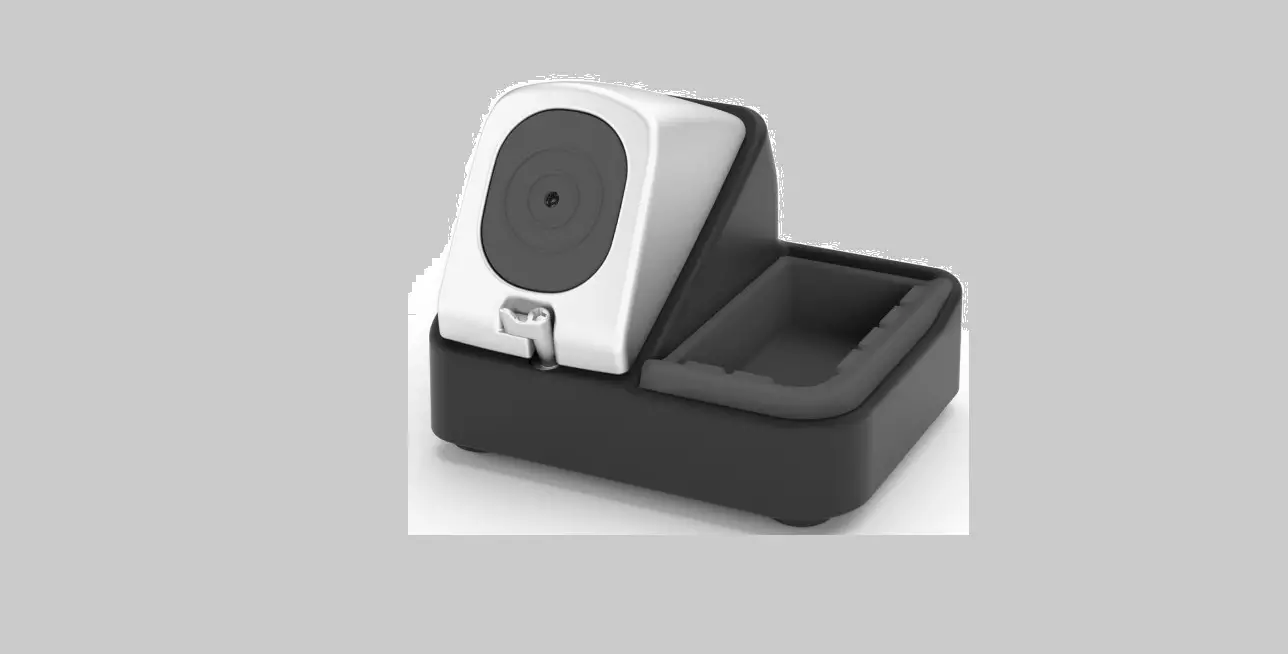
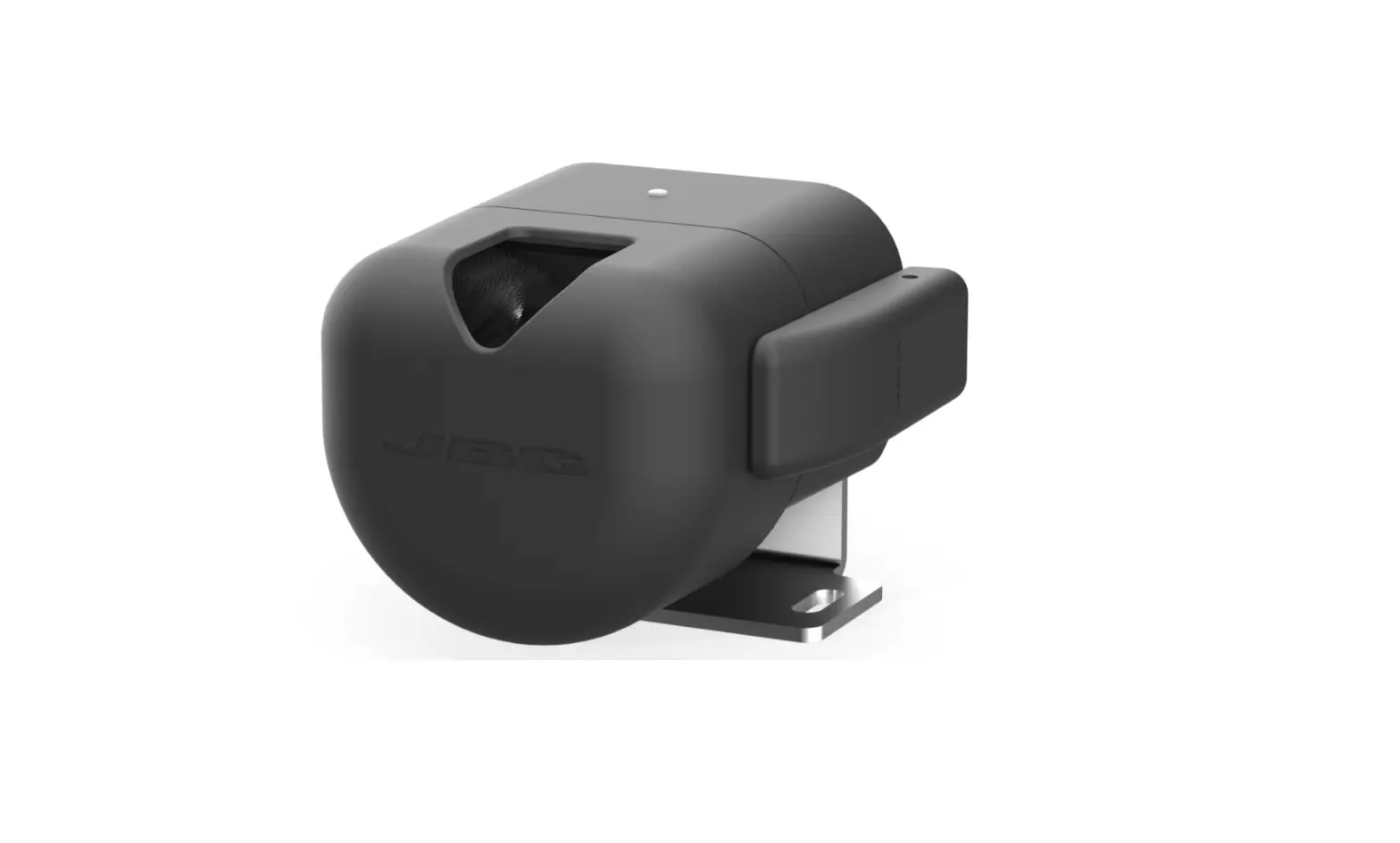
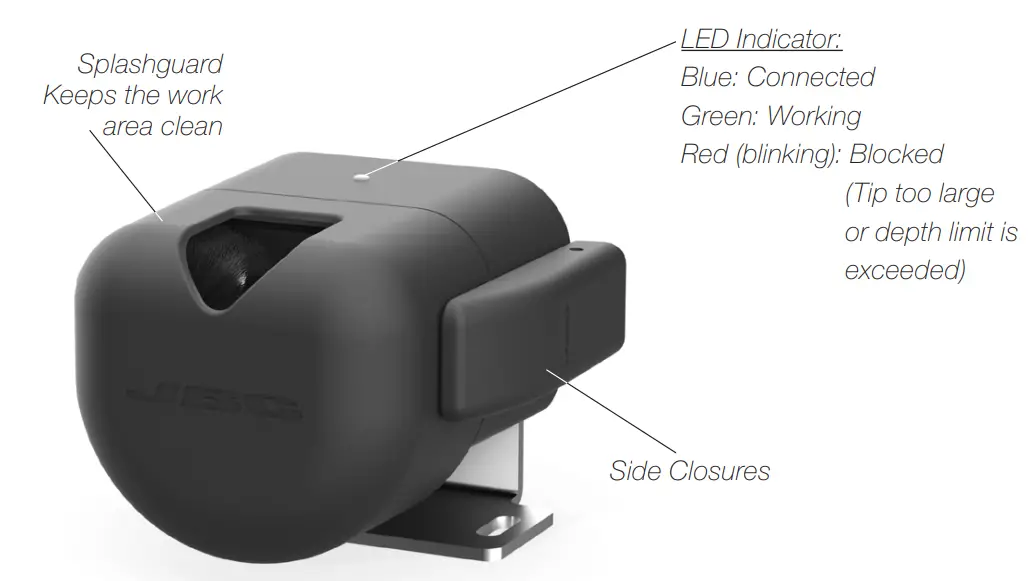
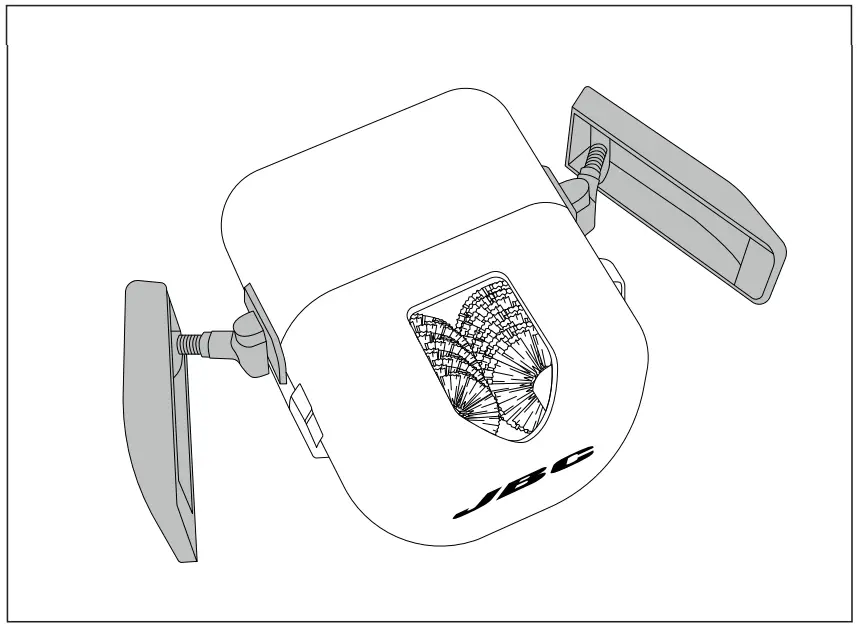
CLMRP and CLMR are automatic tip cleaners with two motorized brushes. They feature a large capacity collecting container with easy extraction and a wide opening for easy access to the soldering tip.
Connection
CLMRP/CLMR can be connected to a PLC by a five-pin connector cable.
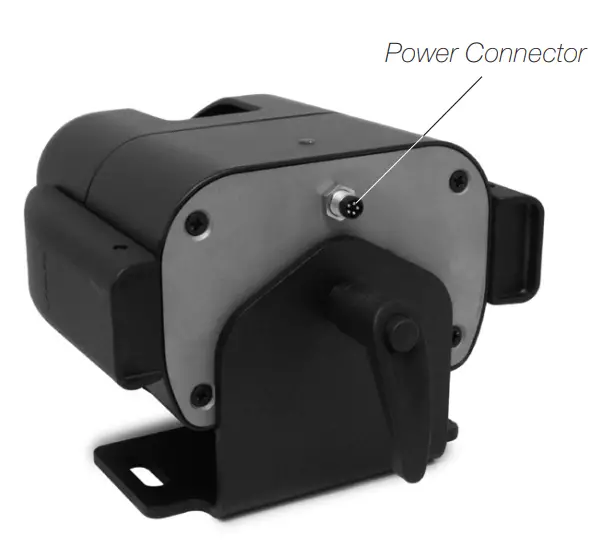
The connector provides “switch” input and power supply.
The input switch manages the cleaner’s activity. It can be connected to a PLC’s digital output and accepts PNP, NPN or relay contacts.
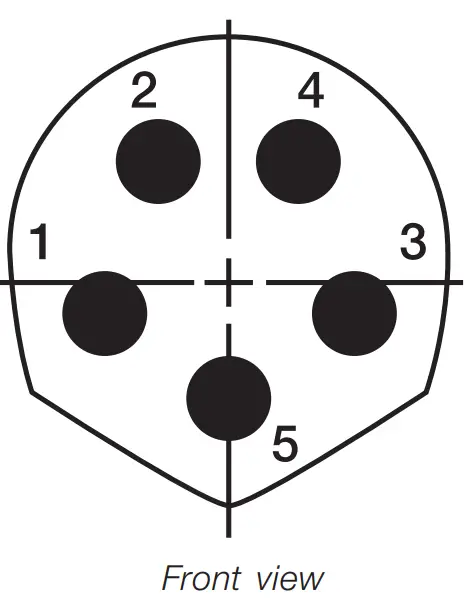
For detailed information about pin distribution see following table:
- Front view CLMR Power Connector
Power Connector | ||
| Pin | Color | Description |
| 1 | Brown | Power supply input: 24Vdc (±5%). 2.5A current required. |
| 2 | White | Not used |
| 3 | Blue | Common reference: GND for power supply and switch. |
| 4 | Black | Switch input: 0V or 24V to start cleaning.Leave it open to stop. |
| 5 | Grey | Not used |
Work Position Adjustment
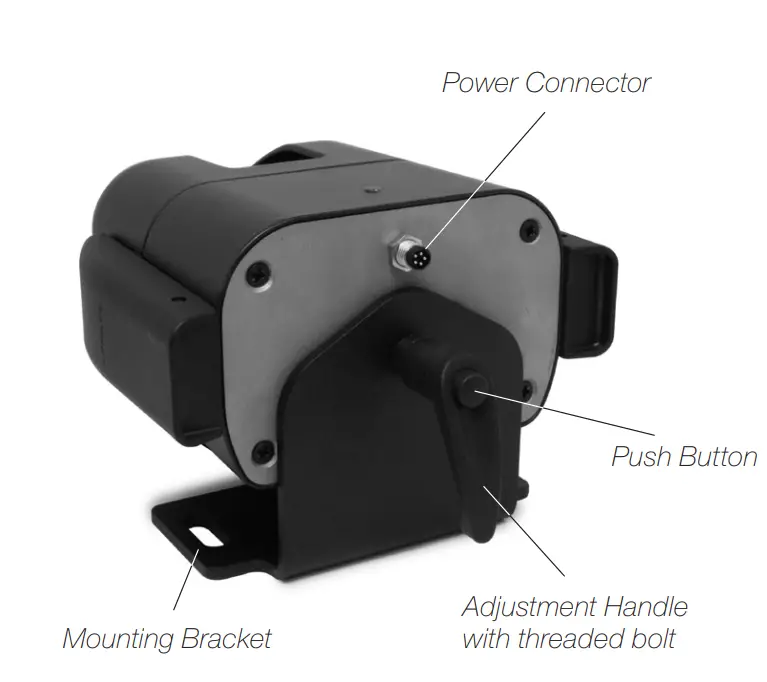
CLMRP/CLMR can be turned up to 35º in both directions to facilitate the cartridge tip’s insertion.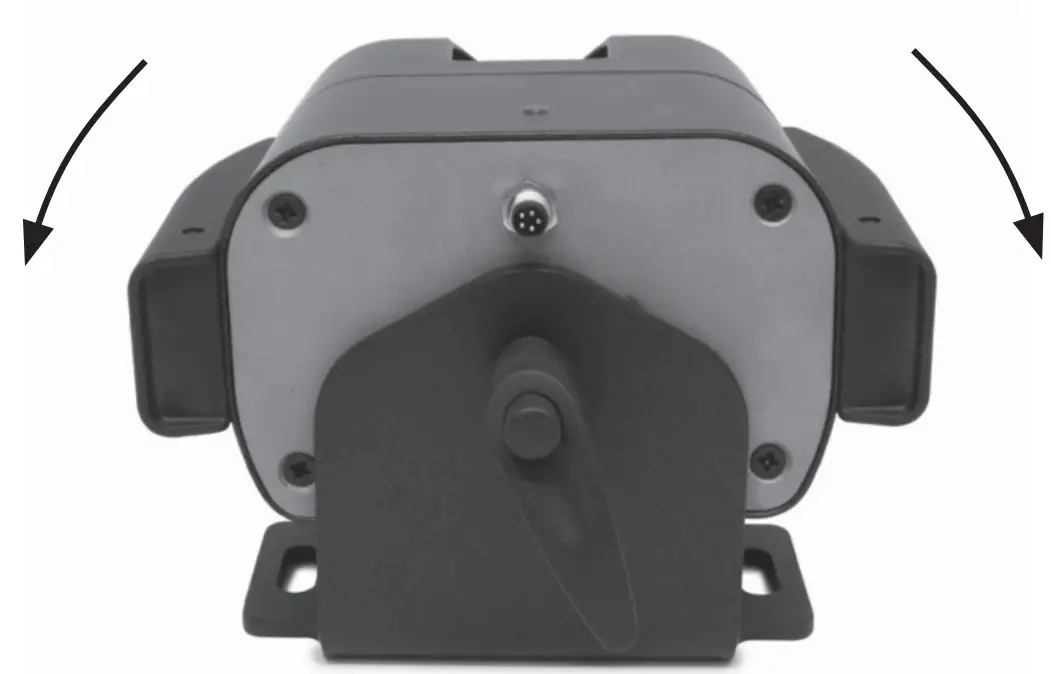
To pivot the CLMRP/CLMR, loosen and tighten the handle to turning it. The Handle can be aligned vertically again by pressing the Push Button.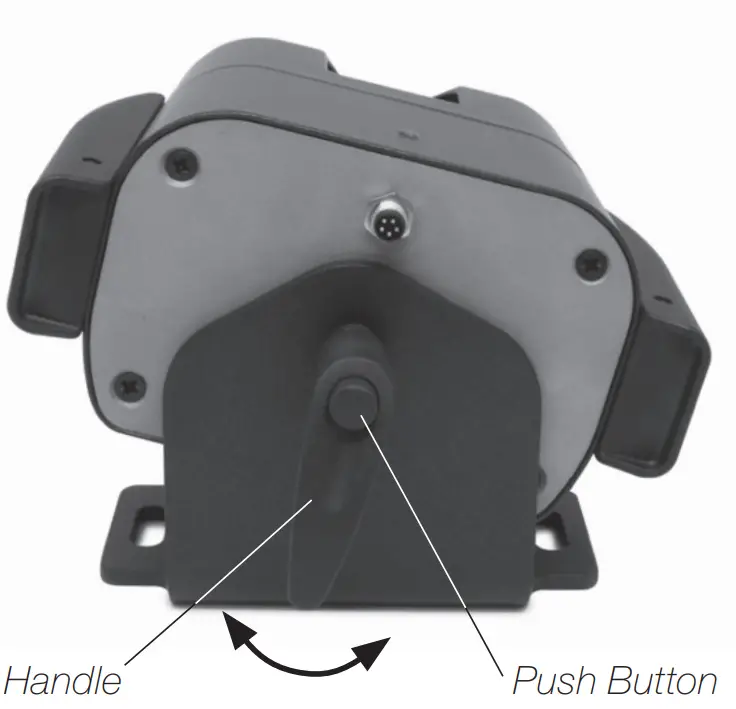
Accessories: Brush Ranges
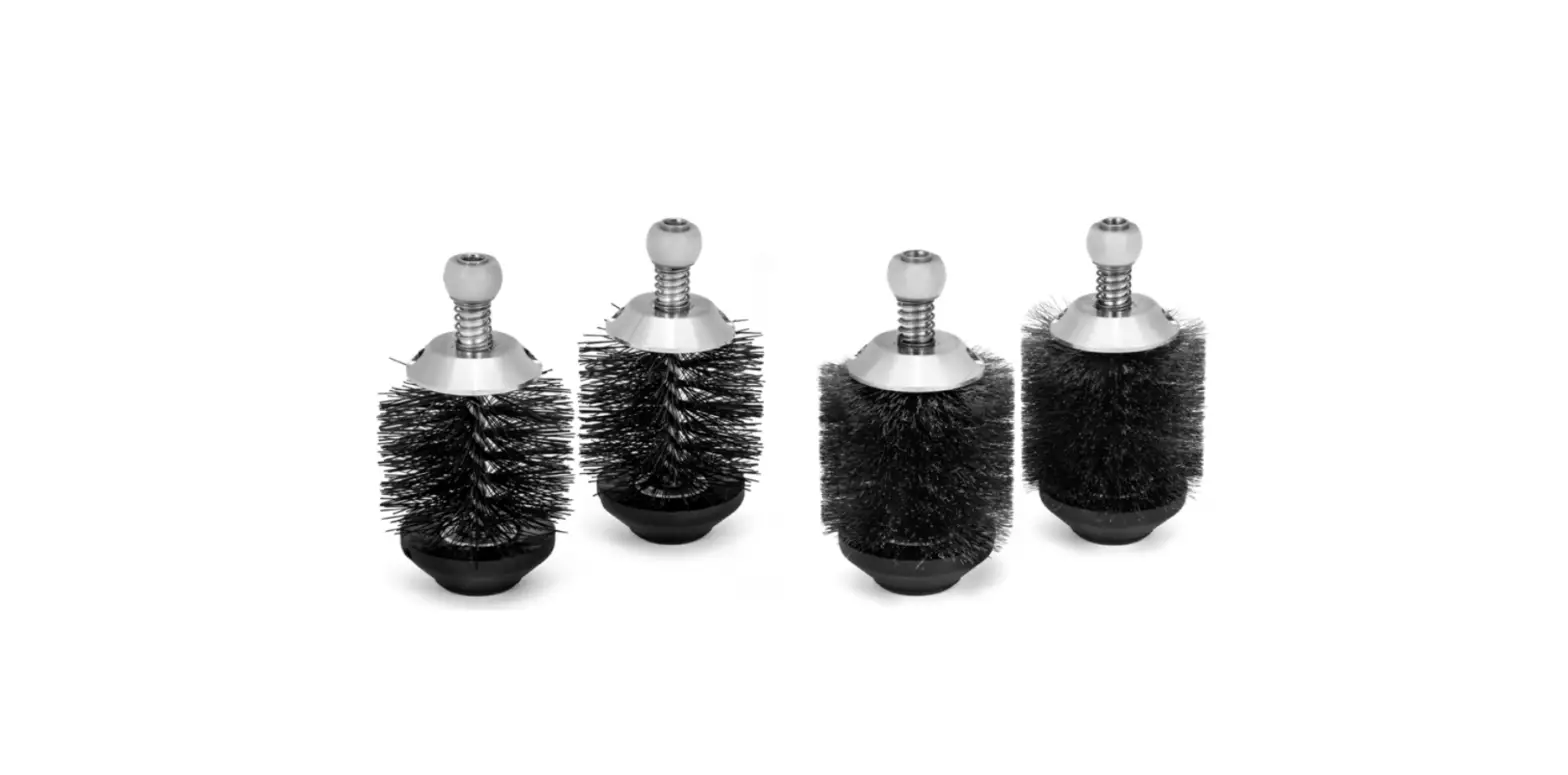
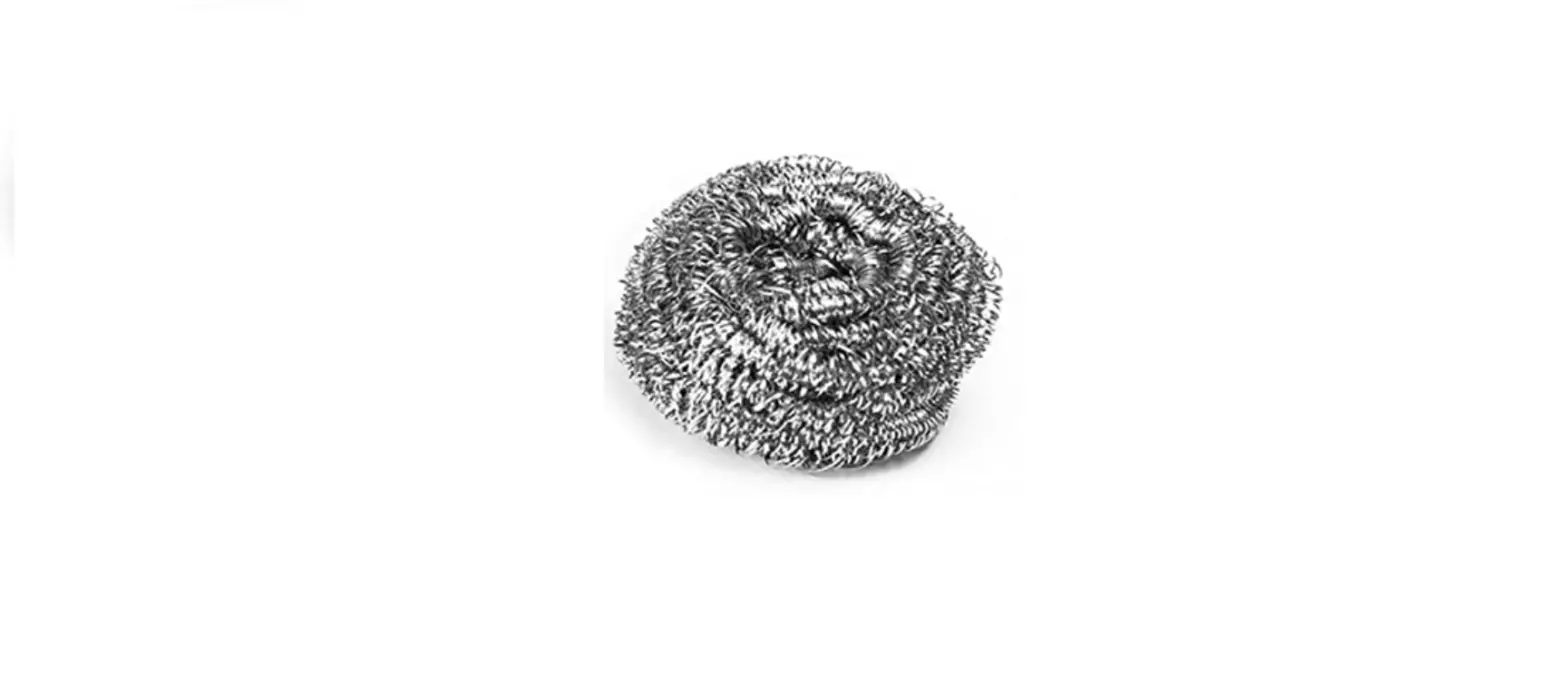
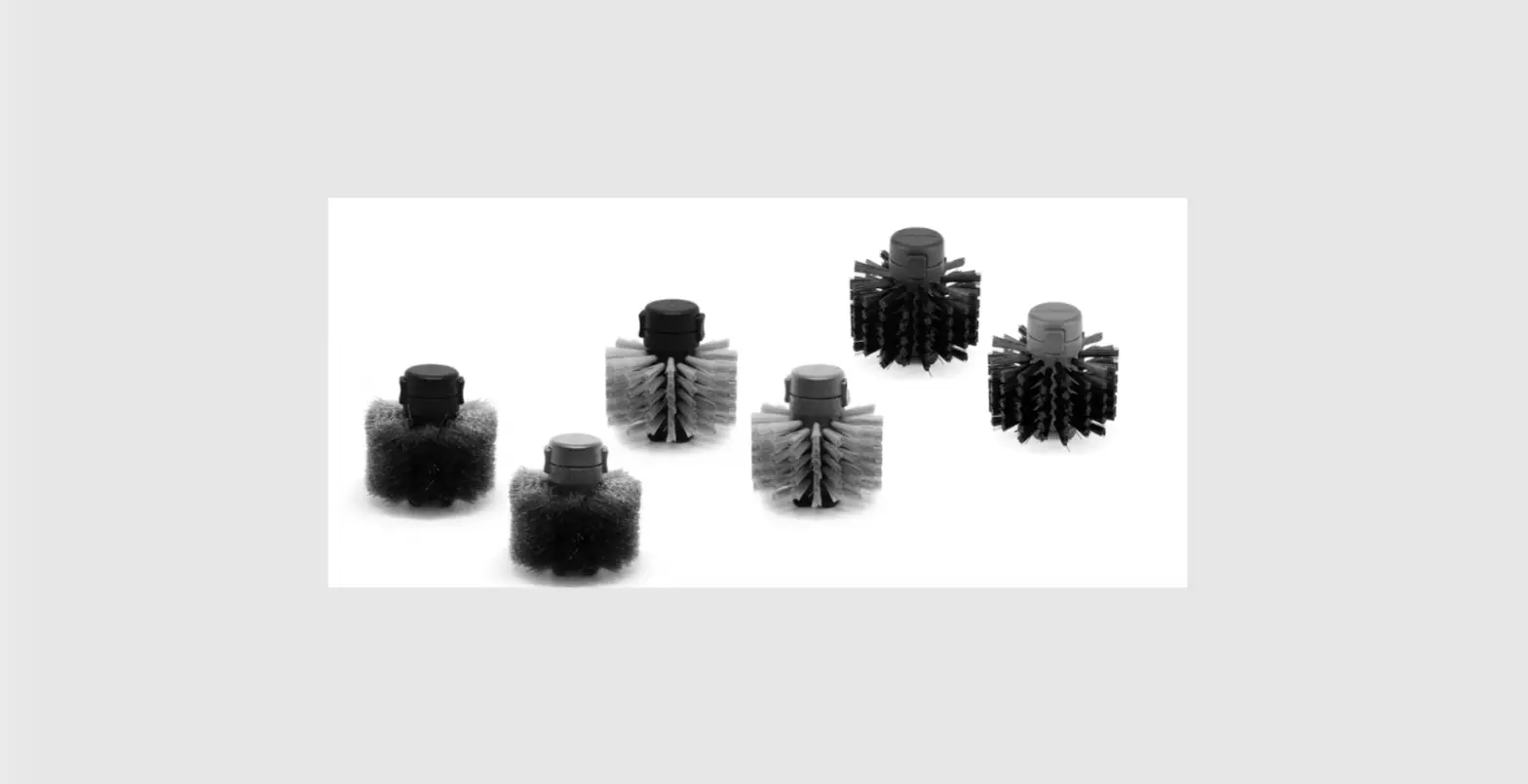
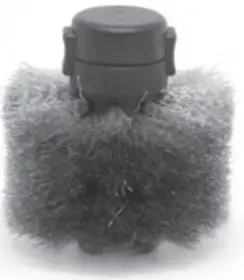
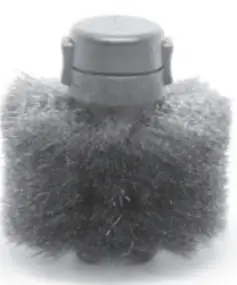
All brushes are offered with black and blue core, to distingish them when working with lead-free and leaded solder.
Note: As a refereance, the cleaning process should last around 1 second.
| CL1008 | CL1007 | CL2008 | CL2007 | |
 |  | 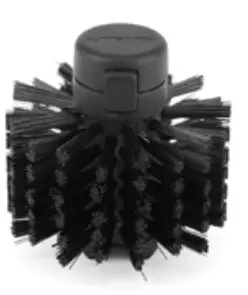 | | |
| Brush Material | Metal | Metal | Fiber | Fiber |
| Cleaning | Intensive | Intensive | Gentle | Gentle |
| Max. time use | 10 s | 10 s | 5 s | 5 s |
| Recommended time use | 1-2 s | 1-2 s | 1-2 s | 1-2 s |
| Life cycle | Long | Long | Extended* | Extended* |
| Core | Black | Blue | Black | Blue |
Changing Brushes
Easily replace brushes and clean the solder collector tray as follows:
- Unplug CLRMP from the mains and open the side closures.

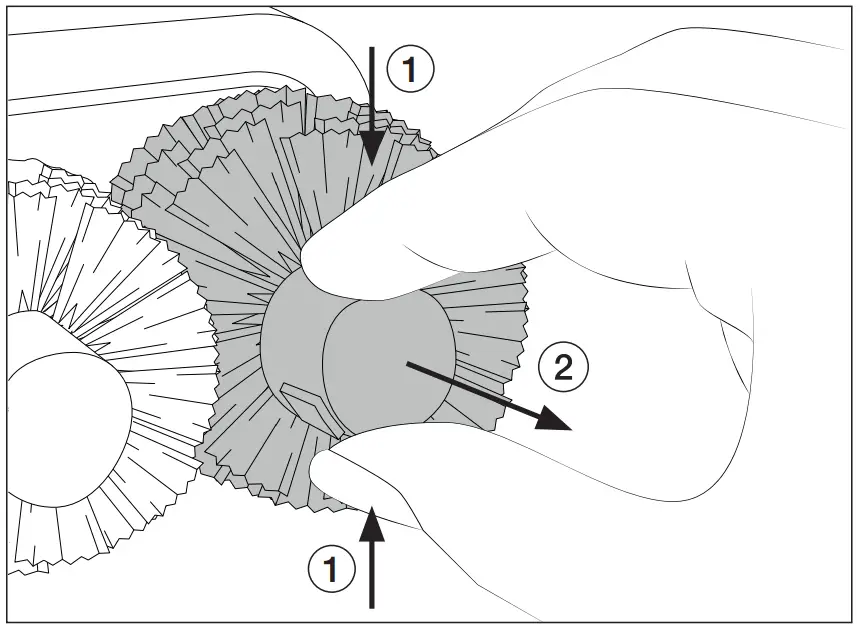
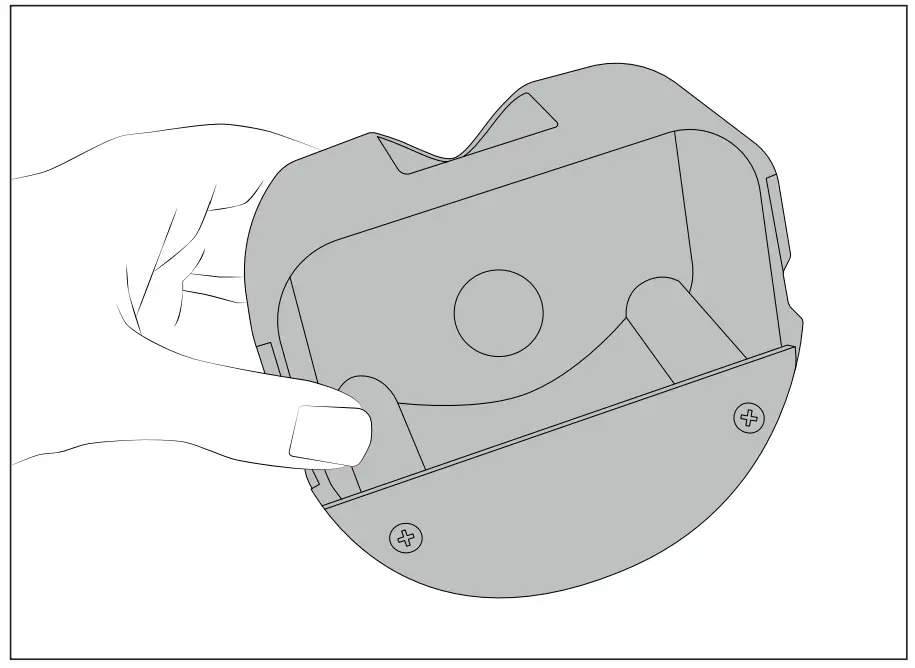
- Remove the Splashguard and press the brush‘s buttons (1) to remove them (2).

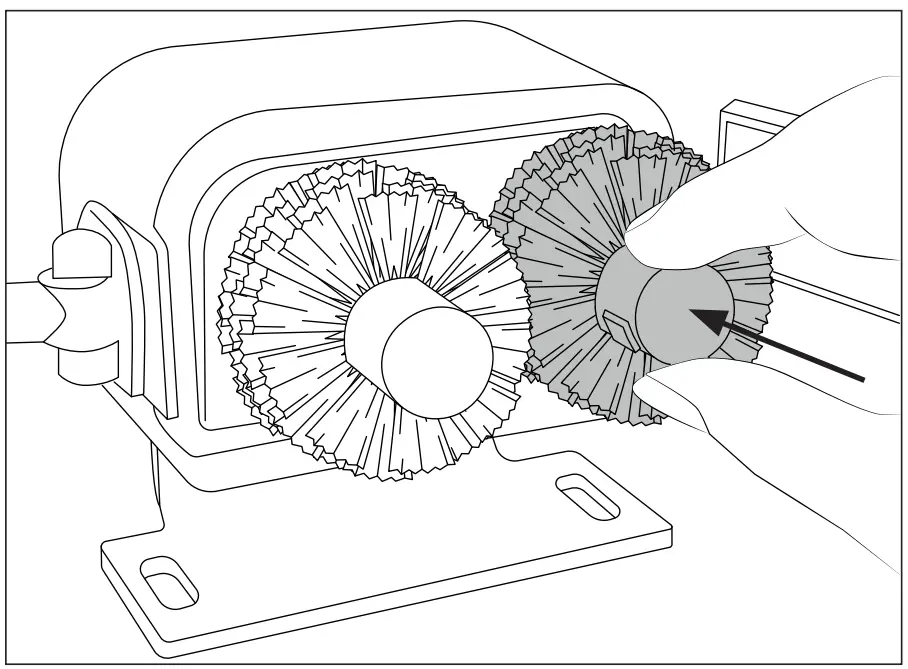
- Align the brush axis with the motor axis and insert the brushes. Push them in until a click is heard. Check if the brushes are properly affixed.

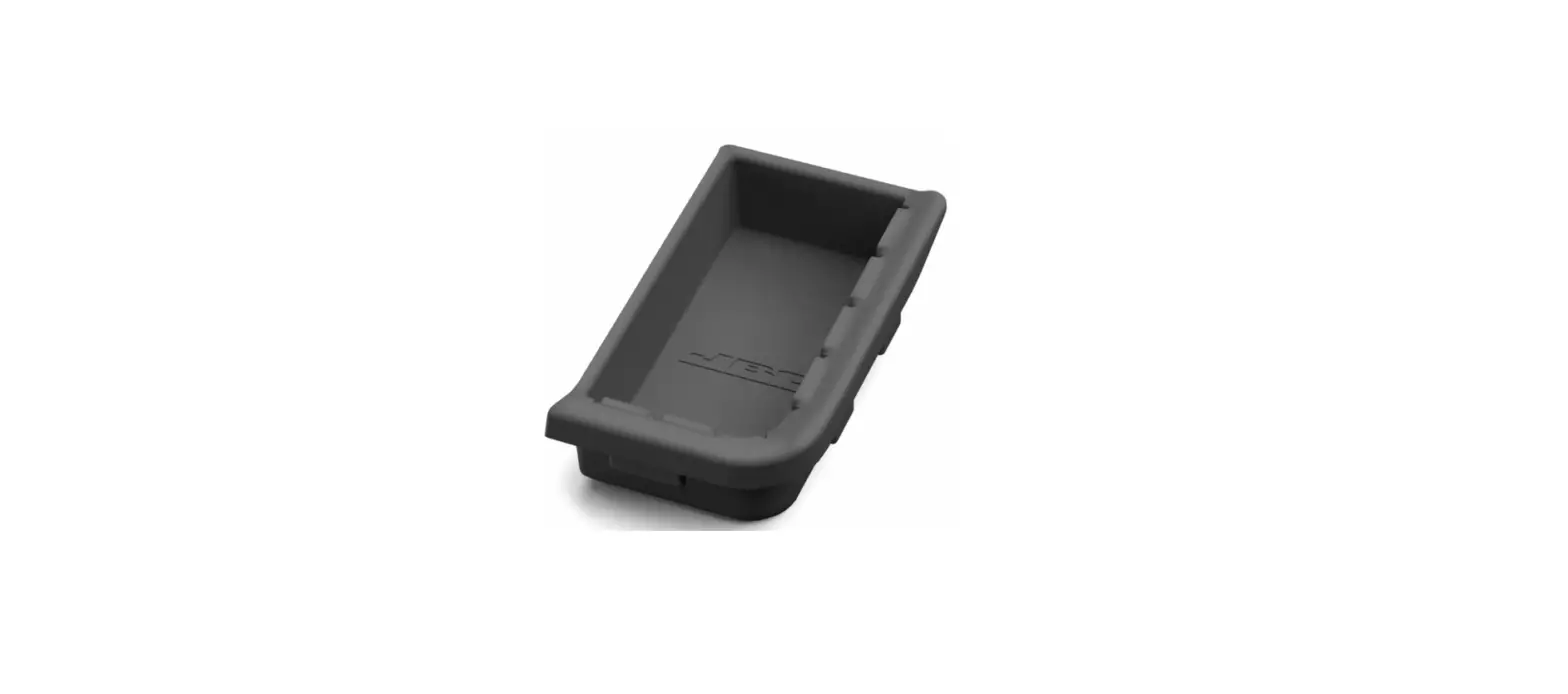
- The Splashguard also works as a tin collector Clean it and place it back in its position.

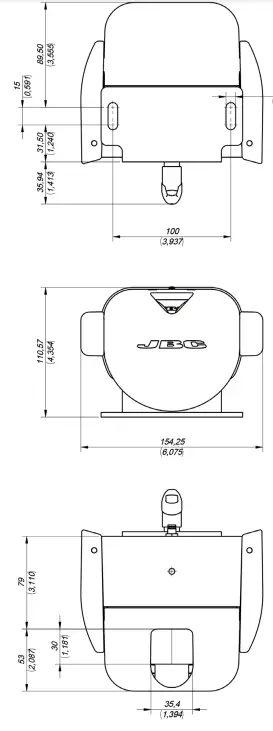
Dimensions
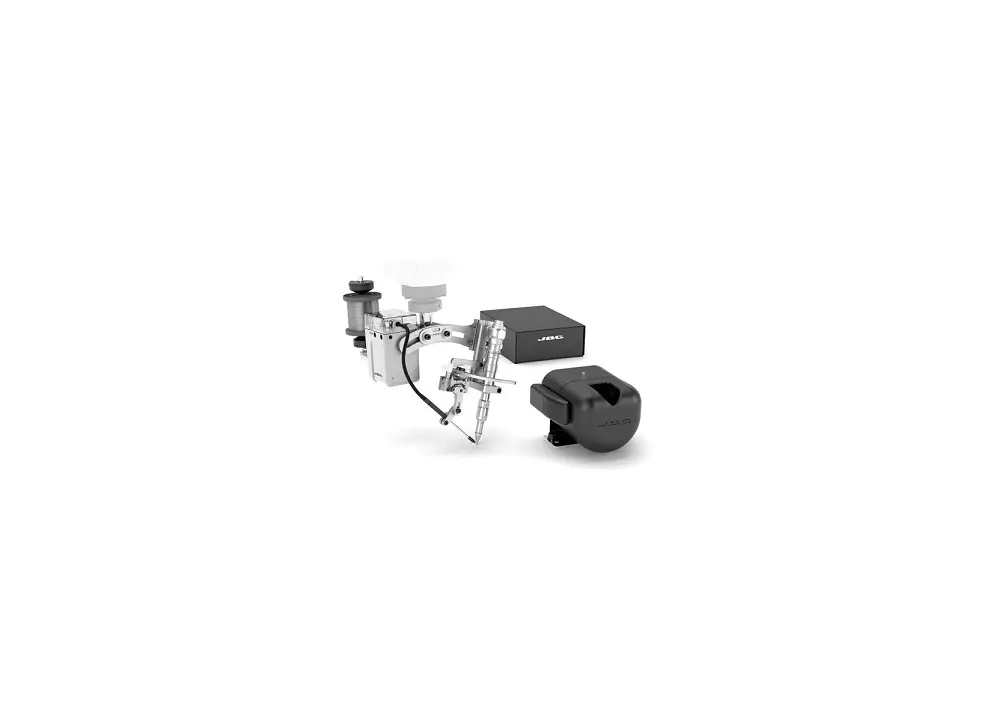
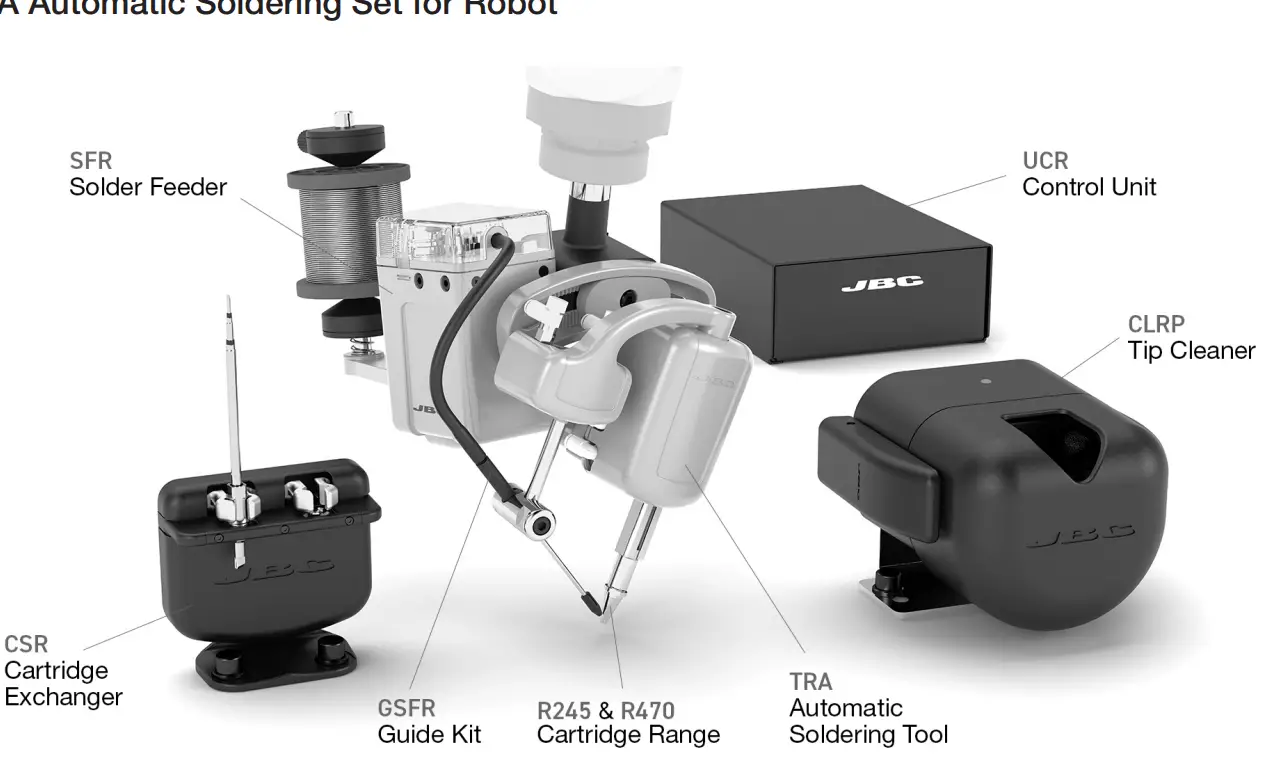
Work Place Examples
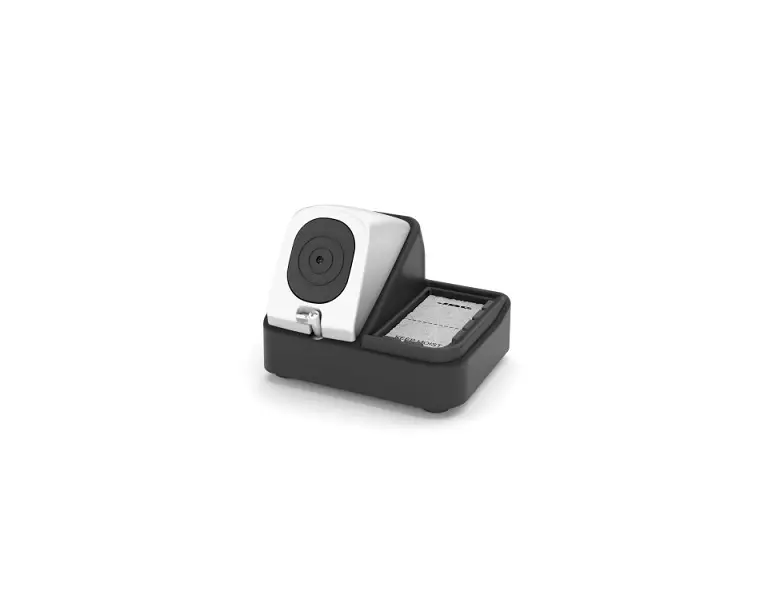
HA Automatic Soldering Set for Robot
HM Soldering Set for Robot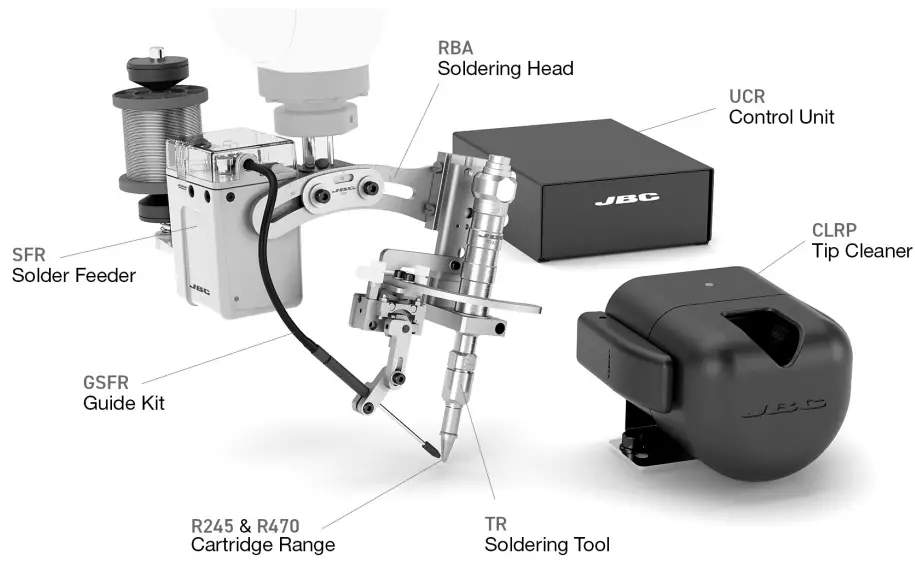
Maintenance
- Before carrying out maintenance or storage, unplug the equipment from the mains supply.
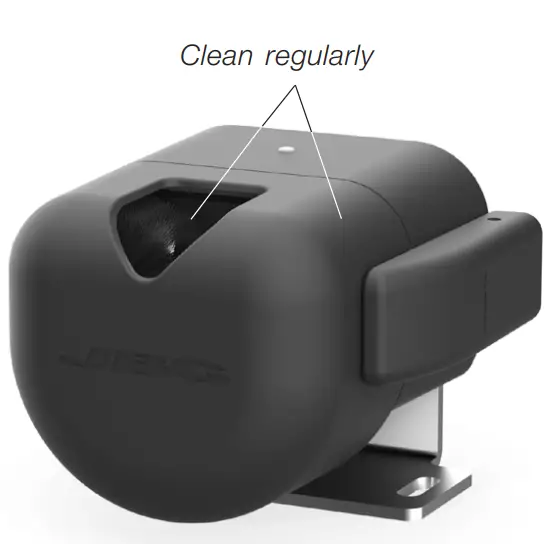
- Use a damp cloth to clean the splashguard outside and inside.
- Keep the brushes clean and replace them when necessary.
- Periodically check all cables and tube connections.
- Replace any defective or damaged parts. Use original JBC spare parts only.
- Repairs should be performed only by a JBC authorized technical service.

Safety
 It is imperative to follow safety guidelines to prevent electric shock, injury, fire or explosion.
- Do not use the equipment for any purpose other than tip cleaning. It is not a tool stand.
- Do not leave the equipment unattended when it is on.
- You must turn the device off before changing the brushes.
- The temperature of accessible surfaces may remain high after the equipment is turned off. Handle with care.
- Heat can cause inflamable products to ignite even when not visible.
- Avoid contact when brushes are rotating.
- Be carefull with the fumes produced when soldering.
- Keep your workplace clean and tidy. Wear appropriate protection glasses and gloves when working to avoid personal injury.
- Utmost care must be taken with liquid tin waste which can cause burns.
Specifications
- CLMRP
- Tip Cleaner for Robot with Fiber Brushes
- Ref.: CLMR-PA
- CLMR
- Tip Cleaner for Robot with Metal Brushes
- Ref.: CLMR-A
- Brush diameter: 50 mm / 2.0 in
- Net Weight: 2737 g / 6.03 lb
- Package Dimensions/Weight: 221 x 136 x 126 mm / 3060 g
- (L x W x H) 8.70 x 5.35 x 4.96 in / 6.75 lb
- Complies with CE standards.
- ESD safe
Warranty
JBC’s 2 year warranty covers this equipment against all manufacturing defects, including the replacement of defective parts and labour. Warranty does not cover product wear or misuse. In order for the warranty to be valid, equipment must be returned, postage paid, to the dealer where it was purchased.
 This product should not be thrown in the garbage. In accordance with the European directive 2012/19/EU, electronic equipment at the end of its life must be collected and returned to an authorized recycling facility