Crown CEAS1 Amplifier Accessory Installation Guide
Overview
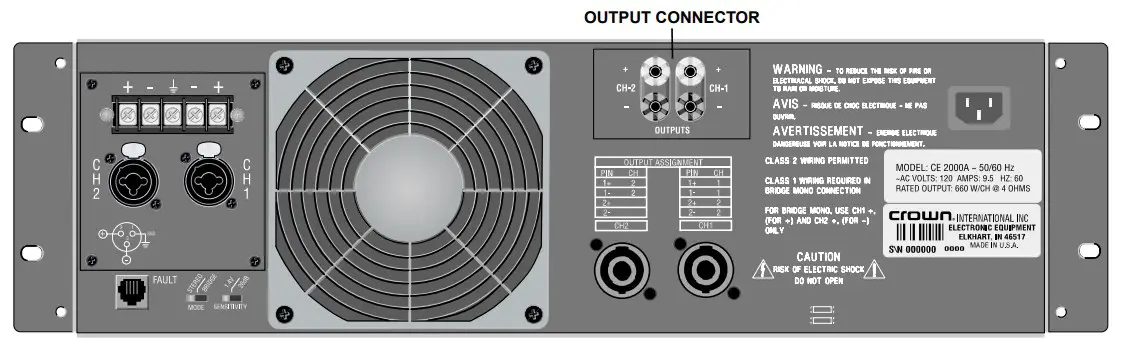
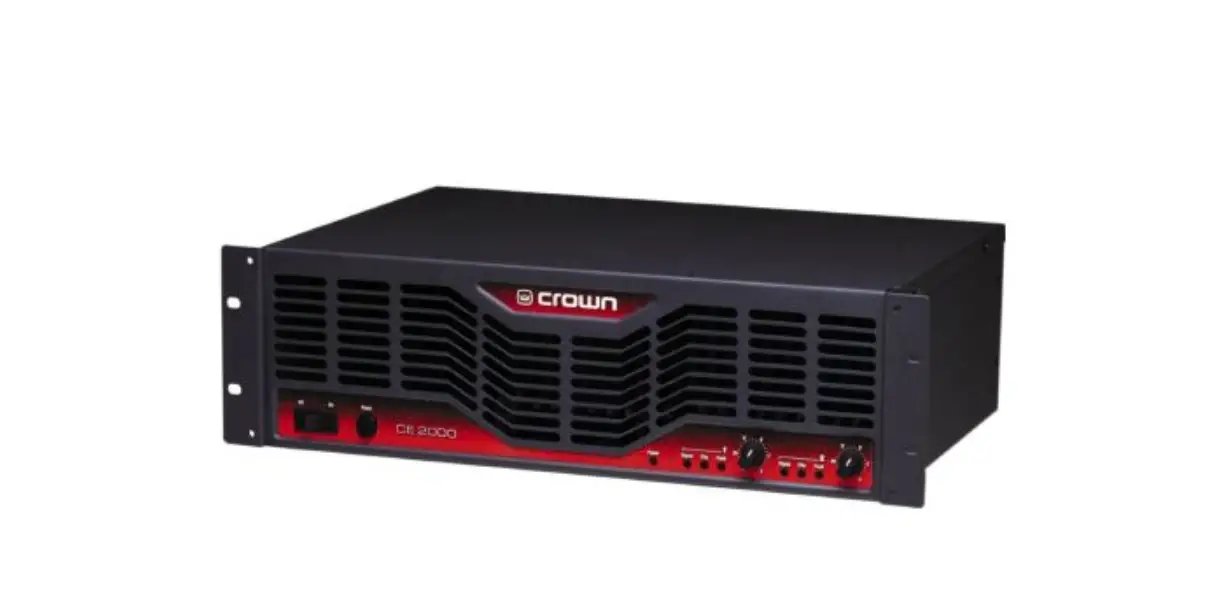
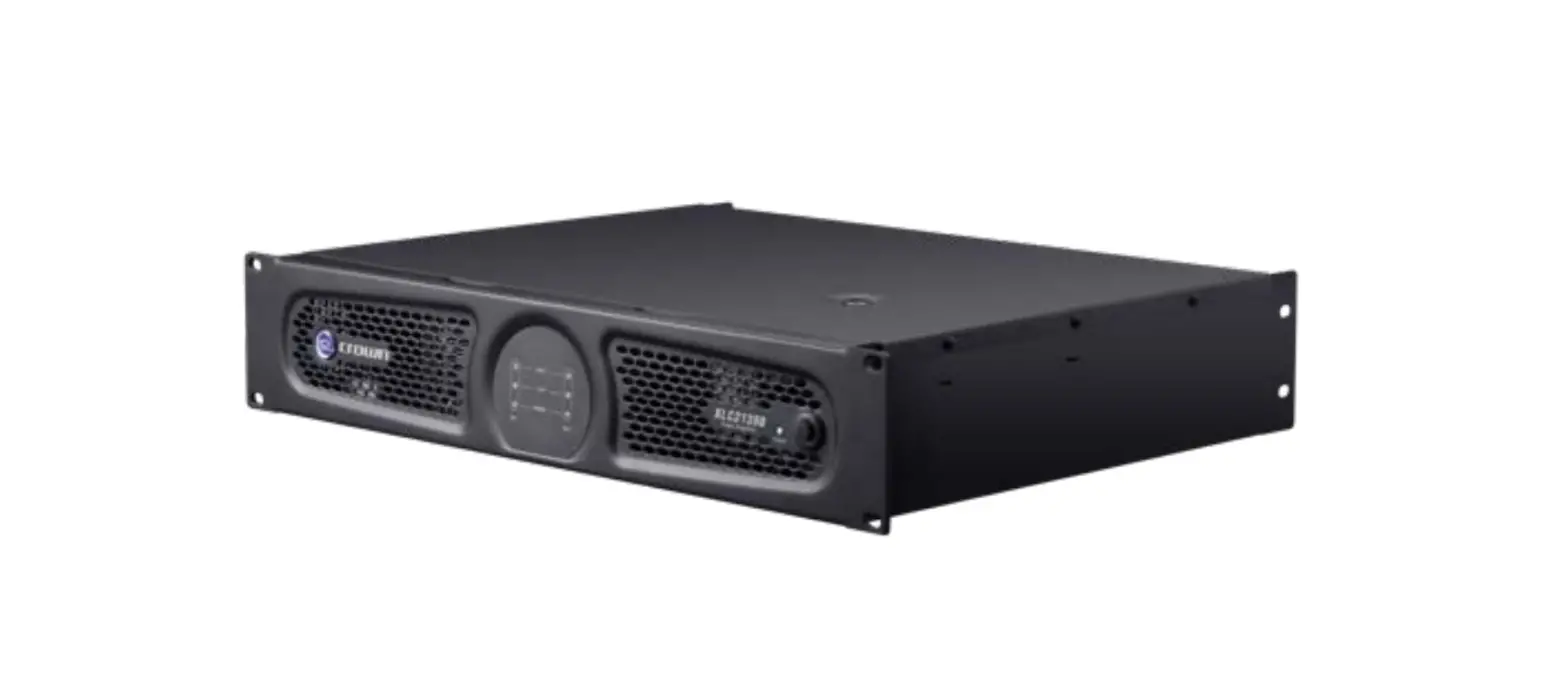
CE Series Amplifier with Optional Output Connector Installed
TOOLS REQUIRED
Torx #T-15 screwdriver
INCLUDES
2 – #8 x 1¼ in. screws
CE optional output connector
WARNING: CEAS1 AND CEAS2 OPTIONAL OUTPUT CONNECTORS MUST BE INSTALLED BY A QUALIFIED SERVICE CENTER.
Follow the installation instructions provided on the next page to install your CE Optional Output Connector. Once installed, your CE amplifier will offer barrier block or 5-way binding post output connectors (depending on the kit ordered).
Note that installing the optional output connectors does NOT defeat the Neutrik® Speakon connectors on the back panel of the amplifier. If, at any time, you prefer to use the standard Neutrik® Speakon® output connectors, it is not necessary to remove the optional output connector panel from the amplifier. Instead, simply connect your speaker wires to the Speakon® output connectors instead of the optional output connectors.
PART # CEAS1
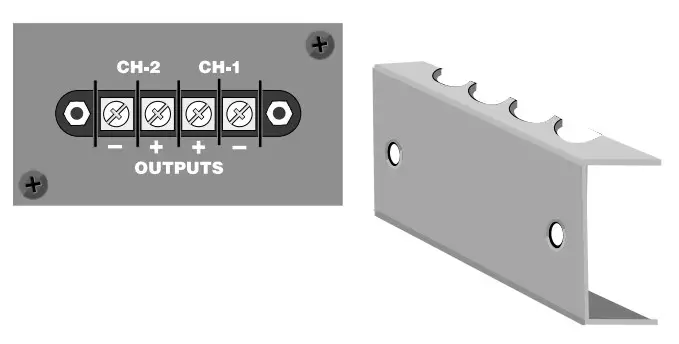
CE Series Amplifier Barrier Strip Output Connectors
PART # CEAS2
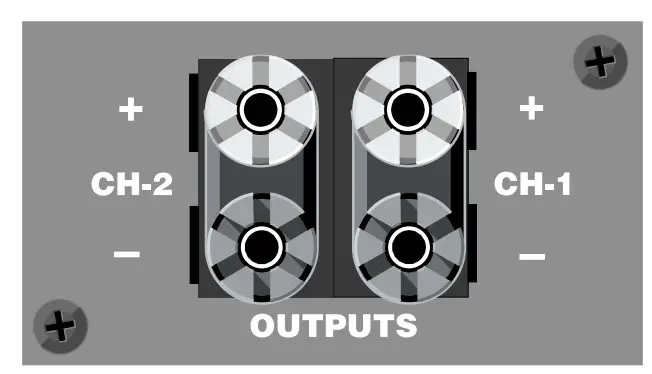
E Series Amplifier 5-Way Binding Post Output Connectors
CE Series Optional Output Connector Wire Locations
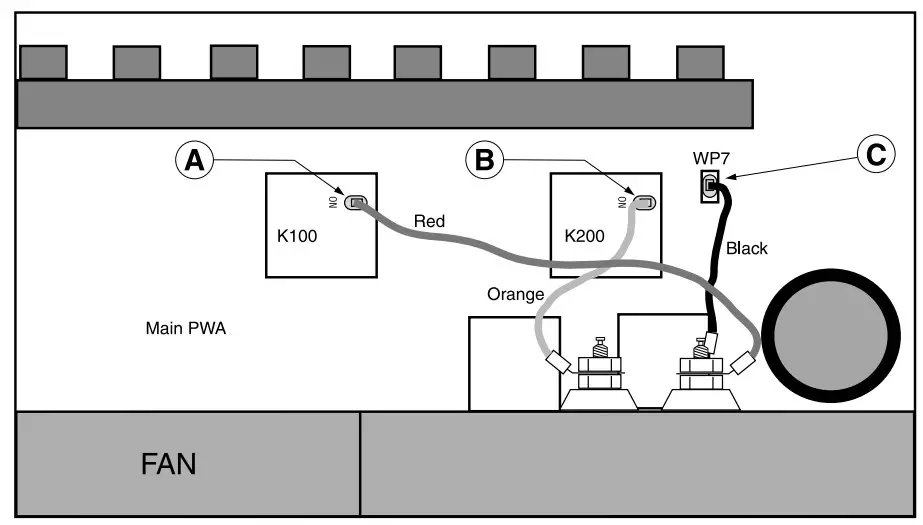
Rear of Amplifier
INSTRUCTIONS
- Turn down level controls.
- Turn off amp.
- Unplug power cord.
- Remove the four T-15 torx-head screws from the top cover, and retain screws. Remove top cover.
- Remove the two T-15 torx-head screws from the rectangular cover plate on the back panel, and retain screws. Remove cover plate and discard.
- Install CEAS1/CEAS2 in back panel opening and affix with cover-plate screws.
- Attach wires to main PWA as follows (refer to the illustration above):
Red wire to relay K100 “ON” terminal (location A).
Orange wire to relay K200 “ON” terminal (location B).
Black wire to WP7 lug (location C). - Reinstall top cover.
- Connect wires to new output panel.
- Plug in power cord.
- Turn on amp.
- Turn up the level controls to desired volume.
 P.O. Box 1000 Elkhart, IN 46515 Phone: (219) 294-8000 Fax: (219) 294-8250
Web Page: http://www.crownaudio.com
 Crown Audio - Professional Power Amplifiers