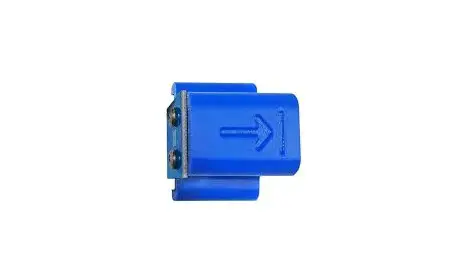
 TEROS VERIFICATION CLIP
USER GUIDE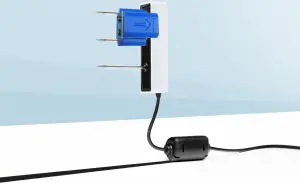
TEROS VERIFICATION CLIP QUICK START
Preparation
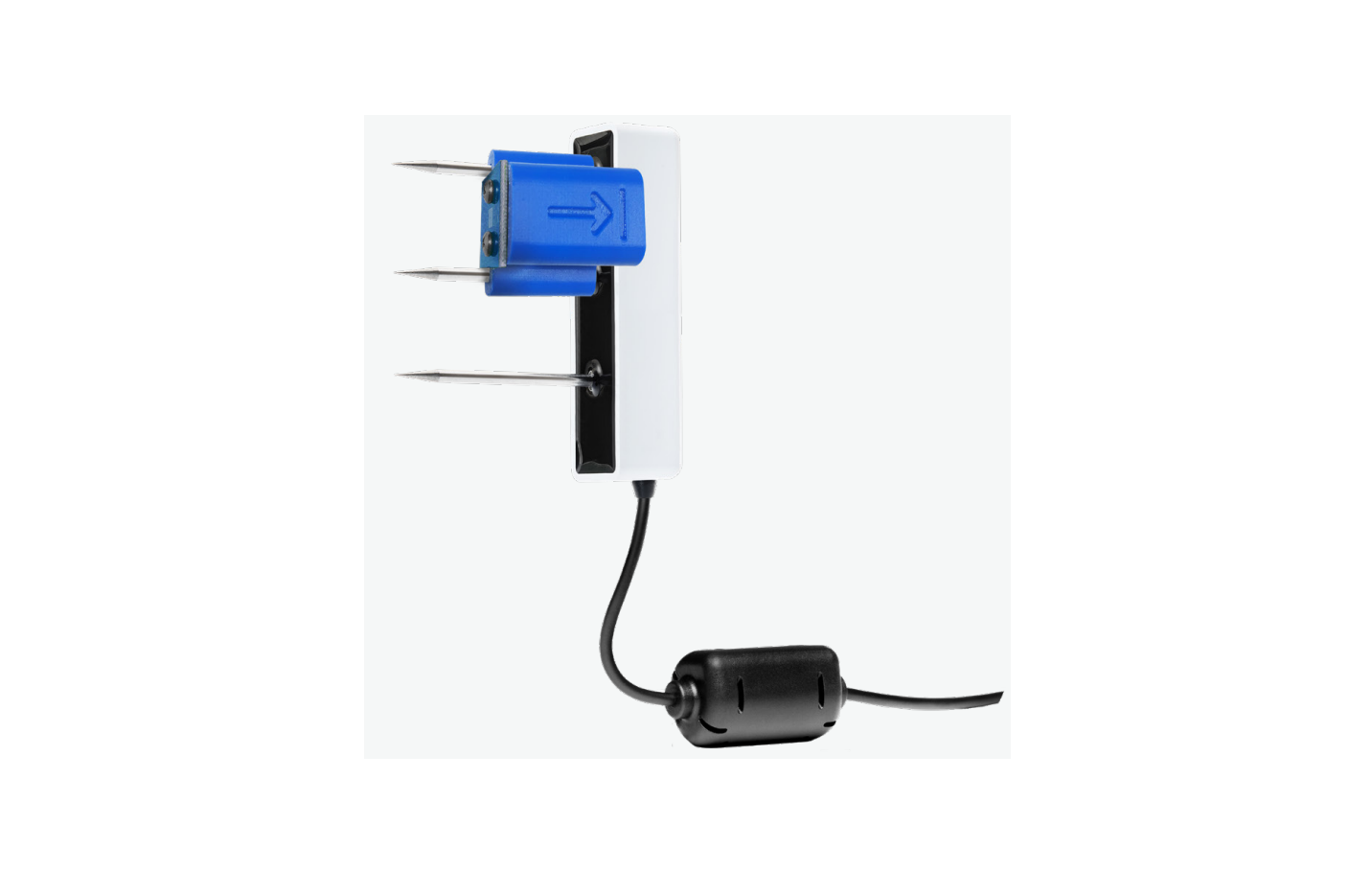
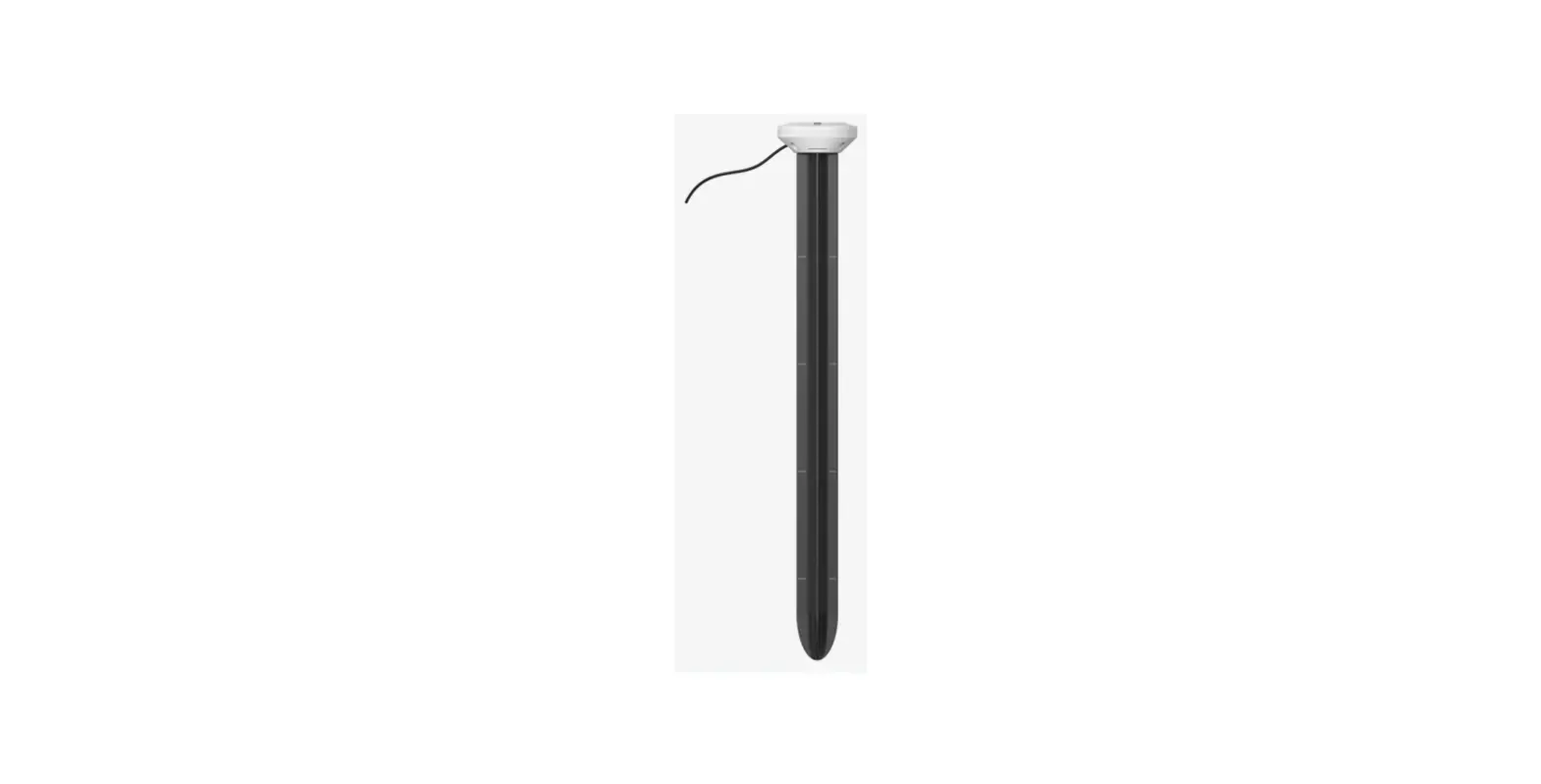
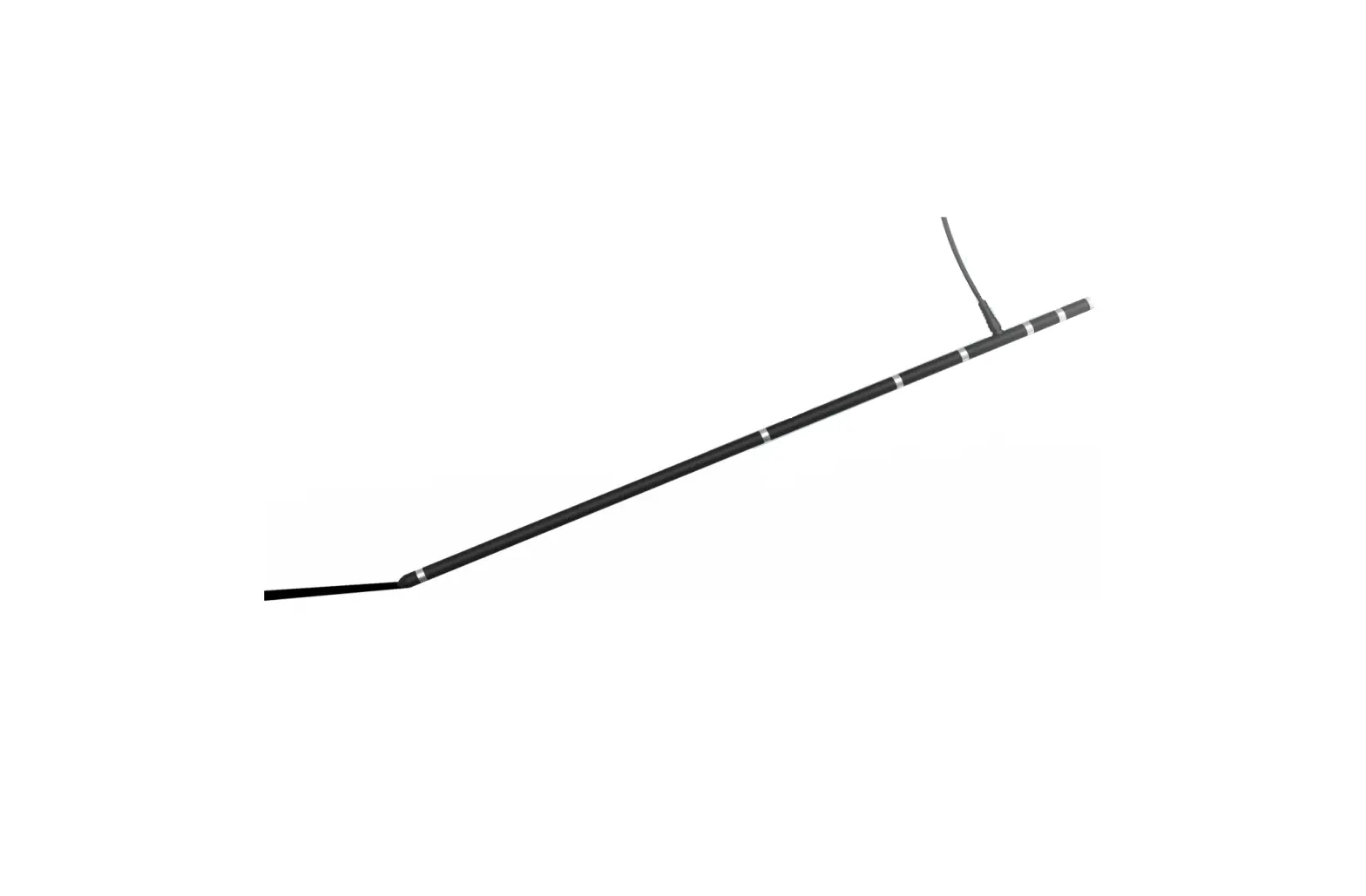
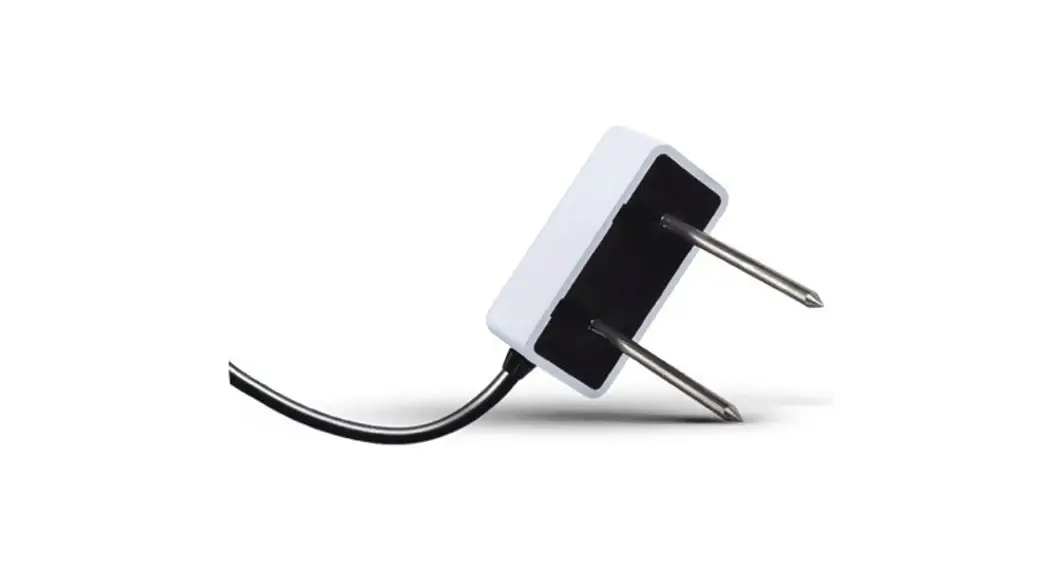
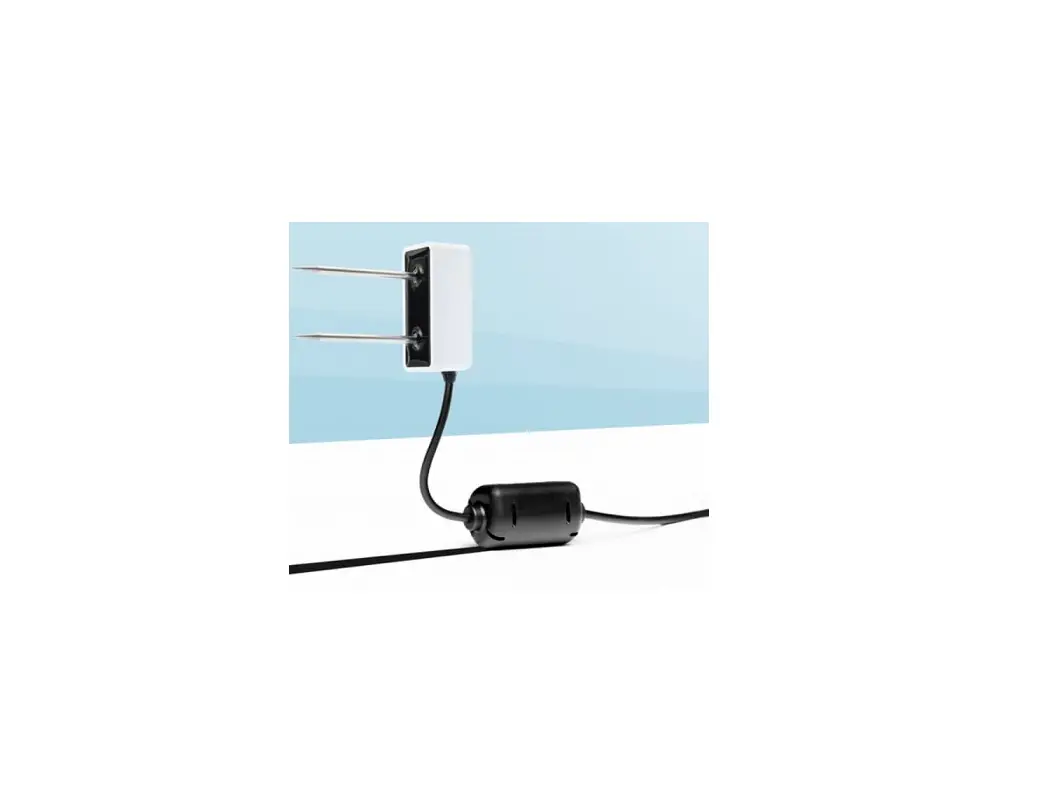
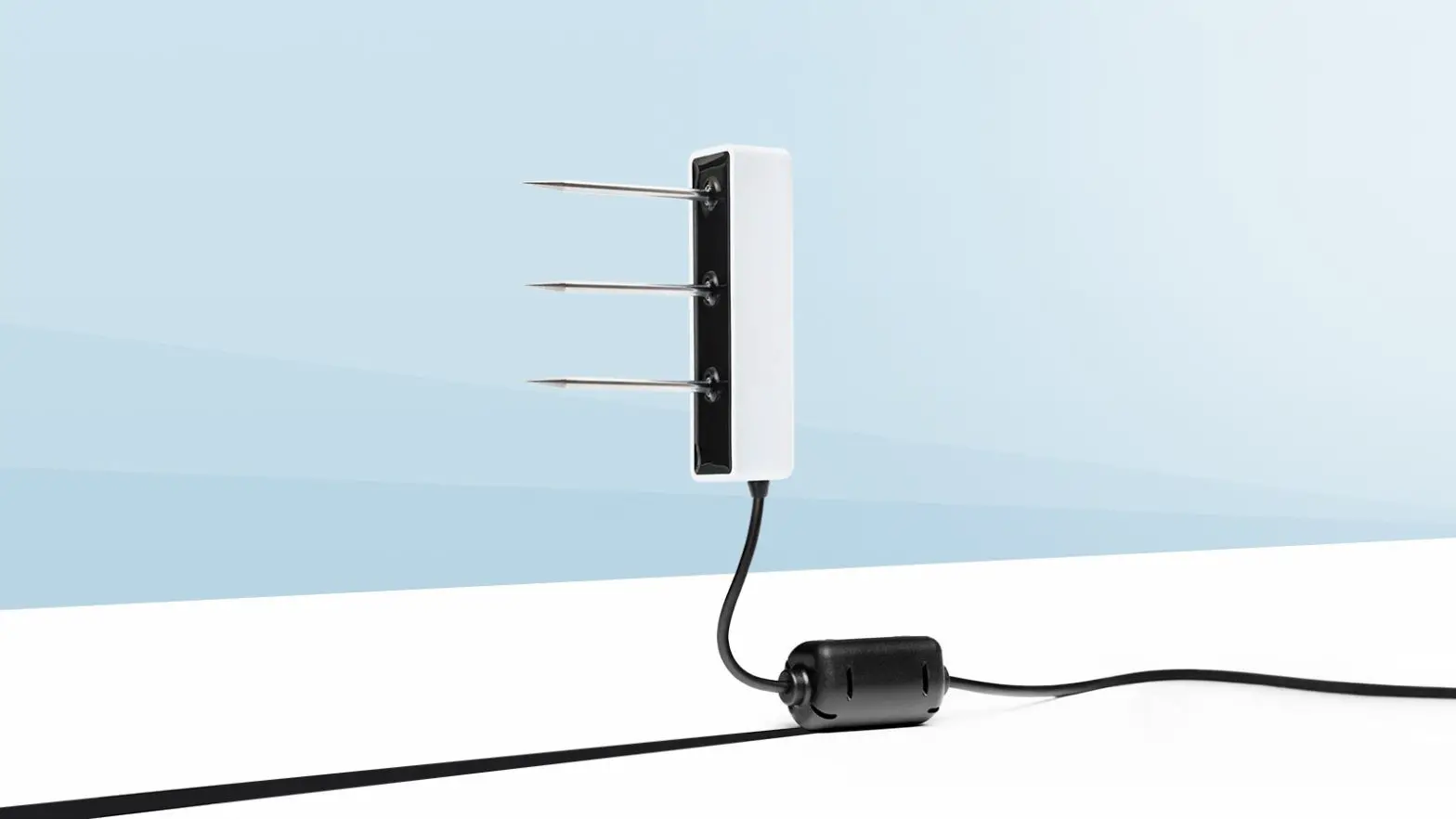
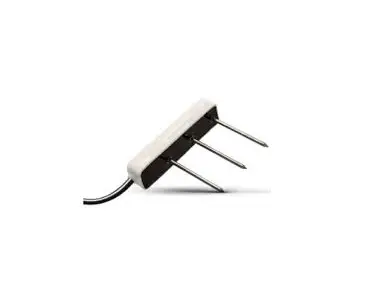
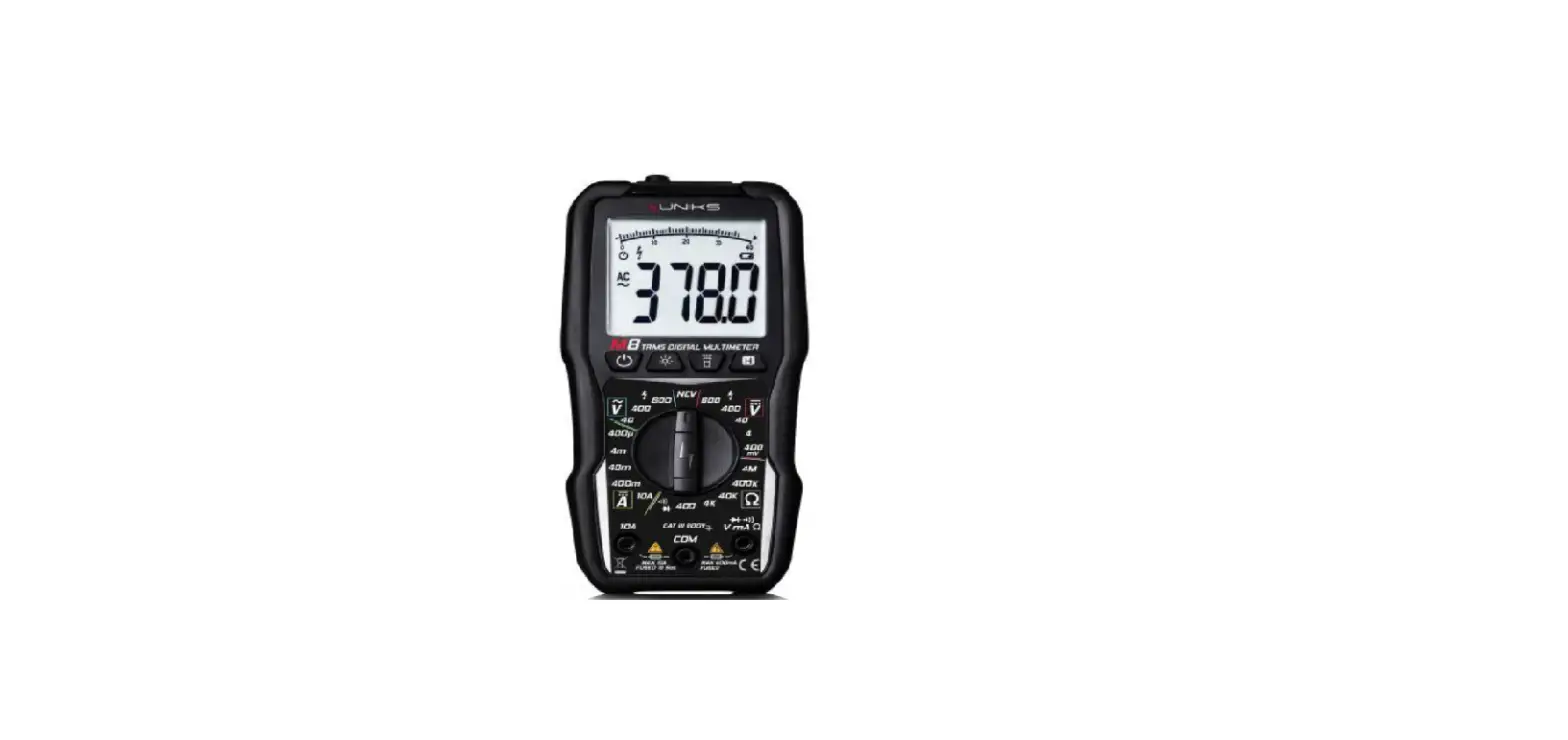
Confirm that the verification clip components are intact. The verification clip helps verify proper function and accuracy for TEROS 10, 11, and 12 soil moisture sensors prior to installation. A data acquisition system and the appropriate software are required, such as the ZL6 and ZENTRA Utility or ZENTRA Utility Mobile.
 ATTENTION
For best results, use the latest versions of METER software and firmware for the computer or mobile device, products, and sensors. Please use the software Help menu to find updates. Consult the sensor user manual for more troubleshooting tips.
Installation
- Place Verification Clip-on Sensor
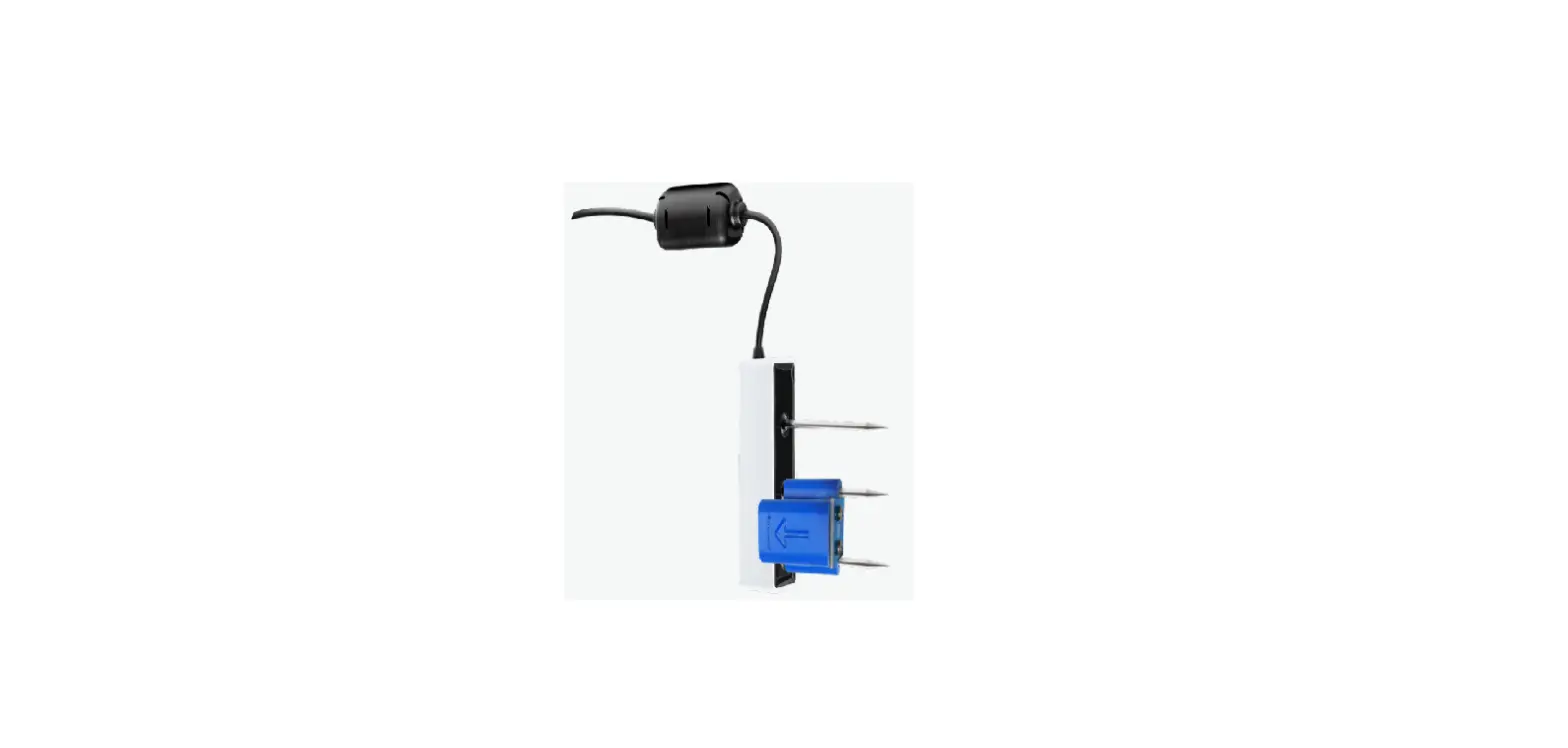
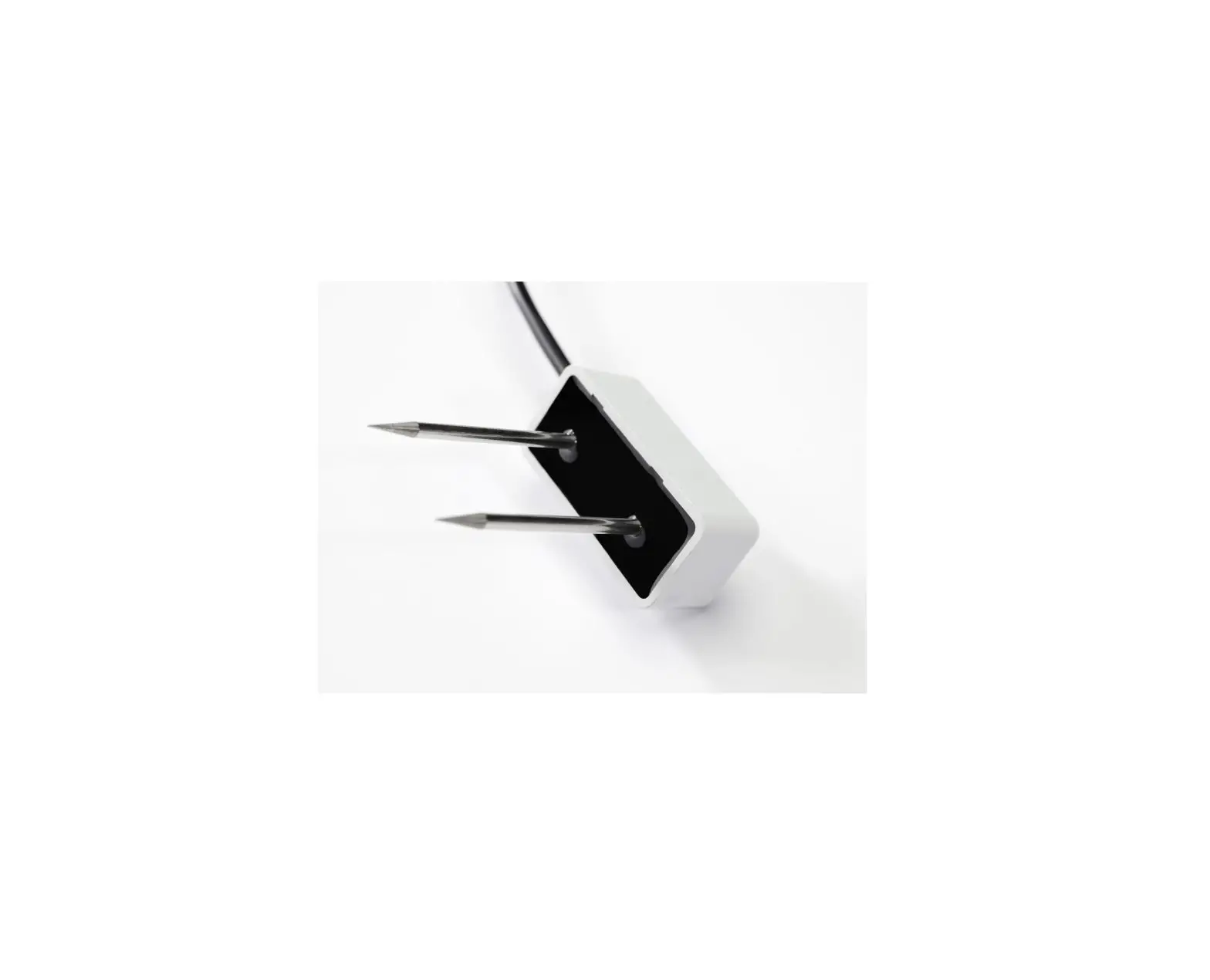
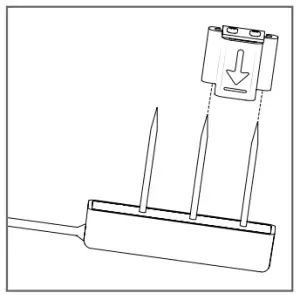
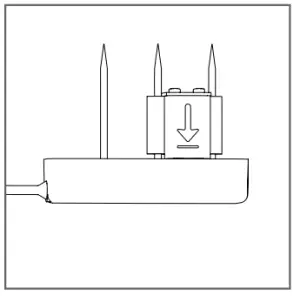
Slide the verification clip onto the two prongs farthest away from the sensor cable with the arrow pointing toward the sensor.
 WARNING
The risk of personal injury is present.
Sensor needle points are extremely sharp and will puncture the skin.
Please handle it with care. - Ensure Correct Placement
The verification clip should rest snugly against the sensor body.
- Connect TEROS Sensor to Data Logger
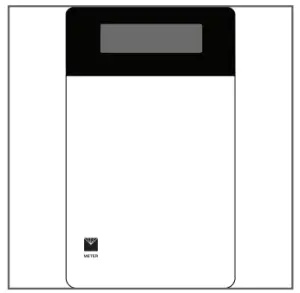
Plug the sensor into the data logger and use the SCAN function in the software.
- Verify Sensor Function and Accuracy
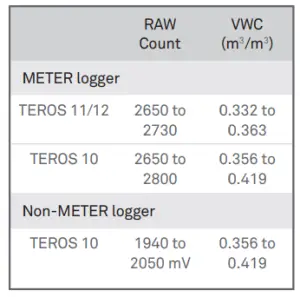
The sensor should read within the appropriate ranges.
SUPPORT
Have a question or problem? Our support team can help.
We manufacture, test, calibrate, and repair every instrument in the house. Our scientists and technicians use the instruments every day in our product testing lab. No matter what your question is, we have someone who can help you answer it.
NORTH AMERICA
Email: [email protected]
Phone: +1.509.332.5600
EUROPE
Email: [email protected]
Phone: +49 89 12 66 52 0
18299-03
11.2021