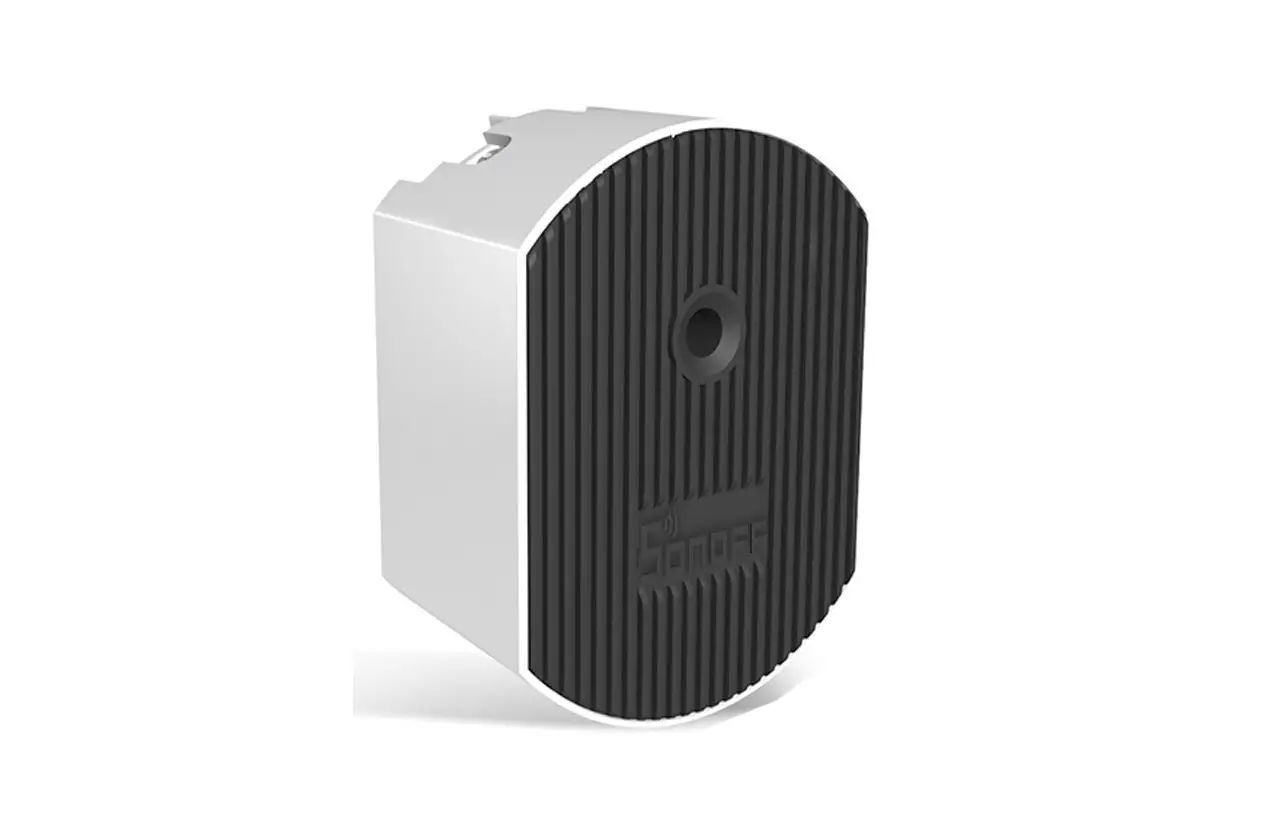
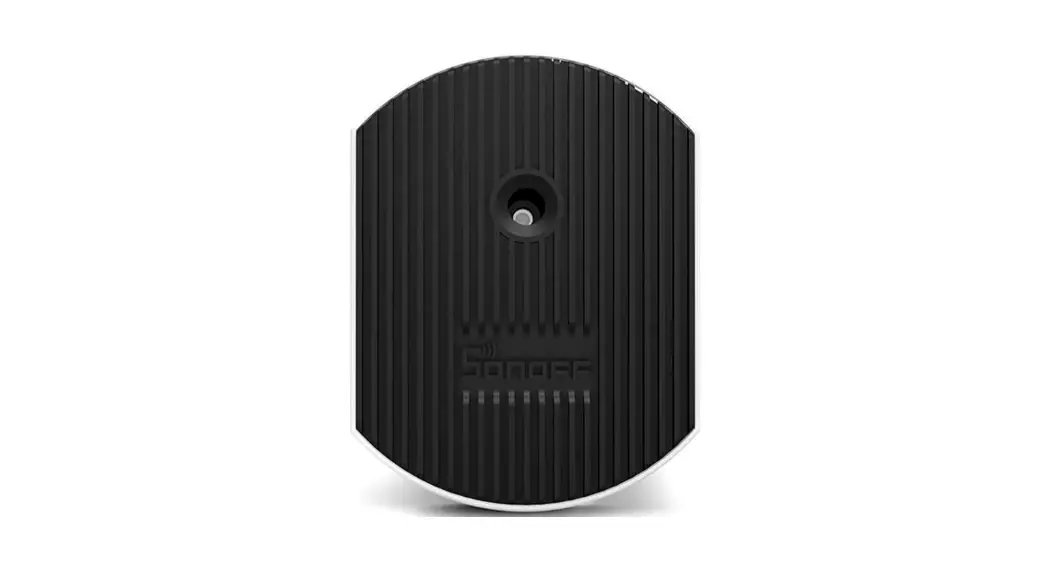
D1 Wifi Dimmer
Product Information
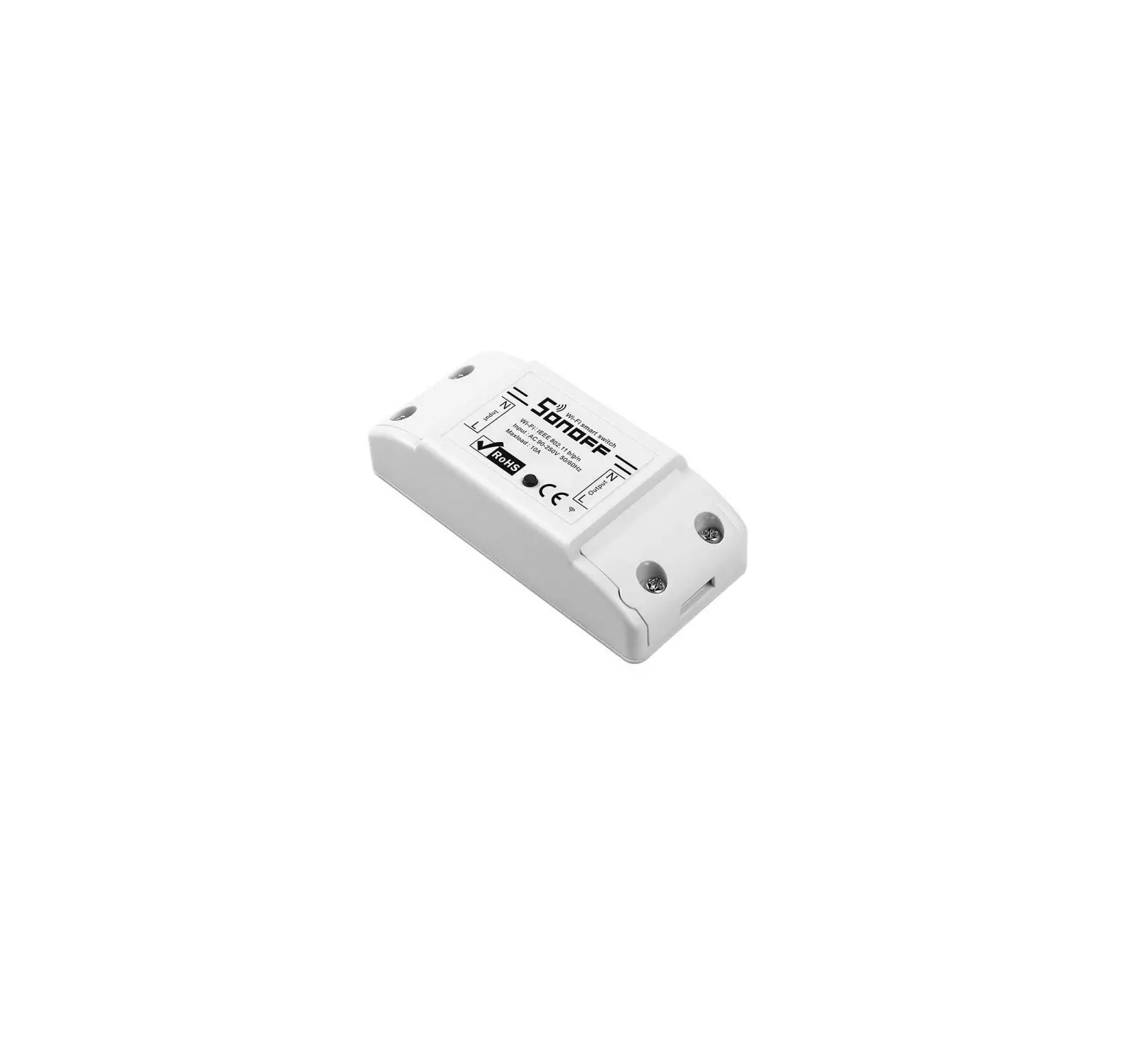
The product is manufactured by SONOFF TECHNOLOGIES CO., LTD. It
is an electrical device that allows for remote control of connected
light bulbs. The device is compatible with incandescent light bulbs
and dimmable LED lights. It operates on a power supply of 100-240V
AC.
Product Usage Instructions
- Power off: The device has an ON/OFF switch. To
turn off the device, switch it to the OFF position. - Wiring instruction: Connect the device to the
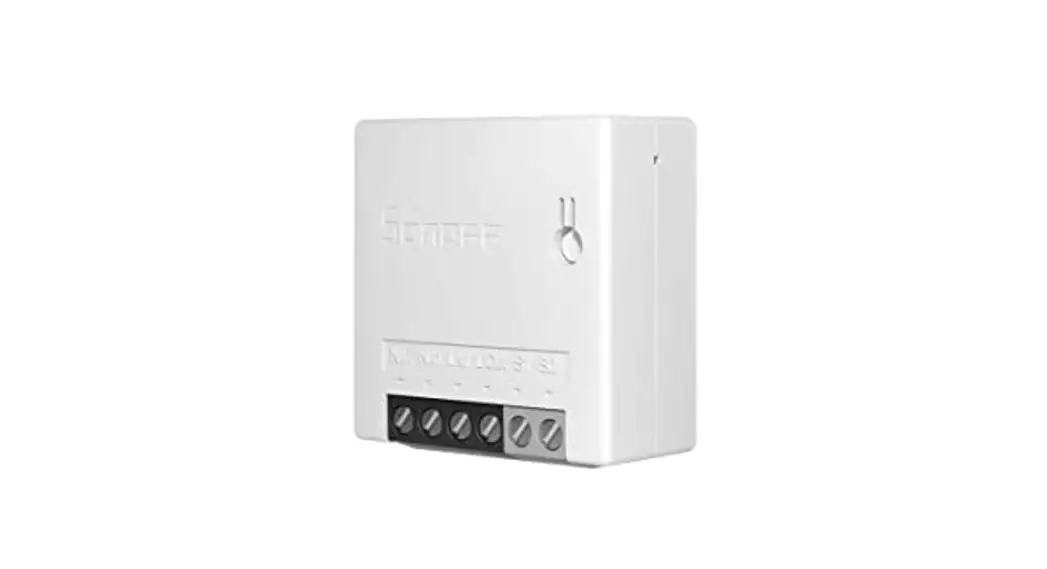
power supply using the neutral wire (N In) and live wire (L In).
The output connection for the light bulb should be made using the L
Out terminal. - Download APP: Download the eWeLink app from
the AndroidTM or iOS app store. - Power on: After connecting the device to the
power supply, it will enter the quick pairing mode (Touch) during
the first use. The connected light will enter the breathing mode,
indicating successful pairing. - Add the device: Open the eWeLink app and tap
on “Add Device”. Follow the prompts on the app to add the device in
Quick Pairing mode. You can also add GSM devices or devices with QR
code using the respective modes. - Pairing method for device and SONOFF RM433 remote
controller: Refer to the user manual for specific
instructions on pairing the device with a SONOFF RM433 remote
controller.
Please note that for installation and repair, it is recommended
to consult a qualified professional to avoid electric shocks.
During use, do not touch the switch.
SONOFF TECHNOLOGIES CO., LTD.
Operating Instruction
1. Power off
ON
OFF
ON
OFF
ON
OFF
ON
OFF
English
To avoid electric shocks, please consult the dealer or a qualified professional for help when installing and repairing! Please do not touch the switch during use.
2. Wiring instruction
N
100-240V AC
L In
N In
L Out
The device can only connect incandescent light bulb and dimmable LED light. Makesuretheneutralwireandlivewireconnectioniscorrect. 3. Download APP
eWeLink
eWeLink
AndroidTM & iOS 5
SONOFF TECHNOLOGIES CO., LTD. 4. Power on
English
After powering on, the device will enter the quick pairing mode (Touch) during the first use. The connected light enters the “breathing mode”.
It will exit the quick pairing mode (Touch) if the device is not paired within 3mins. If you need to enter this mode again, please power off and restart the device until the connected light enters the “breathing mode”. 5.Add the device
AddDevice
QuickPairing
WIFIdevicescanbeaddedinthismo de(makesurethedeviceisinpairing mode).
Scan QR code
GSM devices and devices with QR co de can be added in this mode.
Sound Pairing Add device in this mode if your devic e support this feature.
Tap “+” and select ” Quick Pairing “, then operate following the prompt on the app.
Pairing method for the device and SONOFF RM433 remote controller:
<RM433
Short press any button on the RM433 remote controller within 5s after powering on until you hear “Bi”, which indicates all buttons are paired successfully.
The RM433 remote controller is not included, please purchase it separately.
6
SONOFF TECHNOLOGIES CO., LTD.
RM433 Introduction
English
Buttons
Functions
On
Off
Short press for the low brightness, long press to turn down the brightness
Short press for the medium brightness, long press to turn down the brightness
Short press for the higher brightness, long press to turn up the brightness
Short press for the high brightness, long press to turn up the brightness
Long press for 5s until you hear “Beep Beep” and release, then the remote controller is cleared successfully. After clearing code is completed, if you need to use, short press any button within 5s after powering on again and you will hear”Beep”, which indicates the remote controller is paired successfully.
Long press for 5s until the connected light enters the breathing mode, which indicates the device enters quick pairing mode (Touch), then you can add the light on eWeLink APP. In quick pairing mode, you can short press any button on the remote controller to exit this mode.
7
SONOFF TECHNOLOGIES CO., LTD.
Specifications
Model Input Output Light Load Operating systems Wi-Fi RF Working temperature Material Dimension
D1 100-240VAC50/60Hz 100-240VAC50/60Hz Incandescent:200W LED:150W Android & iOS IEEE 802.11 b/g/n 2.4GHz 433.92MHz -10~40 PC V0 62x47x32.5mm
English
Features
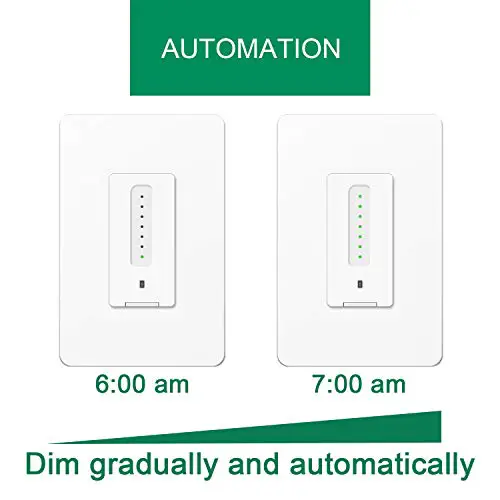
D1 is a Wi-Fi smart dimmer switch that is used to adjust the light brightness and set various atmosphere for your room. You can remotely turn on/off light of your home anywhere, schedule it on/off, or share it with your family to control together.
Remote Control Single/Countdown Timing
Voice Control
Share Control
Smart Scene
433MHzRemote Stepless dimming Control
Scene Mode
LANControl
Group control
8
SONOFF TECHNOLOGIES CO., LTD.
English
Factory Reset
Turn on and off 3 times on repeatedly or delete the connected light on eWeLink APP until it enters “breathing mode”, then the device is reset successfully and enters quick pairing mode (Touch).
1S
1S
1S
1S
1S
D1
Schedule Timer
Device Settings
LAN control
Device Settings
Power-on State
ON
Set brightness range Device info Manufacturer
Model
Device ID
Mac address
FW Name
Delete device
Please reset the device to factory defaults if you want to use other Wi-Fi networks, then reconnect the network.
9