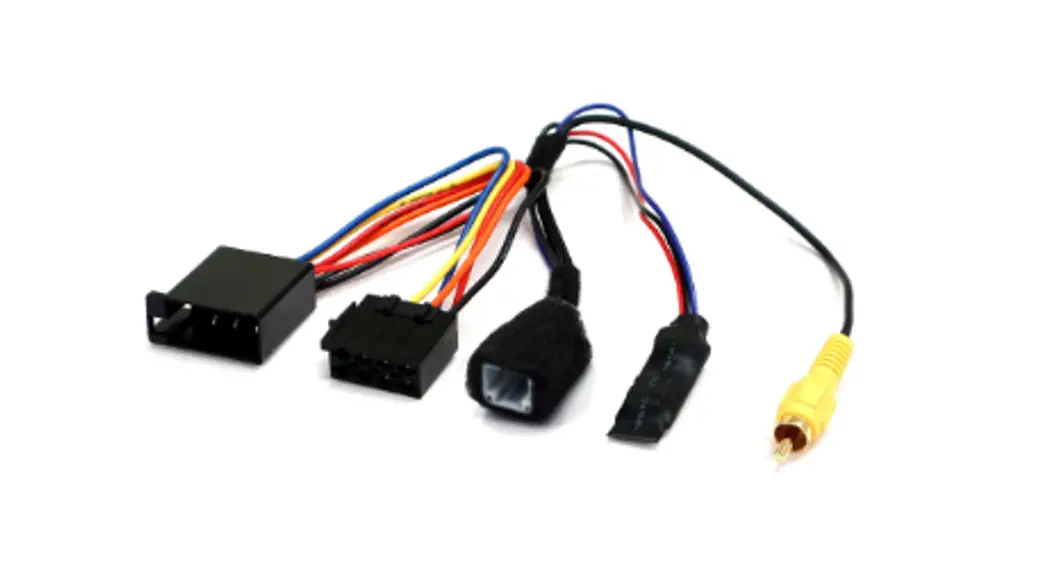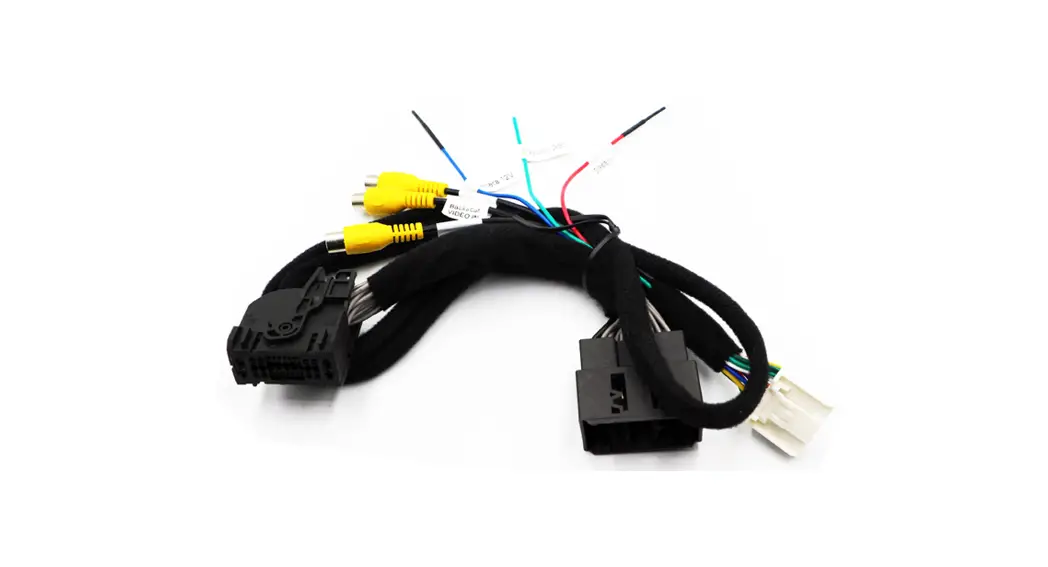
 CAMERA INTERFACE FOR MERCEDES-BENZ
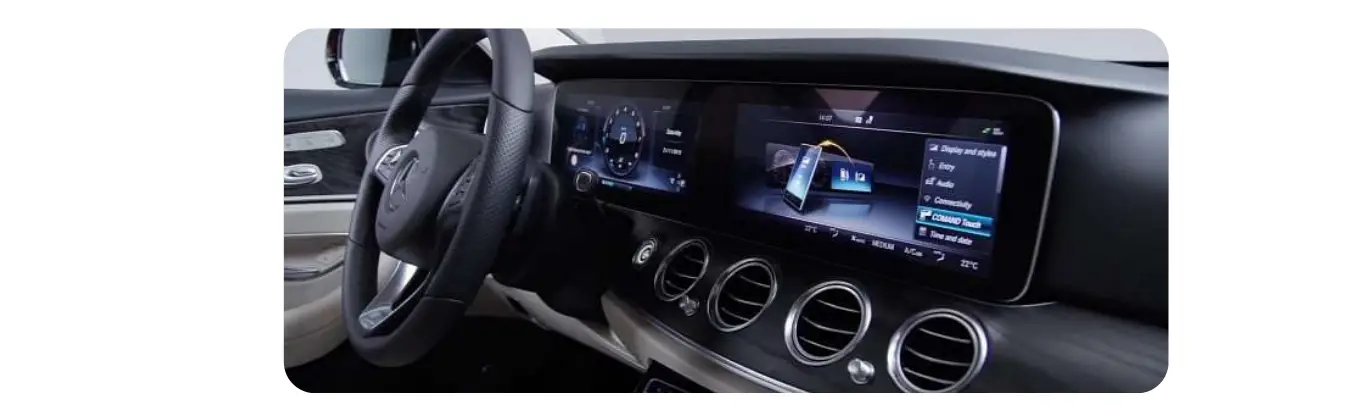
SPRINTER MBUX 7″ screen (26pin connector)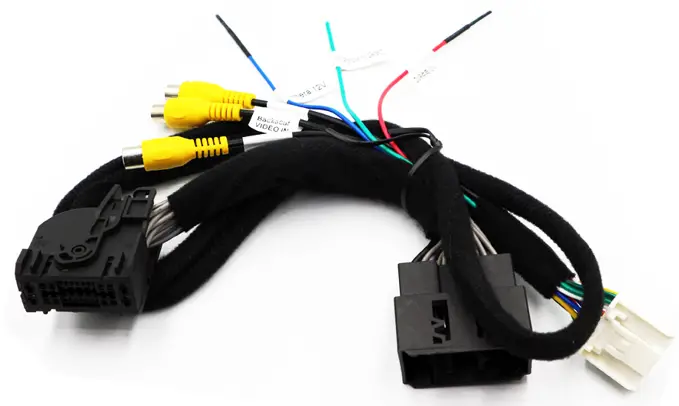 27‐596
Model No.: MB-967
FOR SPRINTER VAN’S WITH ORIGINAL NAVIGATION
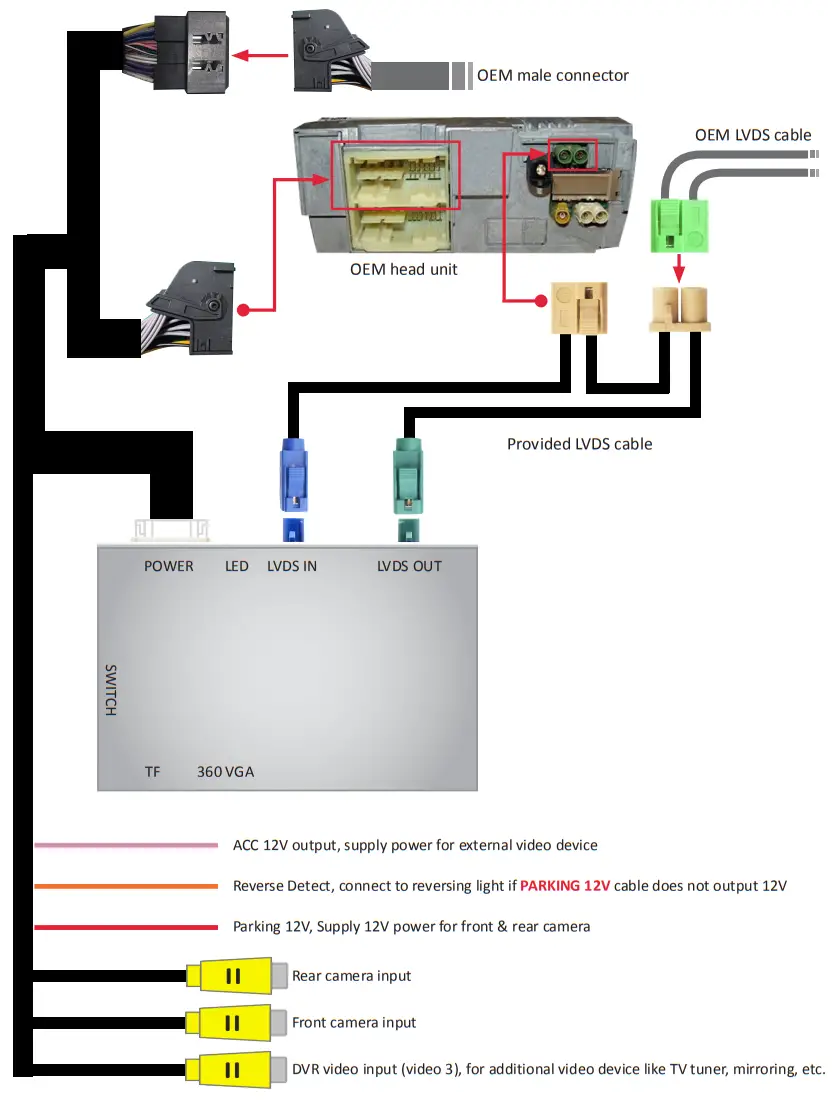
CONNECTION DIAGRAM
DIP SETTING
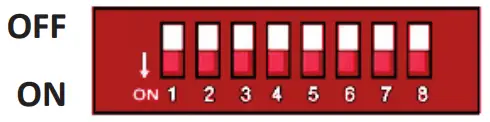
| DIP | ON↓ | OFF↑ |
| 1 | Selection of car model | 2018- Sprinter with MBUX 7 inch: 1 ON, 2 OFF, 3ON |
| 2 | ||
| 3 | ||
| 4 | — | |
| 5 | Disable FPG (flexible parking guideline) | Enable Gridlines |
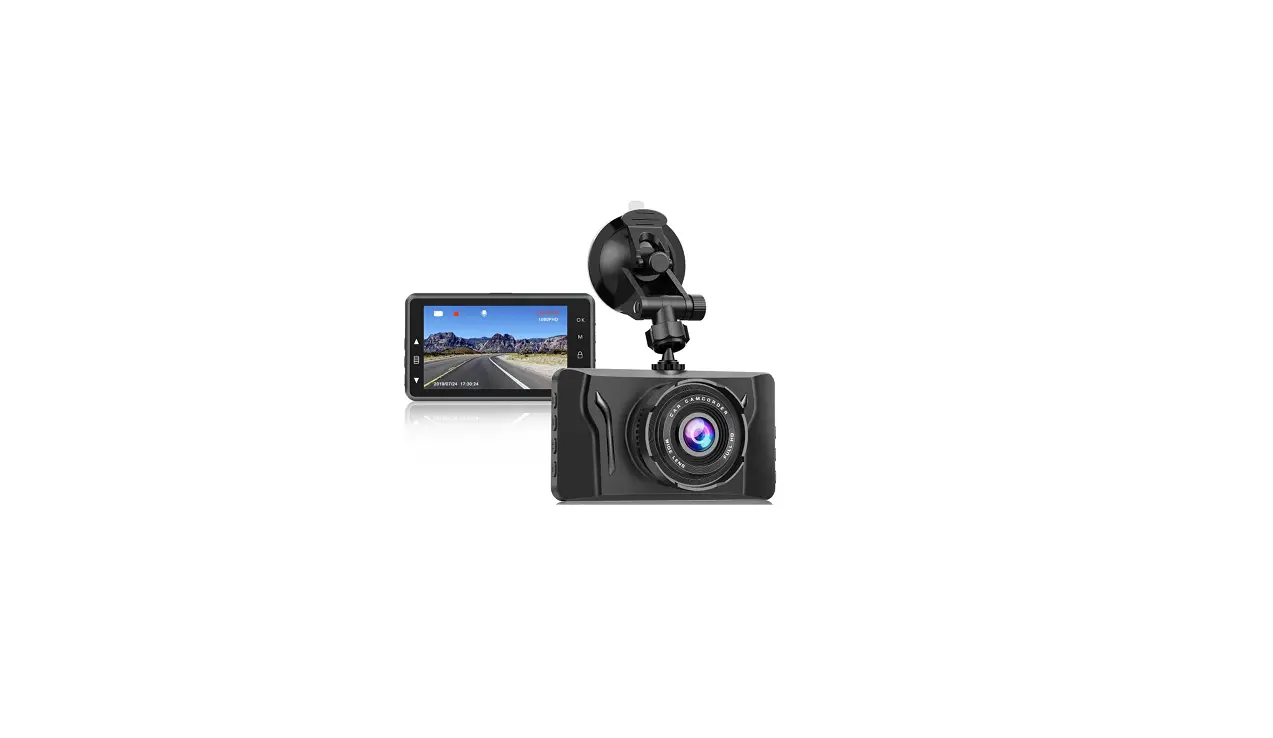
| 6 | Enable DVR (video 3) | Disable DVR (video 3) |
| 7 | Display front view camera for 10S automatically after shifted from “R” gear | Disable front view |
| 8 | — | |
Some common DIP shortcuts:
| DIP Function | 4 | 5 | 6 | 7 | 8 |
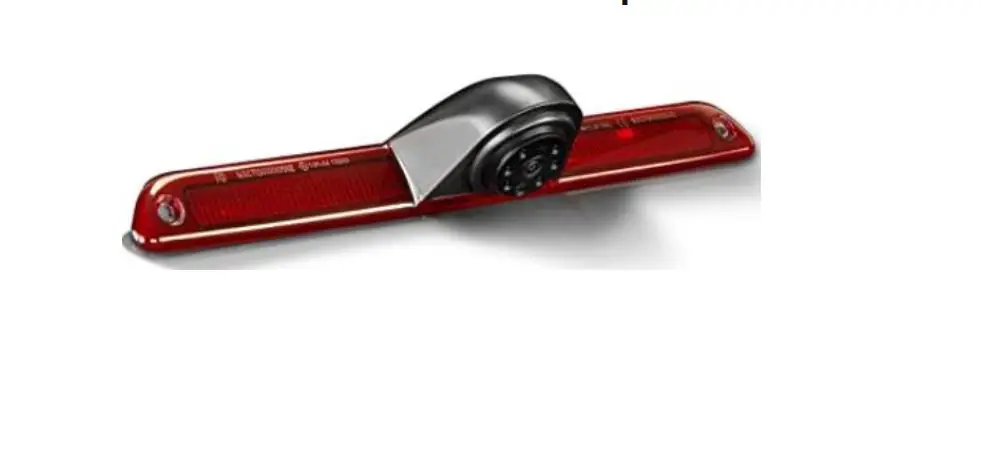
| Aftermarket rear camera (CAN bus control) | OFF▲ | OFF▲ | OFF▲ | OFF▲ | OFF▲ |
| Aftermarket rear camera (reversing lights control) | OFF▲ | OFF▲ | OFF▲ | OFF▲ | ON▼ |
| Factory rear camera | OFF▲ | ON▼ | OFF▲ | OFF▲ | ON▼ |
NOTE! Please disconnect & reconnect interface’s power after changing any DIP setting.
* PDC (Parking Distance Control) is not available.