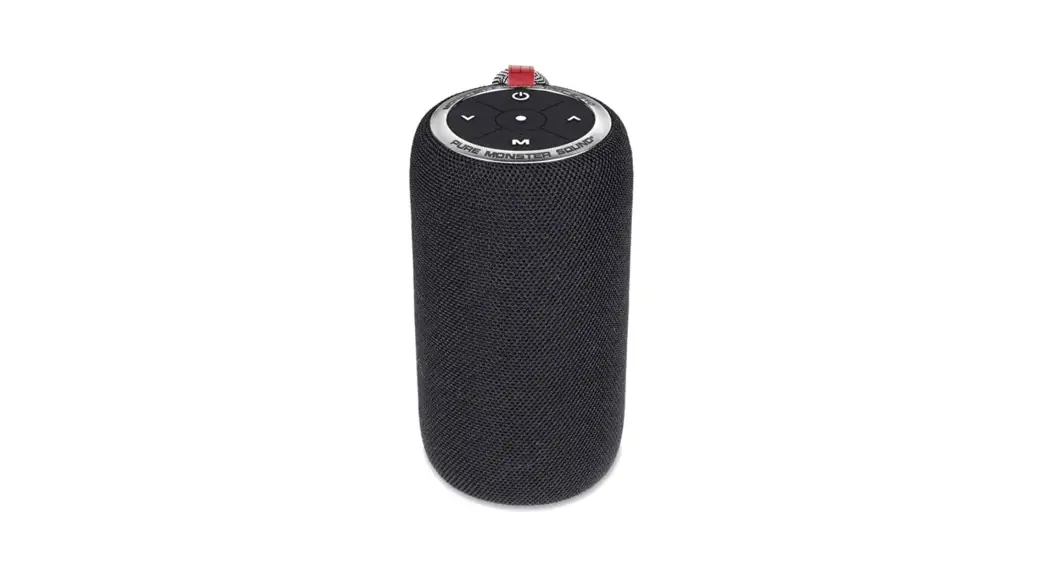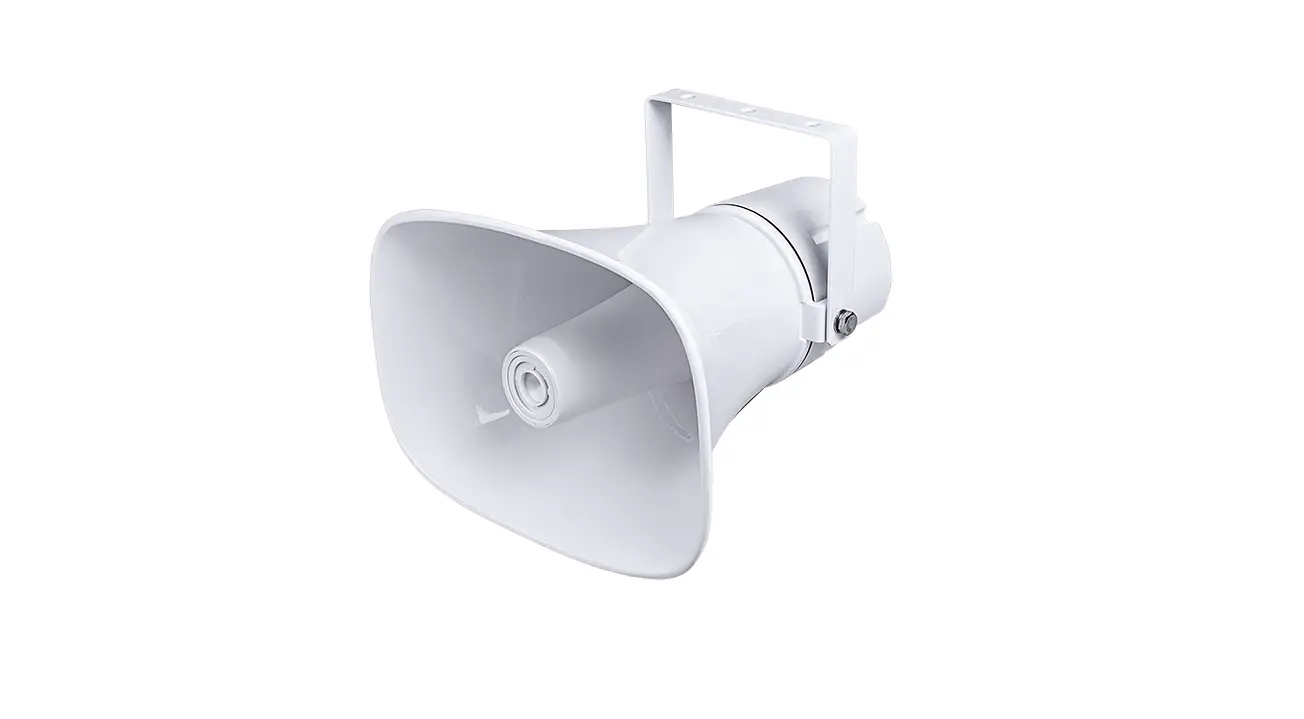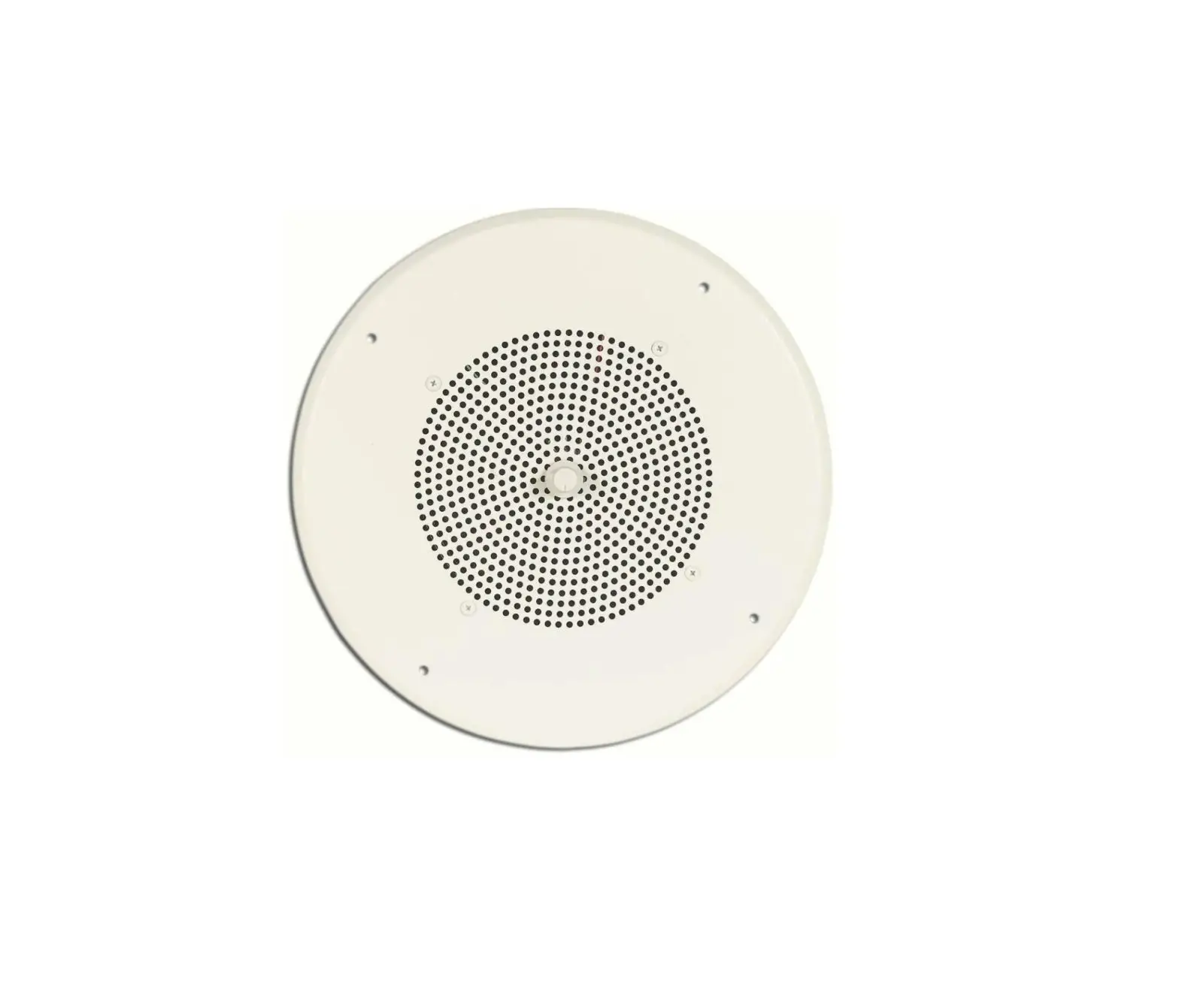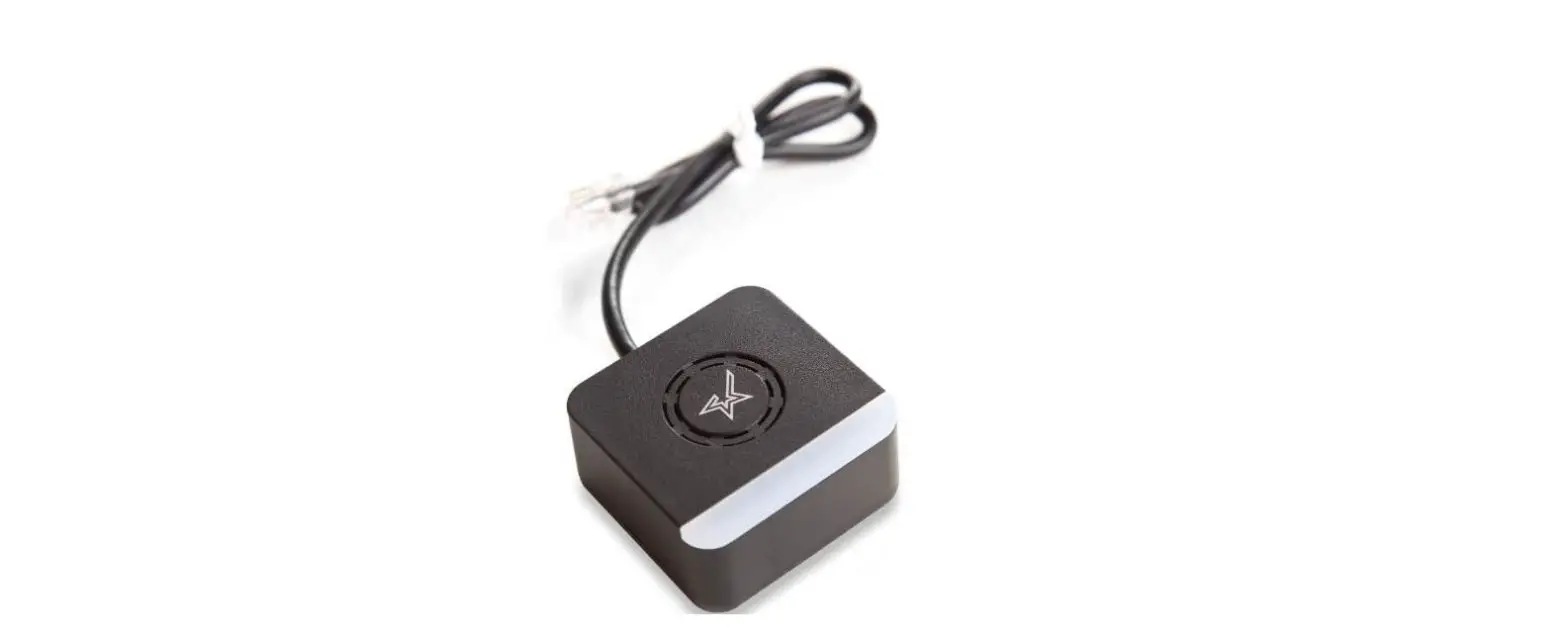

star-m MCS10 Melody Speaker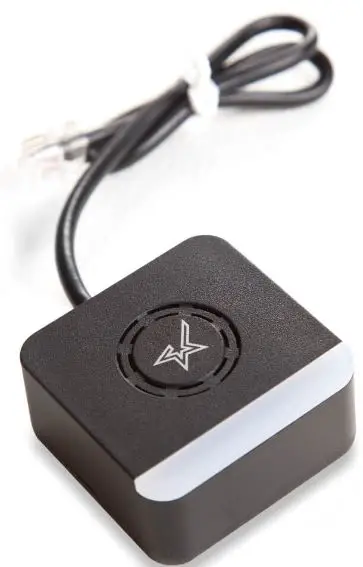
Precautions for installing the melody speaker MCS10
Please read this manual before installing/removing the product.
Be sure to perform the “installation” or “removal” operation of this product correctly according to the procedure described in this manual. If you follow different procedures, the product may be damaged.
Installation procedure
- Before installing, turn off the printer (1) and unplug the power cable from the AC outlet.
- Please make sure to wait 30 seconds before proceeding to step 2. to perform the installation work.
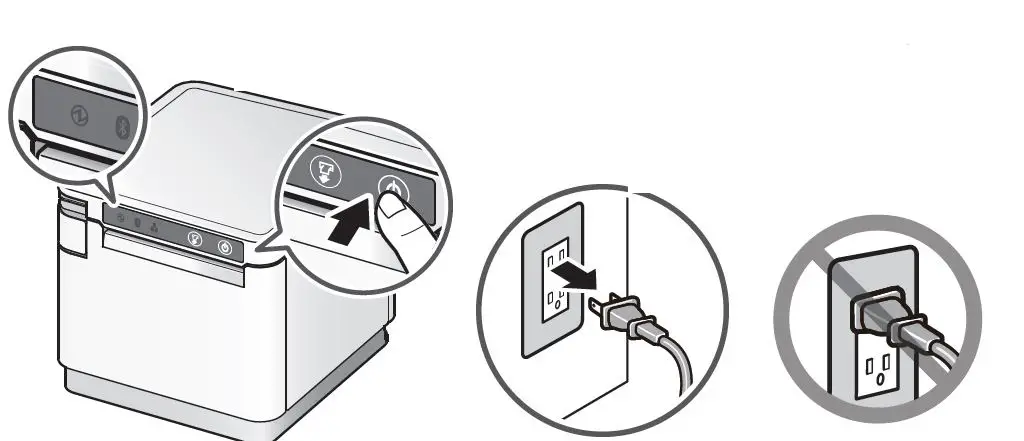
- Press and hold the power button to turn off the power. Check that the Power LED is off.
- Unplug the power cable from the AC outlet.
Plug the cable of this product into the external device drive connector on the back of the printer until you hear a click.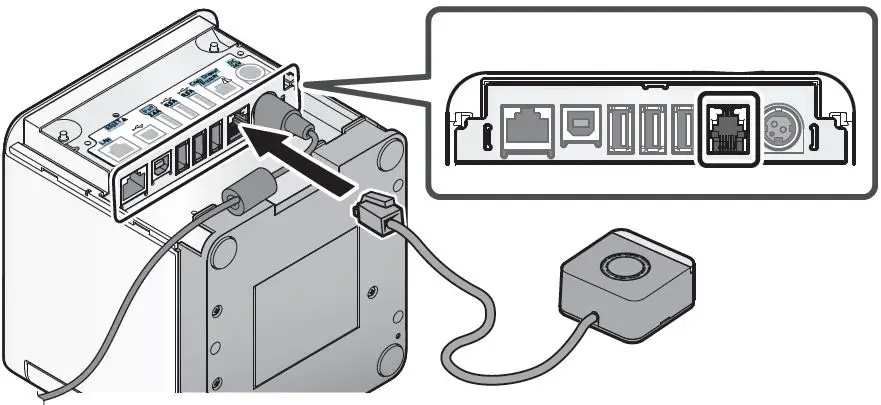
Connect the cables to suit the location where the device is placed. Plug the power cable into the AC outlet. Turn on the printer. Installation is complete.
Removal procedure
- Before installing, turn off the printer and unplug the power cable from the AC outlet. Please make sure to wait 30 seconds before proceeding to step 2. to perform the removal work.
- Unplug the cable of this product from the external device drive connector on the back of the printer.