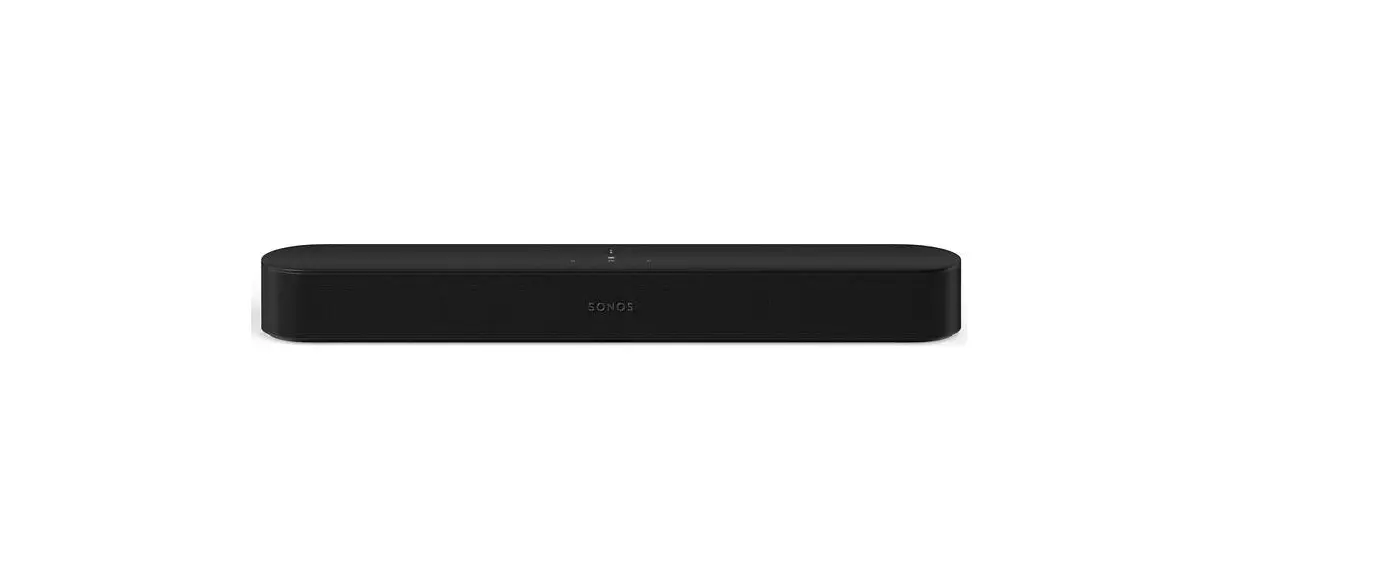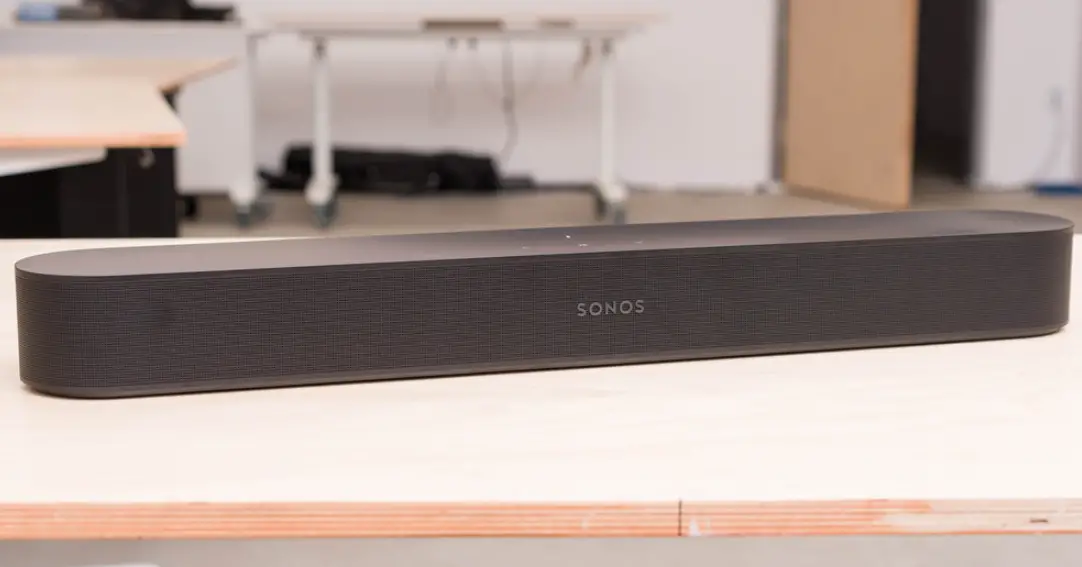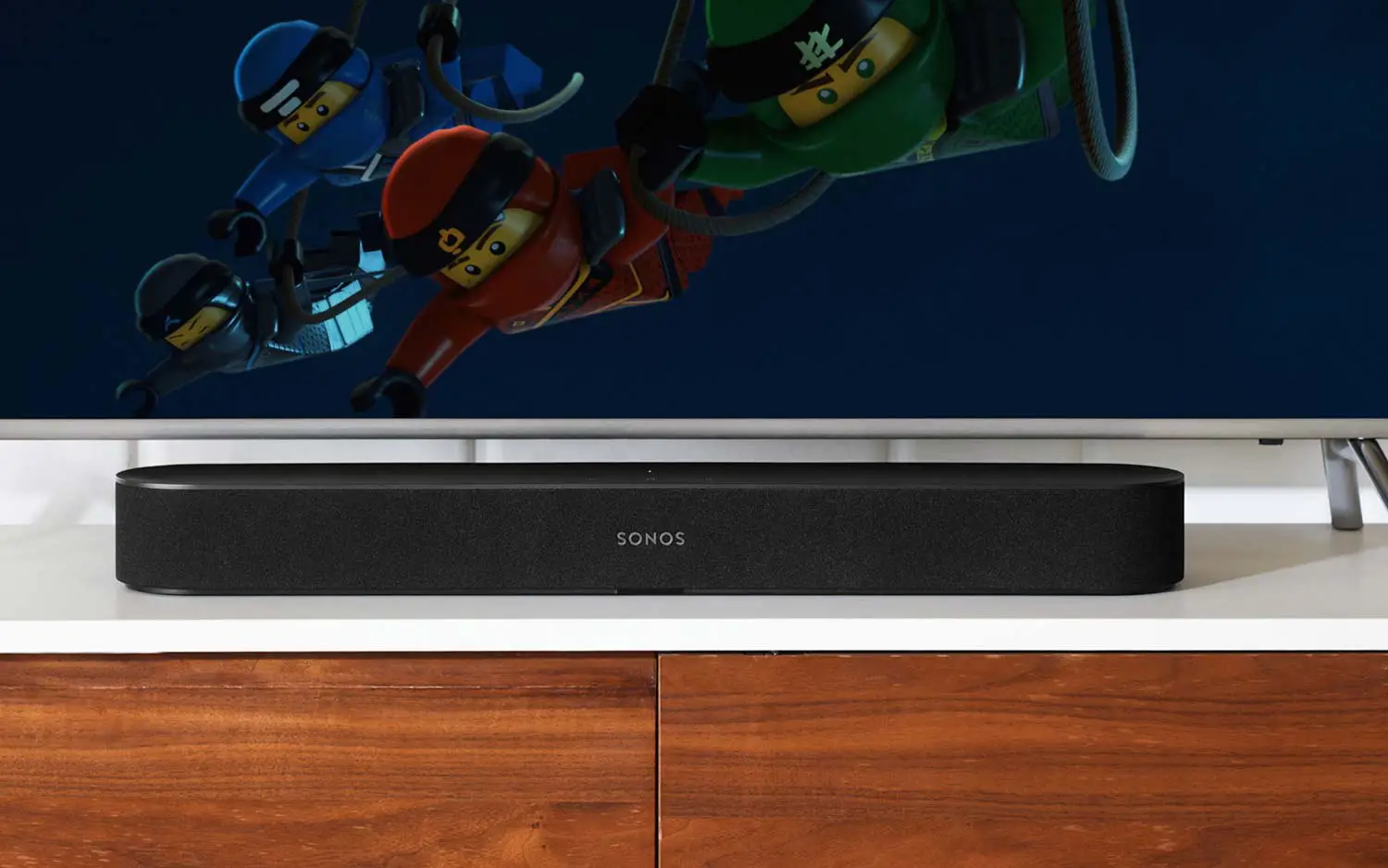

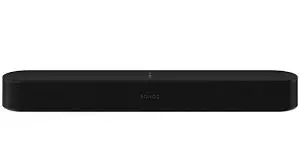
SONOS Beam Gen 2 Speaker
Connect the Audio and Power Cables
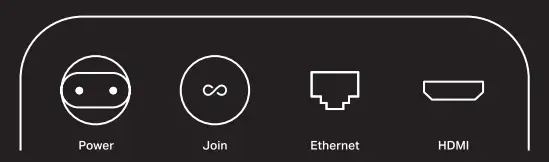
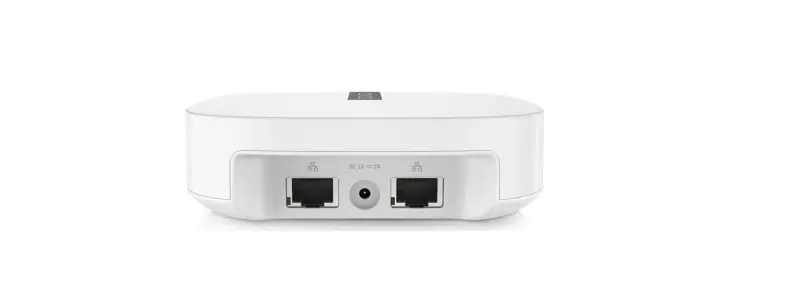
Connect the HDMI Cable from beam into the HDMI ARC or sARC port on your TV, and plug in the power cord. Make sure your TV is on.
NOTE: The optical cable in the box is only needed if your TV doesn’t have an ARC or sARC port. (Dolby Atmos won’t be supported)
Download the Sonos App for Setup
Already have sonos? open the sonos and tap Settings>System>Add Product.
At a glance
- Enjoy sound all around you
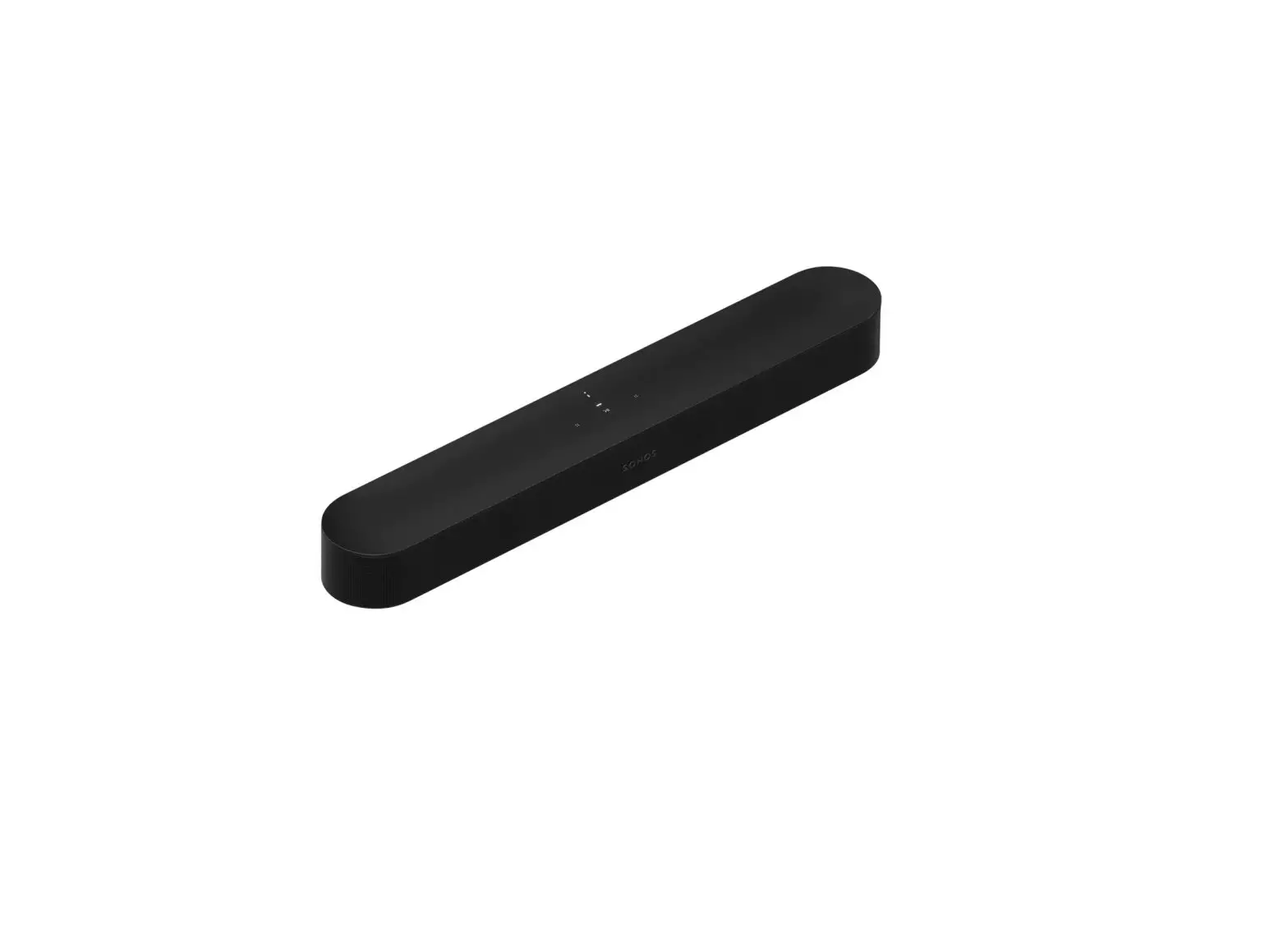
- Play and control the audio from your TV using the Sones app, your TV remote, or the touch controls on Beam.
Note: Voice control is not supported in every country yet-this feature will be available as soon as So nos and a voice service launch together in your region.
Functions Description
- Play/Pause

Single press - Group
Press & hold to group Sanos products - Microphone

Press for voice assistants and microphone-related features - Volume

Volume down, left; Volume up, right - Next Track

Swipe right - Previous Track

Swipe left





Customer Support
sonos.com/support
User Guide
sonos.com/guides/beam