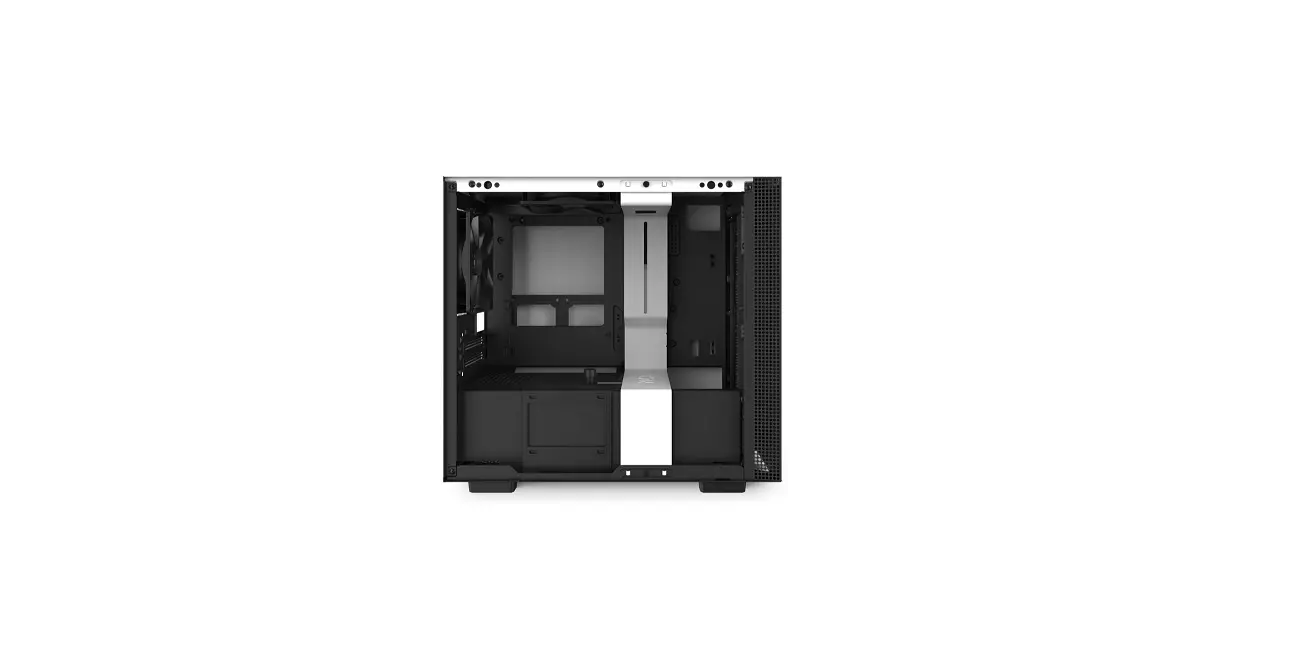
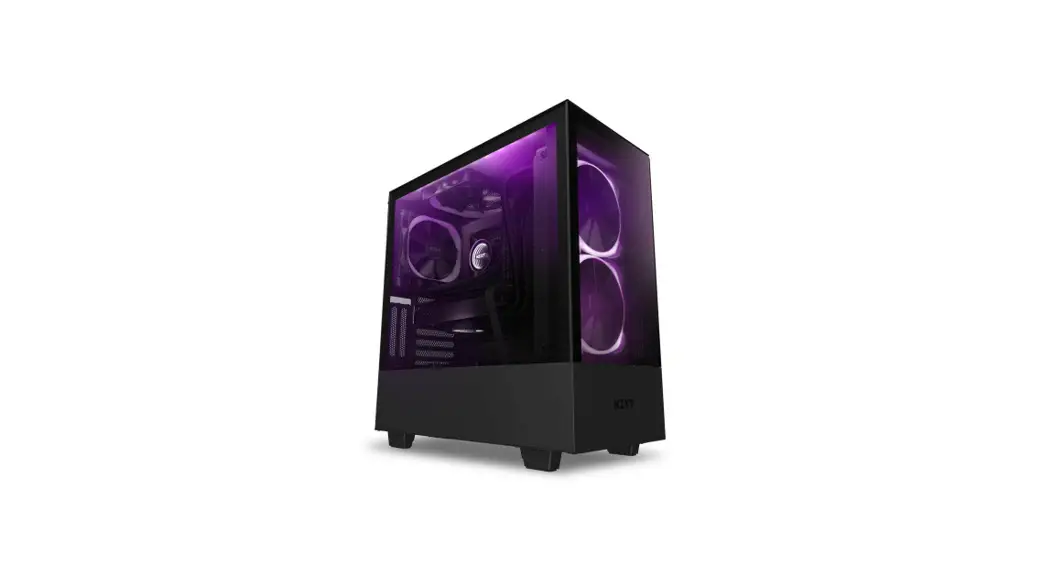
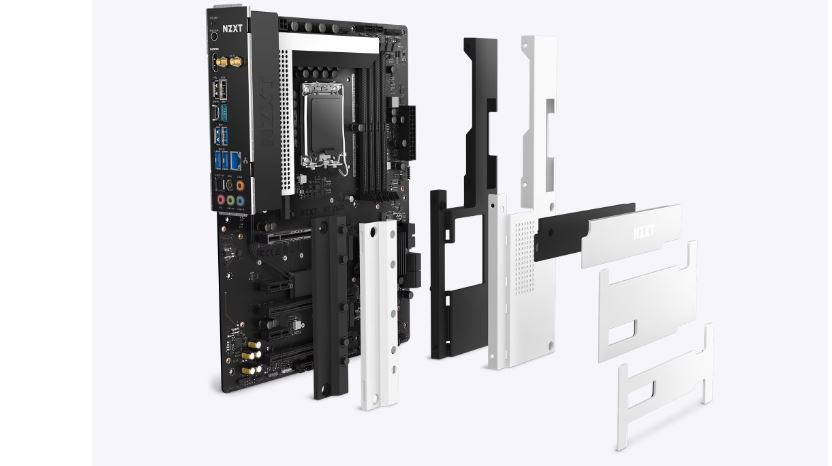
Nzxt Mini ITX Case [H210, H210i]
User Manual
![Nzxt Mini ITX Case [H210, H210i]](https://static-data1.manualsee.com/1/img/76/17012/2020/12/Pasted-into-Nzxt-Mini-ITX-Case-H210-H210i-User-Manual.png)
Contents hide
Exploded View
![Nzxt Mini ITX Case [H210, H210i] Exploded View](https://static-data1.manualsee.com/1/img/76/17012/2020/12/Pasted-into-Nzxt-Mini-ITX-Case-H210-H210i-User-Manual-1.png)
- Chassis
- Top Exhaust Fan
- Top RGB LED Strip (H210i)
- Rear Exhaust Fan
- SFX PSU Bracket
- PSU Dust Filter
- Left Tempered Glass Side Panel
- SSD Tray
- Cable Bar
- Front I/O
- SSD Bracket
- Smart Device V2 (H210i)
- Right Metal Panel
- Front Cooler Bracket
- Front Dust Filter
- Front Bezel
- GPU Stand
Clearances & Specifications
![Nzxt Mini ITX Case [H210, H210i] Clearances and Specifications Figure](https://static-data1.manualsee.com/1/img/76/17012/2020/12/Pasted-into-Nzxt-Mini-ITX-Case-H210-H210i-User-Manual-2.png)
![Nzxt Mini ITX Case [H210, H210i] Clearances and Specifications Table](https://static-data1.manualsee.com/1/img/76/17012/2020/12/Pasted-into-Nzxt-Mini-ITX-Case-H210-H210i-User-Manual-3.png)
Accessory Box
![Nzxt Mini ITX Case [H210, H210i] Accessories List Image](https://static-data1.manualsee.com/1/img/76/17012/2020/12/Pasted-into-Nzxt-Mini-ITX-Case-H210-H210i-User-Manual-4.png)
![Nzxt Mini ITX Case [H210, H210i] Accessories List Details Table](https://static-data1.manualsee.com/1/img/76/17012/2020/12/Pasted-into-Nzxt-Mini-ITX-Case-H210-H210i-User-Manual-5.png)
Smart Device V2 (H210i)
![Nzxt Mini ITX Case [H210, H210i] - Smart Device V2 (H210i) Image](https://static-data1.manualsee.com/1/img/76/17012/2020/12/Pasted-into-Nzxt-Mini-ITX-Case-H210-H210i-User-Manual-6.png)
The Smart Device connects to your PC via a single internal USB 2.0 connector. To enable control of the Smart Device, download and install NZXT CAM from camwebapp.com.
Ports
![Nzxt Mini ITX Case [H210, H210i] Ports](https://static-data1.manualsee.com/1/img/76/17012/2020/12/Pasted-into-Nzxt-Mini-ITX-Case-H210-H210i-User-Manual-7.png)
Cable Connections
![Nzxt Mini ITX Case [H210, H210i] Cable Connections figure 1](https://static-data1.manualsee.com/1/img/76/17012/2020/12/Pasted-into-Nzxt-Mini-ITX-Case-H210-H210i-User-Manual-8.png)
![Nzxt Mini ITX Case [H210, H210i] Cable Connections figure 2](https://static-data1.manualsee.com/1/img/76/17012/2020/12/Pasted-into-Nzxt-Mini-ITX-Case-H210-H210i-User-Manual-9.png)
![Nzxt Mini ITX Case [H210, H210i] Buttons and I/O Figure](https://static-data1.manualsee.com/1/img/76/17012/2020/12/Pasted-into-Nzxt-Mini-ITX-Case-H210-H210i-User-Manual-10.png)
![Nzxt Mini ITX Case [H210, H210i] Buttons and I/O Table](https://static-data1.manualsee.com/1/img/76/17012/2020/12/Pasted-into-Nzxt-Mini-ITX-Case-H210-H210i-User-Manual-11.png)
Panel Removal
![Nzxt Mini ITX Case [H210, H210i] Panel Removal Image 1](https://static-data1.manualsee.com/1/img/76/17012/2020/12/Pasted-into-Nzxt-Mini-ITX-Case-H210-H210i-User-Manual-12.png)
![Nzxt Mini ITX Case [H210, H210i] Panel Removal Image 2](https://static-data1.manualsee.com/1/img/76/17012/2020/12/Pasted-into-Nzxt-Mini-ITX-Case-H210-H210i-User-Manual-13.png)
Cable Management System
![Nzxt Mini ITX Case [H210, H210i] Cable Management System](https://static-data1.manualsee.com/1/img/76/17012/2020/12/Pasted-into-Nzxt-Mini-ITX-Case-H210-H210i-User-Manual-14.png)
Motherboard Installation
![Nzxt Mini ITX Case [H210, H210i] Motherboard Installation](https://static-data1.manualsee.com/1/img/76/17012/2020/12/Pasted-into-Nzxt-Mini-ITX-Case-H210-H210i-User-Manual-15.png)
Power Supply Installation
![Nzxt Mini ITX Case [H210, H210i] Power Supply SFX PSU Installation](https://static-data1.manualsee.com/1/img/76/17012/2020/12/Pasted-into-Nzxt-Mini-ITX-Case-H210-H210i-User-Manual-16.png)
![Nzxt Mini ITX Case [H210, H210i] Power Supply ATX PSU Installation](https://static-data1.manualsee.com/1/img/76/17012/2020/12/Pasted-into-Nzxt-Mini-ITX-Case-H210-H210i-User-Manual-17.png)
Expansion Card Installation
![Nzxt Mini ITX Case [H210, H210i] Expansion Card Installation](https://static-data1.manualsee.com/1/img/76/17012/2020/12/Pasted-into-Nzxt-Mini-ITX-Case-H210-H210i-User-Manual-18.png)
GPU Stand Installation
![Nzxt Mini ITX Case [H210, H210i] GPU Stand Installation](https://static-data1.manualsee.com/1/img/76/17012/2020/12/Pasted-into-Nzxt-Mini-ITX-Case-H210-H210i-User-Manual-19.png)
HDD/SSD Installation
![Nzxt Mini ITX Case [H210, H210i] HDD/SSD Installation](https://static-data1.manualsee.com/1/img/76/17012/2020/12/Pasted-into-Nzxt-Mini-ITX-Case-H210-H210i-User-Manual-20.png)
DIY Liquid Cooler Support
![Nzxt Mini ITX Case [H210, H210i] DIY Liquid Cooler Support](https://static-data1.manualsee.com/1/img/76/17012/2020/12/Pasted-into-Nzxt-Mini-ITX-Case-H210-H210i-User-Manual-21.png)
Fan & Radiator Support
![Nzxt Mini ITX Case [H210, H210i] Fan and Radiator Support](https://static-data1.manualsee.com/1/img/76/17012/2020/12/Pasted-into-Nzxt-Mini-ITX-Case-H210-H210i-User-Manual-22.png)
Regulations
![Nzxt Mini ITX Case [H210, H210i] Regulations](https://static-data1.manualsee.com/1/img/76/17012/2020/12/Pasted-into-Nzxt-Mini-ITX-Case-H210-H210i-User-Manual-24.png)
NZXT Global Warranty Policy
![Nzxt Mini ITX Case [H210, H210i] - NZXT Global Warranty Policy 1](https://static-data1.manualsee.com/1/img/76/17012/2020/12/Pasted-into-Nzxt-Mini-ITX-Case-H210-H210i-User-Manual-25.png)
![Nzxt Mini ITX Case [H210, H210i] - NZXT Global Warranty Policy 2](https://static-data1.manualsee.com/1/img/76/17012/2020/12/Pasted-into-Nzxt-Mini-ITX-Case-H210-H210i-User-Manual-26.png)
![Nzxt Mini ITX Case [H210, H210i] - NZXT Global Warranty Policy 3](https://static-data1.manualsee.com/1/img/76/17012/2020/12/Pasted-into-Nzxt-Mini-ITX-Case-H210-H210i-User-Manual-27.png)
![Nzxt Mini ITX Case [H210, H210i] - NZXT Global Warranty Policy 4](https://static-data1.manualsee.com/1/img/76/17012/2020/12/Pasted-into-Nzxt-Mini-ITX-Case-H210-H210i-User-Manual-28.png)
Support and Service
![Nzxt Compact Mid-Tower ATX Case [H210, H210i] Support and Service](https://static-data1.manualsee.com/1/img/76/17012/2020/12/Pasted-into-Nzxt-Mini-ITX-Case-H210-H210i-User-Manual-29.png)
Visit nzxt.com/warranty and support.nzxt.com for information
on warranty coverage and service.
Email Design Team: [email protected] or Visit nzxt.com

Email for Service: [email protected] or Visit nzxt.com
Nzxt Mini ITX Case [H210, H210i] User Manual – Optimized PDF
Nzxt Mini ITX Case [H210, H210i] User Manual – Original PDF
![Nzxt Mid-tower Atx Case [h710, H710i] User Manual](https://static-data1.manualsee.com/1/img/80/17016/2020/12/Pasted-into-Nzxt-Mid-Tower-ATX-Case-H710-H710i-User-Manual.png "Nzxt Mid-tower Atx Case [h710, H710i] User Manual")
![Nzxt Compact Mid-tower Atx Case [h510, H510i] User Manual](https://static-data1.manualsee.com/1/img/78/17013/2020/12/Nzxt-Compact-Mid-Tower-ATX-Case-H510-H510i.jpg?ezimgfmt=ng%3Awebp%2Fngcb1%2Frs%3Adevice%2Frscb1-1 "Nzxt Compact Mid-tower Atx Case [h510, H510i] User Manual")
![Nzxt Premium Compact Mid-tower Atx Case [h510 Elite] User Manual](https://static-data1.manualsee.com/1/img/81/17014/2020/12/Pasted-into-Nzxt-Premium-Compact-Mid-Tower-ATX-Case-H510-Elite-User-Manual.png "Nzxt Premium Compact Mid-tower Atx Case [h510 Elite] User Manual")