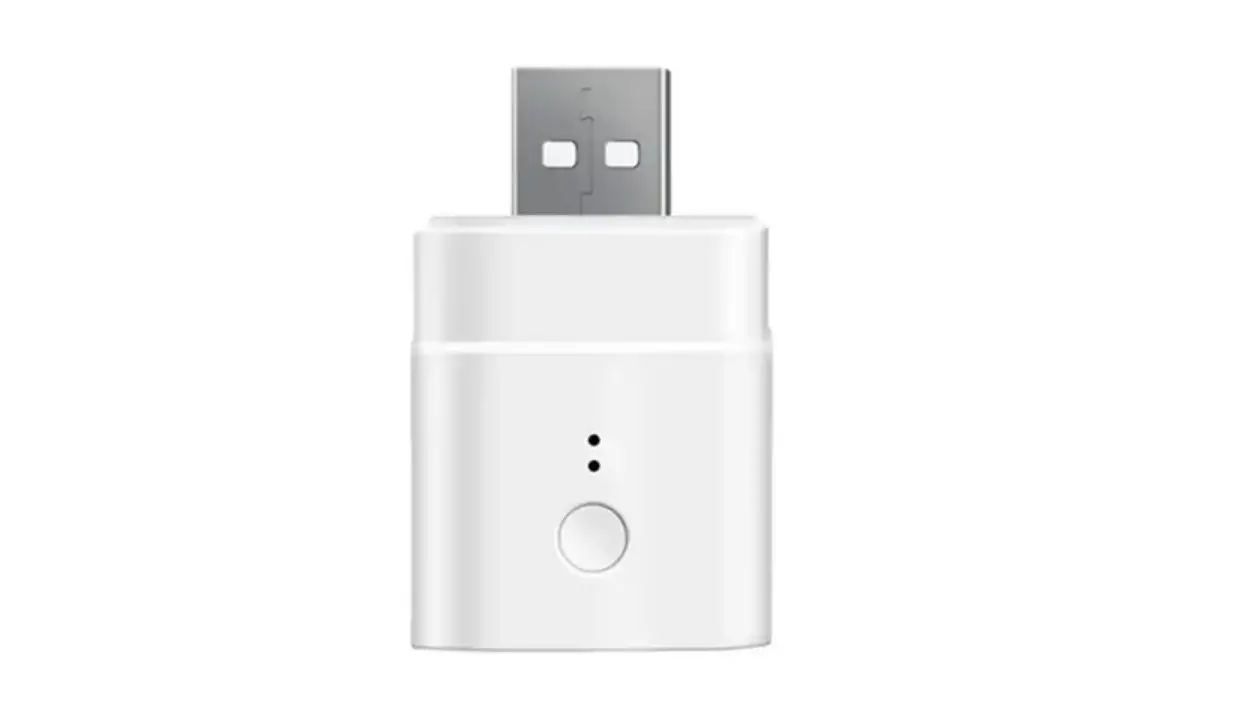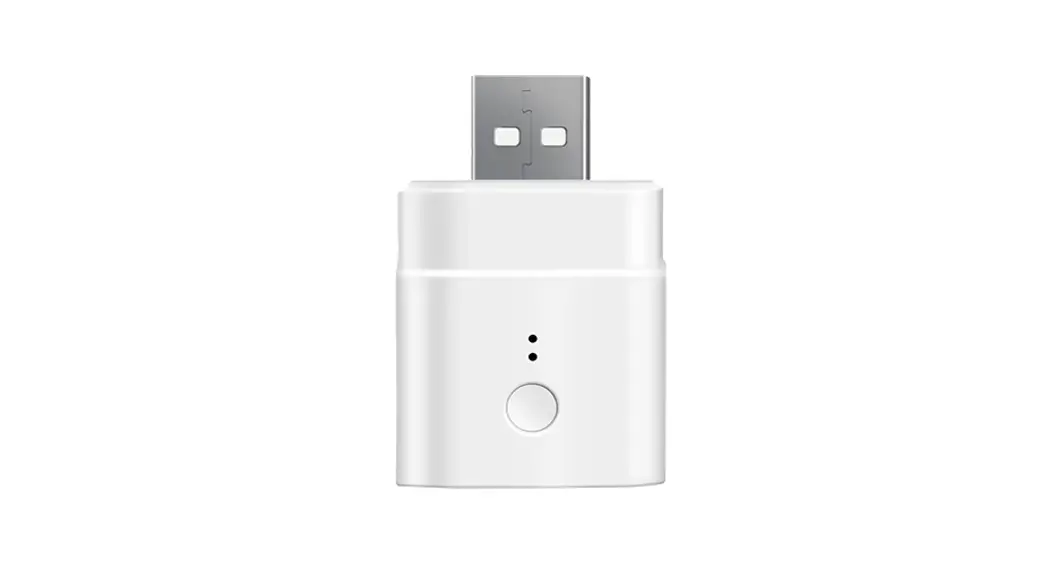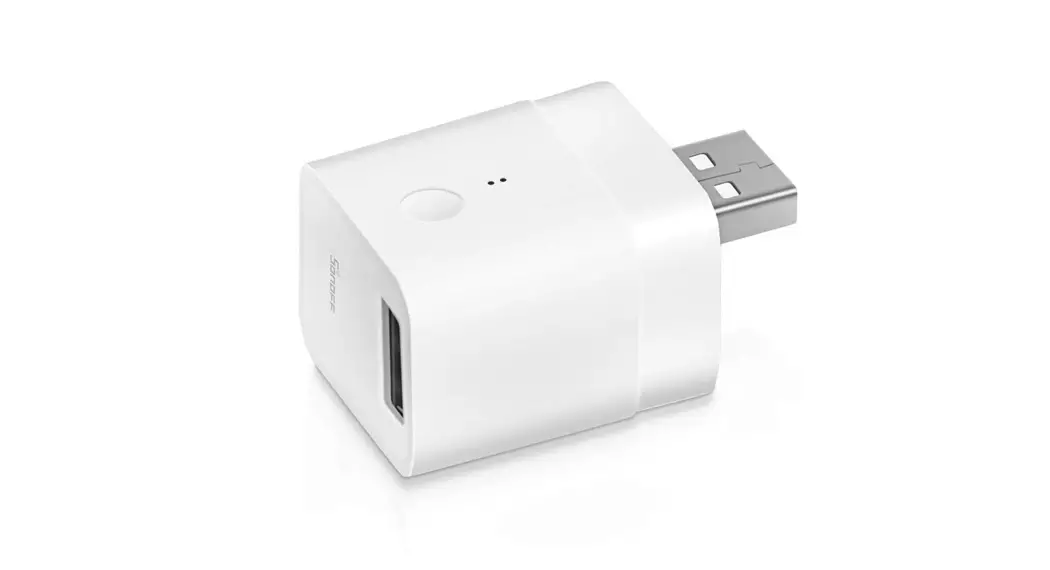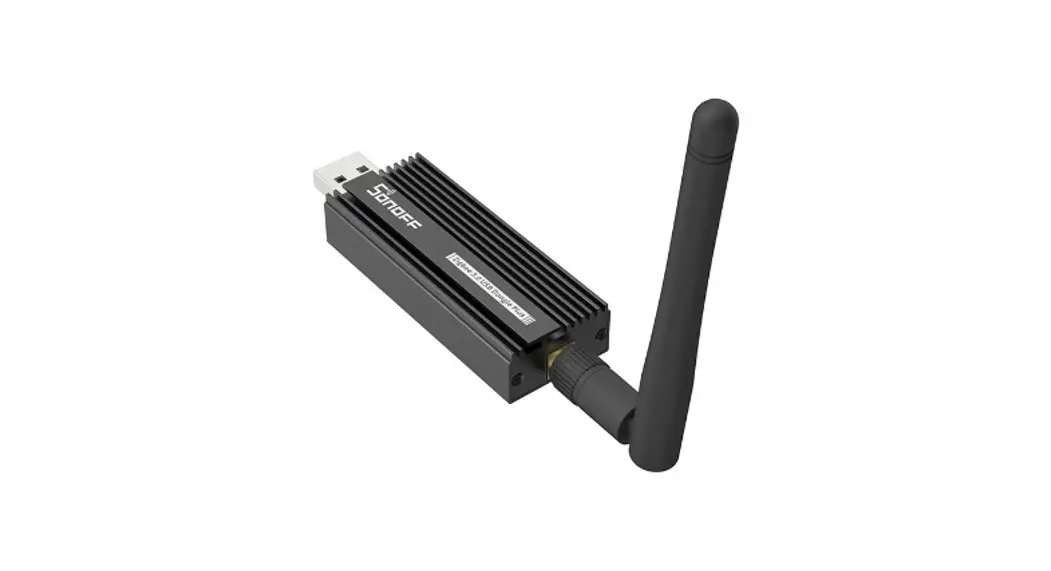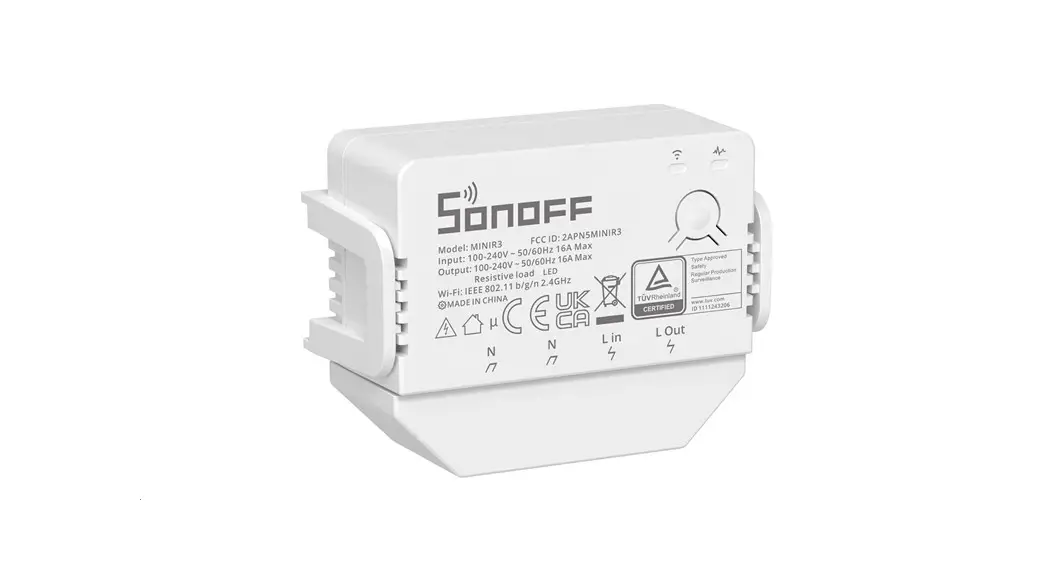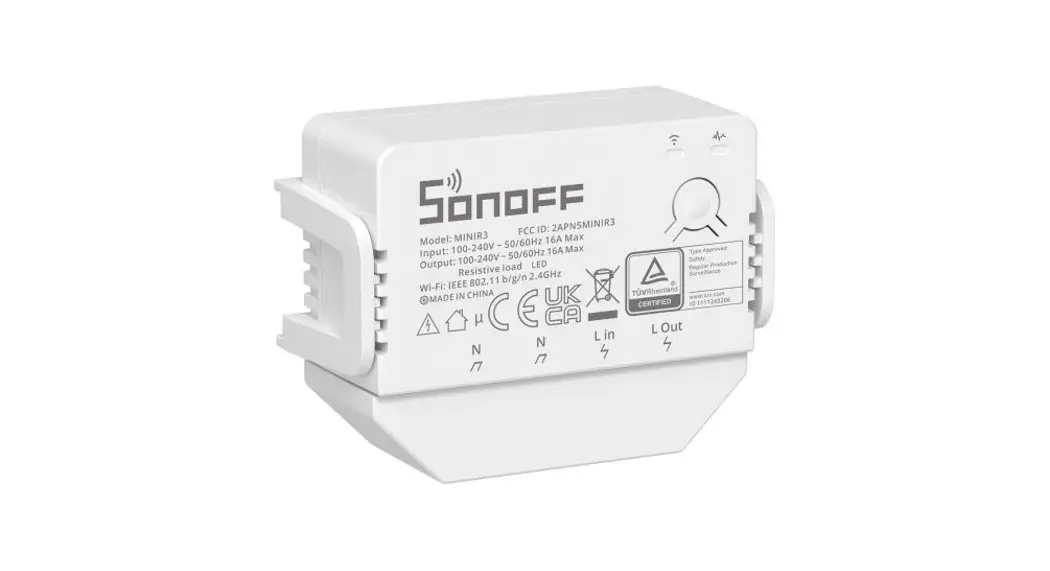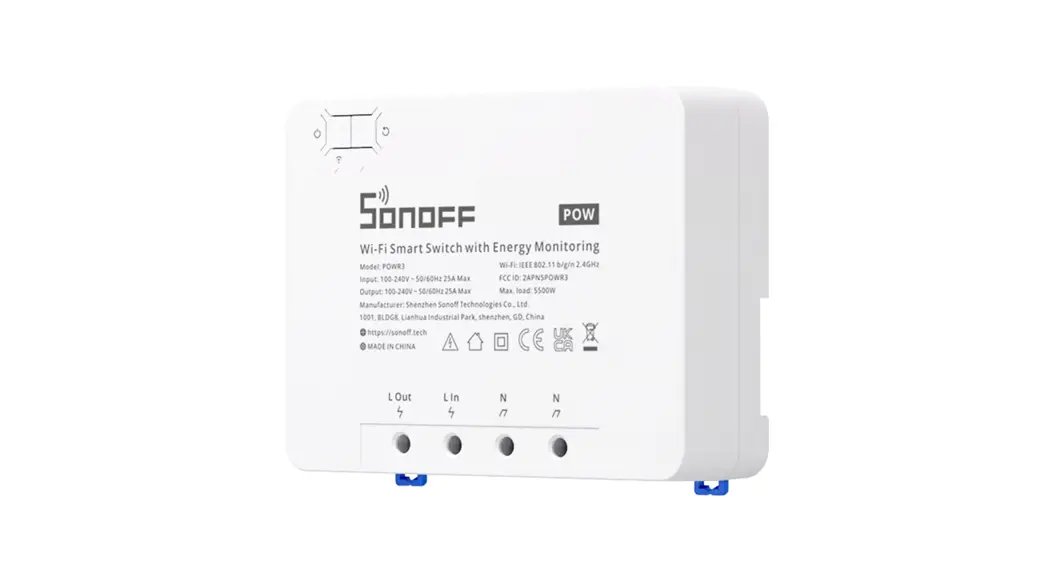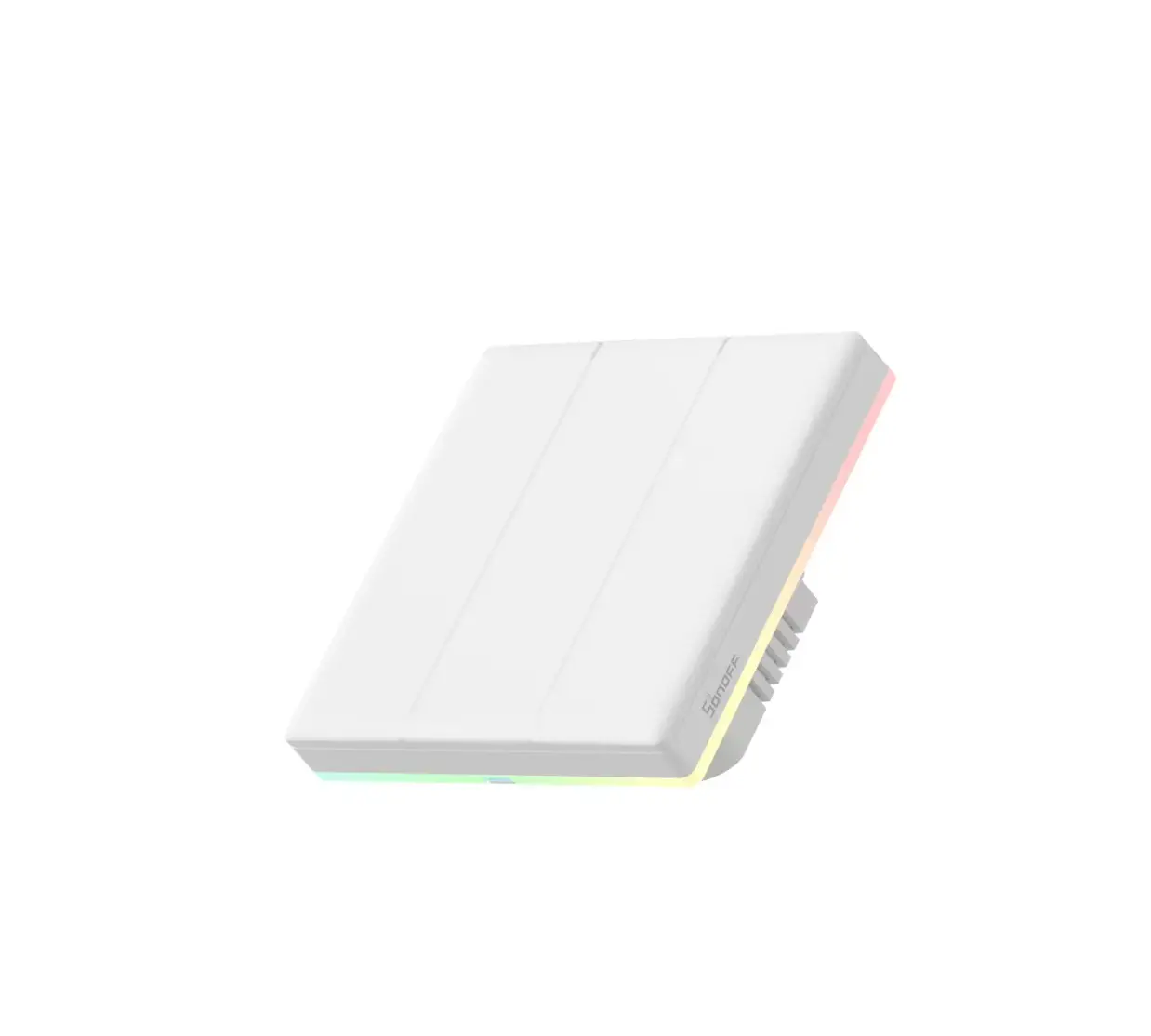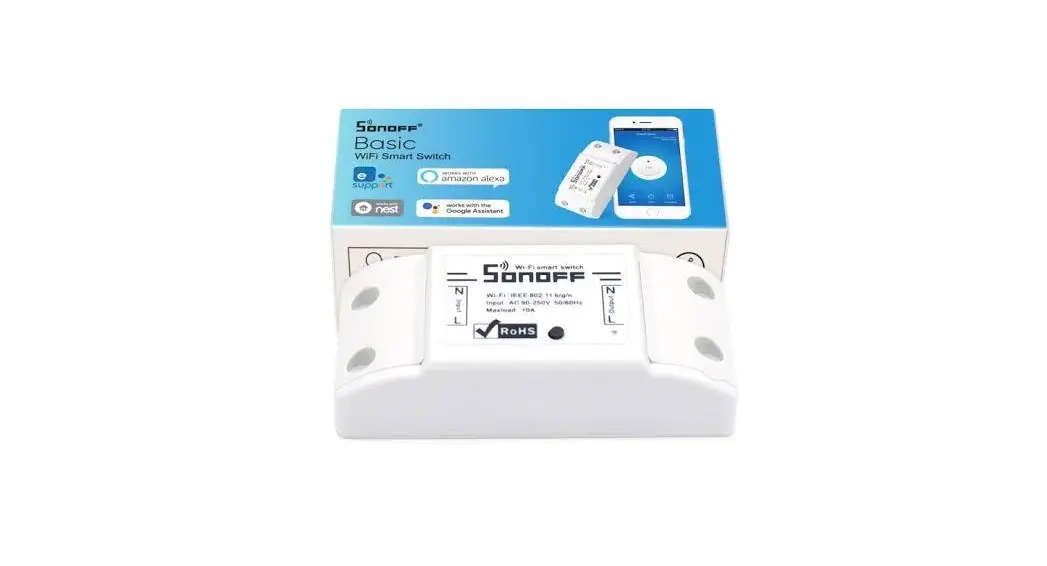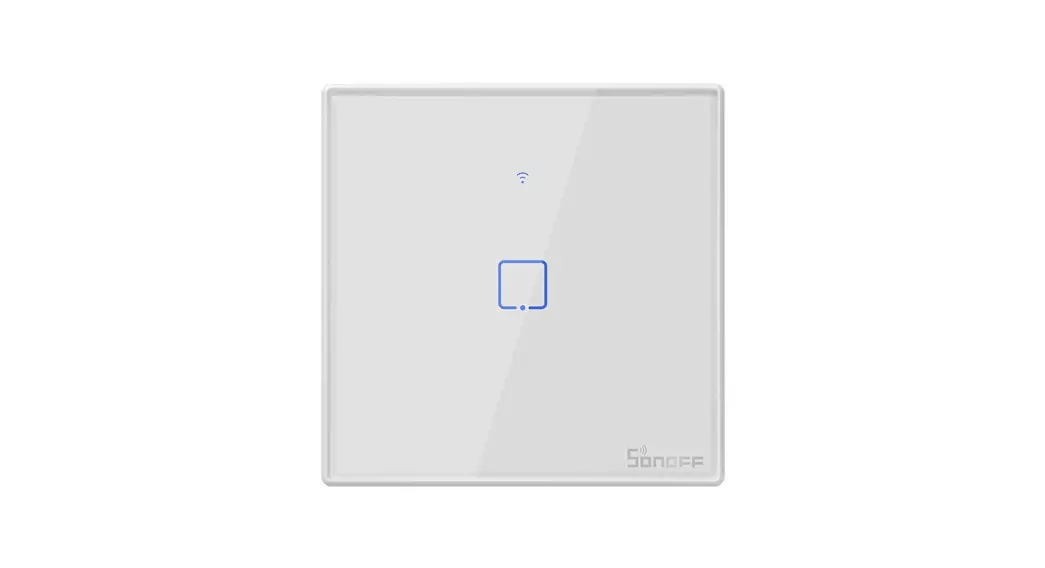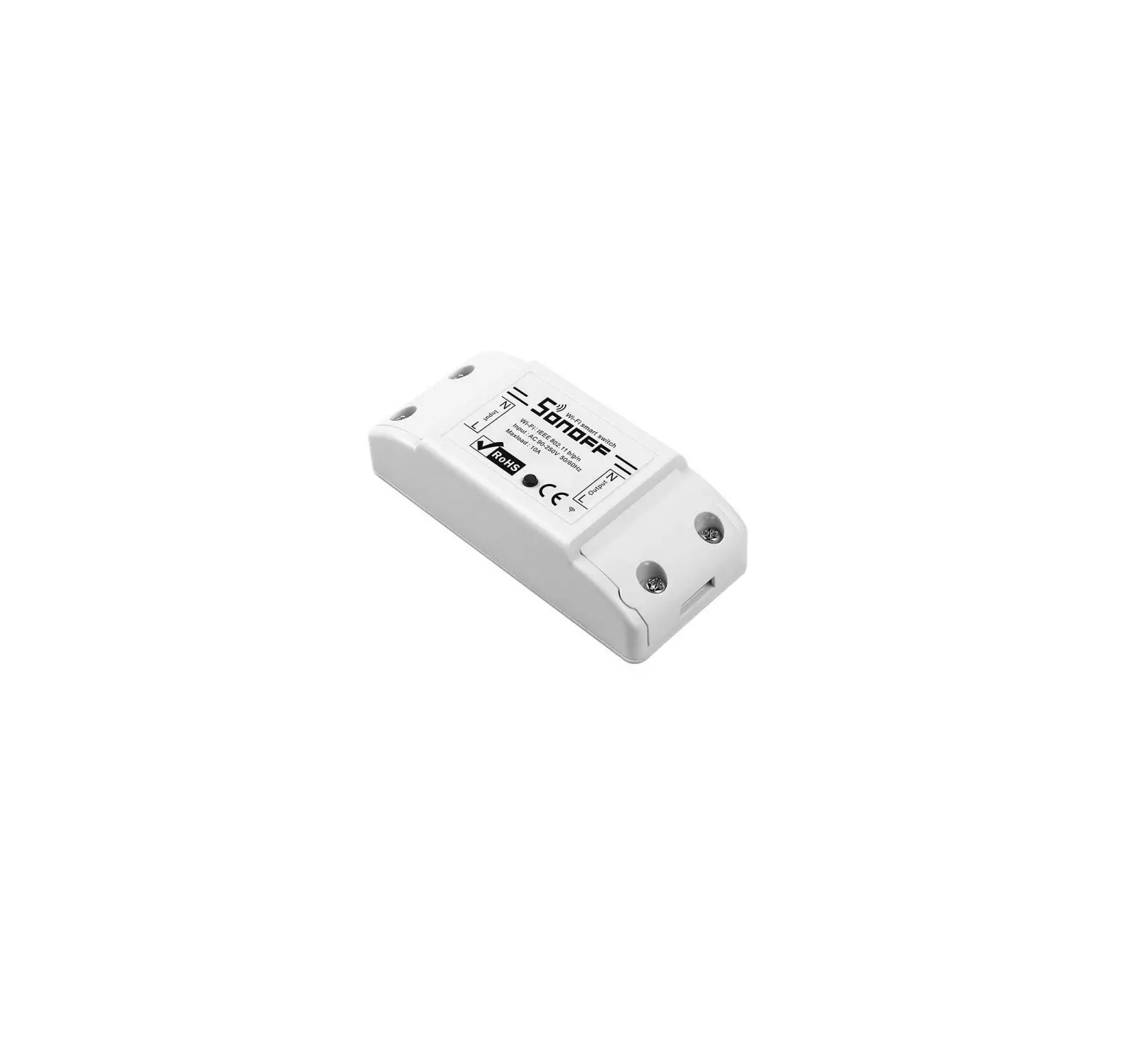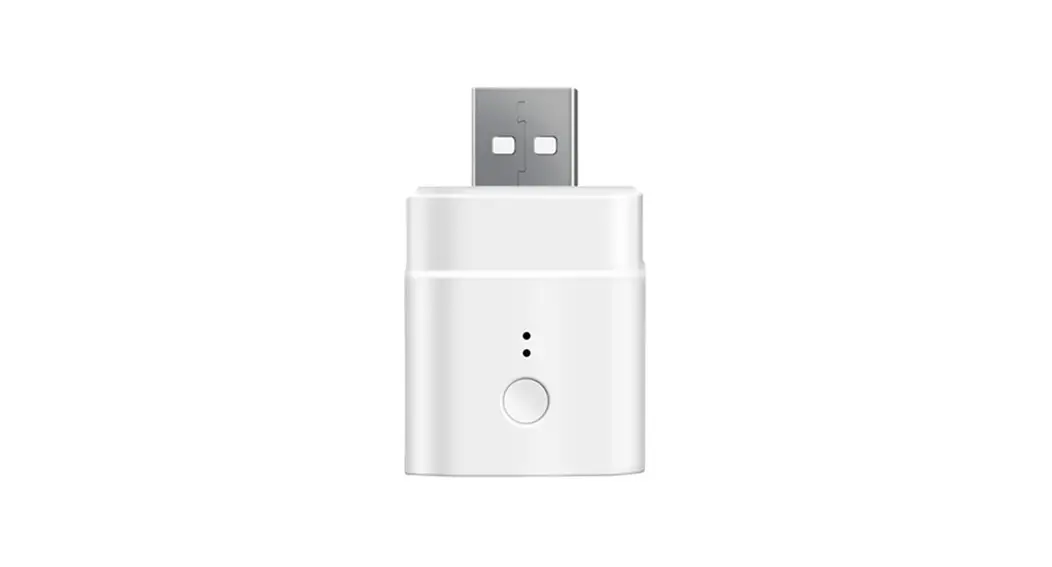
 Sonoff DIY MICRO
User Manual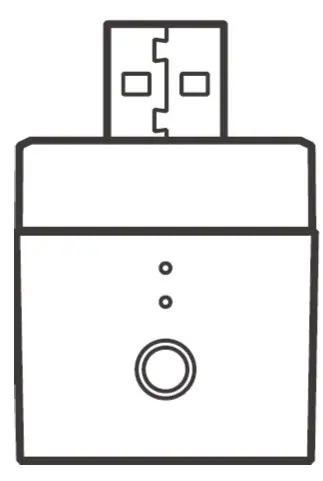
Diy Micro Smart USB
The product user guide contains product features, how to use, and the operating procedure. Read the user manual carefully to get the best experience and avoid unnecessary damage. Keep this manual for future reference. If you have any questions or comments about the device, please contact the customer line.
✉ www.alza.co.uk/kontakt
✆ +44 (0)203 514 4411
Importer Alza.cz a.s., Jankovcova 1522/53, Holešovice, 170 00 Praha 7, www.alza.cz
Operation instruction
- Download eWeLink APP
 http://app.coolkit.cc/dl.html
 - Power on
 Powering on, the device will enter the quick pairing mode (Touch) during the first use.
The Wi-Fi indicator flashes quickly.
It will exit the pairing mode (Touch) if the device is not paired within 3mins. If you want to enter this mode again, long press the configuration button for 5s until the Wi-Fi indicator flashes quickly and release. - Add the device
Method 1: Scan the code to add (recommended) Tap “+” and select “Scan QR code”, then scan the QR code on the card in the package to add the device.
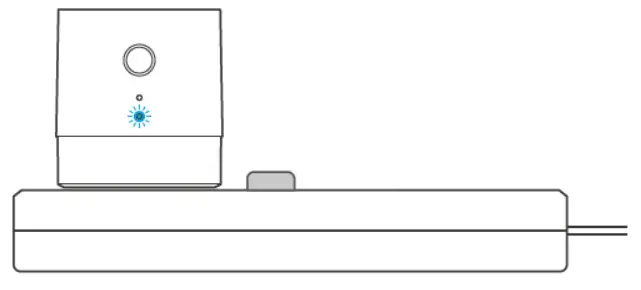 Powering on, the device will enter the quick pairing mode (Touch) during the first use.
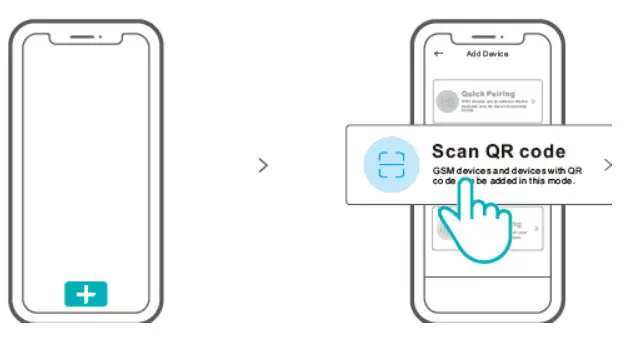 Tap “+” and select “Scan QR code”, then scan the QR code on the card in the package to add the device.
Method 2: manual to add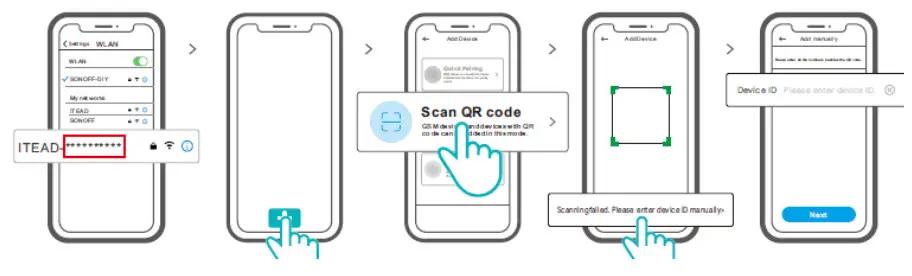
- Set the device to the pairing mode, and find the Wi-Fi SSID with ITEAD-*********** on your mobile phone, and save last 10 digital codes (The digital code is the unique ID of the device)
- Go back to “eWeLink” App, tap“+”, select “Scan QR code” , then tap the word “ Scanning failed. Please enter device ID manually” on the bottom and save the device ID, tap “Next” and wait until the adding is successful.
Specifications
| Model | Micro |
| Input | 5V |
| Output | 5V 2.5A |
| Operating systems | Android & iOS |
| Wi-Fi | IEEE 802.11 b/g/n 2.4GHz |
| Working temperature | -10℃~40℃ |
| Material | PC V0 |
| Dimension | 31×26.5x33mm |
Product Introduction
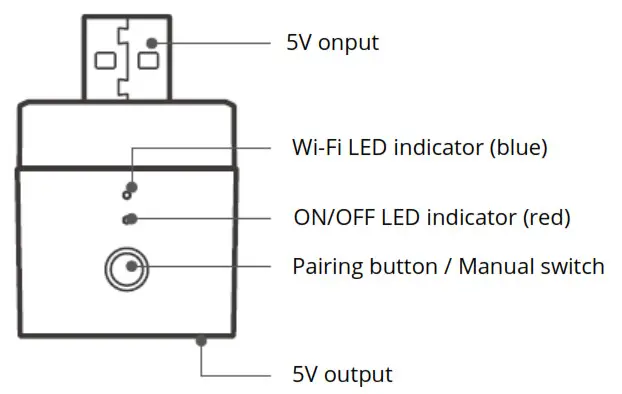
Wi-Fi LED indicator status instruction
| LED indicator status | Status instruction |
| Blue light flashes quickly | Pairing mode |
| Blue light is always on | Device is connected successfully |
| Blue light flashes quickly once | Unable to find the router |
| Blue light flashes quickly twice | Successfully connect to the router but WiFi is not connected |
| Blue light flashes quickly three times | Upgrading |
Features
Micro is a portable mini USB smart adaptor that makes your USB devices smart. You can remotely turn on/off the connected devices of your home anywhere, schedule it on/off and share it with your family to control together. Remote Control
Single/Countdown Timing
Voice Control
Share Control
Sync Status
Camera Linking
Power-on State
Smart Scene
Switch Network
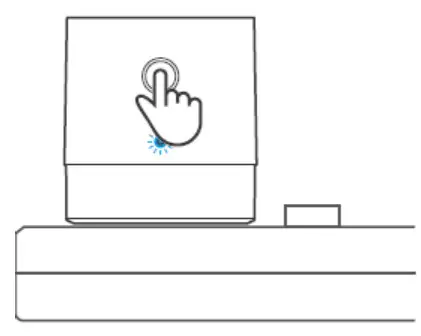
If you need to change the network, long press the pairing button for 5s until the Wi-Fi indicator flashes quickly and release., then the device enters pairing mode and you can
pair again.
Factory Reset
Deleting the device on the eWeLink app indicates you restore it to factory setting.
Common Problems
Q: Why my device stays “Offline”?
A: The newly added device needs 1 – 2mins to connect Wi-Fi and network. If it stays offline for a long time, please judge these problems by the blue Wi-Fi indicator status:
- The blue Wi-Fi indicator quickly flashes once per second, which means that the switch failed to connect your Wi-Fi:
- Maybe you have entered a wrong Wi-Fi password.
- Maybe there’s too much distance between the switch your router or the environment causes interference, consider getting close to the router. If failed, please add it again.
- The 5G Wi-Fi network is not supported and only supports the 2.4GHz wireless network.
- Maybe the MAC address filtering is open. Please turn it off.
If none of the above methods solved the problem, you can open the mobile data network on your phone to create a Wi-Fi hotspot, then add the device again.
- Blue indicator quickly flashes twice per second, which means your device has connected to Wi-Fi but failed to connect to the server.
Ensure steady enough network. If double flash occurs frequently, which means you access an unsteady network, not a product problem. If the network is normal, try to turn off the power to restart the switch.
Warranty Conditions
A new product purchased in the Alza.cz sales network is guaranteed for 2 years. If you need repair or other services during the warranty period, contact the product seller directly, you must provide the original proof of purchase with the date of purchase.
The following are considered to be a conflict with the warranty conditions, for which the claimed claim may not be recognized:
- Using the product for any purpose other than that for which the product is intended or failing to follow the instructions for maintenance, operation and service of the product.
- Damage to the product by a natural disaster, the intervention of an unauthorized person or mechanically through the fault of the buyer (e.g. during transport, cleaning by inappropriate means, etc.).
- Natural wear and aging of consumables or components during use (such as batteries, etc.).
- Exposure to adverse external influences, such as sunlight and other radiation or electromagnetic fields, fluid intrusion, object intrusion, mains overvoltage, electrostatic discharge voltage (including lightning), faulty supply or input voltage and inappropriate polarity of this voltage, chemical processes such as used power supplies, etc.
- If anyone has made modifications, modifications, alterations to the design or adaptation to change or extend the functions of the product compared to the purchased design or use of non-original components.
EU Declaration of Conformity
Identification data of the manufacturer’s / importer’s authorized representative: Importer: Alza.cz a.s.
Registered office: Jankovcova 1522/53, Holešovice, 170 00 Prague 7
CIN: 27082440
Subject of the declaration:
Title: Wi-Fi Switch
Model / Type: Micro
The above product has been tested in accordance with the standard(s) used to demonstrate compliance with the essential requirements laid down in the Directive(s):
Directive No. (EU) 2014/53/EU
Directive No. (EU) 2011/65/EU as amended 2015/863/EU Prague
WEEE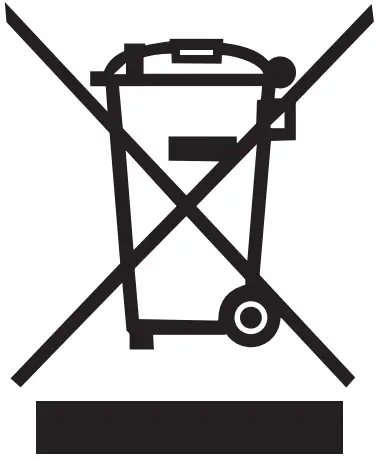 This product must not be disposed of as normal household waste in accordance with the EU Directive on Waste Electrical and Electronic Equipment (WEEE – 2012/19 / EU). Instead, it shall be returned to the place of purchase or handed over to a public collection point for the recyclable waste. By ensuring this product is disposed of correctly, you will help prevent potential negative consequences for the environment and human health, which could otherwise be caused by inappropriate waste handling of this product. Contact your local authority or the nearest collection point for further details. Improper disposal of this type of waste may result in fines in accordance with national regulations.
 Alza.sk – rýchly a pohodlný nákup odkiaľkoľvek | alza.sk
 alza.at
 alza.co.uk
 alza.de
 alza.hu
 alza.sk