IFIXIT Mac mini Late 2012 RAM Replacement Instructions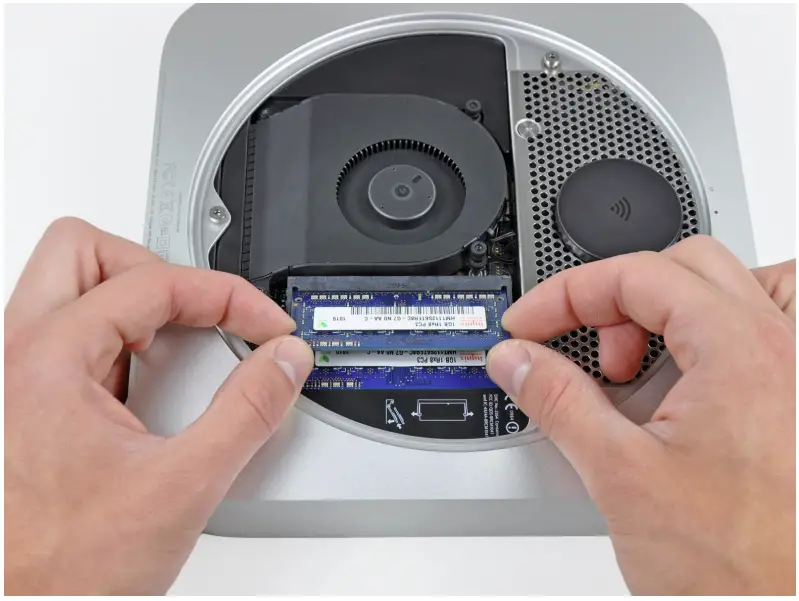
INTRODUCTION
Removing the RAM is an easy task that requires no tools.
PARTS:
- file:///Store/Mac/Mac-mini-Late-2012-Memory-Maxxer-RAM-Upgrade-Kit/IF171-042 (1)
- file:///Store/Mac/PC3L-12800-2-GB-RAM-Chip/IF111-042 (1)
- file:///Store/Mac/PC3L-12800-4-GB-RAM-Chip/IF111-043(1)
- file:///Store/Mac/PC3L-12800-8-GB-RAM-Chip/IF111-044 (1)
Bottom Cover
Step 1
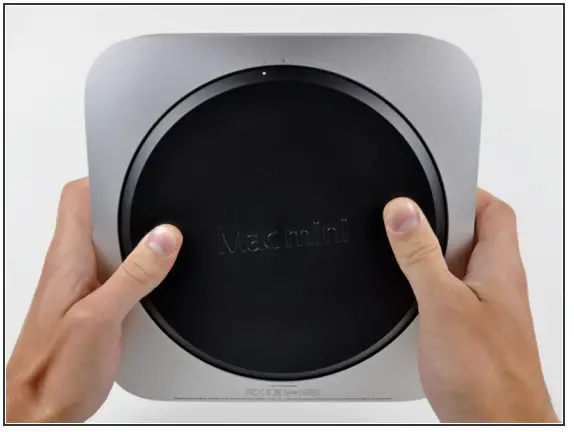
- Place your thumbs in the depressions cut into the bottom cover.
- Rotate the bottom cover counter-clockwise until the white dot painted on the bottom cover is aligned with the ring inscribed on the outer case.
 You do not need to apply much downward pressure while turning.
 You do not need to apply much downward pressure while turning.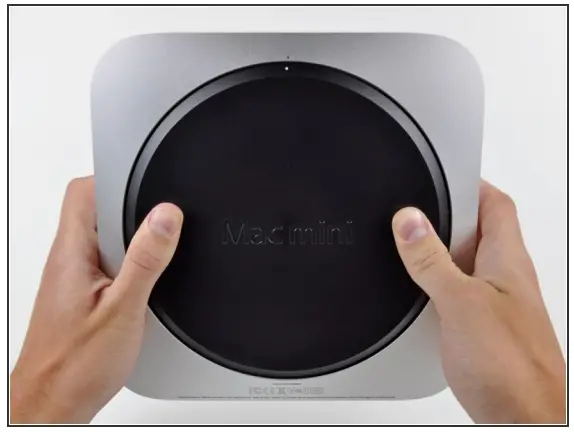
Step 2
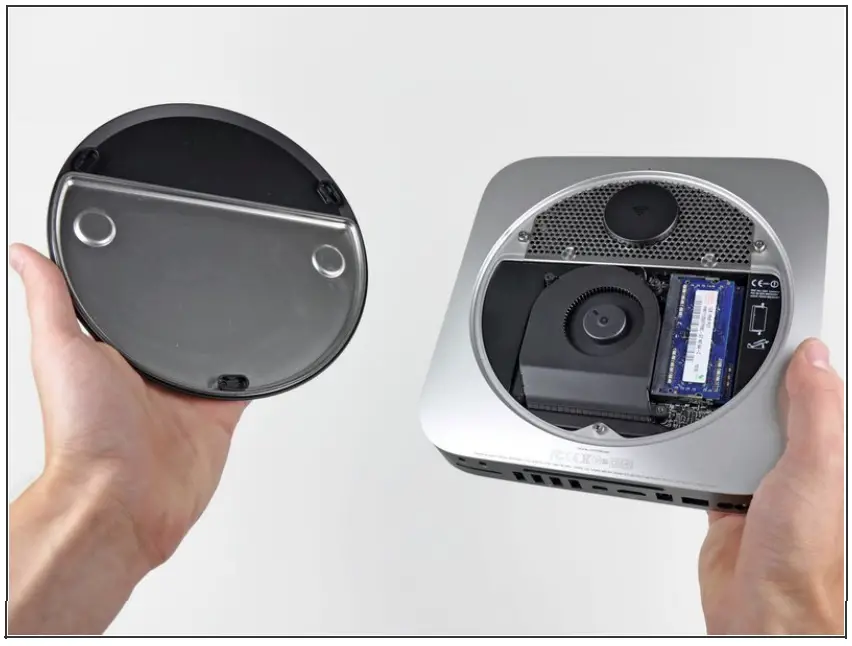
- Tilt the mini enough to allow the bottom cover to fall away from the outer case.
- Remove the bottom cover and set it aside.

RAM
Step 3
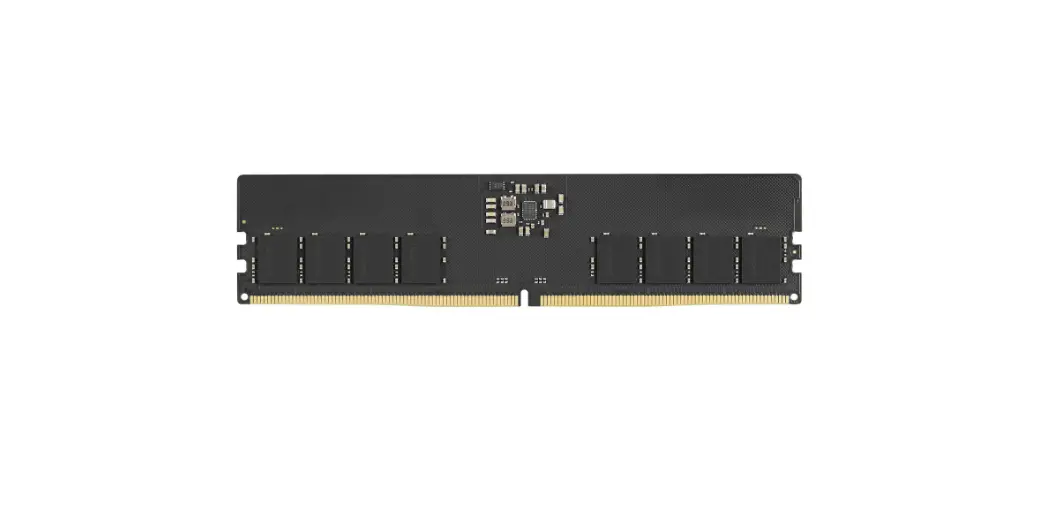
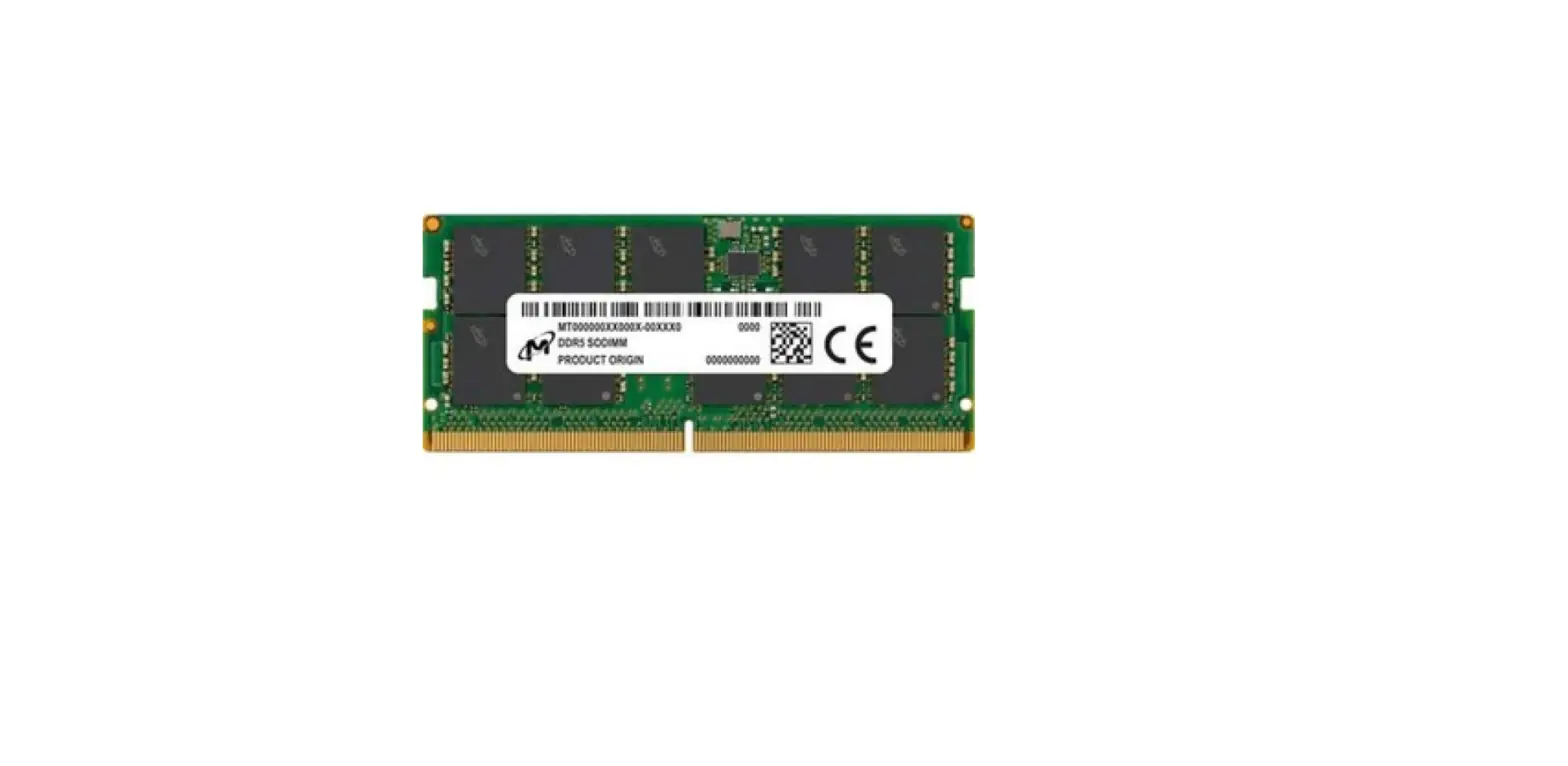
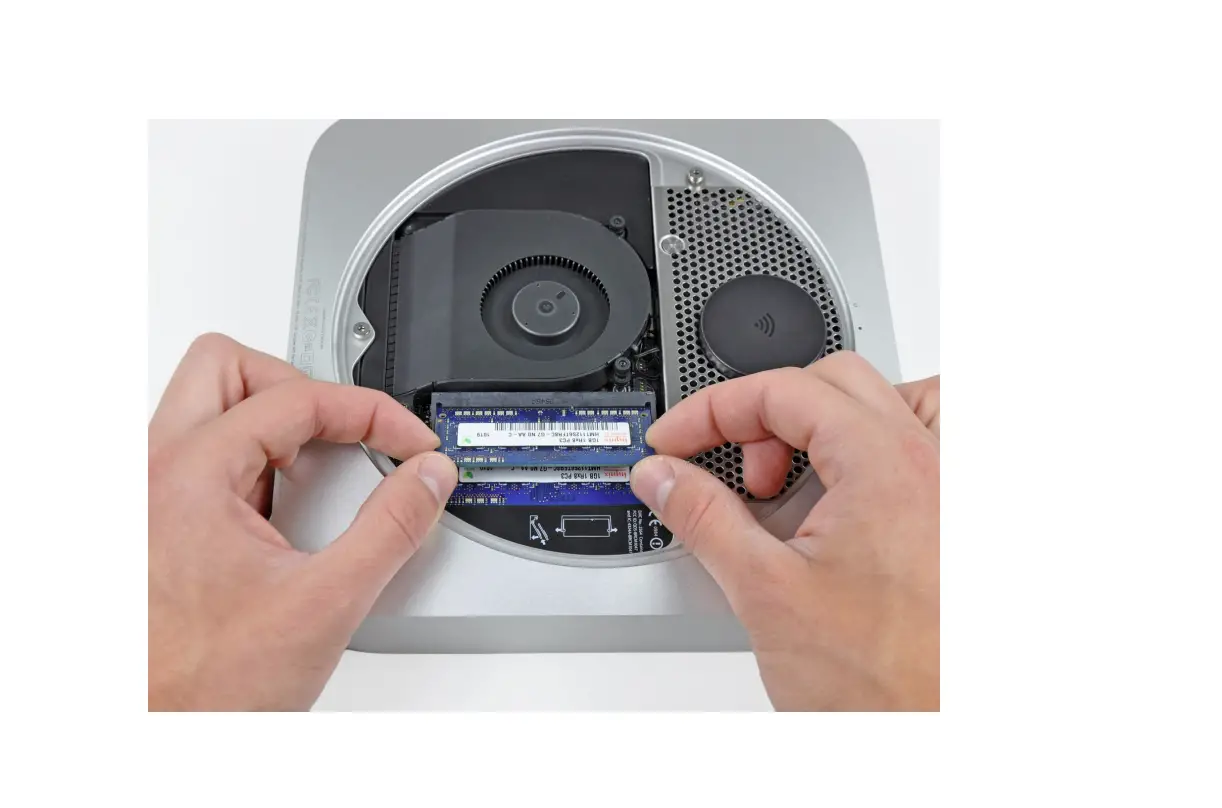
- Release the tabs on each side of the RAM chip by simultaneously pushing each tab away from the chip.
- These tabs lock the chip in place and releasing them will cause the chip to “pop” up.
- After the RAM chip has popped up, pull it straight out of its socket.
- Repeat this process if a second RAM chip is installed.


 Repeat this process if a second RAM chip is installed.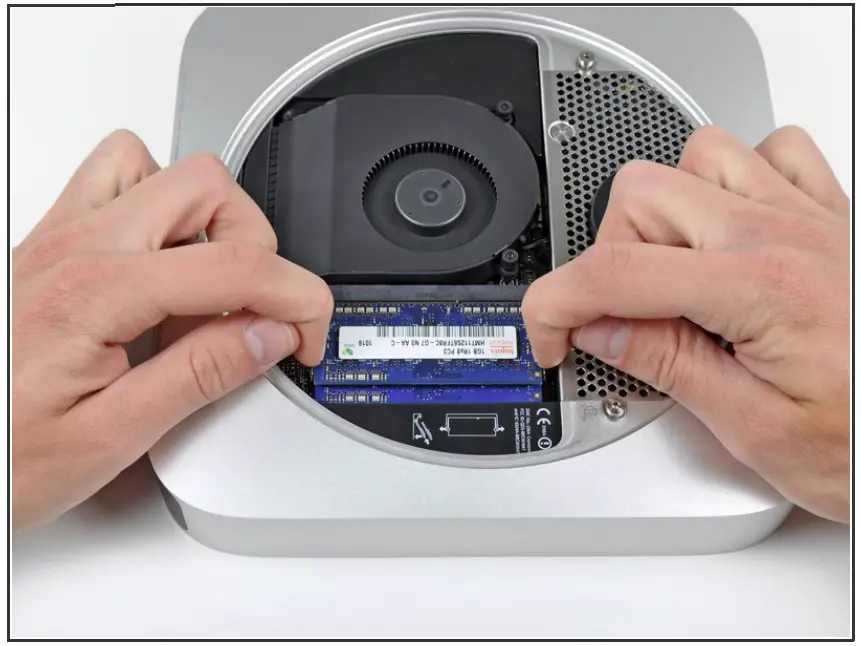
To reassemble your device, follow these instructions in reverse order.