
Nintendo DS Main Circuit Board Replacement
This is a guide that teaches how to replace a Nintendo DS motherboard.
Written By: kingdesmond
Nintendo DS Main Circuit Board Replacement
This document was generated on 2022-08-03 at 09:26:16 AM (MST).
INTRODUCTION
This is a guide that teaches how to replace a Nintendo DS motherboard also known as a circuit board.
The Nintendo DS is a video game console released by Nintendo proposing two screens working in tandem with wireless connectivity, and an integrated microphone.
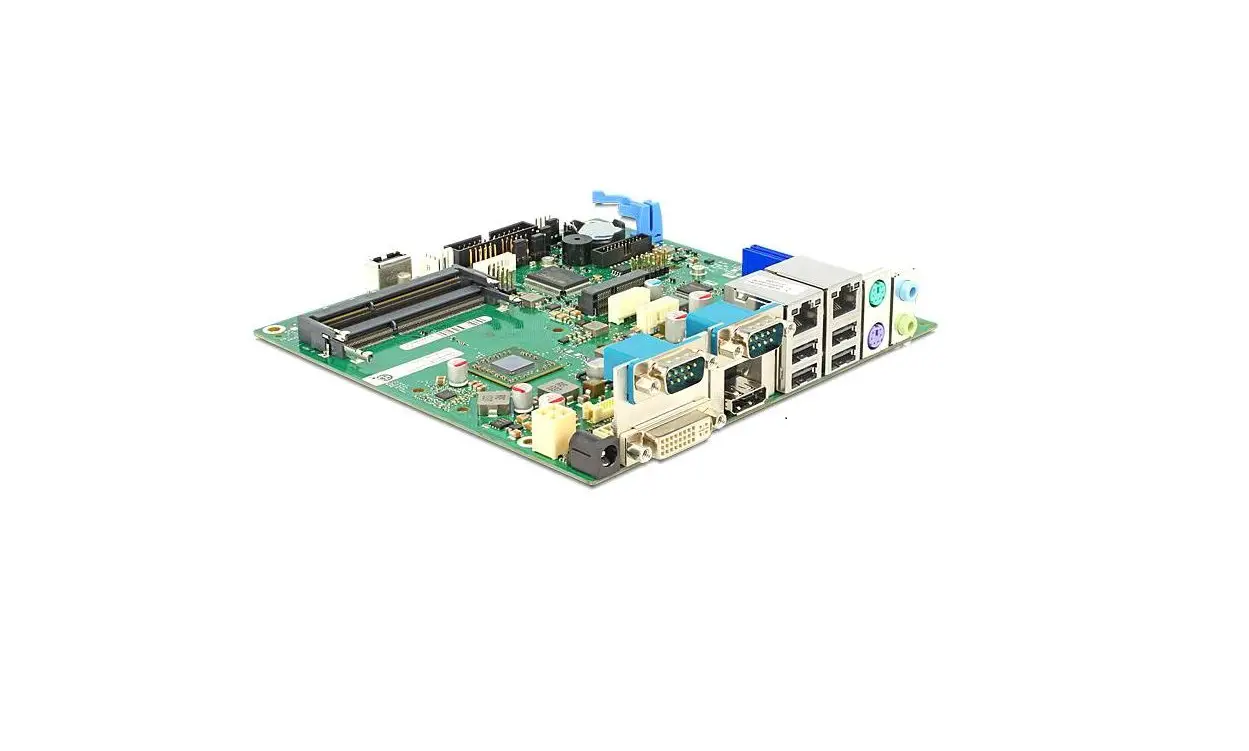
The main circuit board holds and makes all communication between components of the device possible. Therefore, whenever the communication between the functioning components takes longer than expected or there is no communication, replacing the motherboard is a necessity.
The removal of the main motherboard of the DS is essential to access the screens and to replace other imperatives.
The replacement could be done in 10 simple steps.
 TOOLS: TOOLS: |  PARTS: PARTS: |
| • iFixit Opening Tool (1) • Spudger (1) • Phillips #00 Screwdriver (1) • Tri-point Y00 Screwdriver (1) • Tweezers (1) | • Nintendo ds battery (1) • Nintendo DSi Motherboard (1) |
Step 1 — Battery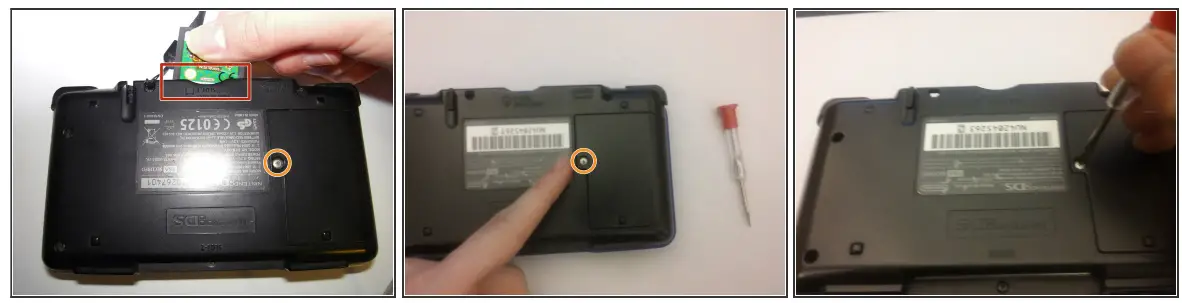
 Remove the cartridge from the console.
 Use a Phillips #00 Screwdriver to remove the screw securing the battery door to the rear case.
 Remove the battery door.
 In the images, it shows that the fixer is using a flathead screwdriver. This flathead screwdriver will work just like the Phillips #00 Screwdriver.
Step 2
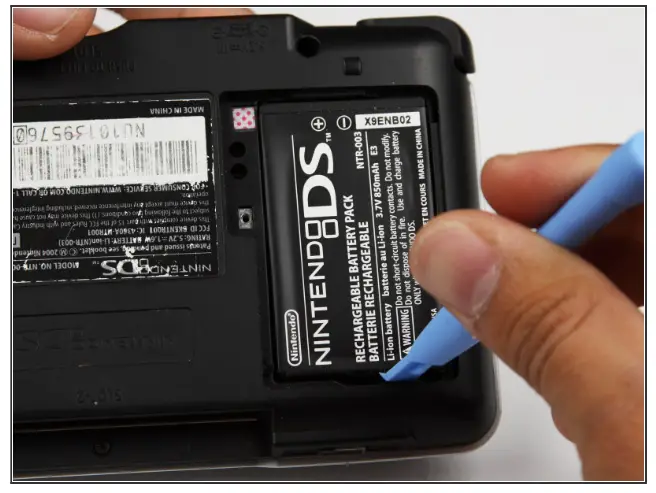
Use a plastic opening tool or spudger to pry out the battery from the bottom. If a plastic opening tool or spudger isn’t available, your fingernails may work.
Step 3
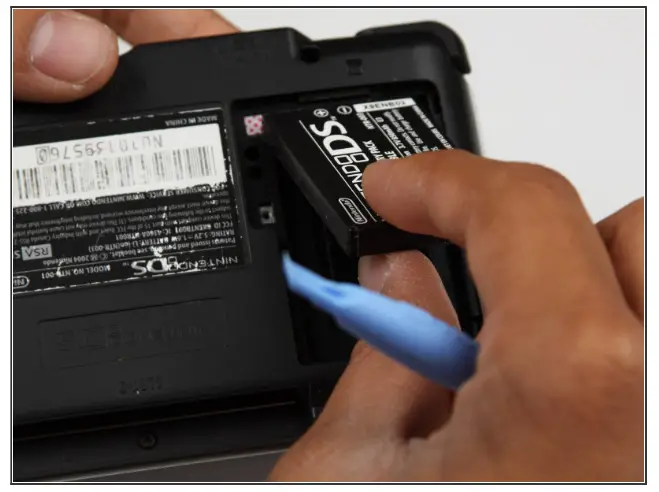
Remove the battery from the Nintendo DS.
Step 4 — Back Panel
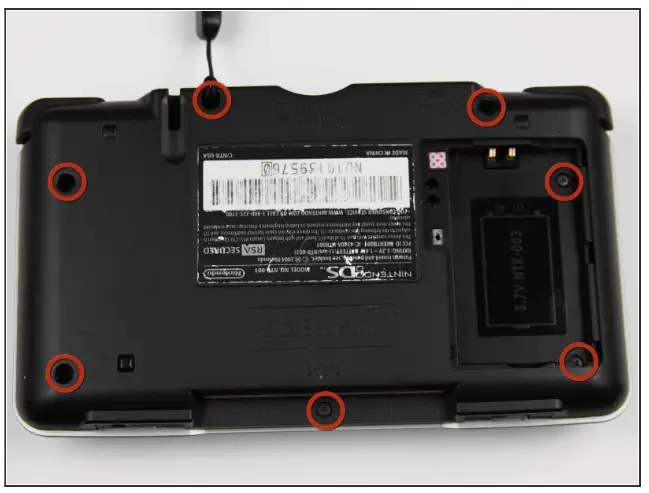
Remove the seven Y00 screws located on the back. If your DS has a lanyard attached to it, you can remove it to make the process of opening the top-left screw easier.
Step 5
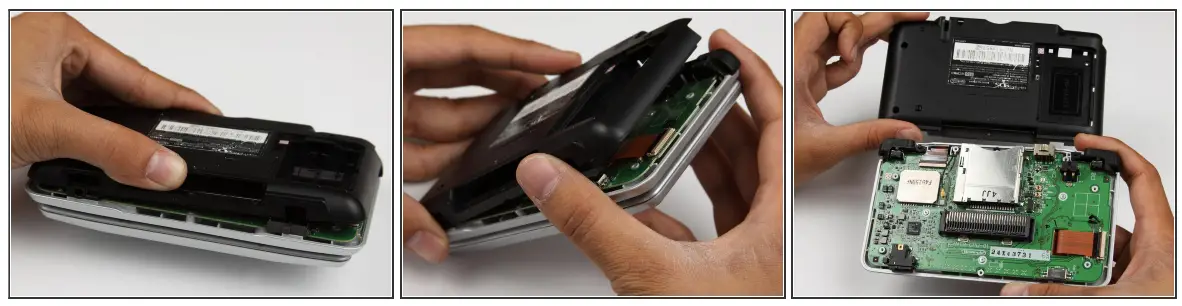
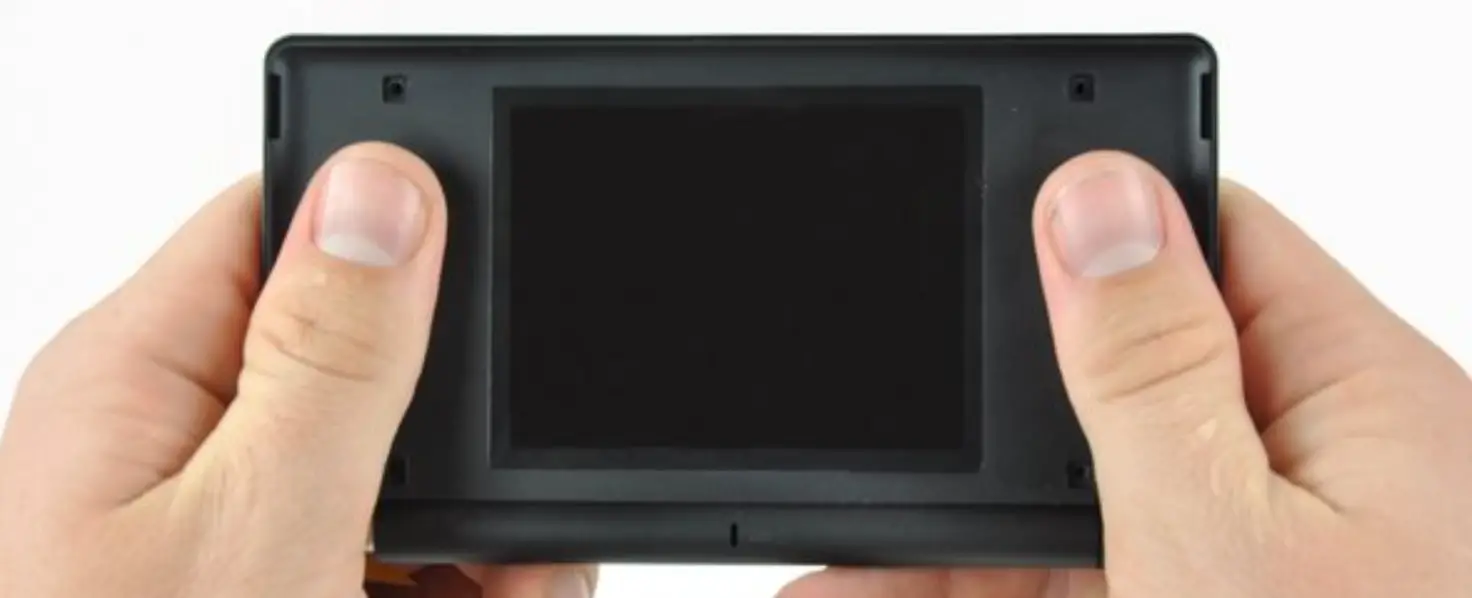
With your hands, pry the back panel off the main case. Separate the back from the front, and set it aside.
Step 6 — Motherboard replacement.
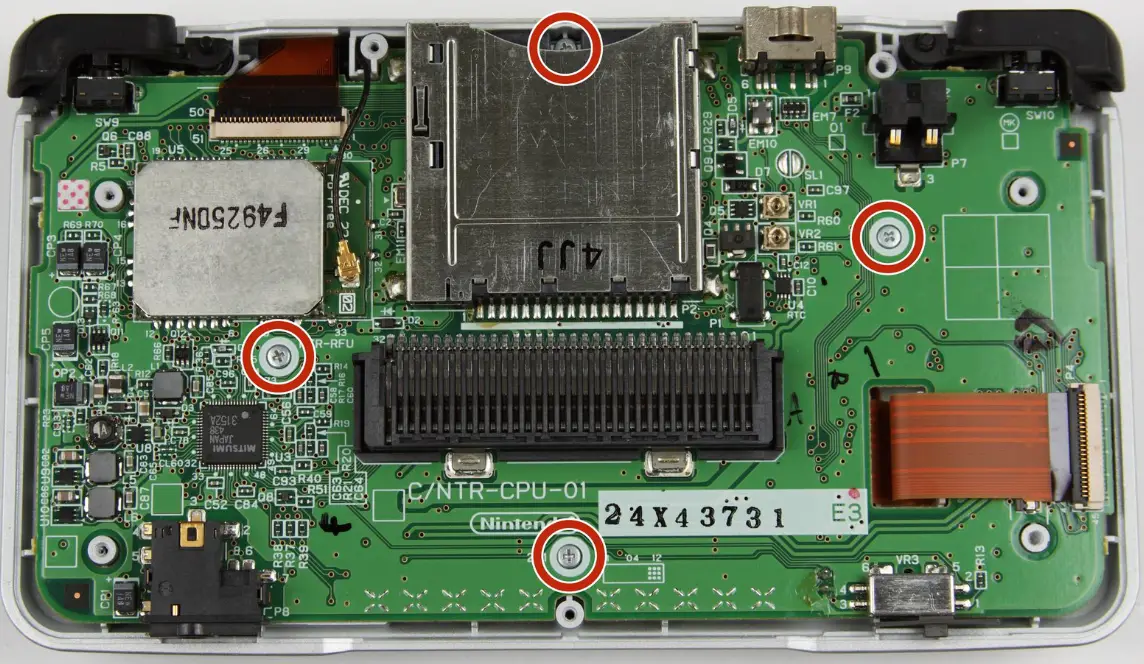
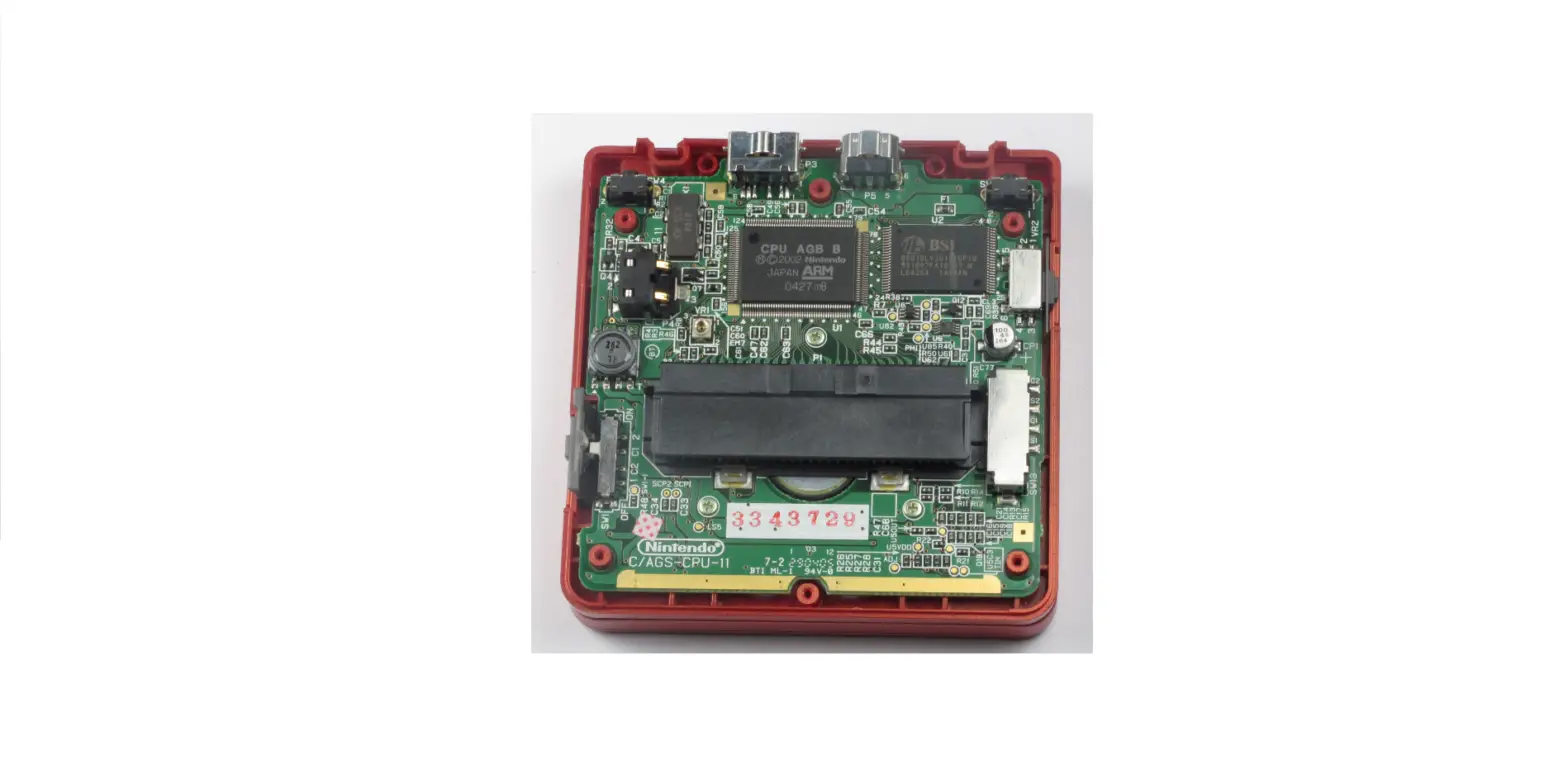
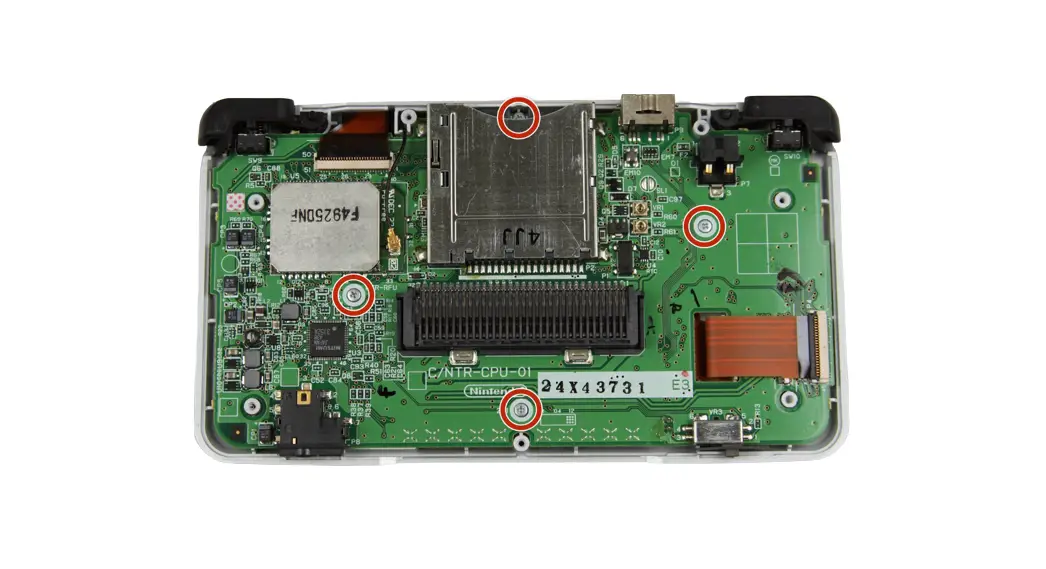
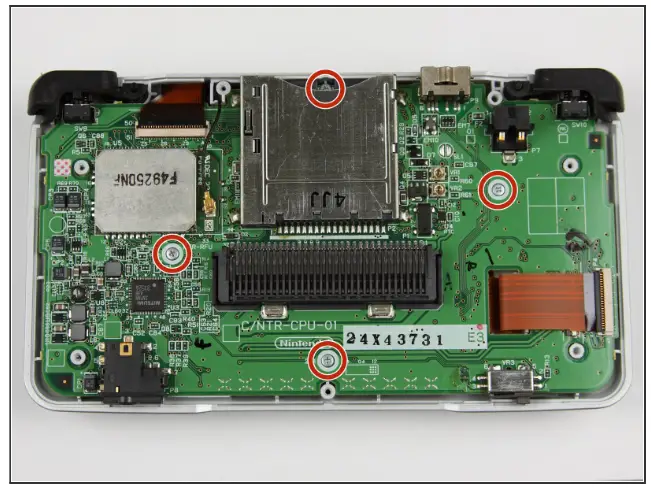
Using a Phillips #00 screwdriver, remove the four screws on the circuit board. Be careful NOT to slip with the screwdriver, you can damage the circuit board!
Step 7
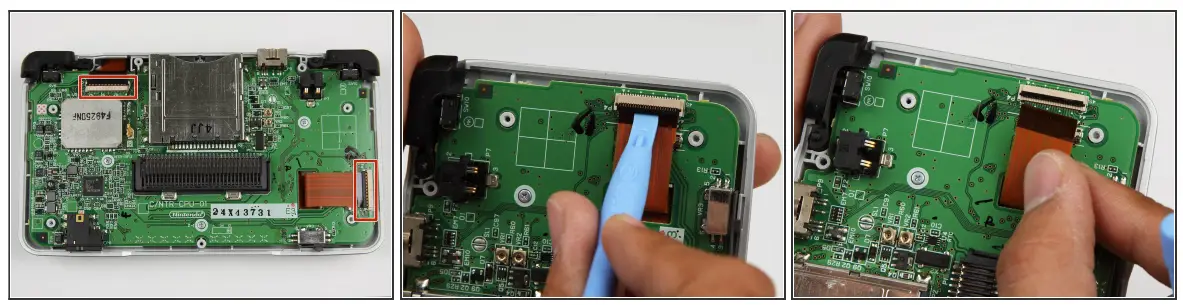
Unlock the two large ribbon cables by moving the black clip up. Carefully pull the ribbon cables down and out with your fingers. Do not use pliers to pull the cables, as they can be damaged easily.
Step 8
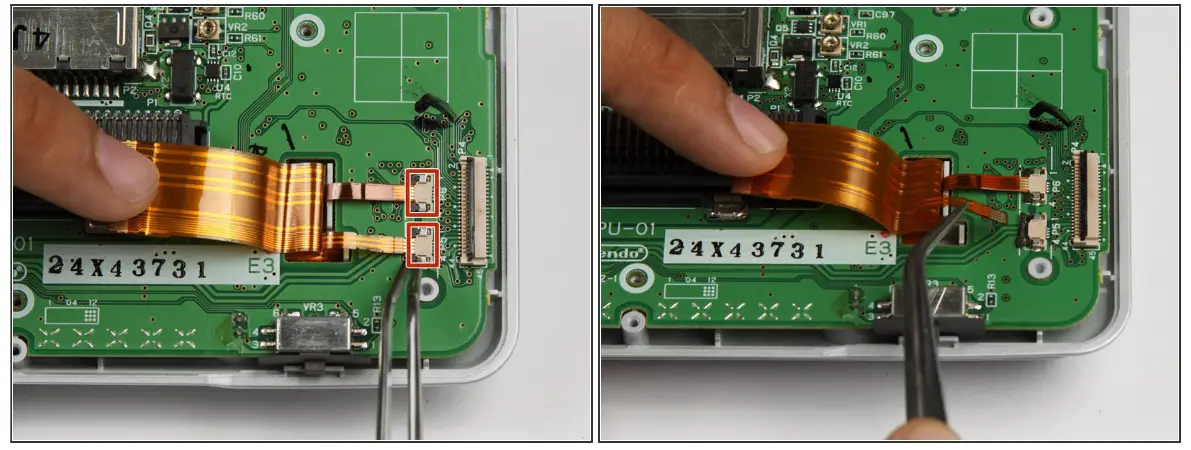
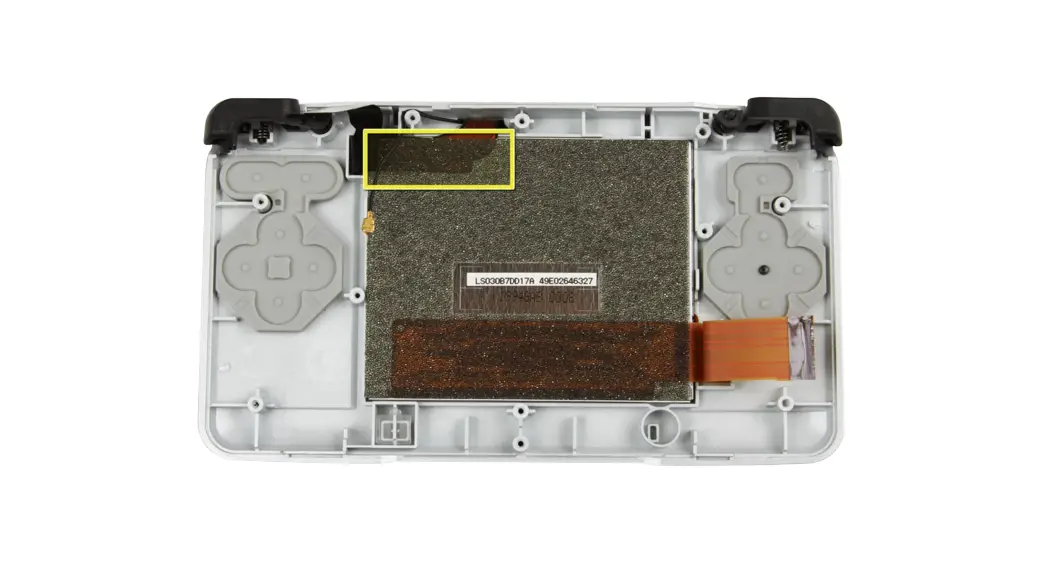
Locate the two small ribbon cables, beneath the rightmost large ribbon cable.Slide the locks for the small ribbon cables down to the side, and remove the cables. It may be useful to use tweezers to remove the small ribbon cables. Be careful not to damage the delicate ribbon cables.
Step 9
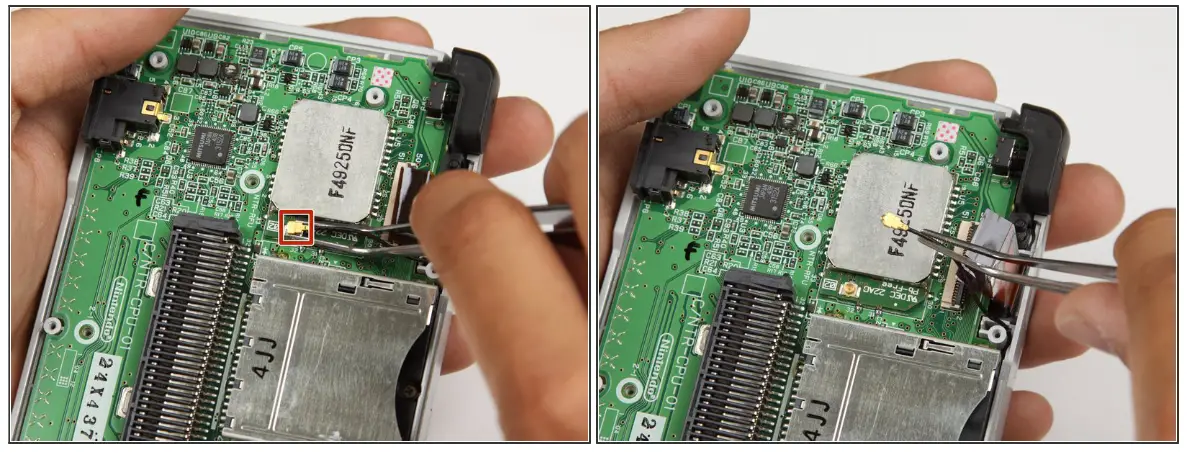
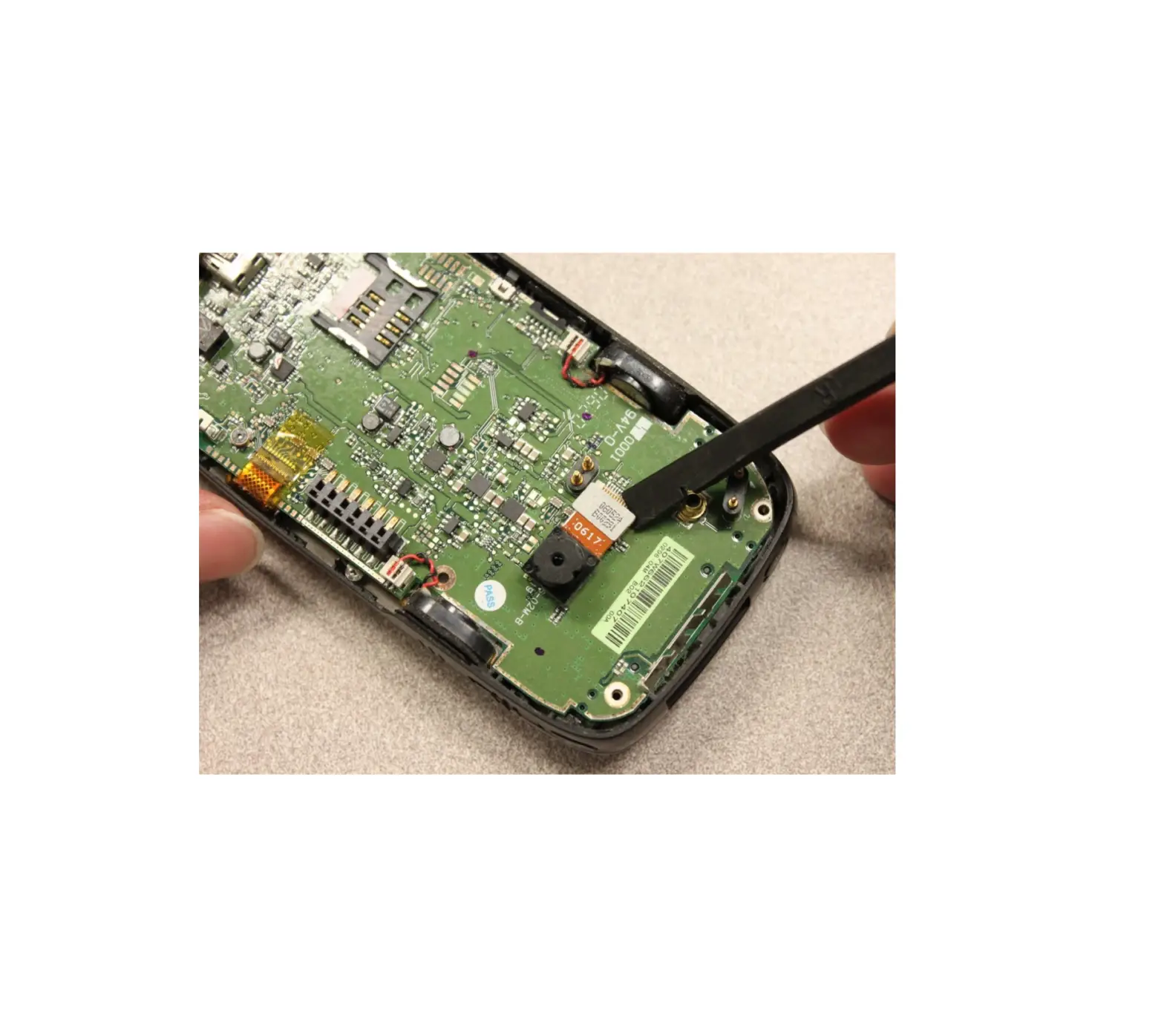
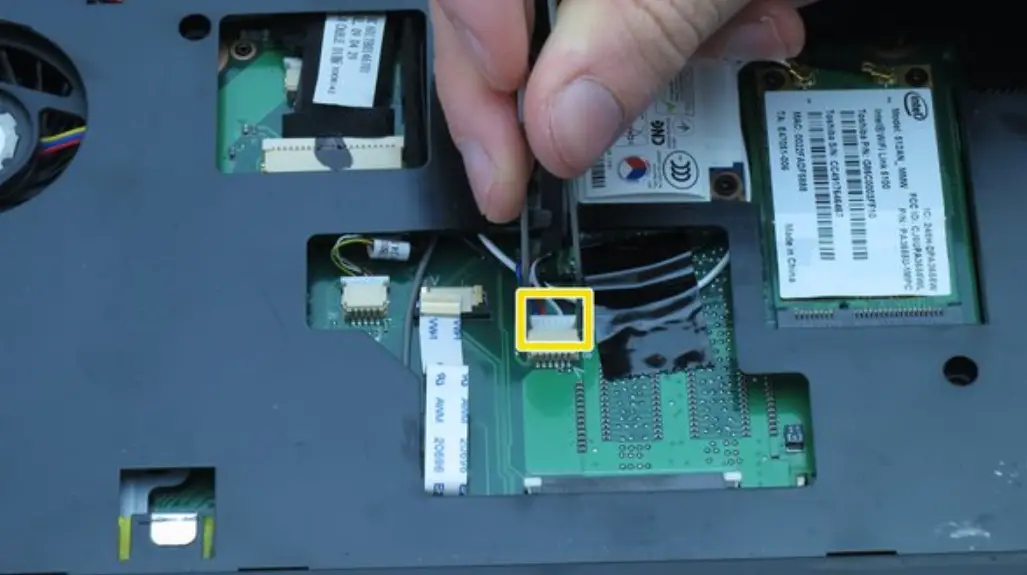
Locate the Wifi antenna pigtail connector. Remove the antenna by grasping it at the head with tweezers. Using a slight rocking motion, pull up to dislodge the connector.
Step 10
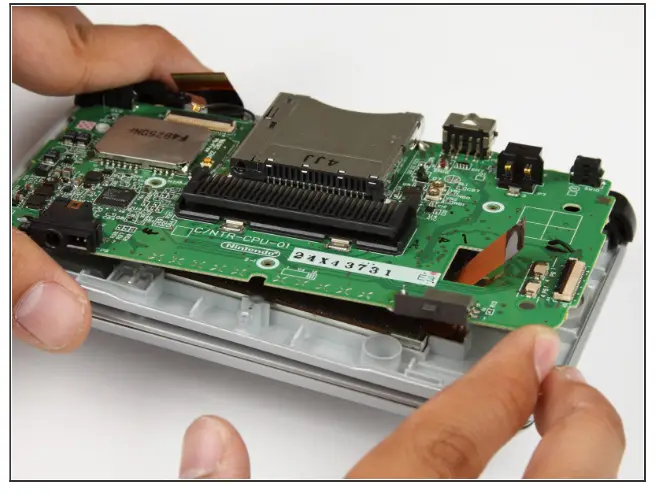
Feed the ribbon cables through the opening on the board. Pull up and remove the circuit board, and set it aside.
To reassemble your device, follow these instructions in reverse order.
© iFixit — CC BY-NC-SA
www.iFixit.com