
IFIXIT iMac Intel 24 Inch EMC 2267 RAM Replacement
INTRODUCTION
Use this guide to replace or upgrade your RAM chips.
TOOLS:
- Phillips #1 Screwdriver (1)
- Spudger (1)
PARTS:
- iMac Intel 24″ EMC 2267 (Early 2009) Memory Maxxer RAM Upgrade Kit (1)
- PC3-8500 1 GB RAM Chip (1)
- PC3-8500 2 GB RAM Chip (1)
- PC3-8500 4 GB RAM Chip (1)
INSTALLATION INSTRUCTION
- Step 1 — Note – most of this guide was taken from the info for: iMac Intel 20″ EMC 2266

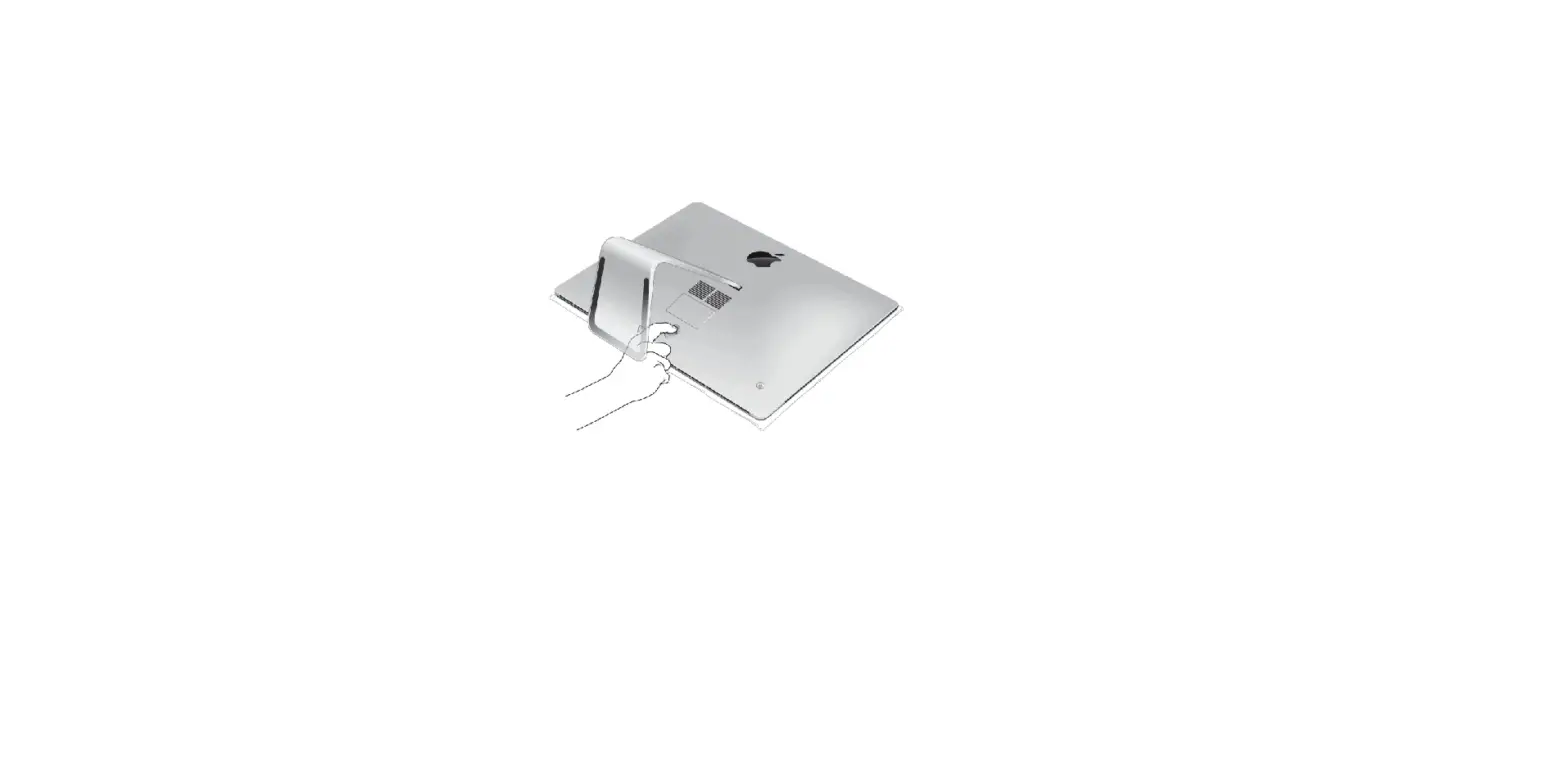
- Lay your iMac front side down on a table with the lower edge facing yourself.
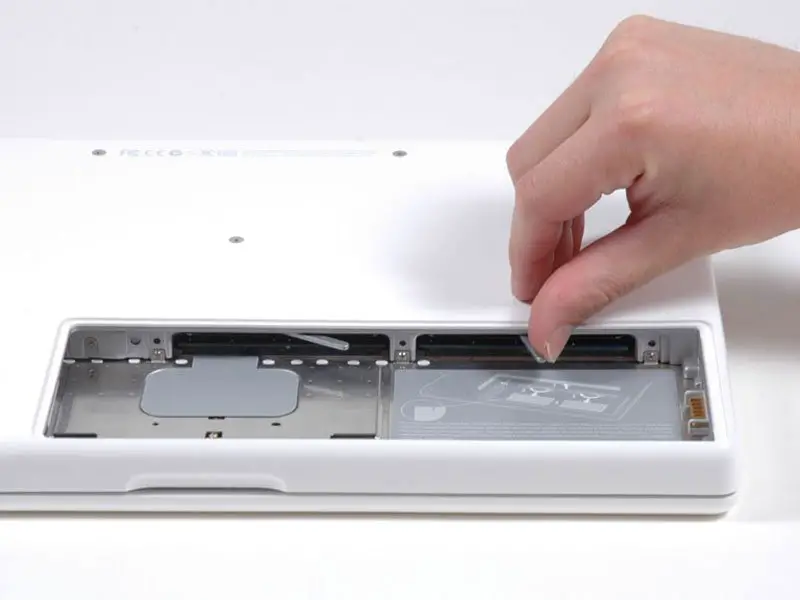
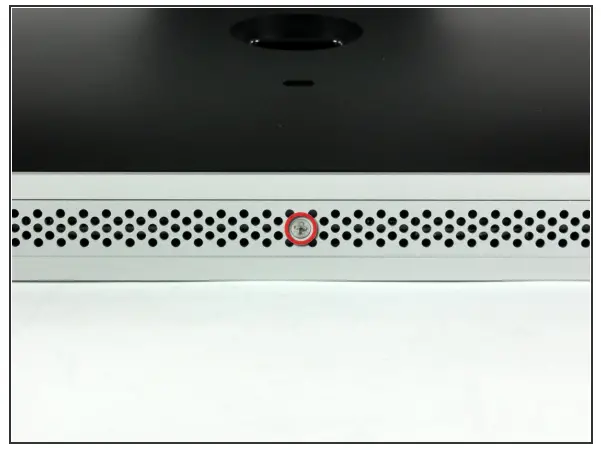
- Loosen the single Phillips screw PH#2 in the center of the access door.
- This screw is captive in the access door.
- Remove the access door from your iMac.
- Step 2 — Note – most of this guide was taken from the info for: iMac Intel 20″ EMC 2266

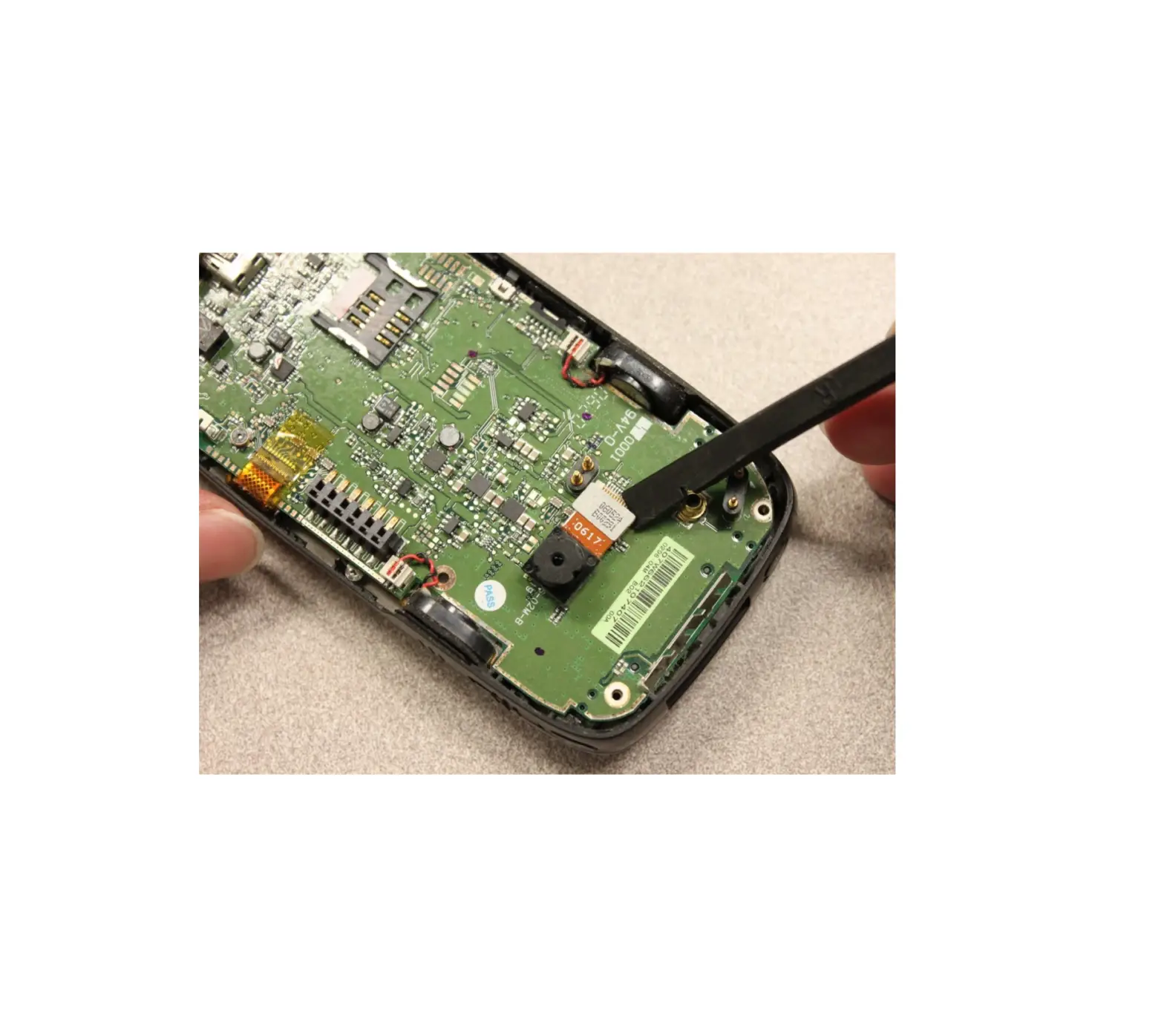
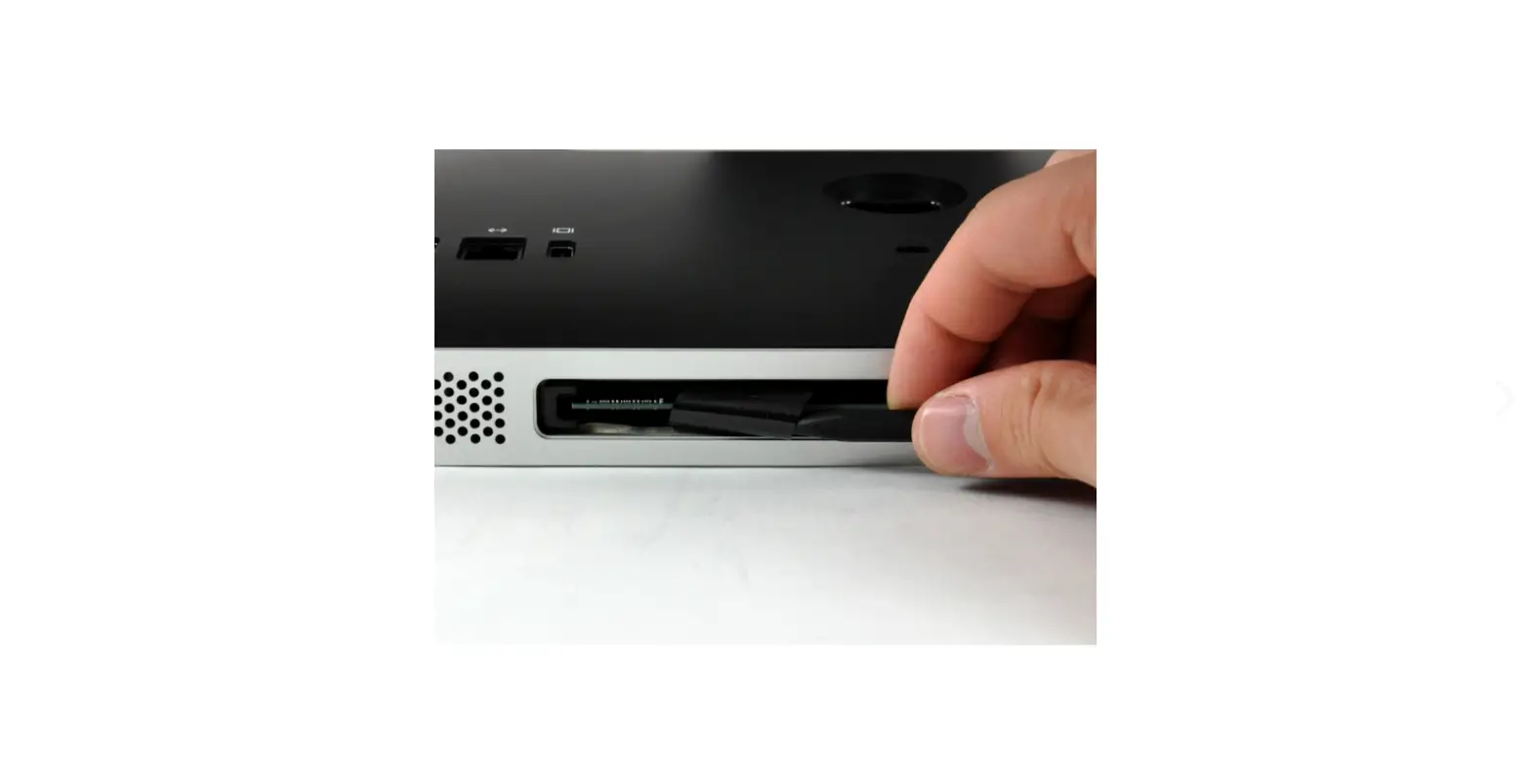
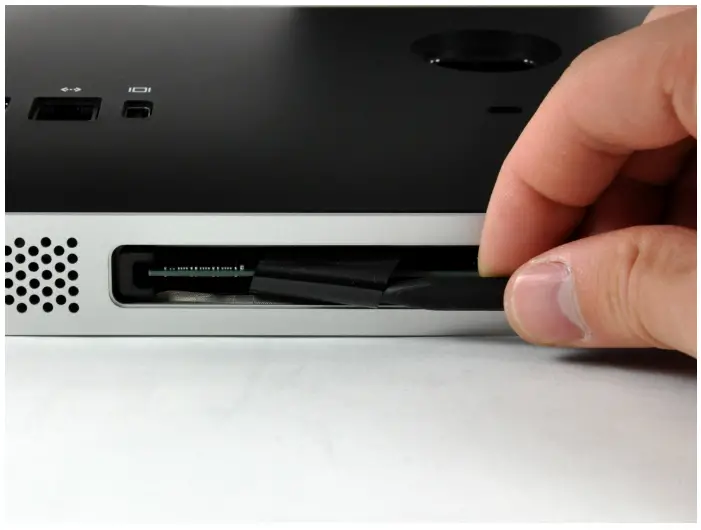
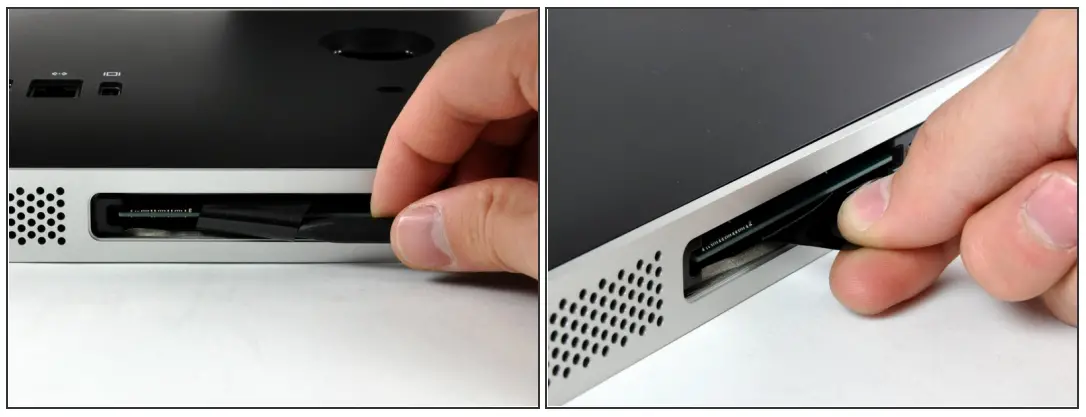
- Use the sharp end of a spudger to pull the black plastic RAM tabs out of the memory bay. Formatting help
- Pull the black plastic RAM tab away from your iMac to eject the RAM chip.
- Step 3

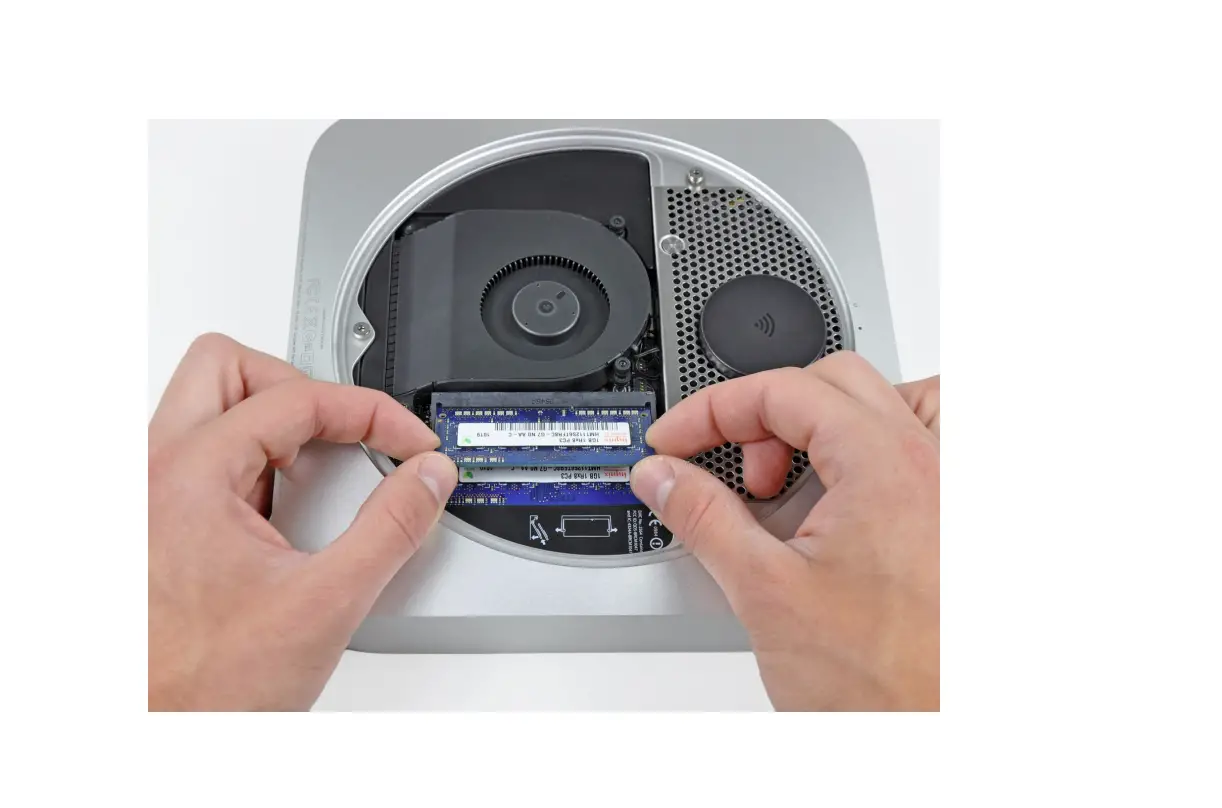
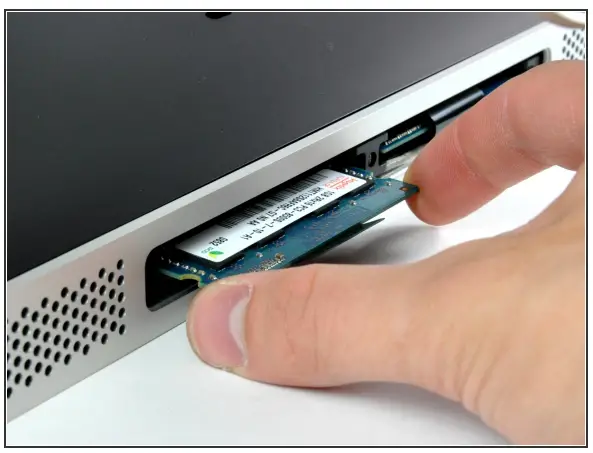
- Grab the RAM chip by its edges and pull it straight out of its slot.
- If two RAM chips are installed, repeat this process for the other chip.
To reassemble your device, follow these instructions in reverse order.
WEB: www.iFixit.com