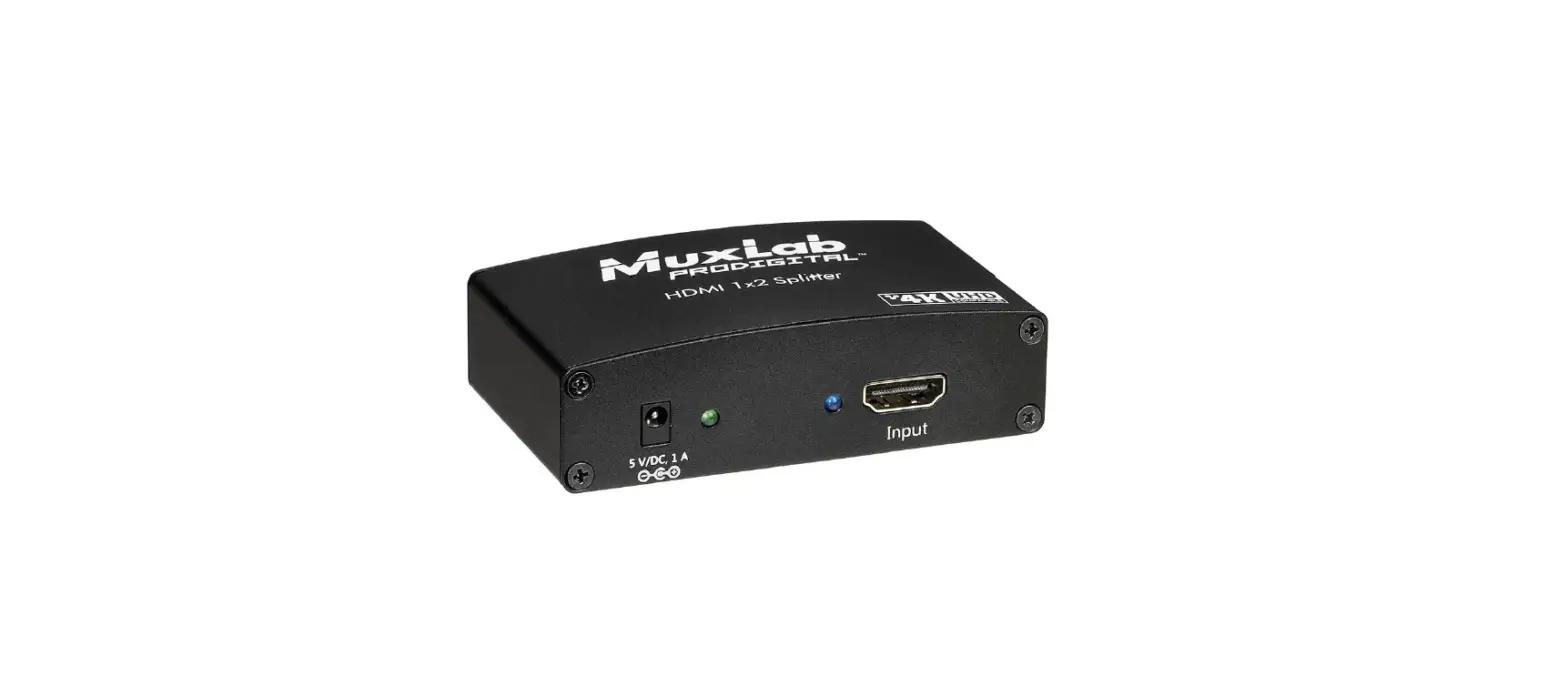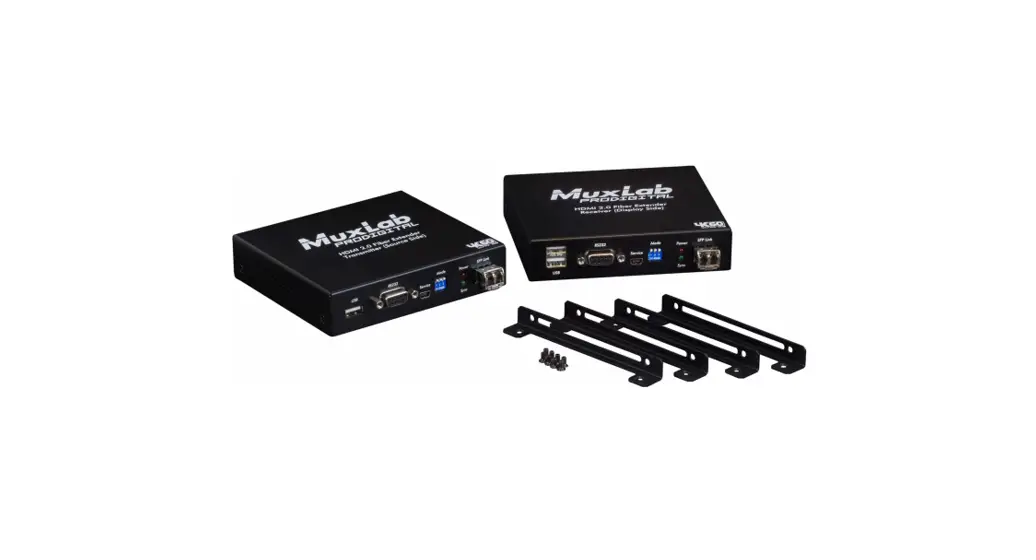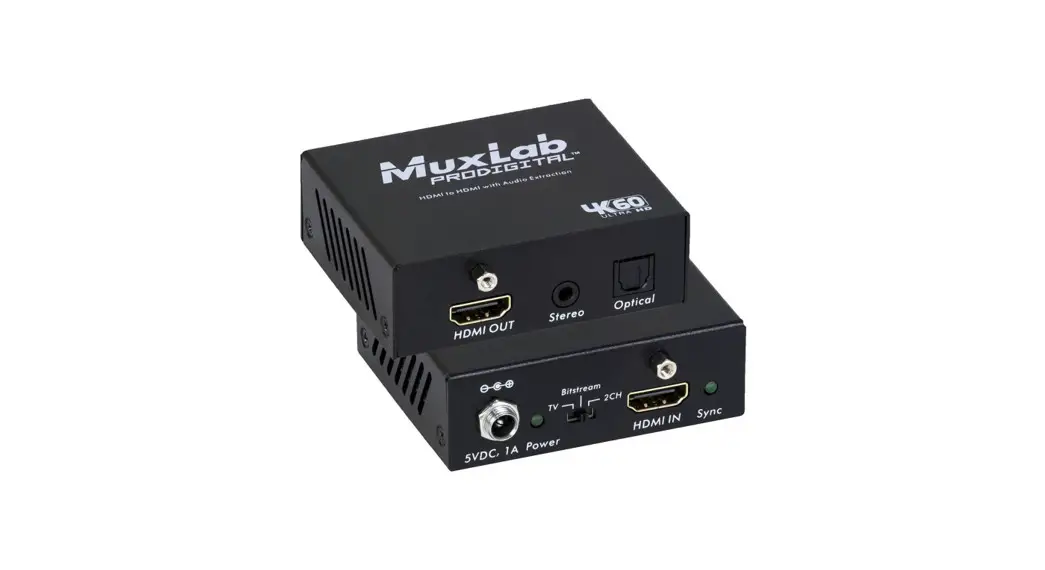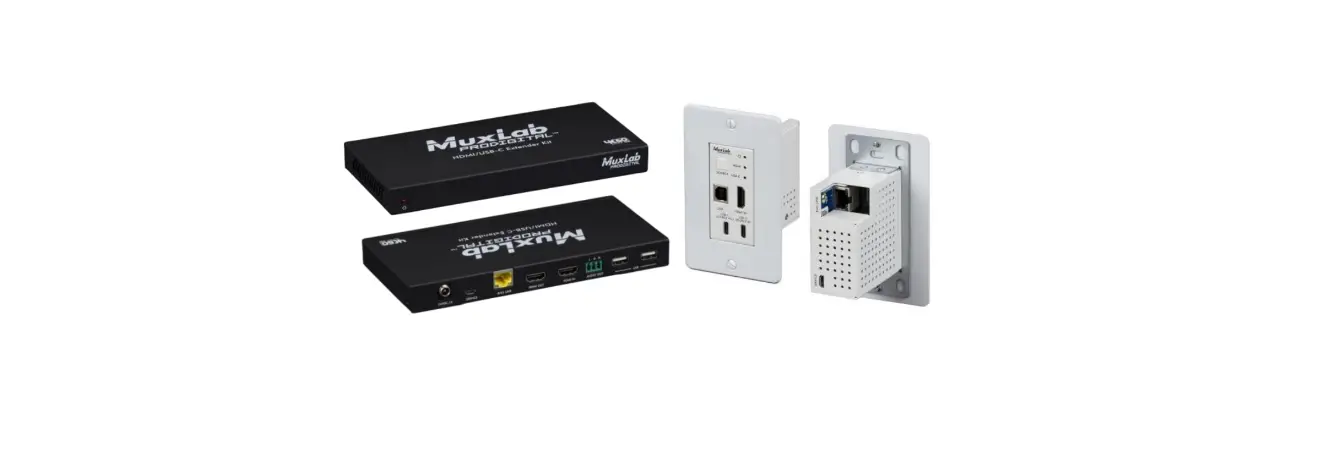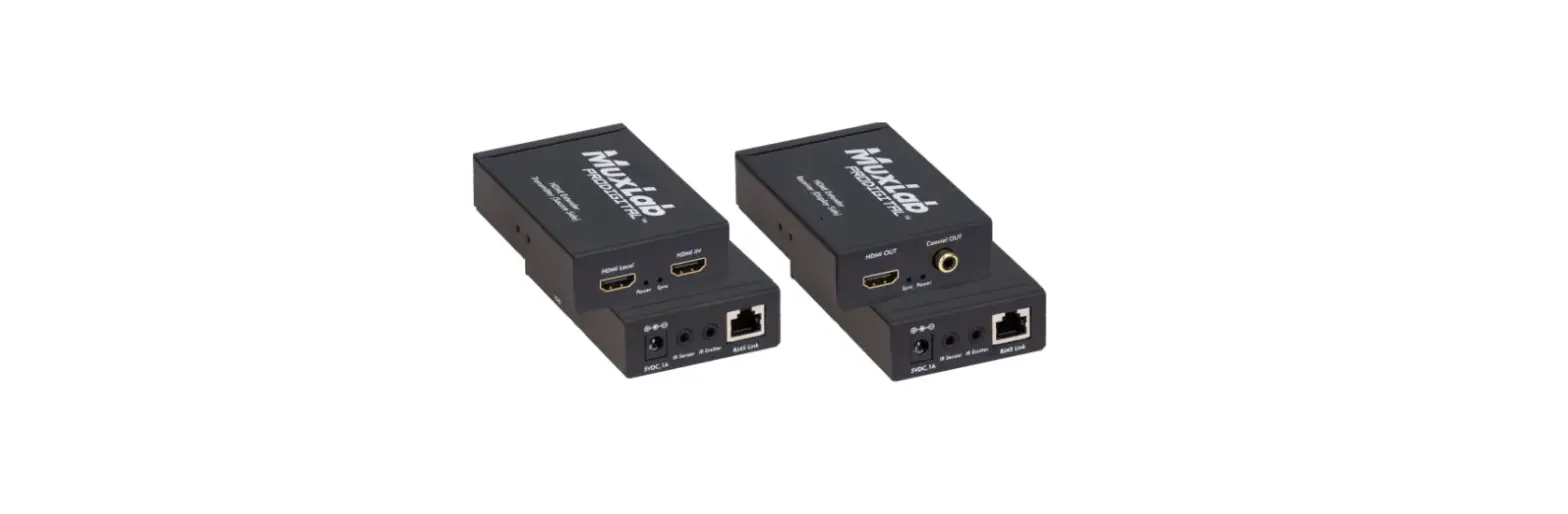

MuxLab 100504 50m HDMI Extender Pair
Specifications
| Environment | HDMI 1.4 (3D) |
| Devices | DVD, TVs, projectors, monitors, PC, laptops supporting HDMI |
| Transmission | Transparent to the user. |
| Frequency | 165MHz. |
| Signals | HDMI 1.4 protocol. |
| Resolution | 480i to 1080p @ 50/60 FPS VGA to UXGA |
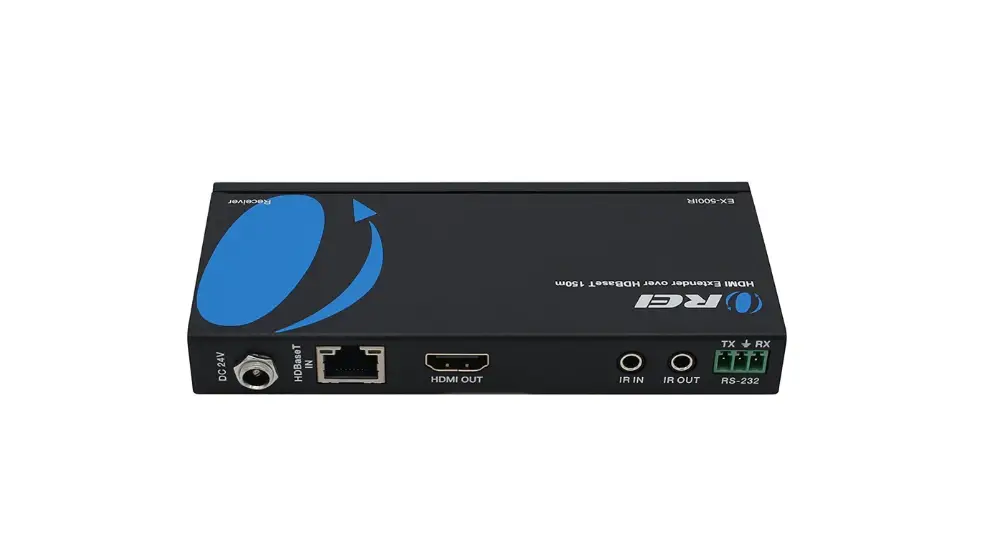
| Connectors | 2 HDMI Type A and 2 (two) 3.5mm jacks for the Transmitter 1 HDMI Type A and 2 (two) 3.5mm jacks for the Receiver 1 S/PDIF Female for the RX |
| LEDs | Power: Blue Link: Blue |
| Maximum Distance Based on a maximum length of 6.6 ft (2 m) of HDMI cable per end. | Cat 5e/6: 164ft (50m) up to 1080p60 Note: When installed in an electrically noisy environment, an STP cable must be used. Also, cross-connection reduces the effective distance depending on the grade of twisted cable used. |
| RJ45 Pin Configuration Reverse Polarity Sensitive. Use EIA/TIA 568A or 586B straight-through wiring. | RJ45 Link Pin 1 (R) Pin 2 (T) Pin 3 (R) Pin 6 (T) Pin 4 (R) Pin 5 (T) Pin 7 (R) Pin 8 (T) |
| Audio | Dolby Digital Plus, Dolby TrueHD and DTS-HD Master Audio |
| HDCP | HDCP Compliant |
| Power Supply | Two (2) 5V / 1A DC power supplies |
| Power Consumption | Transmitter: 3.2W Receiver: 2.2W |
| Temperature | Operating: 0° to 40°C Storage: -20° to 60°C Humidity: Up to 90% non-condensing |
| Enclosure | Metal |
| Dimensions | 65mm x 118mm x 26mm |
| Weight | 410g (TX+RX) |
| Compliance | Regulatory: FCC, CE, RoHS Flammability: 94V0 |
| Warranty | 1 year |
| Order Information | 100504 HDMI Extender Pair, 50M, HD |
HDMI Extender Pair, 50m, HD-Quick Installation Guide
Overview
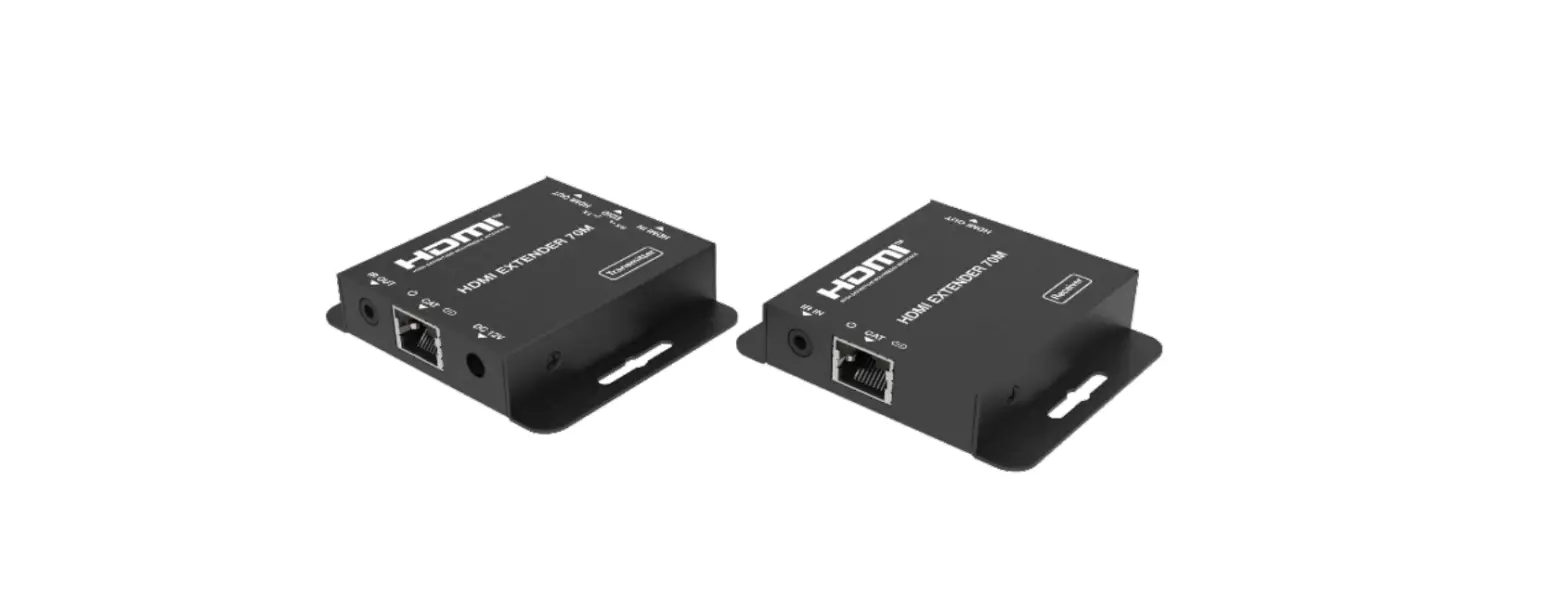
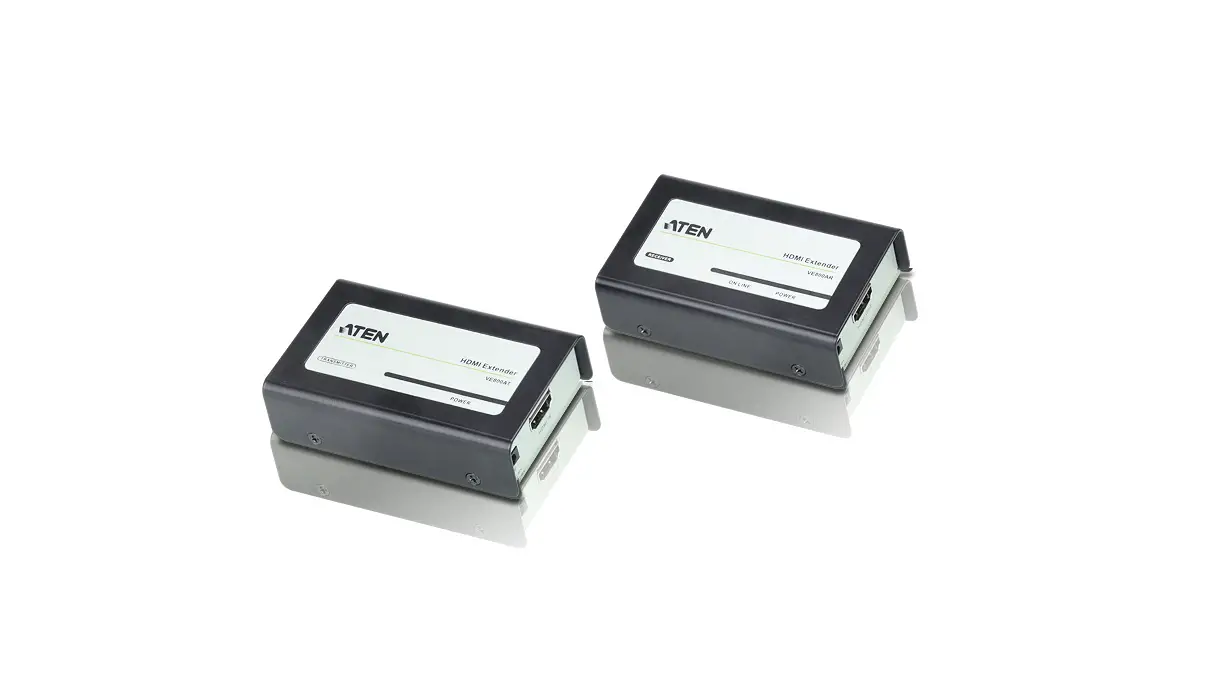
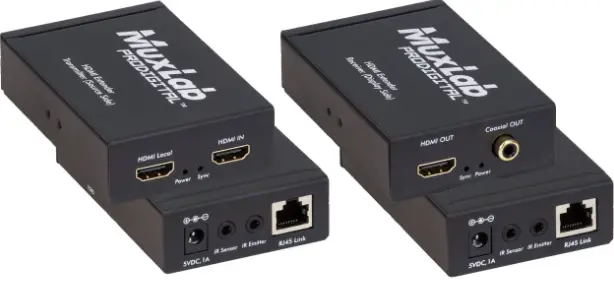
The HDMI Extender Pair, 50m, HD (100504) allows an HDMI video signal to be transported up to 164ft (50m) over Cat 5e/6 UTP cable. This extender pair supports video resolutions up to 1920 X 1080p60 and VGA-UXGA. It is HDCP compliant and supports an HDMI Loop-out on the Transmitter and Digital Audio extract on the Receiver. The product includes one Transmitter and Receiver, two Power Supplies, two Emitters, and two Sensors
Applications
Applications include digital signage, commercial and residential AV systems, classroom projector systems, boardroom systems, collaborative PC systems, and medical information systems
Installation
- Identify the connectors on the Transmitter and Receiver as indicated on the product end panels.
- Verify that the distance between the HDMI Transmitter and Receiver is within MuxLab specifications (see specifications table).
- To install the Transmitter:
3a. Connect the Transmitter to the HDMI video source with an HDMI compliant cable.
3b. Connect one (1) length of Cat 5e/6 (or higher) grade UTP cable to the RJ45 LINK connector on the Transmitter. - To install the Receiver:
4a. Connect the Receiver to the HDMI display equipment with an HDMI compliant cable.
4b. Connect one (1) Cat 5e/6 cable to the RJ45 LINK connector on the Receiver.
Connect the 5V/1A DC power supplies to both the Transmitter and Receiver first. If power is present, the blue power LED of the Transmitter and the Receiver will be ON. - Note: Power-up the HDMI Extender only after all connections are made.
- Power-up the HDMI equipment and verify the image quality.
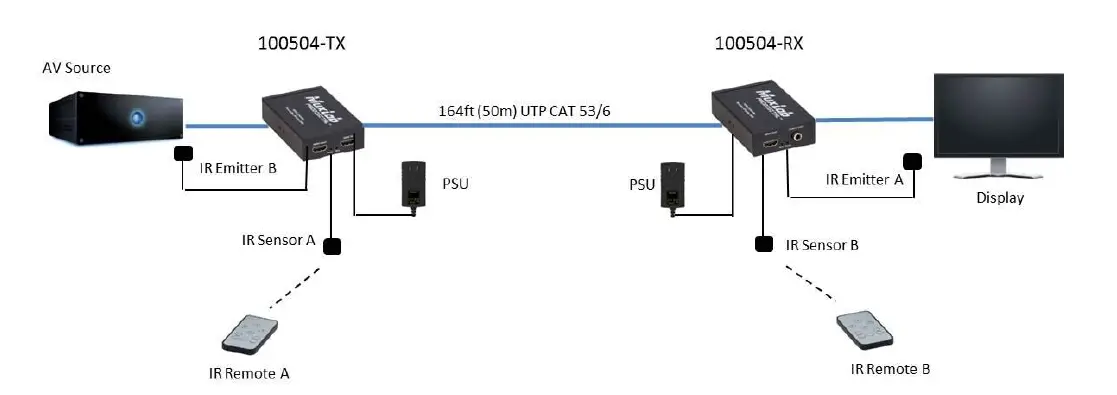
- This product support bi-directional IR control. If infrared remote control is needed to control the Source equipment from the Display, connect the IR Sensor to the 3.5mm Stereo Jack of the receiver and the IR Emitter to the 3.5mm Mono Jack of the Transmitter.
Note: The IR Sensor has a black color while the IR Emitter has a clear color. - Position the IR Sensor so that it is aimed toward the hand-held remote control. For clear IR signal reception, aim the hand-held remote control toward the top of the IR Sensor enclosure.
- Position the IR Emitter as close as possible to the source’s IR Sensor (i.e. DVD, Blu-ray, or media player). For a clear IR signal reception, the IR Emitter may be affixed to the source’s IR Sensor. The IR Emitter’s signal is transmitted from the side of the enclosure.
- The following diagram shows the final configuration (with 2-way IR shown).

DIP Switch Description
The following tables describe the DIP Switch position for the EDID
| Position | Functions |
| 0 | 1080P 2 CH audio |
| 1 | 1080P Dolby/DTS 5.1 audio |
| 2 | 1080p HD audio |
| 3 | 1080i 2 CH audio |
| 4 | 1080i Dolby/DTS 5.1 audio |
| 5 | 1080i HD audio |
| 6 | 3D 1080p 2 CH audio |
| 7 | 3D 1080p Dolby/DTS 5.1 audio |
| 8 | 3D 1080p HD audio |
| 9 | Copy EDID from the transmitter HDMI loop output |
| A | Copy EDID from the receiver HDMI output |
| B | 1080p 2 CH audio |
| C | 1080p 2 CH audio |
| D | 1080p 2 CH audio |
| E | 1080p 2 CH audio |
| F | 1080p 2 CH audio |
Troubleshooting
The following table describes some of the symptoms, probable causes and possible solutions in regard to the installation of the HDMI Extender Pair, 50M, HD:
| Symptom | Tx LEDs | Rx LEDs | Probable Cause | Possible Solutions | ||||
| Power | Link | Power | Link | |||||
| No Image | OFF | OFF | OFF | OFF | No power | • Check power connections. | ||
| No Image | ON | OFF | ON | OFF | UTP Cable | • Check the UTP cables. | ||
| No Image | ON | ON | ON | ON | HDMI Cable | • Check the HDMI Cable. | ||
| No Image | ON | ON | ON | ON | Synchronisation | • Check cable length. | ||
| Flickering Image | ON | ON | ON | ON | Synchronisation | • Check cable length. • Check the HDMI Cable Quality. | ||
| Choppy sound | ON | ON | ON | ON | Synchronisation | • Check cable length. • Check the HDMI Cable Quality. | ||
| Green or pink hue | ON | ON | ON | ON | DDC communication | • Cycle power of the HDMI Extender. • Check UTP cables and replace. | ||
| Image flickers when powering up nearby equipment | ON | ON | ON | ON | Interference | • Use STP cables. | ||
| IR not functioning | ON | ON | ON | ON | Remote control not directed to the IR Sensor or IR Emitter not directed to the source. | • Make sure the IR Sensor is directed towards the remote and the IR Emitter to the equipment. | ||
| IR not functioning | ON | ON | ON | ON | Interference from sunlight, Fluorescent, Neon or Halogen lights. | • Place the IR equipment away from the interfering light. | ||
| IR not functioning | ON | ON | ON | ON | Interference from RF radiation from the TV. | • Place the IR equipment away from the RF radiation. | ||
If you still cannot diagnose the problem, please call MuxLab Customer Technical Support at 877-689-5228 (toll-free in North America) or (+1) 514-905-0588 (International).
2321 Cohen St, Montreal, Quebec, Canada. H4R 2N7 Tel: (514) 905-0588 Fax: (514) 905-0589 Toll Free (North America): (877) 689-5228
E-mail: [email protected] URL: www.muxlab.com
 Home - Muxlab