
INFINITE CONNECTIONS
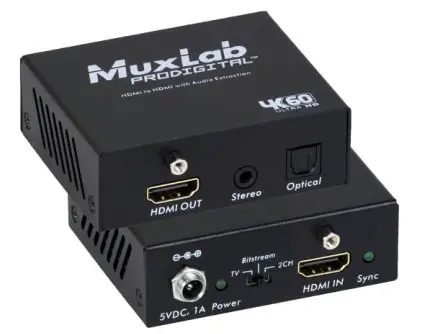 HDMI to HDMI with Audio De-embedder, 4K/60
(100528)
Quick Installation Guide
Overview
The HDMI to HDMI with Audio De-embedder, 4K/60 allows one (1) HDMI source to be distributed to one (1) HDMI display. The device supports up to 4K (3840 x
2160) video resolution at 60Hz, 8-bit color and HD audio
The unit extracts LPCM, Dolby Digital, DTS, Dolby Digital Plus* and Atmos**
digital audio from the S/PDIF TosLink port and 2CH analog audio from the 3.5mm 2CH audio port. The product is HDCP 2.2 compliant and features LED diagnostics.
Applications include commercial and residential AV systems, classroom projector systems, digital signage, boardroom systems, collaborative PC systems, medical information systems.
* For compressed Dolby Digital Plus signals only (in TV mode).
** For Atmos over compressed Dolby Digital Plus only (in TV mode).
Installation
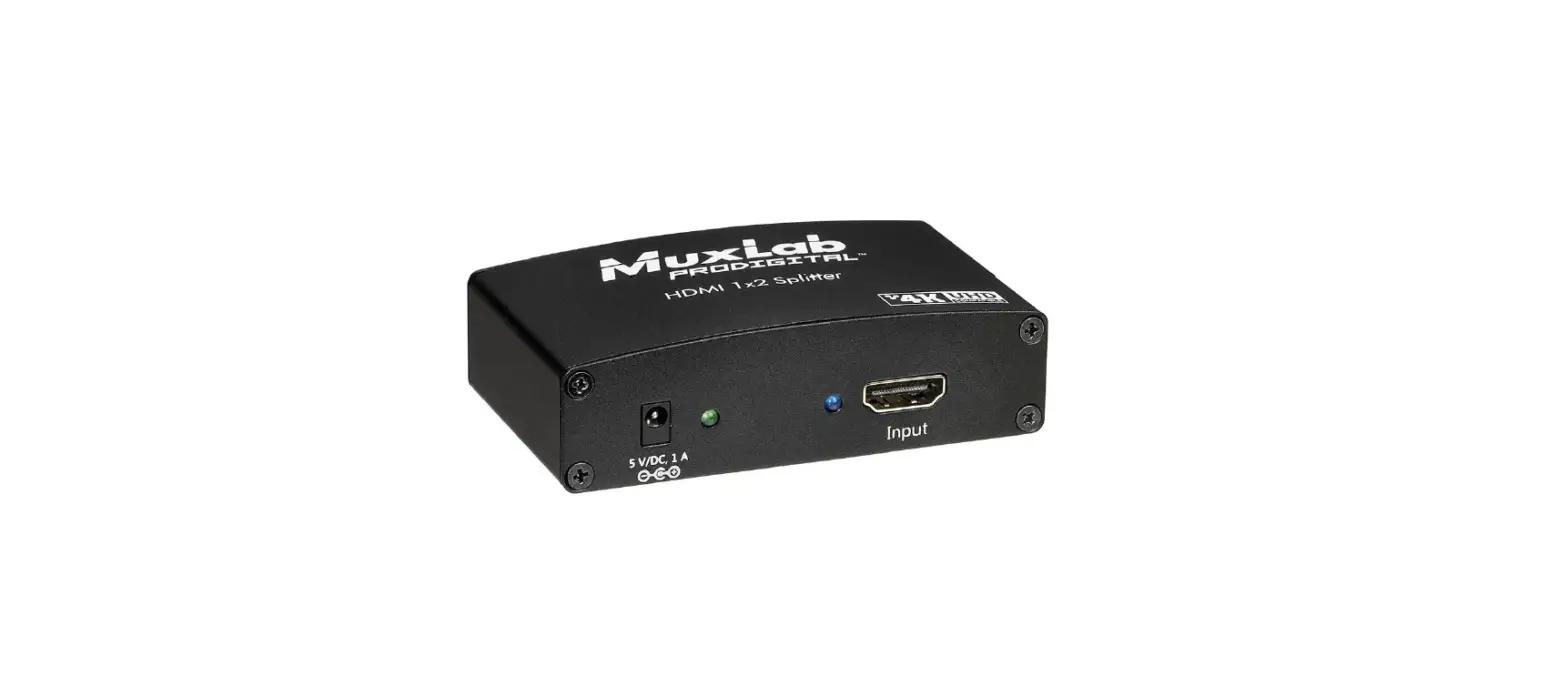
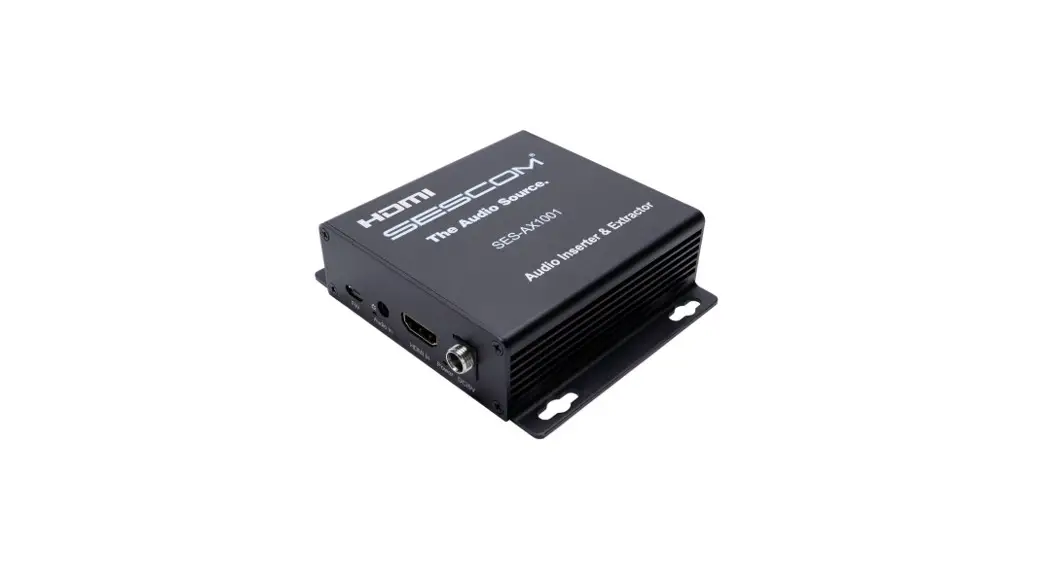
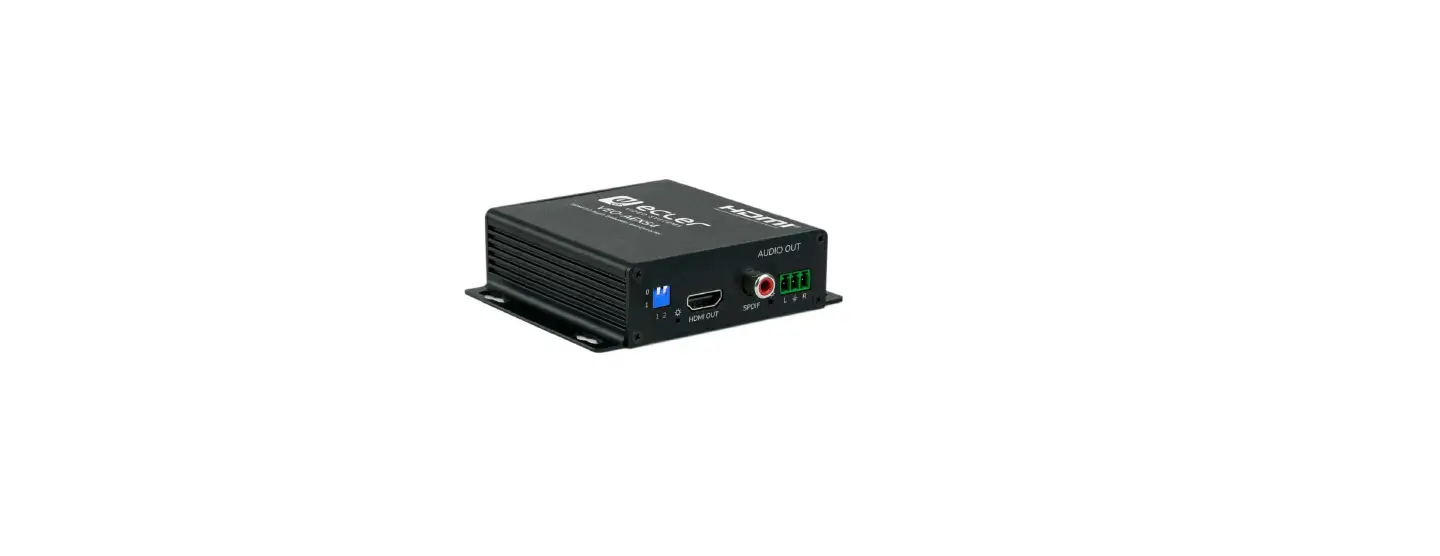
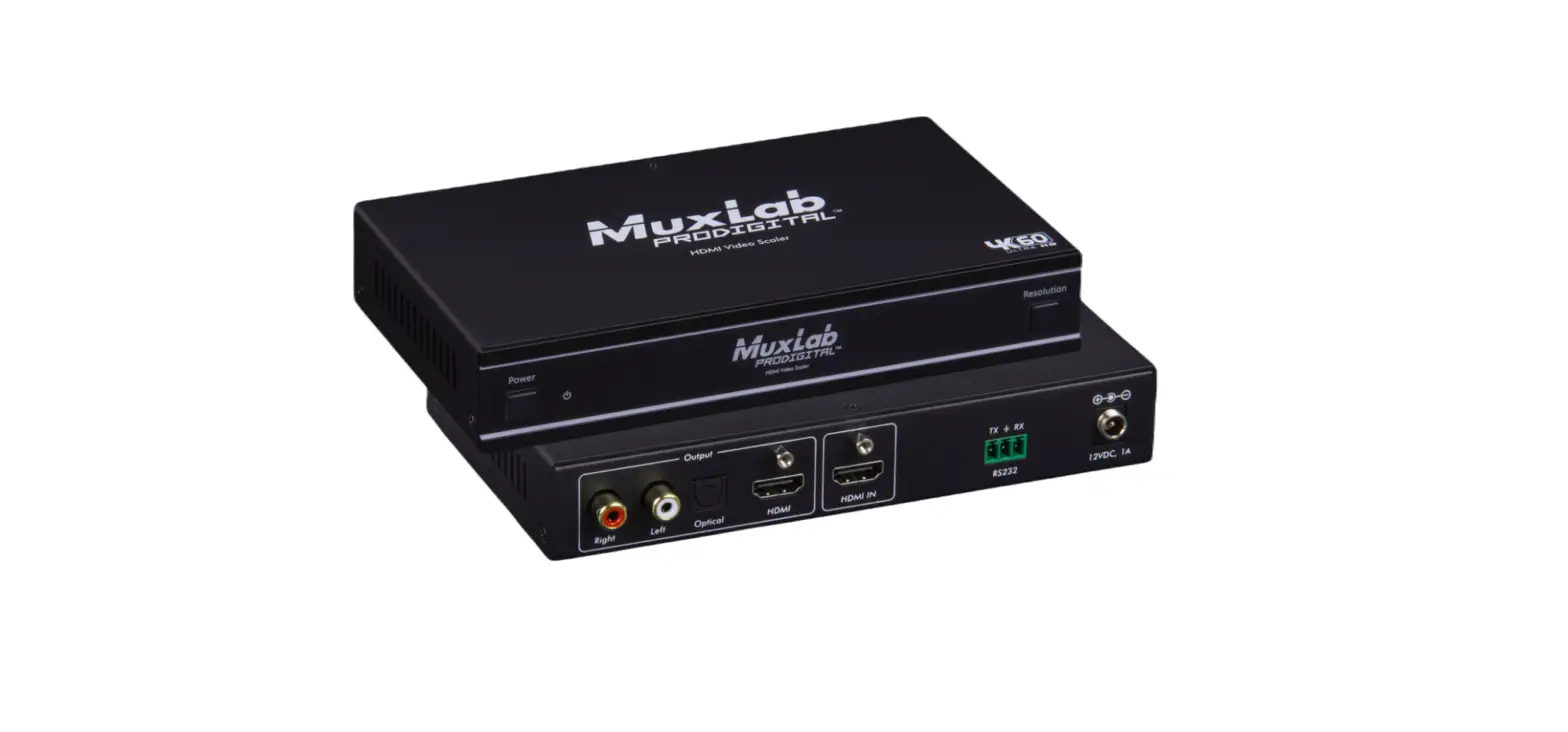
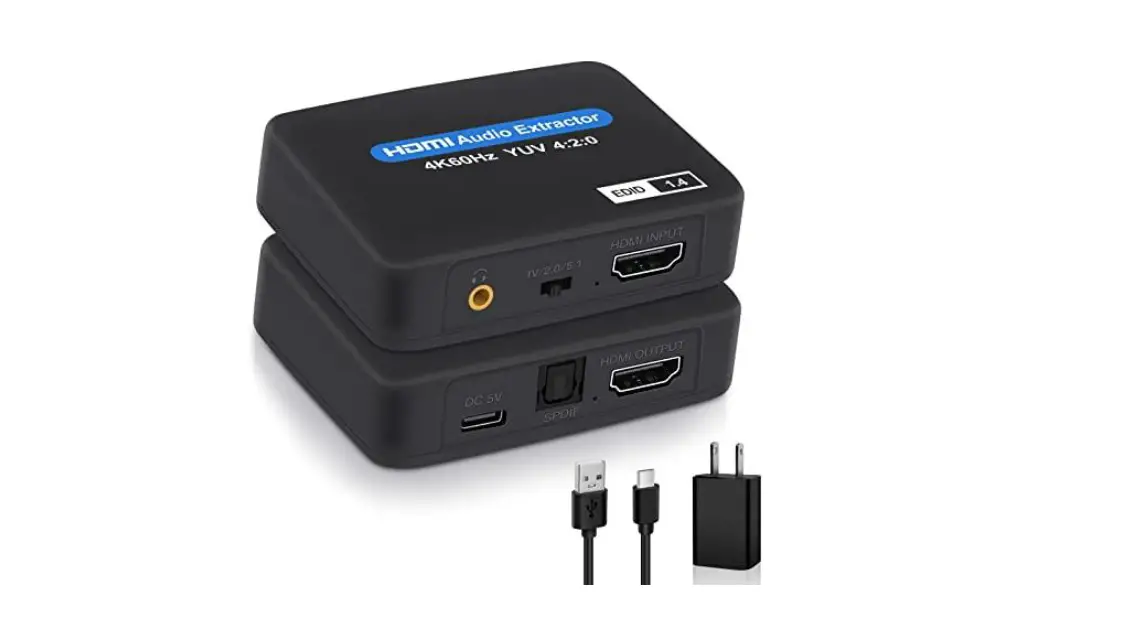
In order to install the HDMI to HDMI with Audio Extraction, 4K/60 please follow the steps below and identify the connectors as indicated on the product picture above:
- Connect the HDMI video source (up to HDMI 2.0) to the input connector of the HDMI to HDMI Audio de-embedder, 4K/60.
- Connect the HDMI display equipment to the output connector of the HDMI to HDMI Audio de-embedder, 4K/60.
Note: Connecting a display is optional; the product will still extract the audio from the HDMI signal even if no display is connected. - Connect the audio receiver to the appropriate output connector (S/PDIF TosLink connector and/or 3.5mm analog 2CH audio connector) of the HDMI to HDMI Audio De-embedder, 4K/60.
- Select the appropriate mode using the front switch (3 options):
• TV Mode: Audio capability supported by the television or another sink device.
• Bitstream Mode: Audio supports up to 5.1 channels of compressed audio such as Dolby Digital and DTS.
• 2CH Mode: Audio supports limited to 2 LPCM Channels. - Connect the 5VDC power supply to the product first, and then plug the power supply into an AC power outlet.
- Power on the HDMI equipment and verify the image quality.
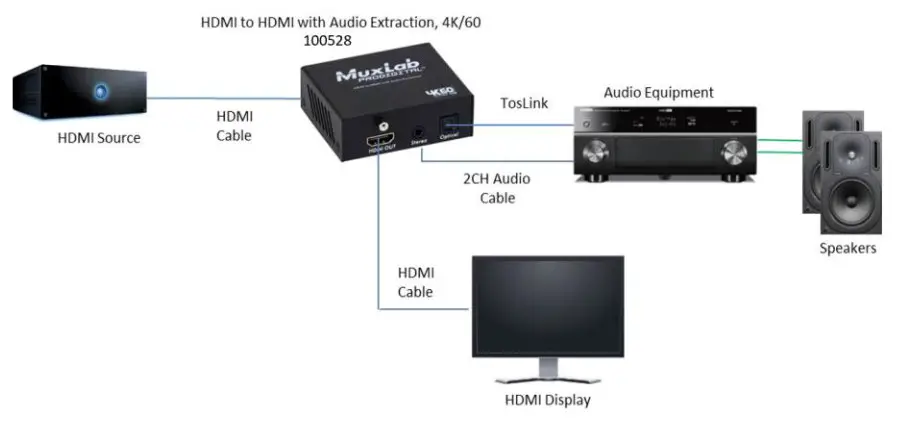
- The following diagram shows the final configuration.
Troubleshooting
The following tables describe some of the symptoms, probable causes and possible solutions in regard to the installation of the HDMI to HDMI with Audio De-embedder, 4K/60.
| Picture / Sound | Probable Cause | Possible Solution |
| No Image | Wiring | Check continuity Check correct wiring |
| No Image | Synchronization | Power off the source and the display. Power on the devices. |
| Flickering Image | Synchronization | Check HDMI cable length |
| Choppy Sound | Synchronization | Check HDMI cable length |
| Noise in image | Weak signal | Check HDMI cable length |
| Green or pink hue | Cable | Check HDMI cables and replace. |
| TV sound not Working | Sound capability mismatch | Select TV using the front switch, to match the sound capability of the source to the television. |
| Noisy Sound | Compressed bitstream selected | When compressed bitstream is selected the stereo output (3.5 mm Jack) cannot be used. Set the source to send a Stereo LPCM signal or select LPCM 2CH using the front switch. |
| Multi-Channel not working | Stereo jack selected | This device doesn’t down-mix the audio channels. When using the stereo output. set the source to send a stereo LPCM signal or select LPCM 2CH using the front switch. |
| Multi-Channel not working | Sink equipment not supporting Multi- Channel configuration | Verify that the sink device connected to the HDMI output is supporting Multi-Channel sound configuration. Verify that the front switch is set to bitstream. |
If you still cannot diagnose the problem, please call MuxLab Customer Technical Support at 877-689-5228 (toll-free in North America) or (+1) 514-905-0588 (International).
Specifications
| Environment | HDM1 2.0 |
| Devices | DVD/Blu-Ray. plasma. projectors. monitors. TV. PC. laptops |
| Transmission | Transparent to the user |
| Video Bandwidth | I8Gbps |
| Signals | HDM12.0 protocol |
| Connectors | HDMI Type A 19-pin female, Toslink & 3.5mm Stereo Jack |
| LEDs | One (I) Power. Green One (I) Sync: Green |
| Resolution | 480i to 1080p ® 50160 Hz 1080p ® 24/50/60 Hz 3840 X 2160 @I 24/25/30(50/60 HZ VGA to UXGA |
| Color | 8. 10 & 12 bit |
| Audio Format | HDMI Output: LPCM 7.ICH, Dolby Digital, Dolby Digital Plus. Dolby TrueHD, Dolby Ahnos, DTS, DTS-HD-Master Audio. and DTS:X Optical Output: LPCM. Dolby Digital. Dolby Digital Plus•. DTS. and Dolby Atmos• digital audio via S/PDIF TosLink Stereo Output: 2CH analogue audio • For compressed Dolby Digital Plus signals only (in TV mode). ” For Atmos over compressed Dolby Digital Plus only (in TV mode). |
| Sampling Rate | HDMI Output: 192 KHz Optical Output: 192 KHz Stereo Output: 48 KHz |
| HDCP | Revision 2.2 |
| Cables | HDMI Cable Audio cables: Optical with TosLink and 2CH analog with 3.5mm connectors. |
| Temperature | Operating: 0° to 40°C Storage: -20° to 60°C Humidity: up to 90% non-condensing |
| Enclosure | Metal enclosure |
| Dimensions | 2.83″ x 2.36″ x 1.00″ (72 nun it 60 mm x 25 mm) |
| Weight | 0.731bs (0.33Kg) |
| Power Supply | 5VDC, IA with interchangeable blade for US, UK and Euro |
| Compliance | Regulatory: FCC. CE, RoHS |
| Warranty | I Year |
| Order Information | 100528 HDMI to HDMI with Audio De-embedder. 41(/60 |
2321 Rue Cohen, Montreal, Quebec, Canada. H4R 2N7
Tel: (514) 905-0588 Fax: (514) 905-0589
Toll Free (North America): (877) 689-5228
E-mail: [email protected]
URL: www.muxlab.com
© MuxLab Inc. 2022
94-000995-A SE-000995-A
 Home - Muxlab