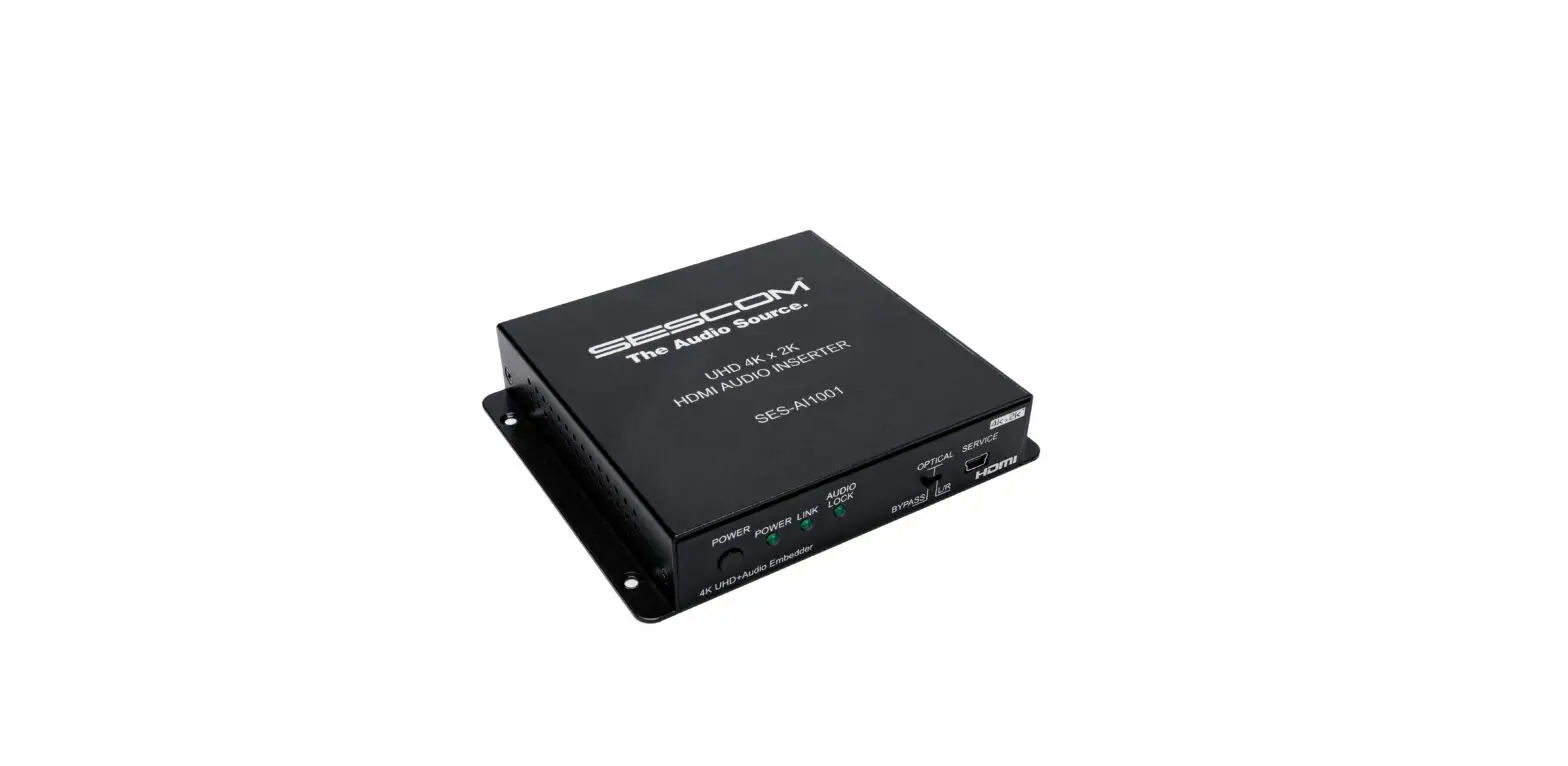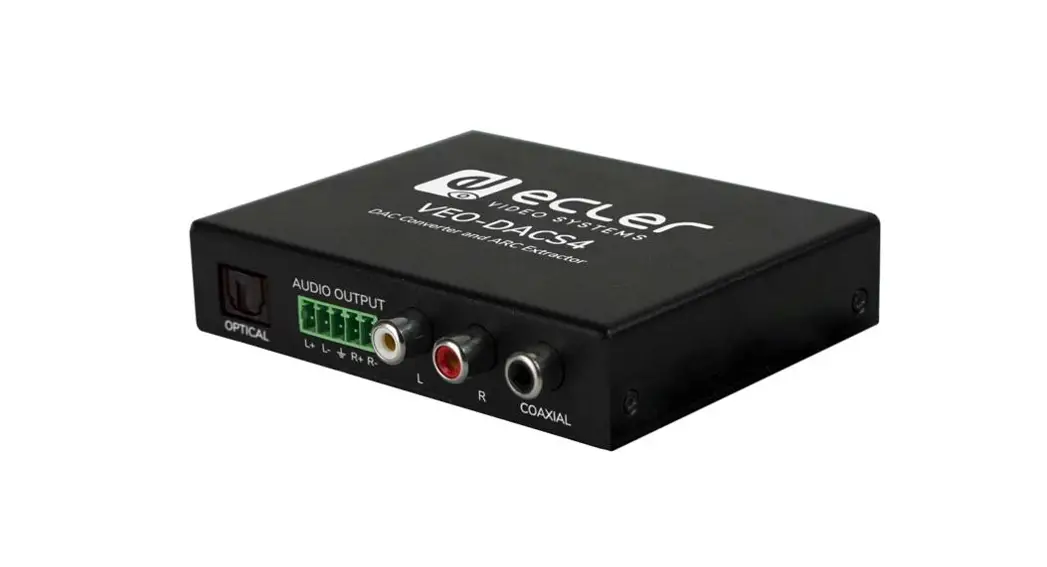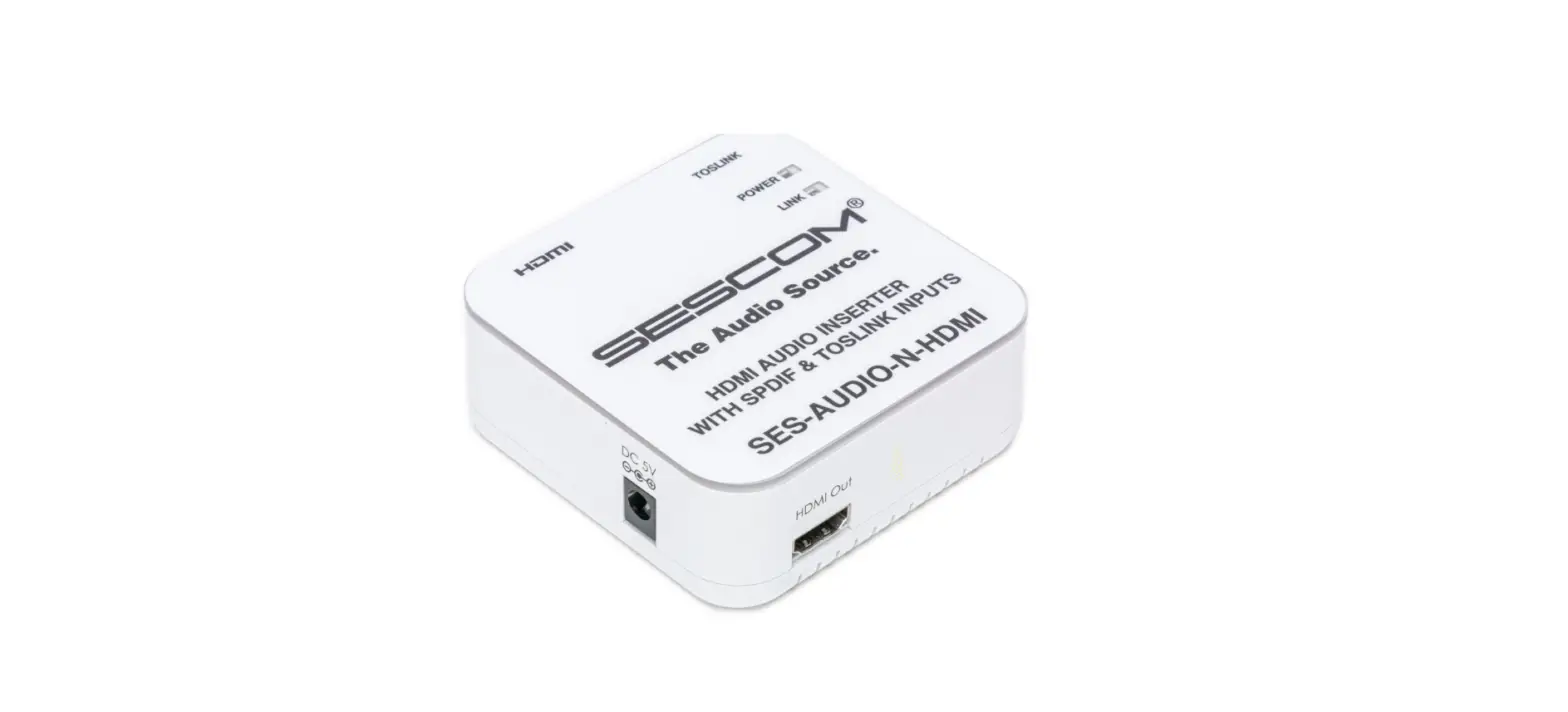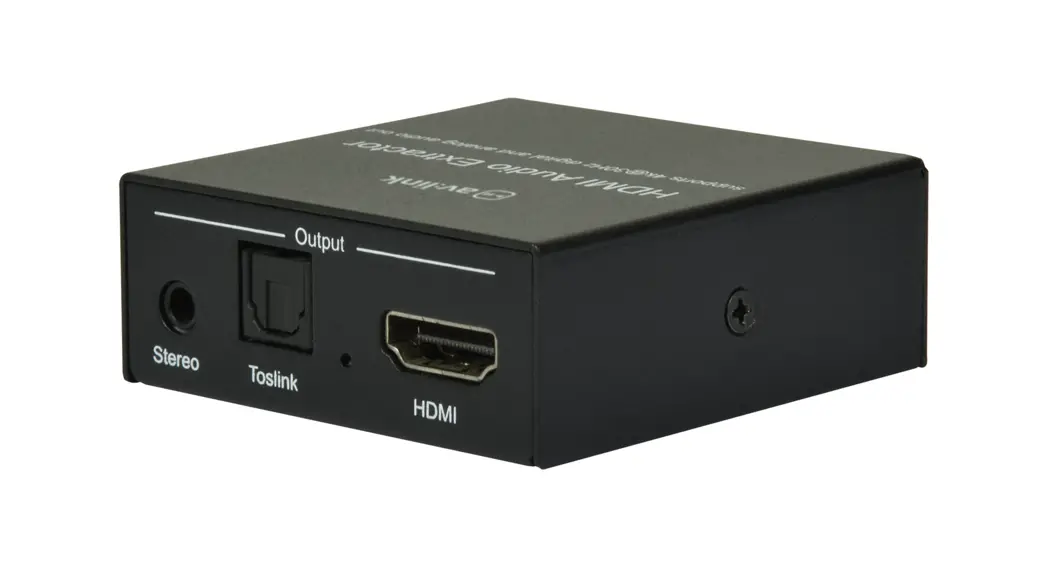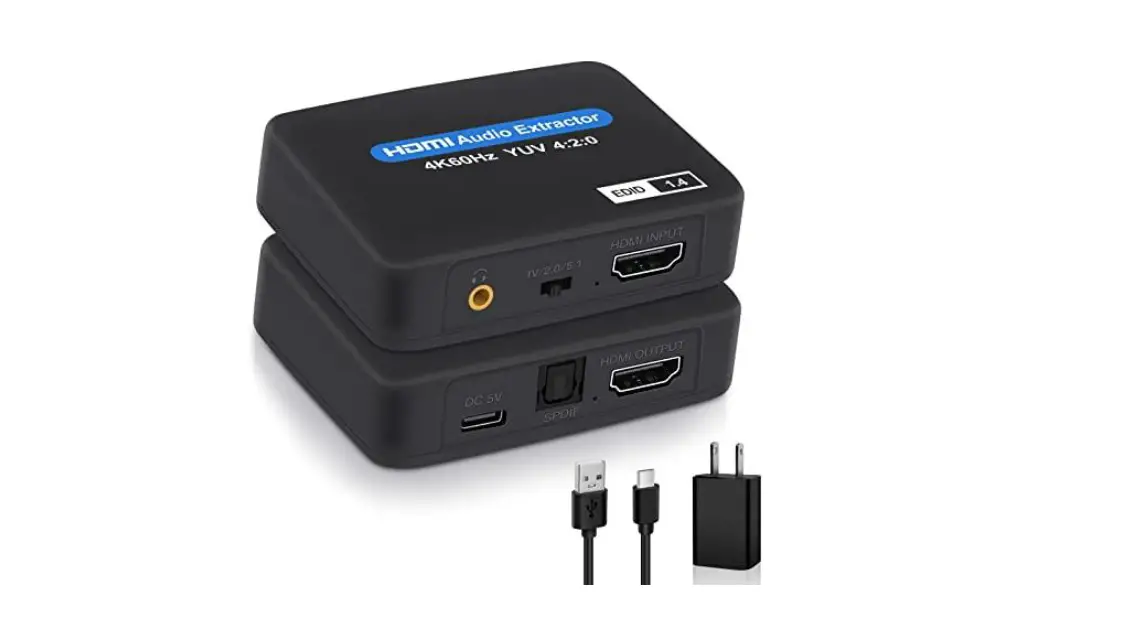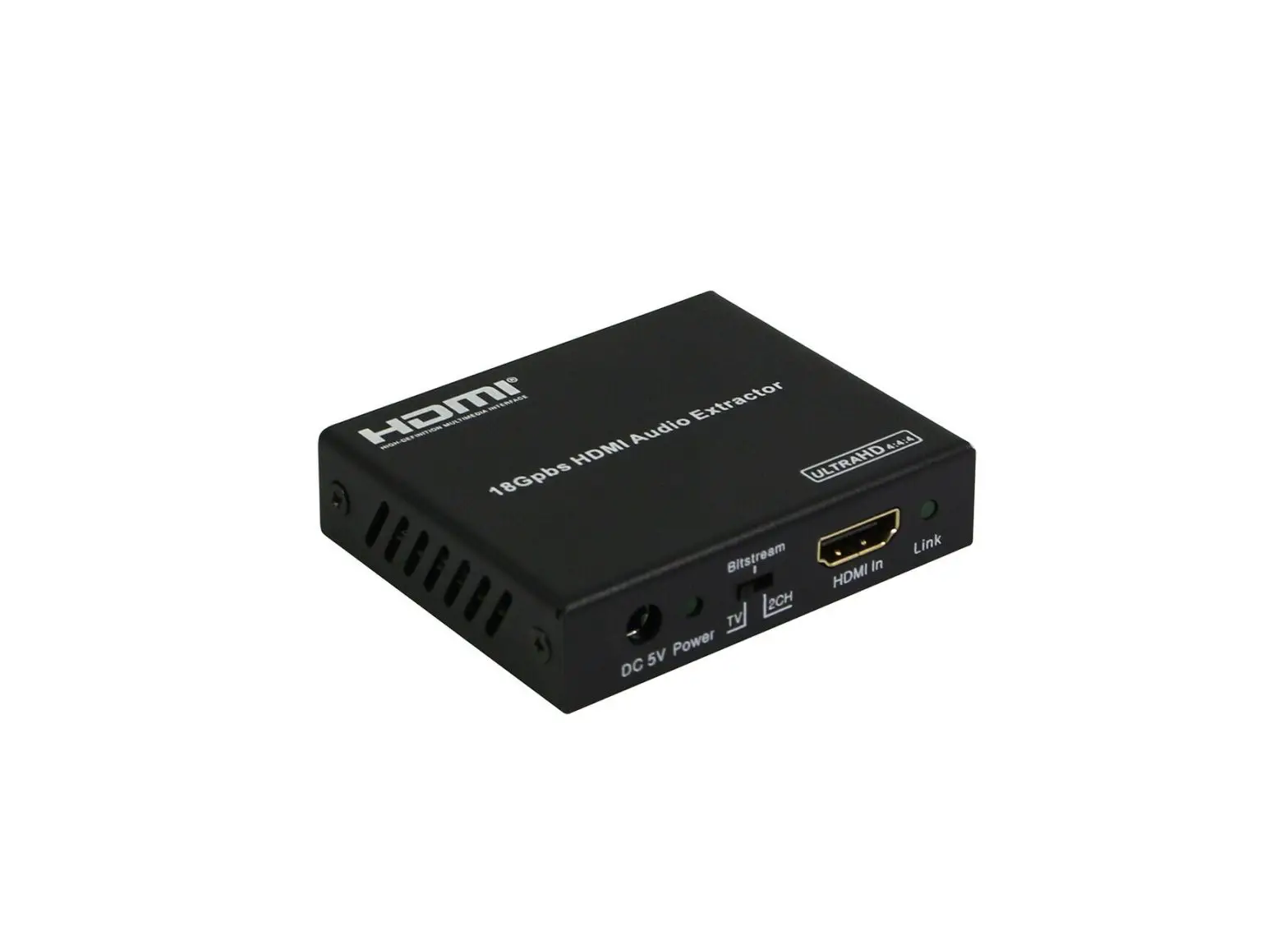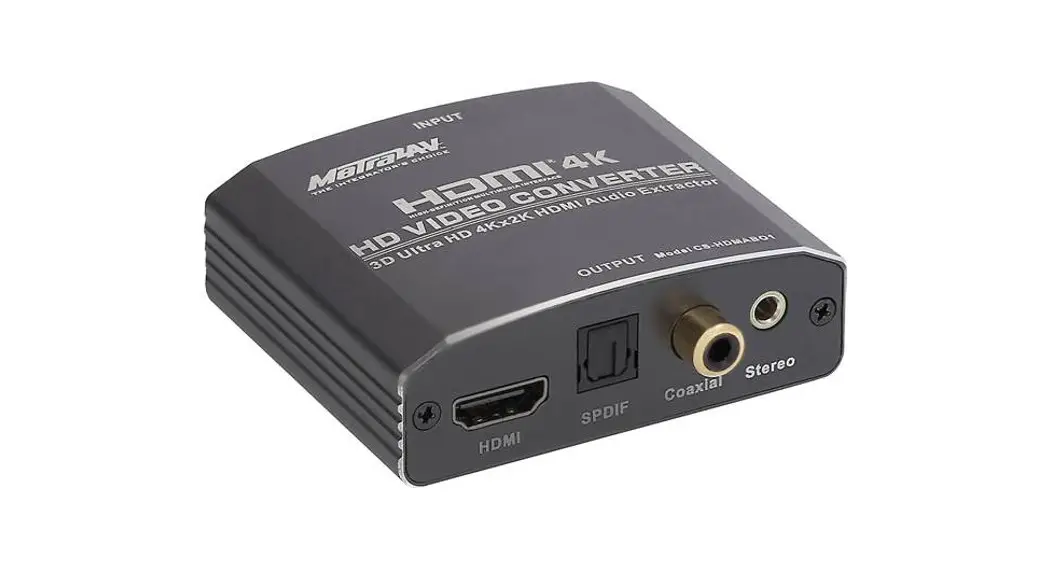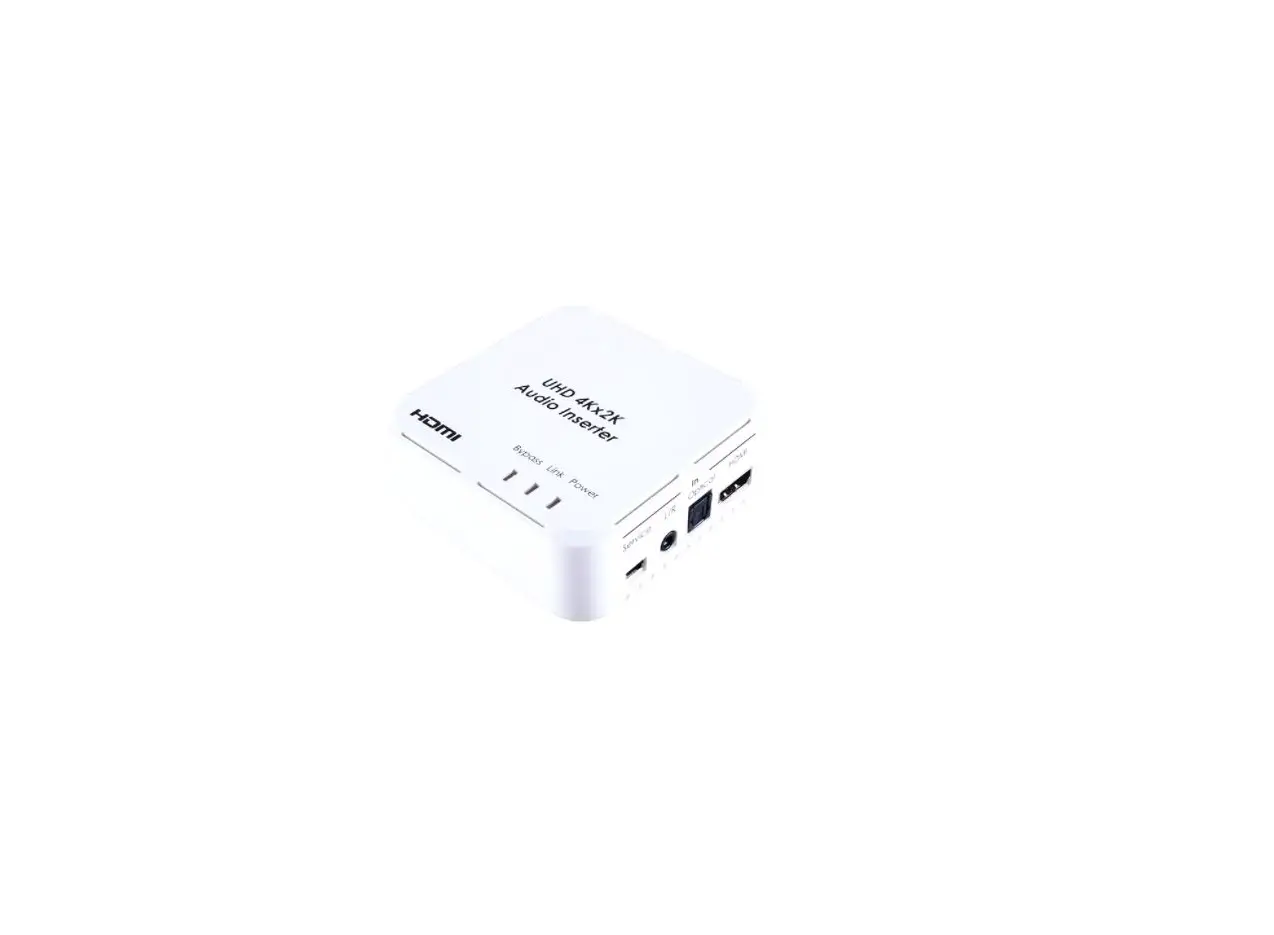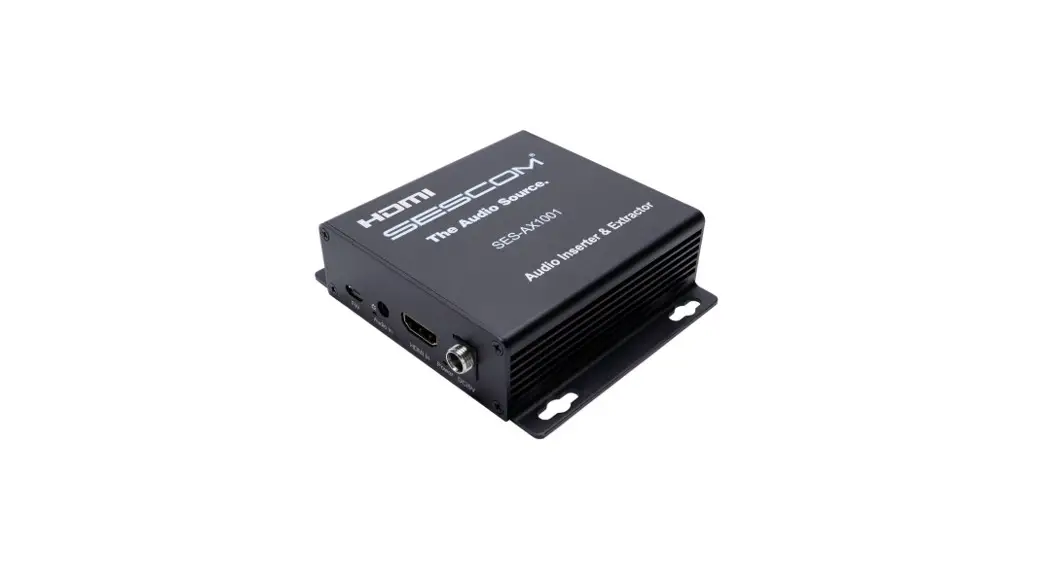
 SES-AX1001 4K HDMI Audio Embedder and Extractor
User Manual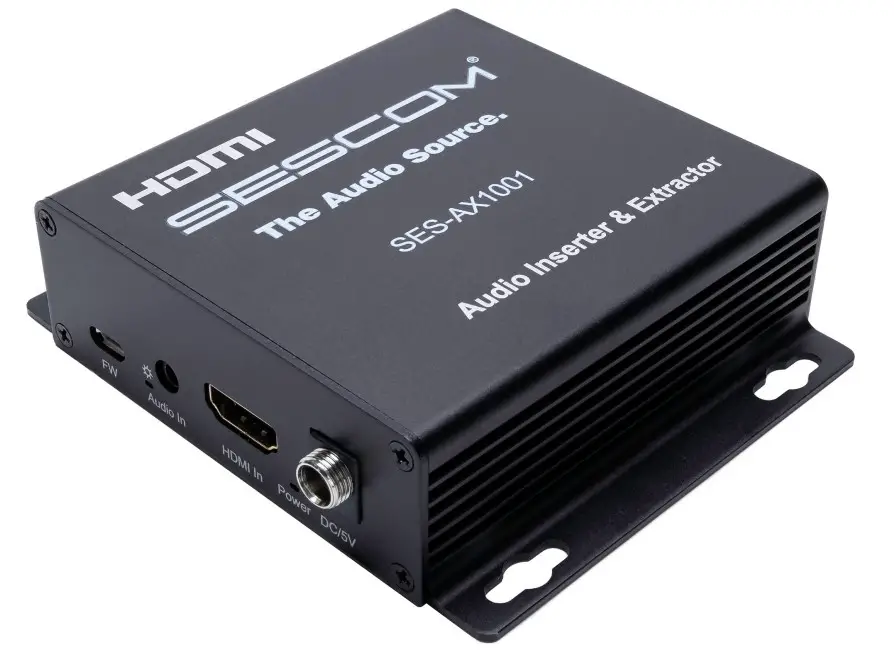
FEATURES:
- Supports audio embedding and extracting
- SPDIF 5.1 and Analog Audio PCM 2.0 Outputs
- 2 DIP Switches for audio embedding or extraction configuration
- Audio Uncompressed PCM, Dolby, DTS Supported
- Supports Resolutions up to 4K2K 60Hz
- Bandwidth: up to 18Gbps
- Compliance: HDCP 2.2 / 1.4
- CEC Supported
SPECIFICATIONS
| Operating Temperature | -5 to 40°C (23 to 104°F) |
| Range Operating Humidity | 5 to 90%RH (No Condensation) |
| Range Input Video Signal | 0.5-1.0 Volts P-P |
| Input DDC Signal | 5 volts p-p(TTL) |
| Supported Video Format | 4Kx2K/1080P/1080i/720P/576P/576i/480P/480i 3D video |
| Support Video Color Format | xv-YCC/deep color 36bit |
| Support Audio Format | PCM, DTS-HD Master Audio, Dolby true-HD etc. |
| Data transfer speed rate | 18Gbps (Maximum) |
| Compliance | HDCP2.2/1.4 |
| Power consumption | 1.5W (Maximum) |
| Dimension (LxWxH) | 104.4 x 89 x 2 8.3mm (3.7 x 4.3 x 1.3in) |
| Net Weight | 155g / 5.4oz |
ITEM INCLUDES:
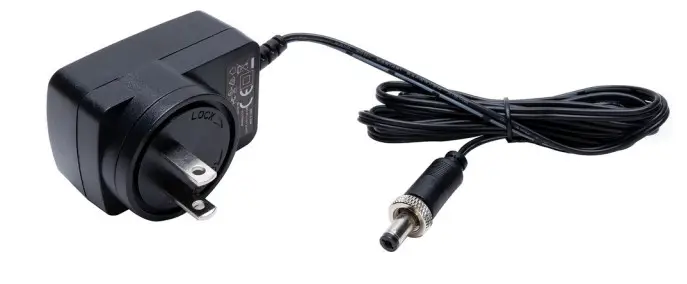
5V DC Power Supply
Operating Instruction
Connecting and Operating:
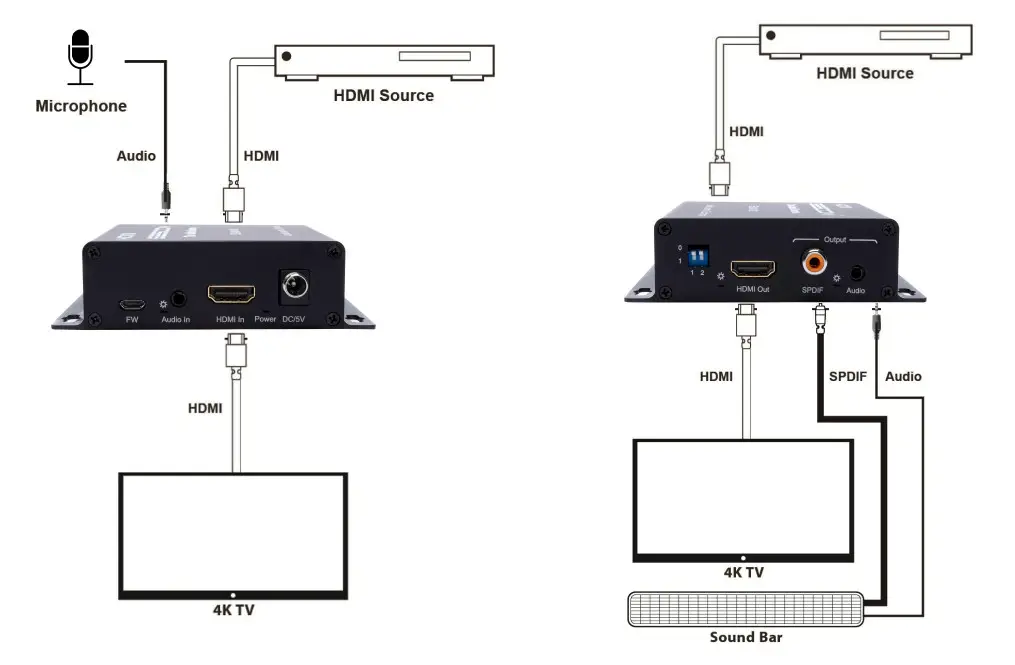
- Connect your desired HDMI signal source into the HDMI input of the unit.
- Connect the HDMI display device (such as: HDTV or Projector) into HDMI output of the unit.
- Connect Optical audio cable or RCA audio cable to Amplifier.
- Connect DC 5V power to the the unit.
Application Diagram
| Embedder Diagram: | Extractor Diagram: |
 | |
PANEL DESCRIPTIONS
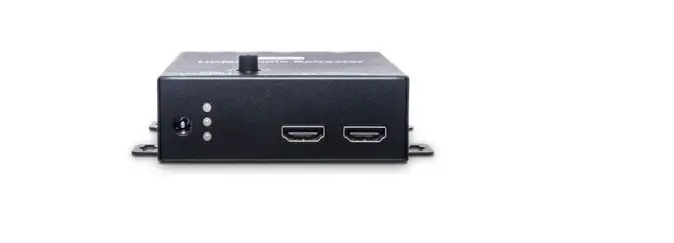
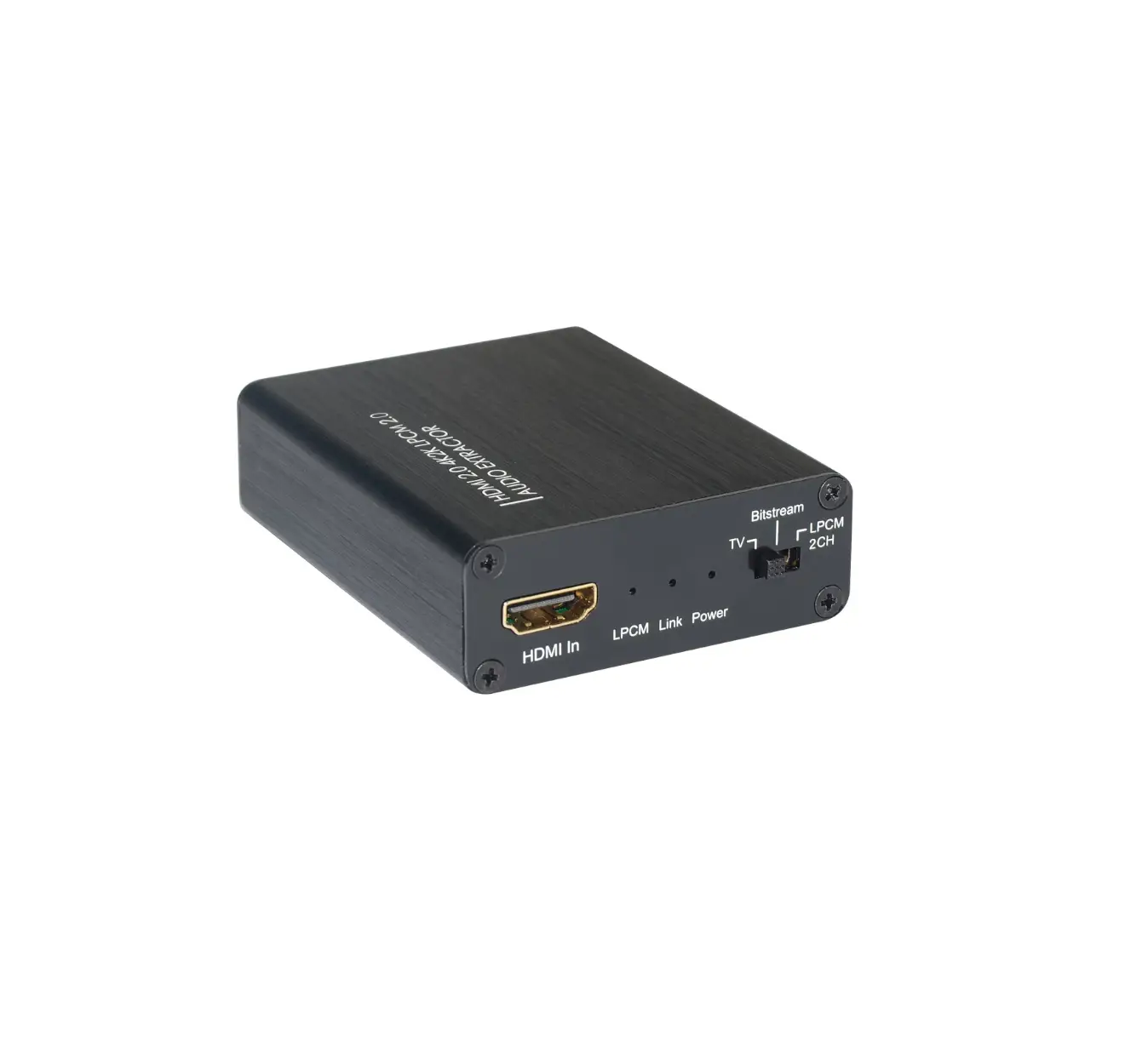
Front Panel
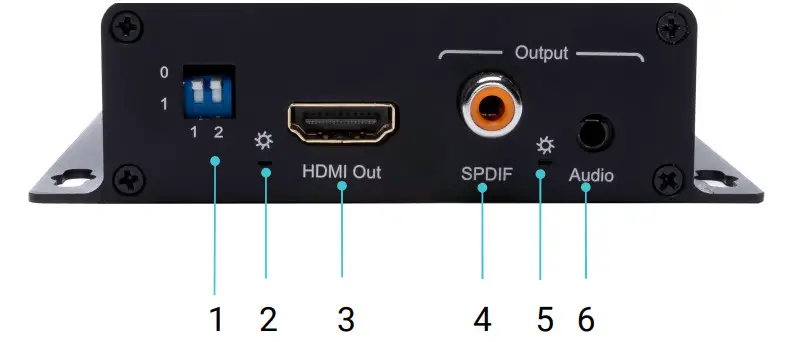
| 1 For factory use only | 4 Power Supply Input |
| 2 Audio Input | 5 Audio Indicator |
| 3 Power Indicator | 6 HDMI input |
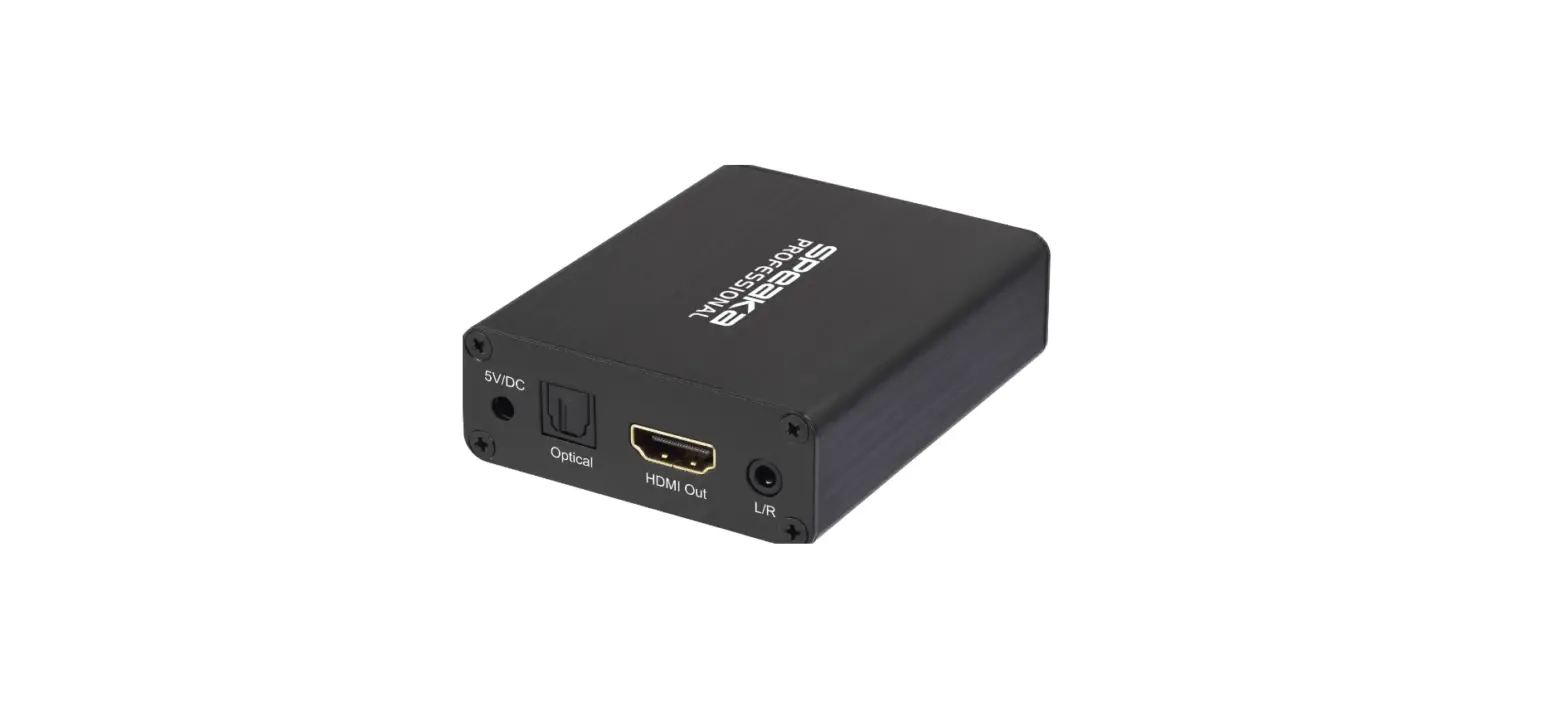
Back Panel
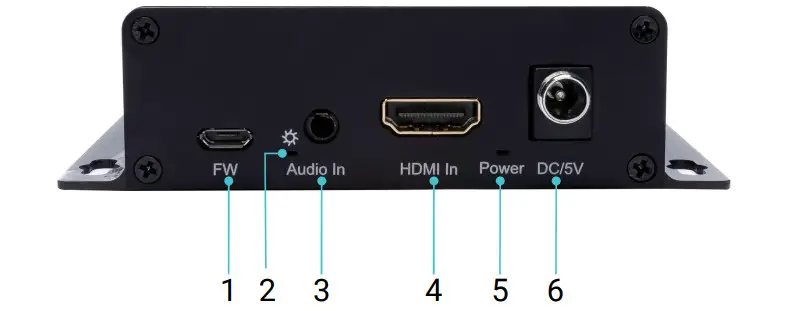
Audio Configuration:
00: Audio Embedded
01: PCM2.0 Audio Extraction
10: 5.1 Audio Extraction
11: Bypass
| 1 Audio DIP Switch | 4 HDMI Output Indicator |
| 2 HDMI Output | 5 SPDIF Audio Output |
| 3 Audio Output Indicator | 6 Audio Output |
MAINTENANCE
Clean this unit with a soft, dry cloth. Never use alcohol, paint thinner or benzine to clean this unit.
PRODUCT SERVICE
- Damage requiring service: The unit should be serviced by qualified service personnel if:
(a)The DC power supply cord or AC adaptor has been damaged;
(b)Objects or liquids have gotten into the unit;
(c)The unit has been exposed to rain;
(d)The unit does not operate normally or exhibits a marked change in performance;
(e)The unit has been dropped or the cabinet damaged. - Servicing Personnel: Do not attempt to service the unit beyond that described in these operating instructions. Refer all other servicing to authorized servicing personnel.
- Replacement parts: When parts need replacing ensure the service uses parts specified by the manufacturer or parts that have the same characteristics as the original parts. Unauthorized substitutes may result in fire, electric shock, or other hazards.
- Safety check: After repairs or service, ask the service to perform safety checks to confirm that the unit is in proper working condition.
WARRANTY
1 Year
The Audio Source.
PO Box 720 | Mount Marion, NY 12456 | (845) 246-1915 | www.sescom.com
100% Employee Owned Division of Tower Products Incorporated
 Sescom Pro Audio Cables, Converters, Adapters and Extenders